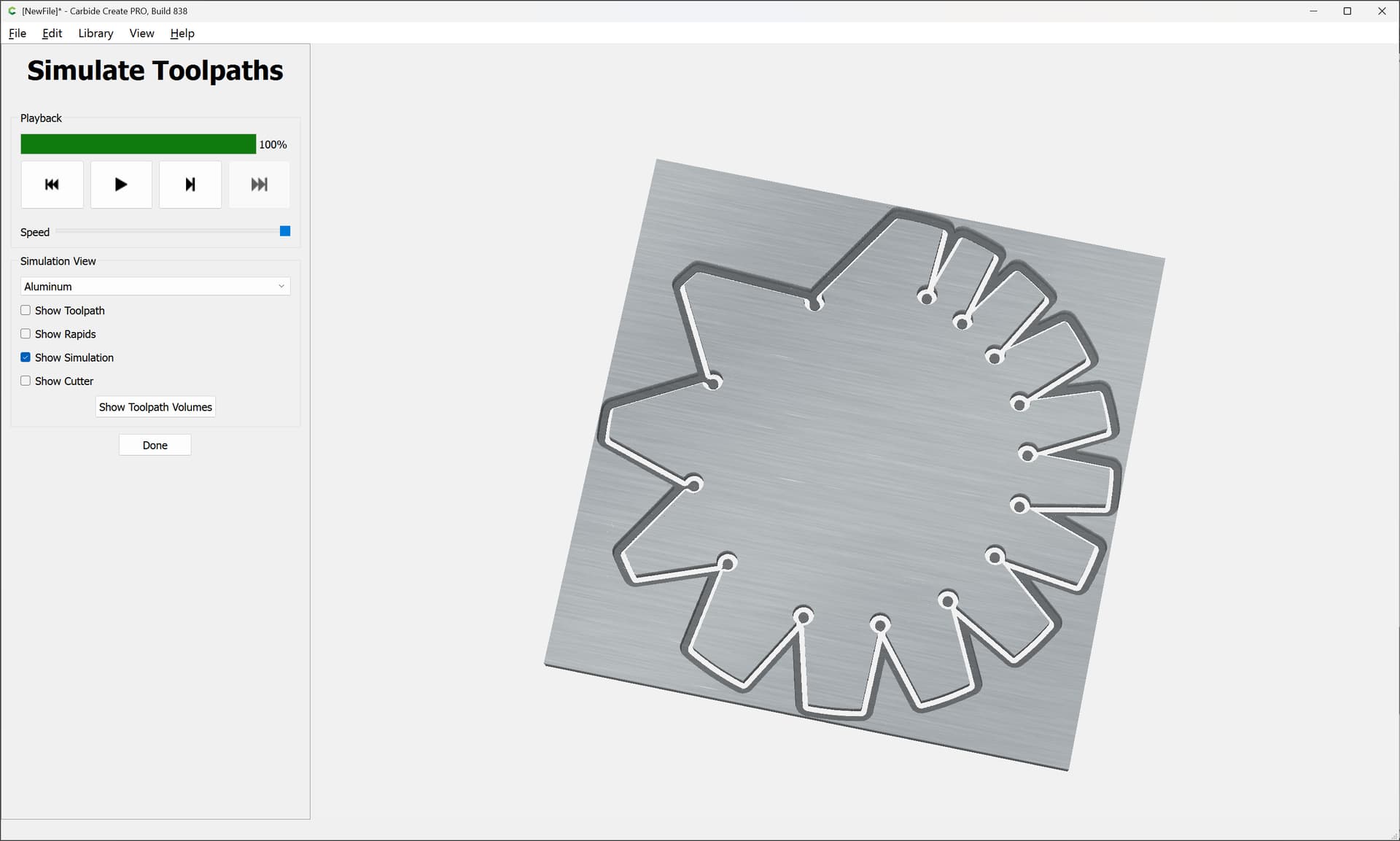
Revisiting this since Carbide Create now has feeds and speeds for aluminum.
Begin by off-setting to the outside by at least the desired chipload:
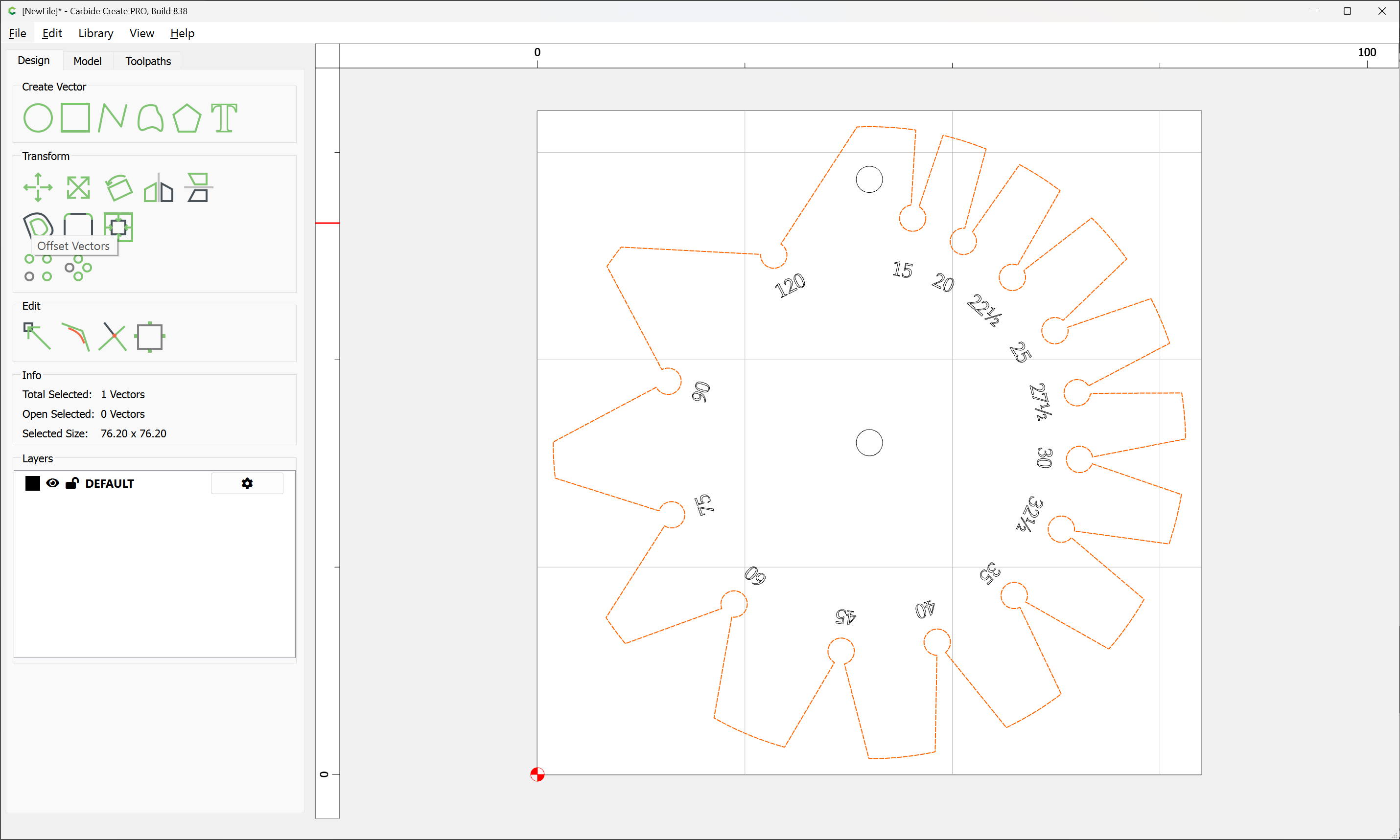
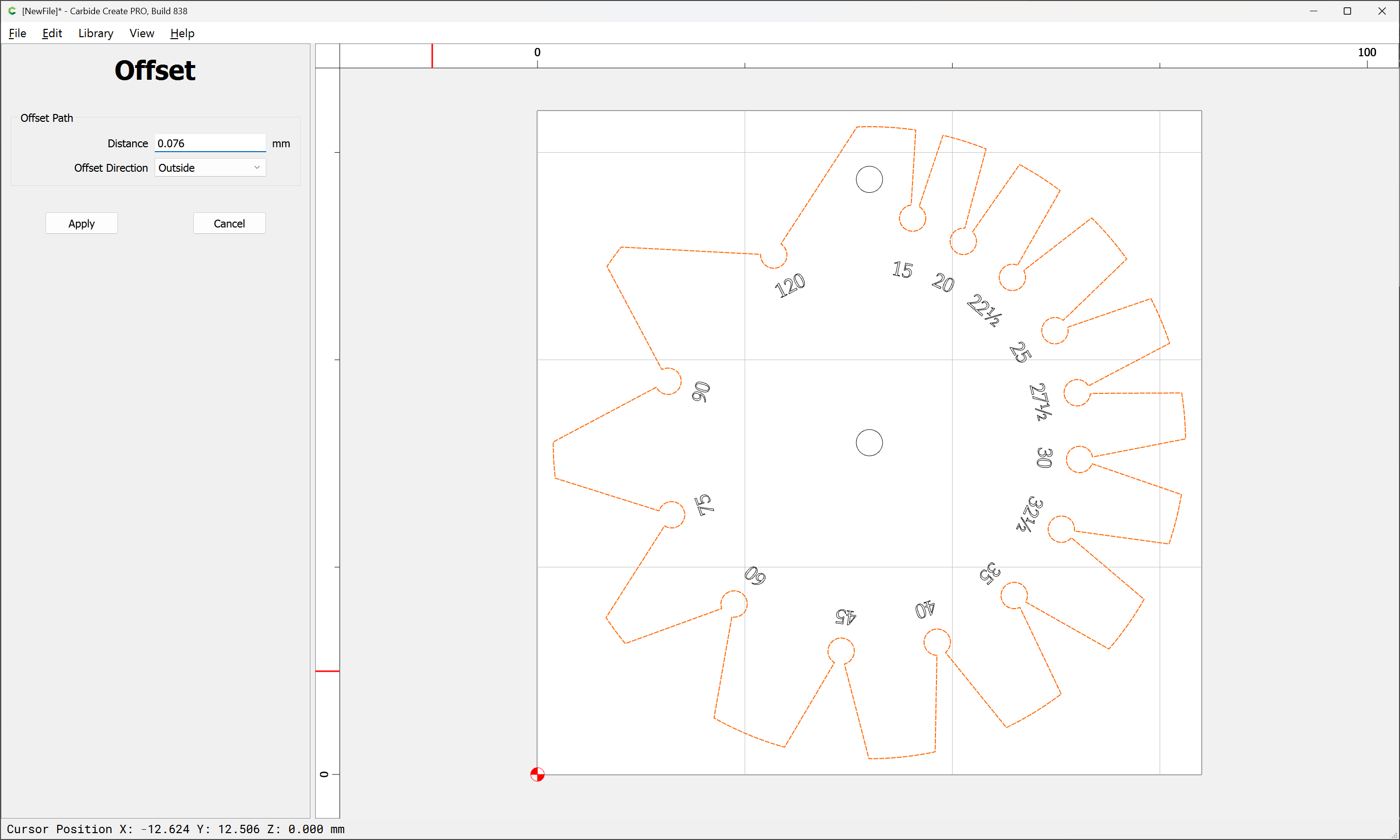
Apply
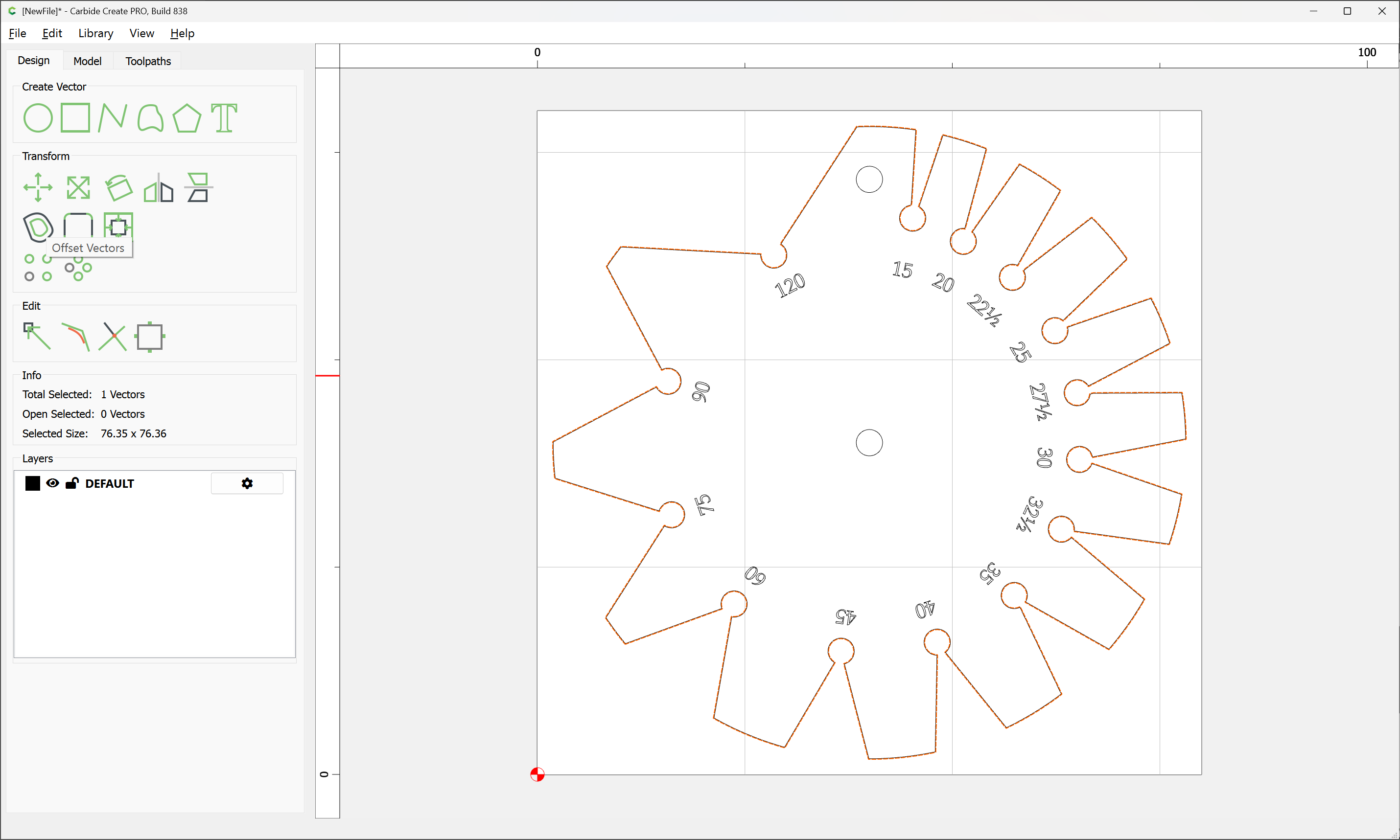
Then offset by endmill diameter plus 10%:

Apply
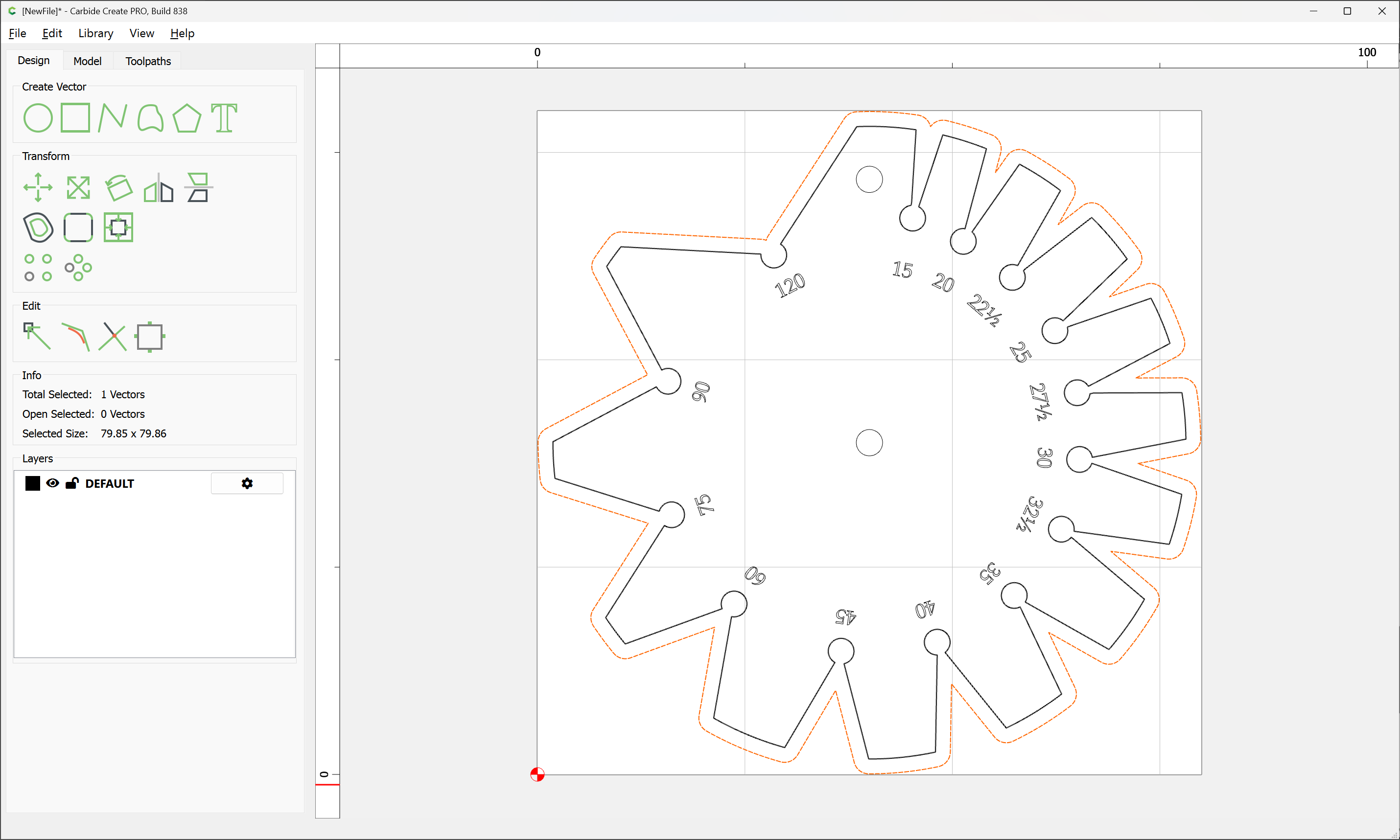
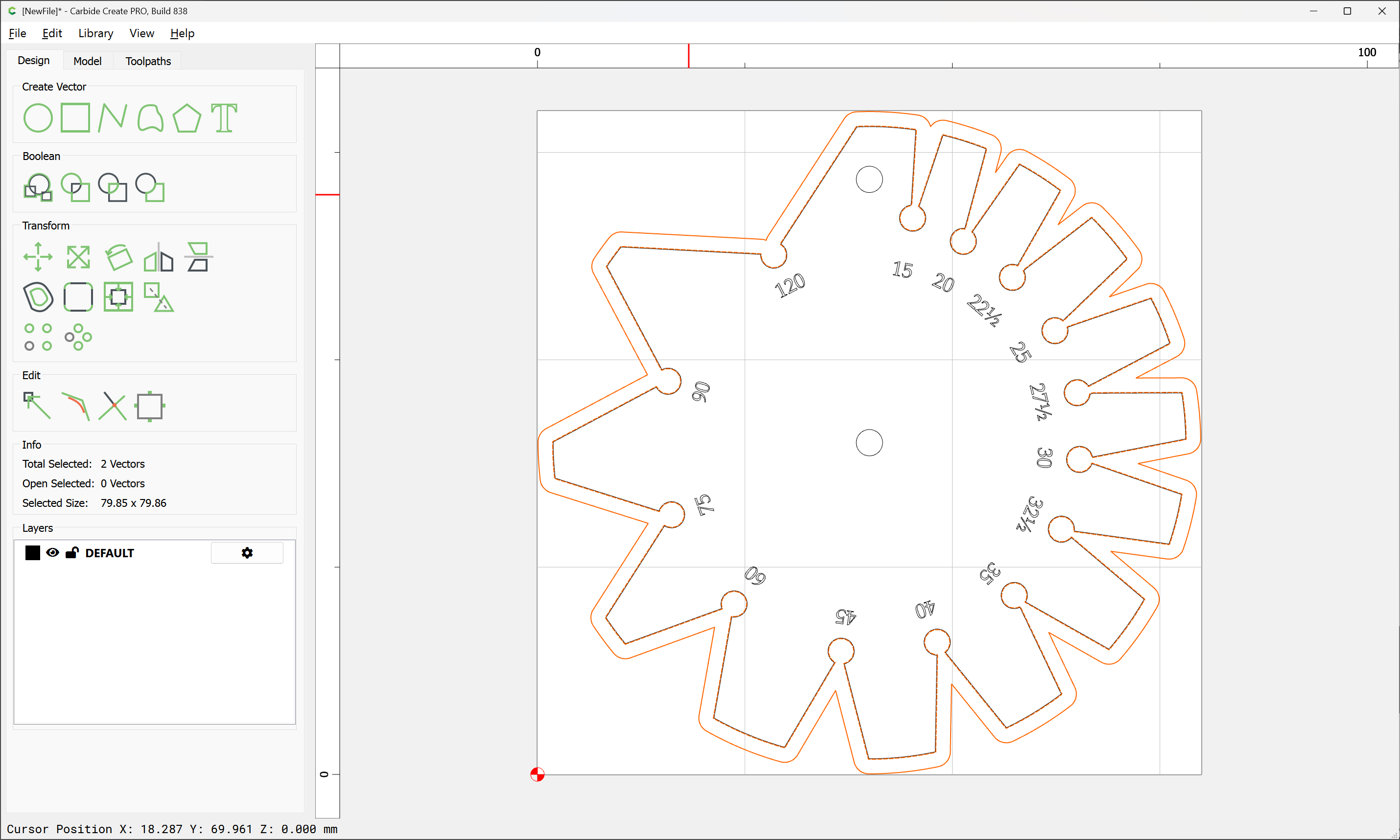
Select the two offset geometries:
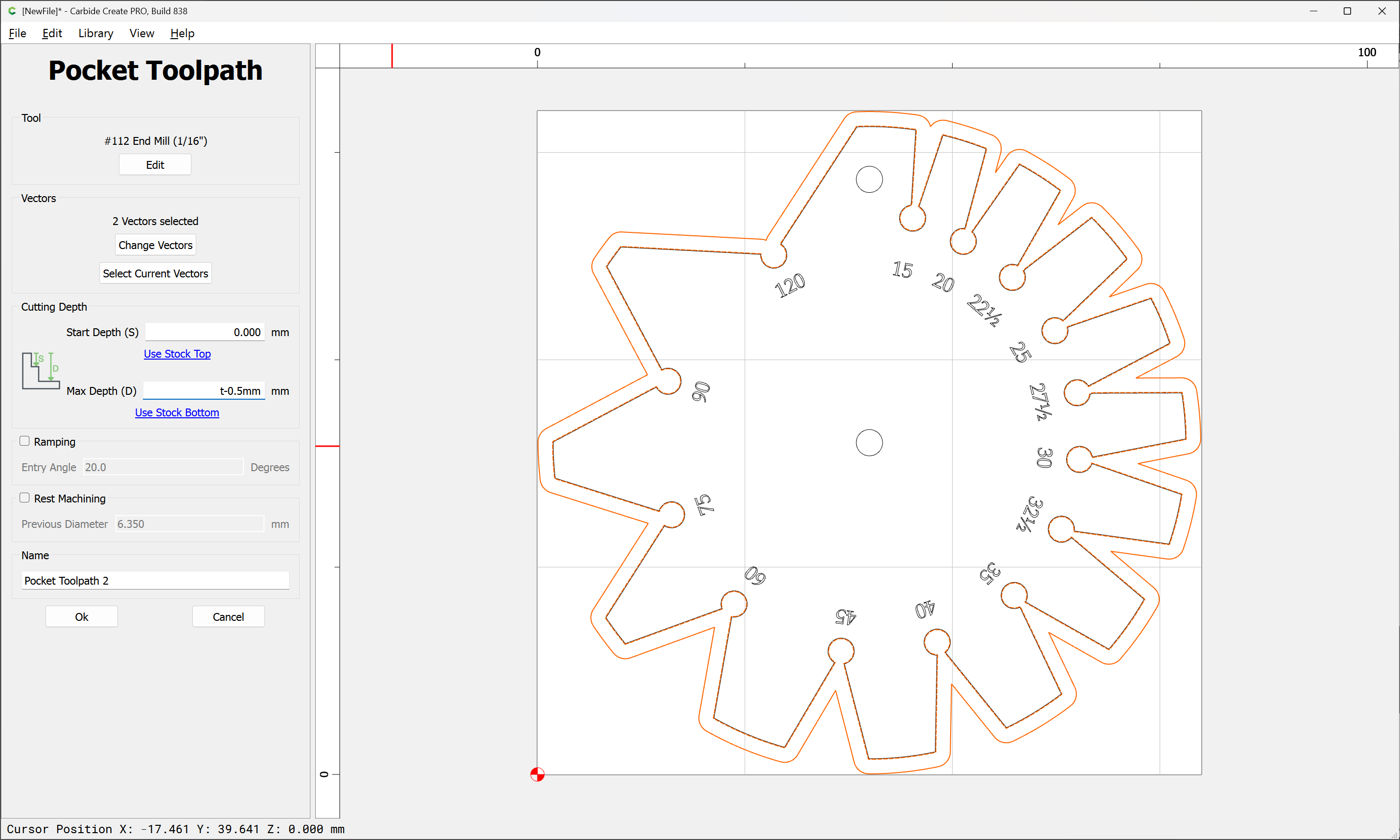
and cut as a pocket down to tab height, or an onion-skin sufficient to hold the part in place with suitable workholding (say blue painters tape and cyanoacrylate glue):
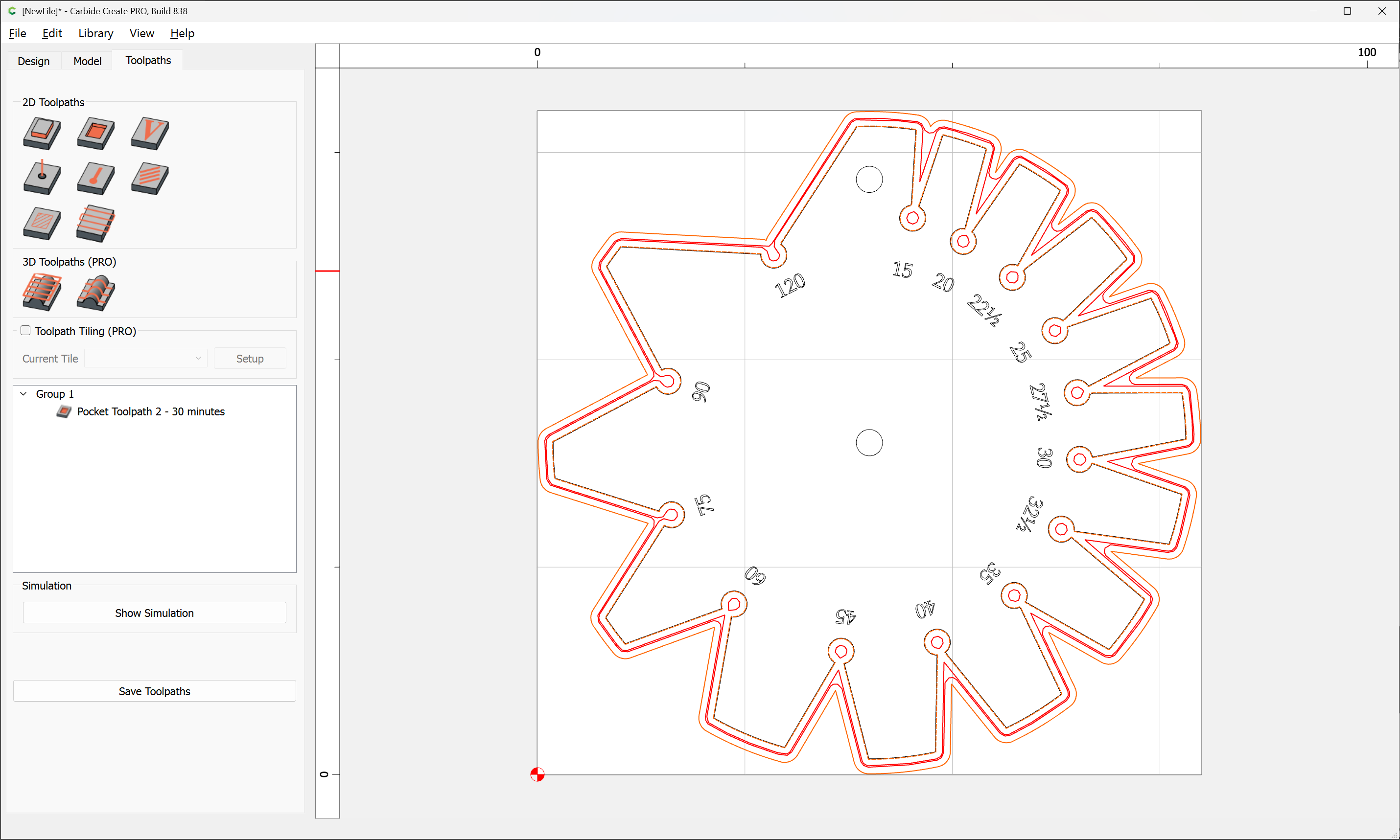
Then, select the original geometry and cut as an Outside Contour:
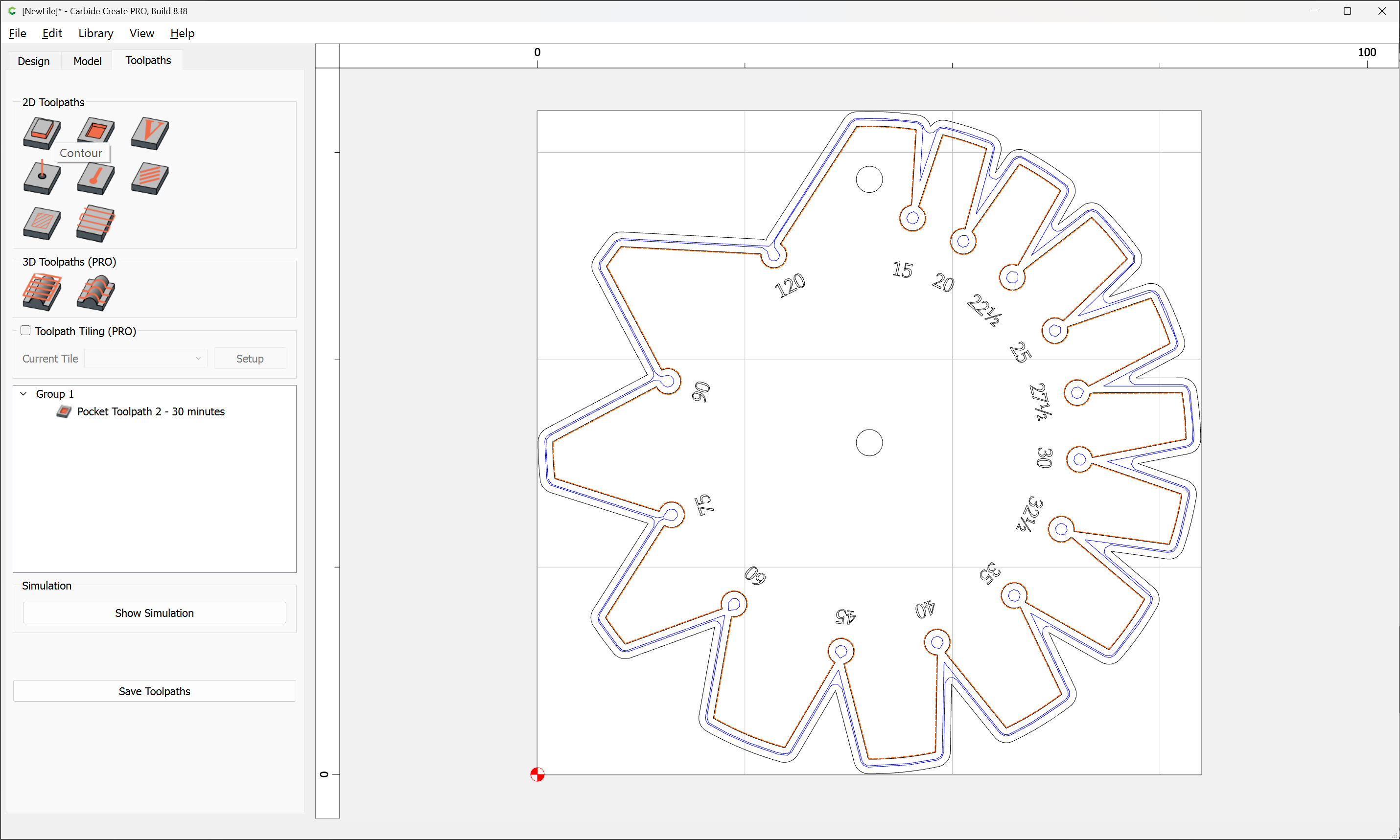
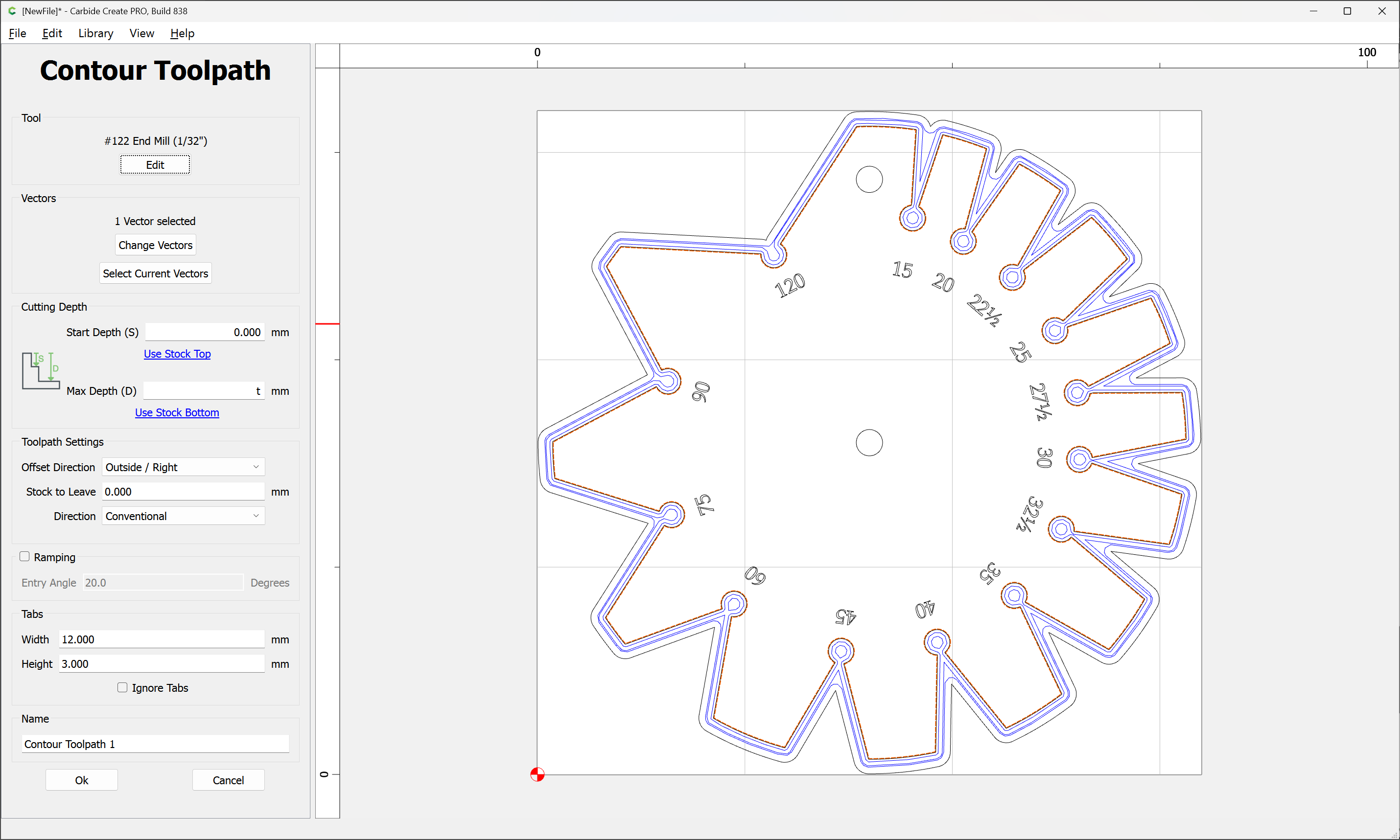
which previews as: