Julien gave you a link to the way to do it.
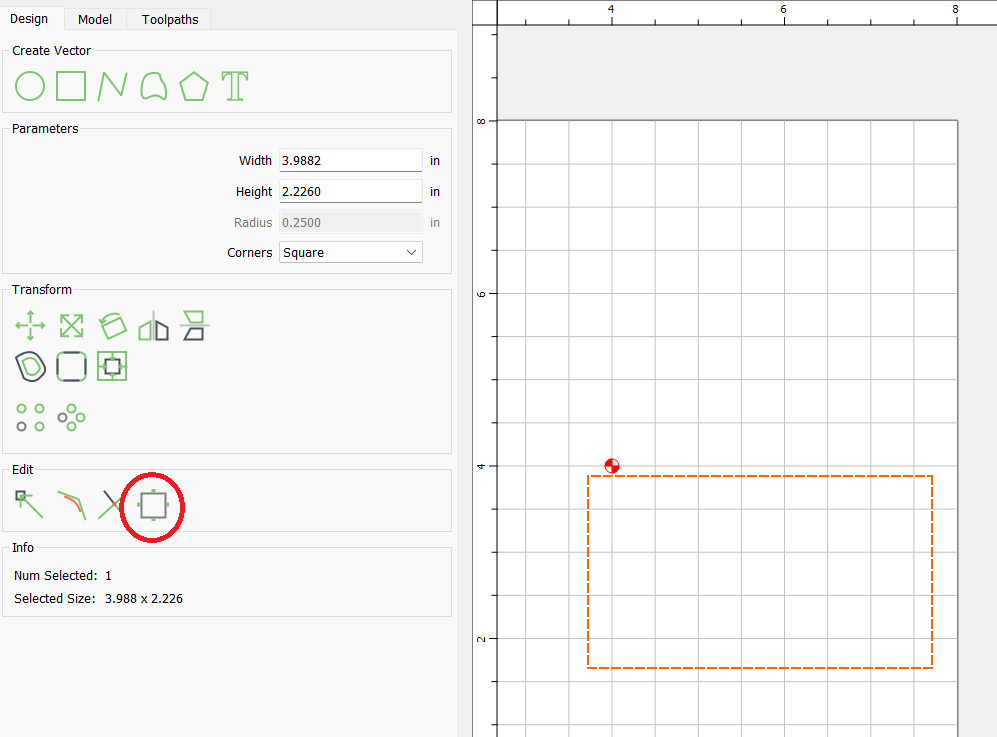
So when you create the toolpath you input the height and length of the tabs. In previous versions you would add the tabs. In v7 you still input the length and width of the tabs but they are not added in the toolpath. So after creating a tool path you go to the design tab and highlight your toolpath. There is a square looking box that is the edit tabs and you select that and then simply go around your toolpath and click on the + to drop tabs where you want them.