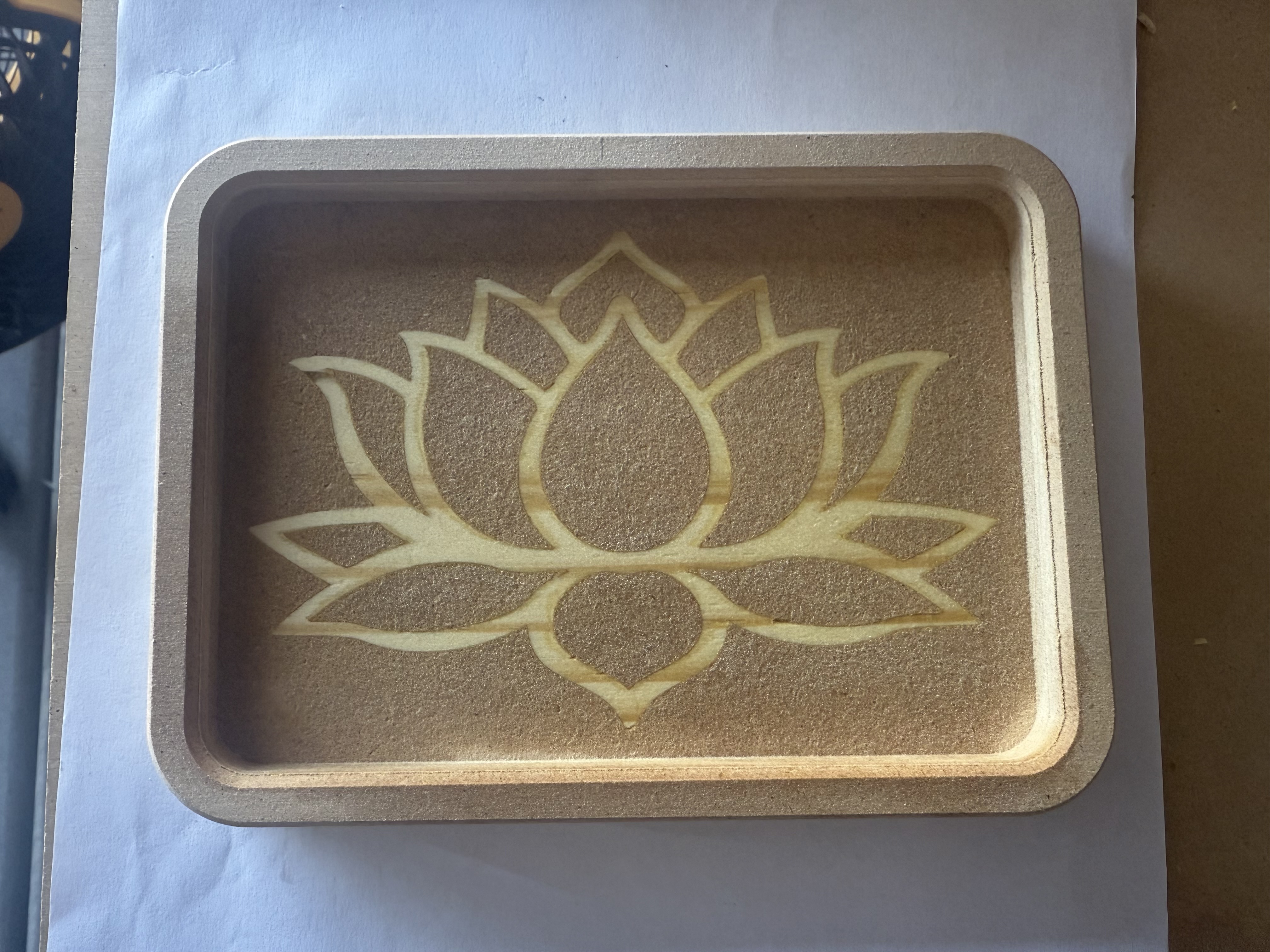
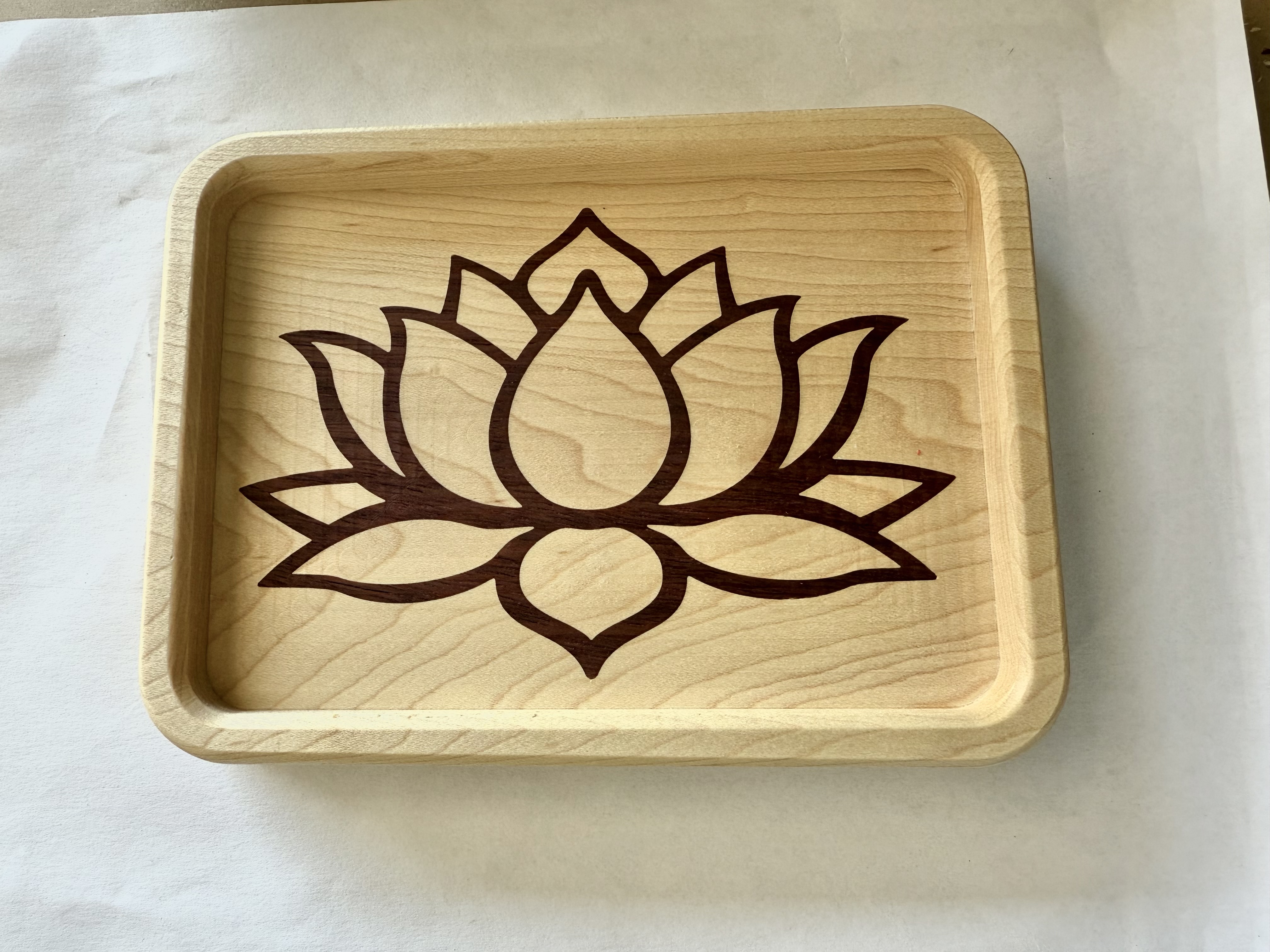
I have a lotus flower that I am trying to do the inversion of for an inlay. The 1/8" bit doesn’t quite get into the sharp edges of the pedals. If I start with the 1/8" and then switch to the 1/16, how do I get it to just go to the areas that the 1/8 didn’t get to without cutting a lot of air? Thanks
If I understand what you are doing correctly, you can create a Pocket toolpath with the 1/8" and then make a second pocketing toolpath with the 1/16" bit and select the “REST” checkbox. That should only cut what the first toolpath missed. This might require the PRO version of CC…
Another option would be to use the V-Carve toolpath using the 1/8" bit and a Vee bit…
I should have looked at your file first, the V-Carve that you already have is fairly optimal as is. The only change I would make is to make the cutout on the line instead of outside of it.
What I’m doing in CC Free is do a pocketing operation with the 1/8" bit, and then re-select the same vectors and do an inside contour with the 1/16" bit. There is some “air cutting” because it is tracing the whole outline, but the perimeter is all you’re concerned with at that point. The 1/16" bit makes a kerf which is as wide as the radius of the 1/8" bit, so it will sharpen the corners but won’t leave any uncut material. At least in my experience…
I’ve done inlays without rest machining the details of the pockets. By using the advanced VCarve when you cut the mirrored male insert, it should match the female pocket.
When I opened your file on my macbook the design is larger than the material. That might just be a mac thing…not sure. You likely already know this but make sure you use tabs on your contour cutout so the lotus doesn’t come loose on your cutout path.
Thanks everyone. I will give these recommendations a try. @Jeffish Yes, I usually get everything set and do the tabs last, but I do appreciate the reminder. As a newbie, all reminders and recommendations are welcome. Thanks again for the input from everyone.
I started over with both the female and male portions, then ran a test run. Ended up not needing the 1/16th. Just used 1/8th and 60 deg v bit. Came out pretty good for mdf and pine…and my first inlay.
Thanks, just reran it today with maple and purple heart for the insert. Hopefully it turns out like the test run, just better looking. I will see how it turns out tomorrow. Fingers crossed.