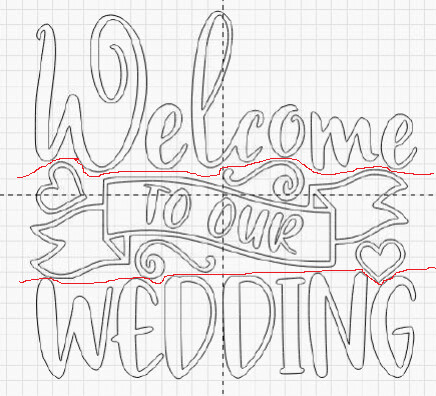
That is one quick way to do it. Although you do run the risk of the 2 separate jobs not lining up perfectly, similar to using tiling when moving the job.
I would probably break this up by objects. Convert text to curves, or make sure the text objects are separate. And then maybe cut “Welcome” “To Our” and “Wedding” as separate paths.
You could also separate the geometry by layer and assign the toolpaths by layer.
I try to do something similar when tiling if I can, rather then using the tiling feature which chops elements in two along the tile size line.