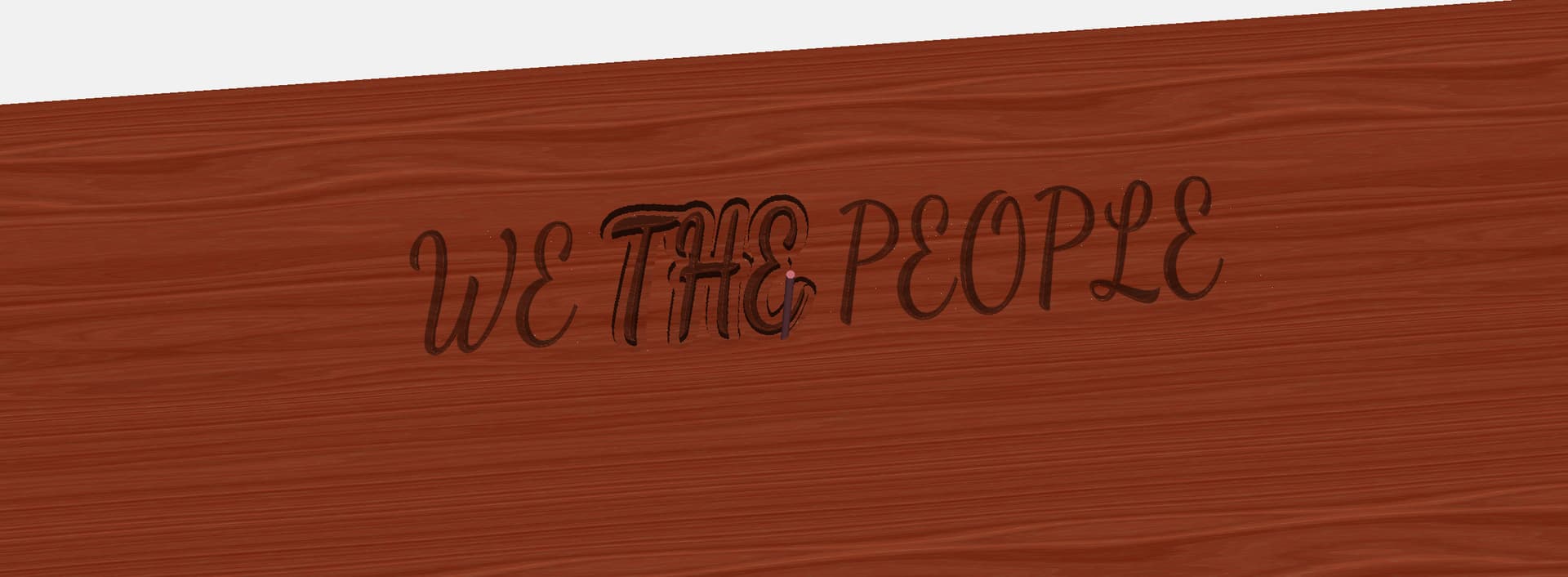
So my first is a V-carve
My second is a cutout. I don’t want it to fully cut it out, and I tried to change the depth. How do I make it not cut out? thanks
I just want to outline it all but not cut it out
It would be easier if we can work with the file you have. Since we may not have the same fonts as you, please:
- Make a copy of your project, and in that copy edit each block of text, and hit ‘Convert to Curves’.
- Post that copy here so we can look at it.
font.c2d (700 KB)
You can change the depth by using a negative breakthrough value. Try using something like
-t+0.05. The -t brings you to the top surface, then you can add the depth you actually want (+0.05 in this example) .
However, at this point you aren’t really using the Cutout path as a Cutout path. Instead, create a Contour path, choose ‘Outside’ for the Offset Direction, and then just enter the depth that you want.
font.c2d (396 KB)
2 Likes