For separating regions see:
That said, this is just a diagonal, so open the image:
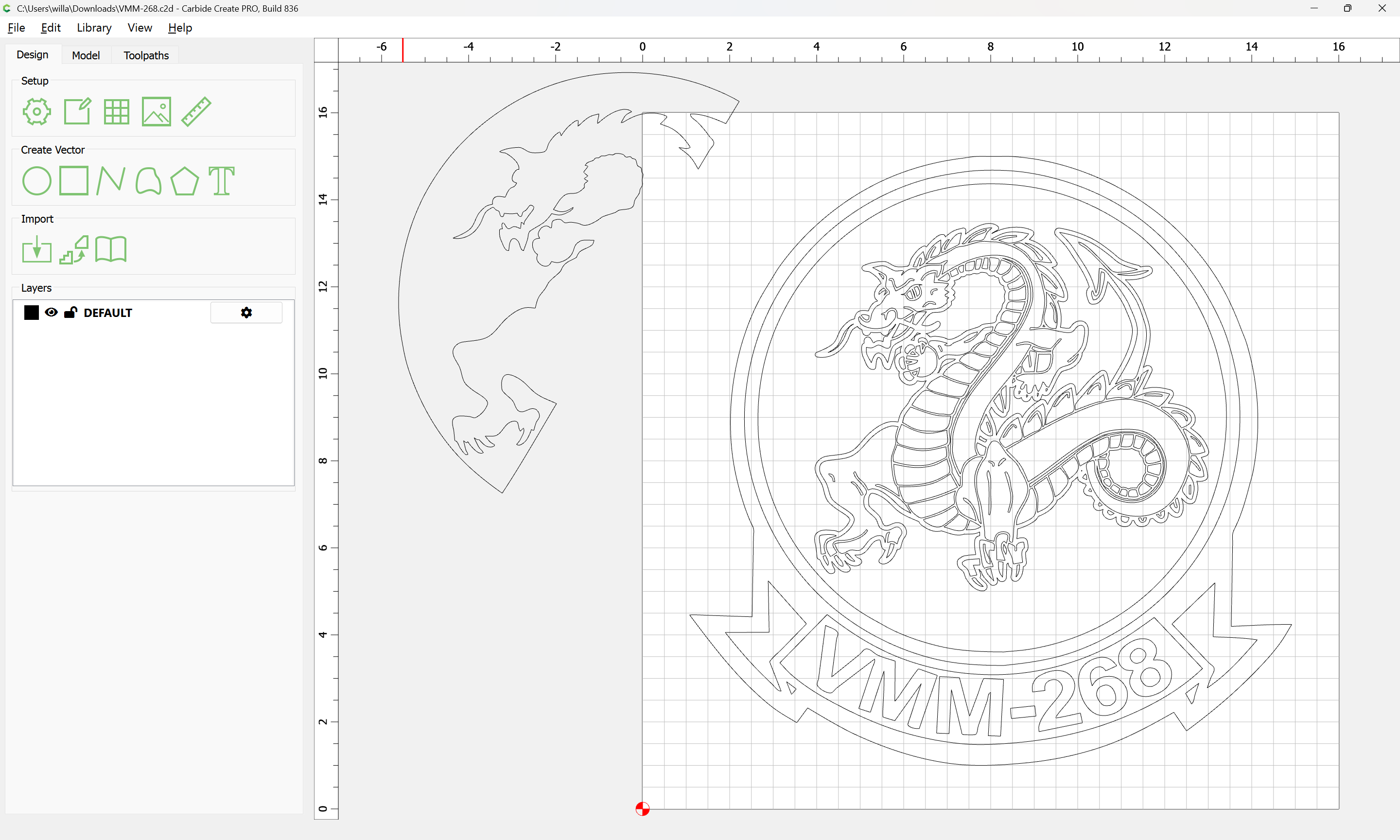
see that the diagonal is already drawn in one half:
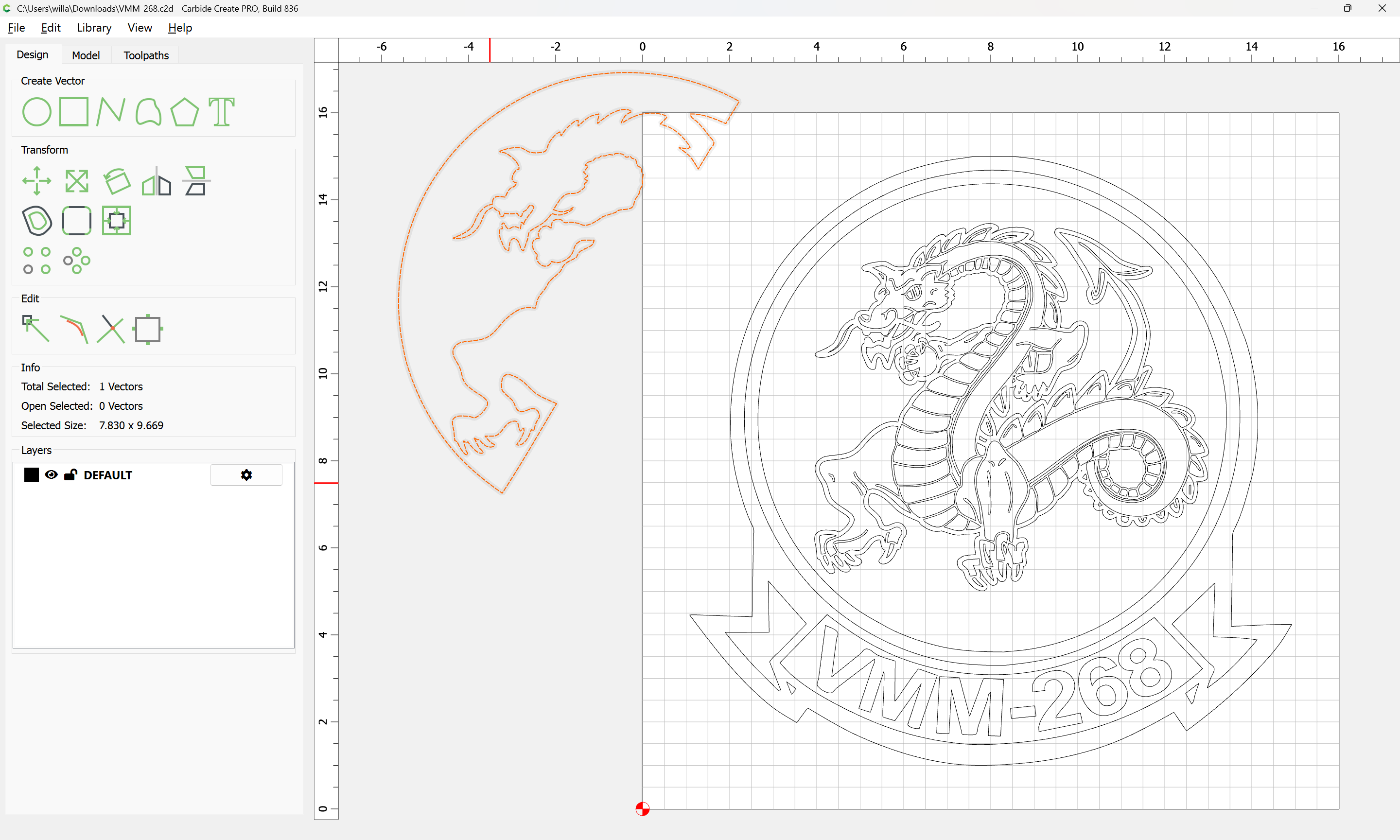
Drag it into registration:
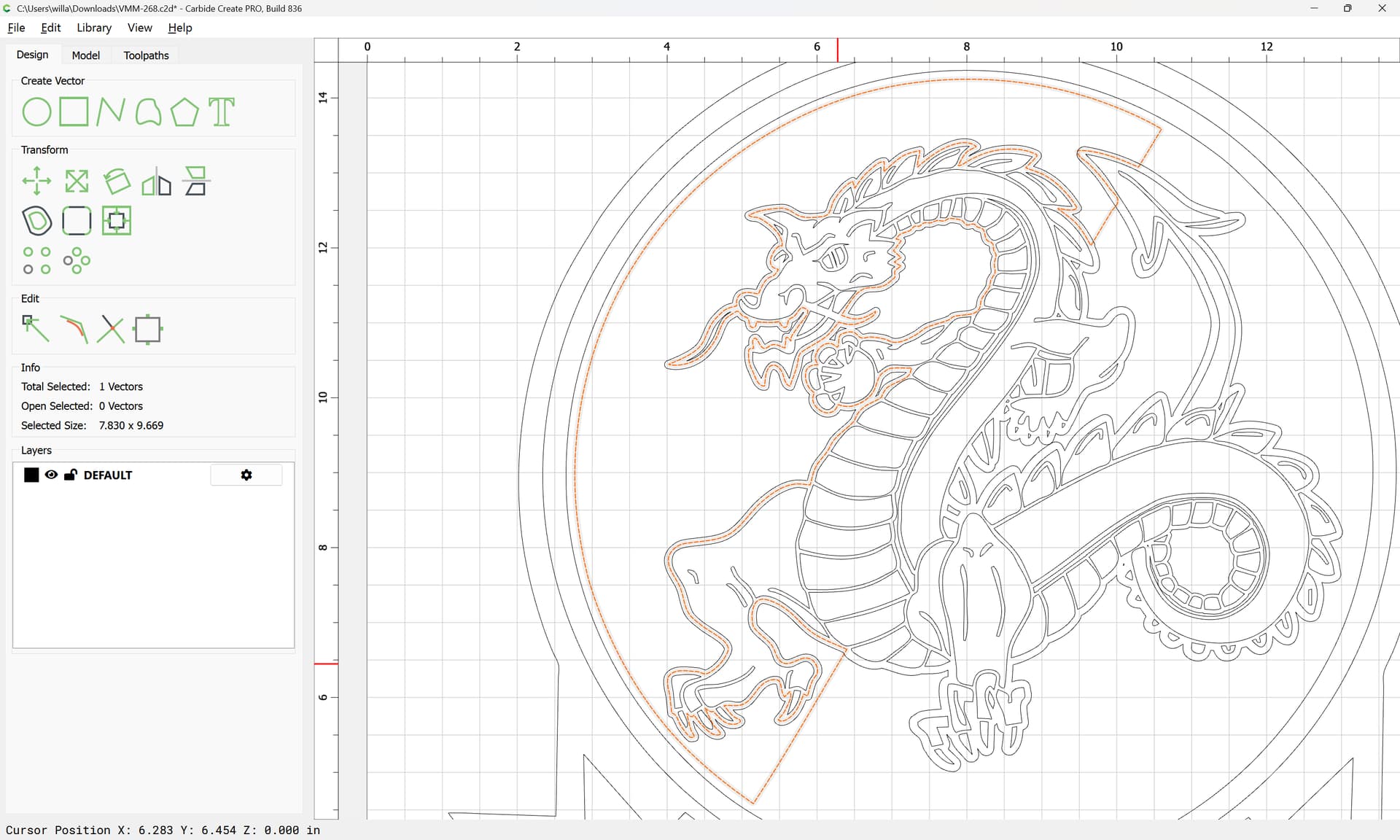
Ungroup the geometries which need to be worked with:
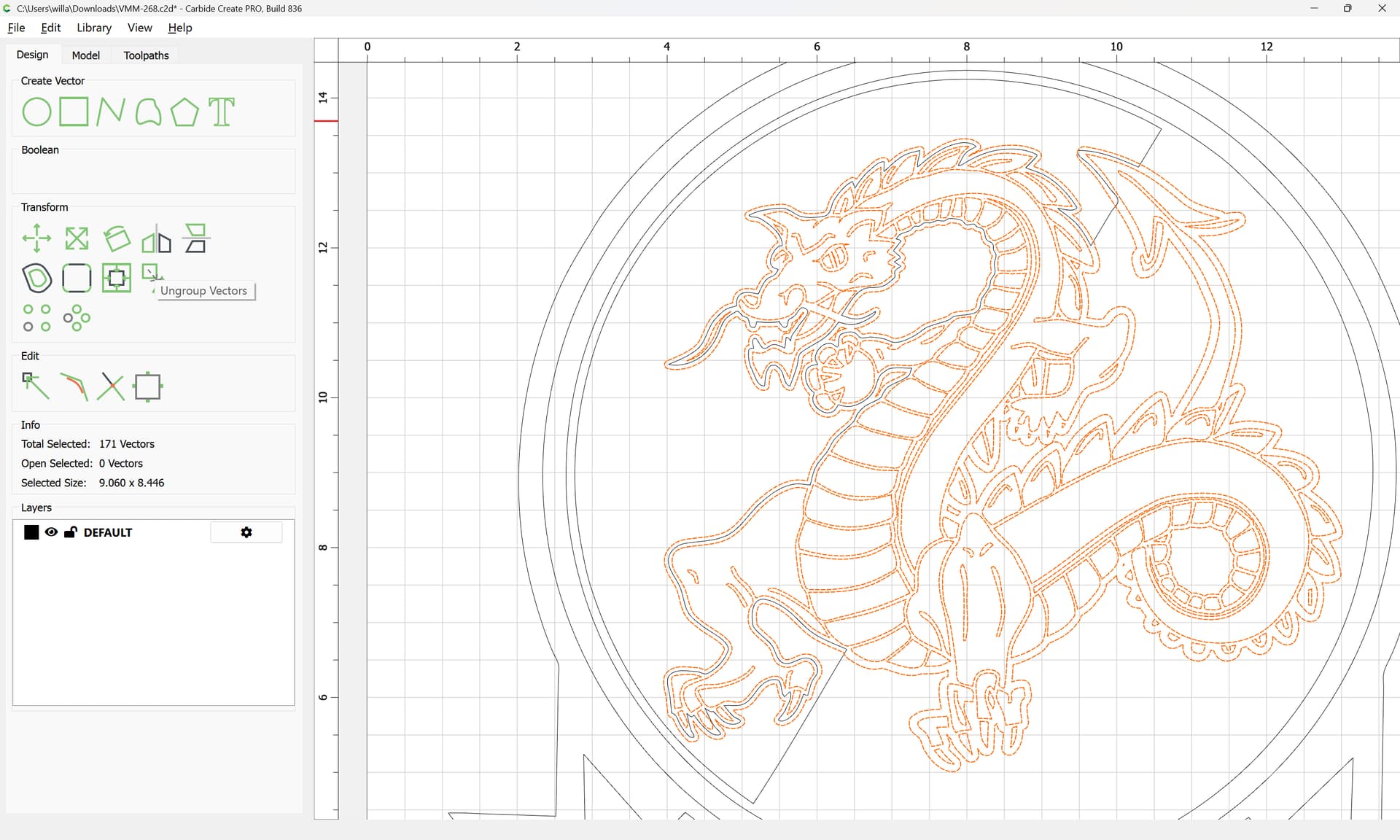
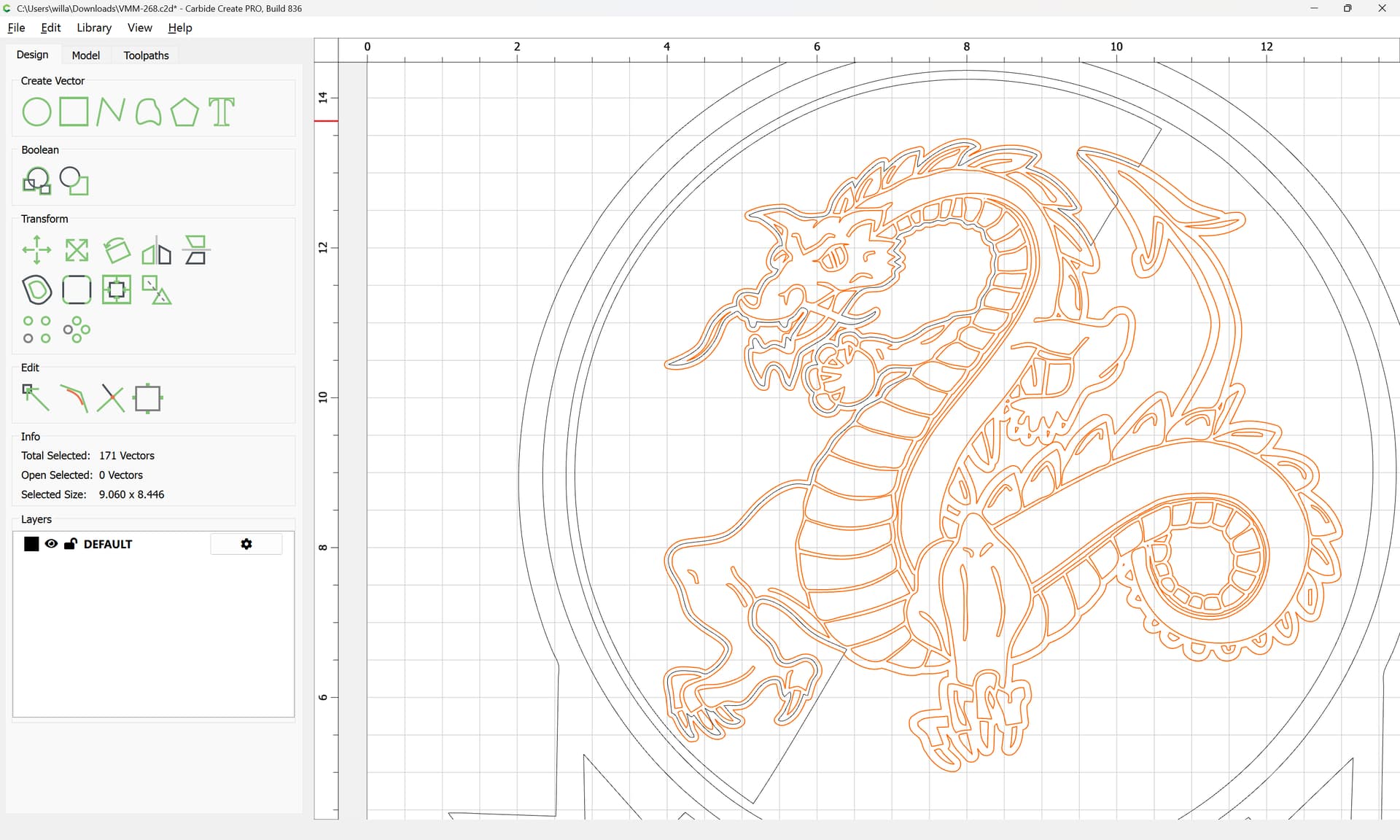
Draw in the diagonal:
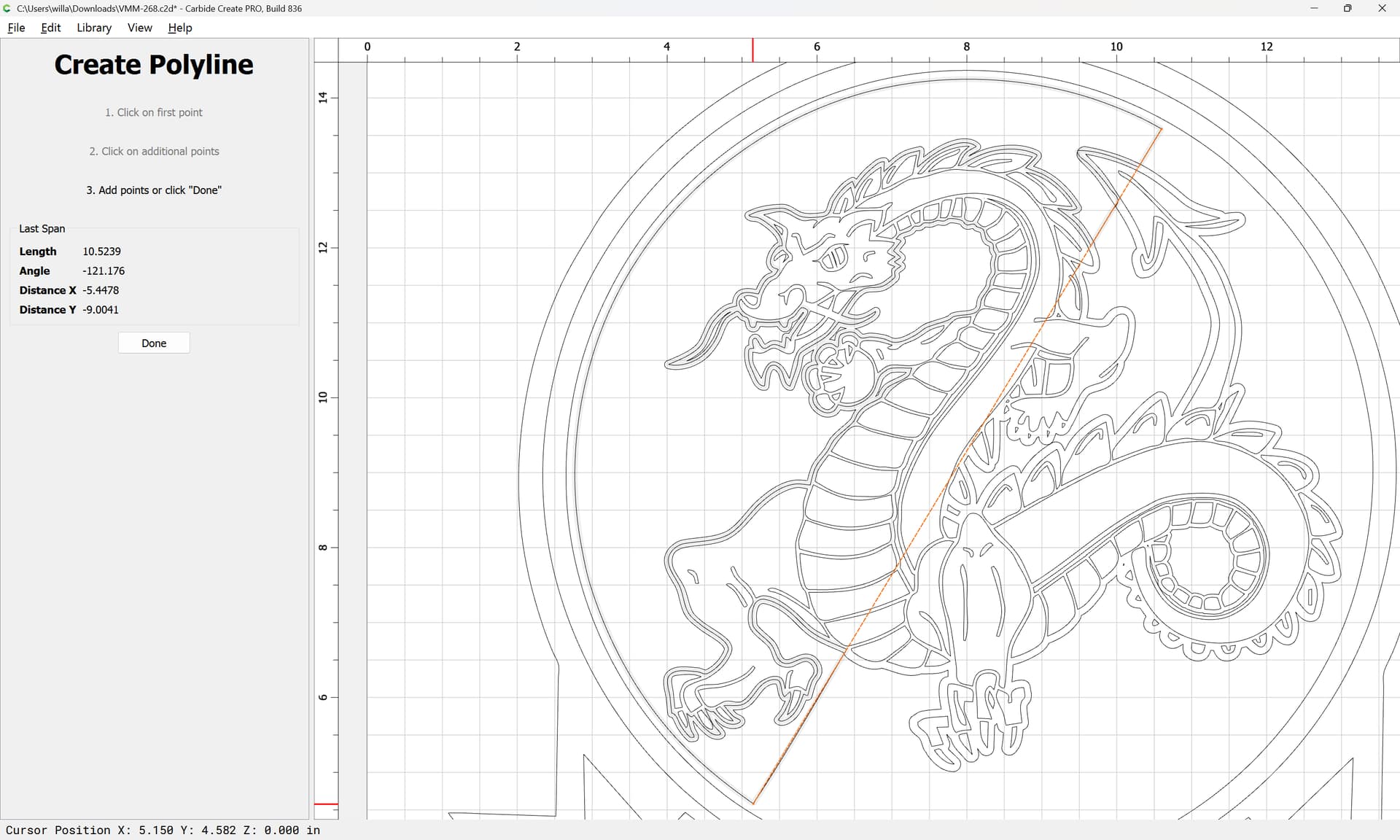
Duplicate it twice and drag the duplicates into registration:
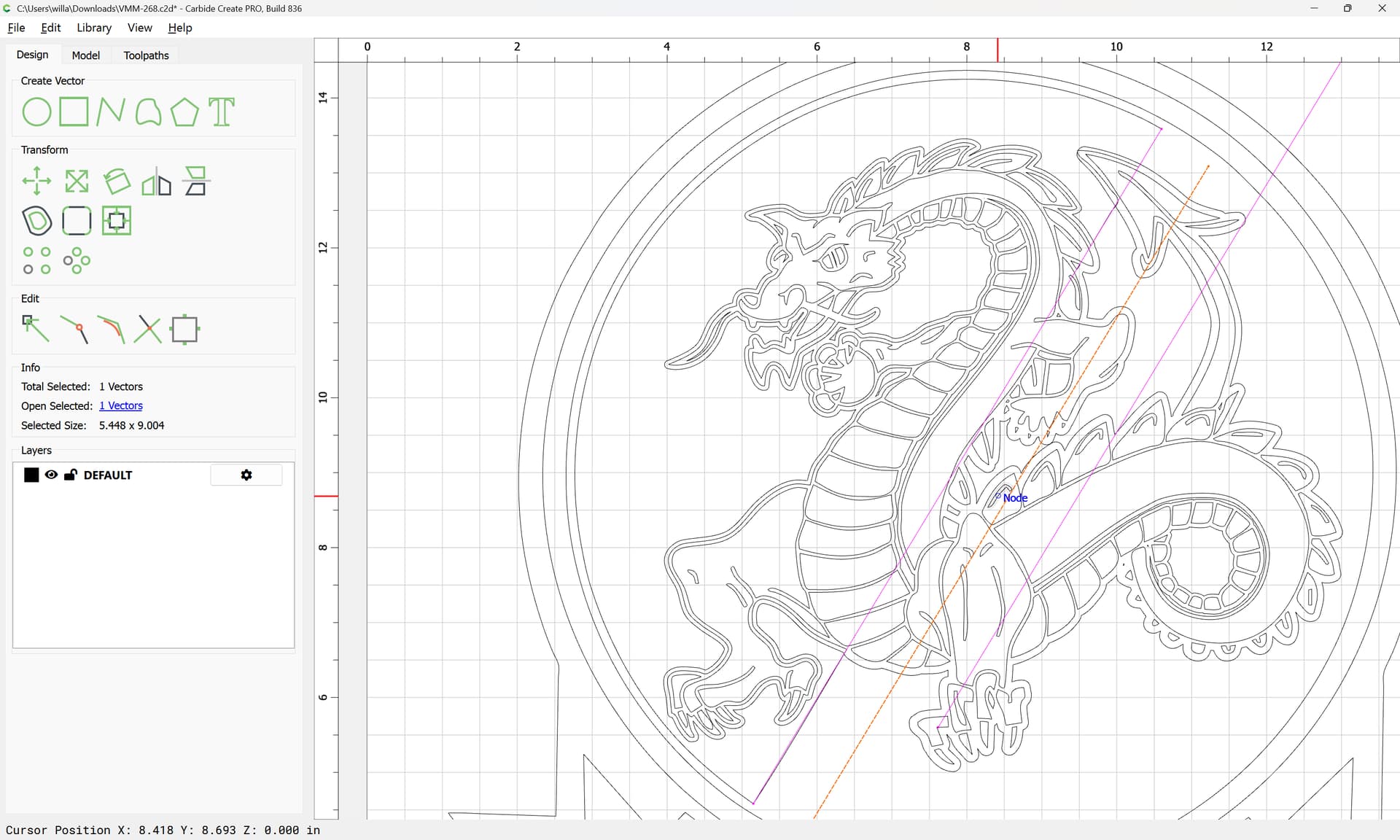
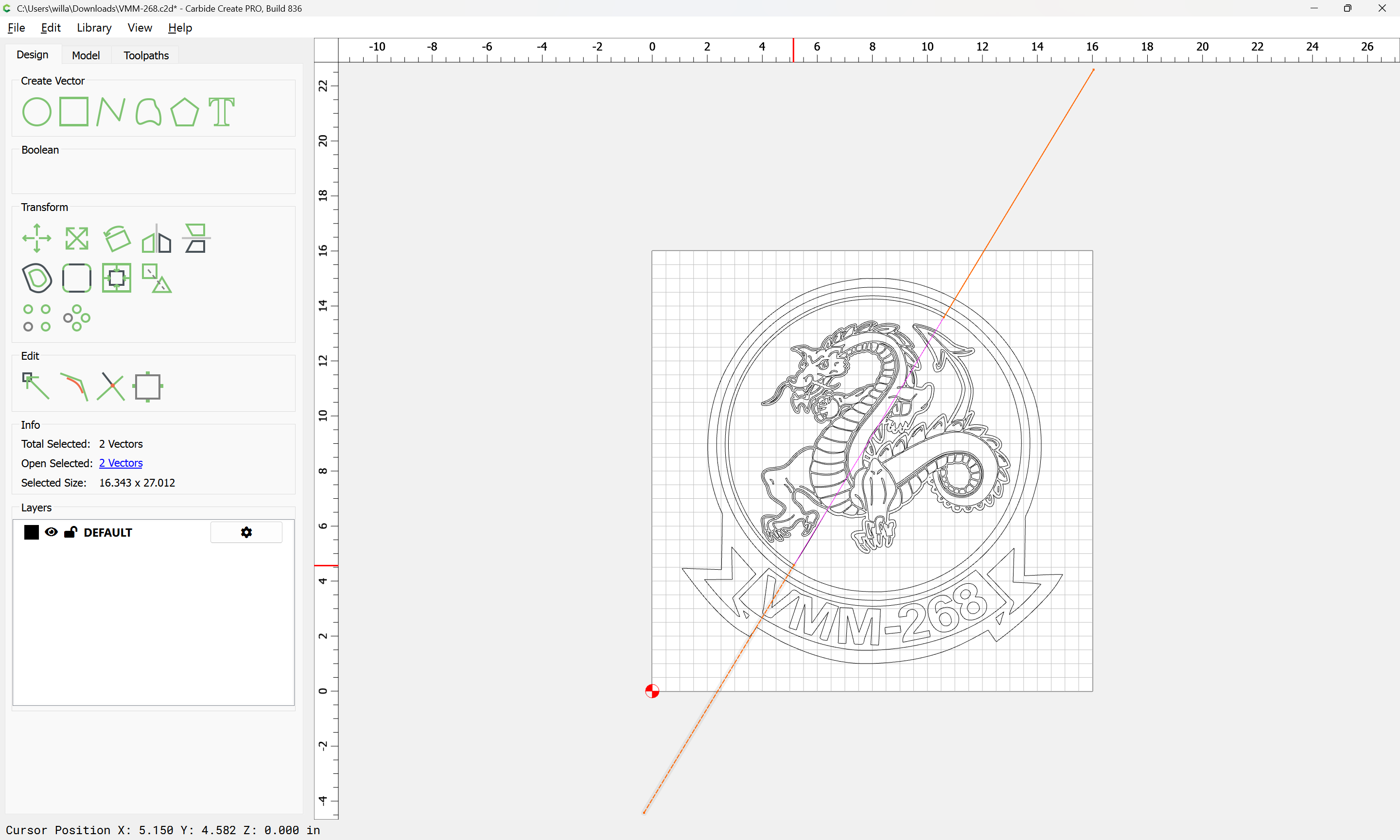
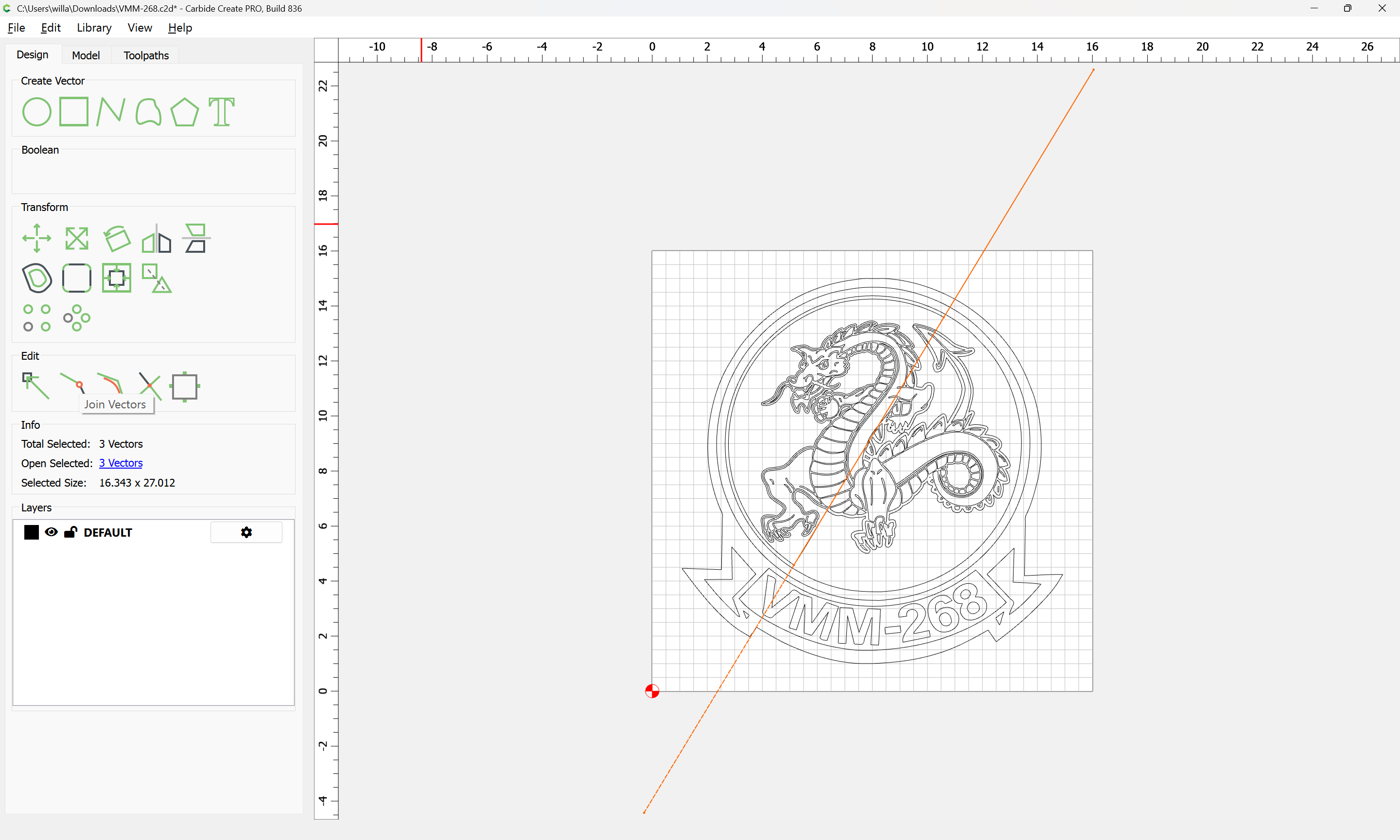
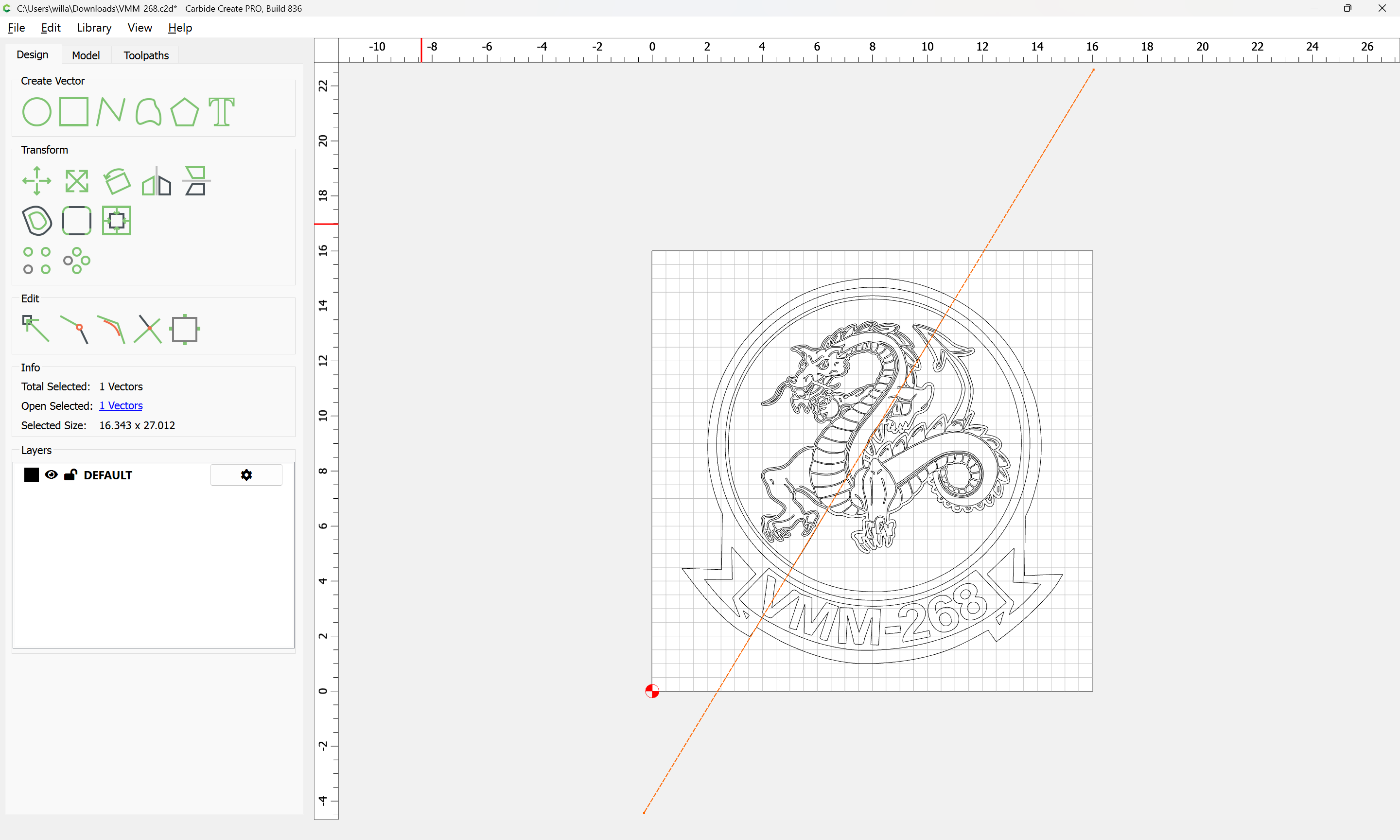
Join Vectors
Yes
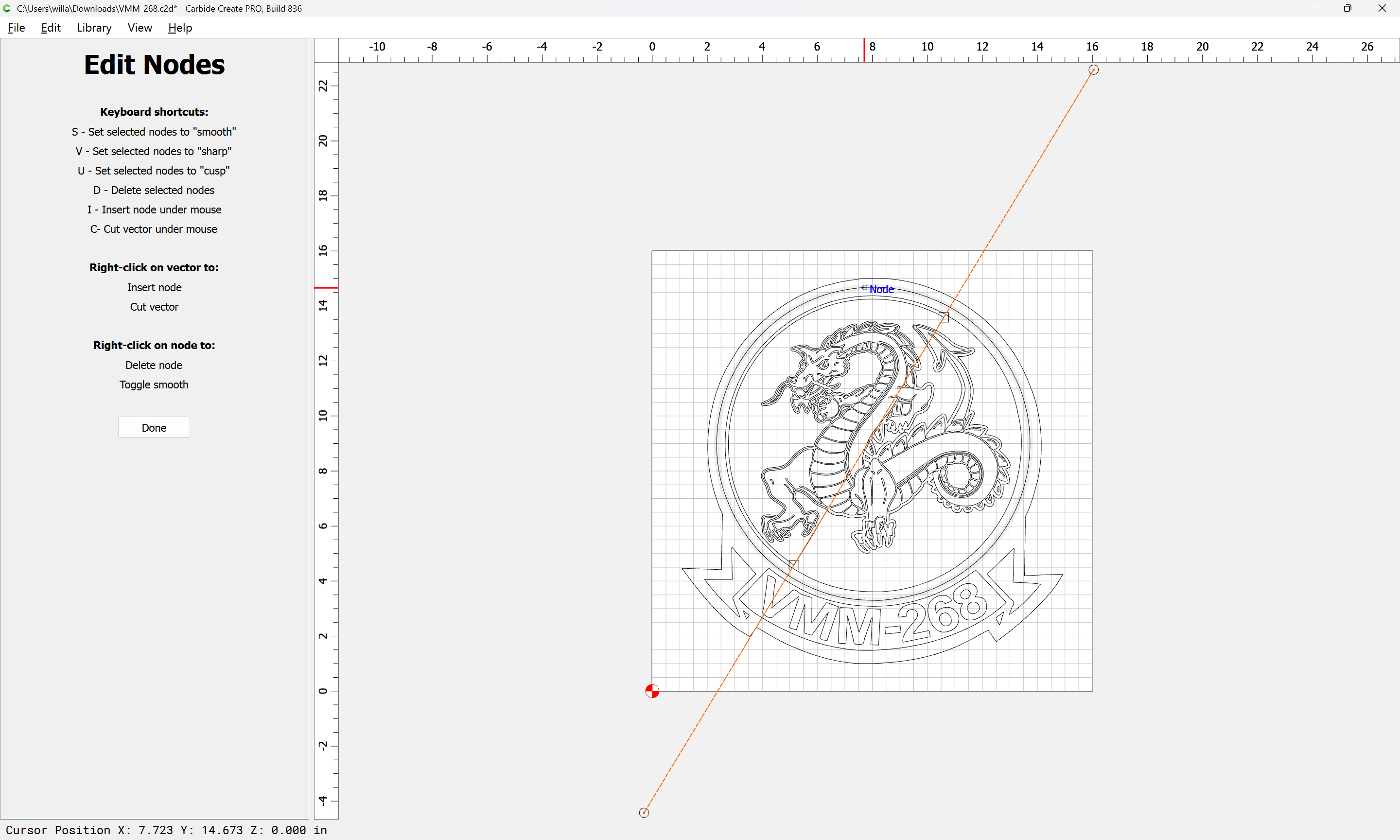
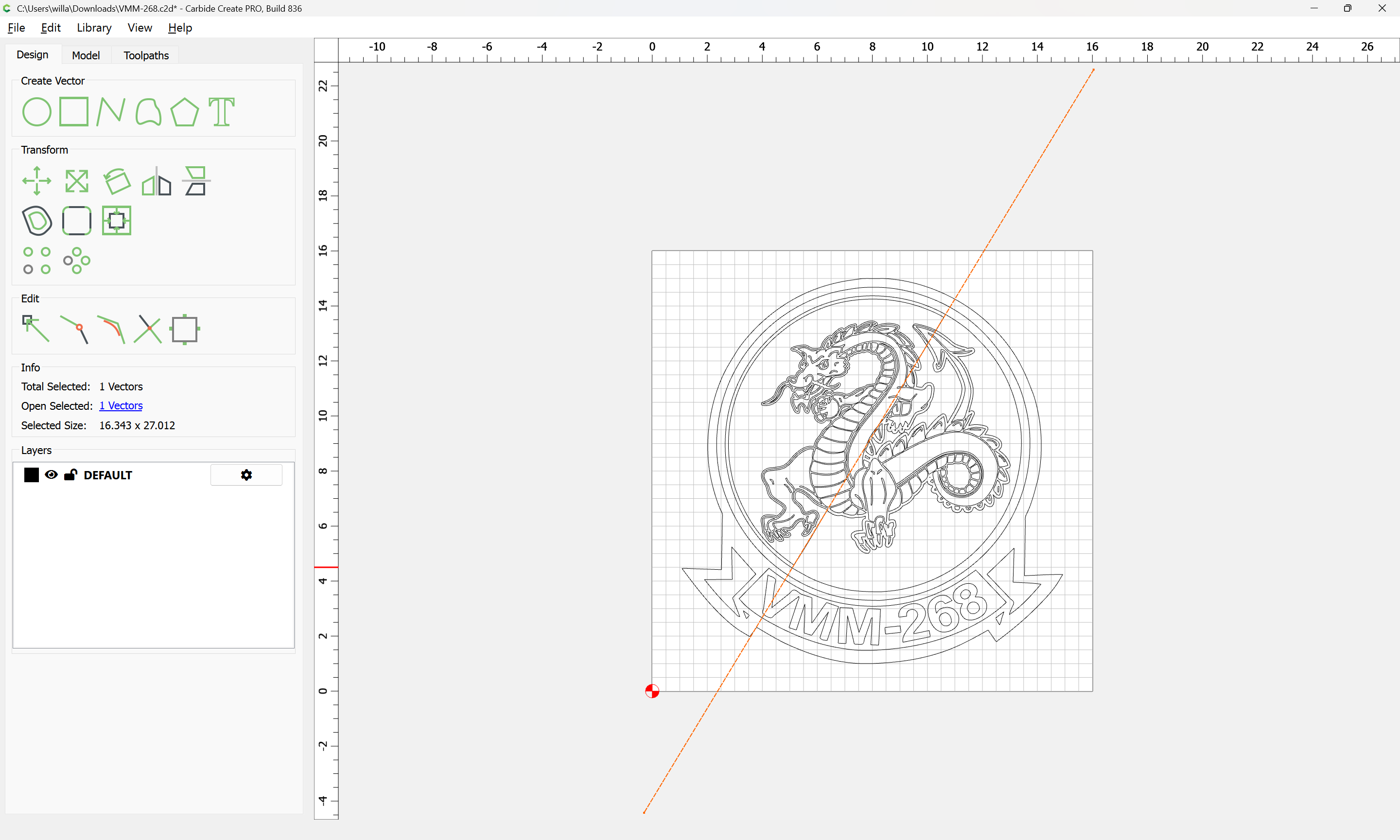
Node edit to clean things up:
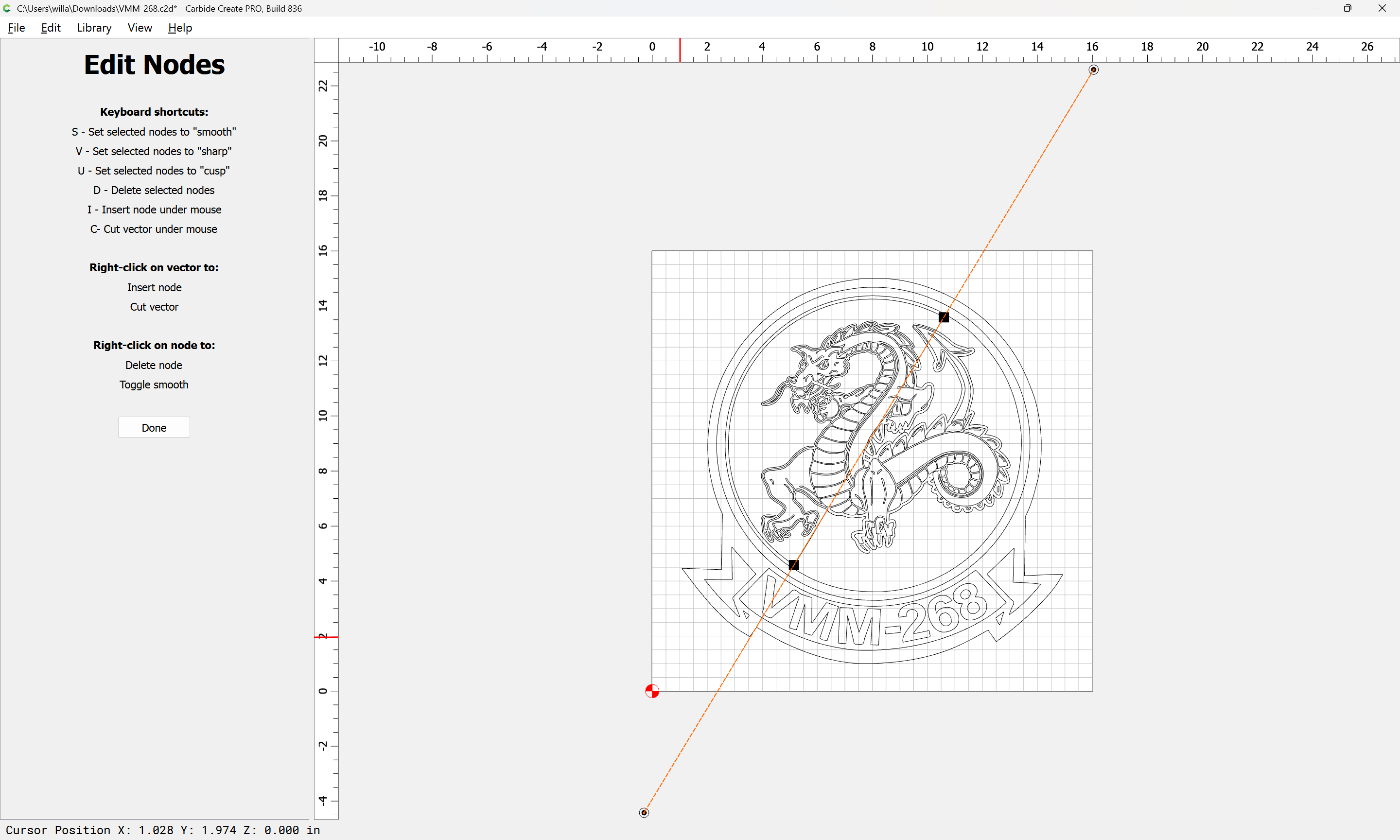
d
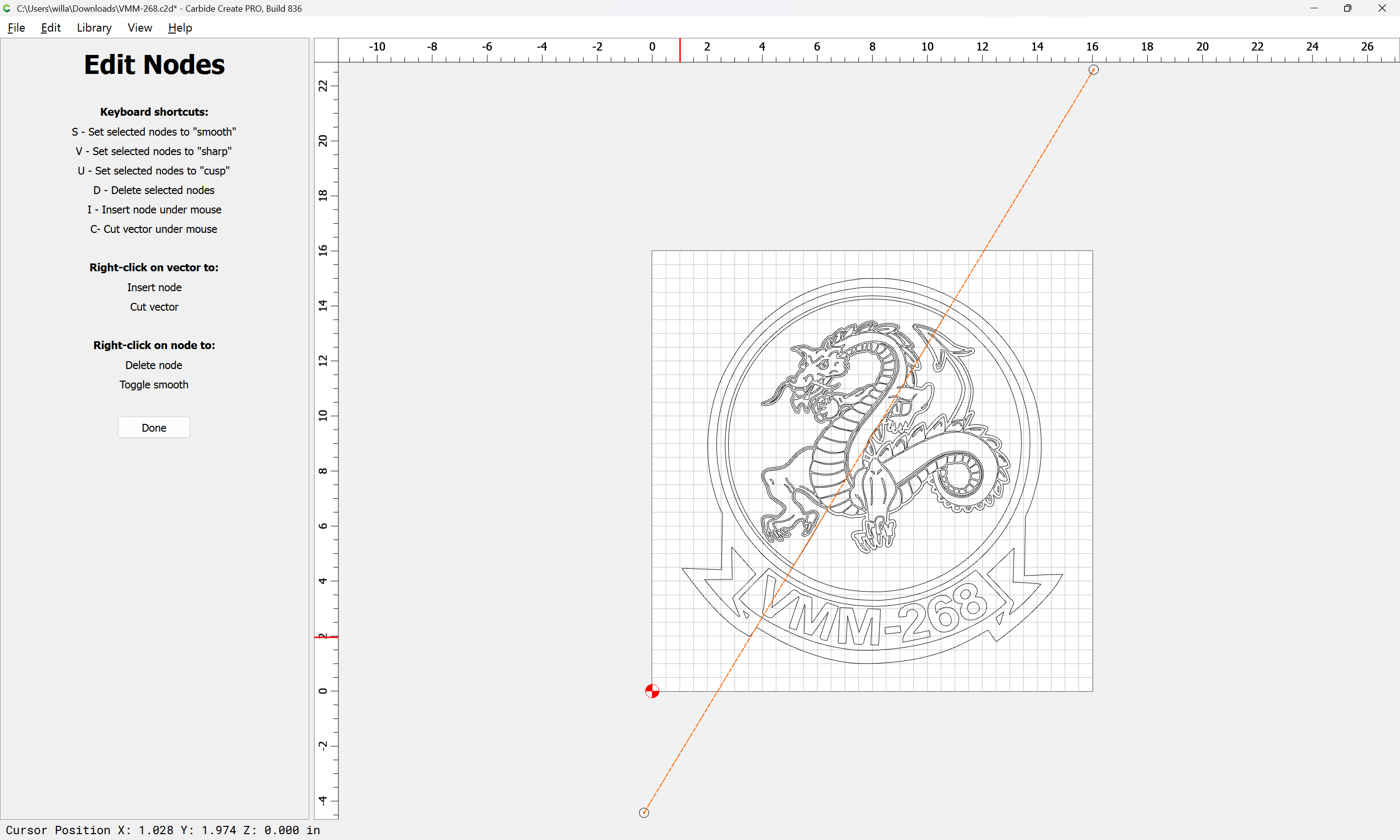
Done
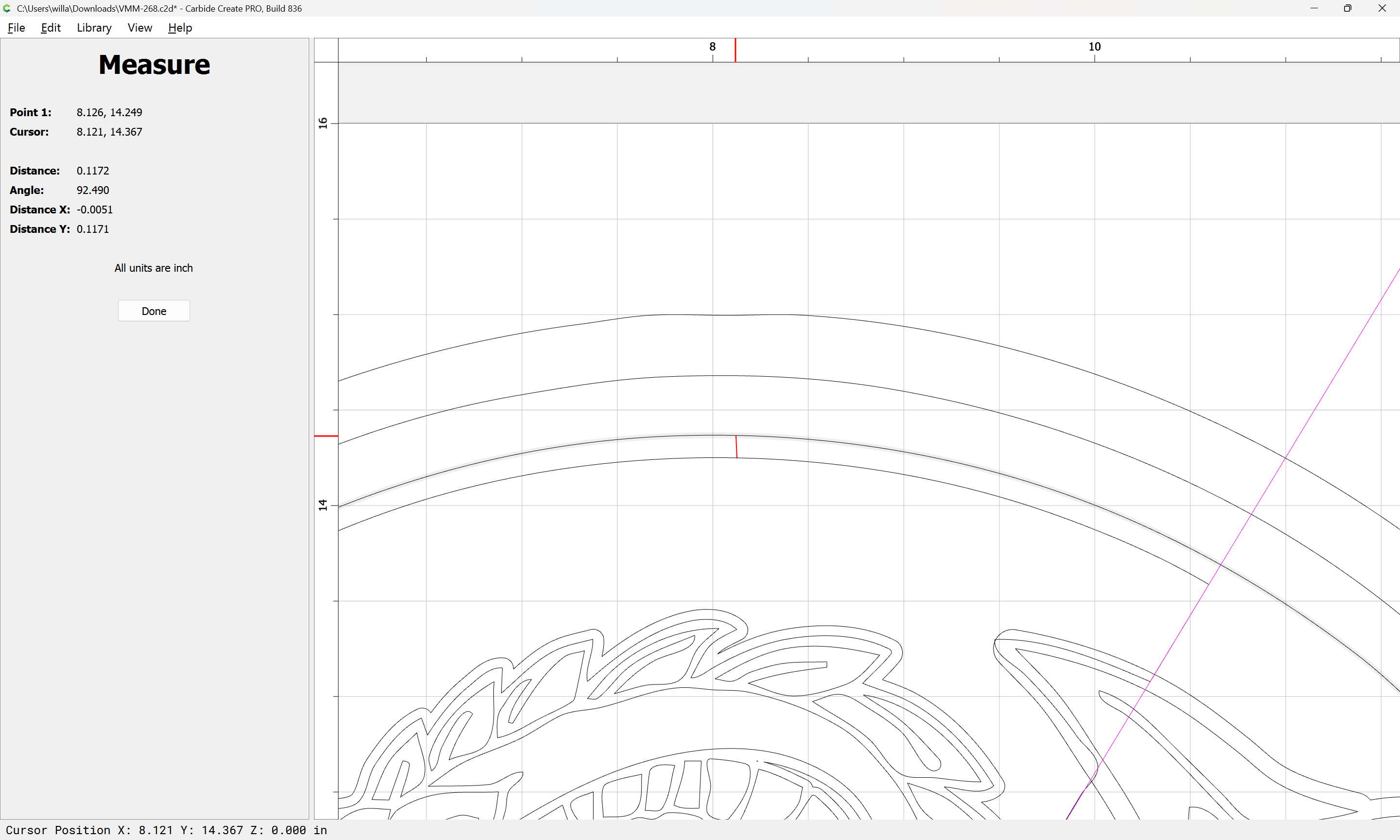
measure the inset needed for the surrounding circle:
select the circle:
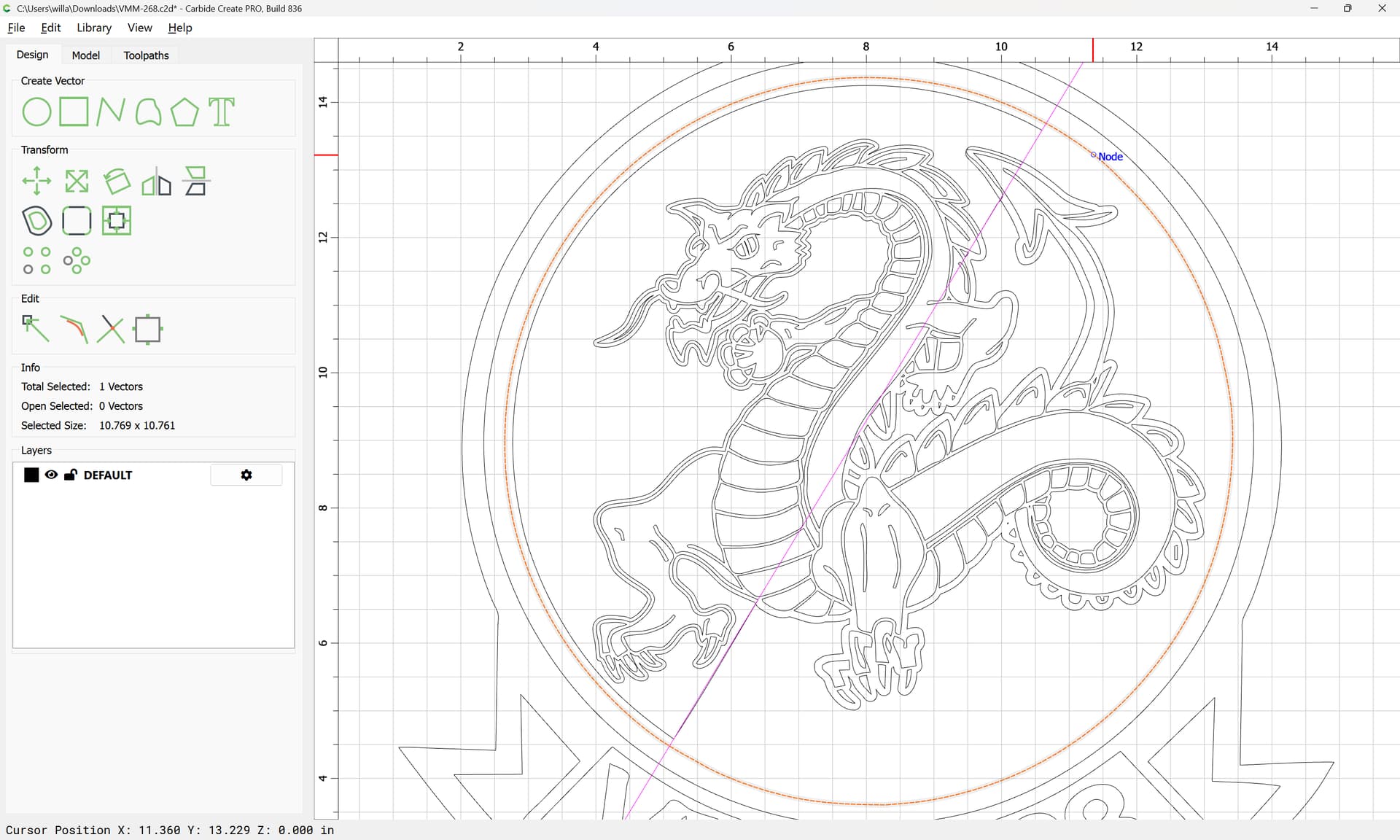
duplicate it in place:
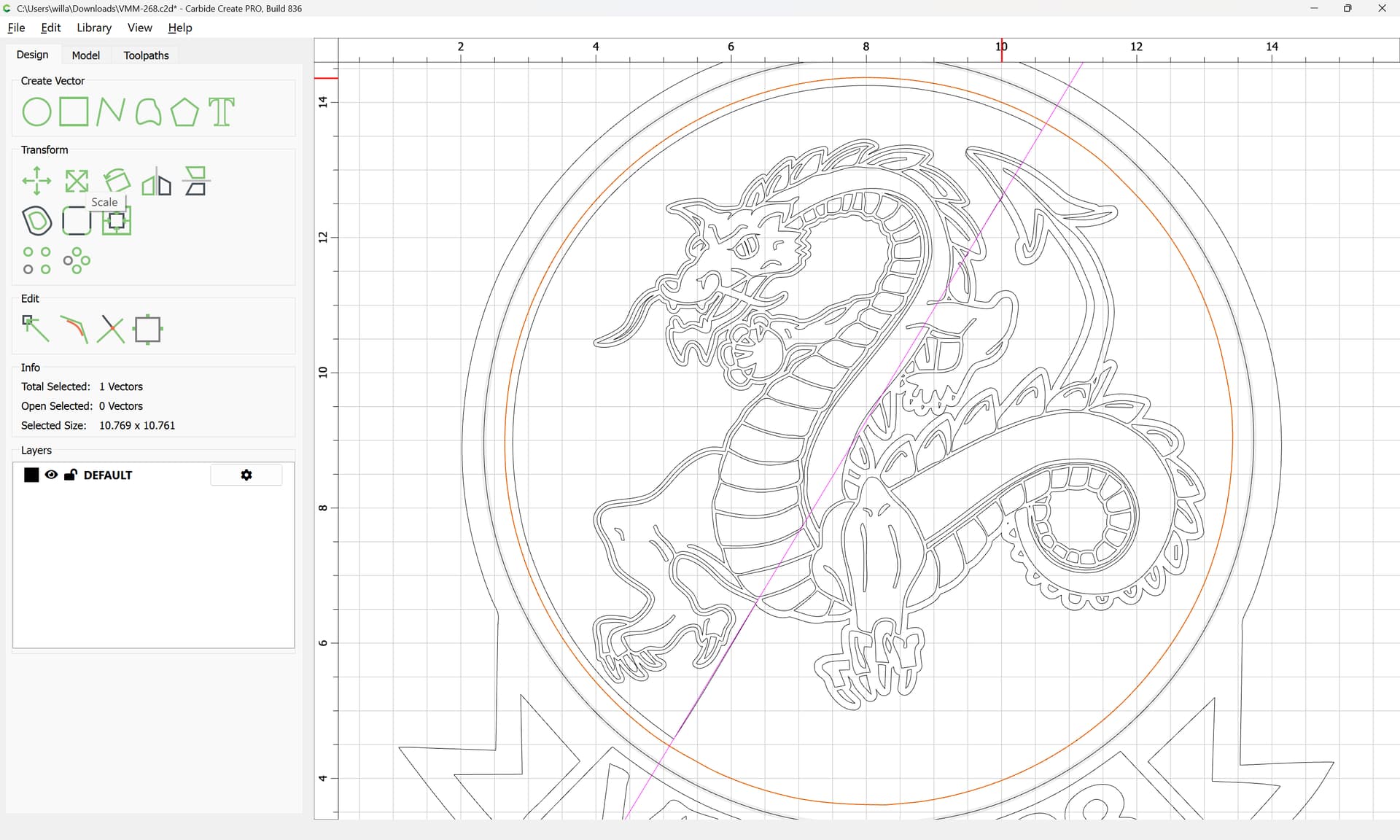
resize it by the noted dimension:
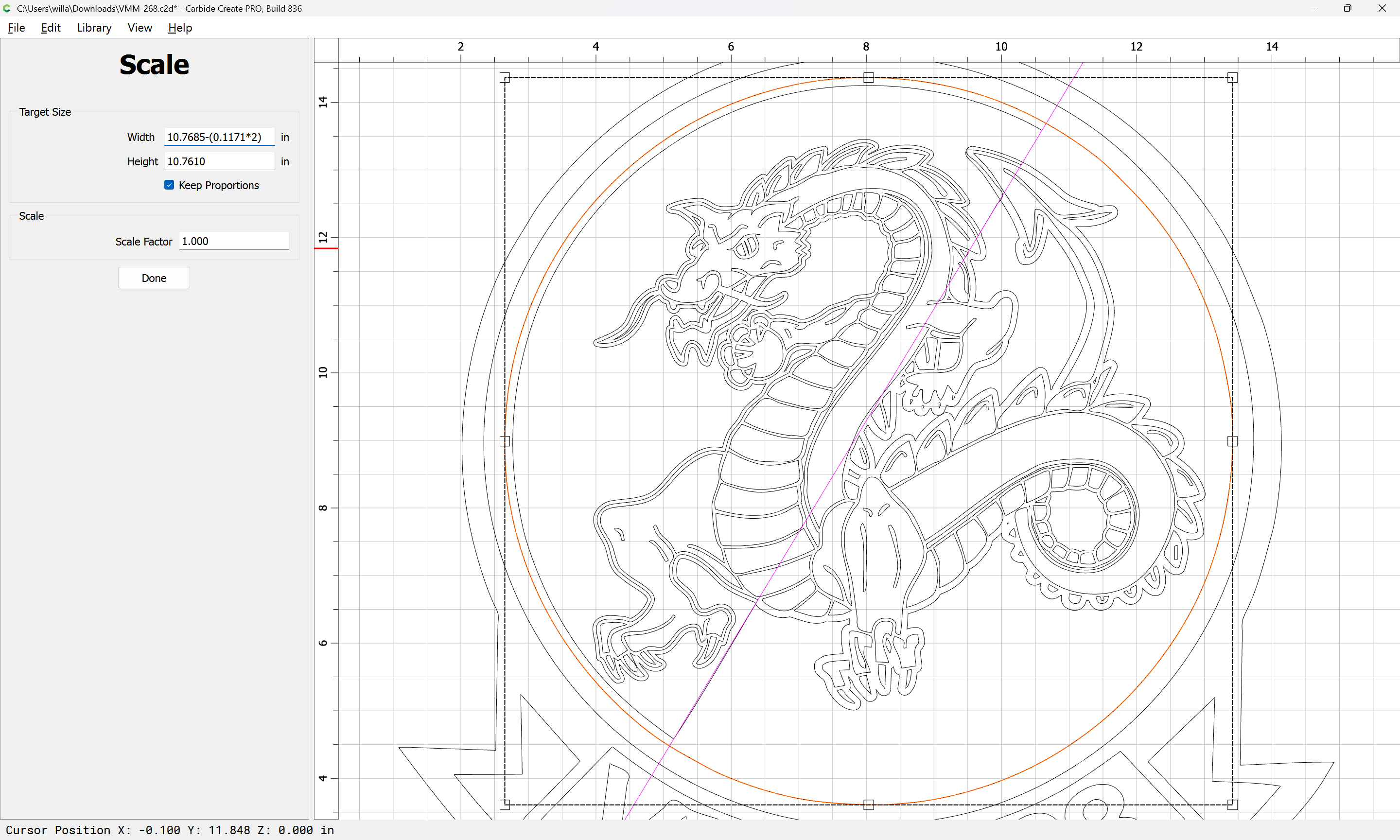
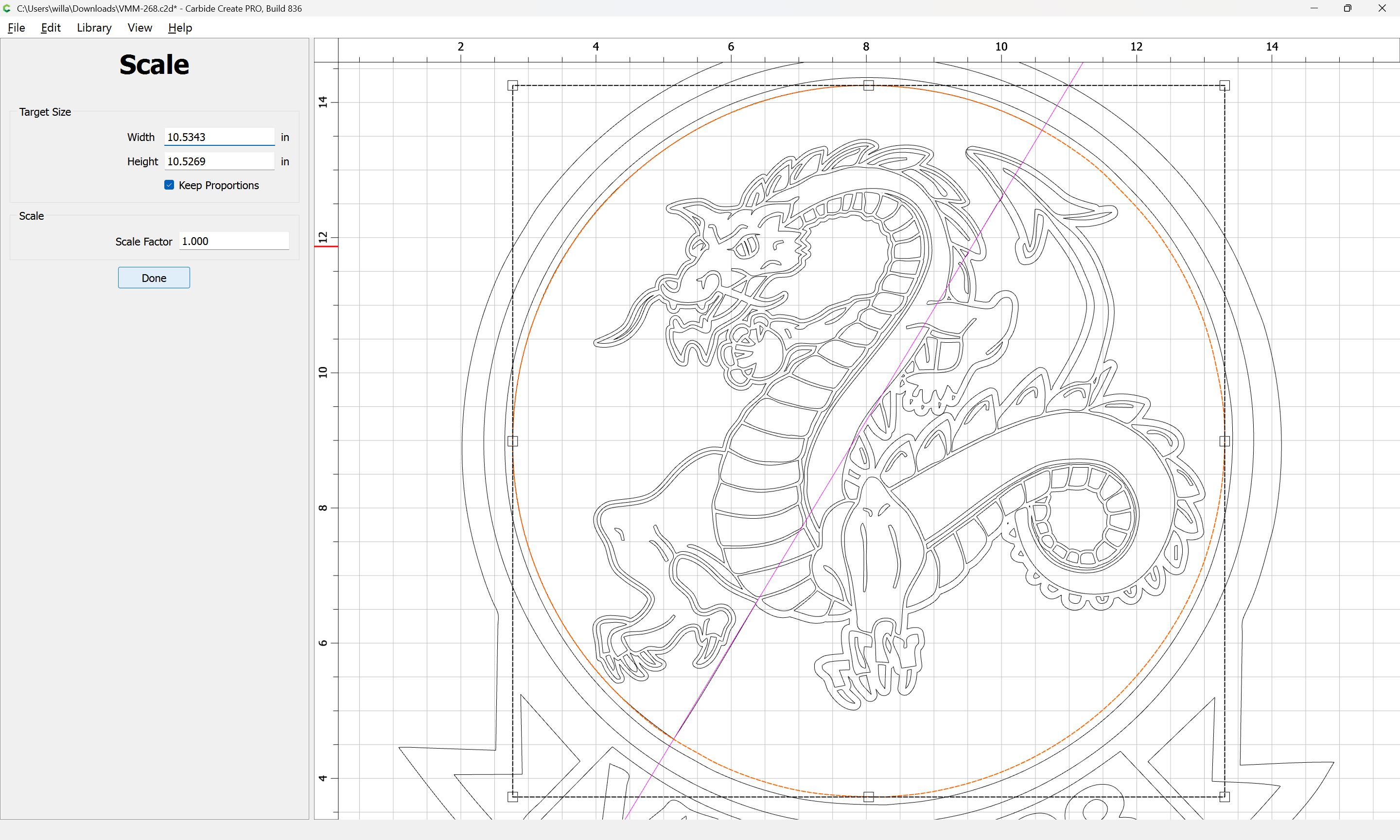
Done
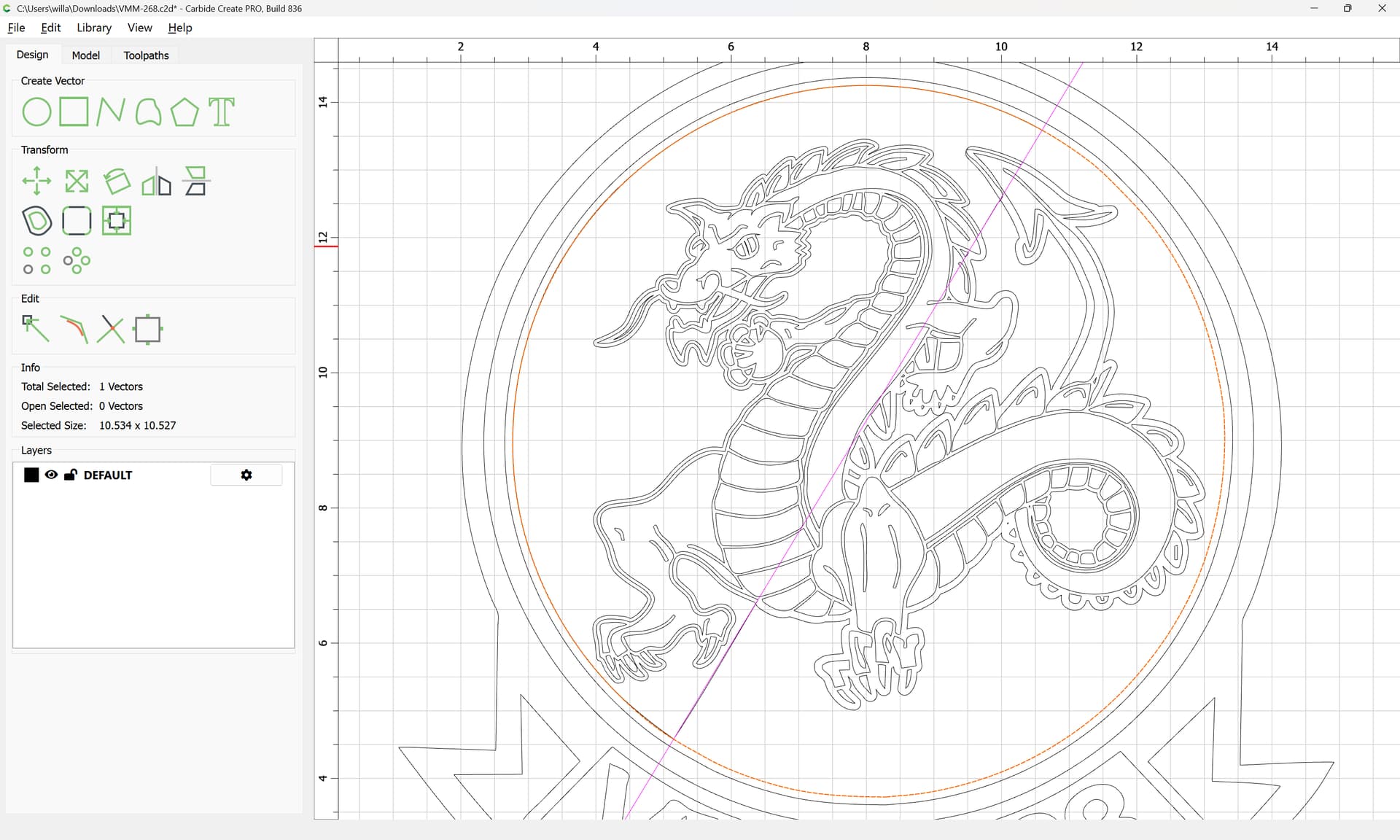
Select the geometries which are needed for each half:
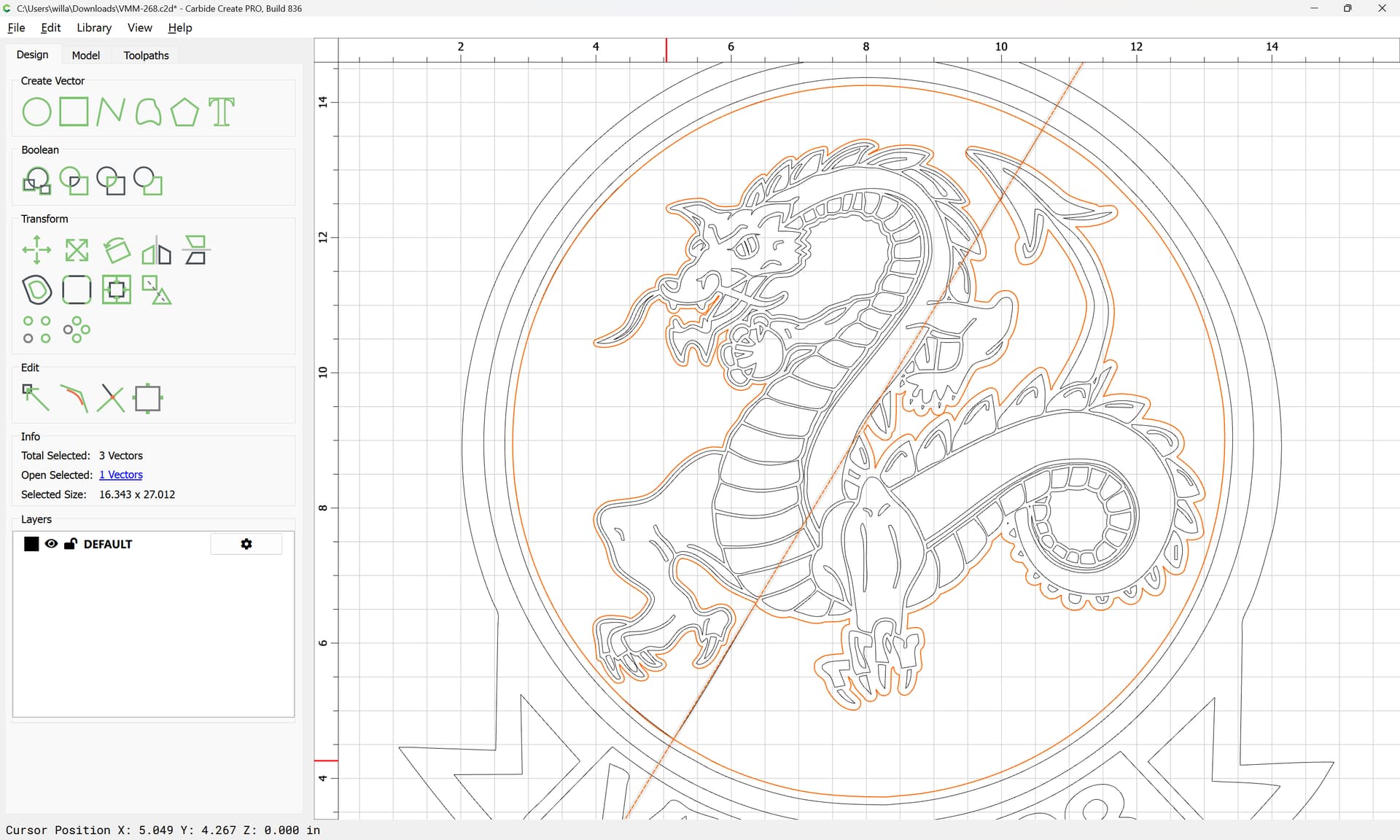
copy-paste them and drag them off to one side:
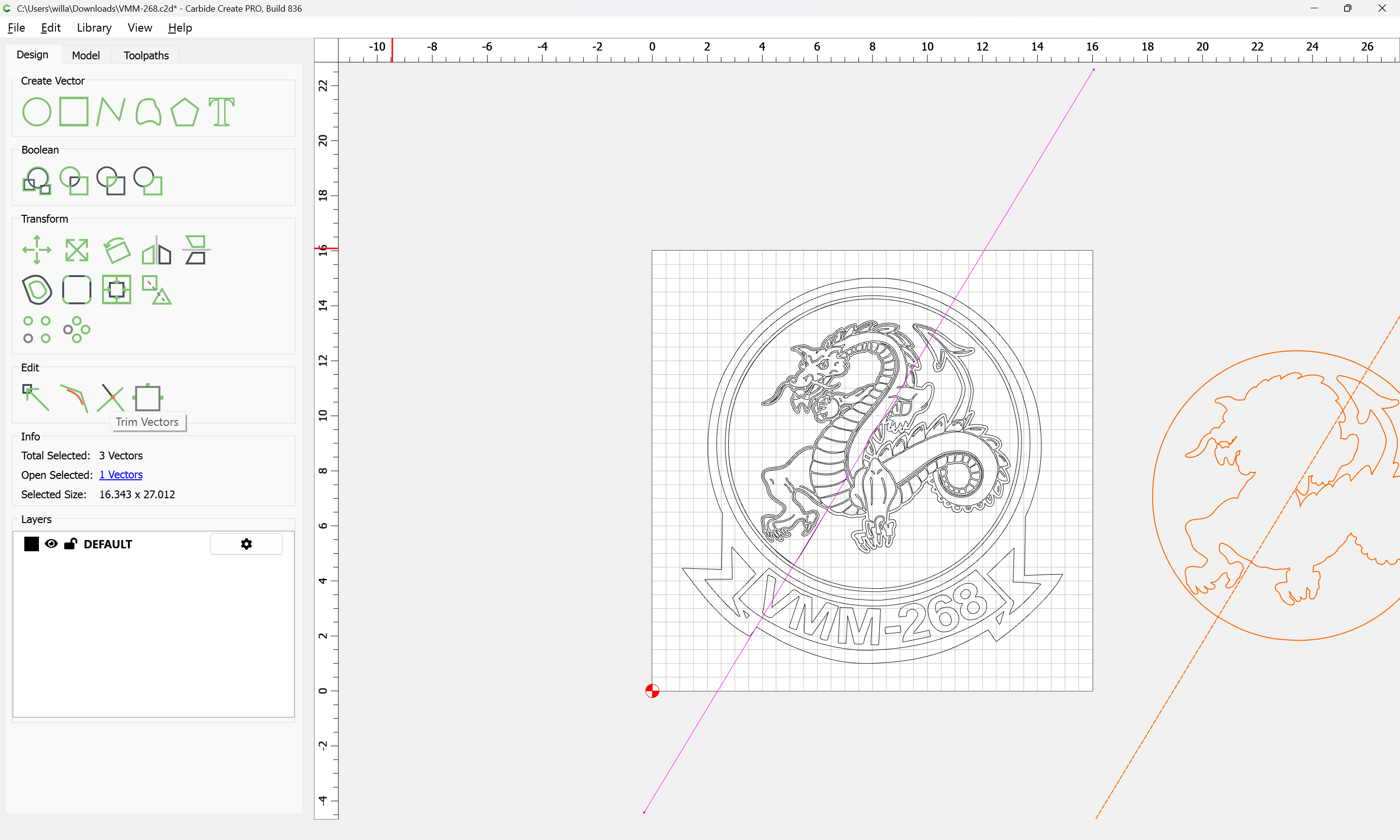
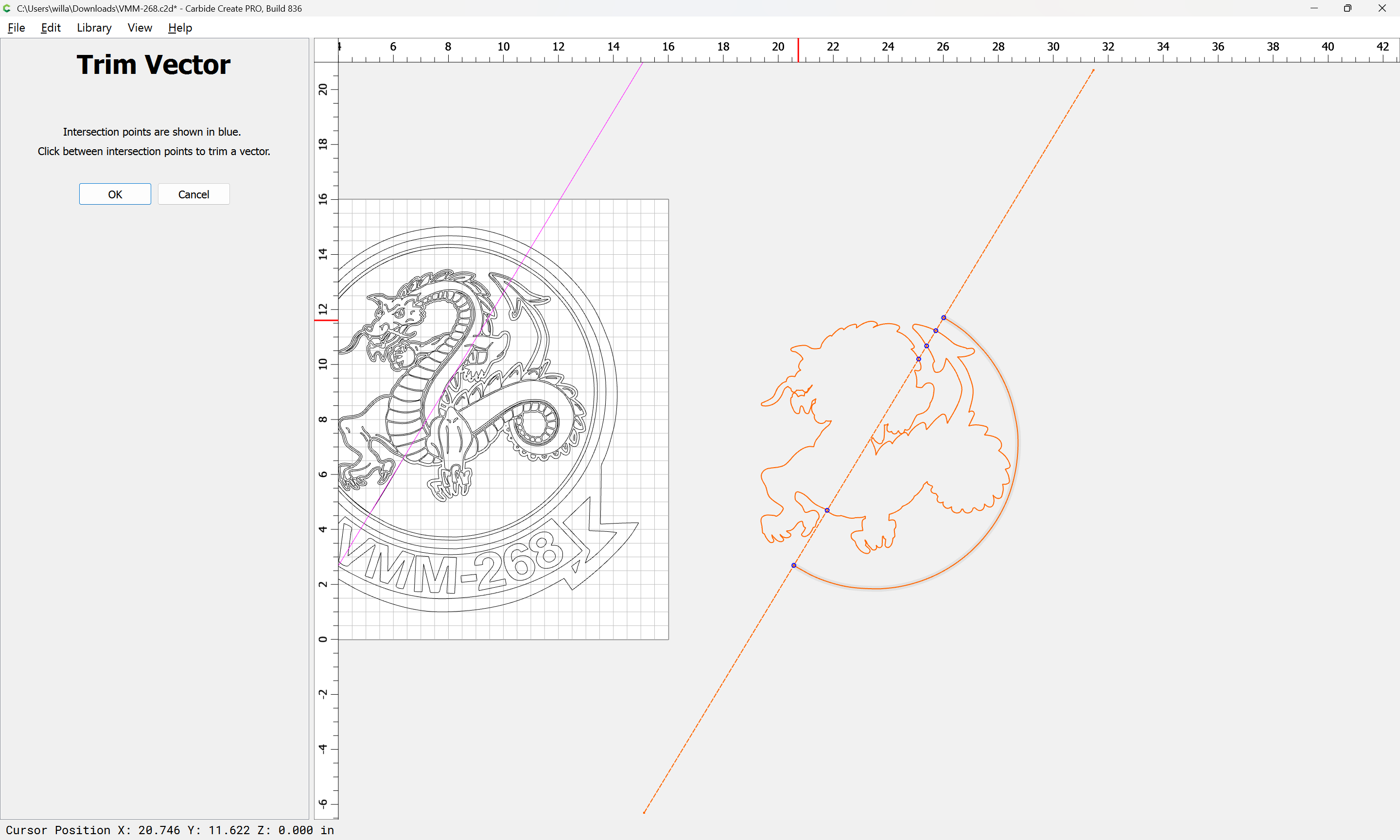
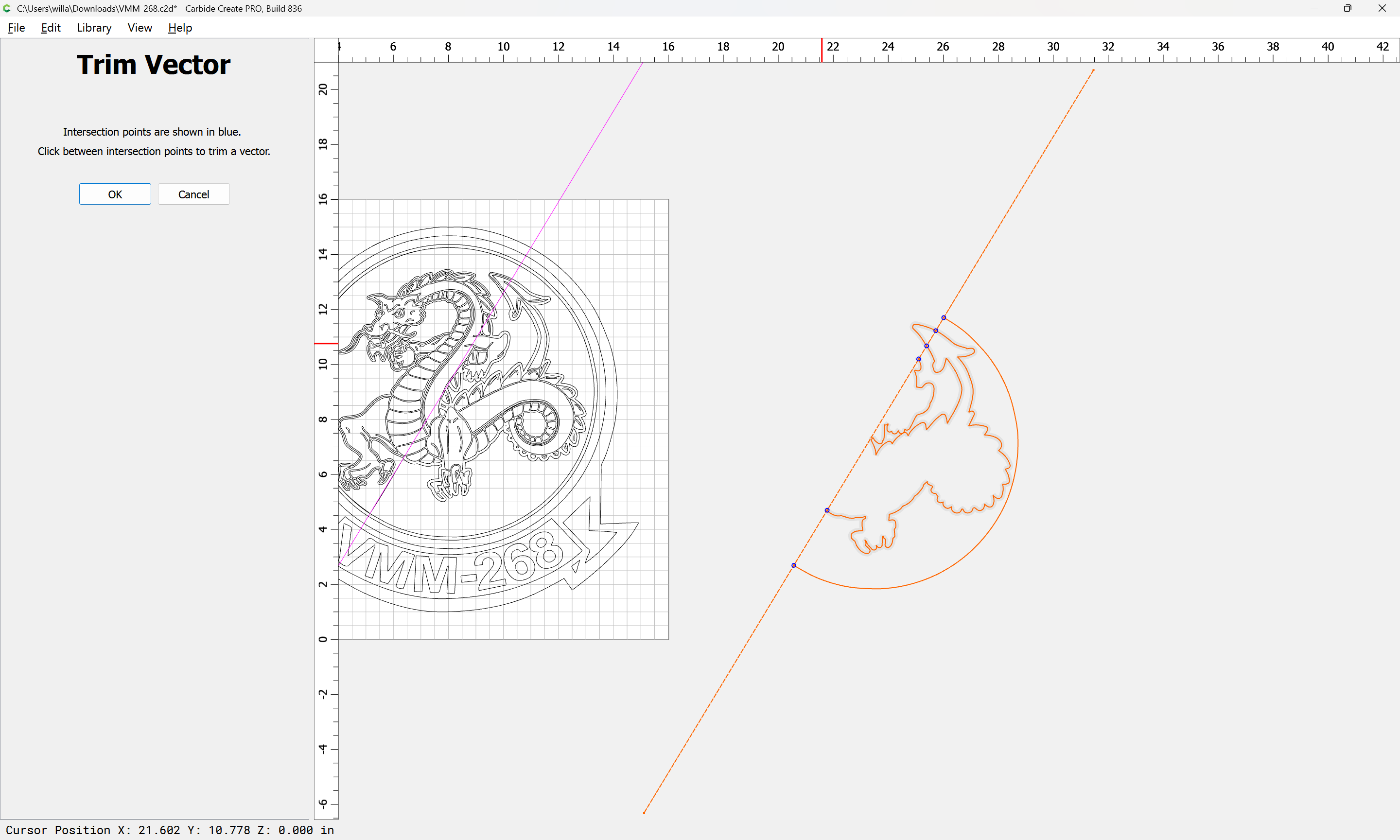
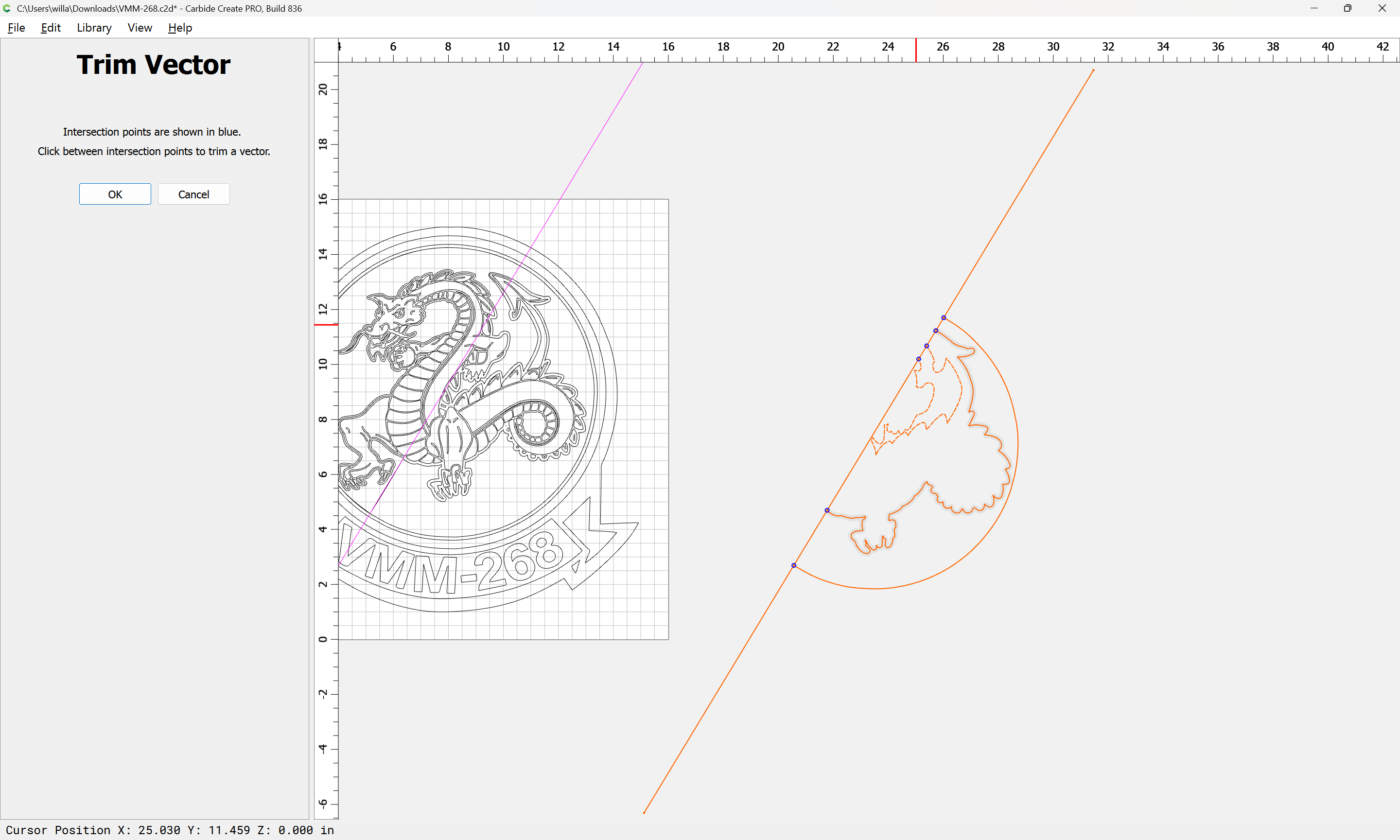
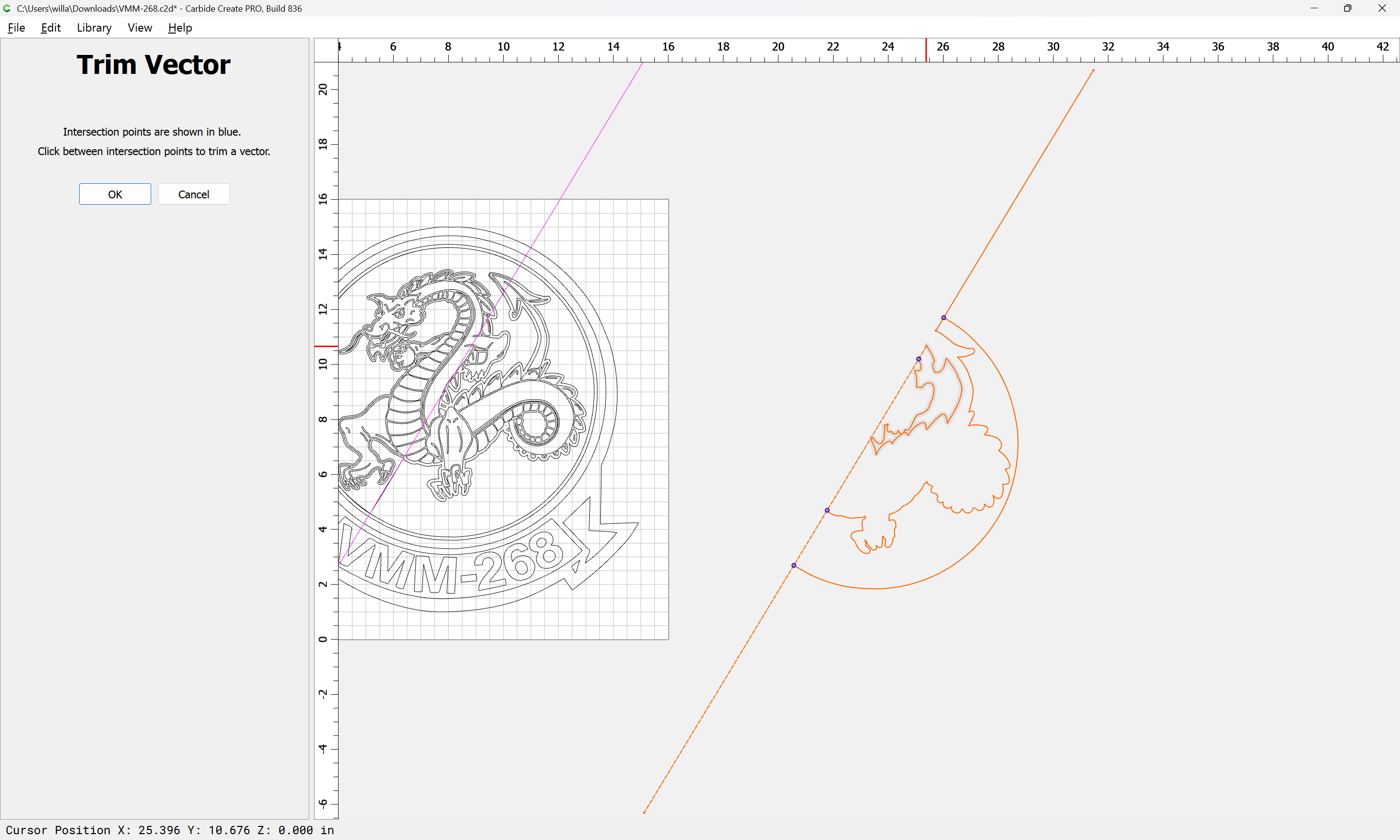
Use Trim Vectors:
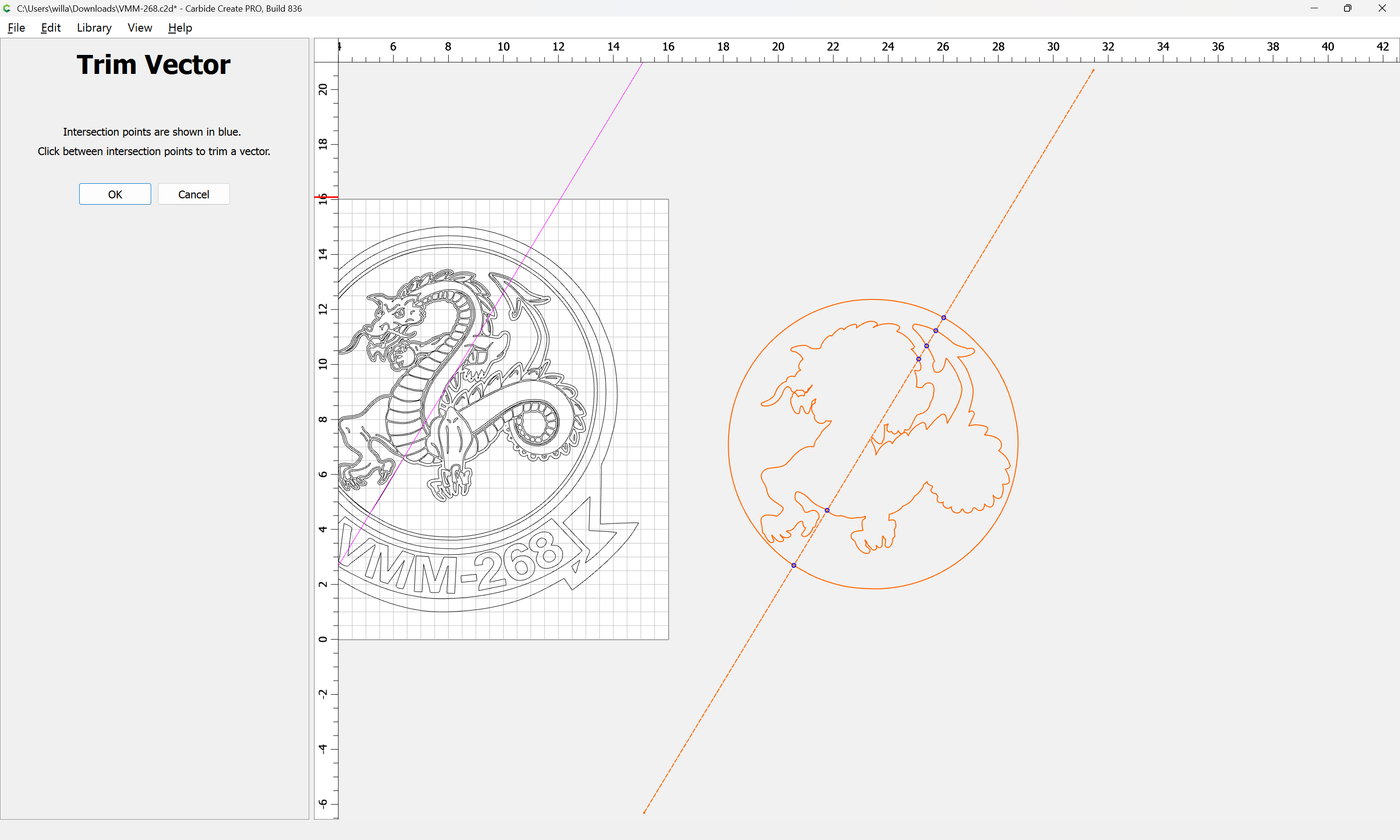
to remove one side:
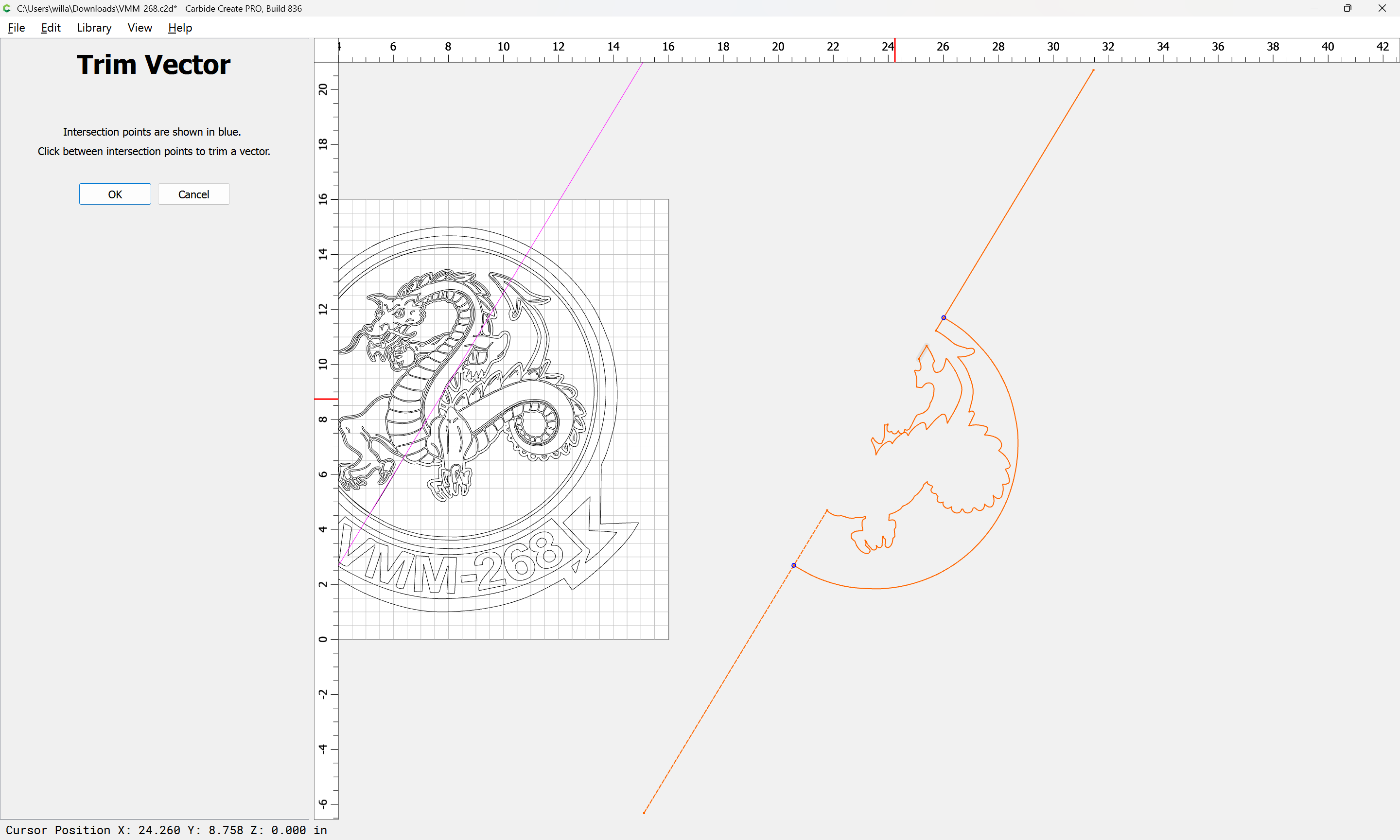
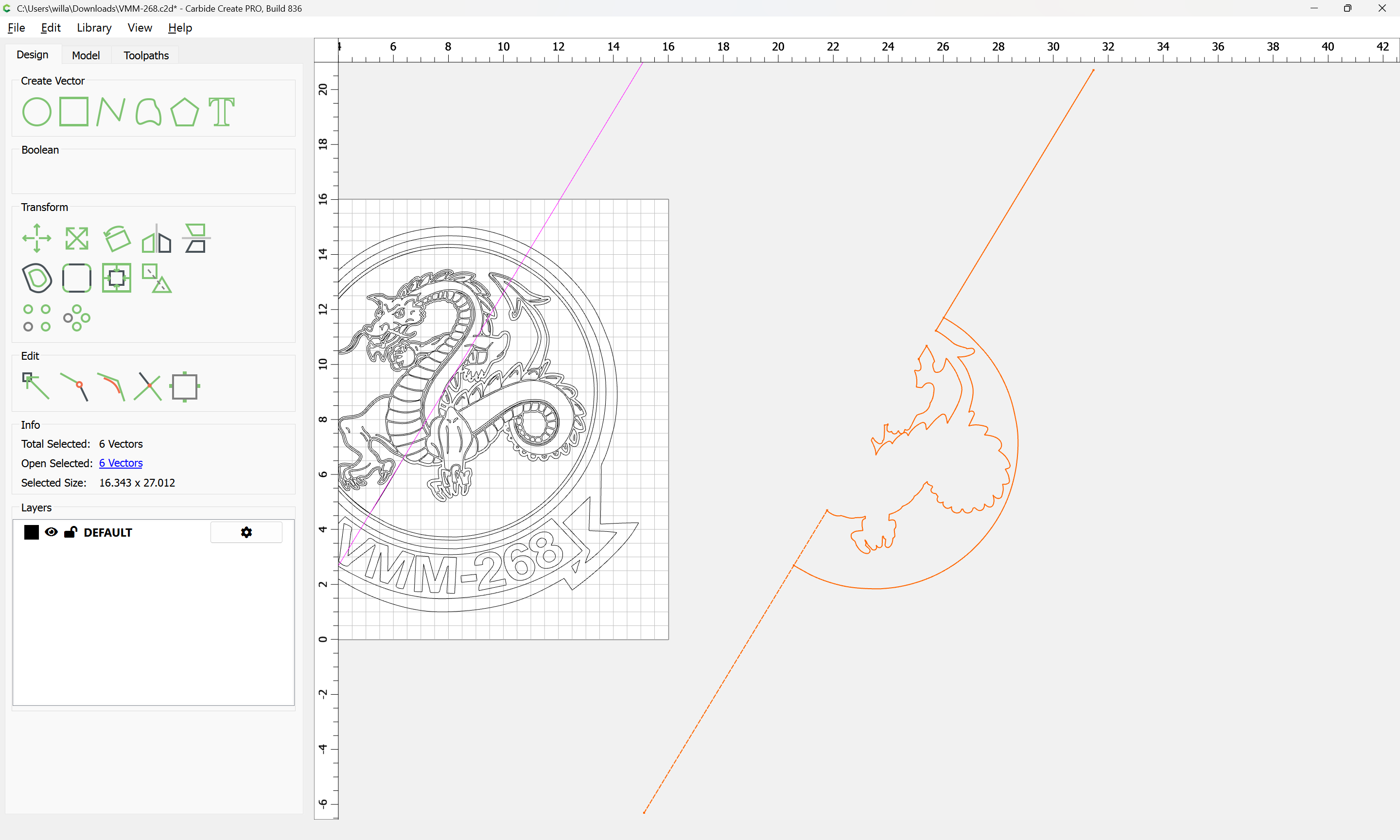

OK
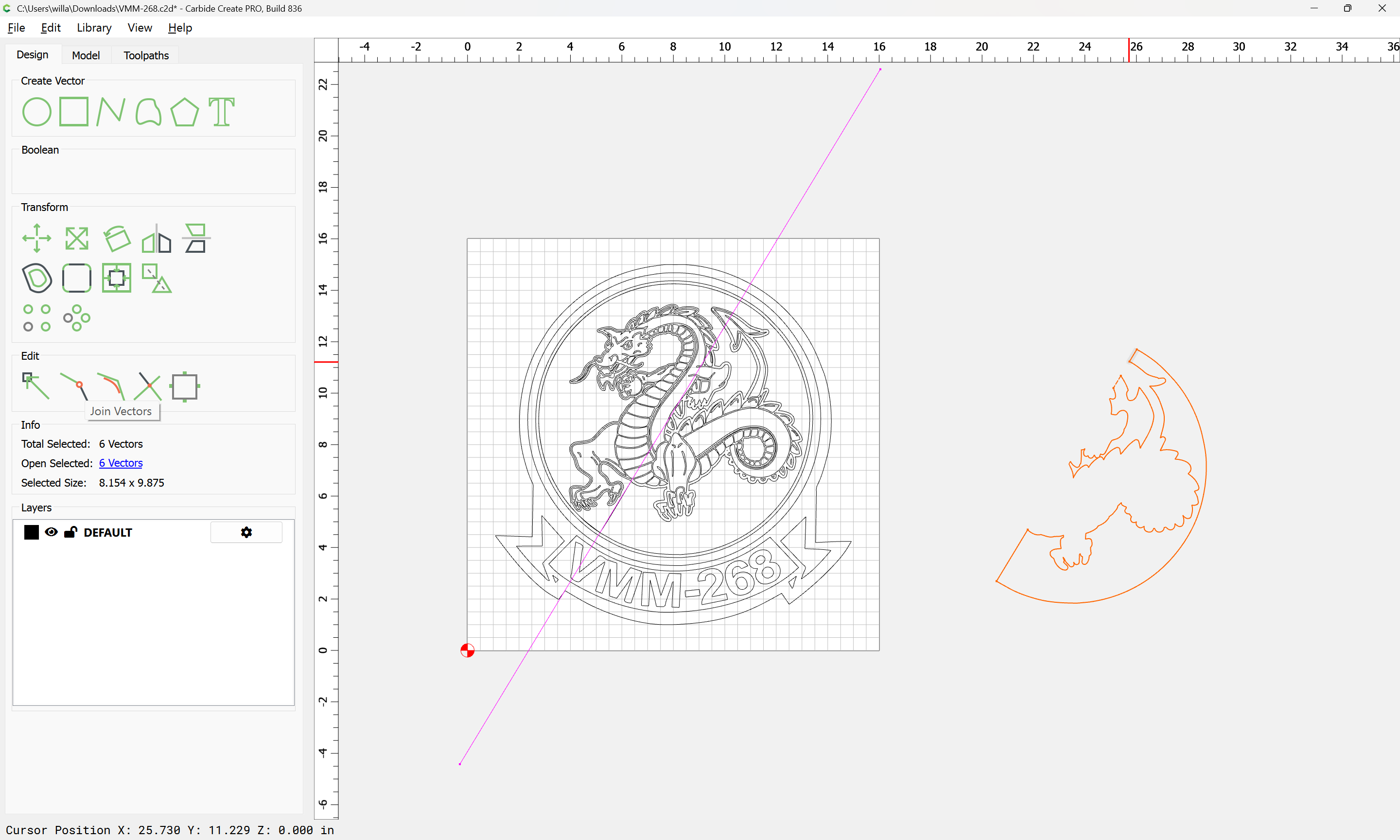
Use Join Vectors to close:
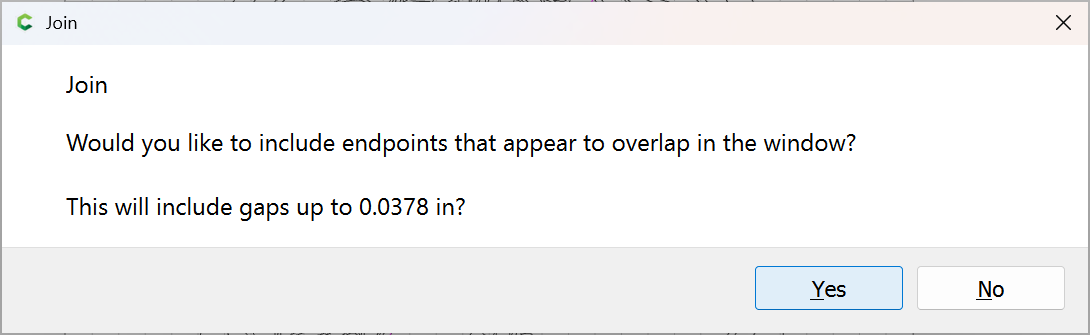
Yes
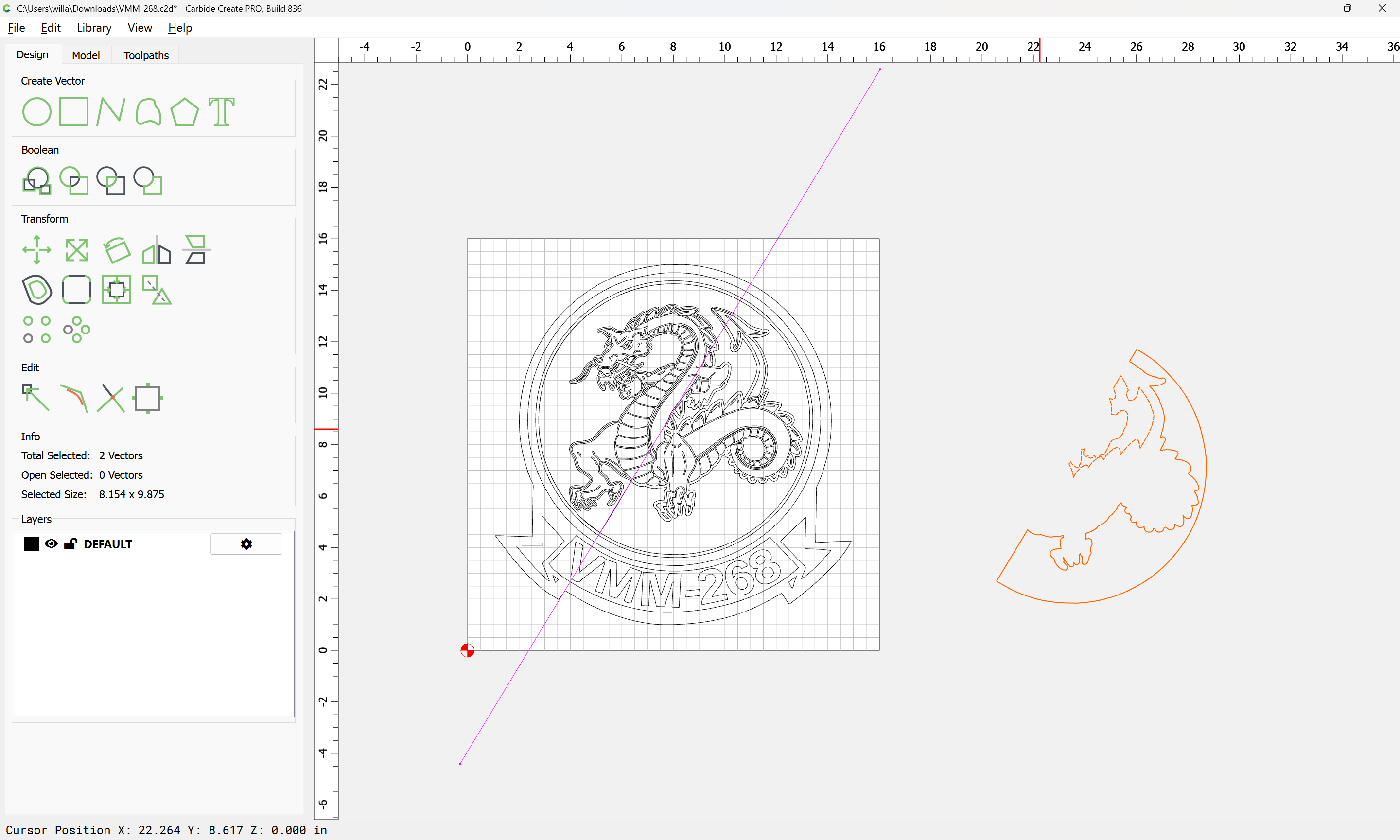
Repeat for the other side
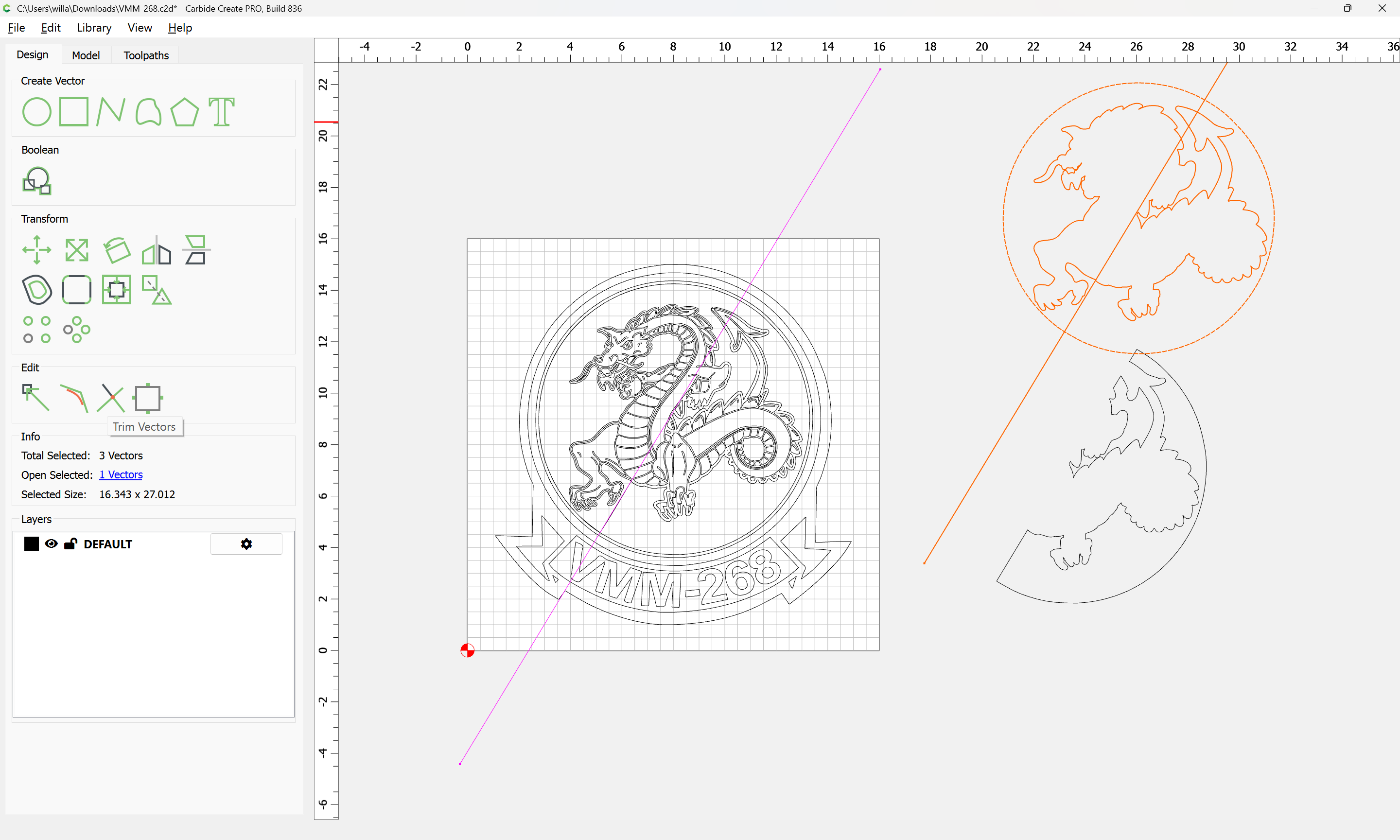
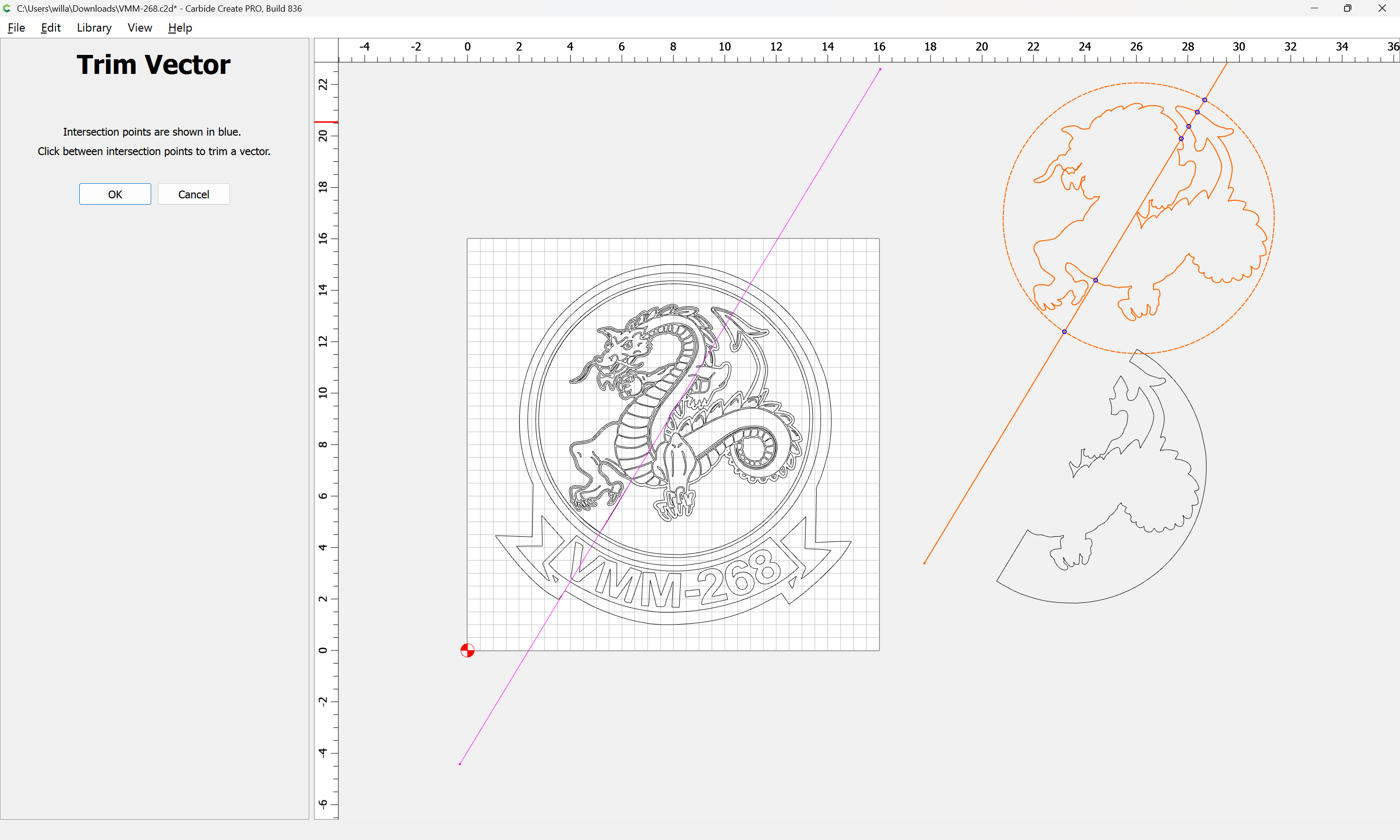
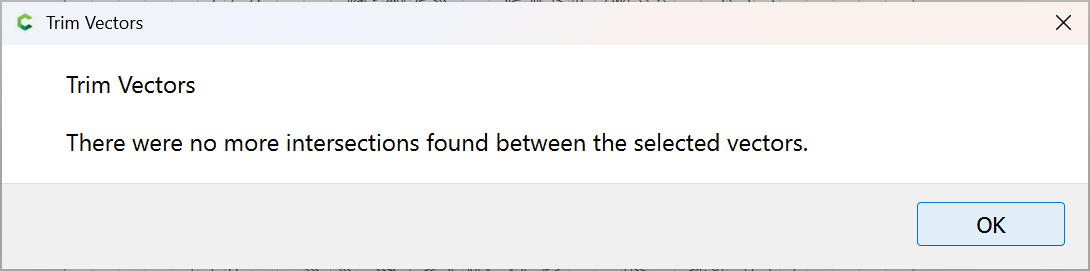
OK
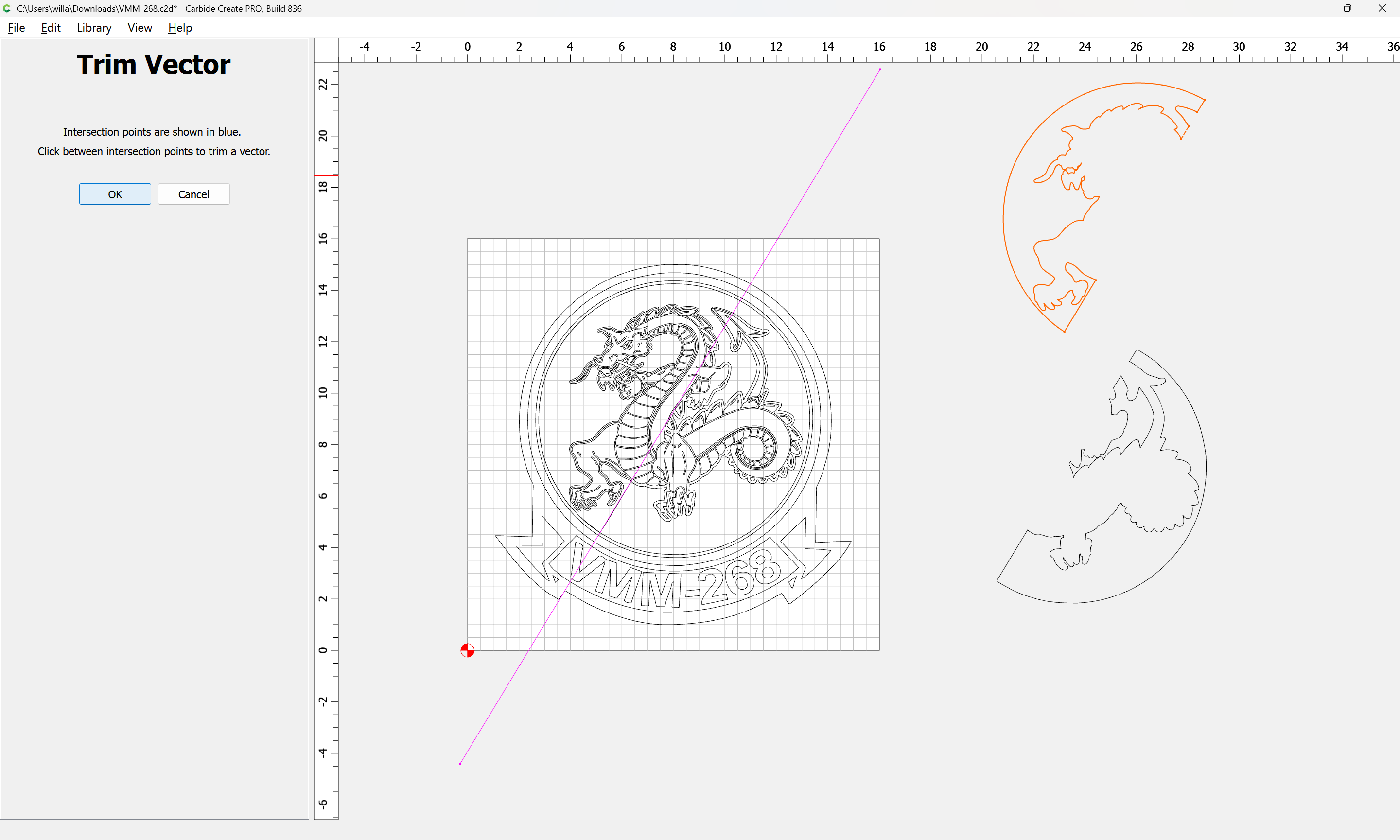
OK
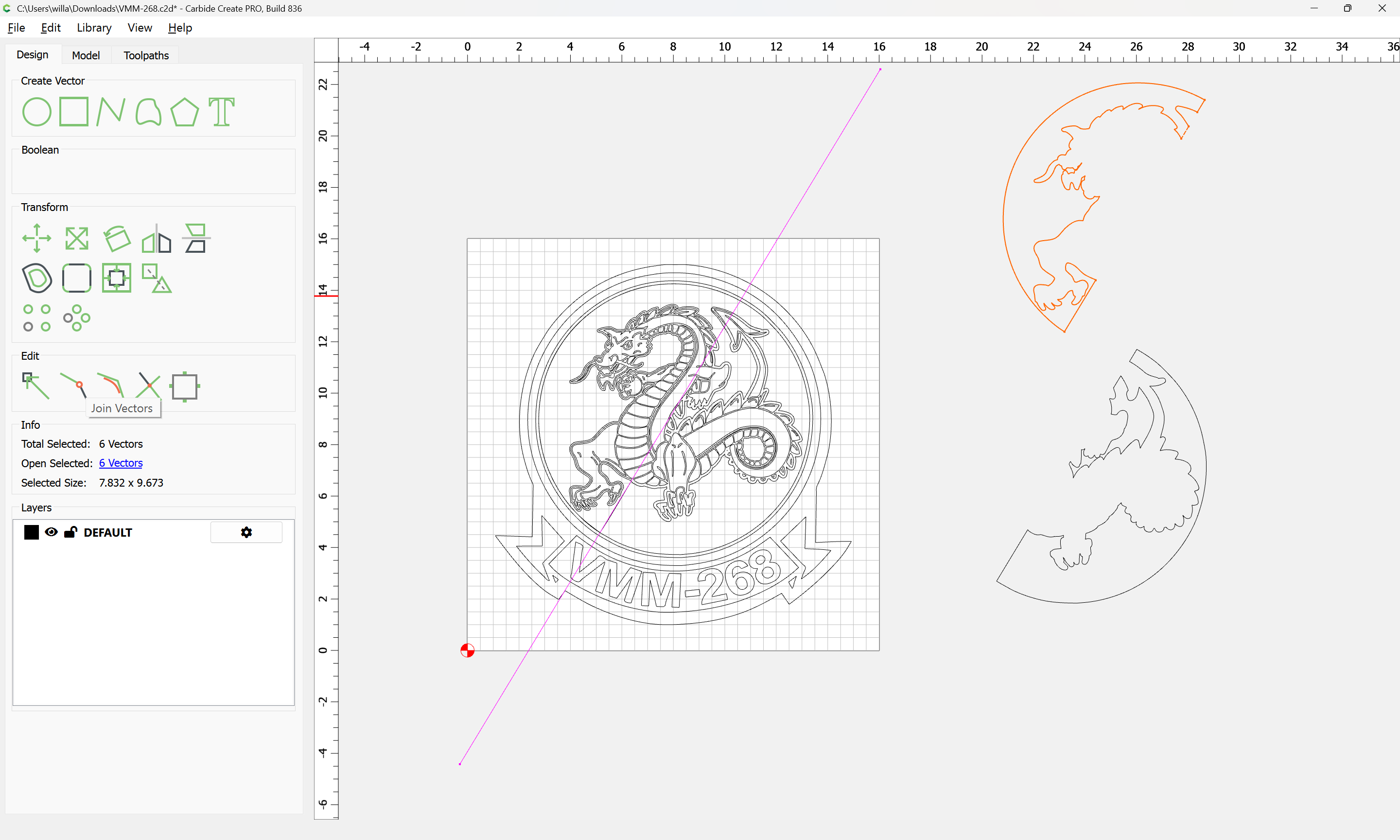
Join Vectors
Yes
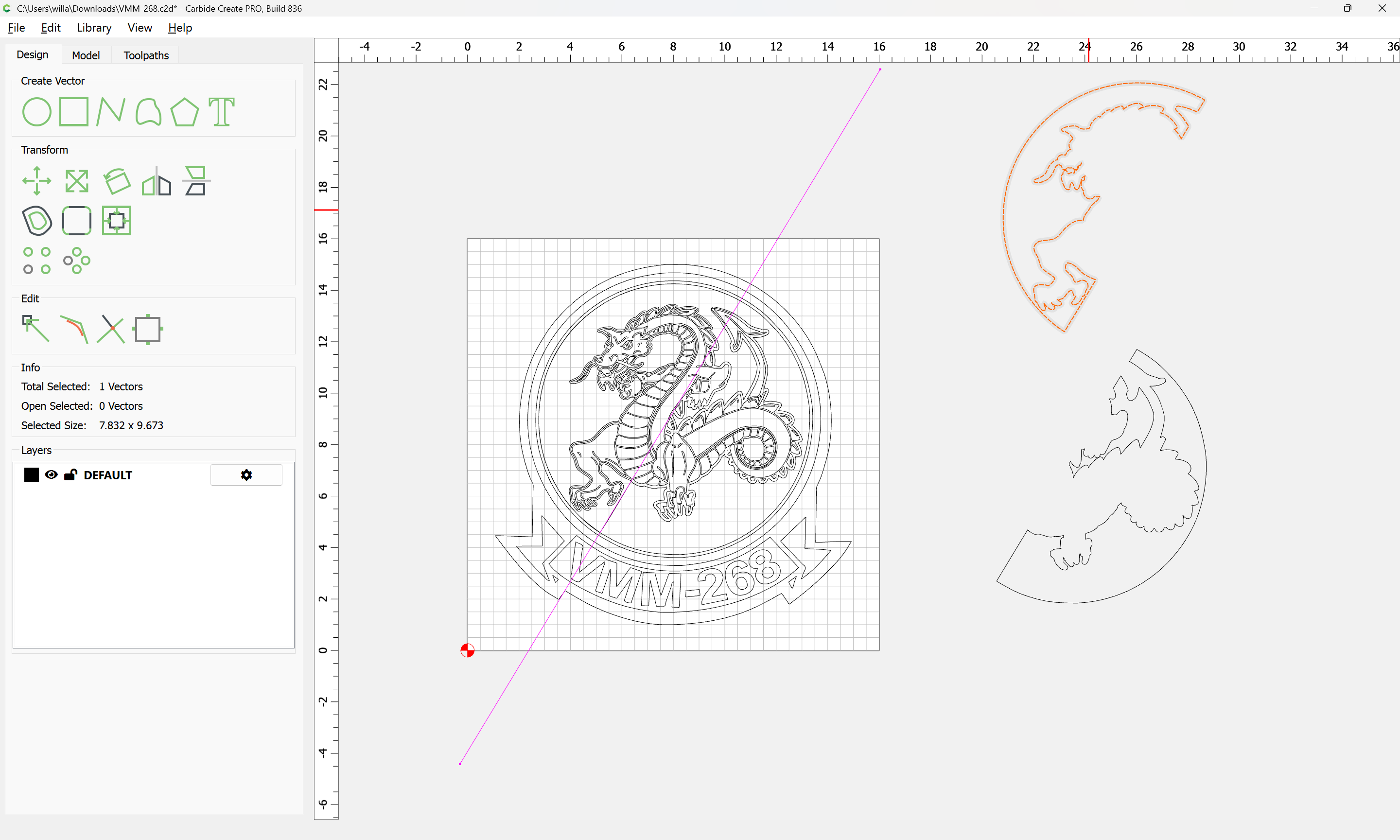
Drag things back into registration, grouping where appropriate:
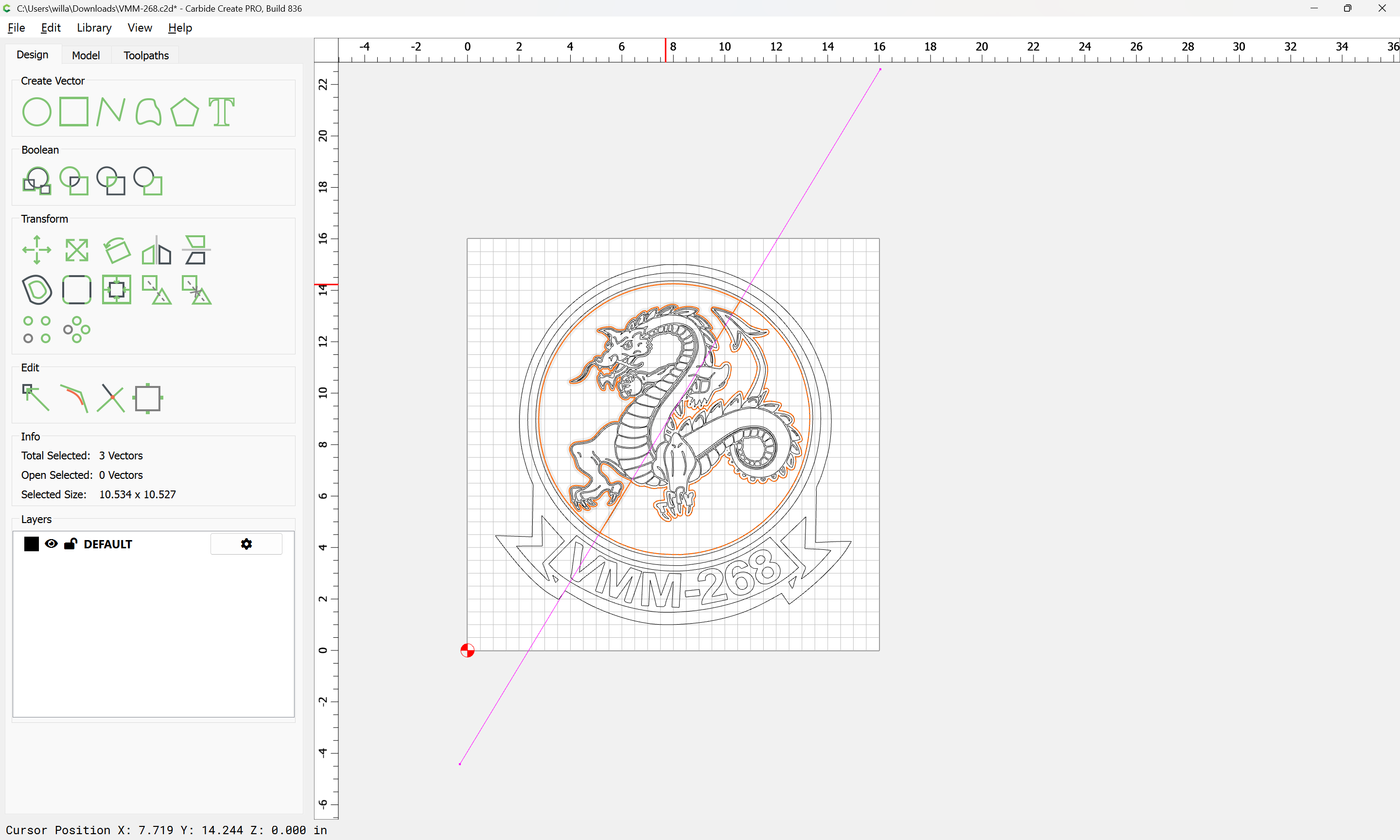
Delete what is not wanted:
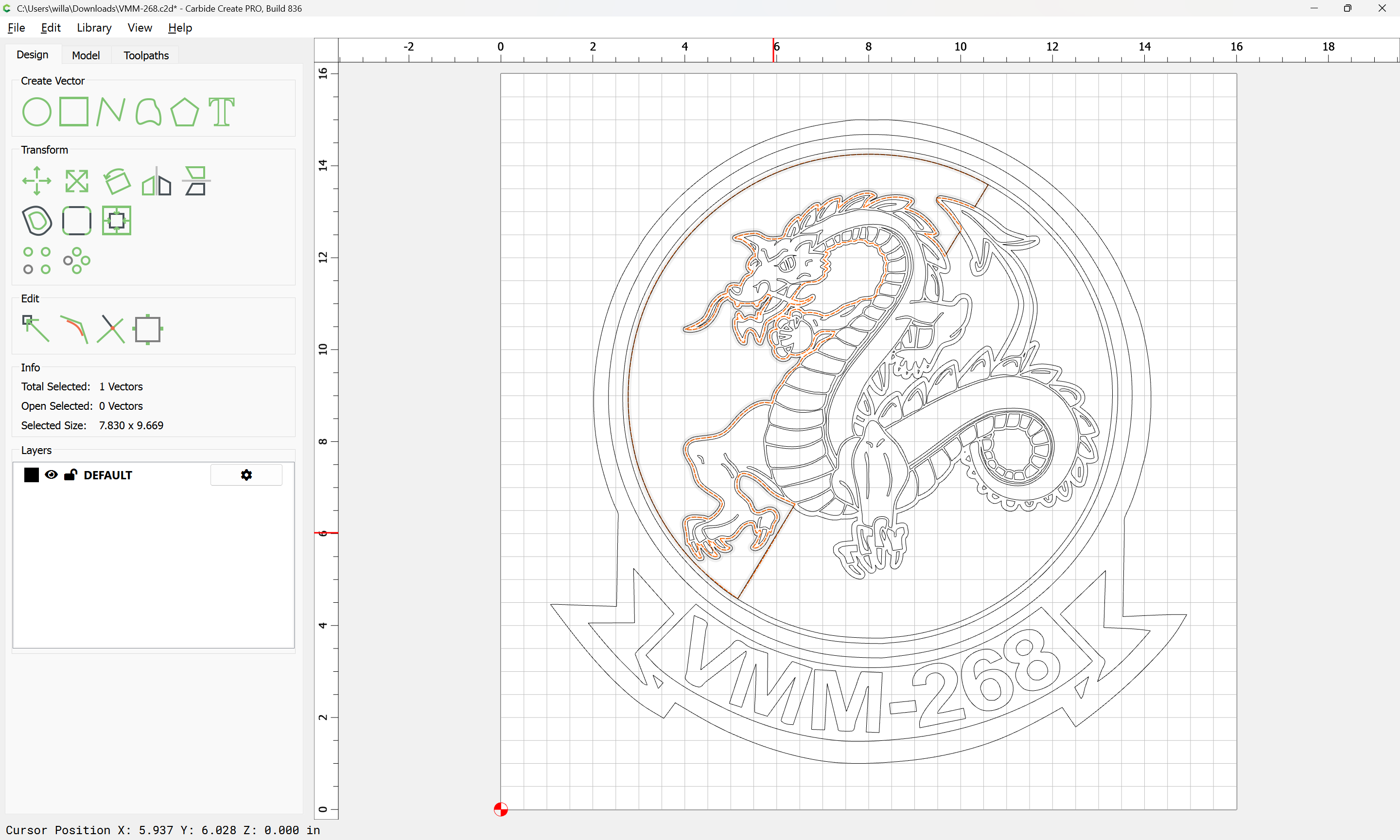
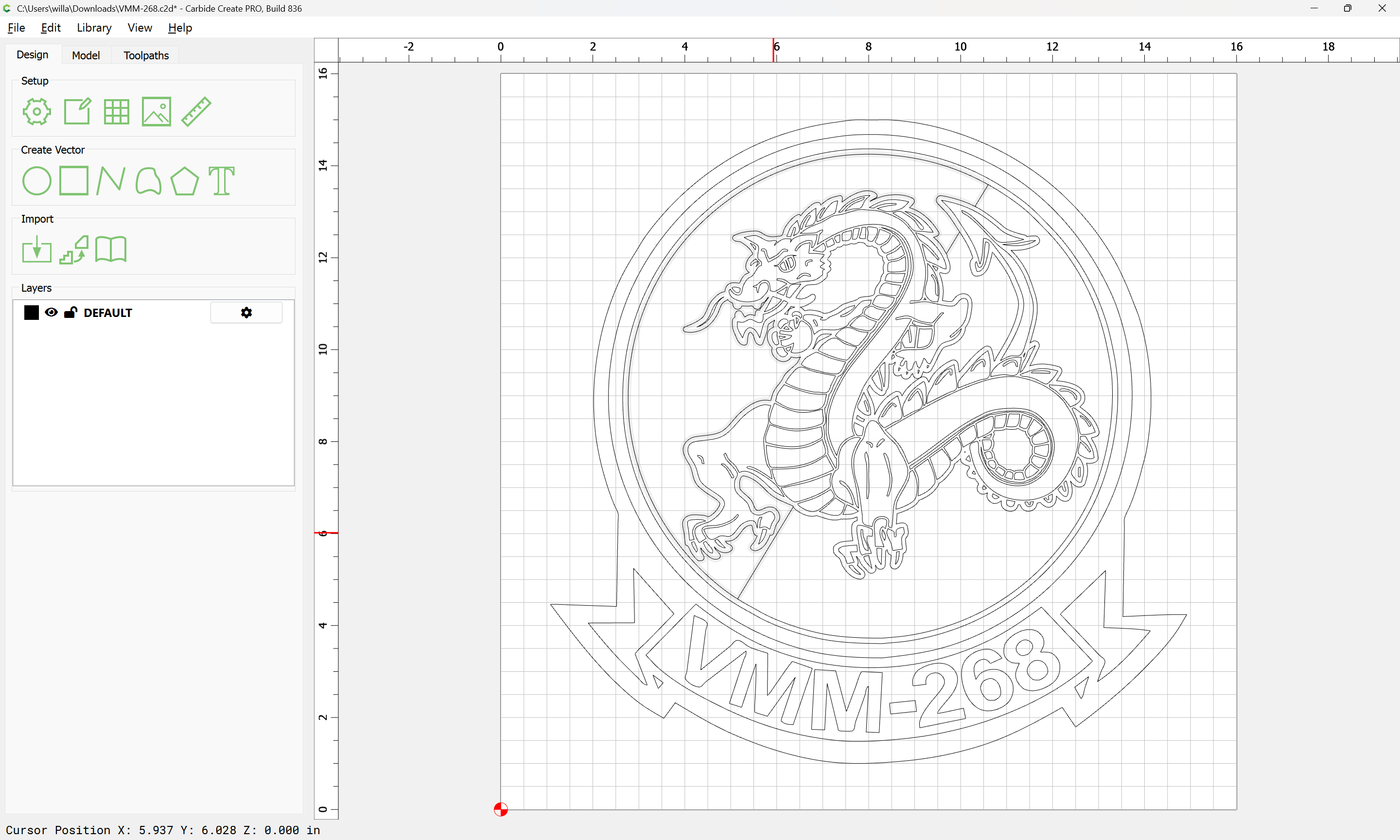
Assign things to appropriate layers and cut as desired.
Attached as a v8 file.
VMM-268_v8.c2d (1.7 MB)