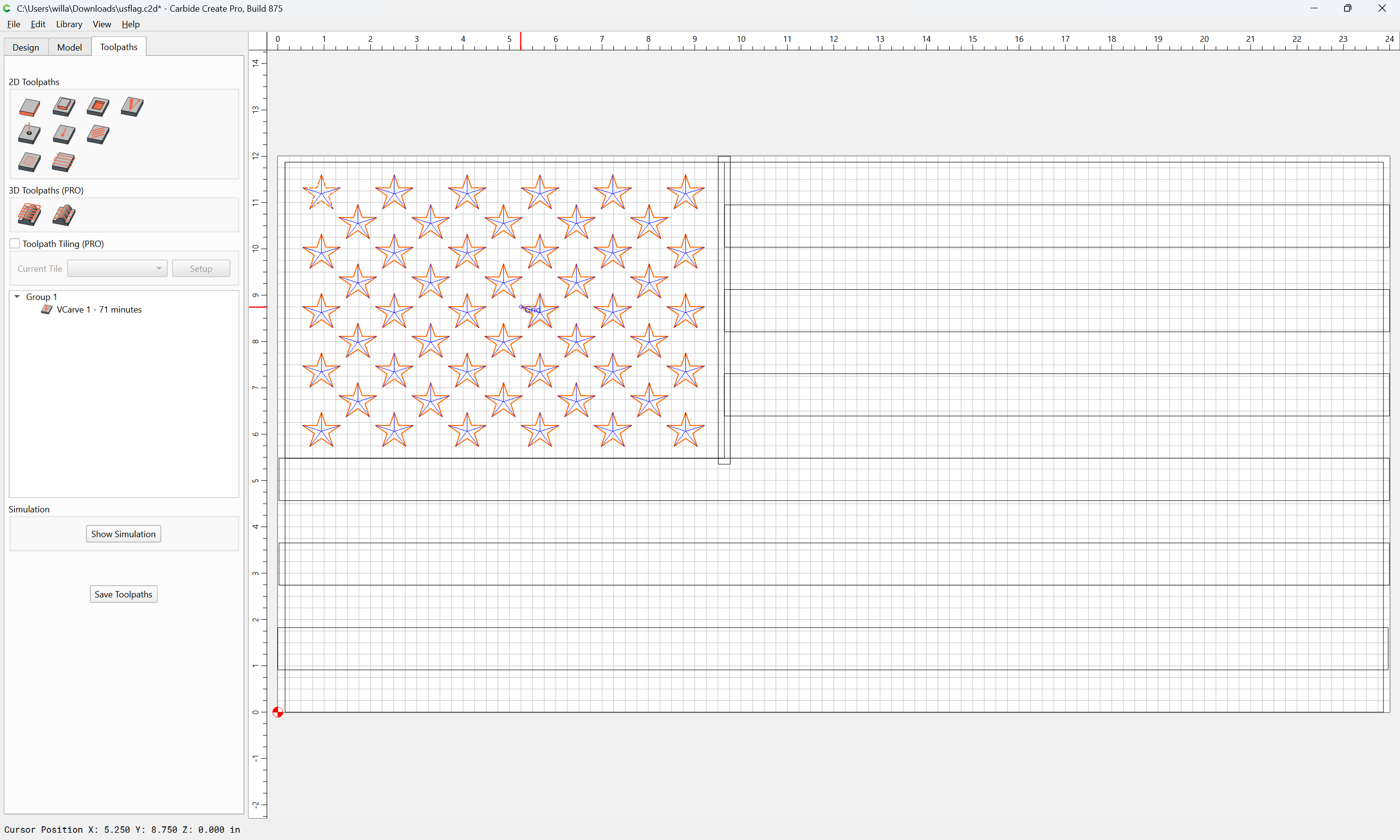
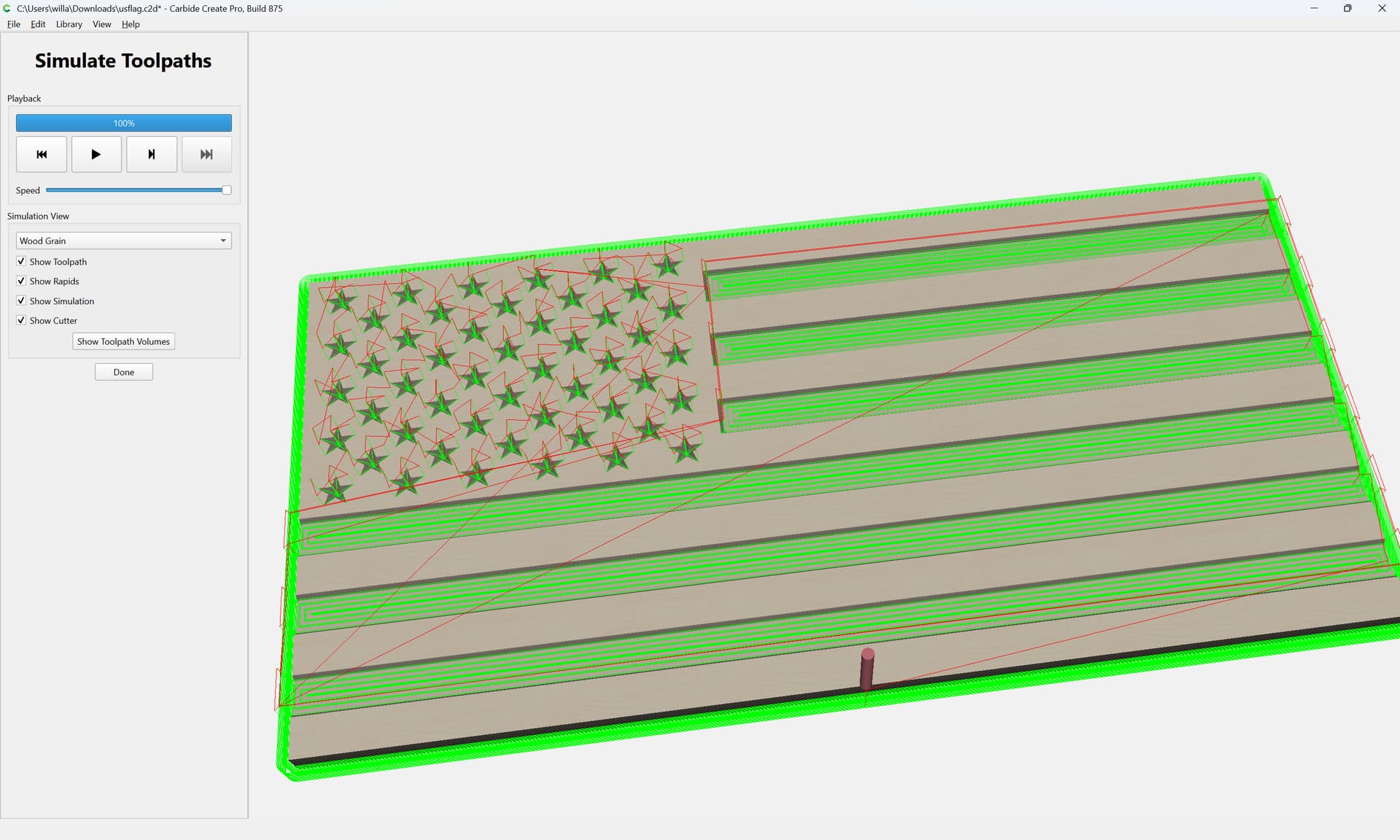
I bought a flag file on Etsy, and when I go into Create to do the toolpath, I don’t know which toolpath to use. I know what bits, but when I try different tollpaths it doesn’t look right in the sim.
Stars - 90° v bit
Stripes -1/4” end mill pocket cut
Line between union and stripes - 1/4” end mill contour cut, no offset
Flag outline - 1/4” end mill contour cut, no offset
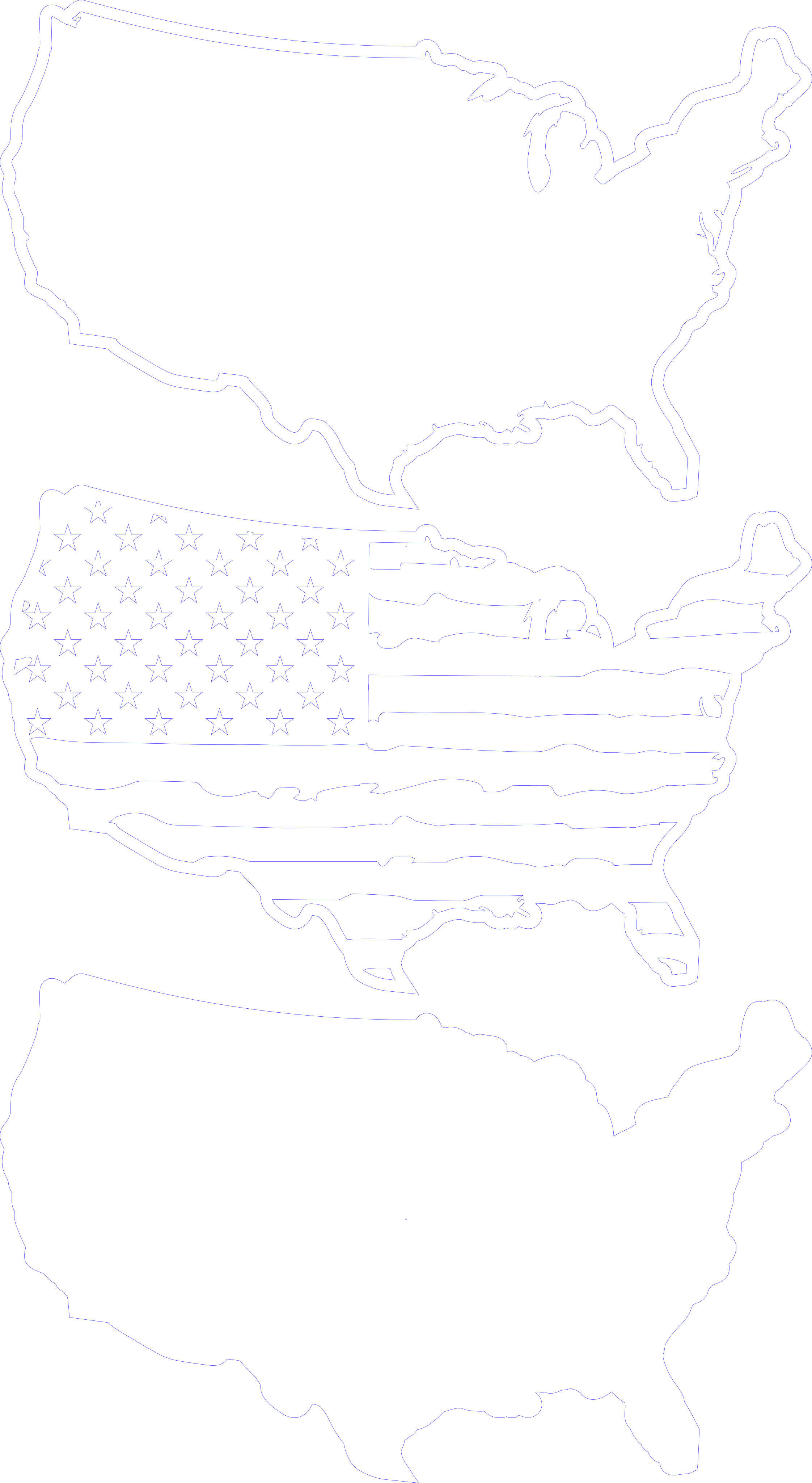
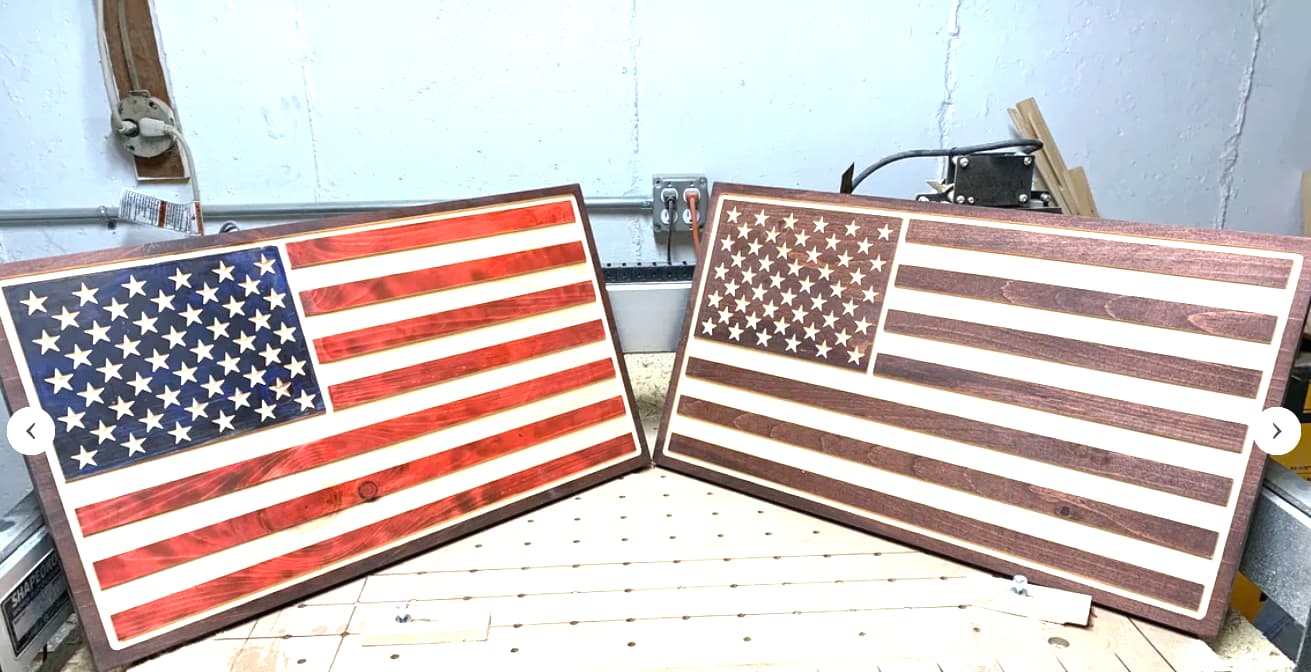
Sorry, I don’t know how to share the file
usflag.c2d (120 KB)
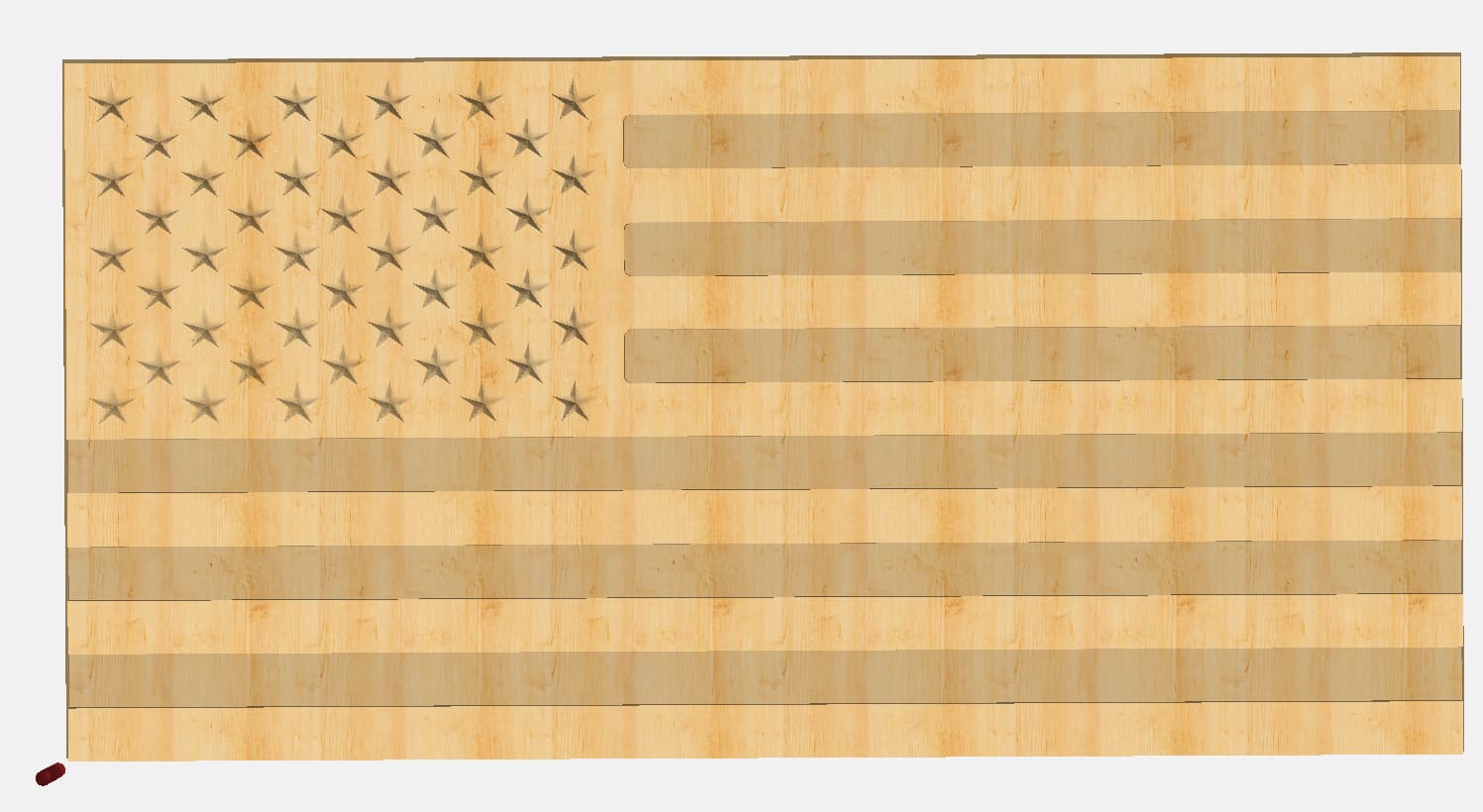
US Base Flag SD GUY toolpaths.c2d (144 KB)
US Base Flag SD GUY toolpaths 757 build with Rest machine on Stripes.c2d (156 KB)
Setting up toolpaths in Carbide Create is a matter of selecting and then applying.
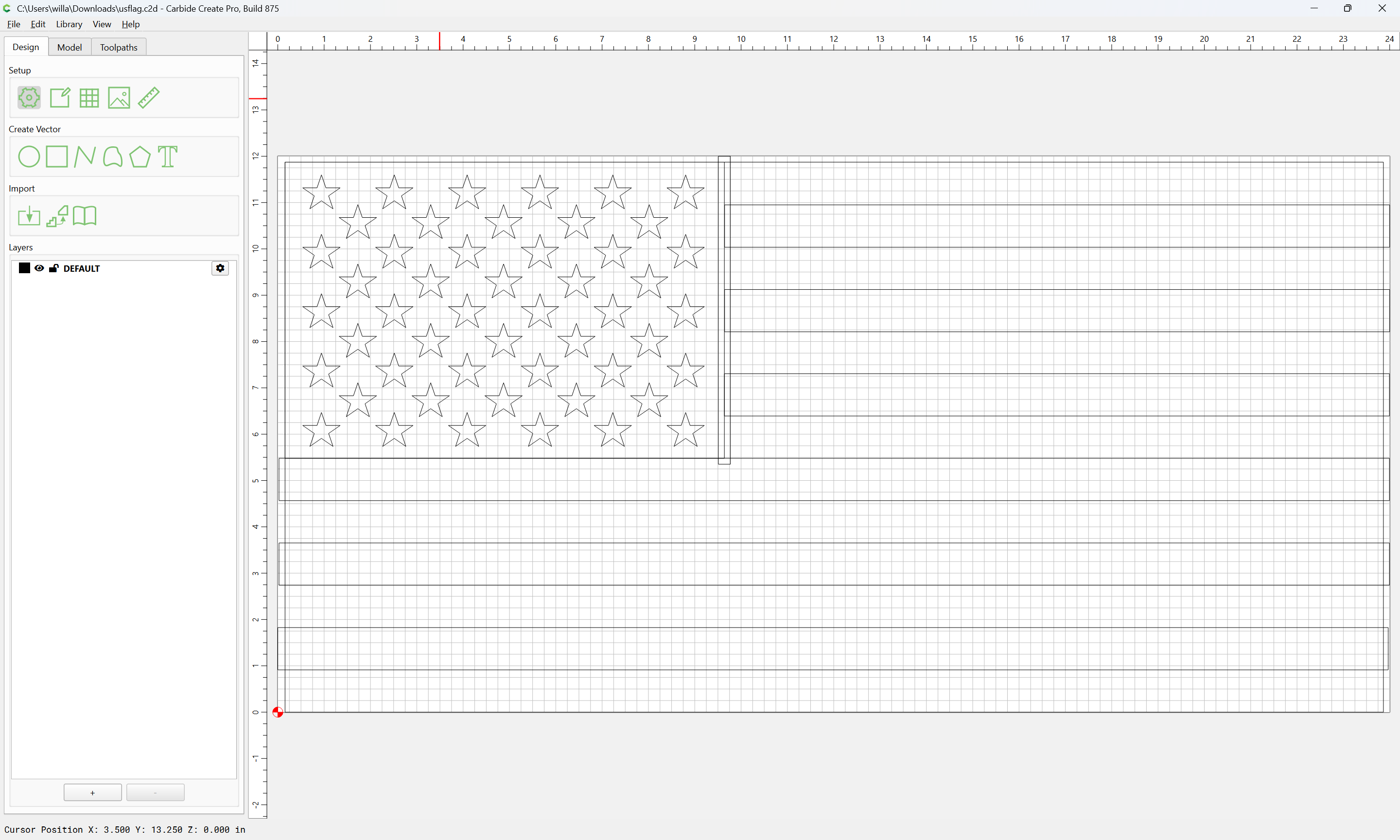
If you wish to apply a V-carving toolpath to the stars for instance, drag to select them:
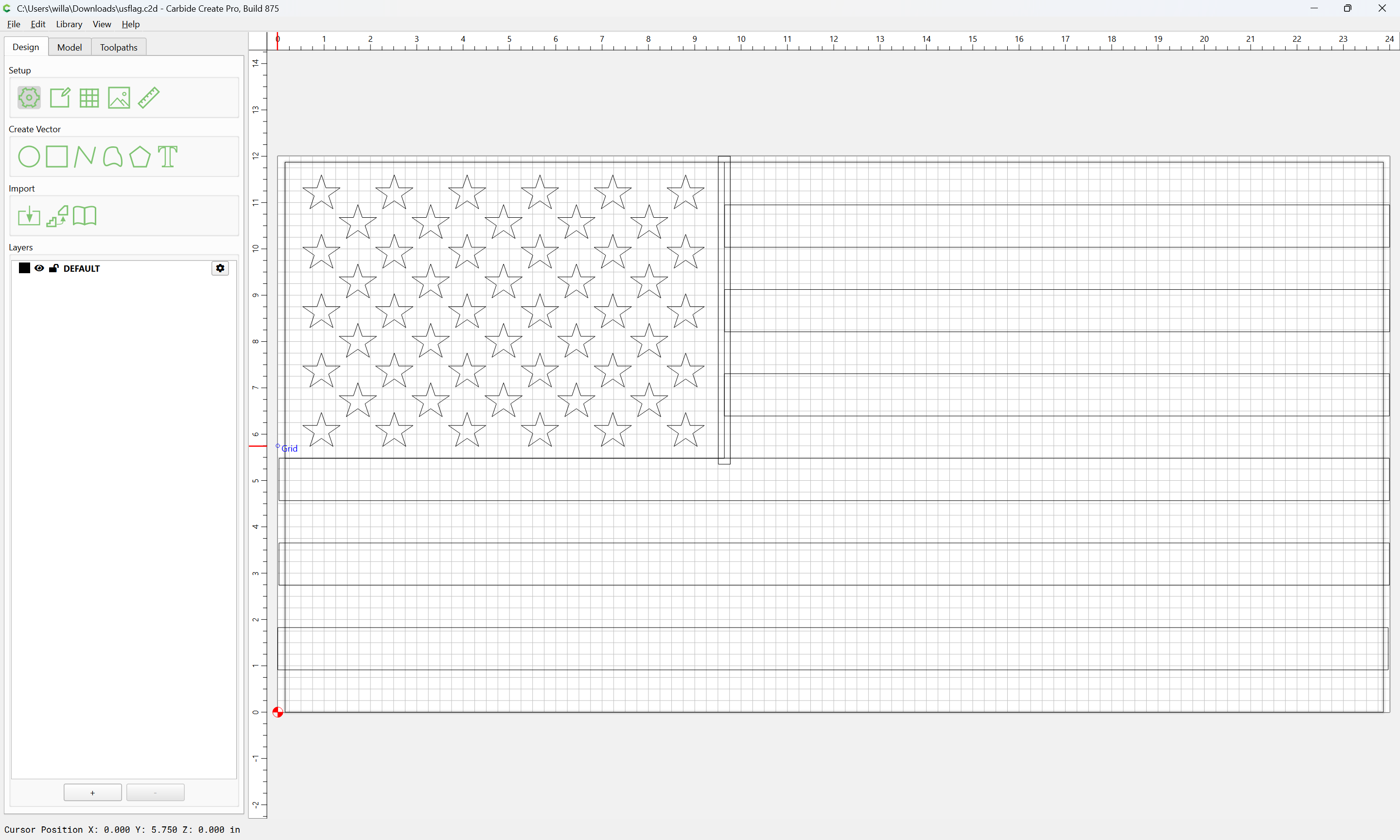
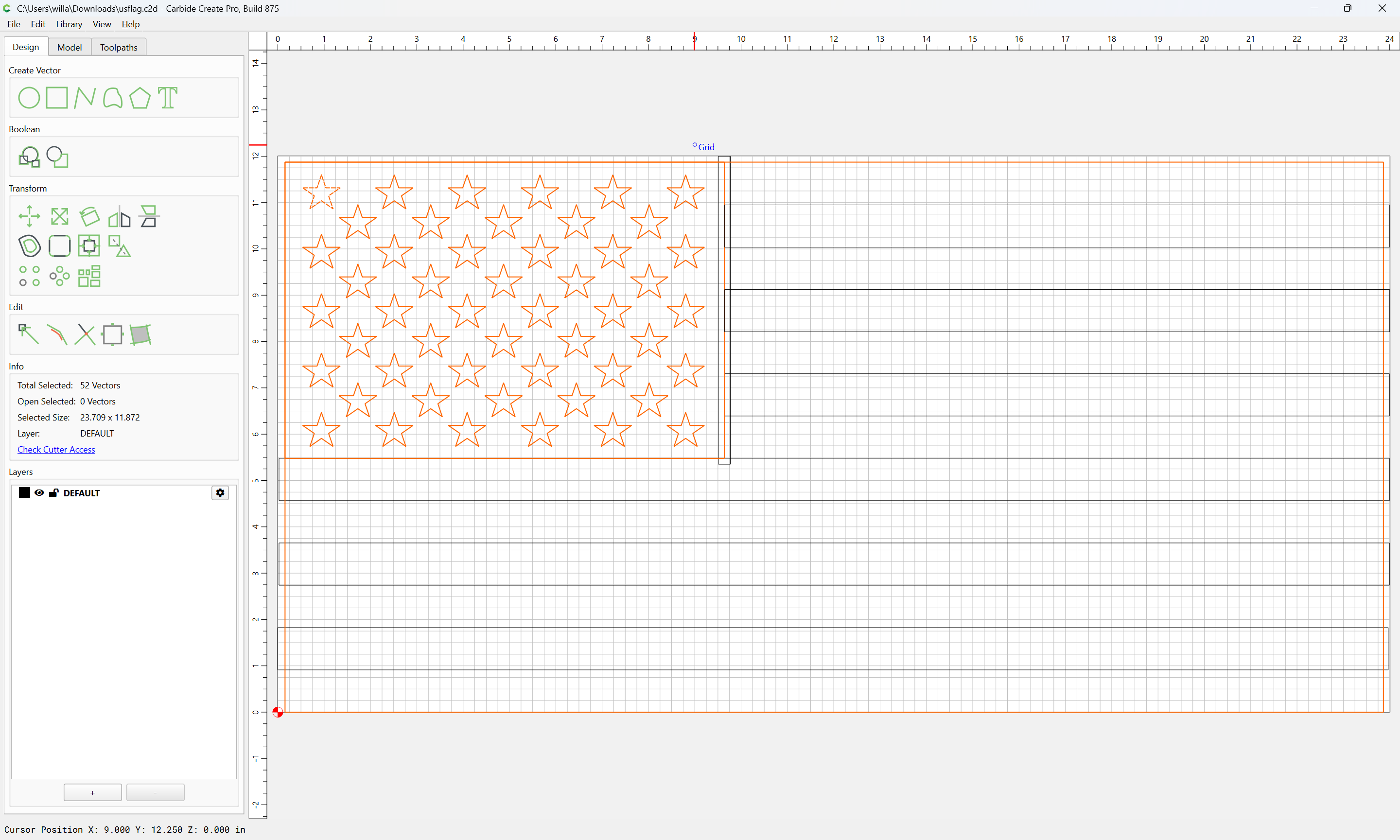
If too many things are selected, shift-click on the unwanted items to remove them from the selection:
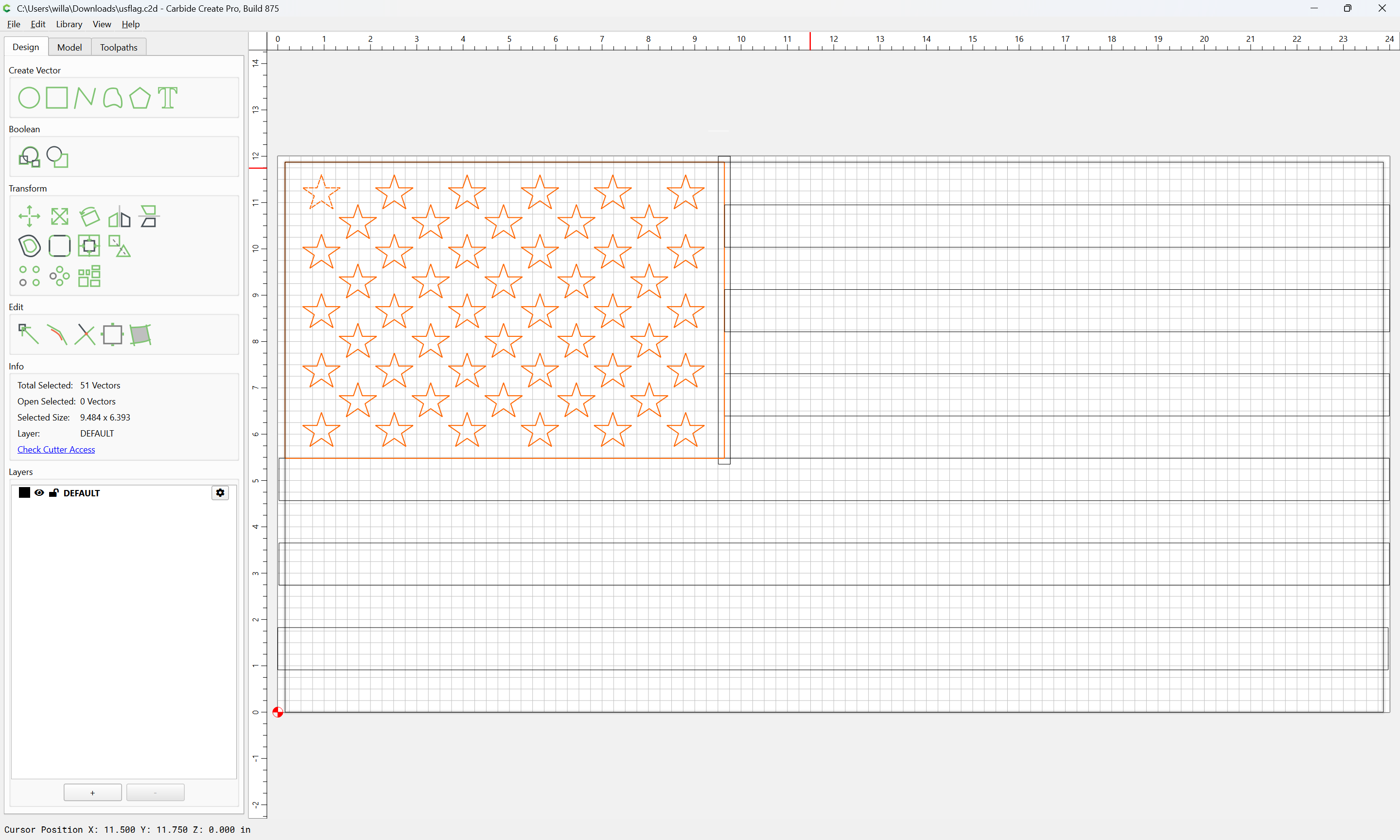
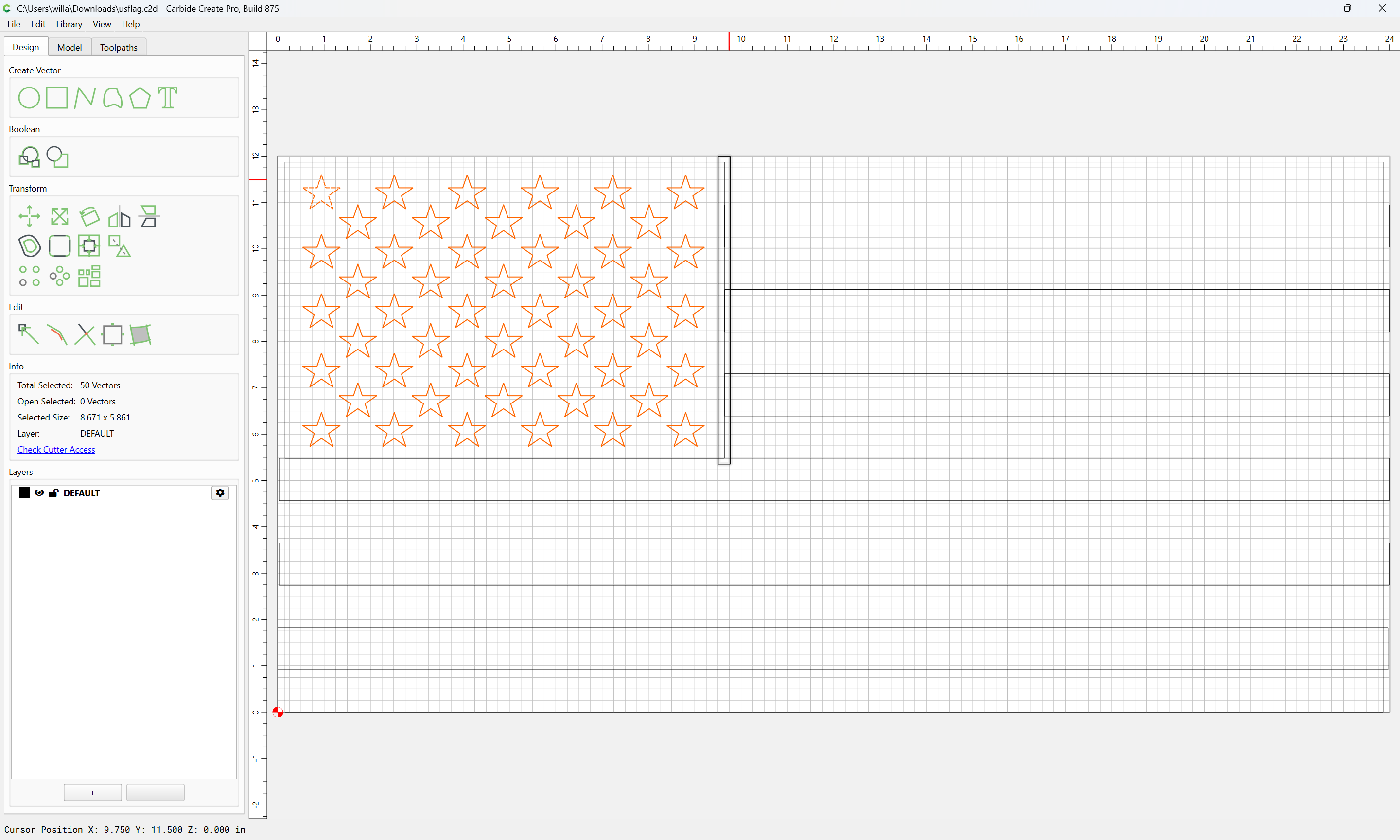
Then, once one has the desired selection, switch to the Toolpaths pane:
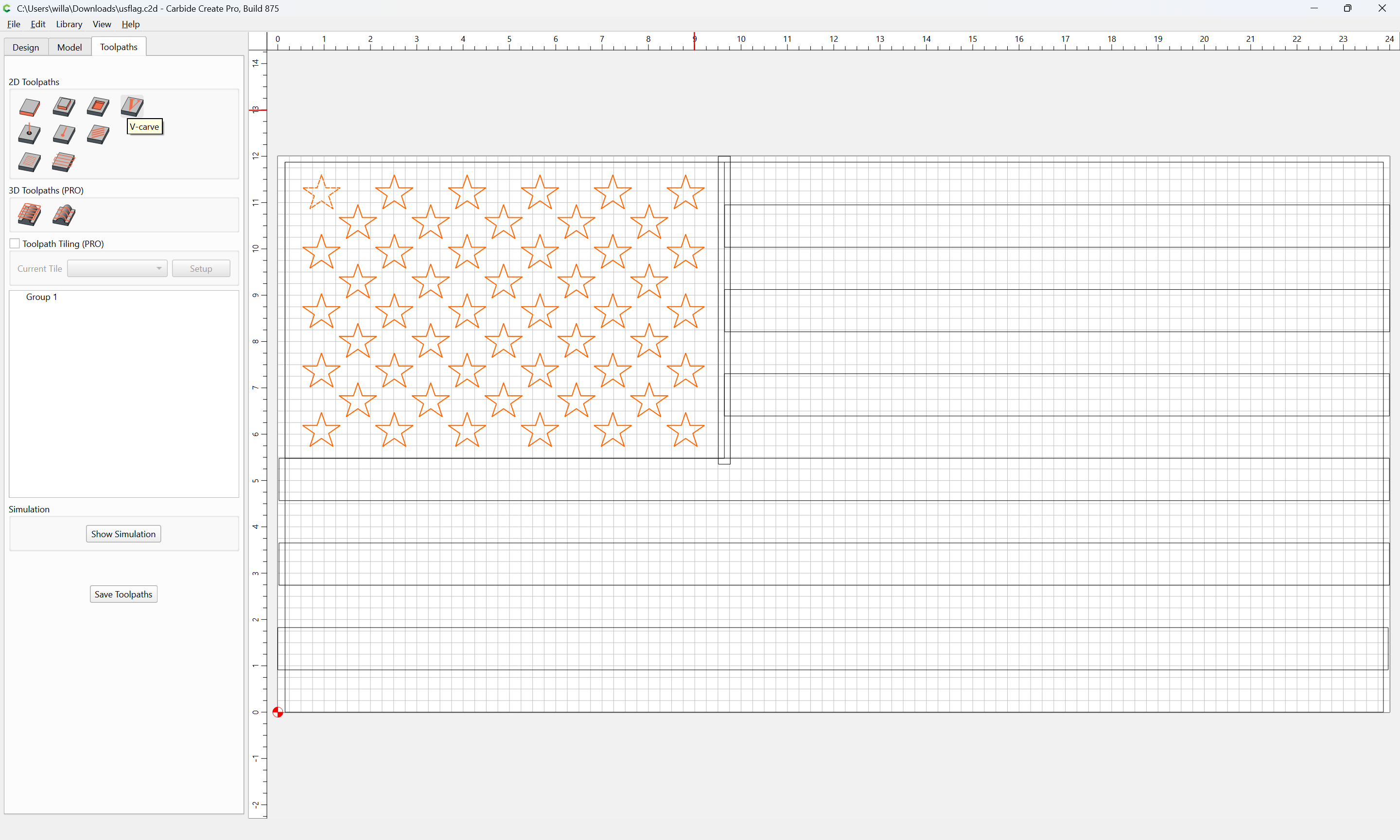
Select the desired toolpath:
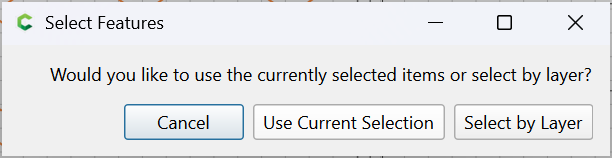
Use Current Selection
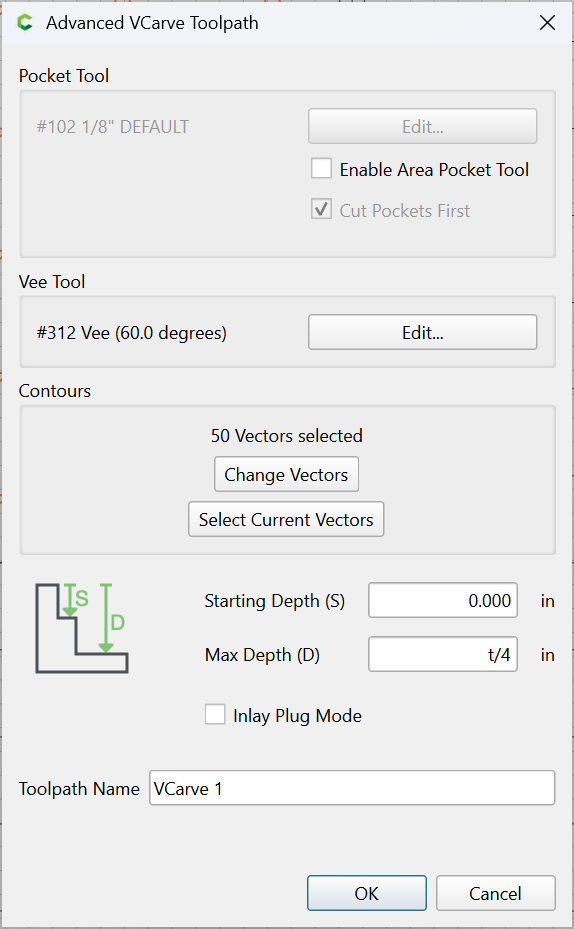
and set the desired parameters:
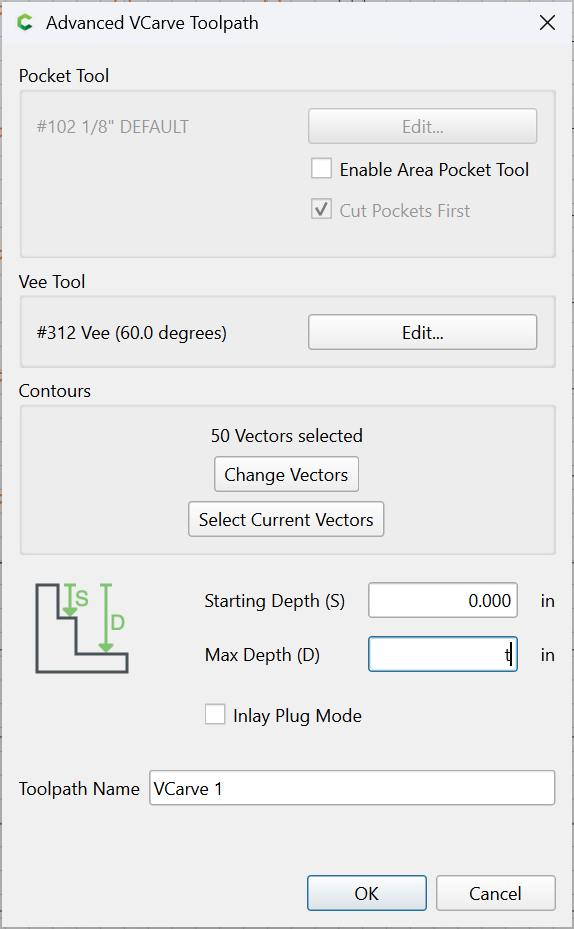
OK
Show Simulation:
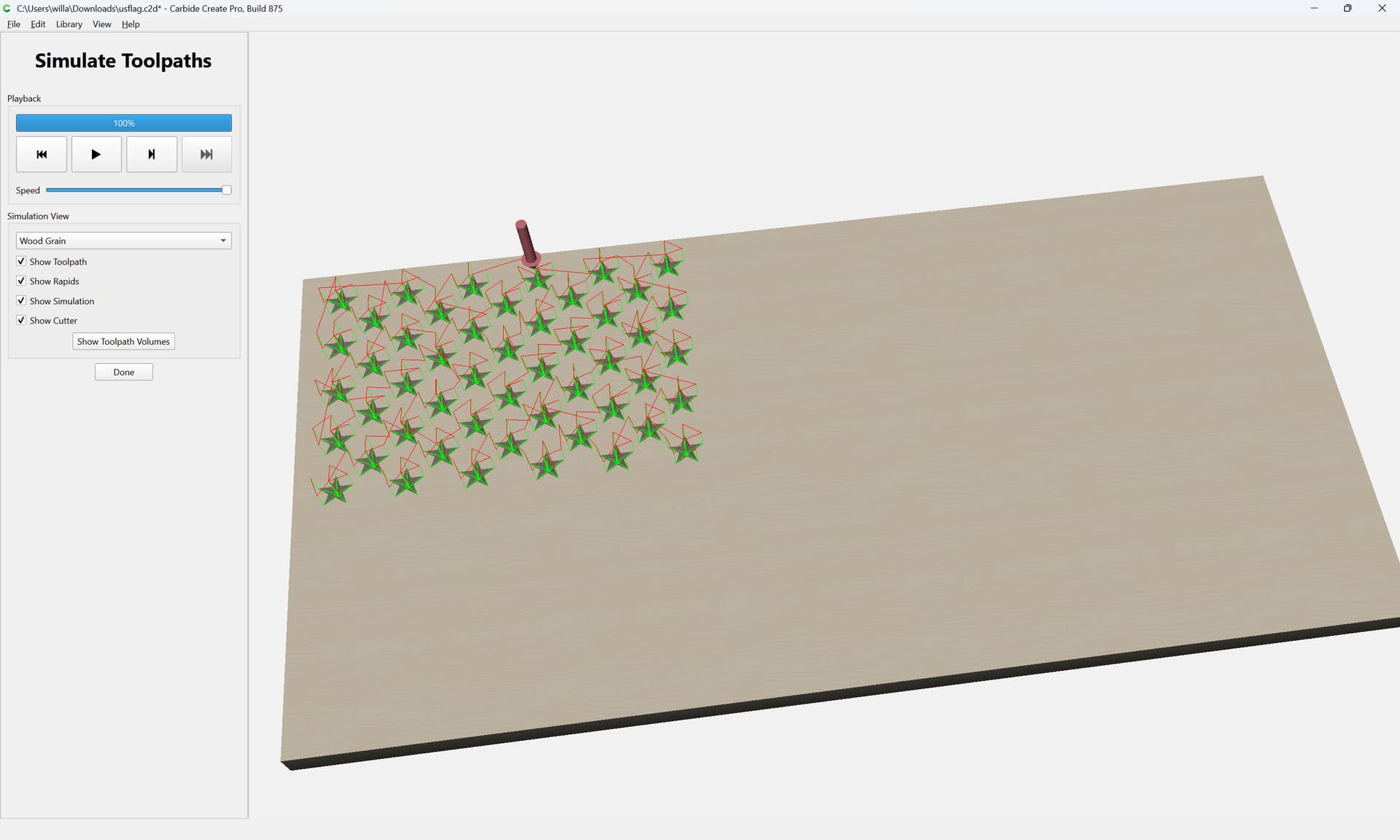
See:
2 Likes
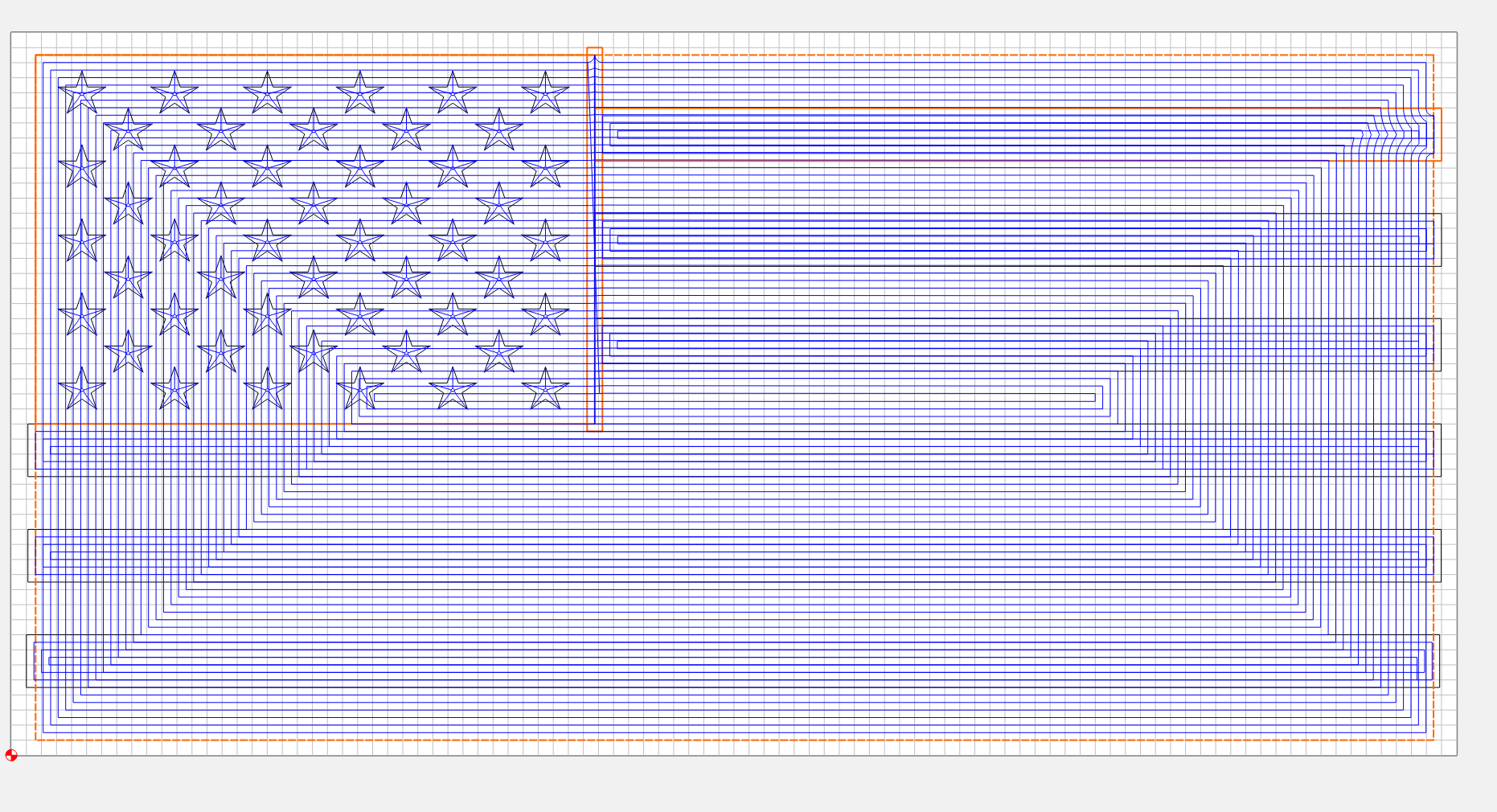
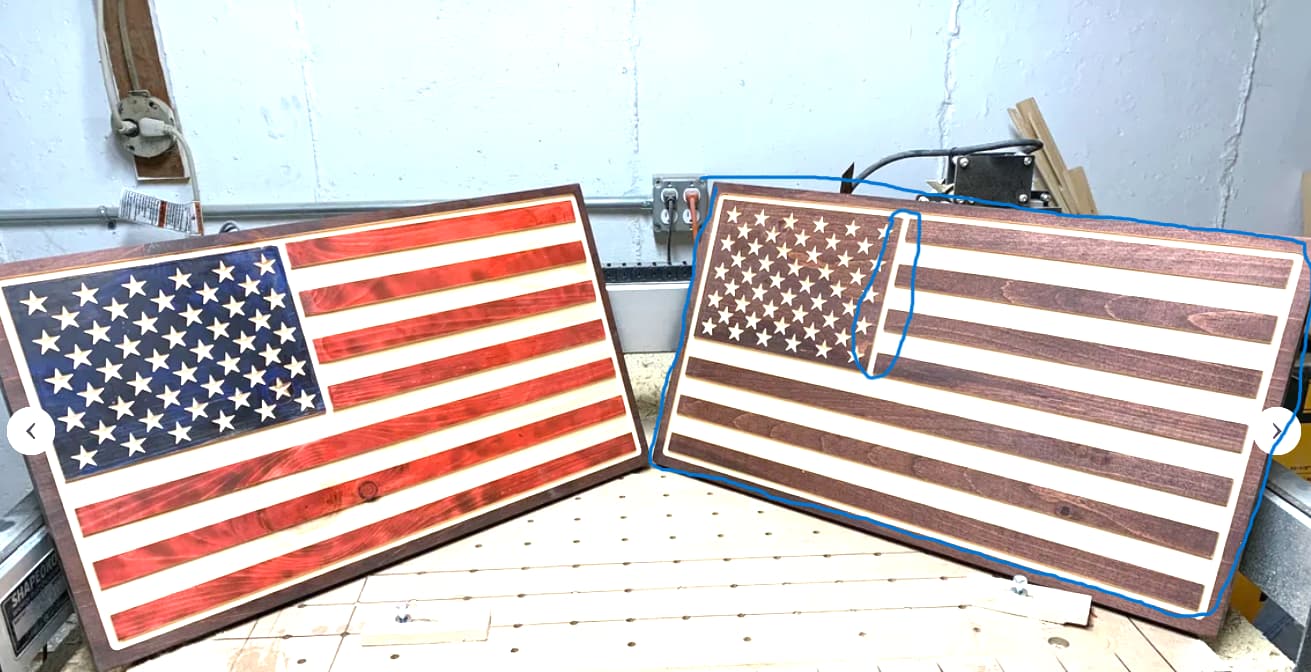
So I got the stripes and the stars, but I’m trying to make the orange line in this picture only go around the edge like in the first color picture I sent. How do I do that?
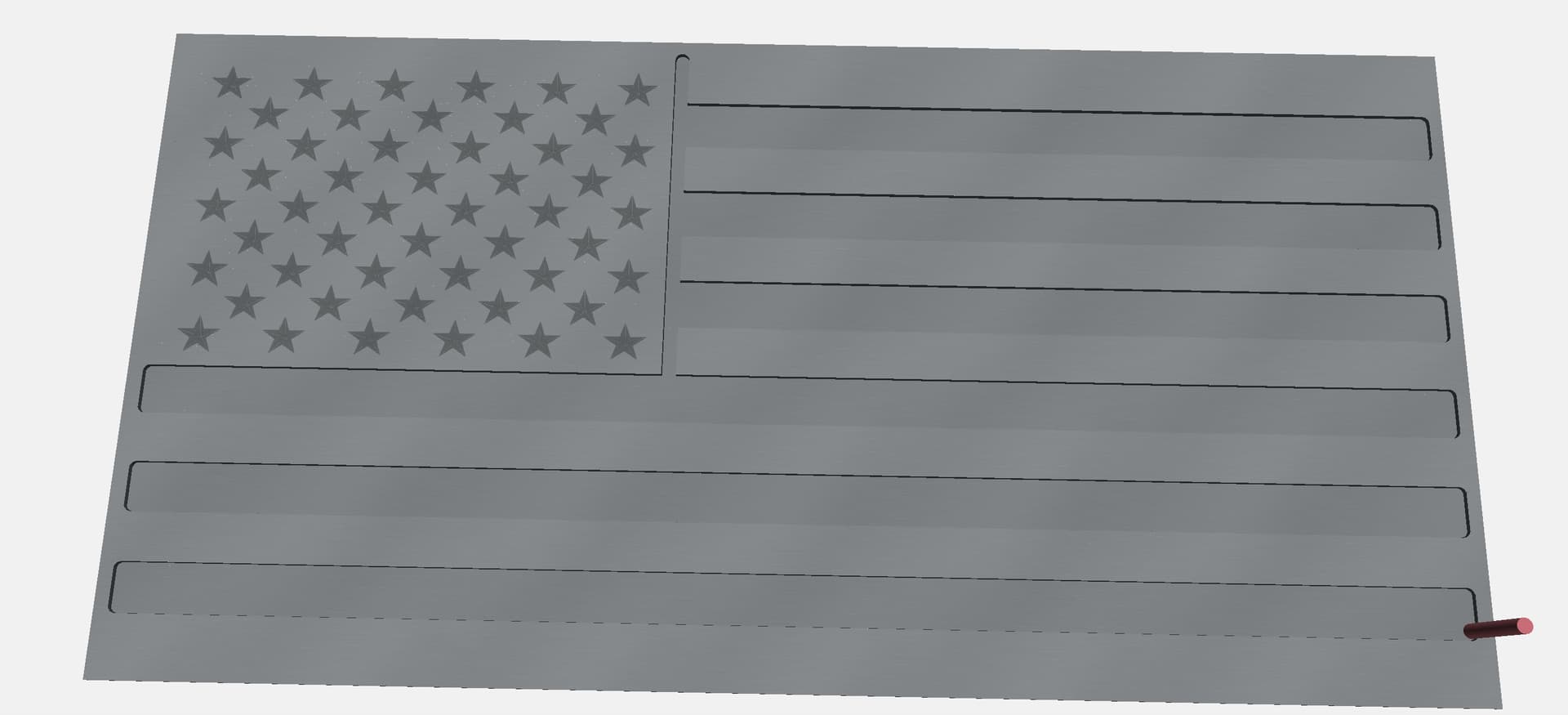
Thanks for this. The first one works, but the second 757 says it was made in Pro and removed some things. I don’t have Pro yet. LOL
1 Like
Select it:
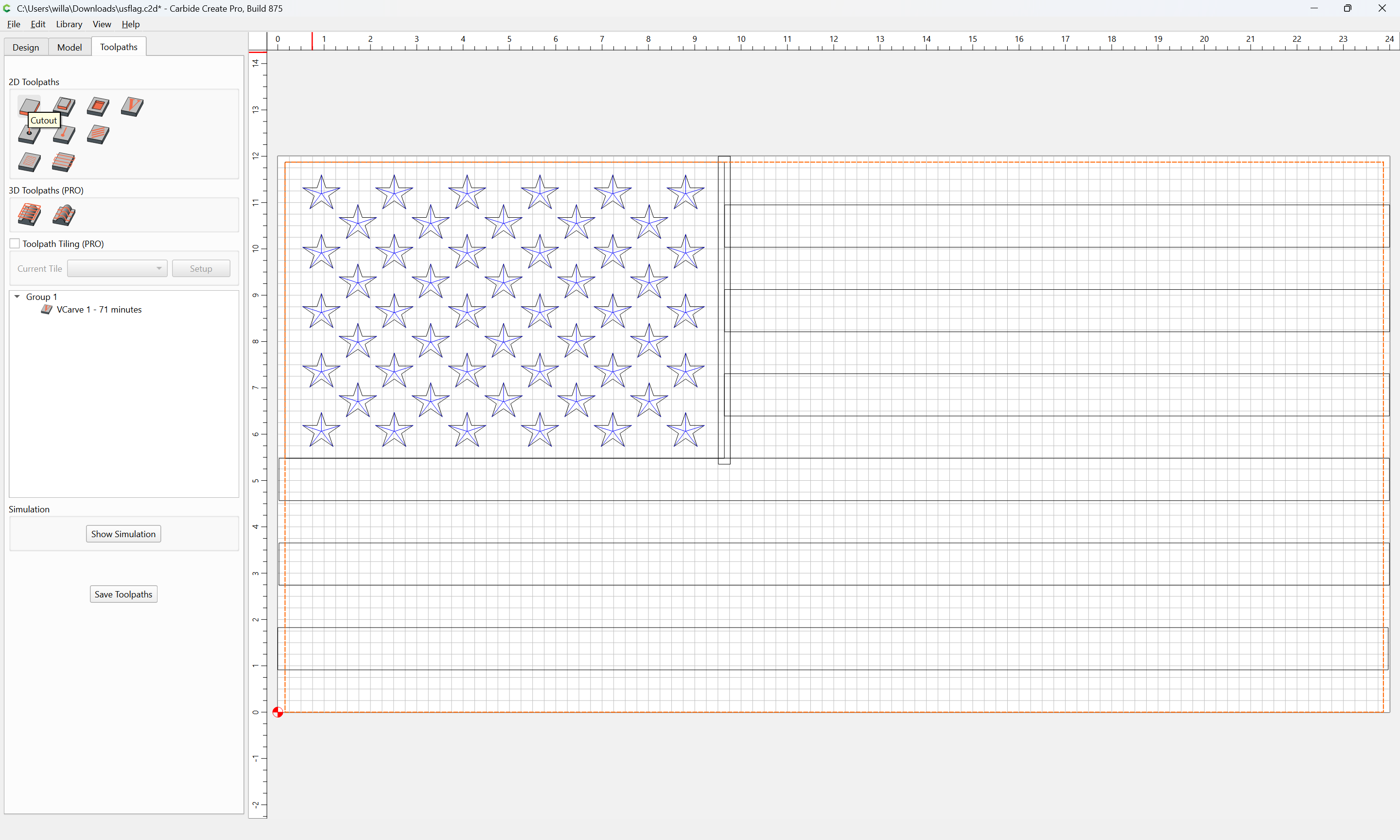
and use a Cutout Toolpath:
Use Current Selection
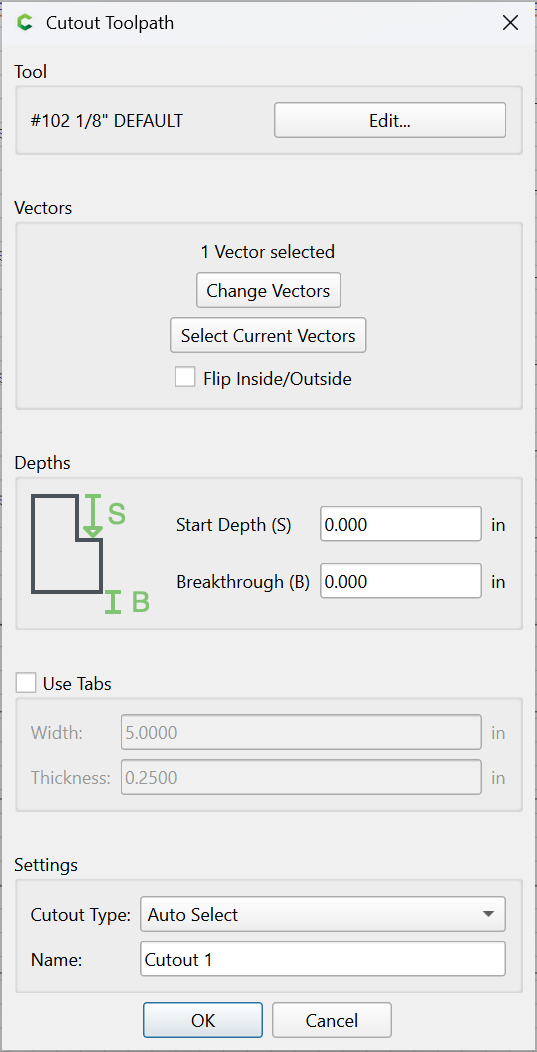
setting the parameters as desired:
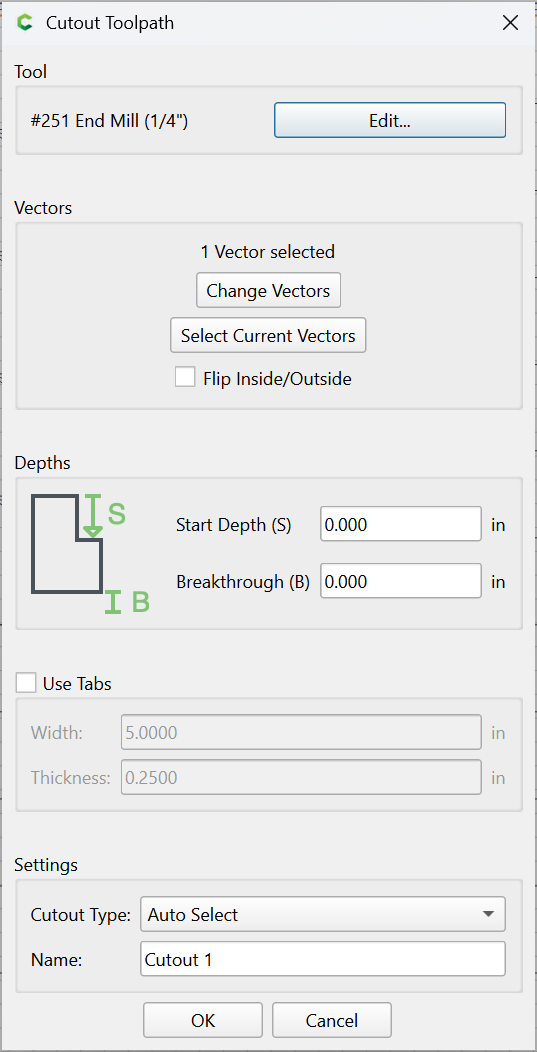
OK
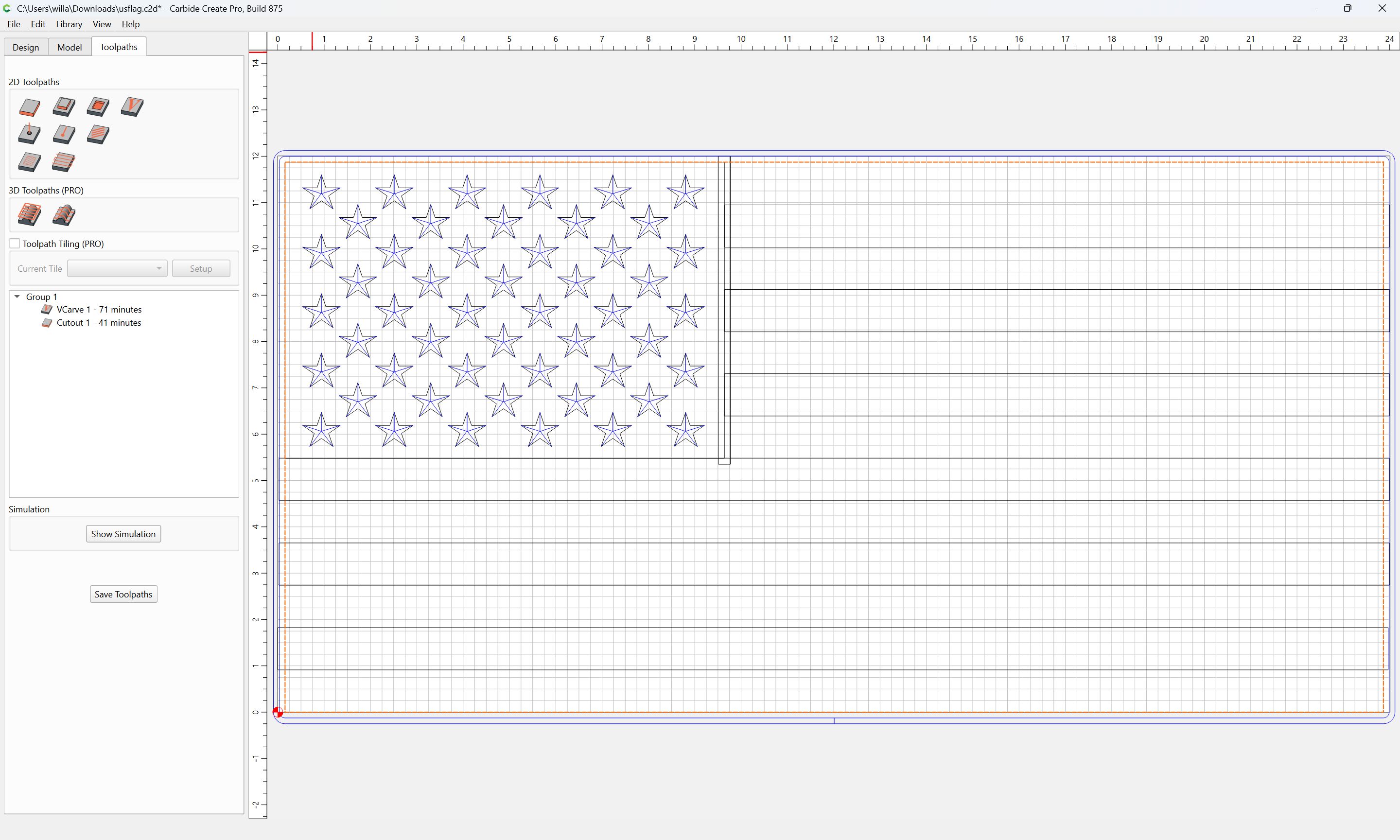
Show Simulation
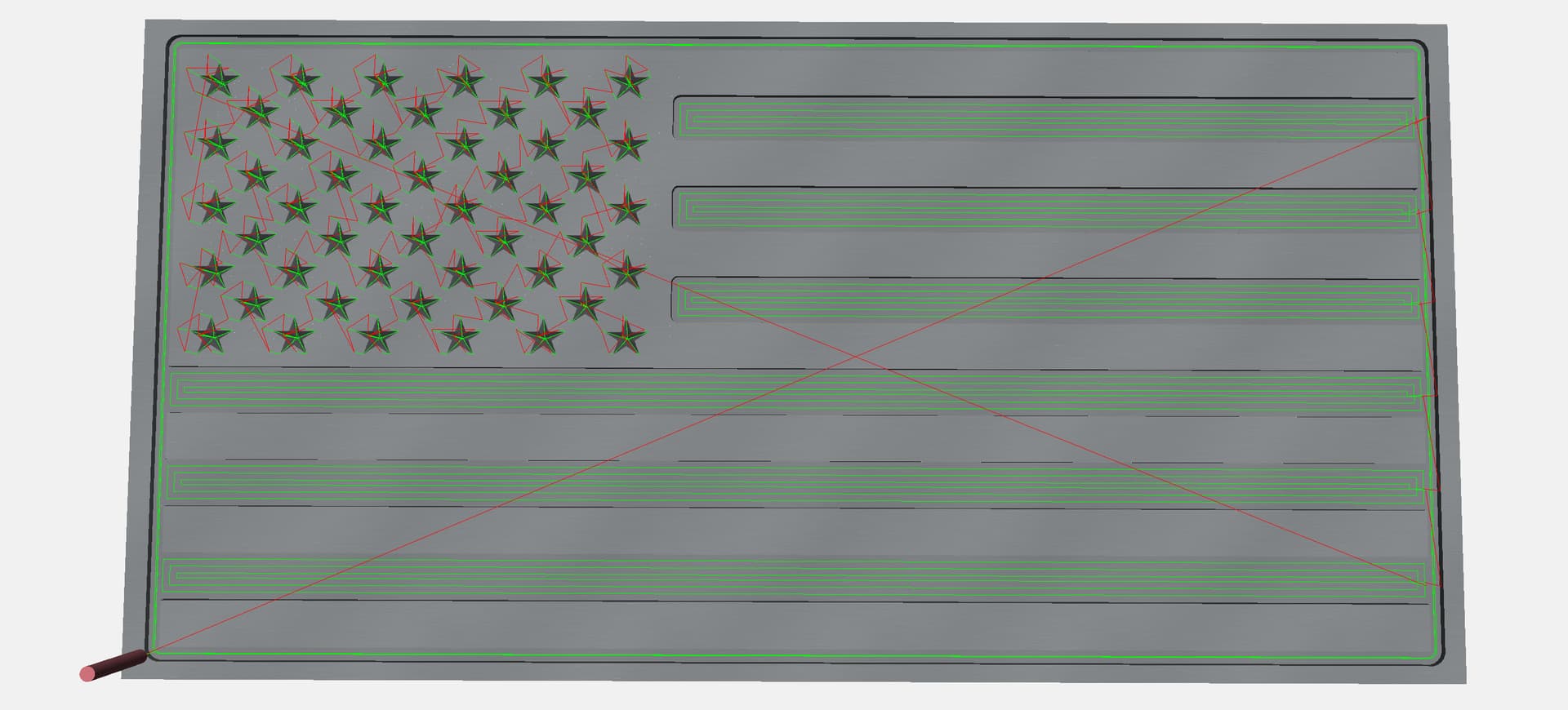
That would be a separate toolpath/selection:
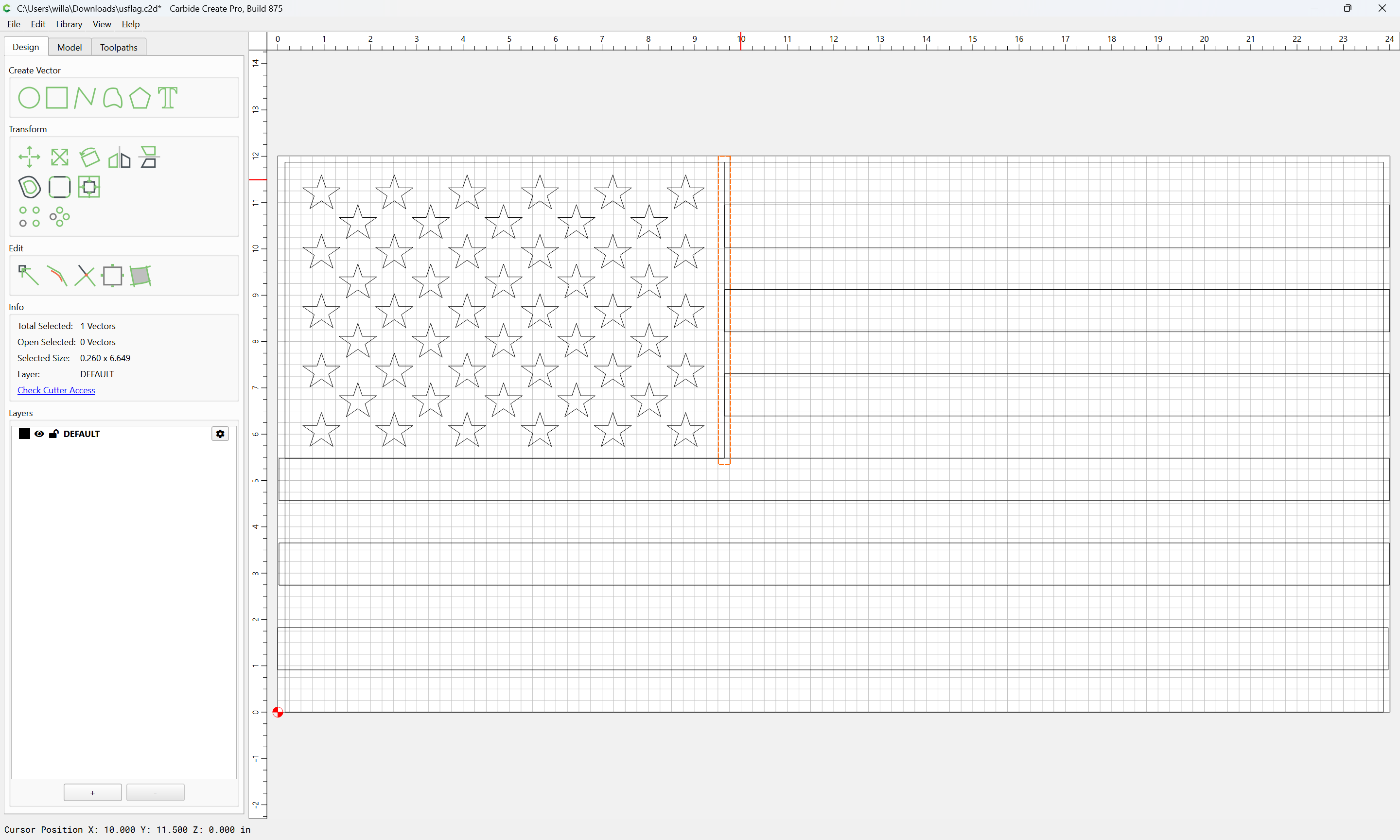
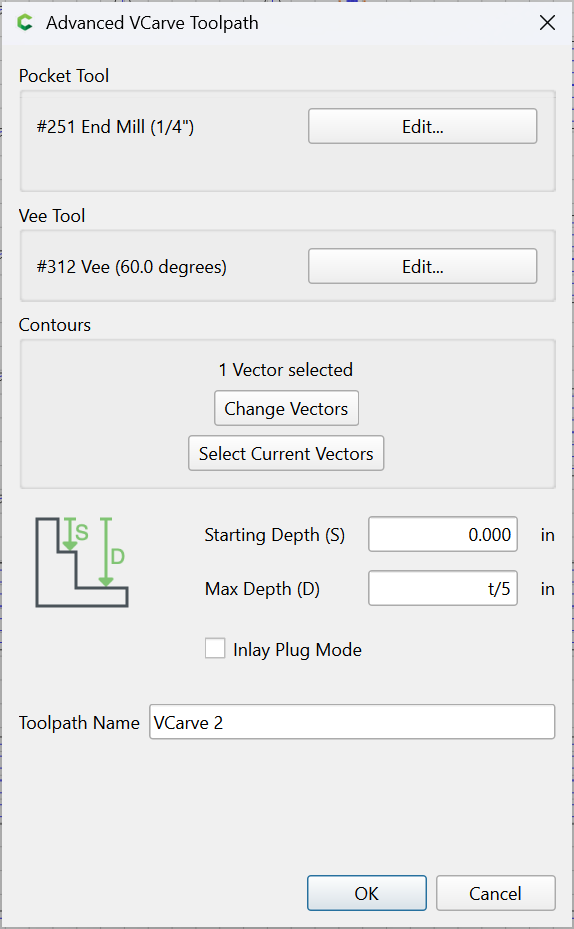
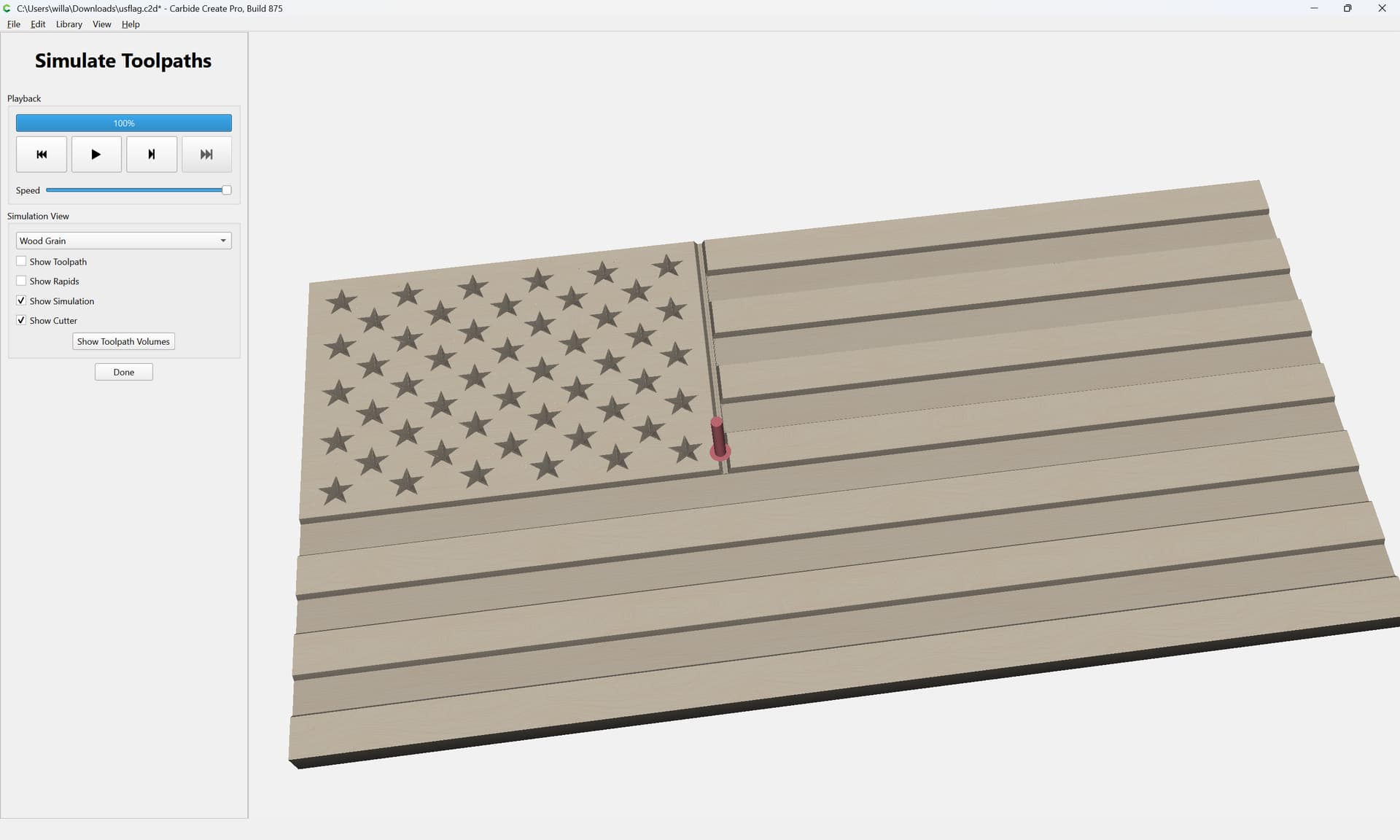
This would probably be easier with slightly different geometry — select the Union and the stripes and the surrounding geometry — instead, you want the uncut regions and a surround, something like:

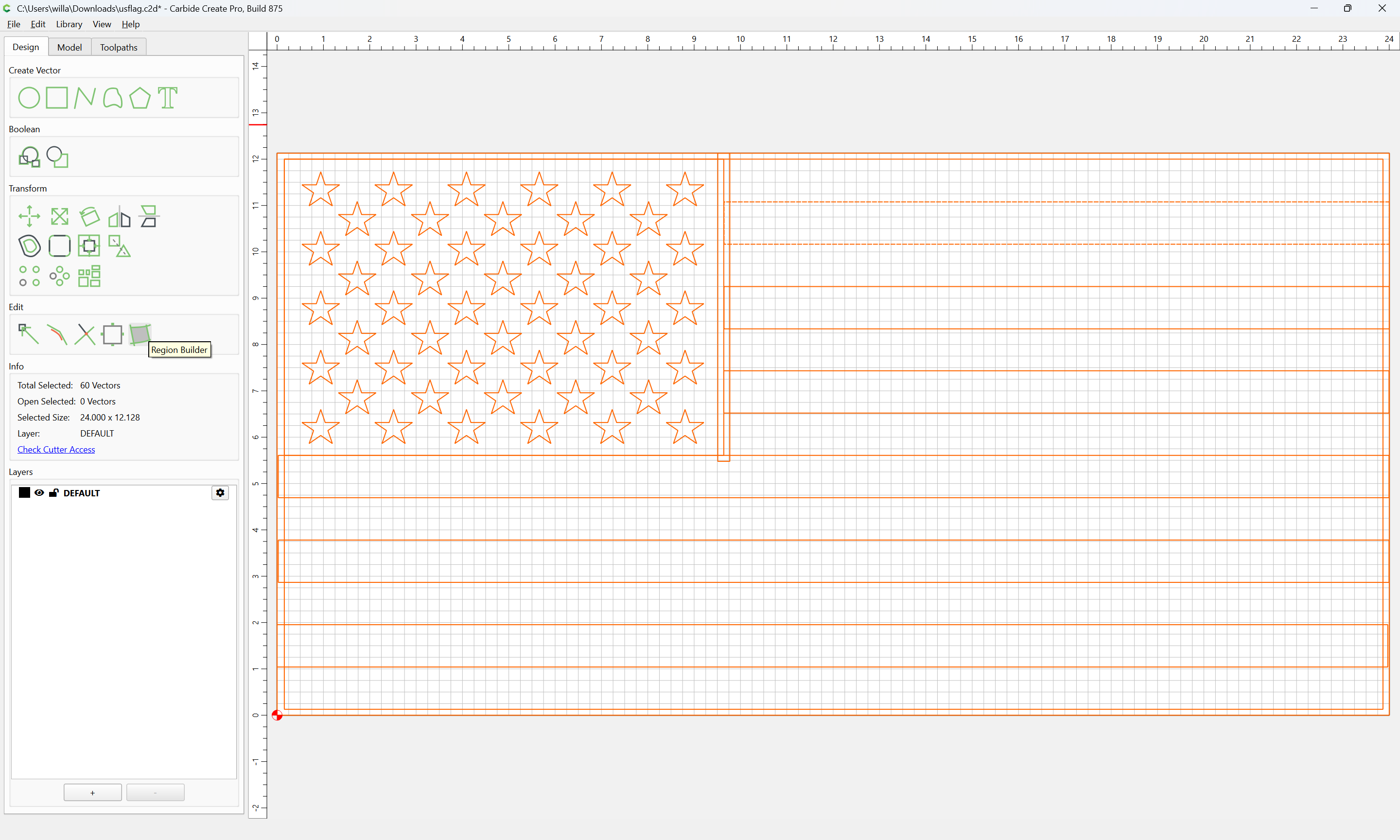
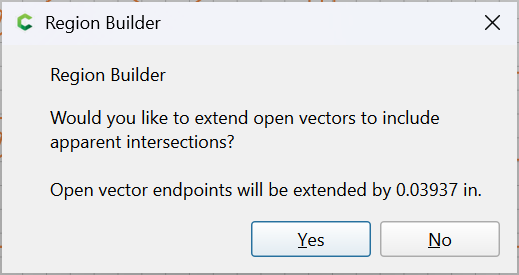
Yes
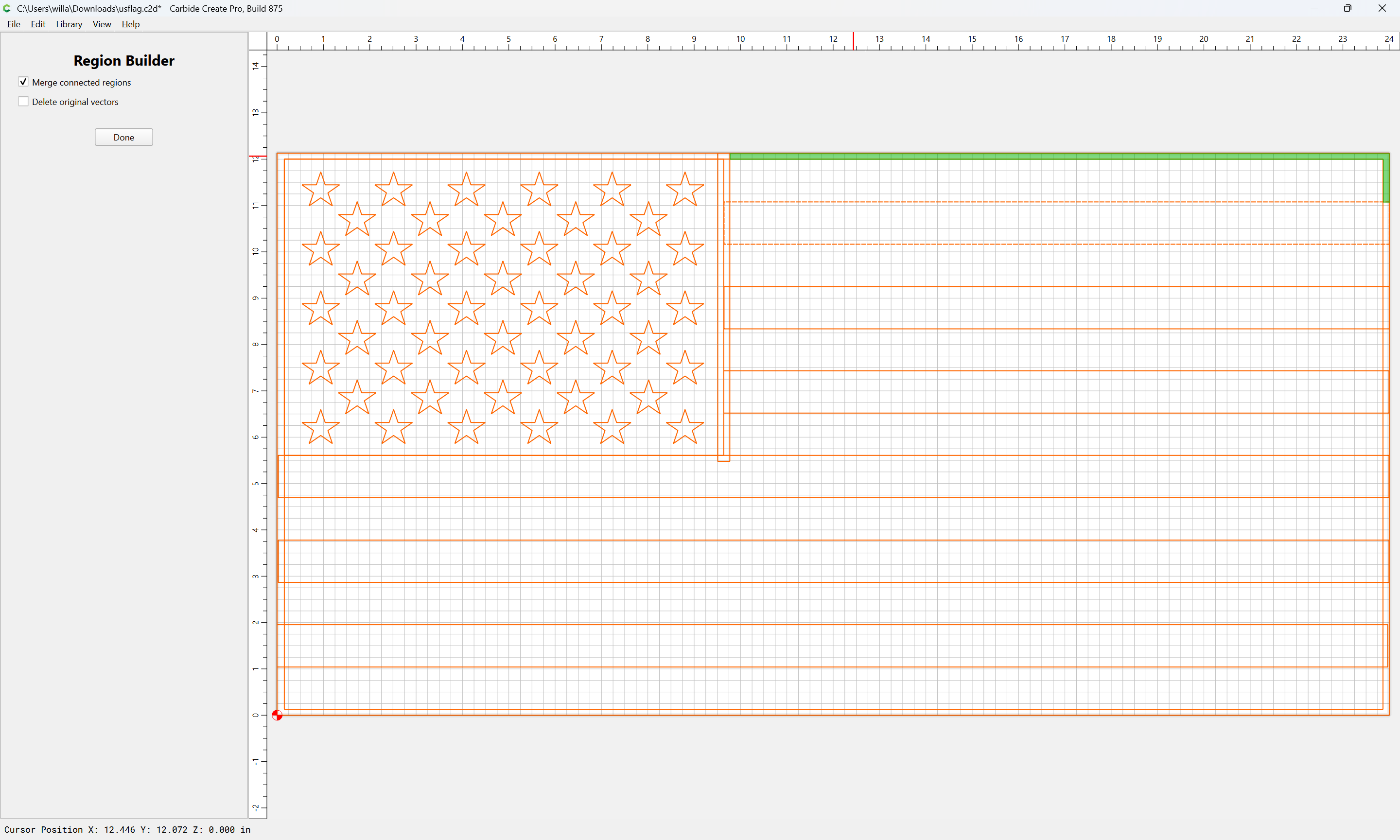
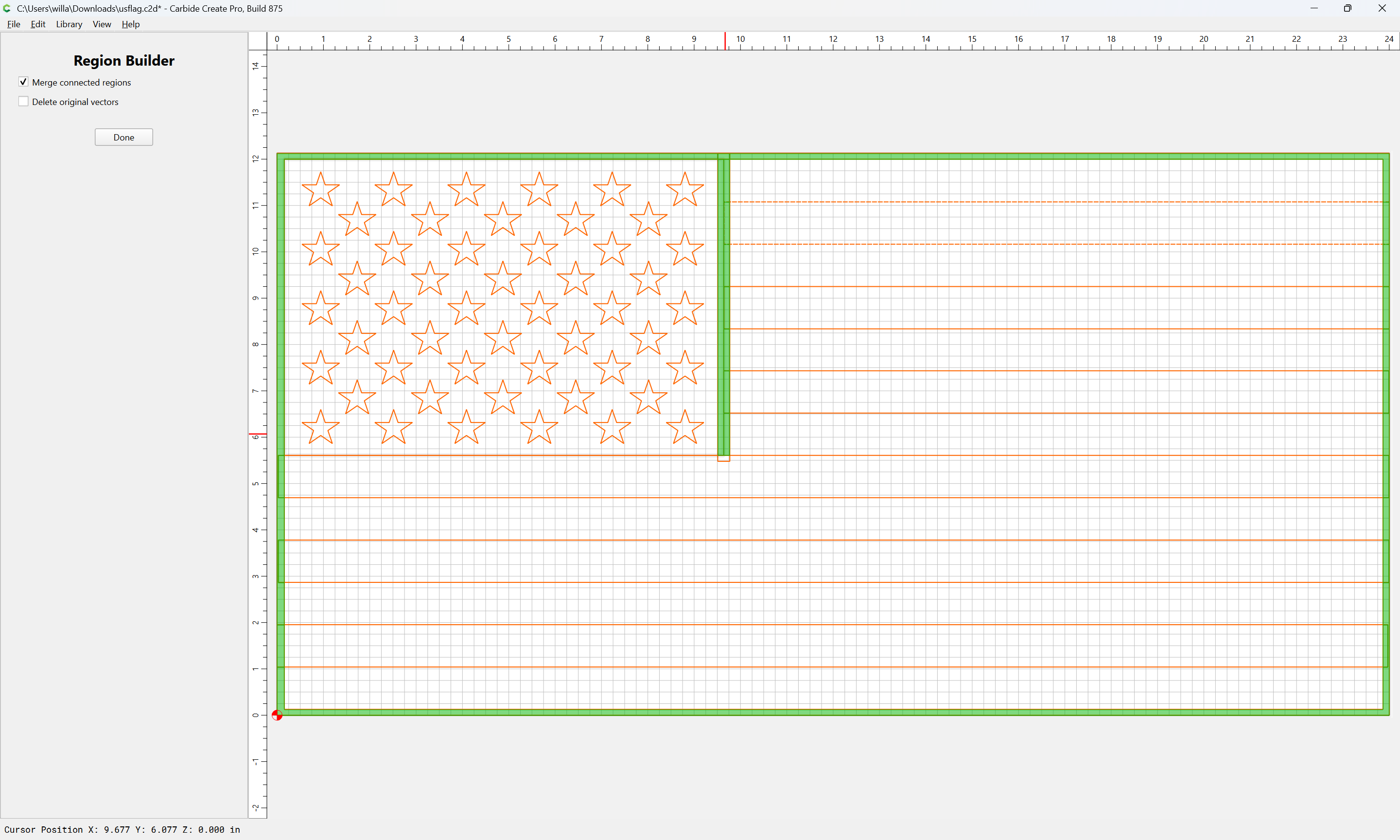
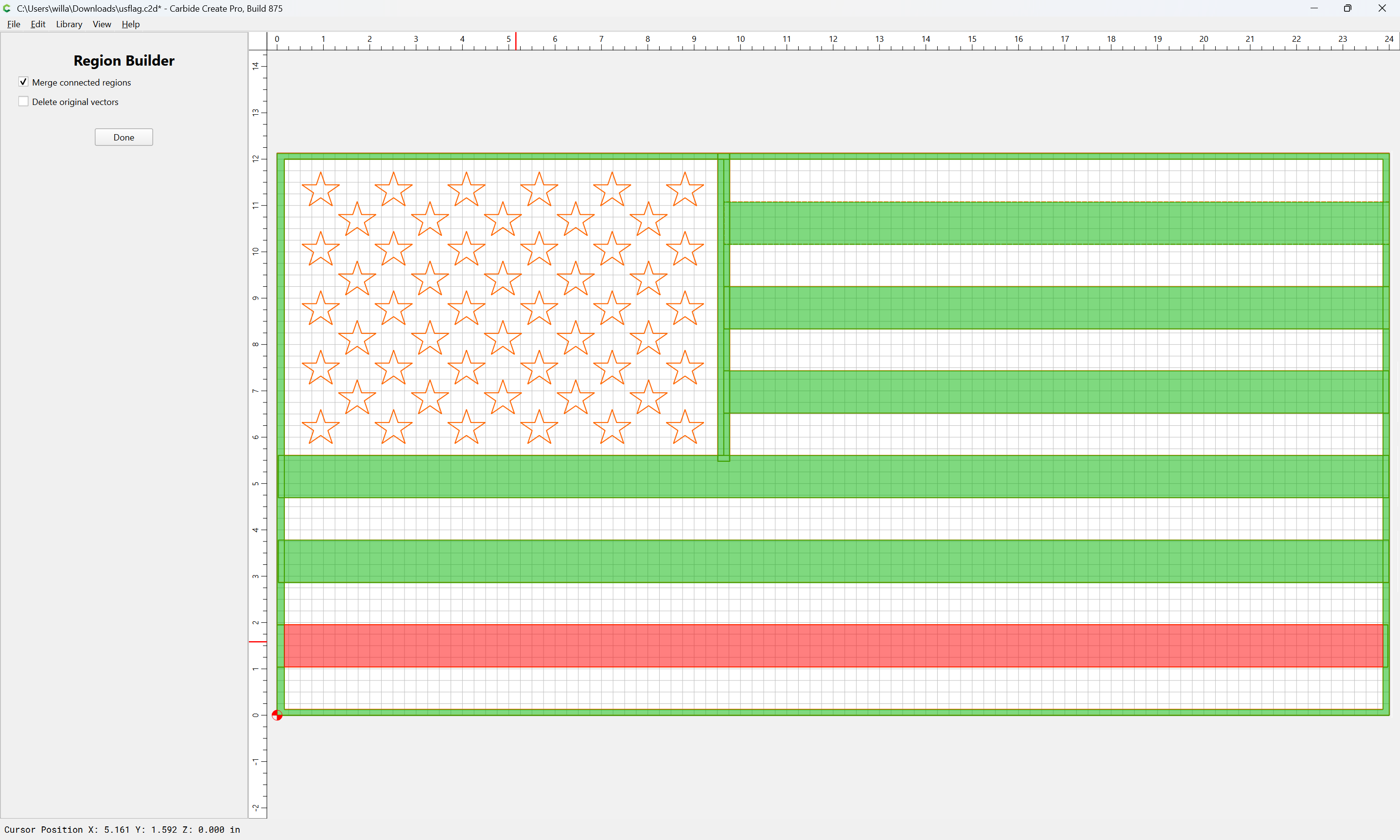
Done
(and if it doesn’t work, use Trim Vectors or just draw manually)
until one arrives at something like:
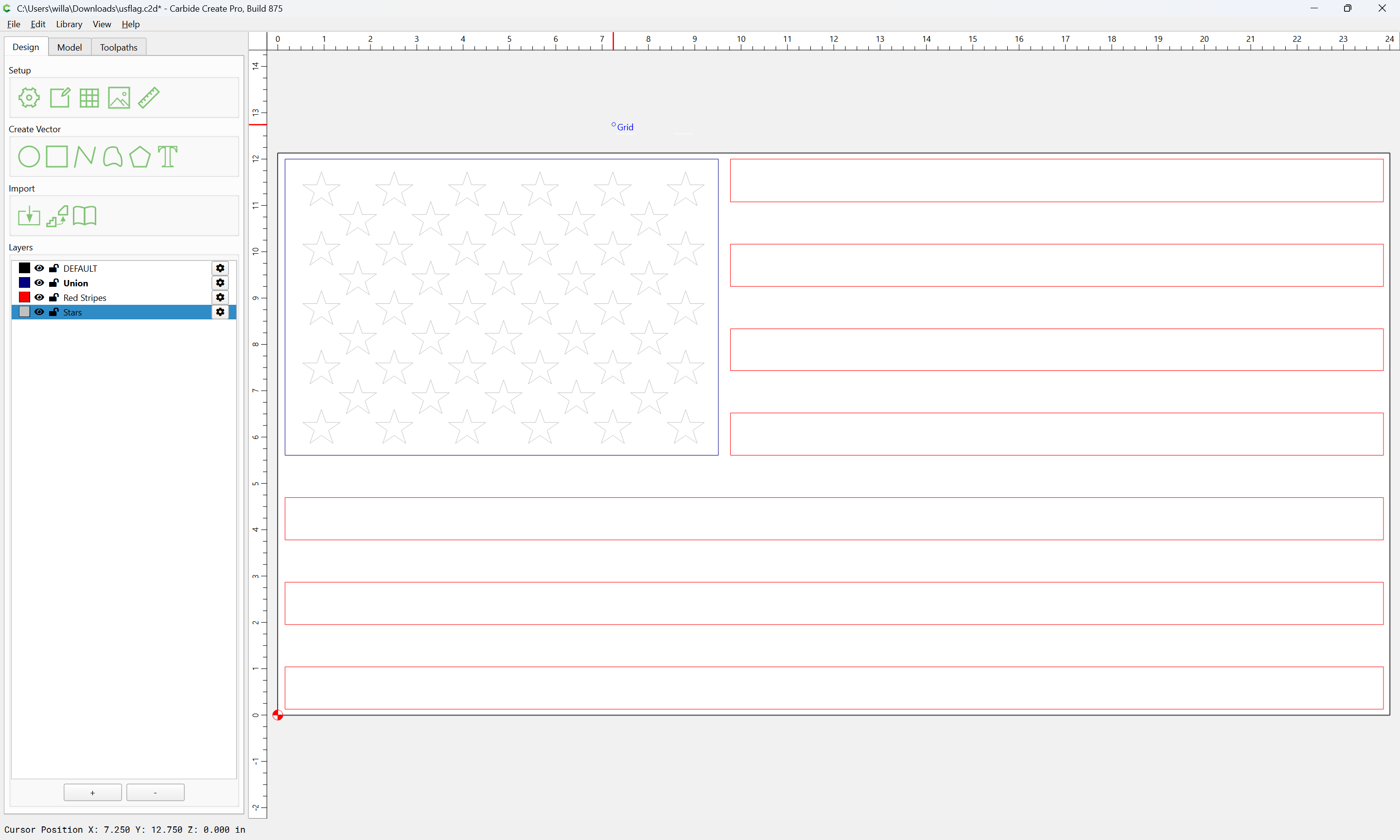
which may then be cut in two V-carve toolpaths, one to full-depth for the stars, the other depth-limited to represent the white stripes and the surround:
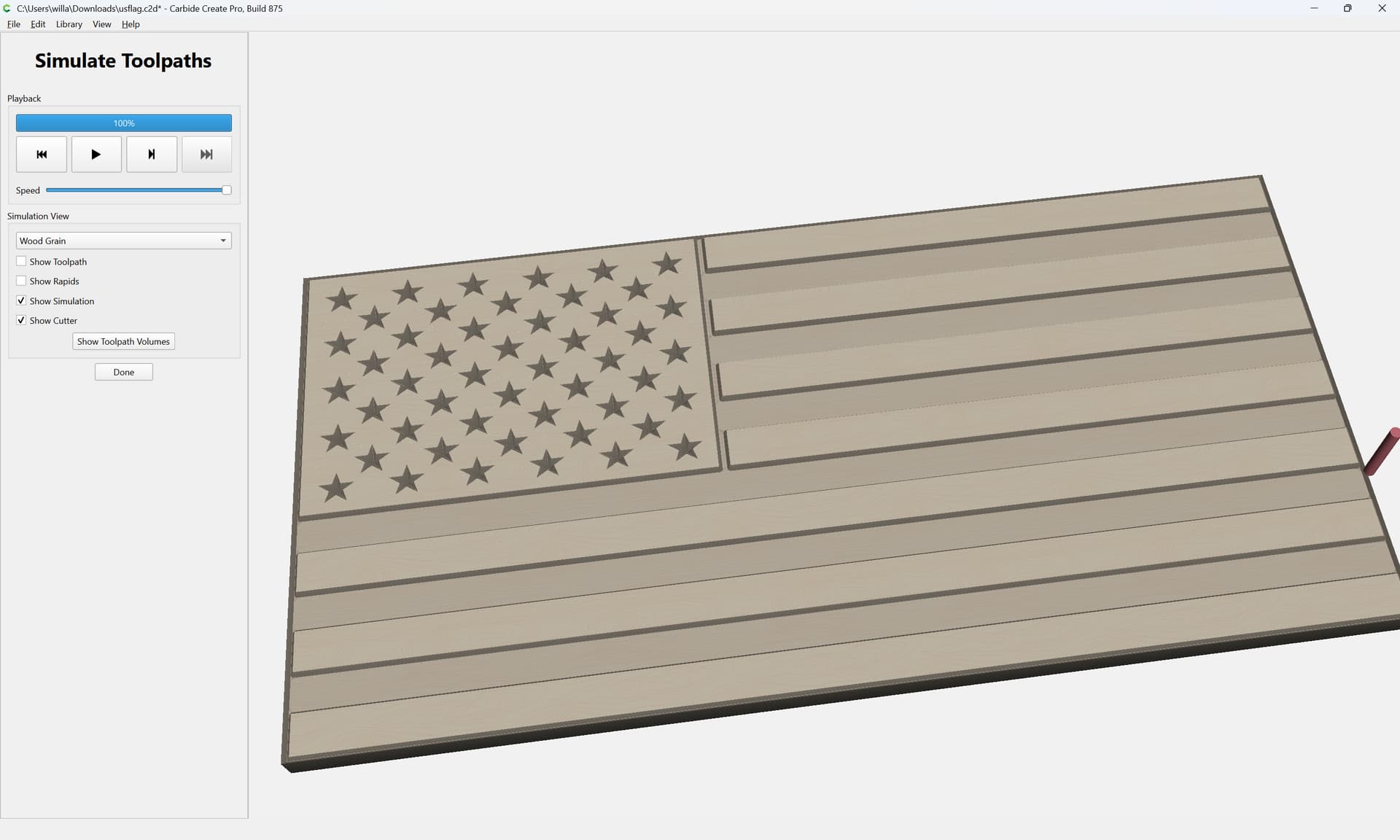
Attached as a v8 file.
usflag_v8.c2d (156 KB)
2 Likes
what is t in your depth mean
Here’s a couple flags i did. Try these out. Has all the tool paths.
Square one was done with PVC.
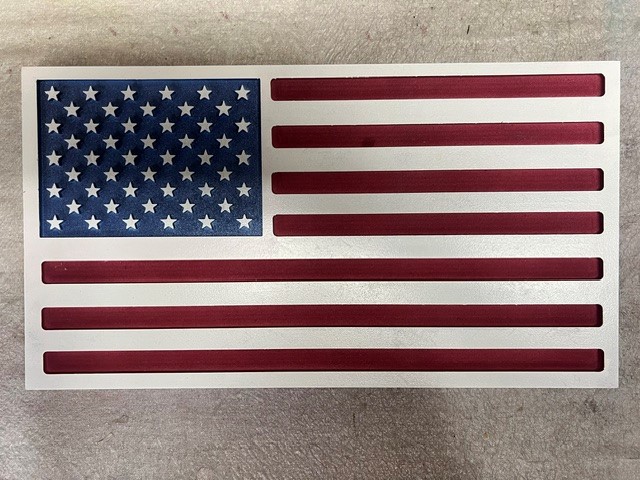
American Flag With Outline.c2d (612 KB)

American Flag 1.c2d (692 KB)
2 Likes
Carbide Create affords support for a couple of variables as noted at:
c.f.,
This topic was automatically closed 30 days after the last reply. New replies are no longer allowed.