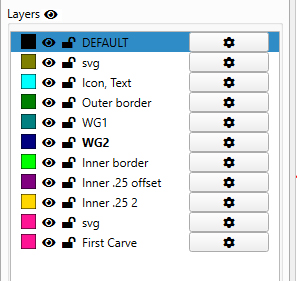
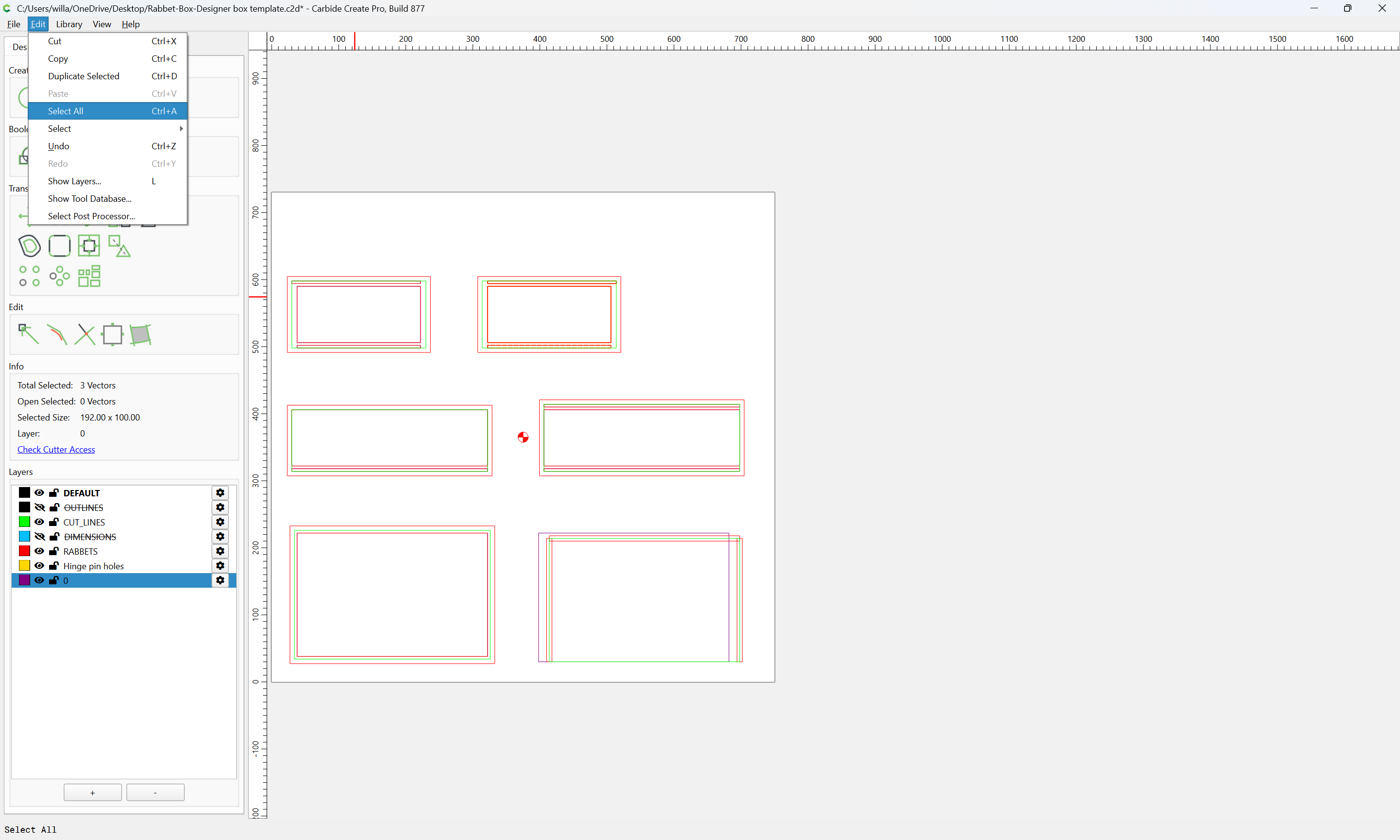
I would like to see a select all/deselect all option for layers in Carbide Create. There are several times I have 8-12 layers and going through and selecting each one if I want them all on (for instance if I need to rotate a project) would be very helpful.
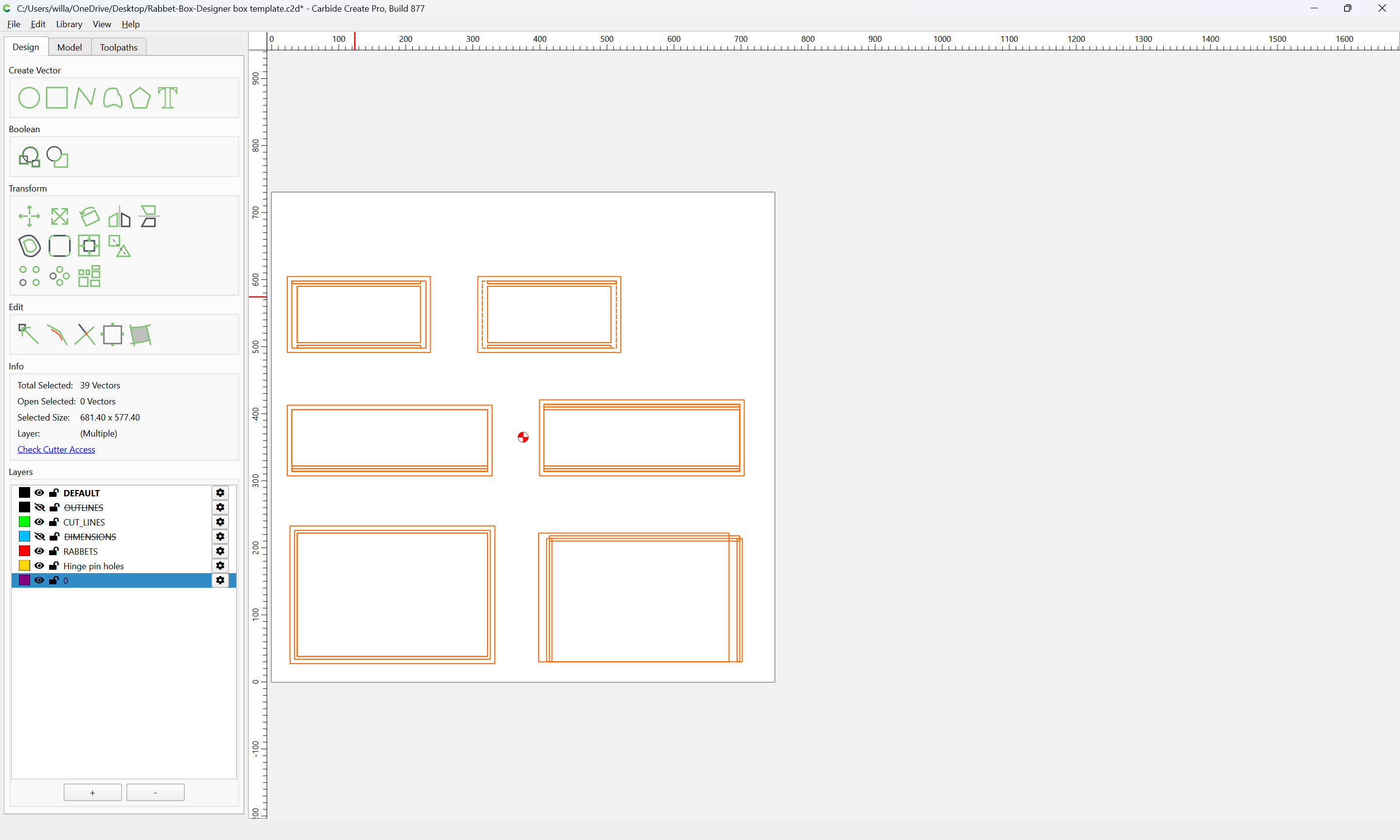
It does not. It selects the open items, but it doesn’t turn all the layers on and all the layers off. In the past if I didn’t have all the layers on, when I rotated the design, if there is a layer that is NOT turned on that has an associated toolpath, then the toolpath wouldn’t rotate either. Just very confusing.
It would be cool of all the list widgets (layers, model components, tool paths, tools…) behaved like typical lists. Drag & drop, CTLR to multiple select, Shift to select a range…