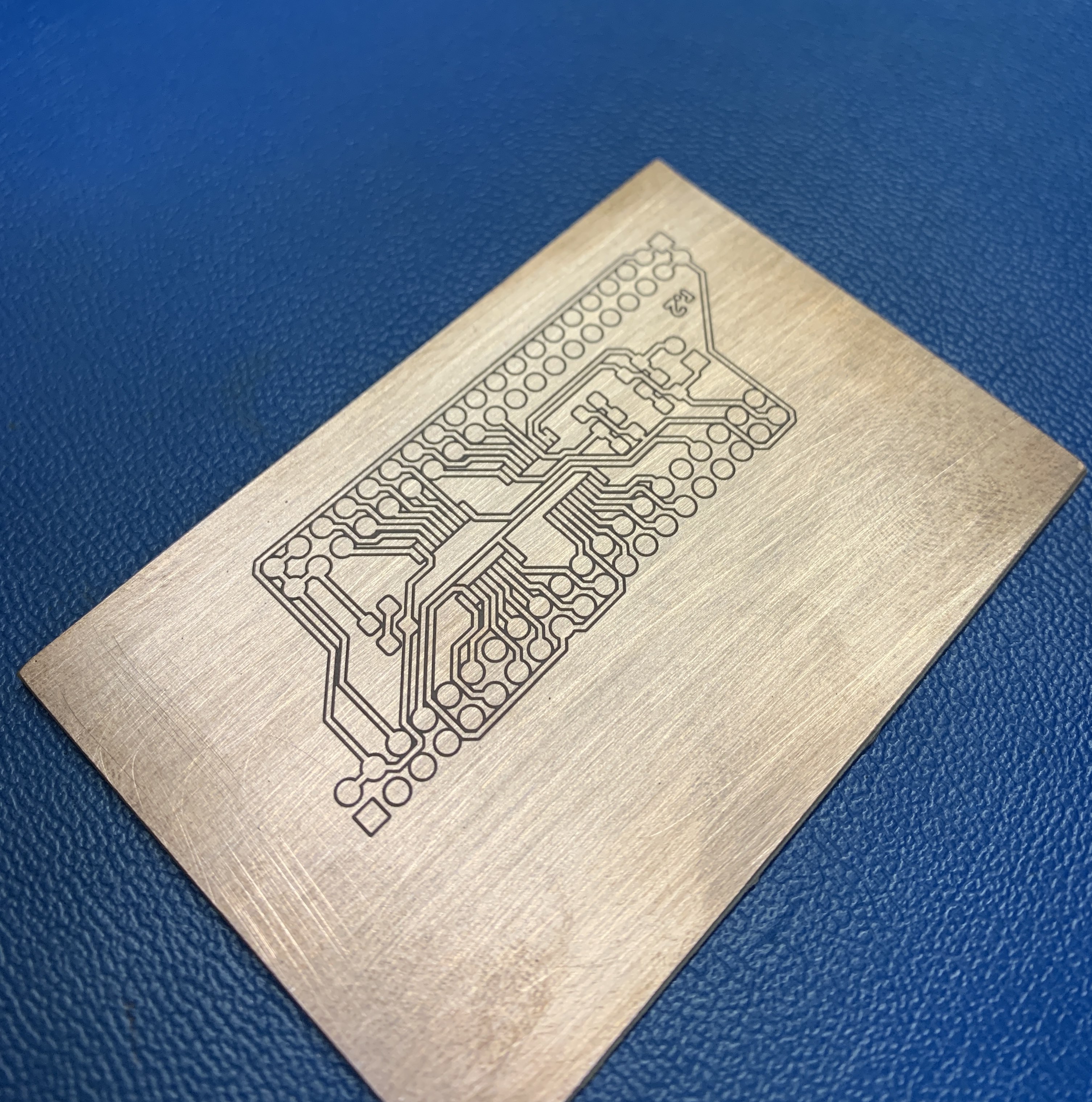
I’ve used AutoLeveler with the Nomad to compensate for minor imperfections in the PCB stock prior to milling circuit boards. It works very well, but I had to develop my own workflow.
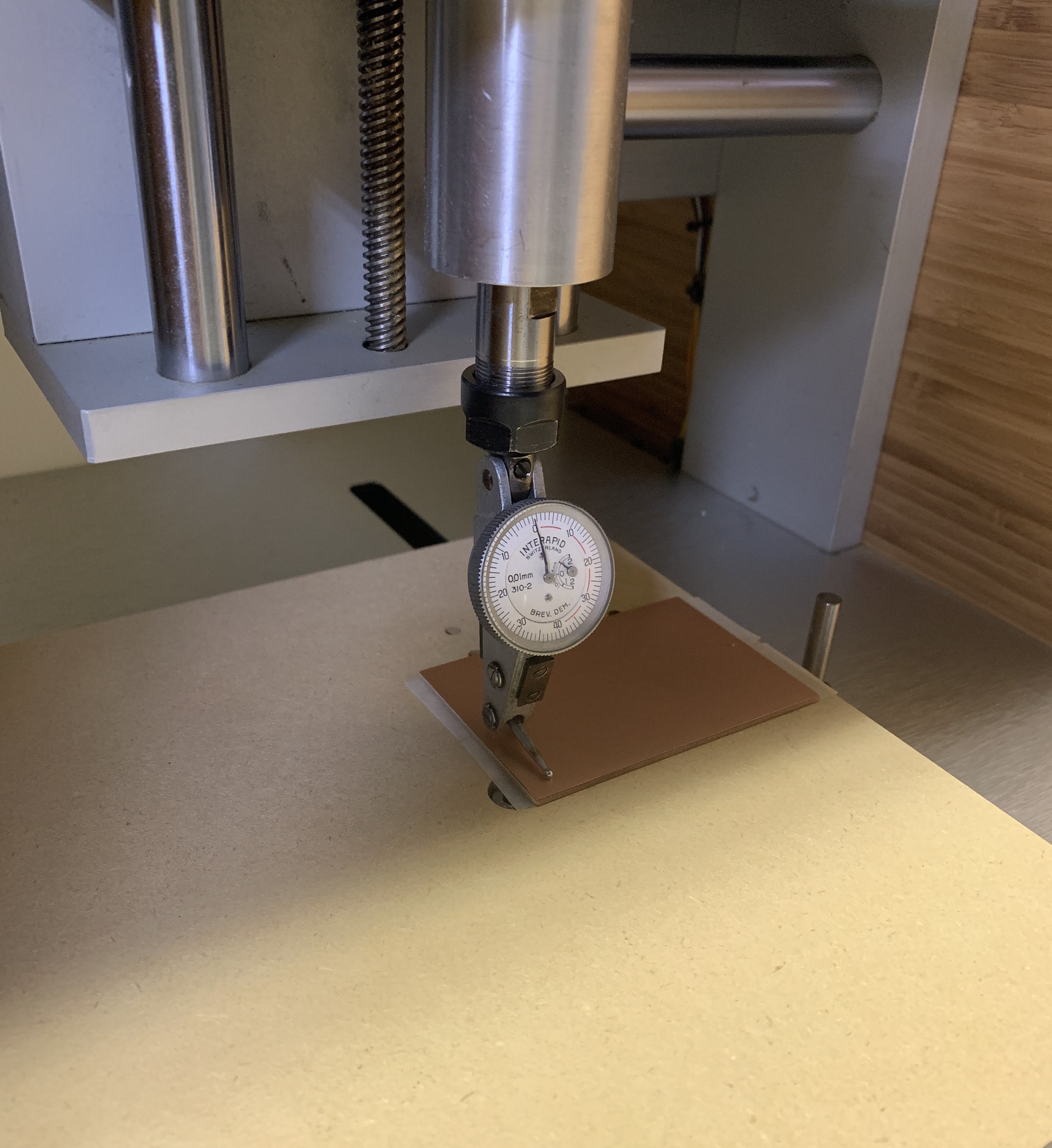
AutoLeveler does not support grbl-based machines like the Nomad directly. To work around this I chuck a dial test indicator in the spindle, zero it at program zero, then measure the height of each probe point from AutoLeveler’s probe gcode relative to that. With those values I then create a csv file to feed back into AutoLeveler along with my board gcode, which results in a gcode file that has been compensated for board thickness variation.
It’s quite fiddly and is a lot of work, but it does improve the result of my milled circuit boards.
Some notes:
- Level your wasteboard. This makes a big difference.
- Mill a pair of registration holes into the wasteboard and put short dowel pins in them. This will give you a place to align PCB stock with your machine’s travel and also give you a fighting chance at producing two-layer boards.
- If your PCB job is small and you have leveled your wasteboard, you’ll probably get acceptable results without indicating out the board.
I use kicad to do schematic capture/board layout and flatcam to do the CAM processing.