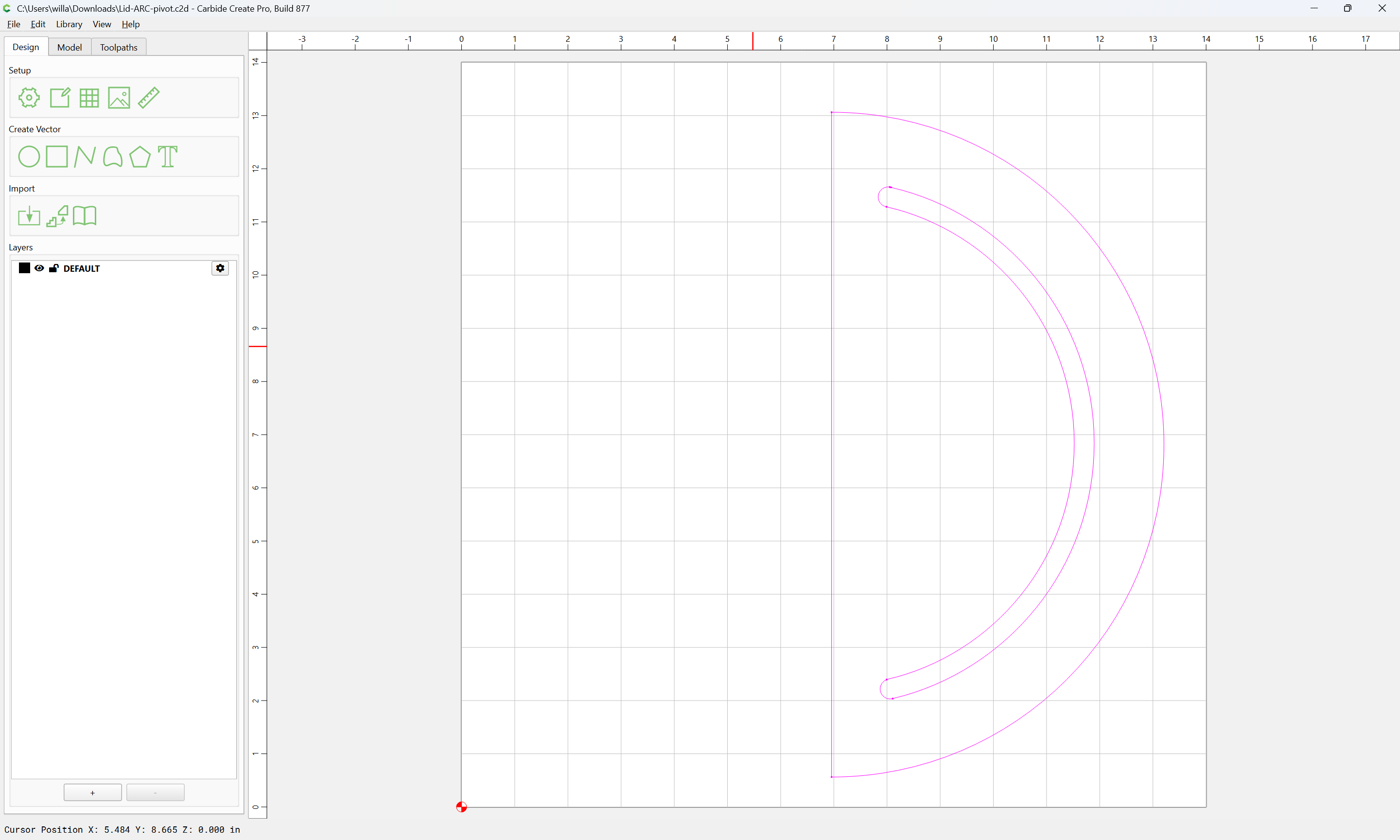
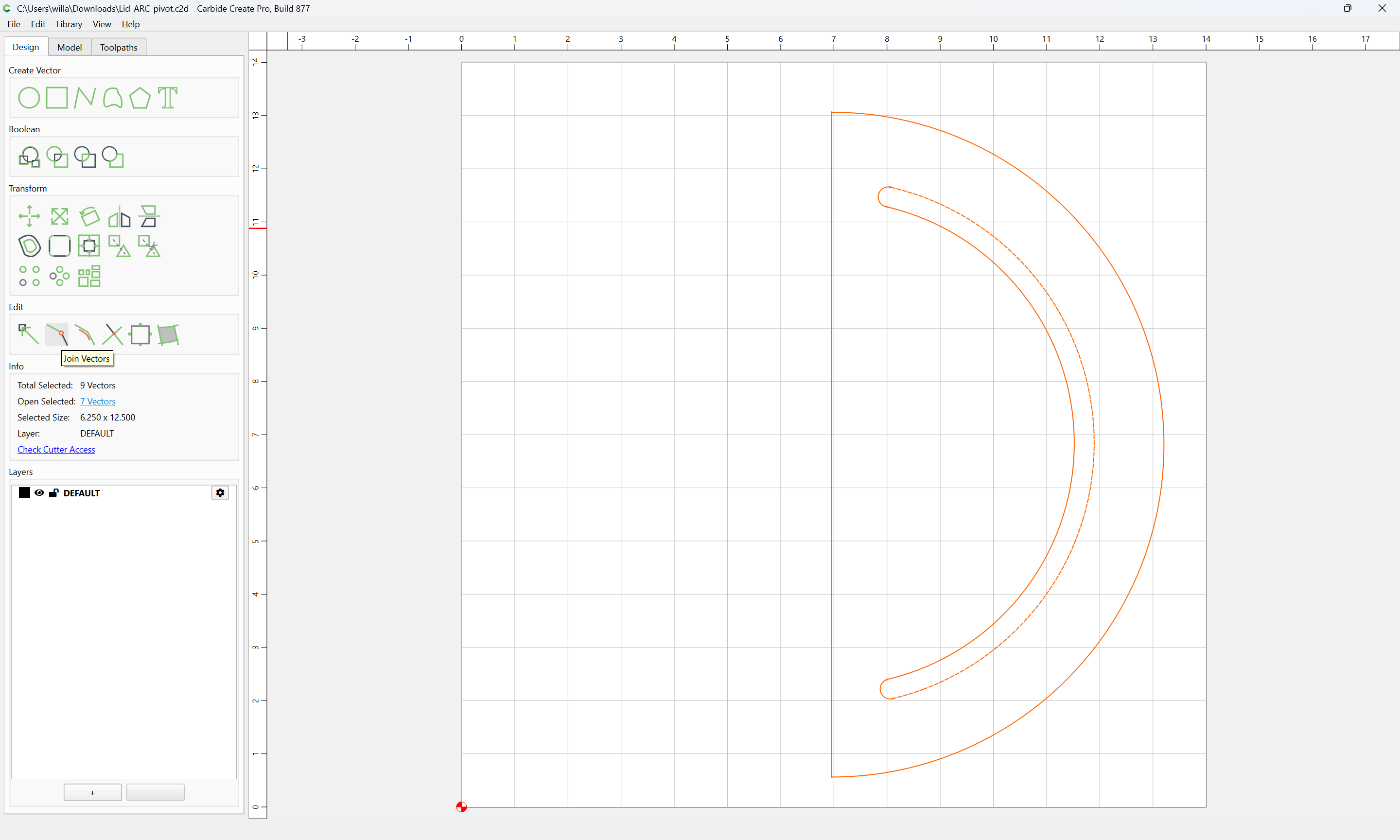
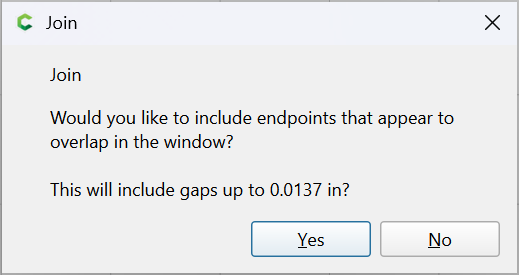
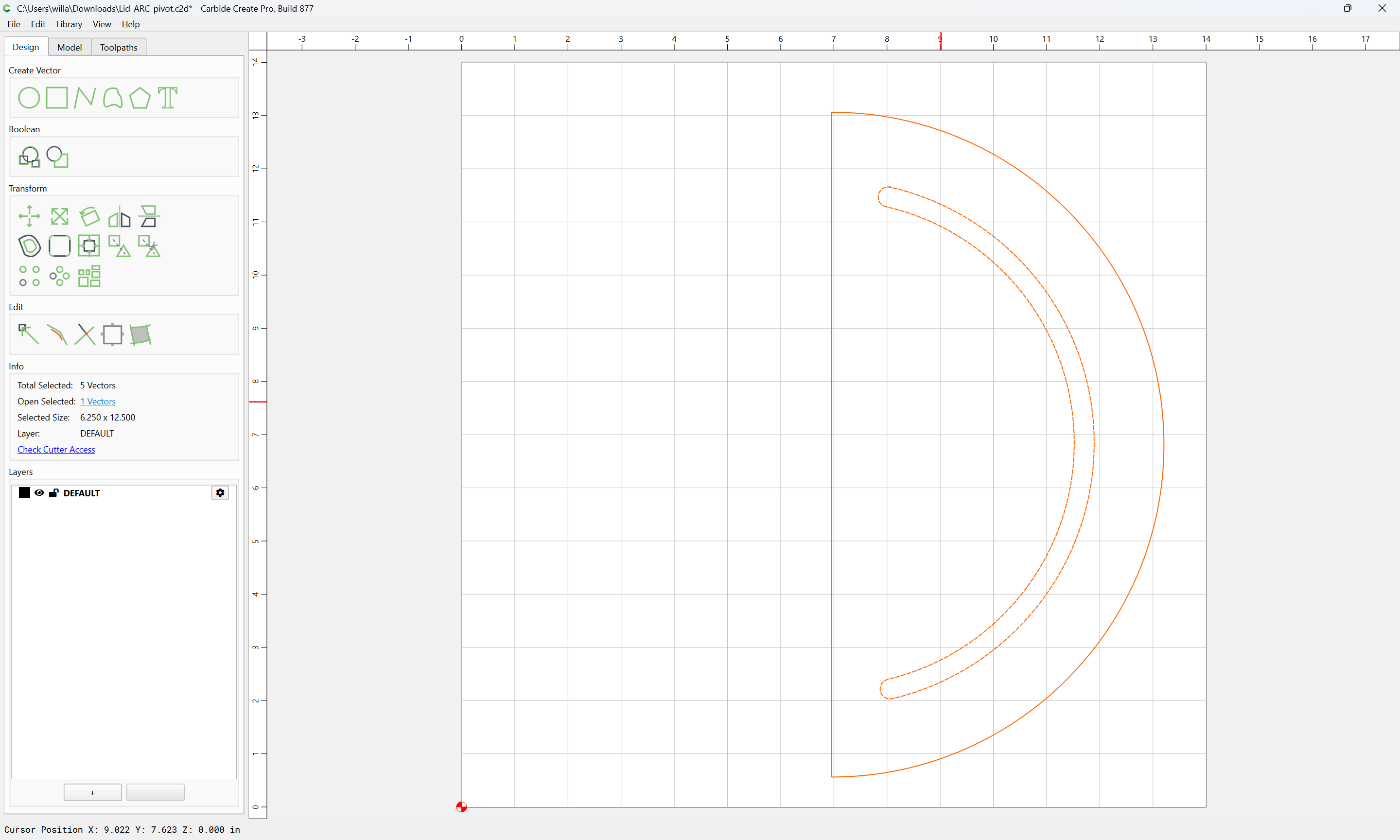
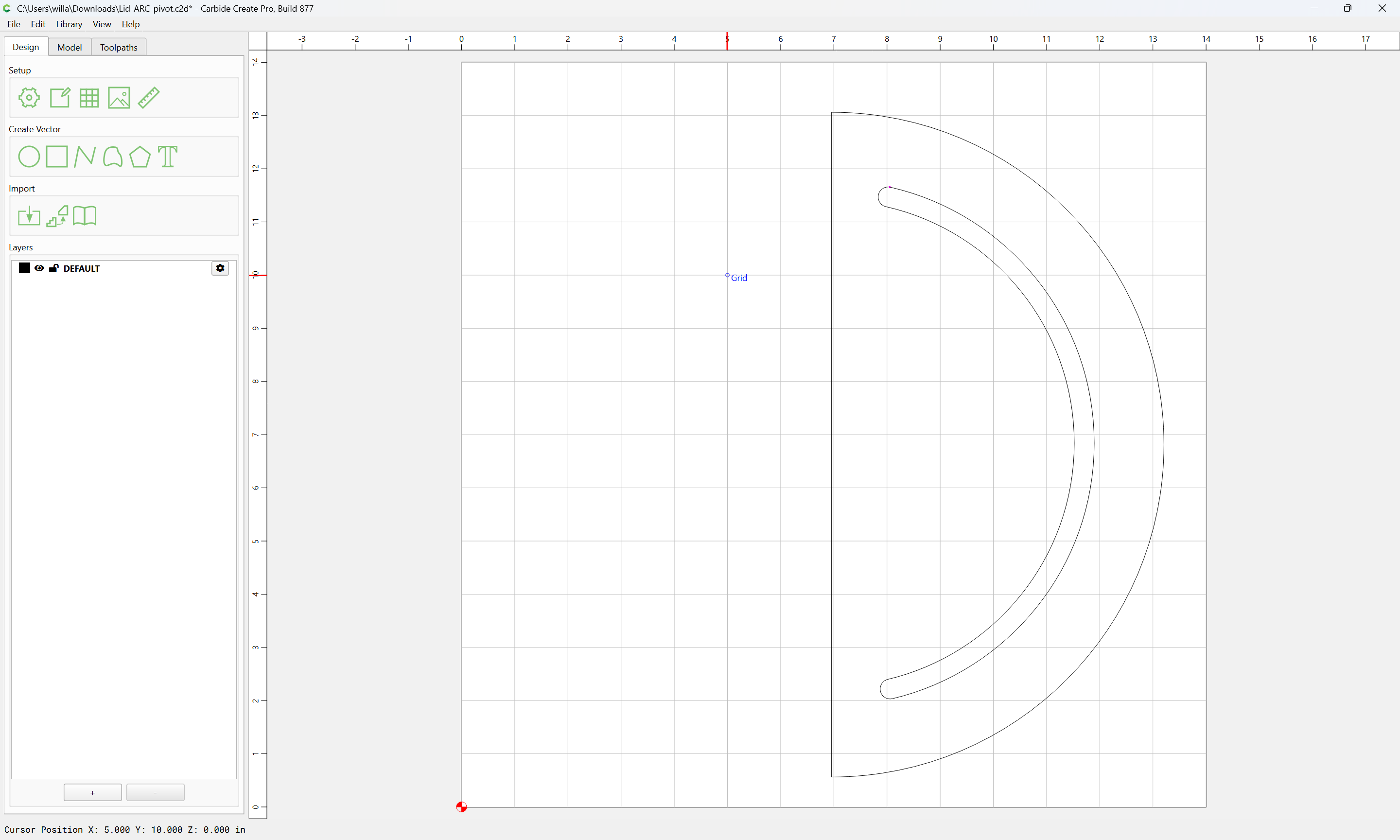
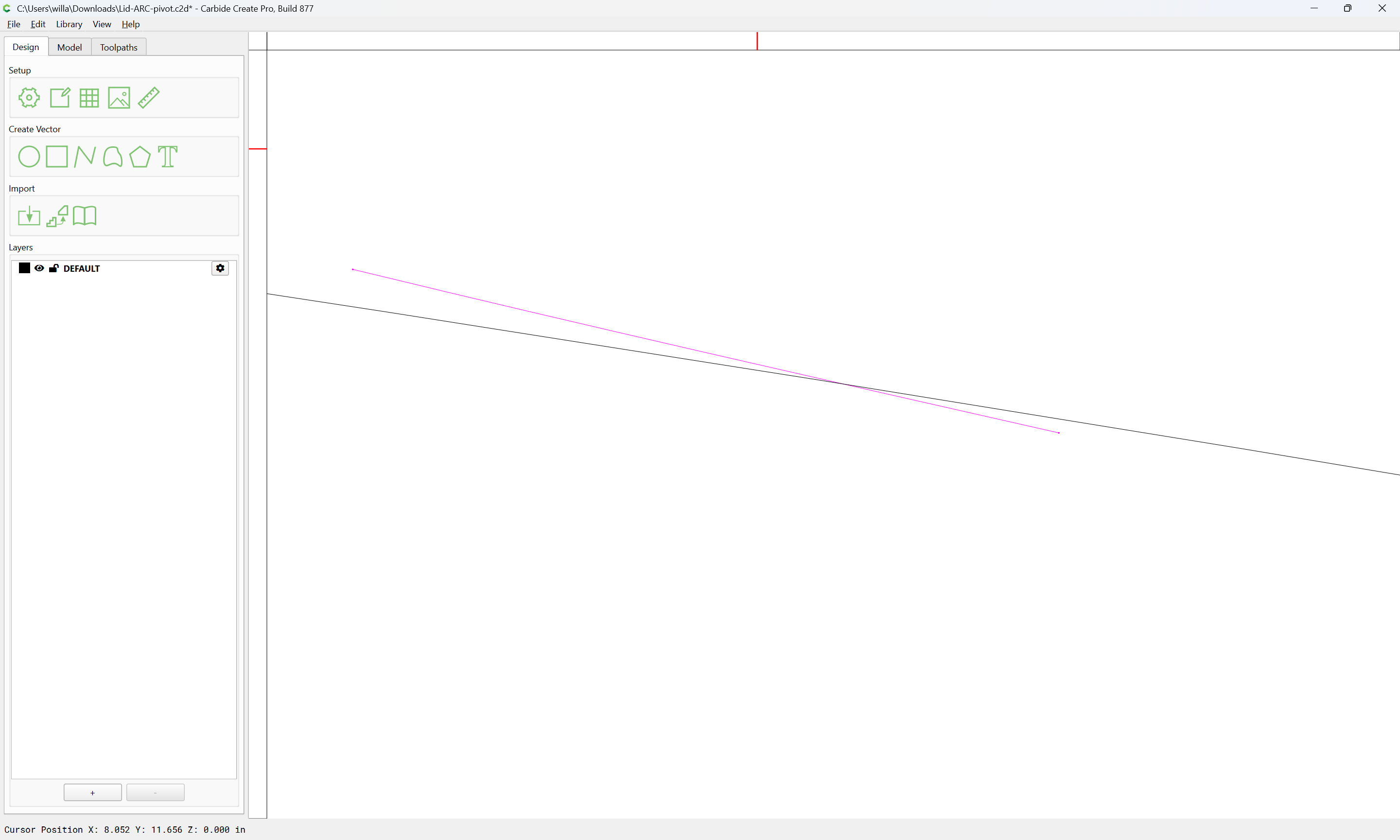
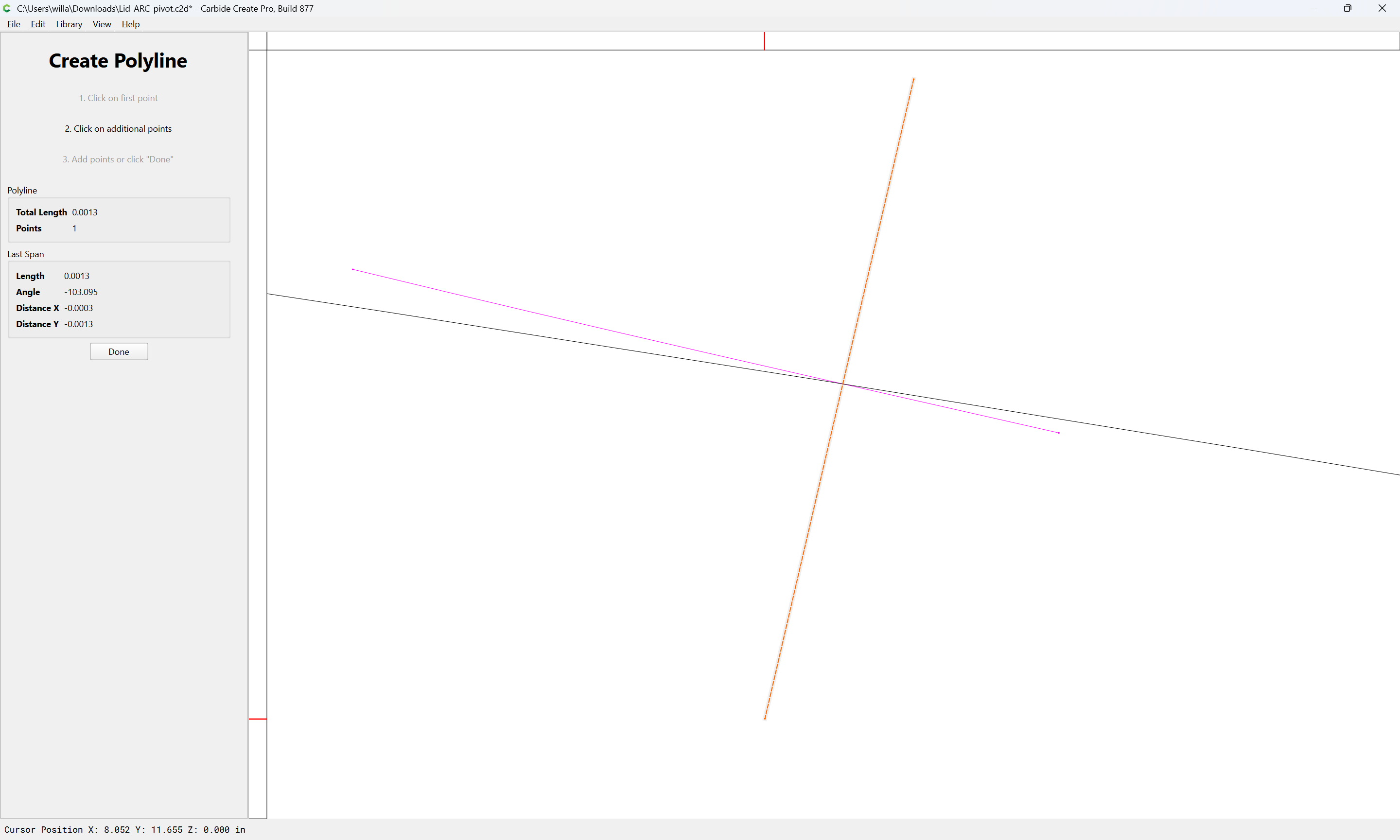
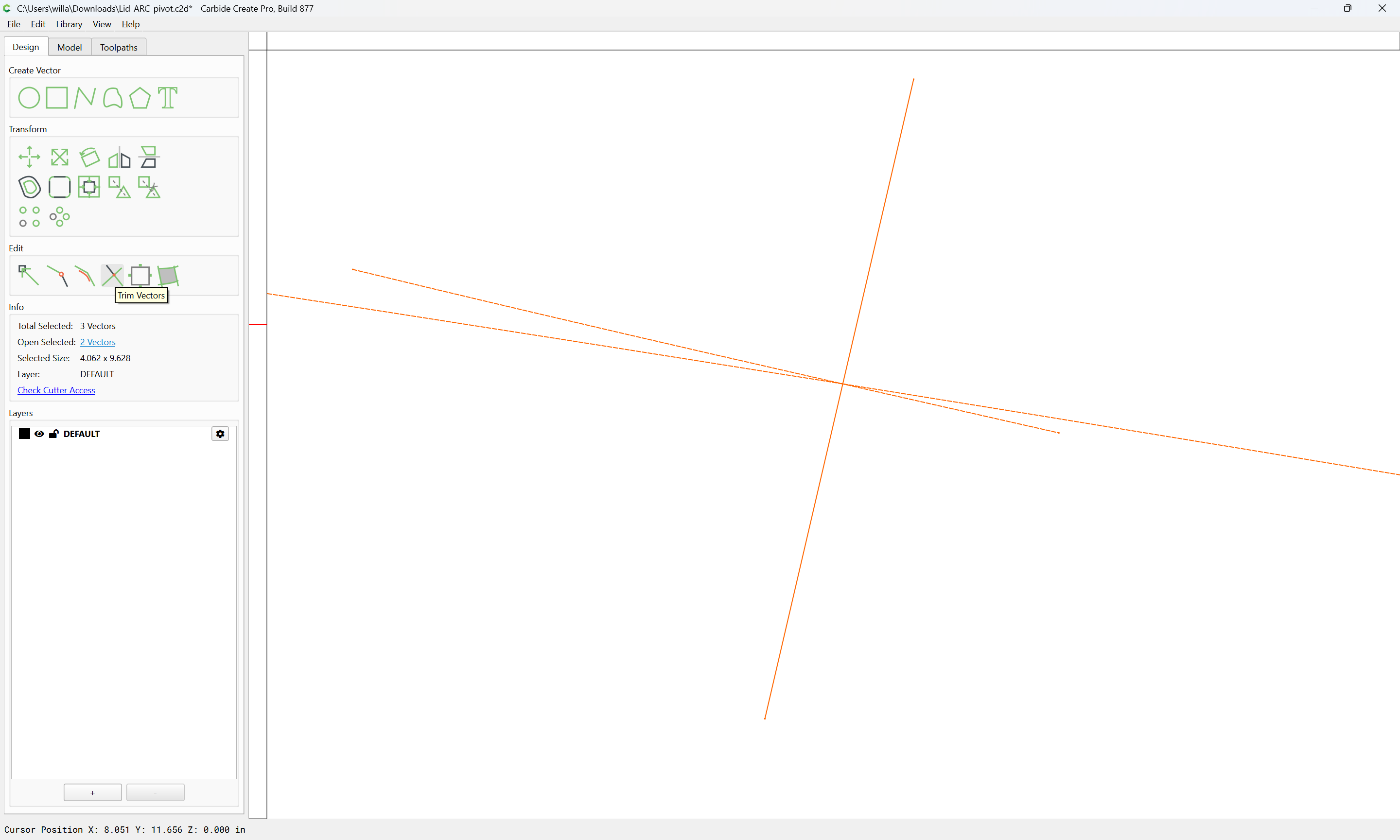
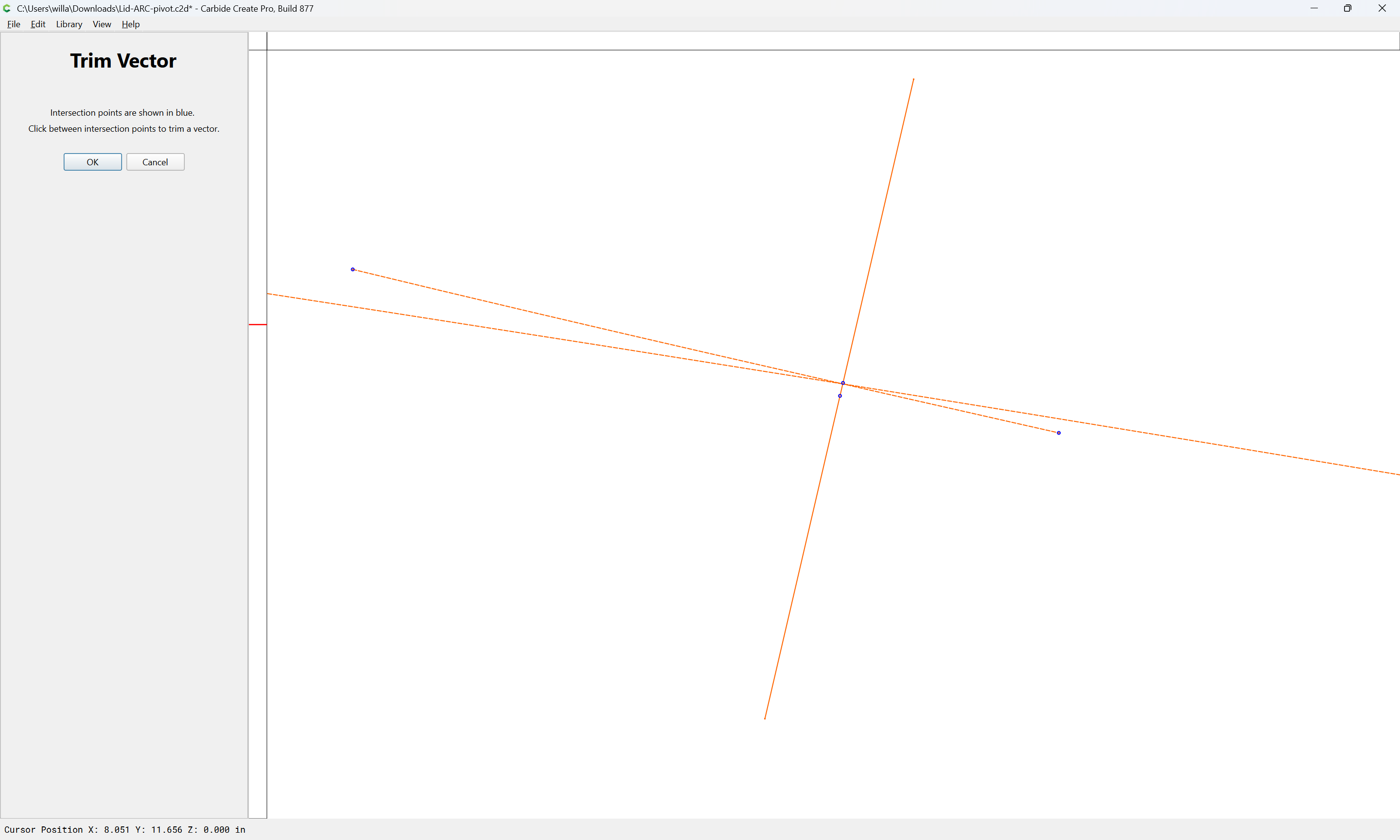
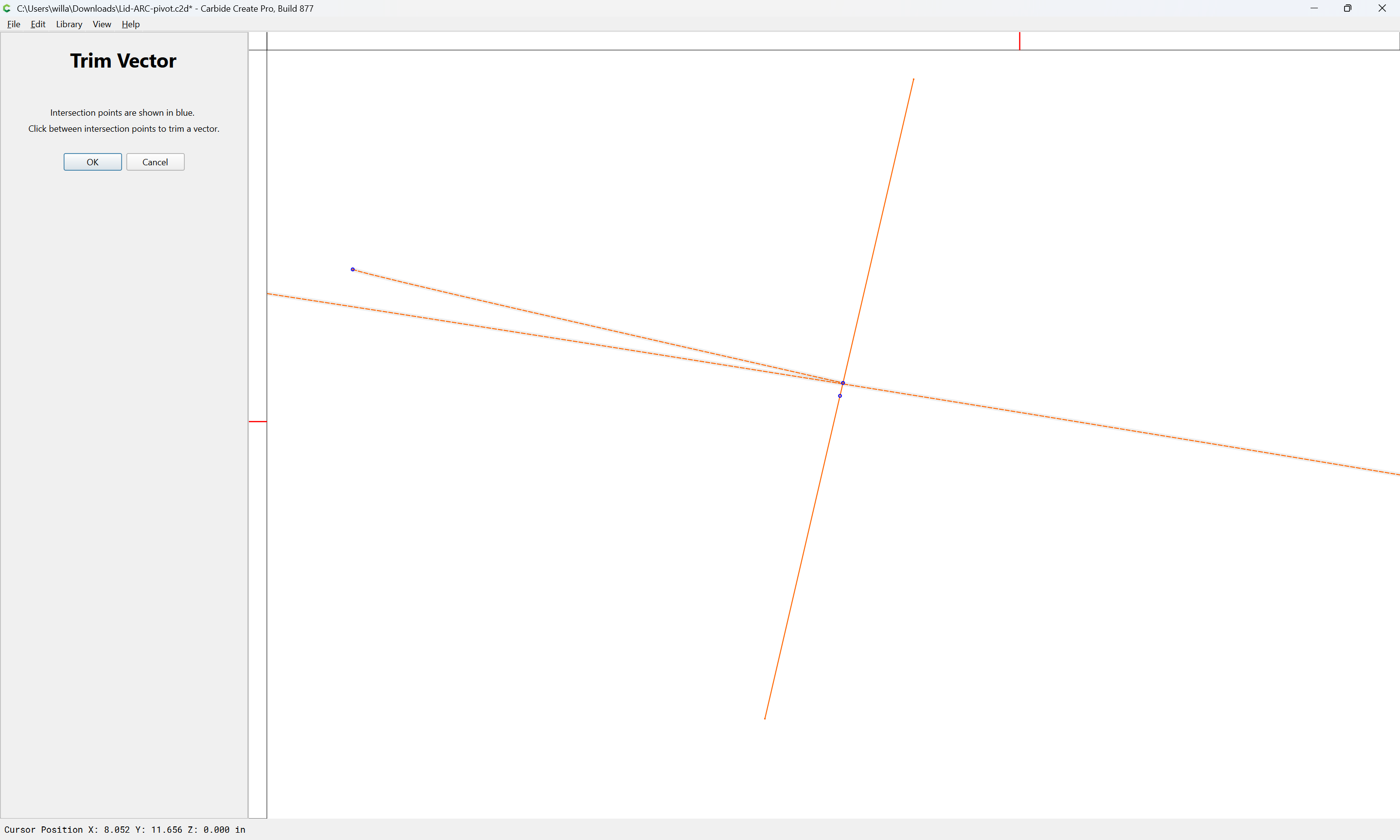
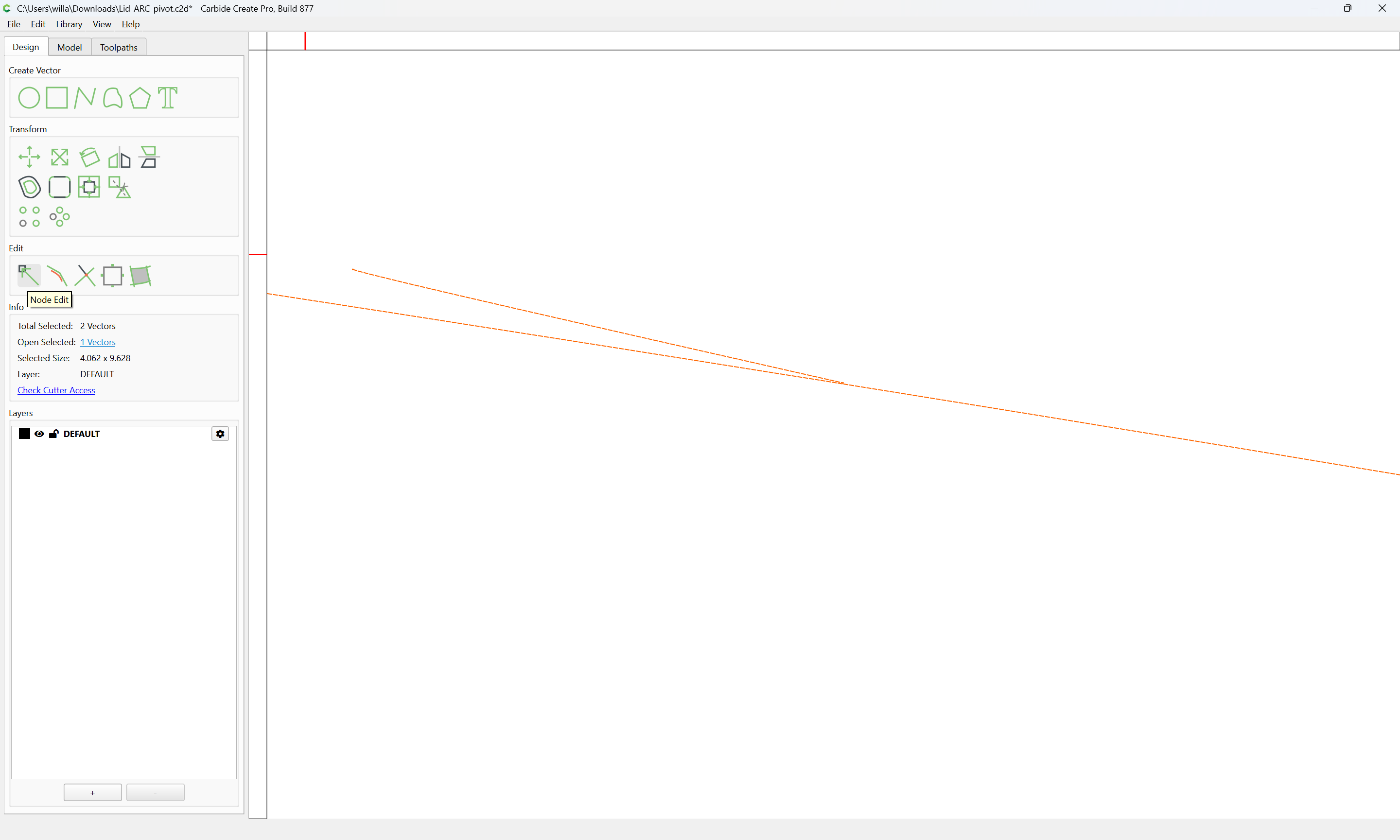
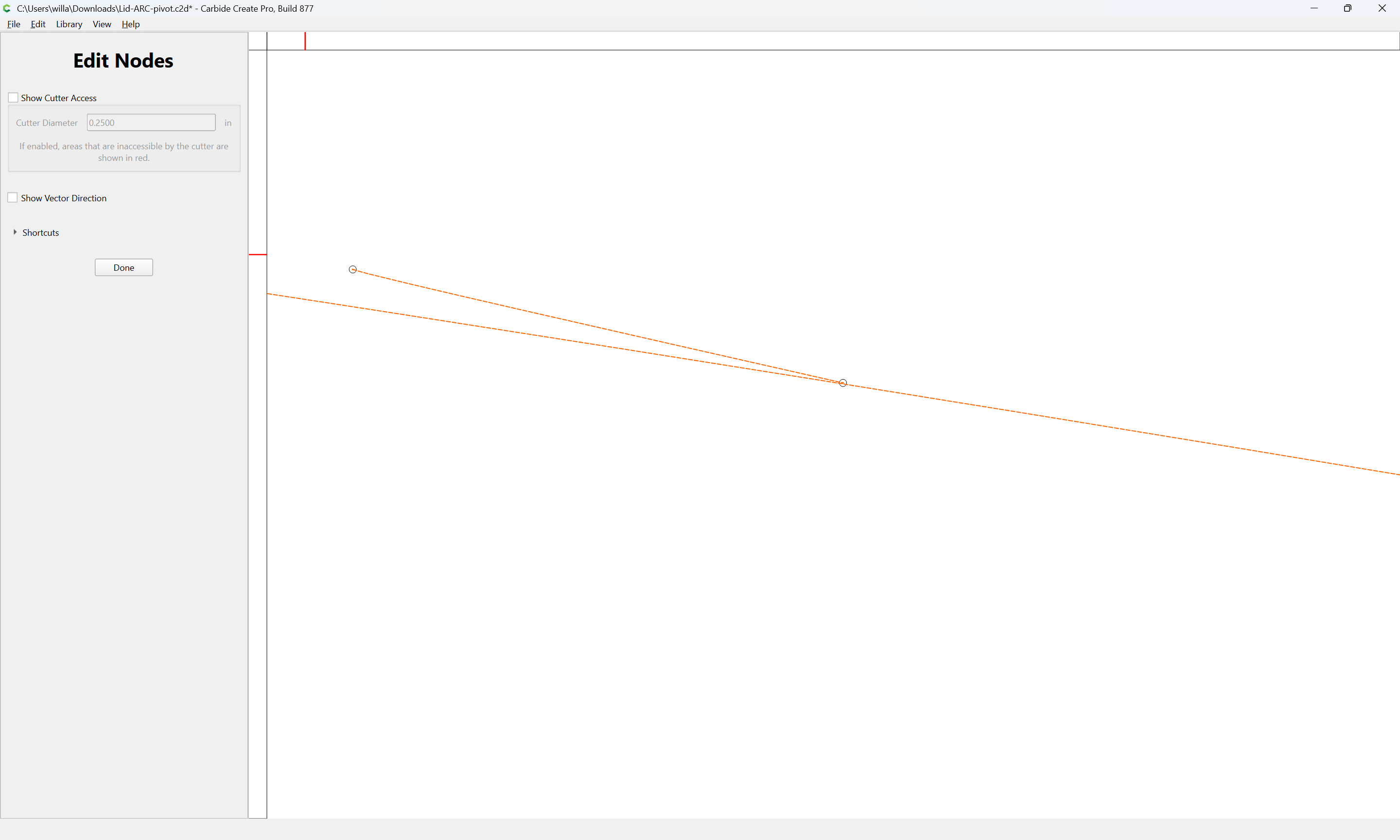
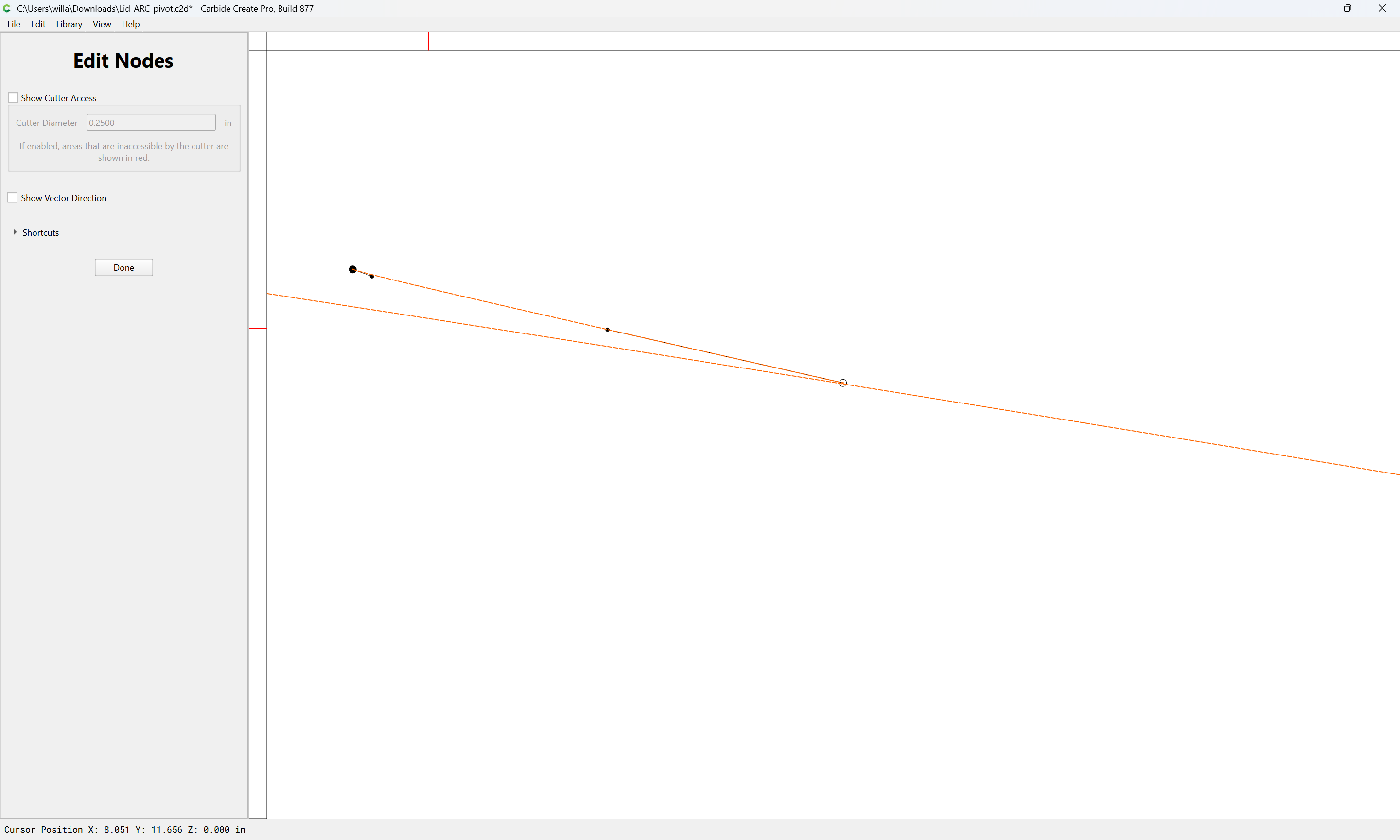
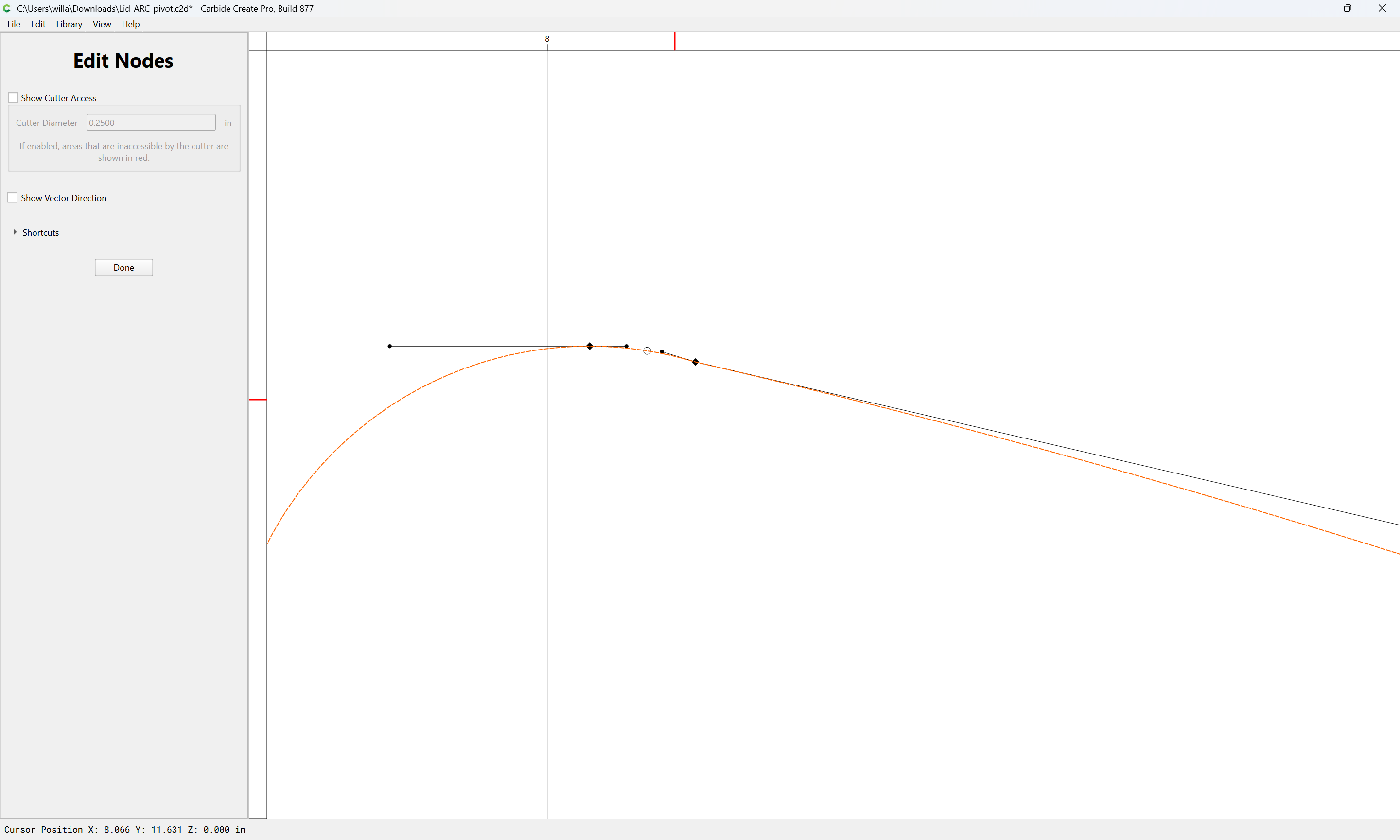
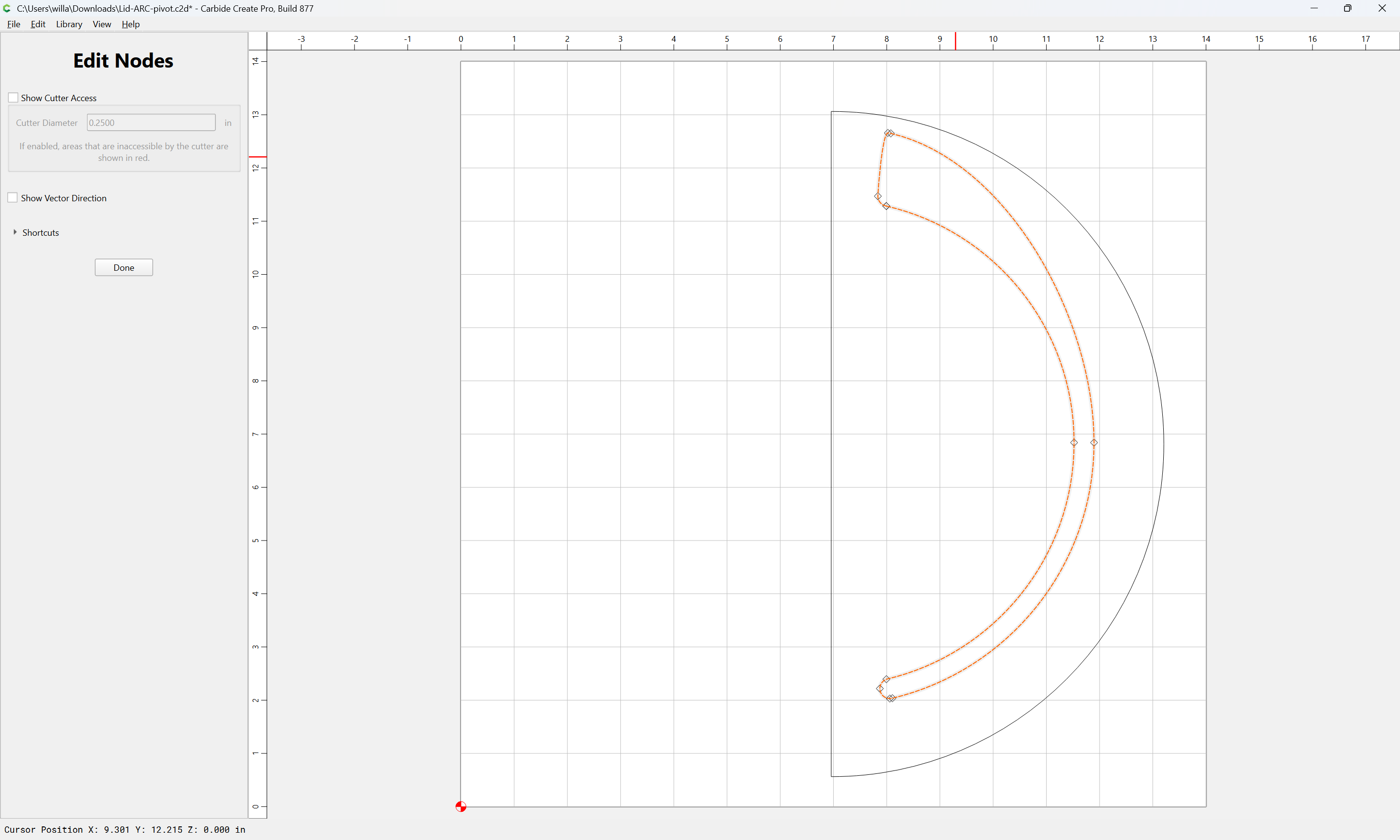
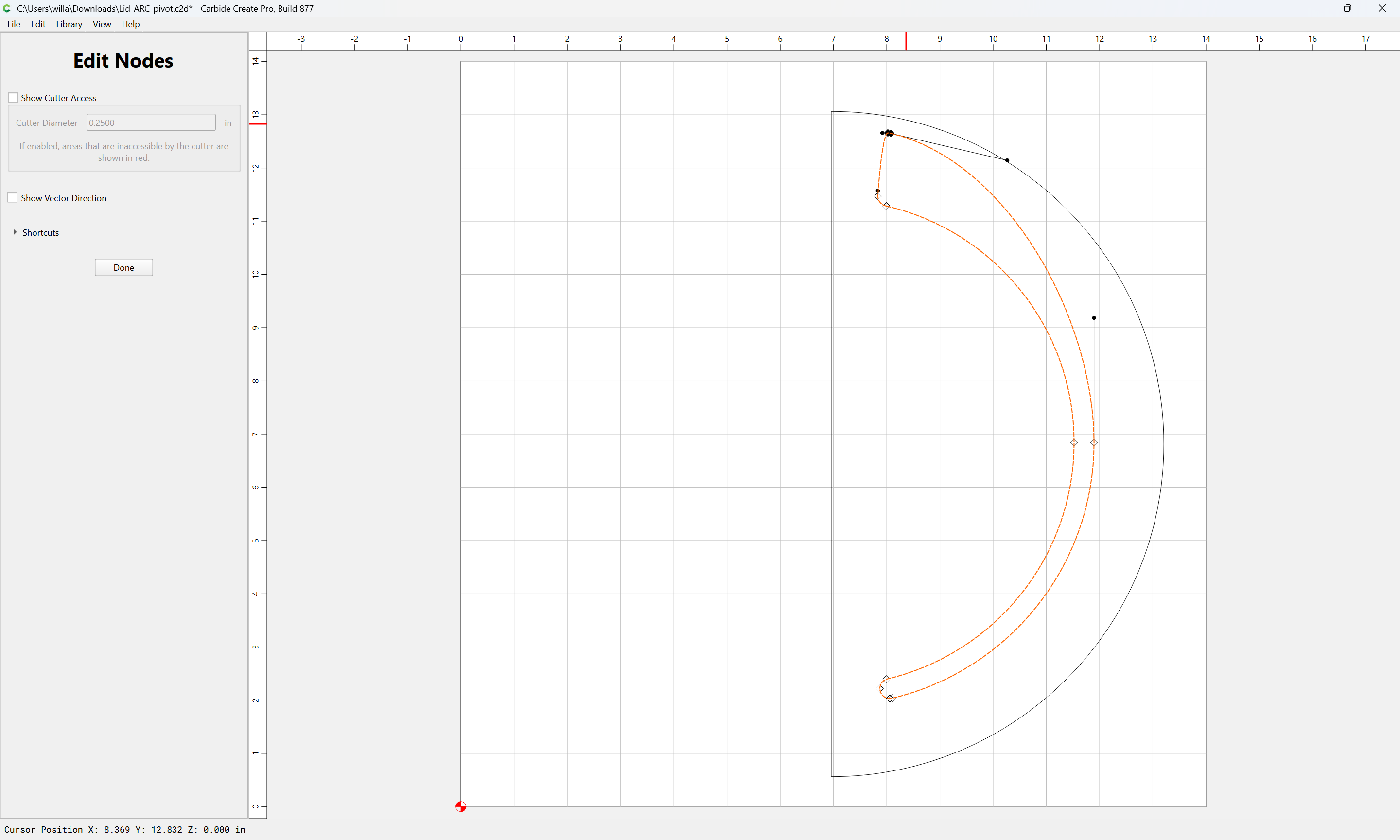
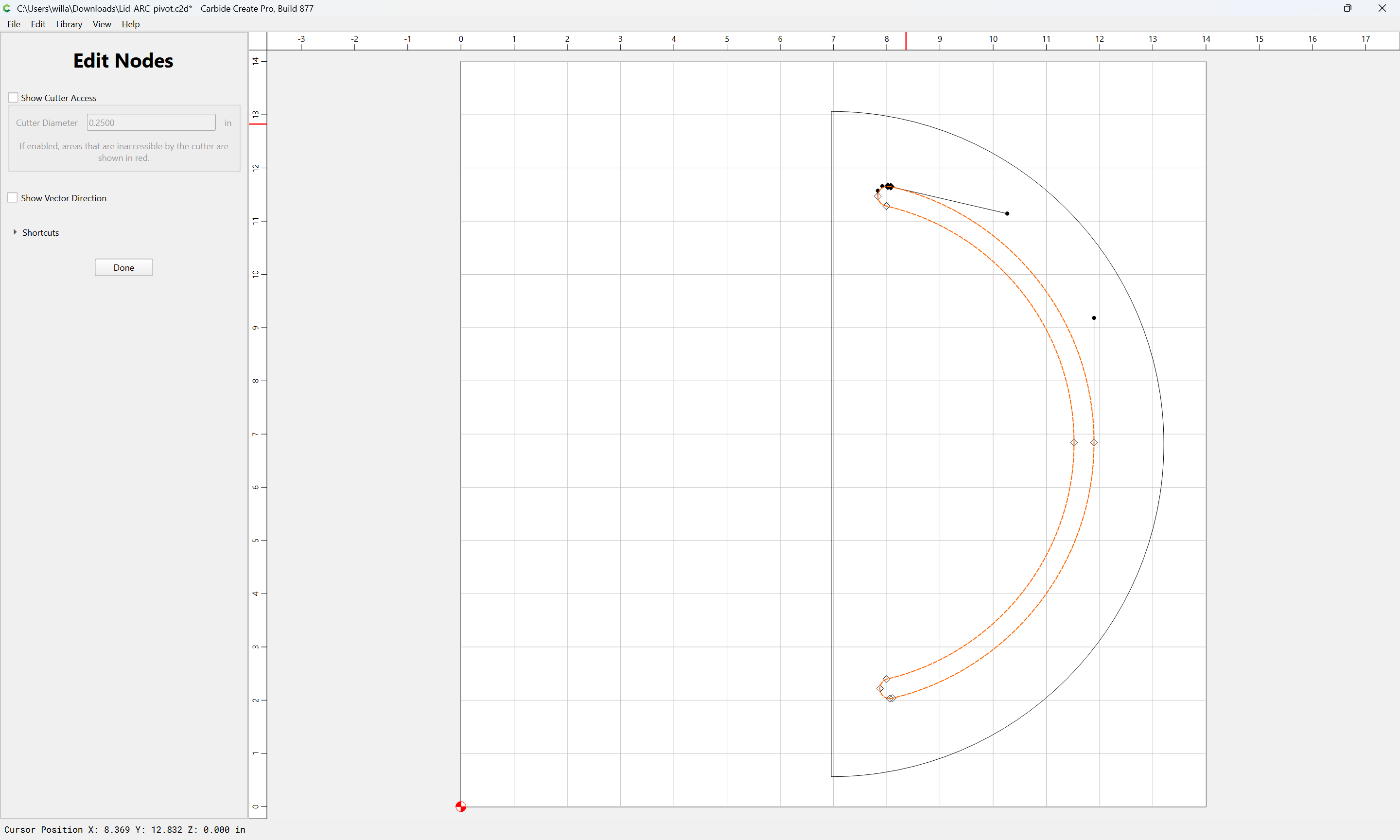
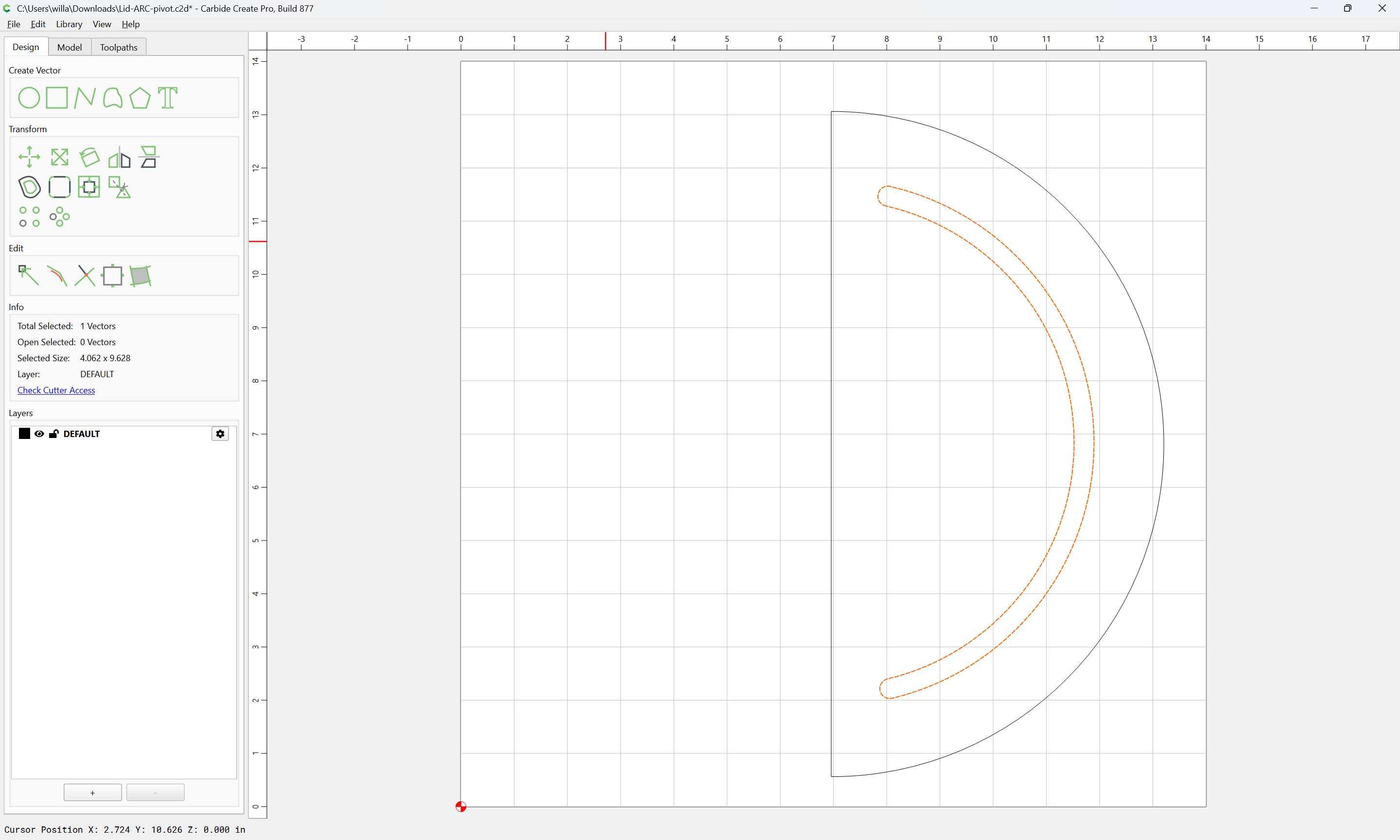
I have been trying to design this pivot hinge for my enclosure lid. The trim vectors has me a little baffled.
I created multiple circles and trimmed what i didn’t want. This is the correct shape but not sure i made it correctly or if there is an easier method. I think there are stray nodes in there too. Lid-ARC-pivot.c2d (52 KB)
I would like to know how it should be done.
Thanks!
Geometric constructions can be difficult when overlapping/intersecting/coincident lines interact and sometimes things get confused.
Examining things patiently will usually reveal a way to solve it, and the new feature “nudging” a node selection with the arrow keys allows one a great deal of facility in examining the underlying construction.
I wrote up a bit on Carbide Create at:
which may help — if anything in it is unclear or needs updating/correcting, let me know and we will look into it with you.