Using CC644:

Edit the text so that it’s a single letter:
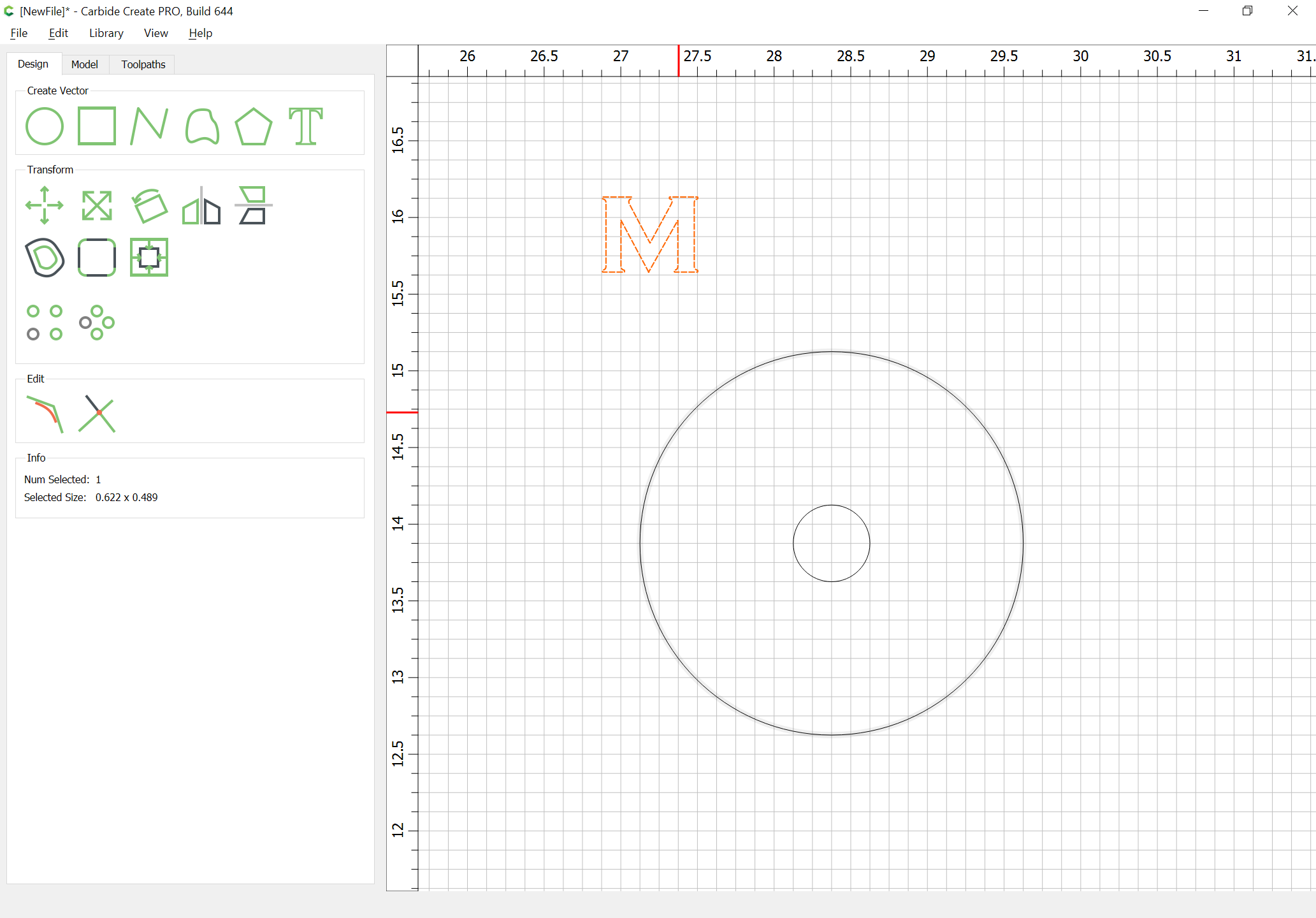
Horizontally align it w/ the circles:
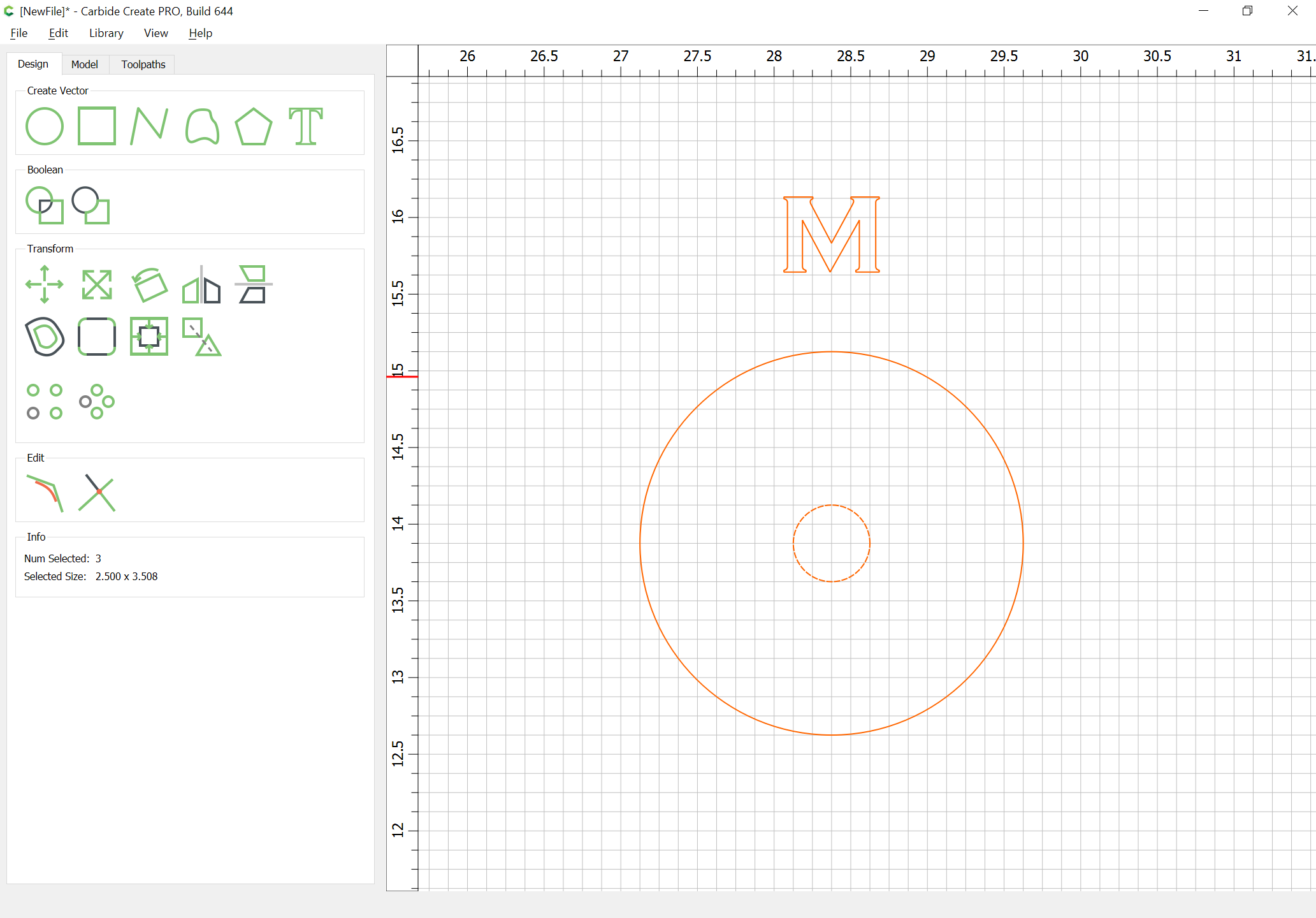
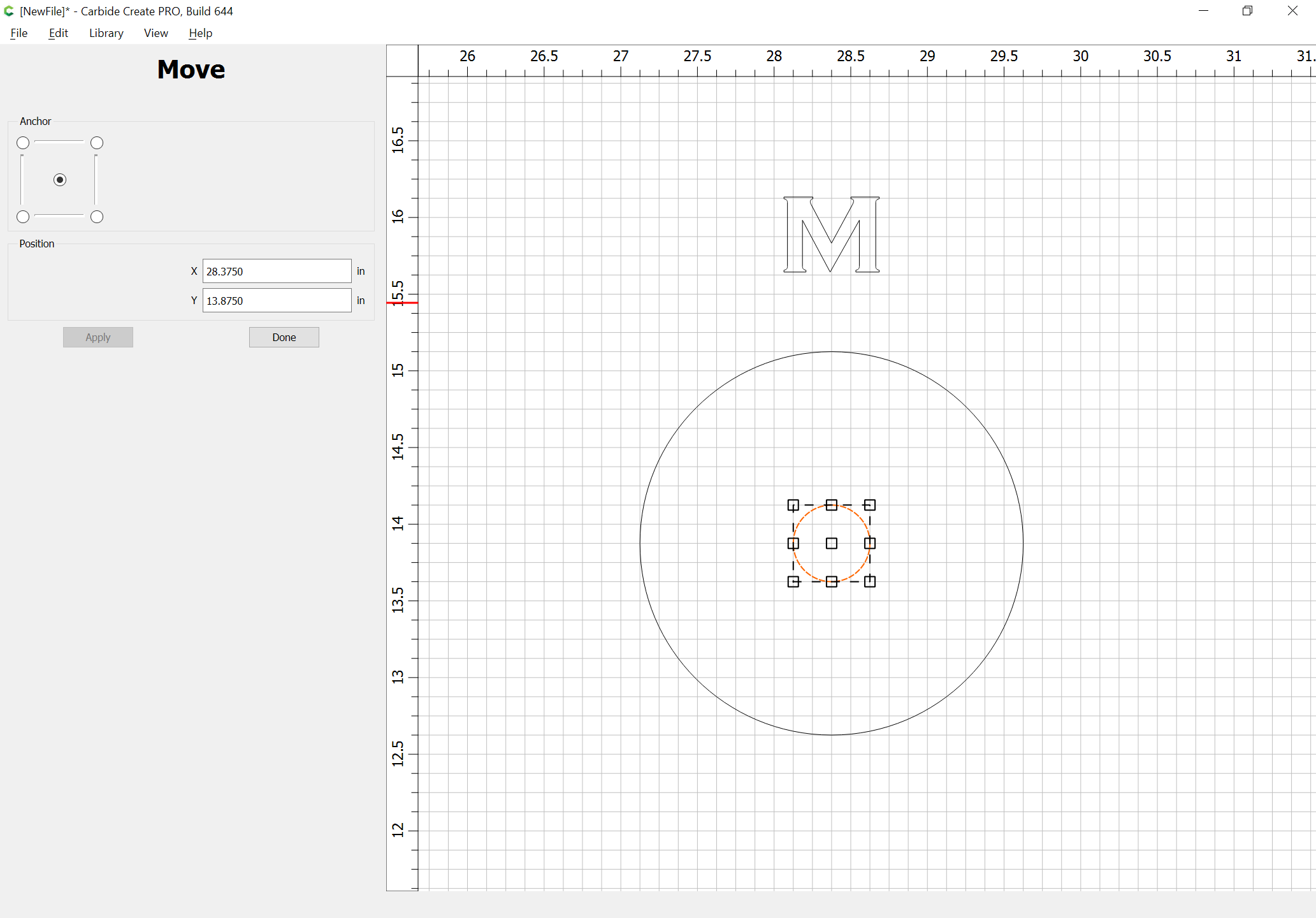
Select a circle and use the Move command to determine the location of its center:
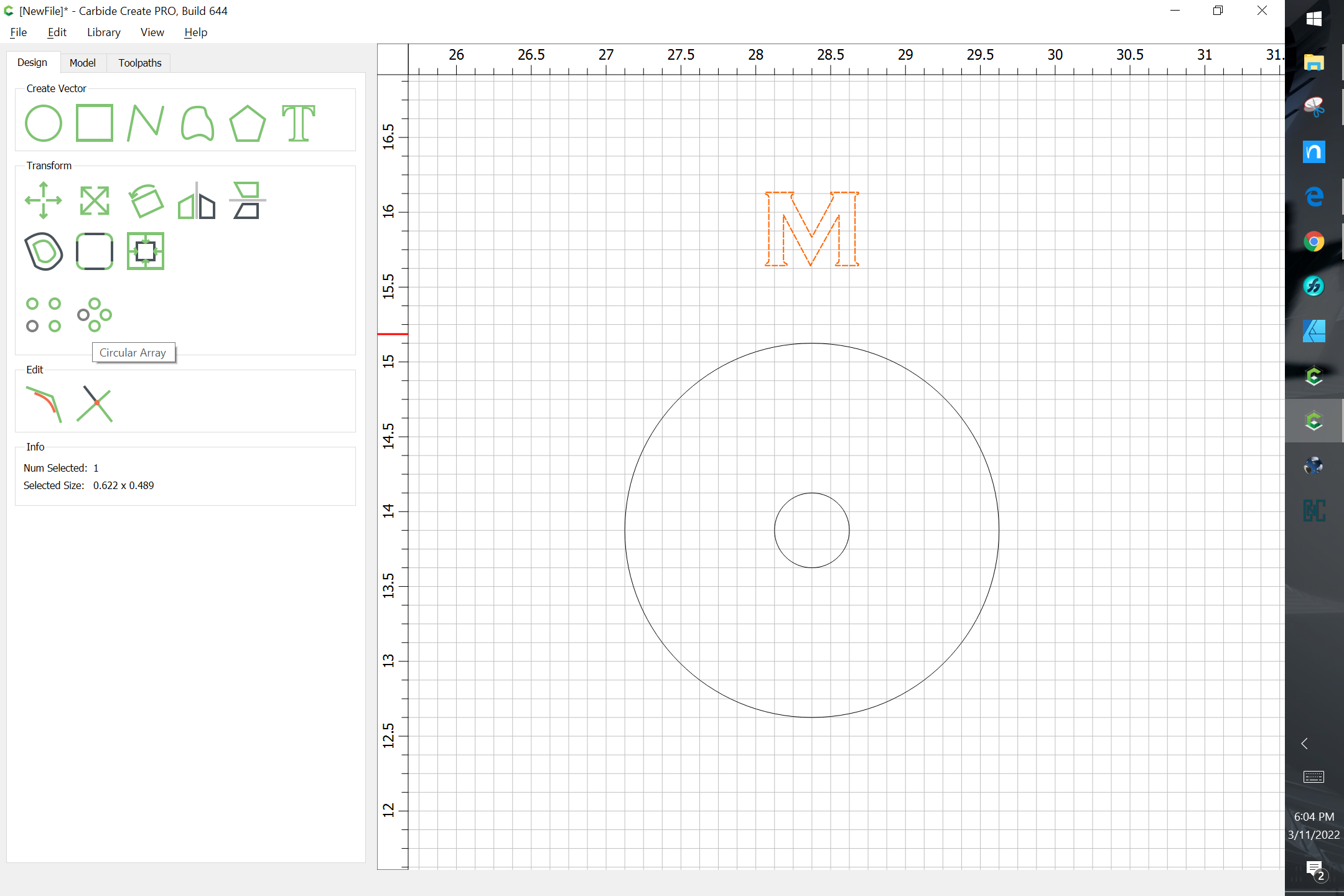
Use Circular Array:
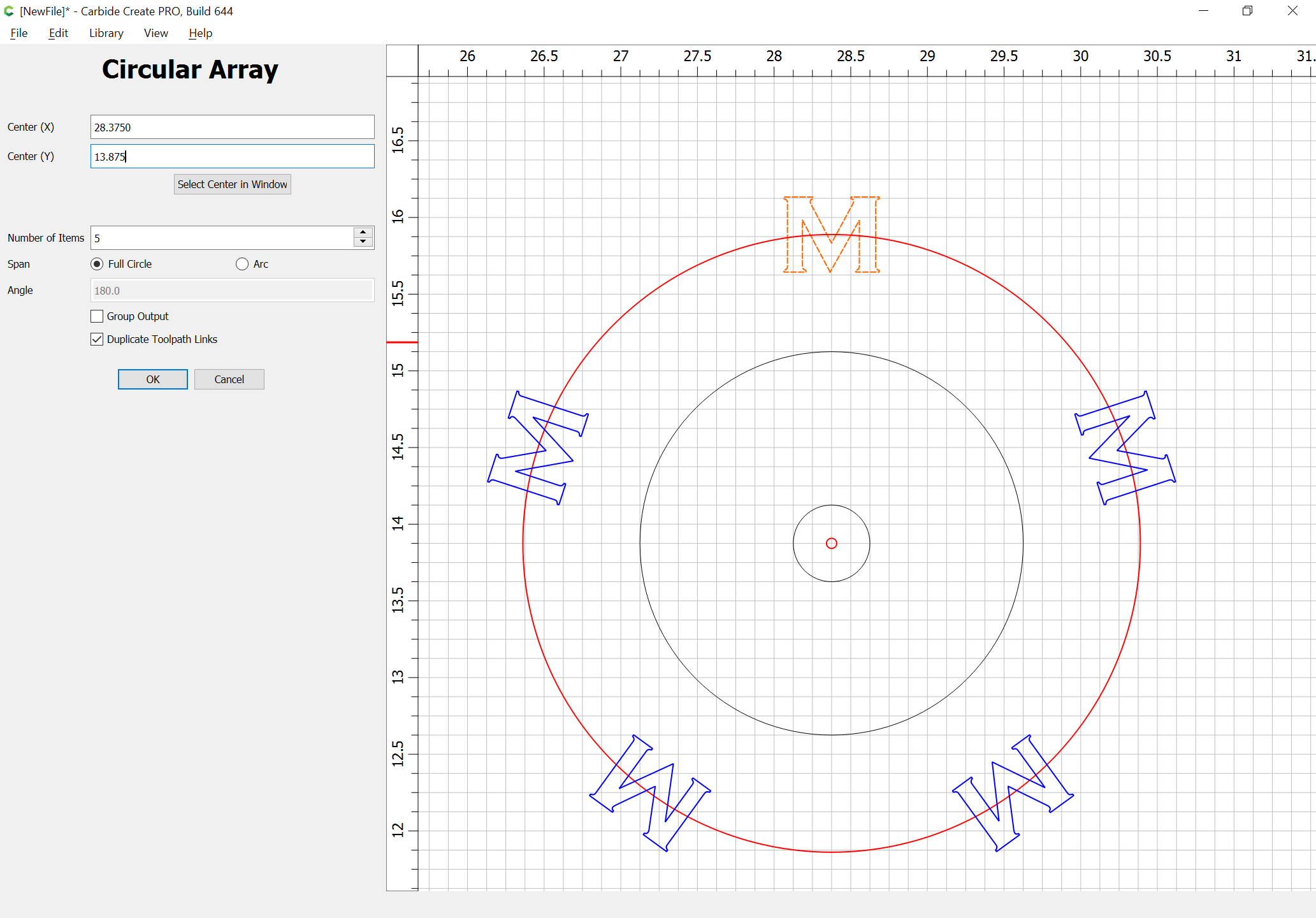
applying the center dimensions.
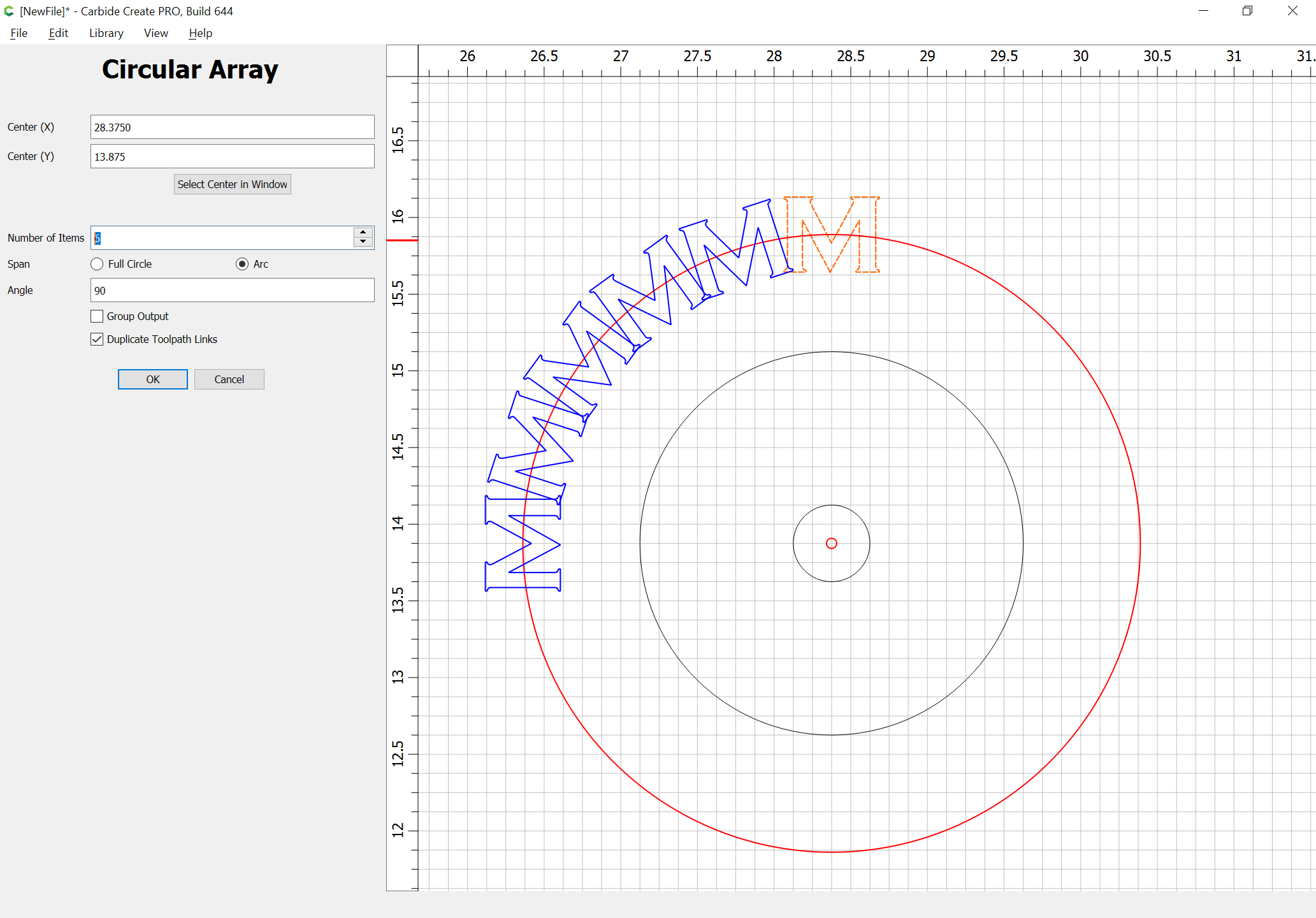
Change it to an arc:

Adjust the parameters until things line up as desired and one has the desired number of items:
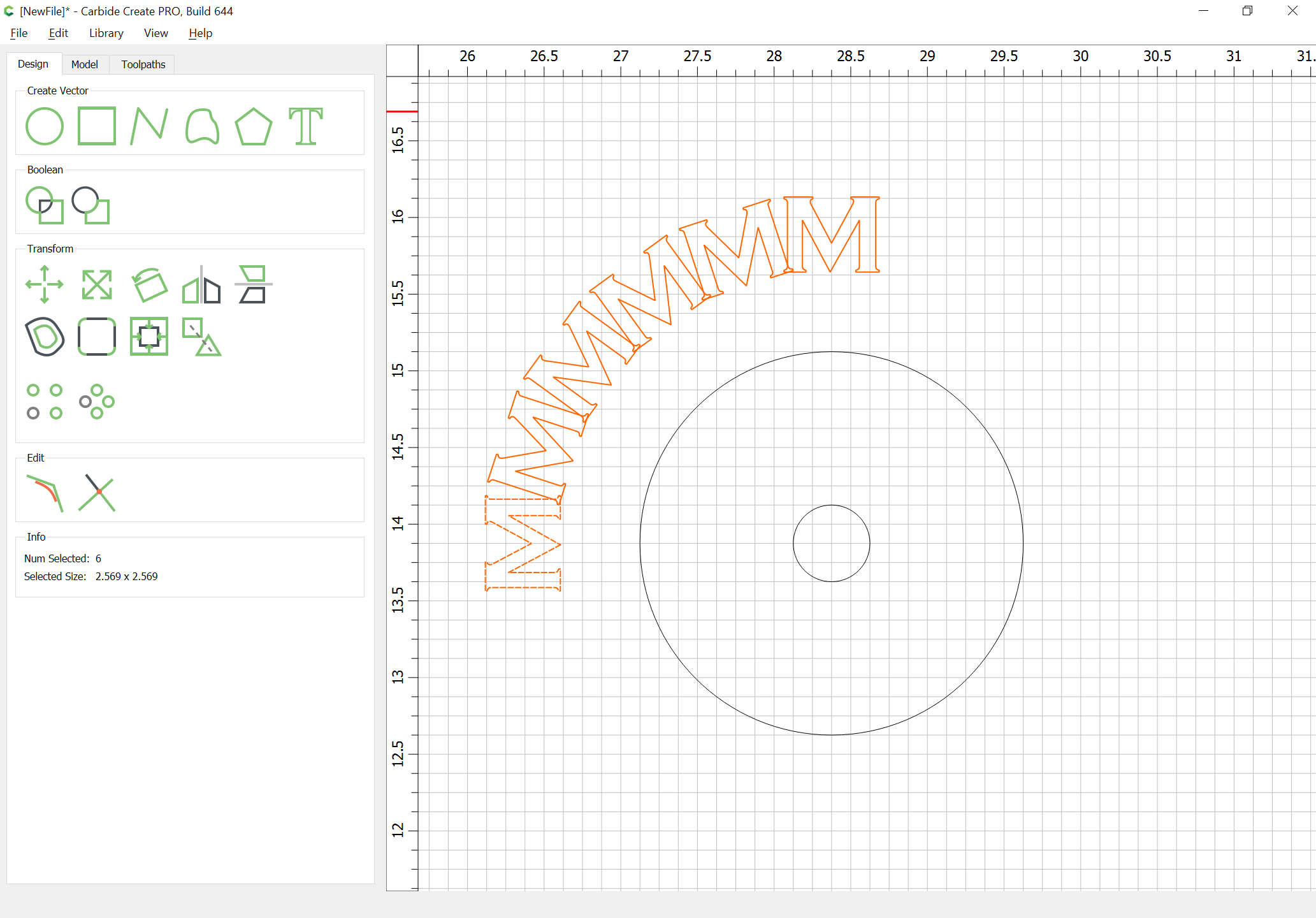
Duplicate and align one of the circles w/ the original so that it can be enlarged so as to be larger than everything:
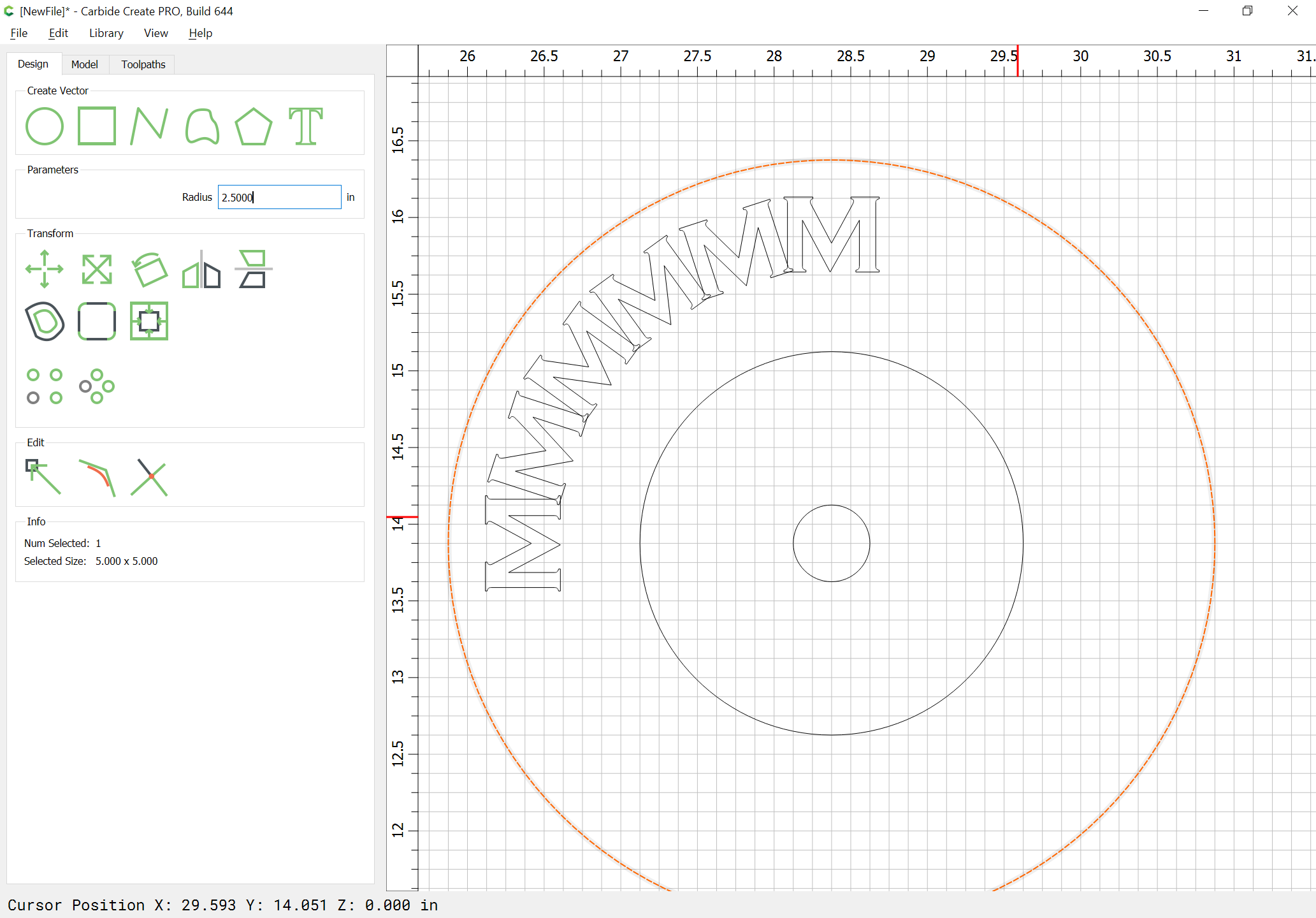
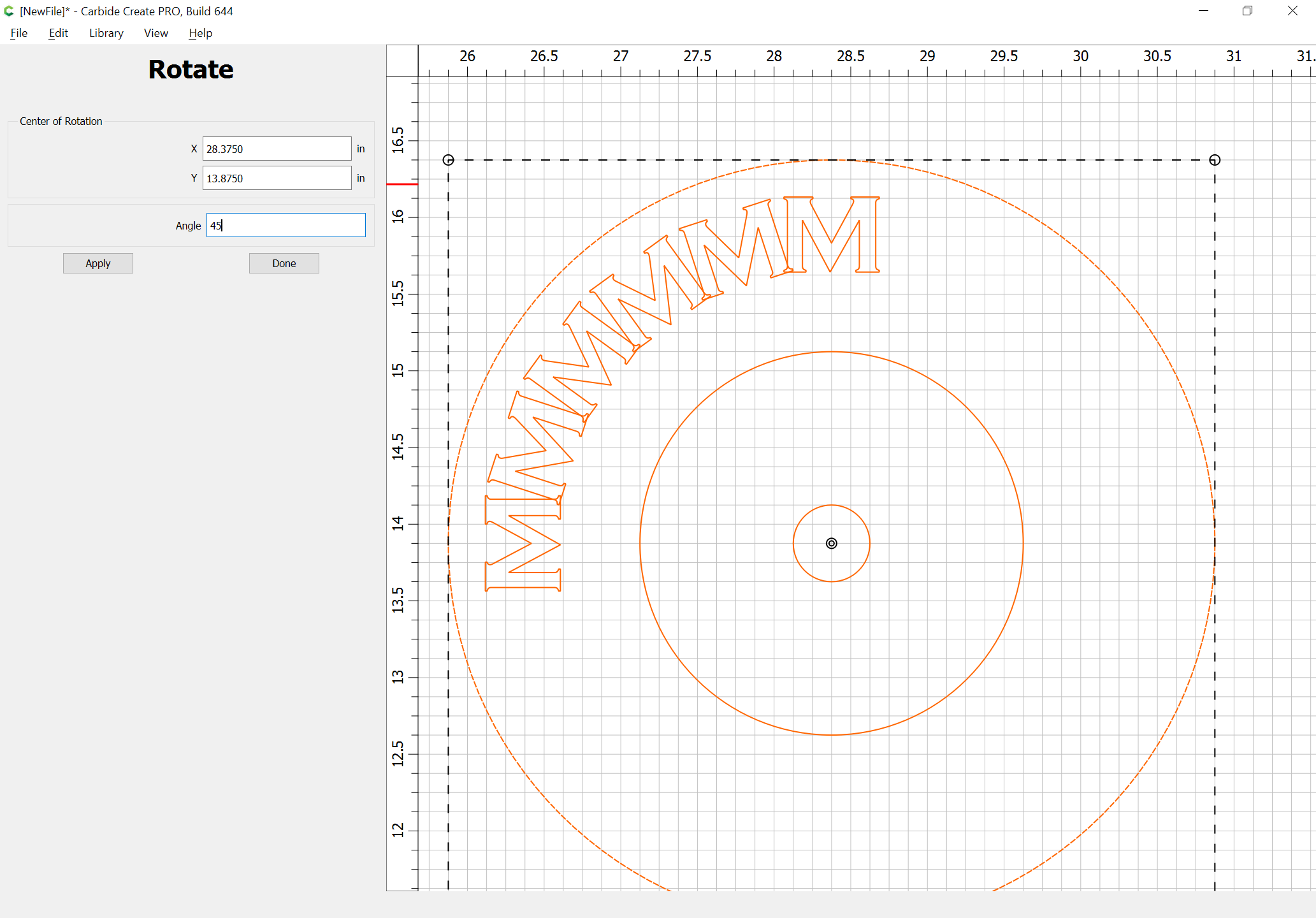
Select everything and rotate to finish the positioning:
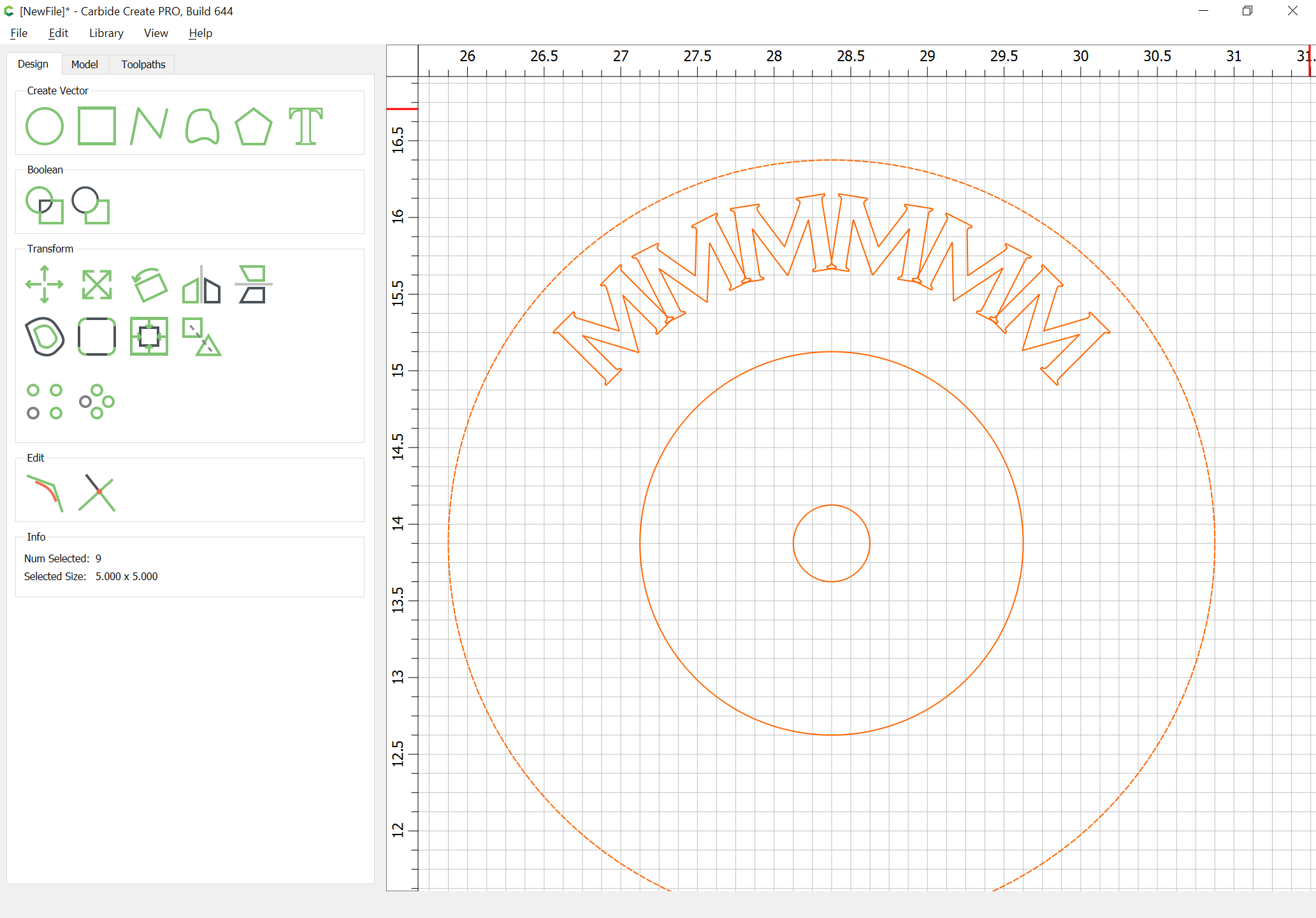
Duplicate each letter and align the duplicate w/ the original:
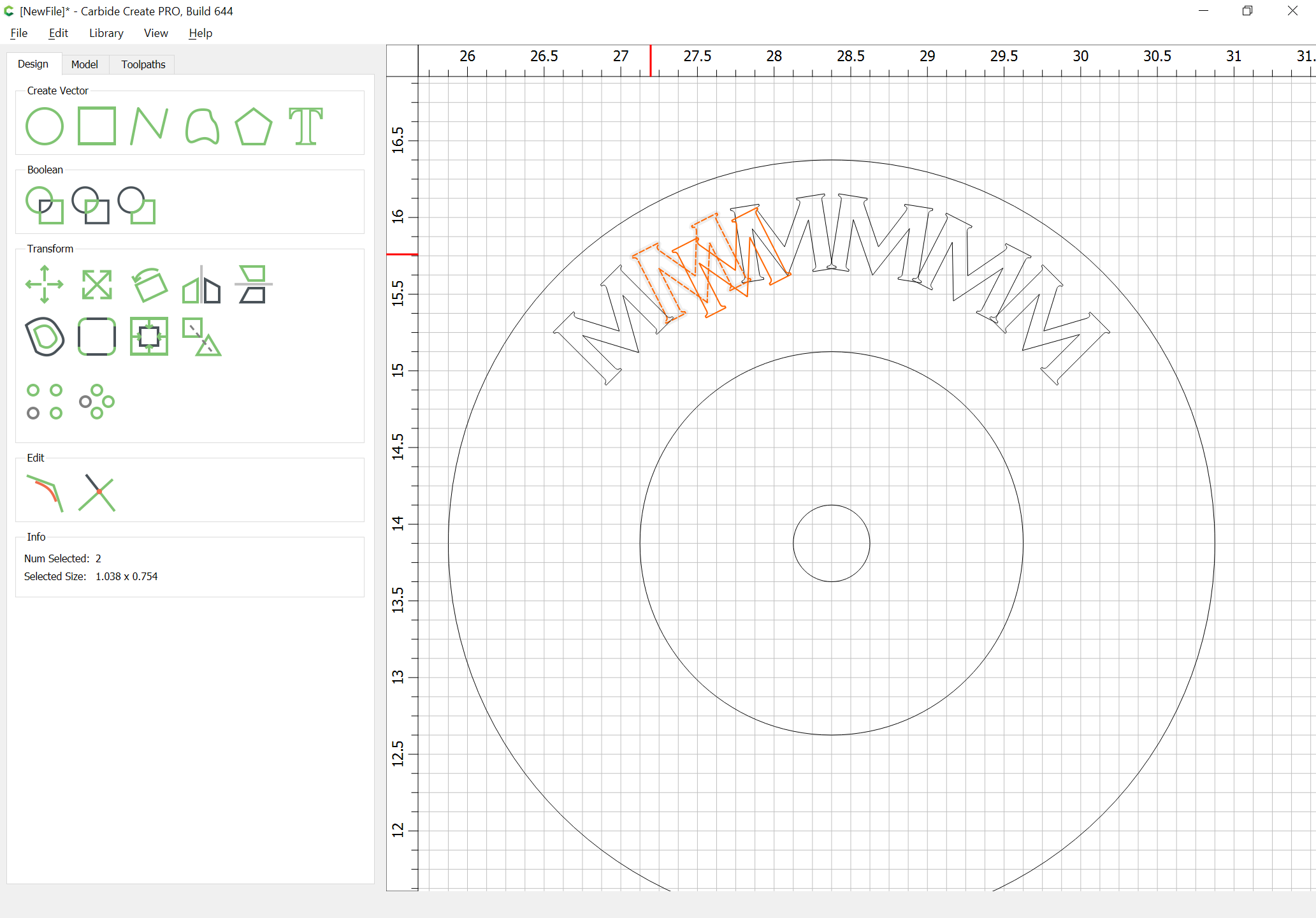
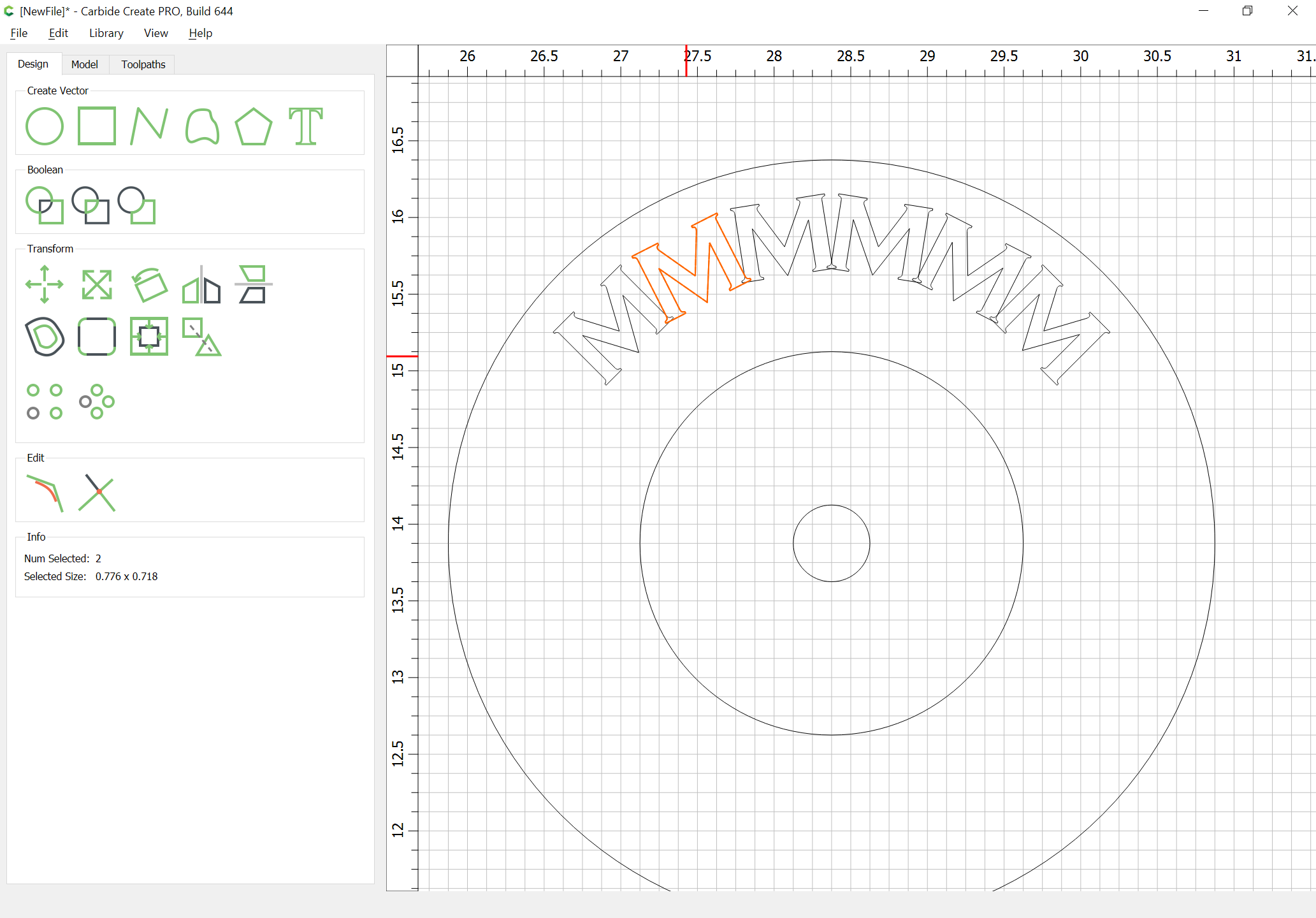
edit the duplicate letter:
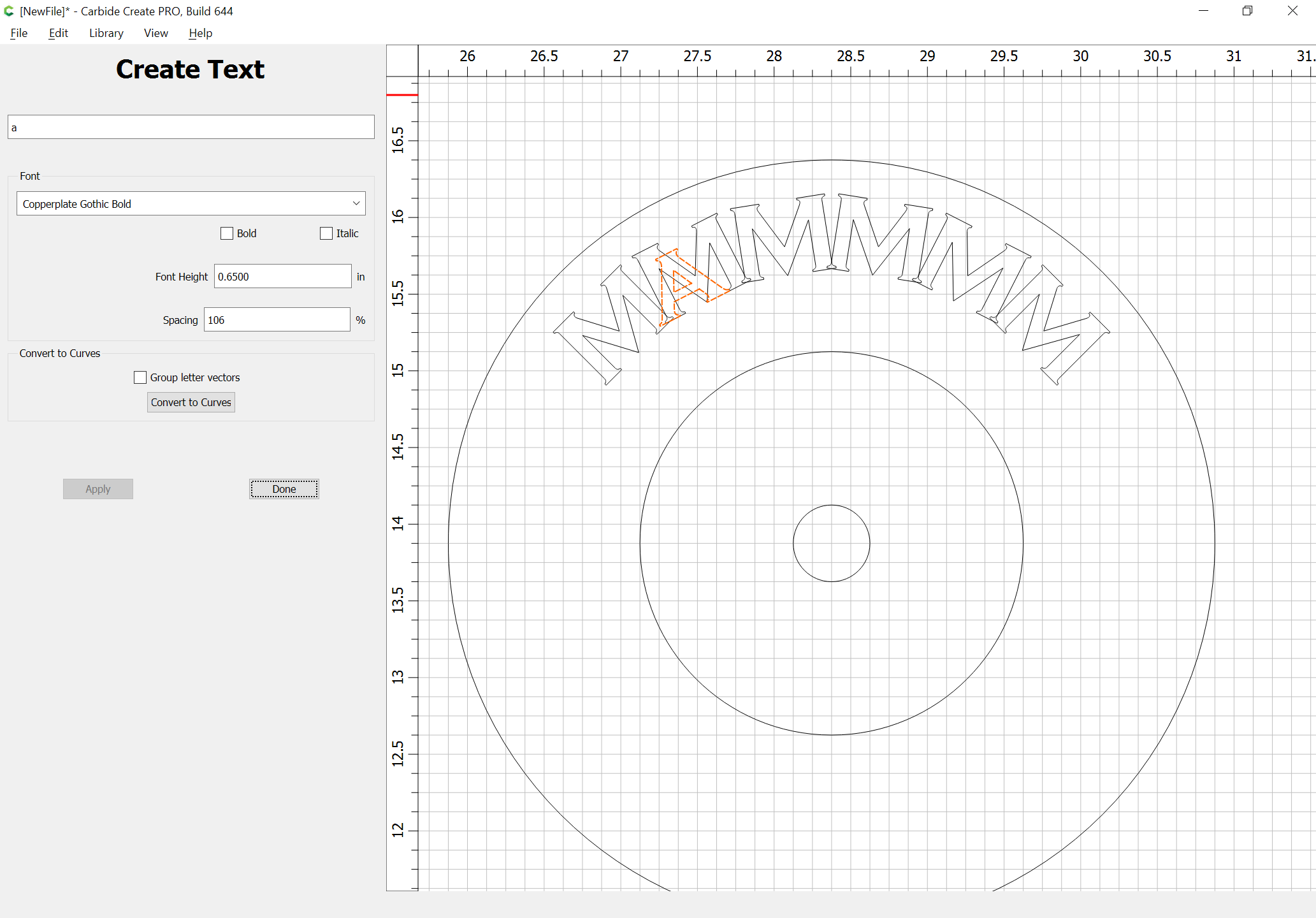
drag it into position relative to the original:
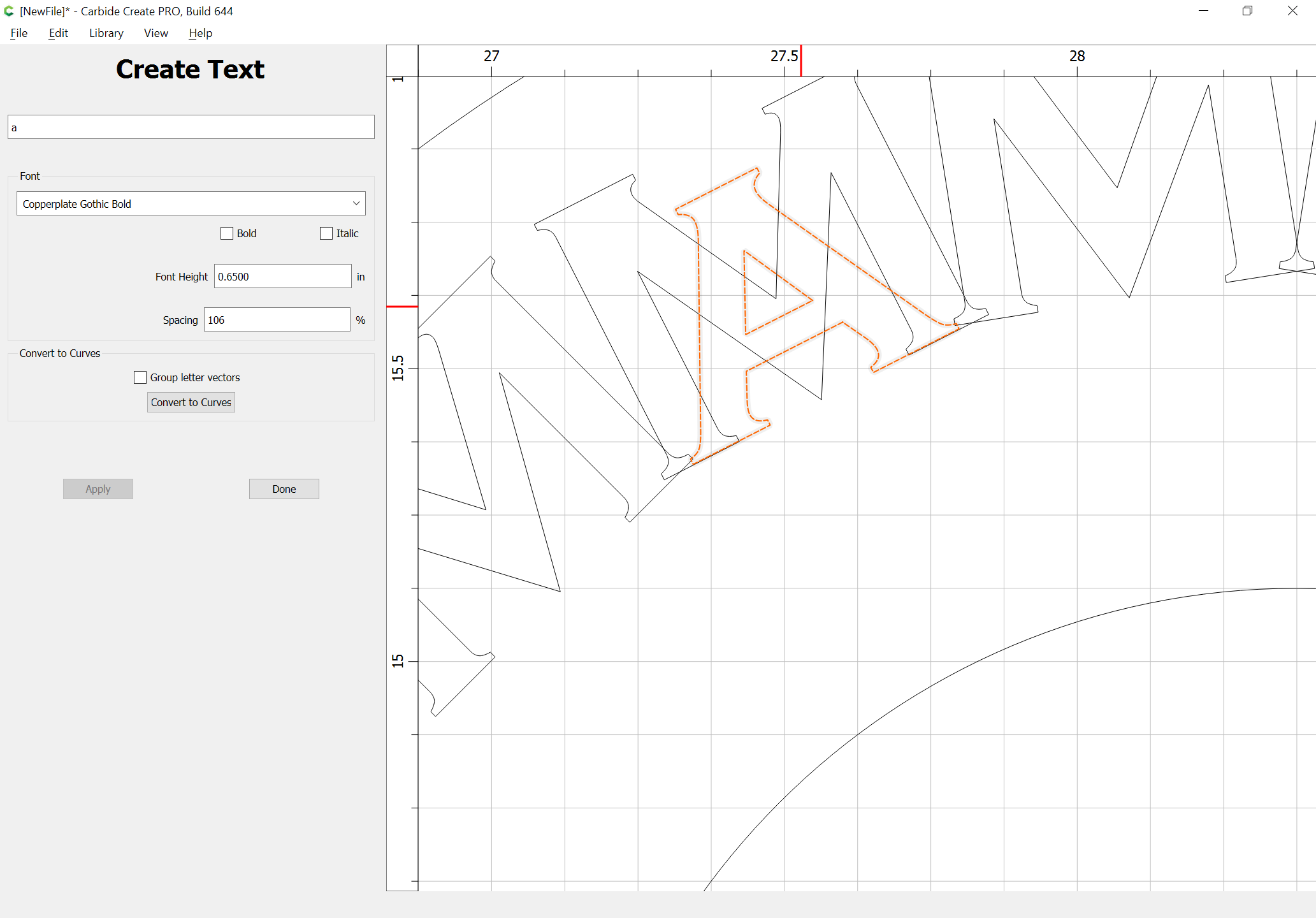
Delete the original:
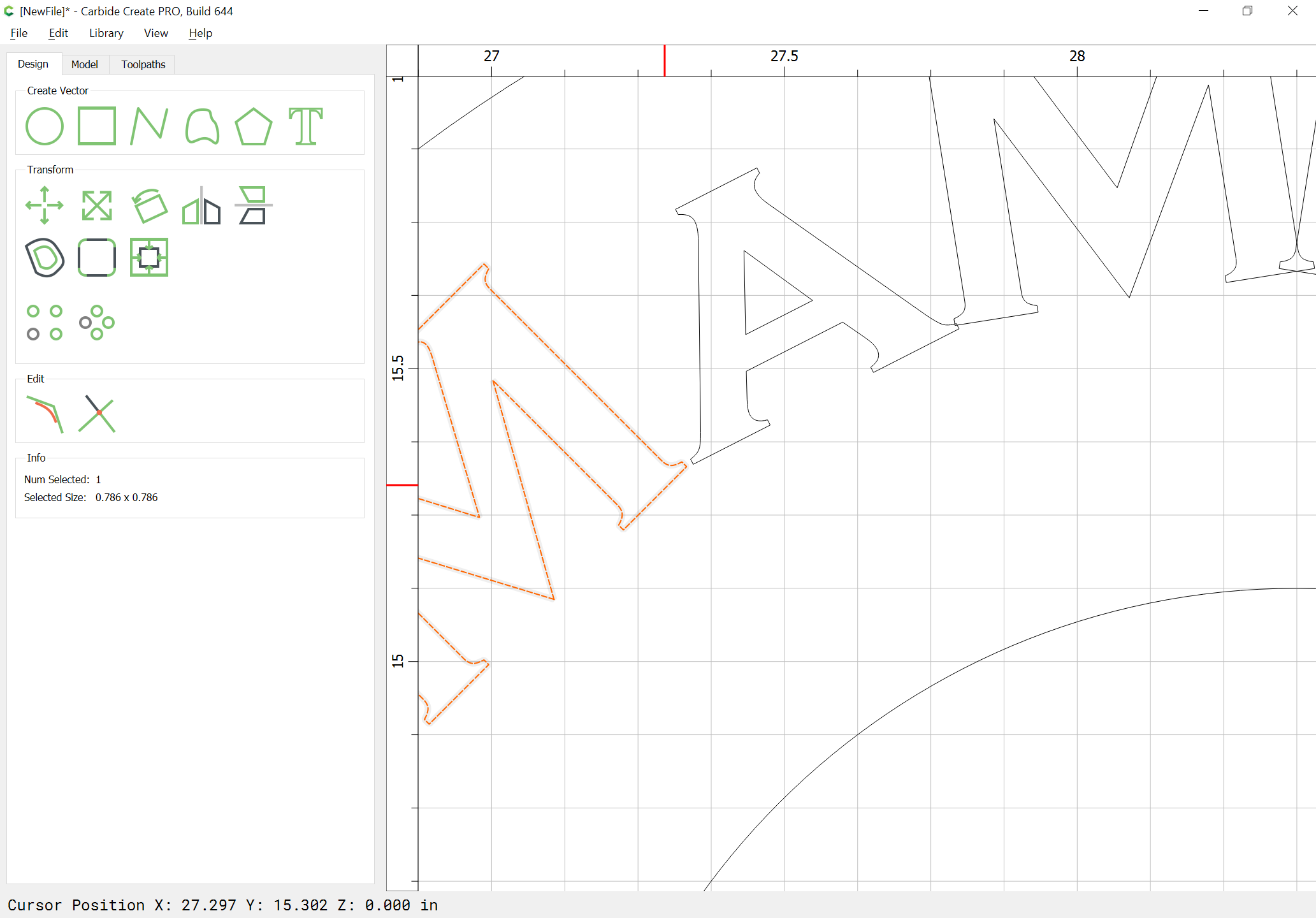
Repeat for the other letters:

Select the letters and the outer circle and rotate as necessary:
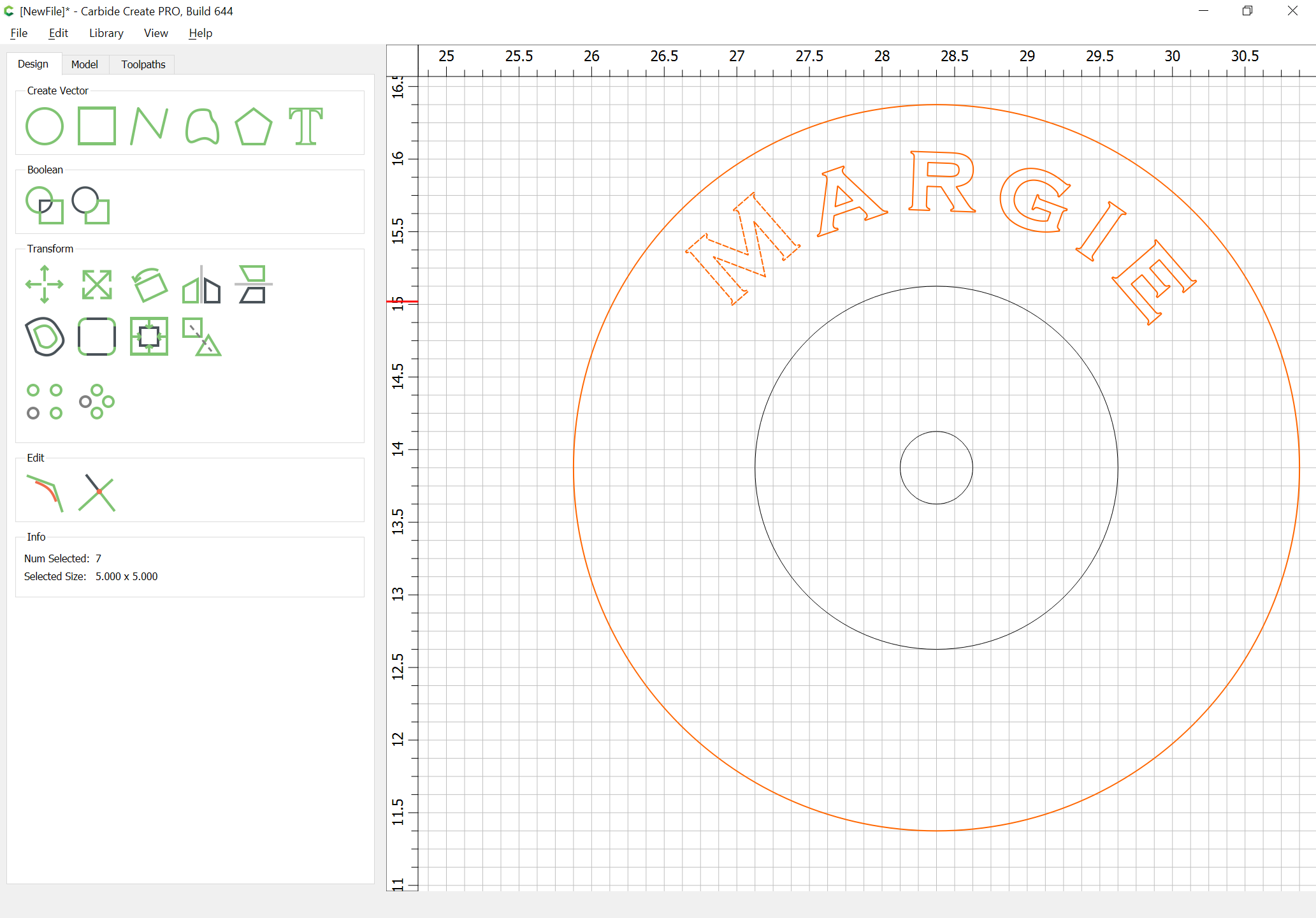
Attached.
Margie.c2d (752.6 KB)