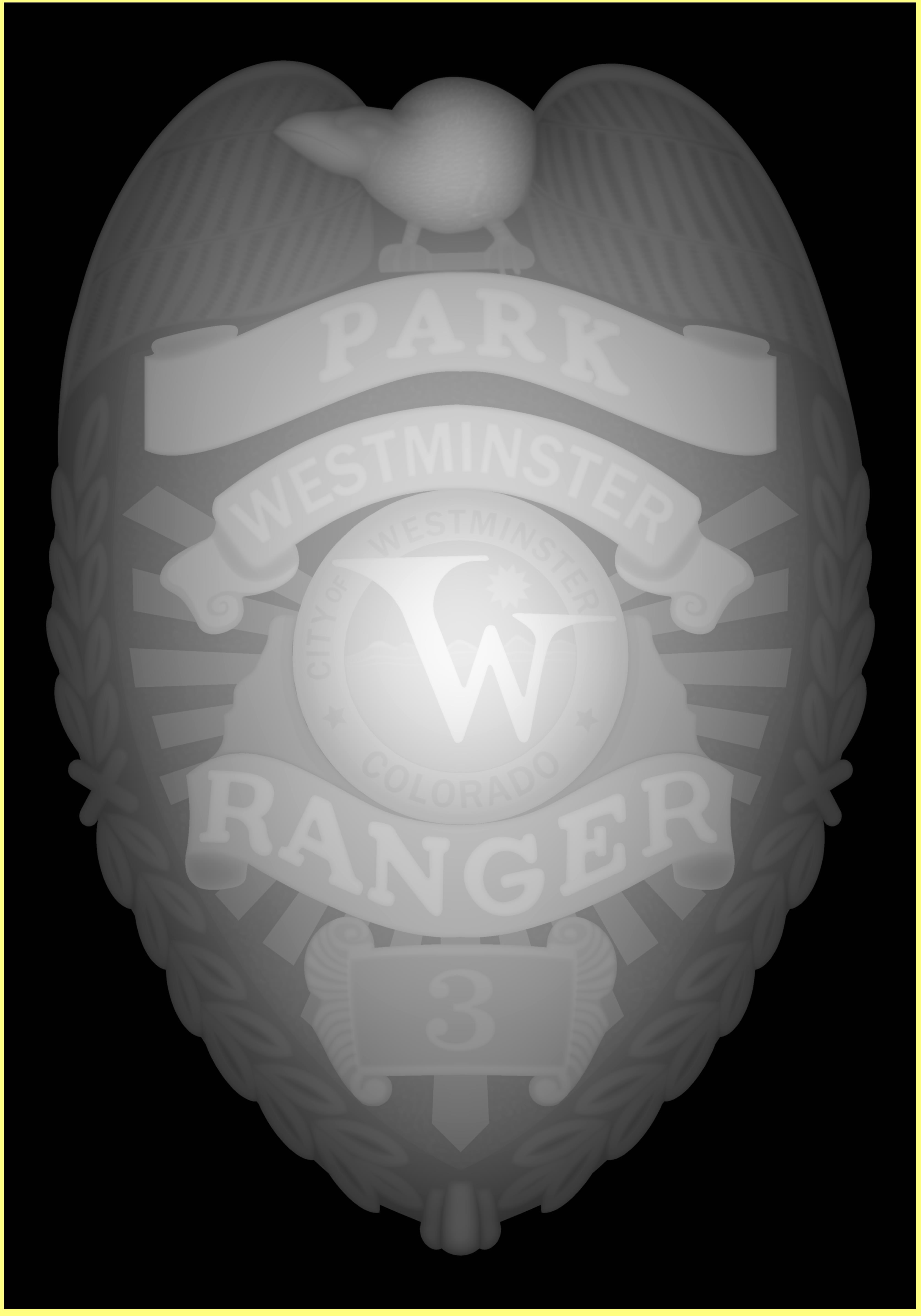
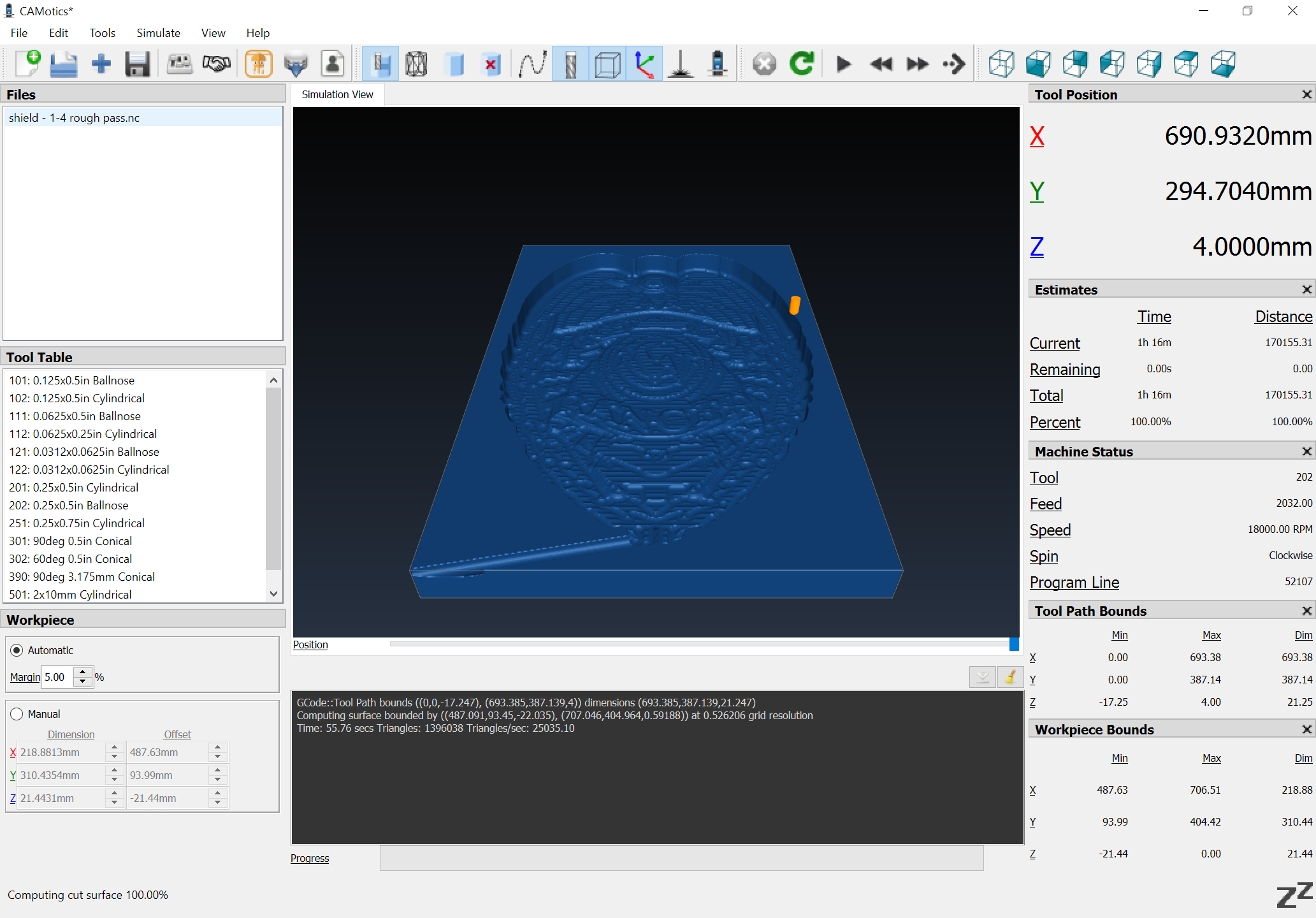
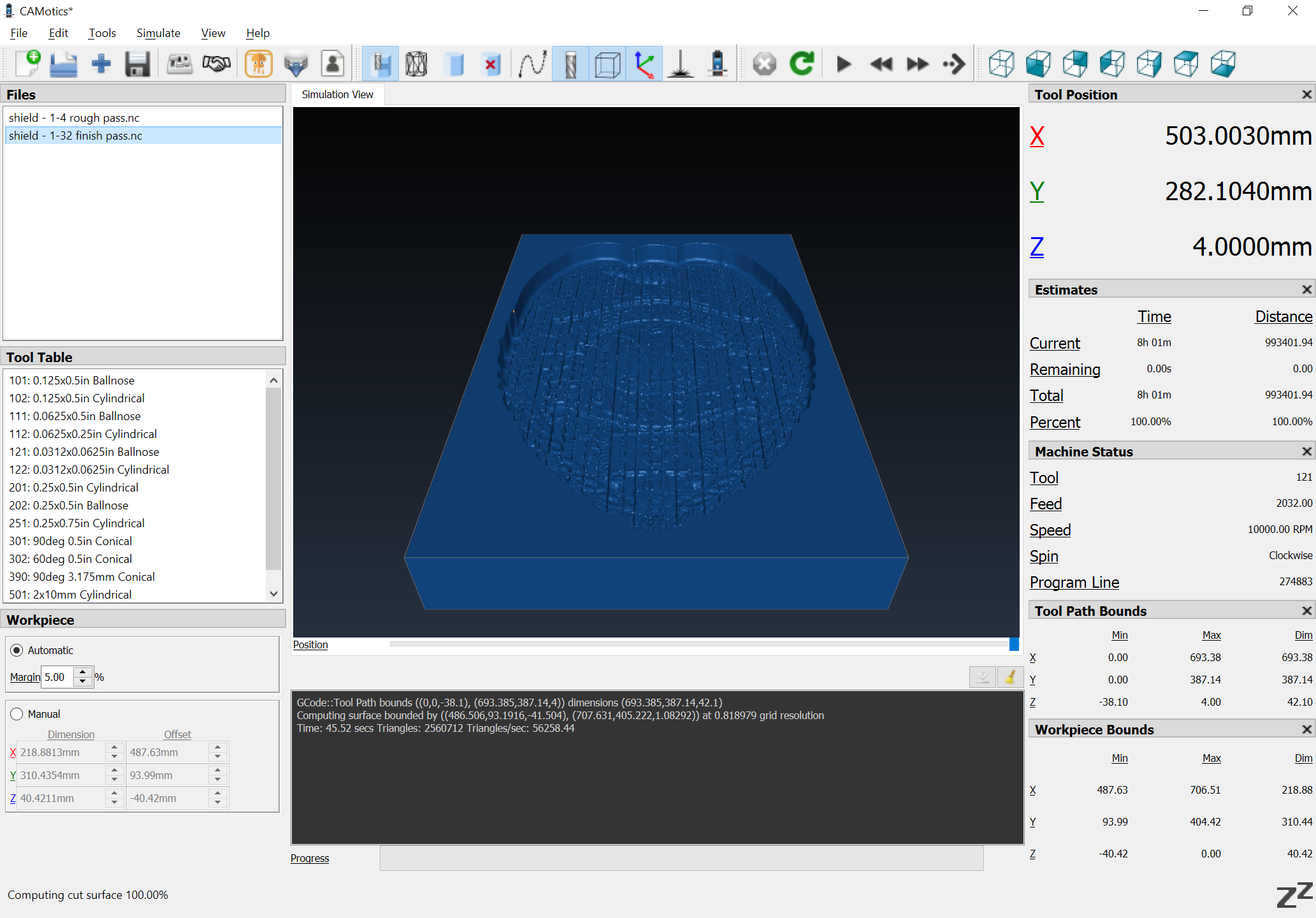
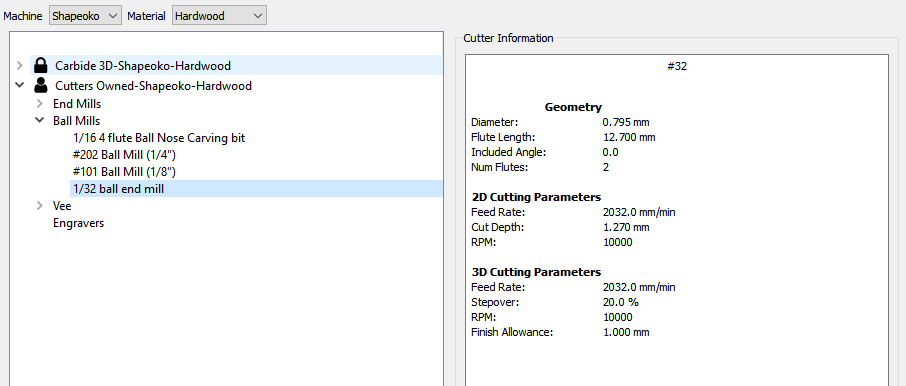
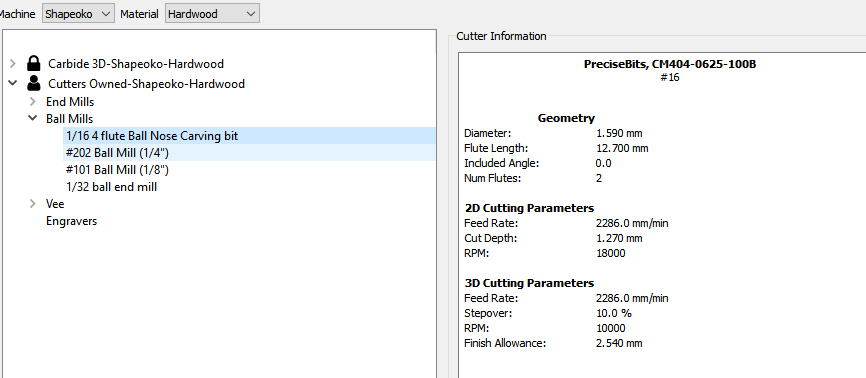
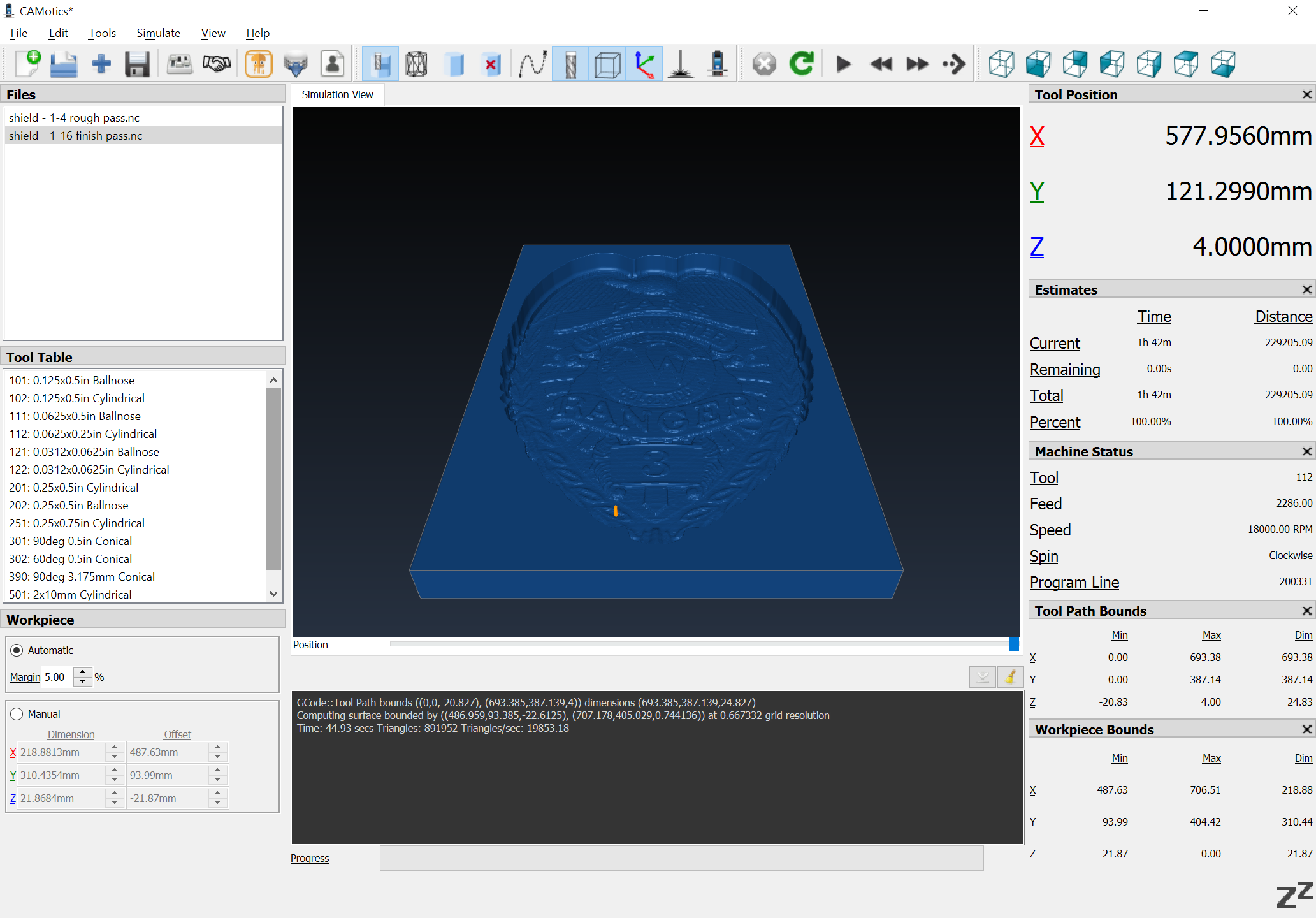
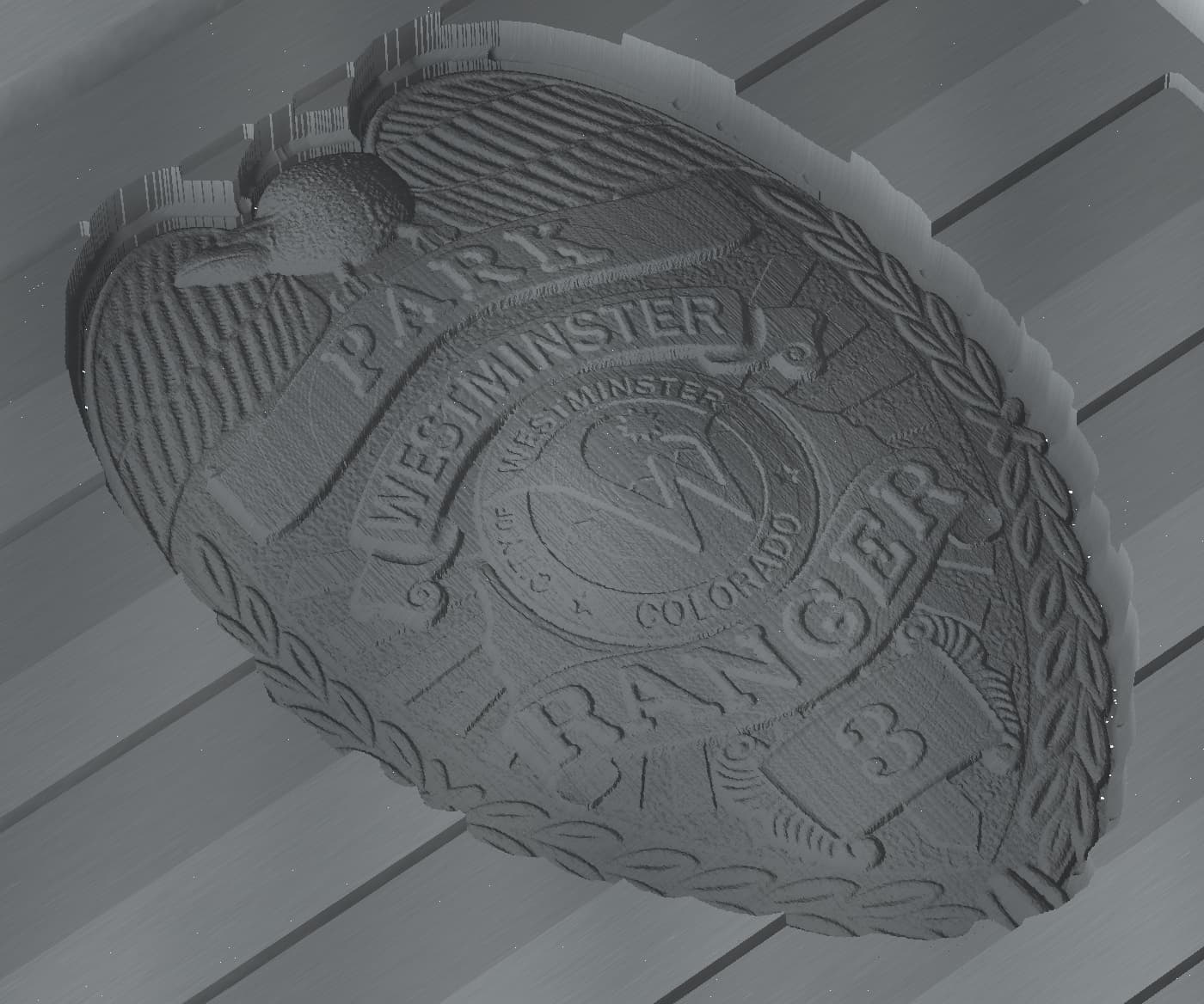
I have been running CC for about a year and have done a lot of different projects. this one is a retirment gift for a park ranger. it is on a flag and the 3d object is the badge. everything is great…until I put in my new 1/32" ball endmill. I get slashes or at least super deep cuts throughout the whole 3d object. it is perfect with my 1/16 ball endmill but the 1/32 I dont know if it is getting some info somewhere else but the picture doesnt have lines in it, even zoomed far in. if anyone else has run into this issue or have any great ideas. I have deleted the tool and re-added it to the library, i tried the nomad 1/32 and they all do it. so my guess is its something in the file…
So the problem would seem to be in the tool definition for #32 or the toolpath settings — does that match the 3D preview you are getting in your CAD/CAM program?
I sent it in. thank you, I will repost here if anyone can figure out what is happening. honestly, I wouldn’t care if I wasn’t concerned it would do it on the actual piece as well… especially if others are getting the same results.
It would be even more concerning if the program would render a good 3D appearance and then not cut what was shown — the 3rd party 3D preview of the G-Code confirms that something is off when doing finishing toolpaths w/ this size tooling — we’ll have to see what can be determined.
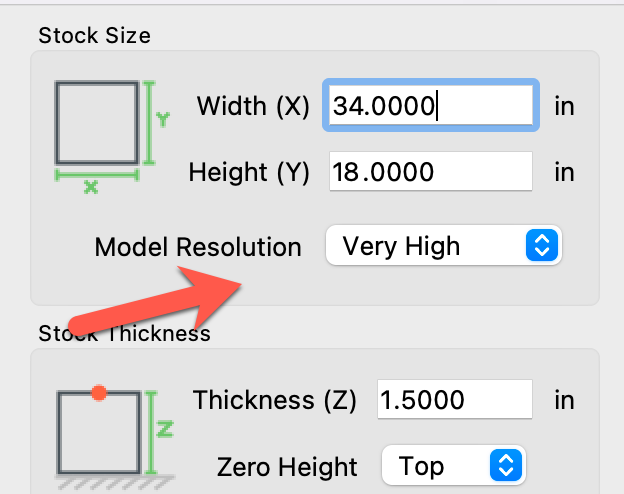
We’ve got some optimizations in there that fail with a small cutter and a lower resolution model. If you go to the job settings and change the Model Resolution to High or Very High then it should work:
If your model wasn’t 34" wide, or you used a bigger cutter, it would have worked fine with the lower resolution.
Note that there’s a bug I just found playing with this file where CC will crash if you change the model resolution when the toolpaths are calculating so wait until they’re done before changing the resolution. (It’ll be fixed in the next release)
thank you for your help on this. I didn’t even think of resolution as being a factor. Looking forward to the update and wondering what else has been done.