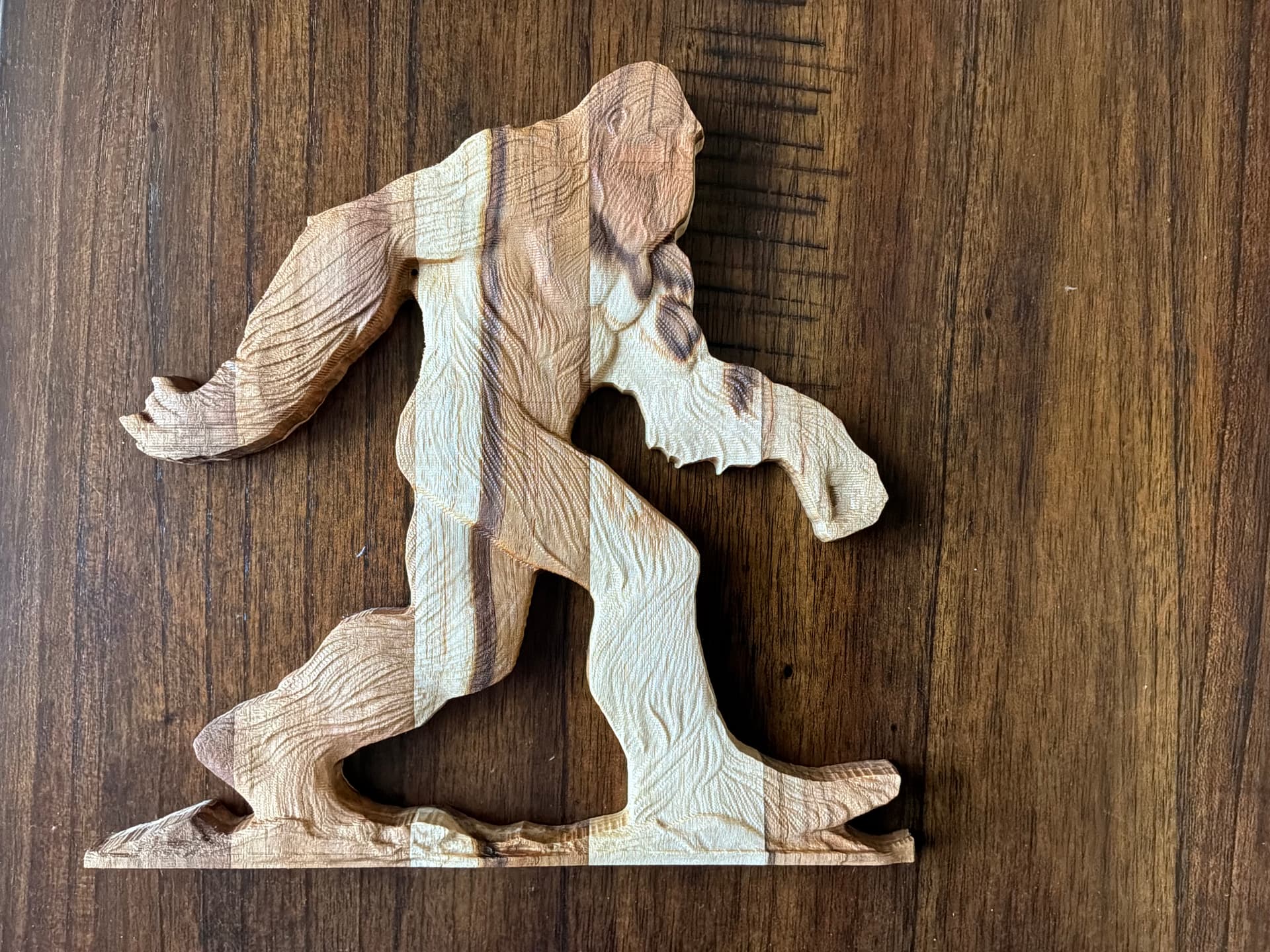
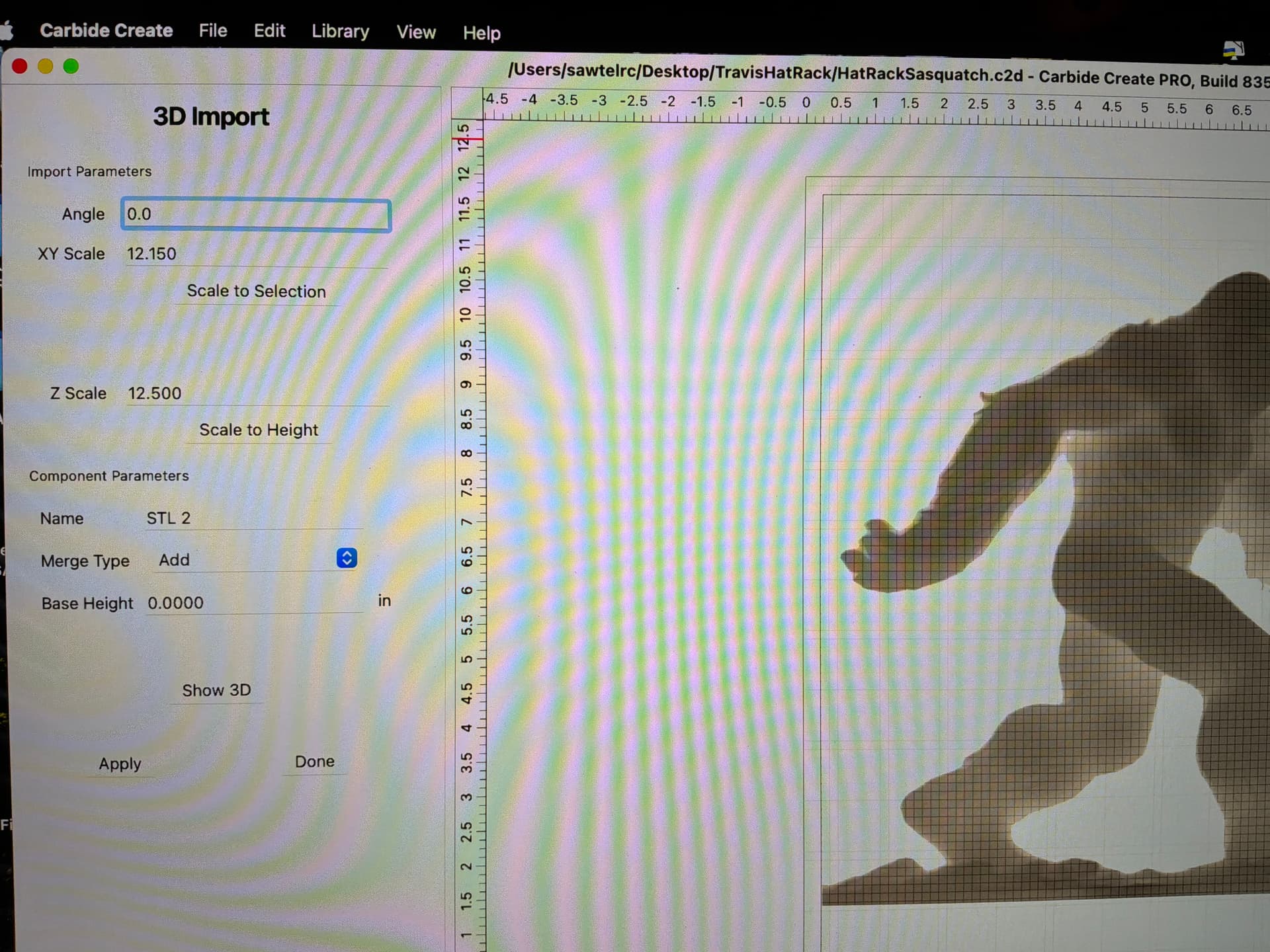
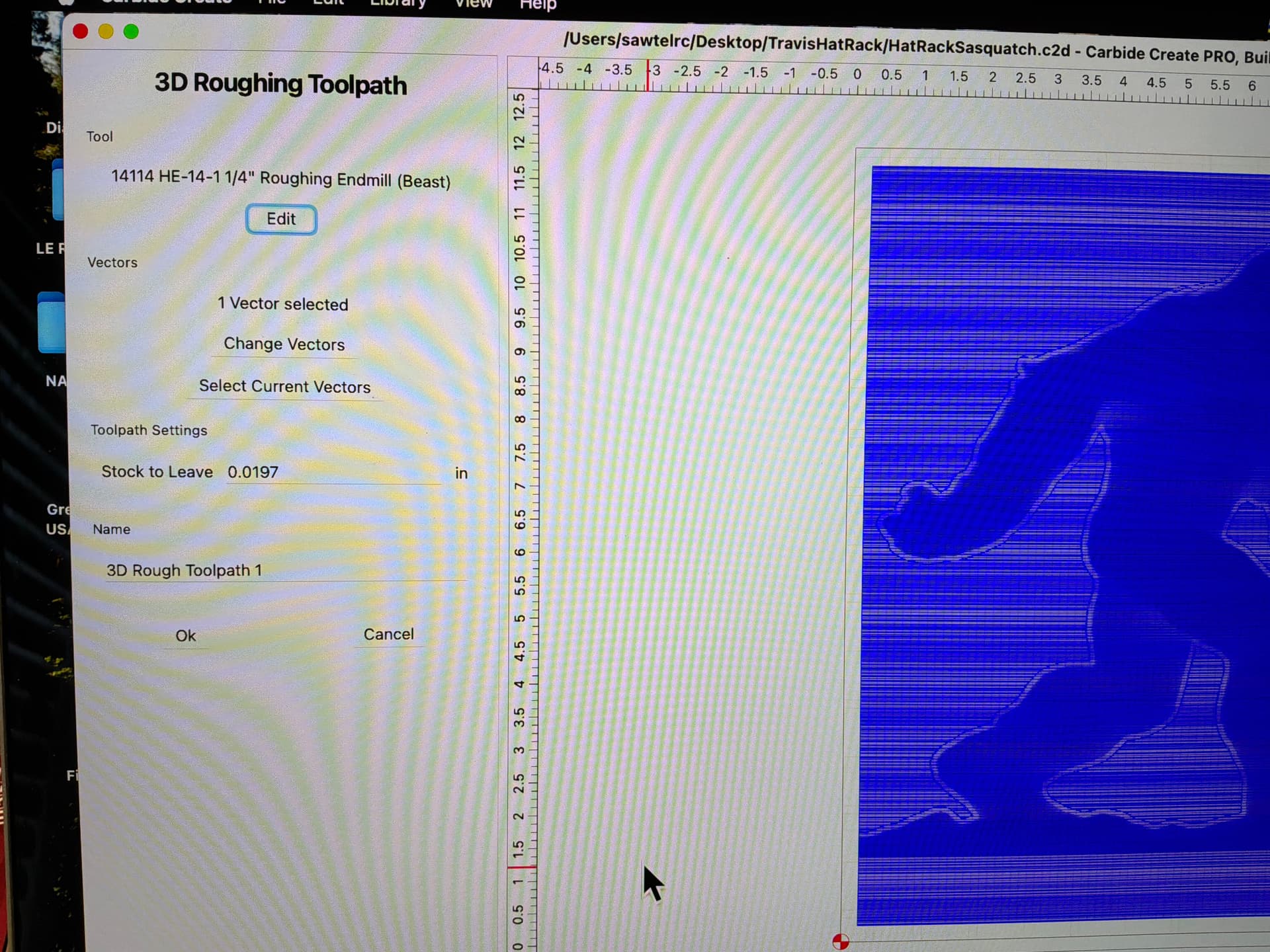
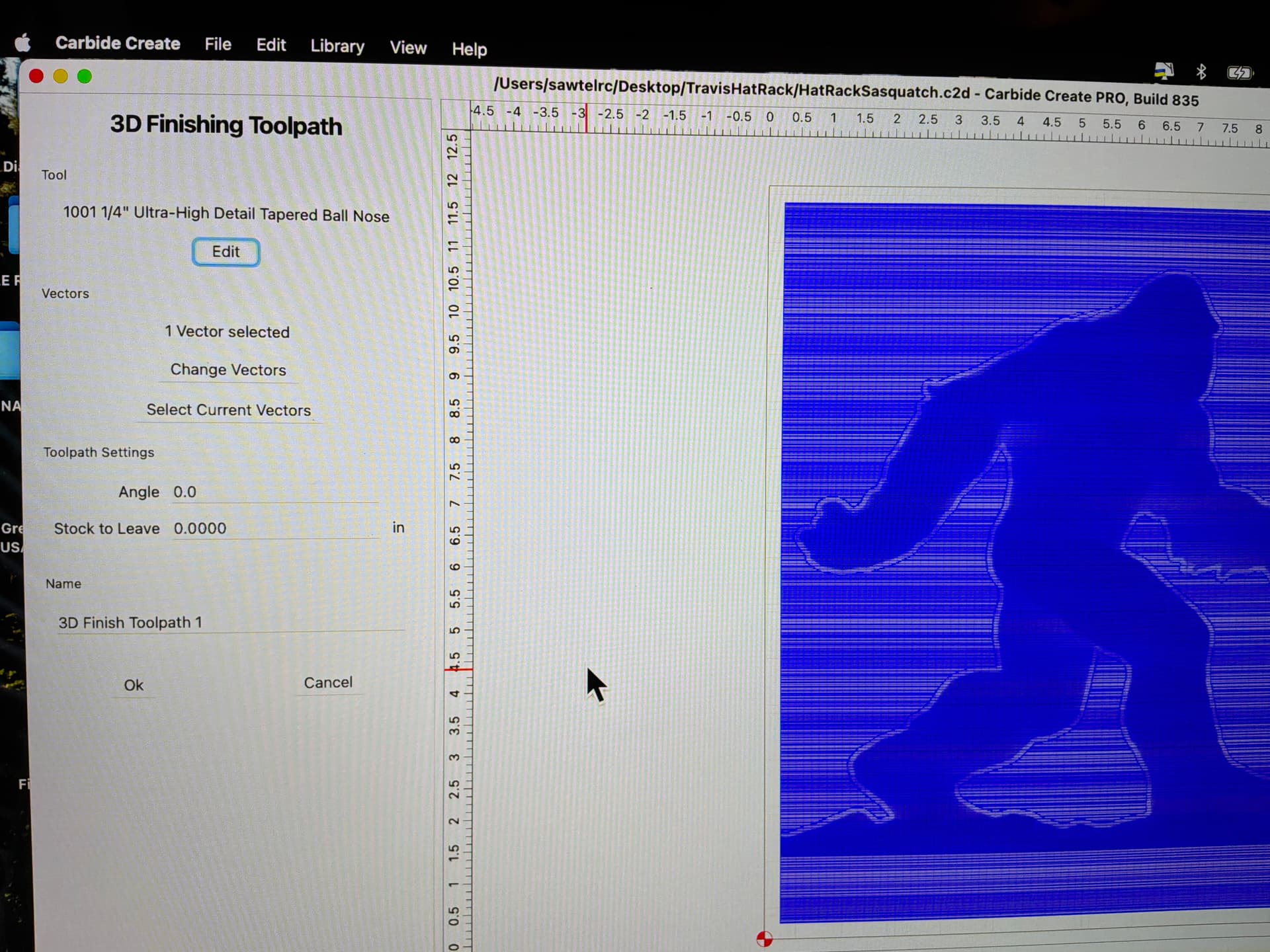
Just finished my first 3D carve test cut. Hardly any detail shows up. I have attached images of item, setup, toolpaths. What am I doing wrong?
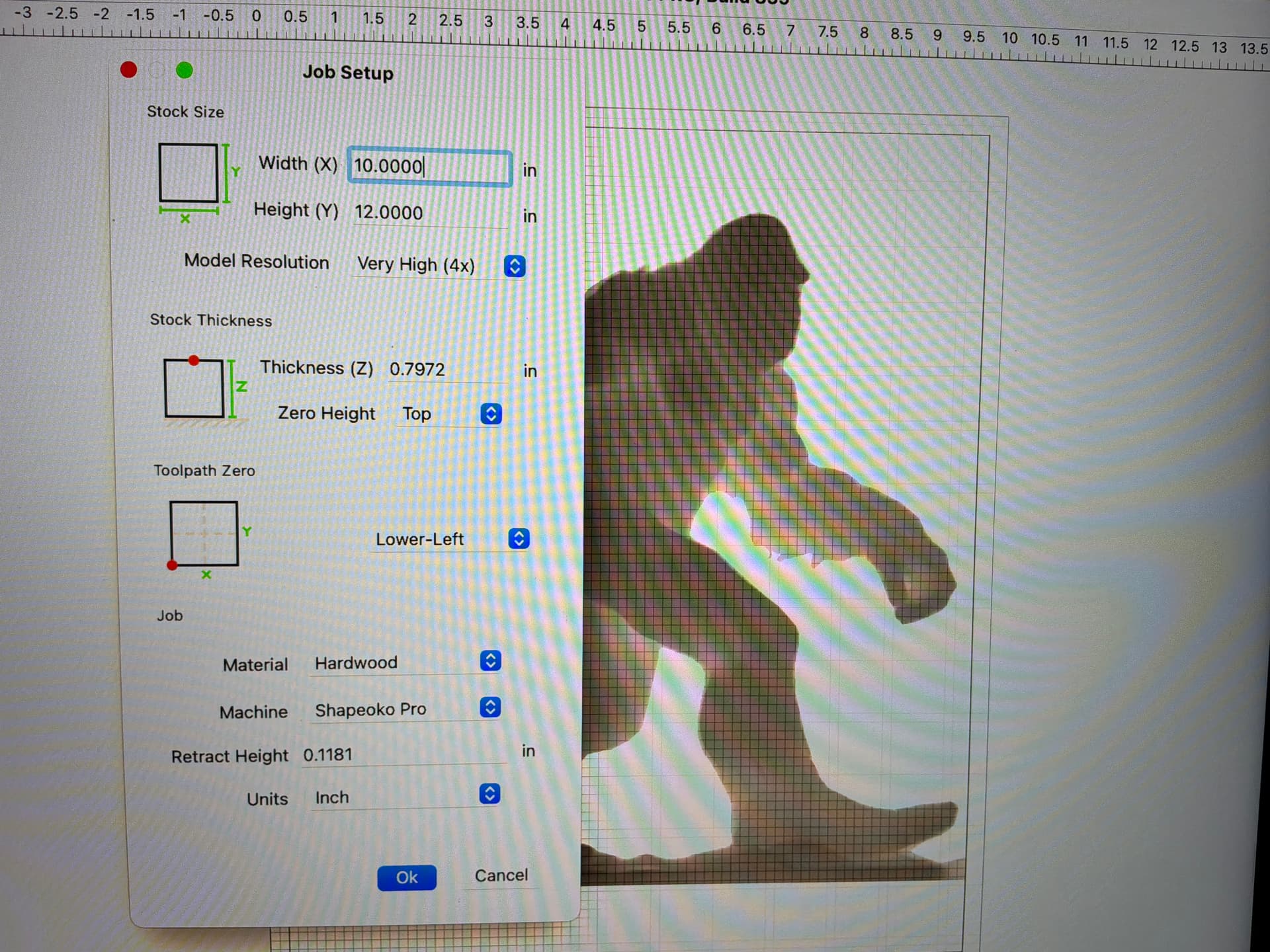
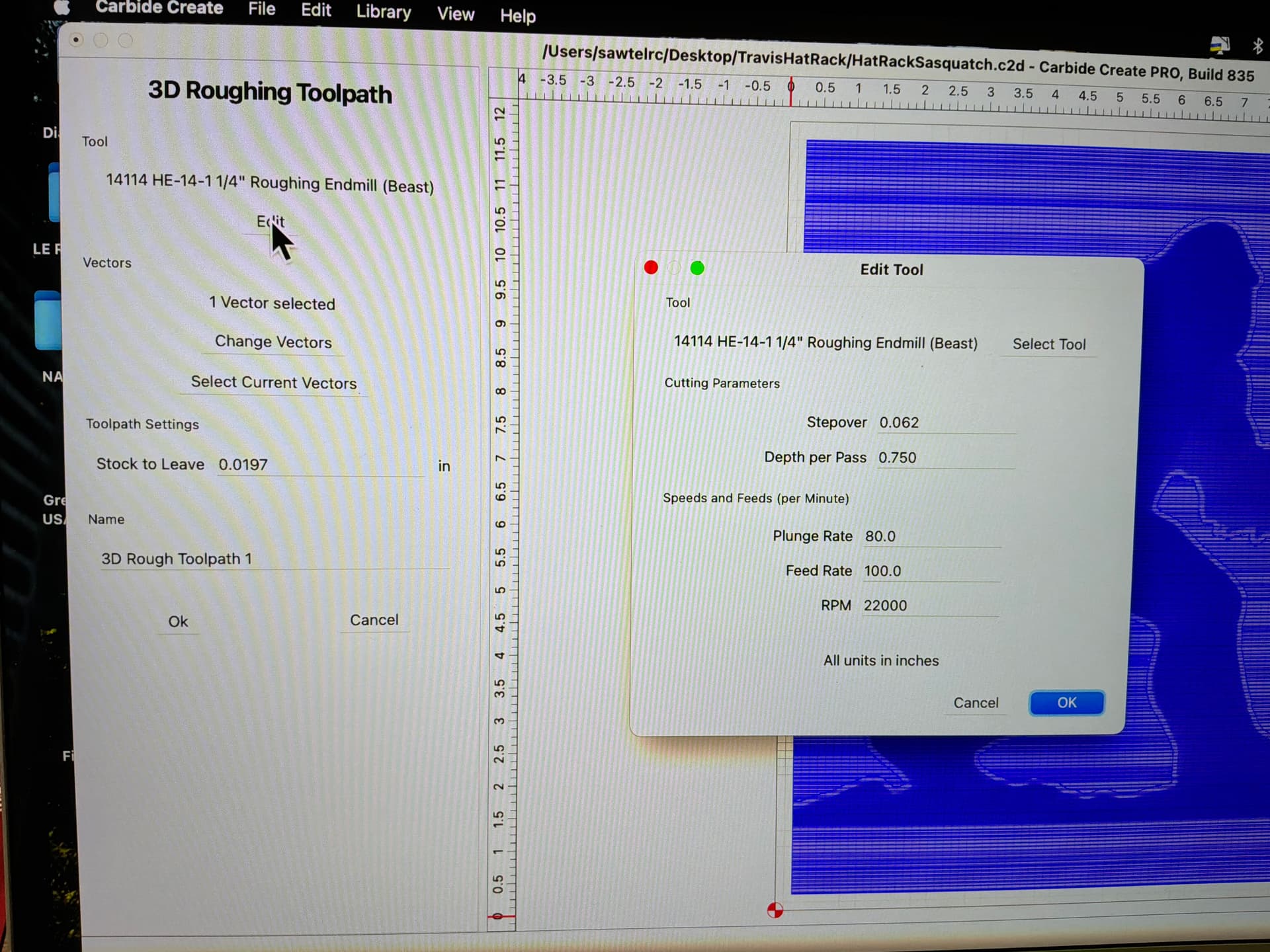
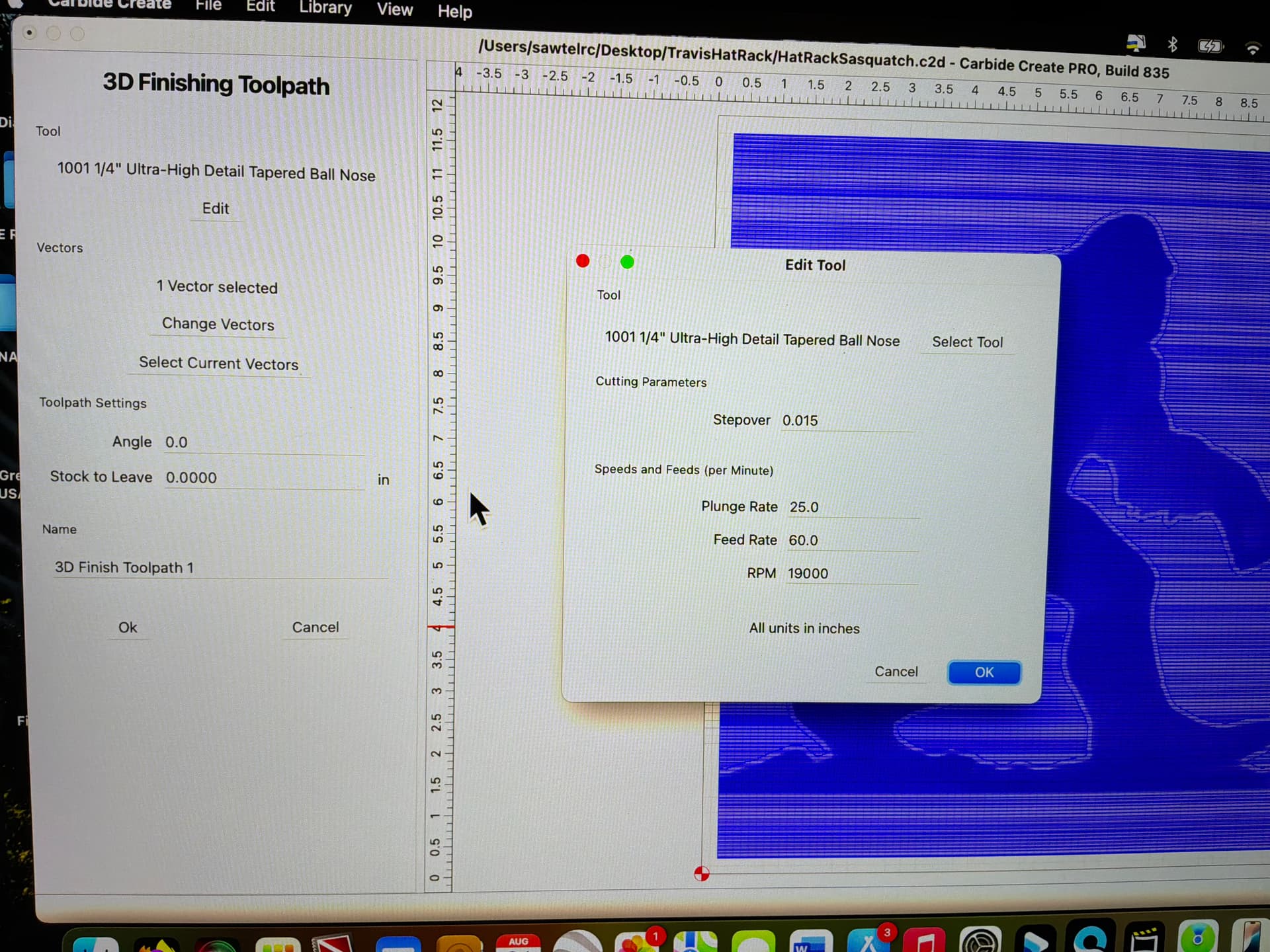
Are the details present in the 3D model?
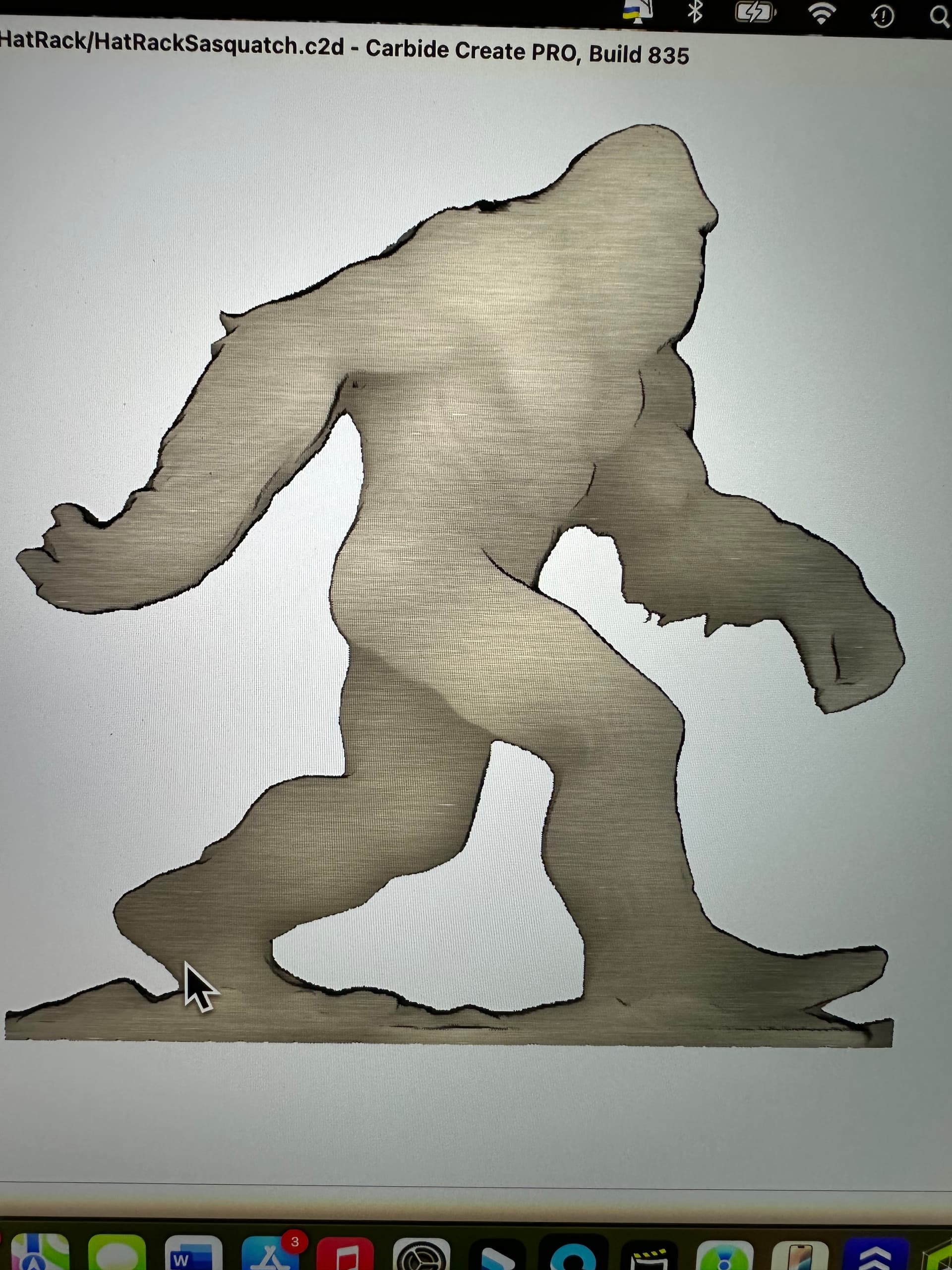
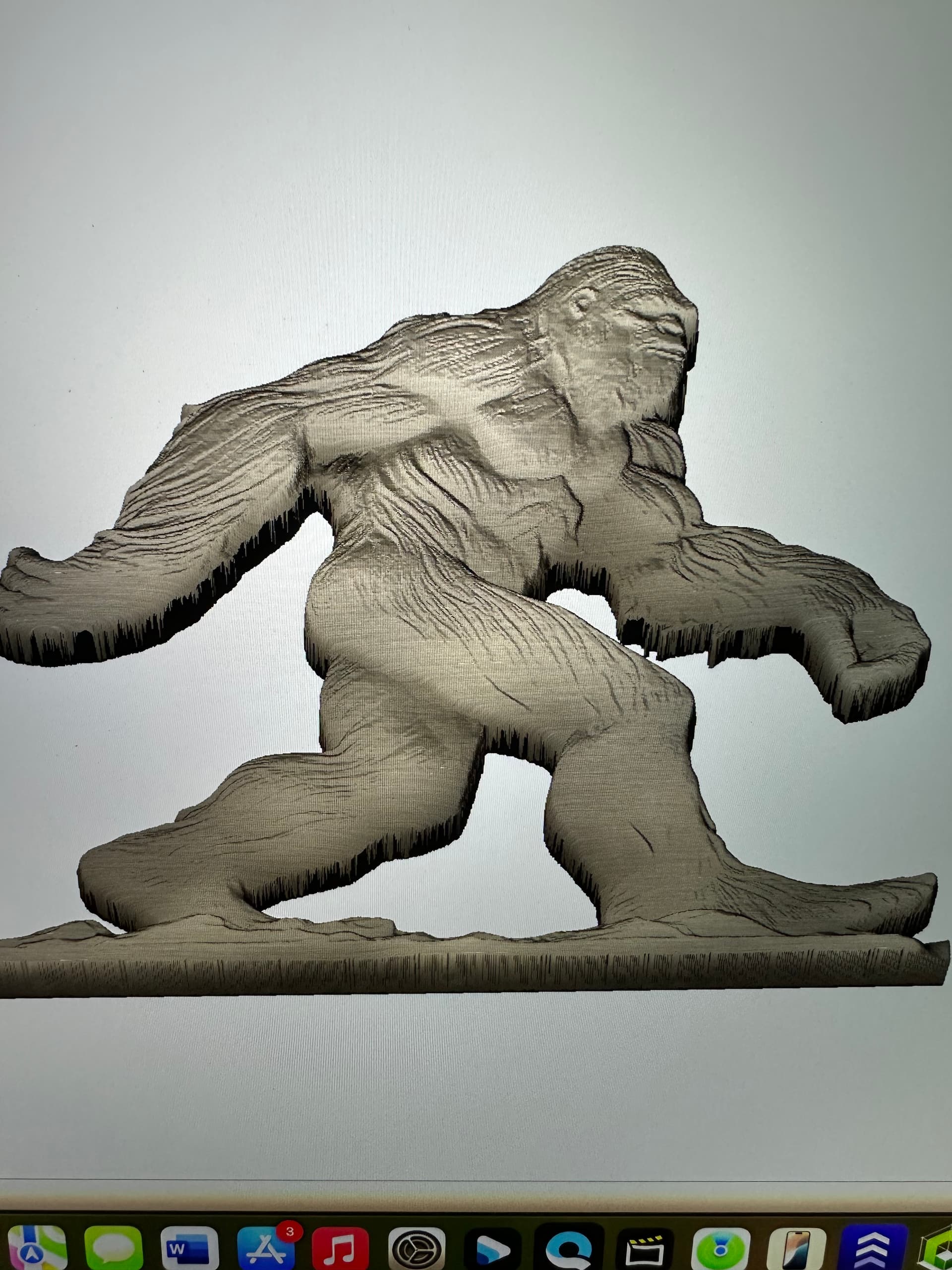
How does the size of the tool being used compare to the size of the details?
Not sure. I’m using an ultra fine detail tapered ball bit. Radius is .015, 10 degree. You can see some detail on the test cut but you have to look pretty hard
The hair & muscles look good. The face & fingers are washed out a bit.
If your stock is 0.797, it looks like the 3D portion of the STL is in the upper, maybe 0.200" ??
If you increase the height of the STL you’ll model more detail.
Your finish path, for a 0.030" (1/32") tool should have the stepover at about 0.003"
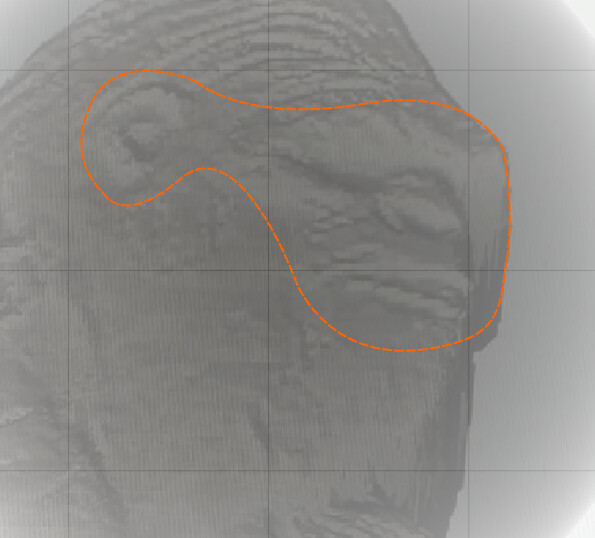
I might build a boundary & recut just the face with a 0.003" stepover.
Sidenote: You’re also spending a lot of time cutting outside the subject with 3D, when you could do that portion much faster with 2D paths. I recommend using a boundary to cut only the 3D model with 3D toolpaths, and do the rest with 2D. Perhaps a cutout or pocket path around the edge.
2 Likes
Thank you for the information. As I said, I am new to this so how do I build a Boundary around the object?
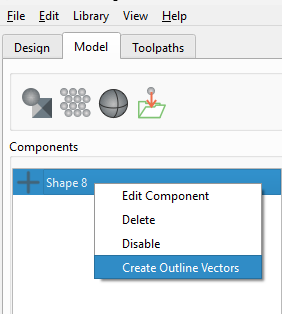
Right click the component and select Create Outline Vectors to outline the whole component, or adjust the height threshold to section the solid at the height you want.
To outline just the face, draw in a curve.
4 Likes
Thank you, I will give that a try