as requested on support…
I’d like to make this as a 3D project.
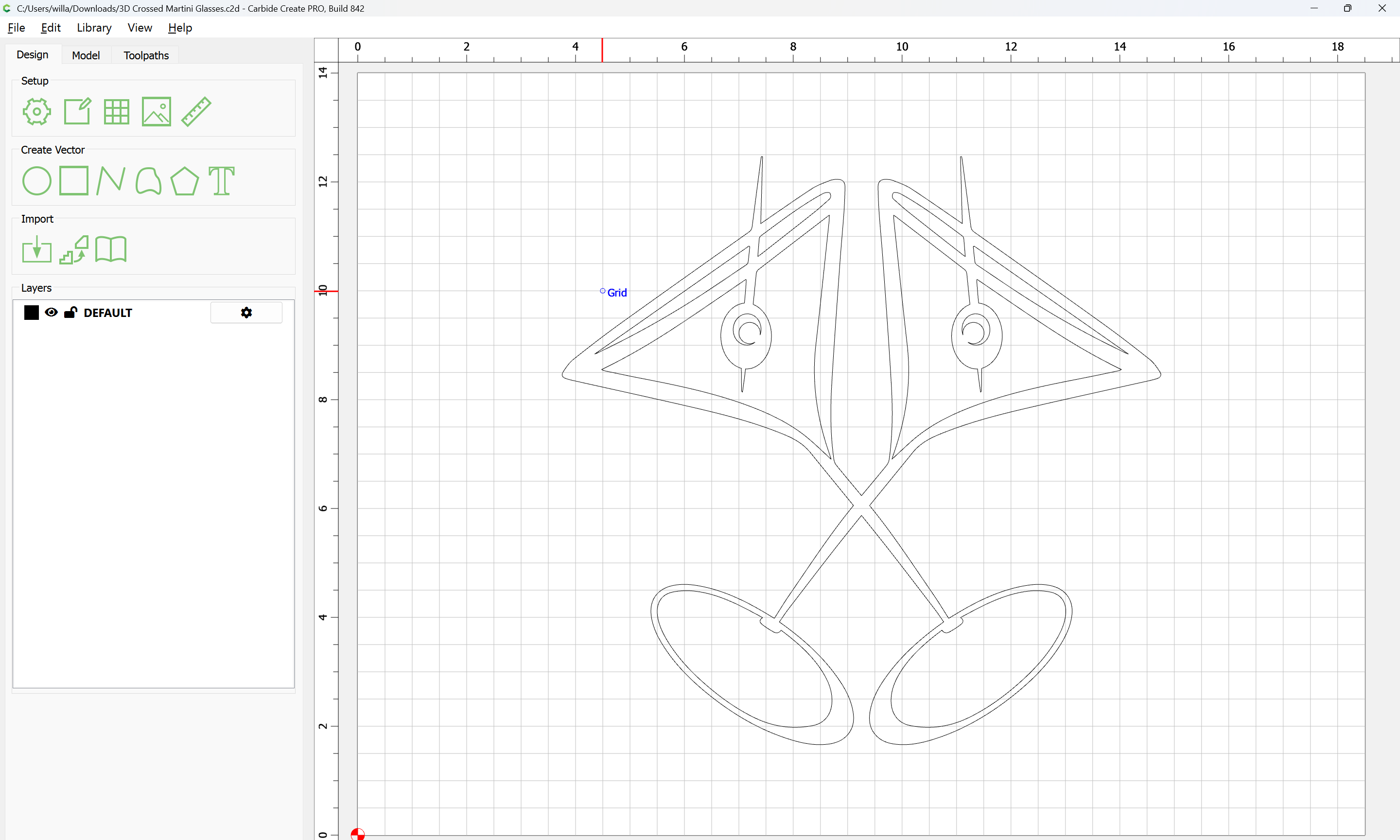
It will be necessary to simplify this geometry down to one glass, then duplicate so as to create the crossing but making the duplicate, to a separate layer comes first.
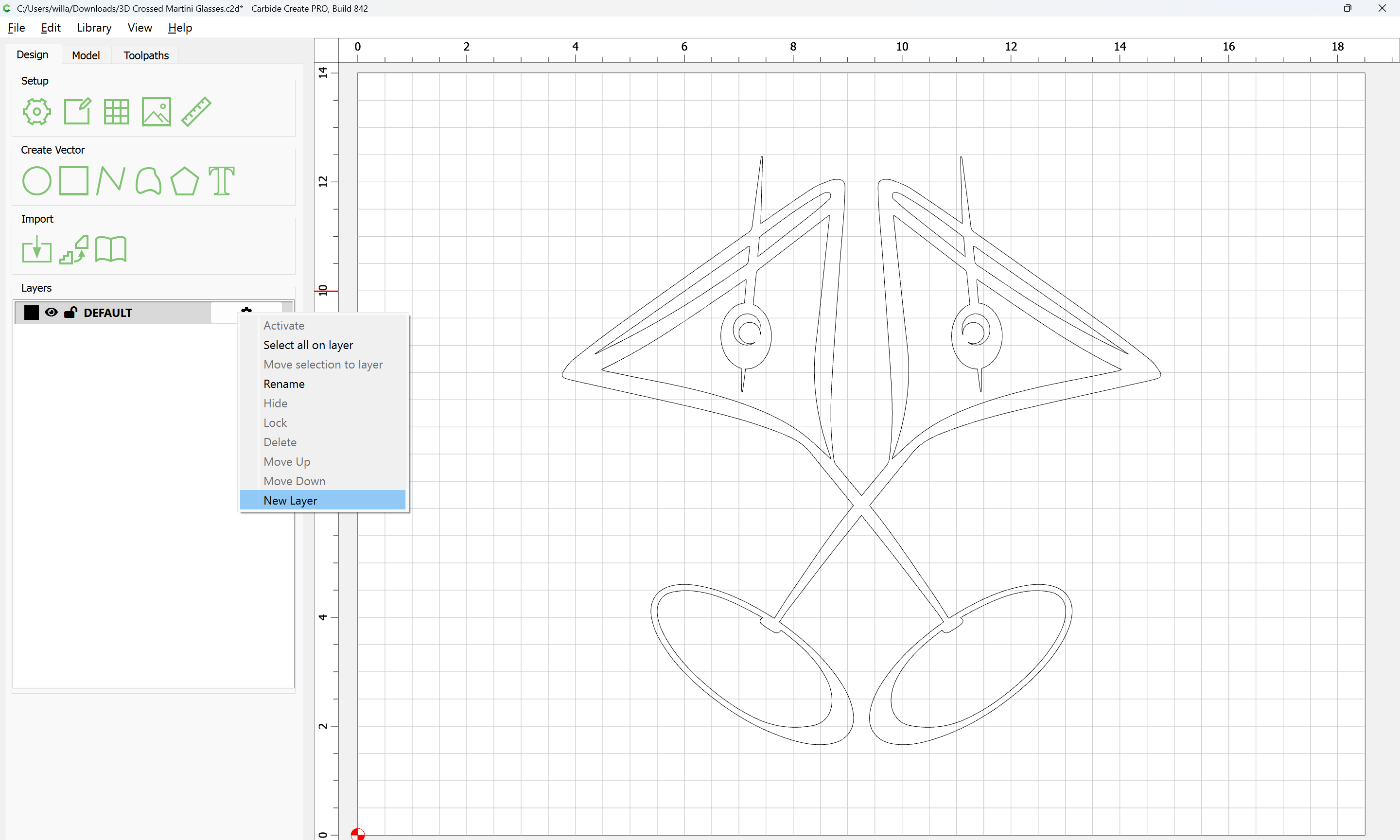
Make a new layer:
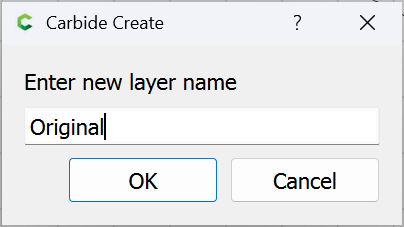
OK
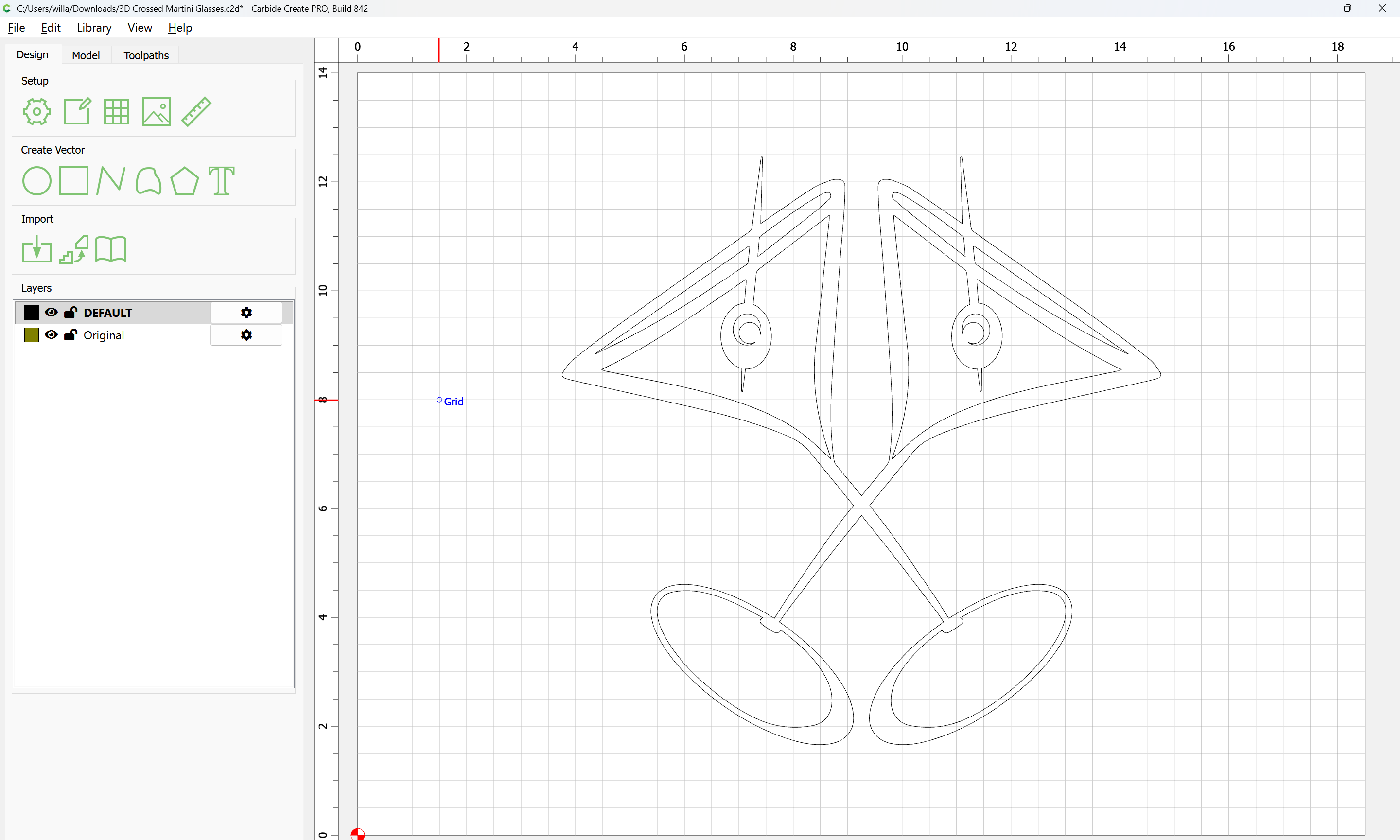
Select everything:
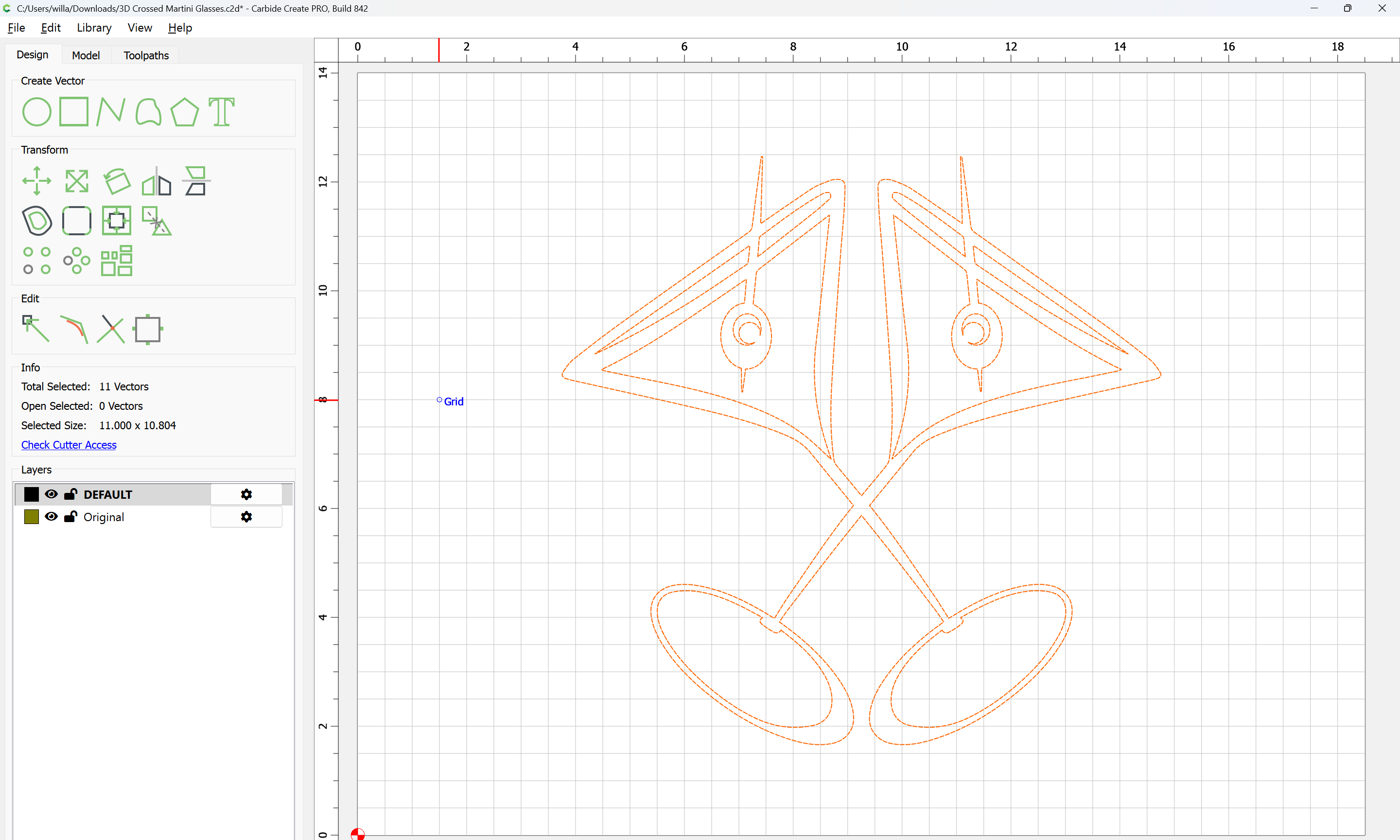
copy-paste so as to make an in-register duplicate:
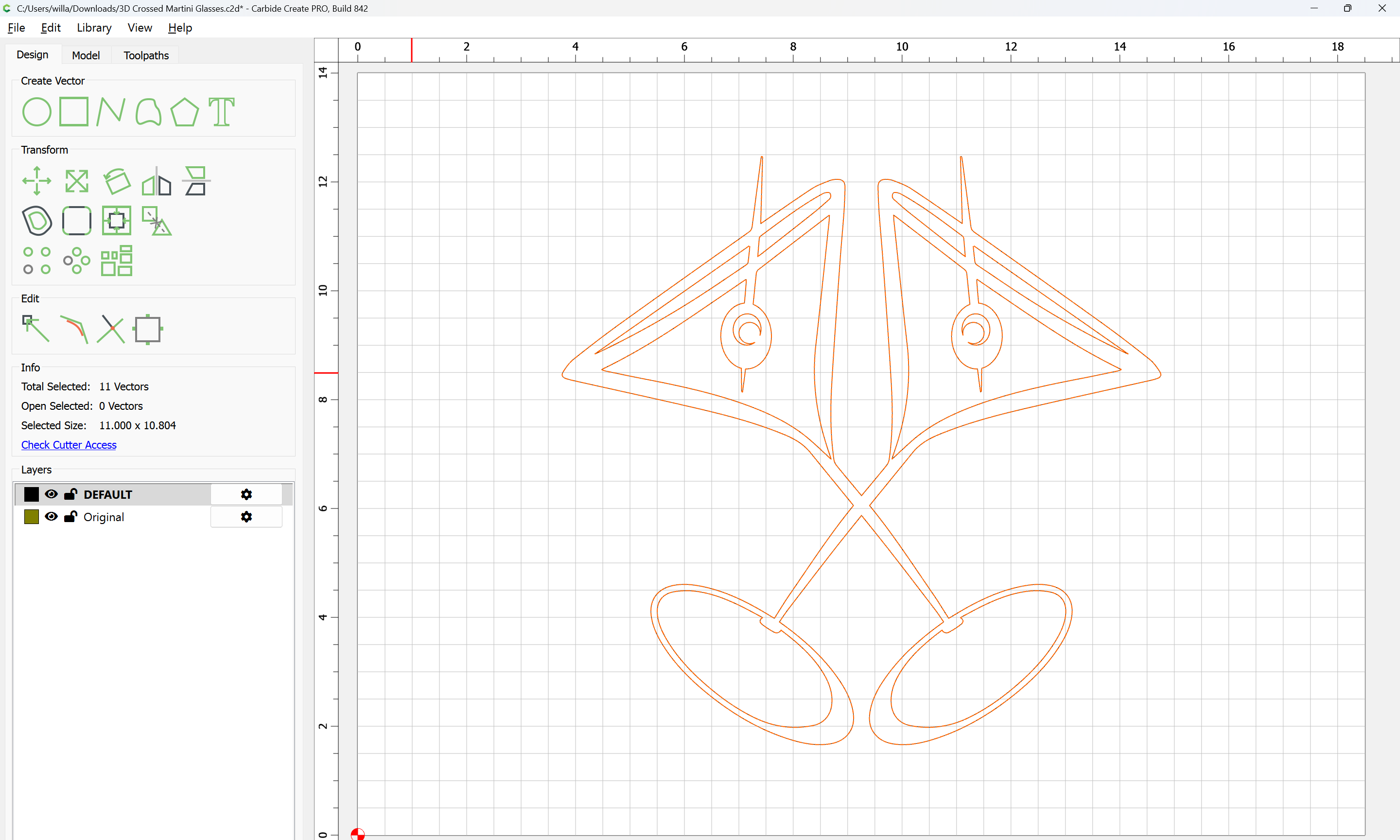
then move to the new layer:
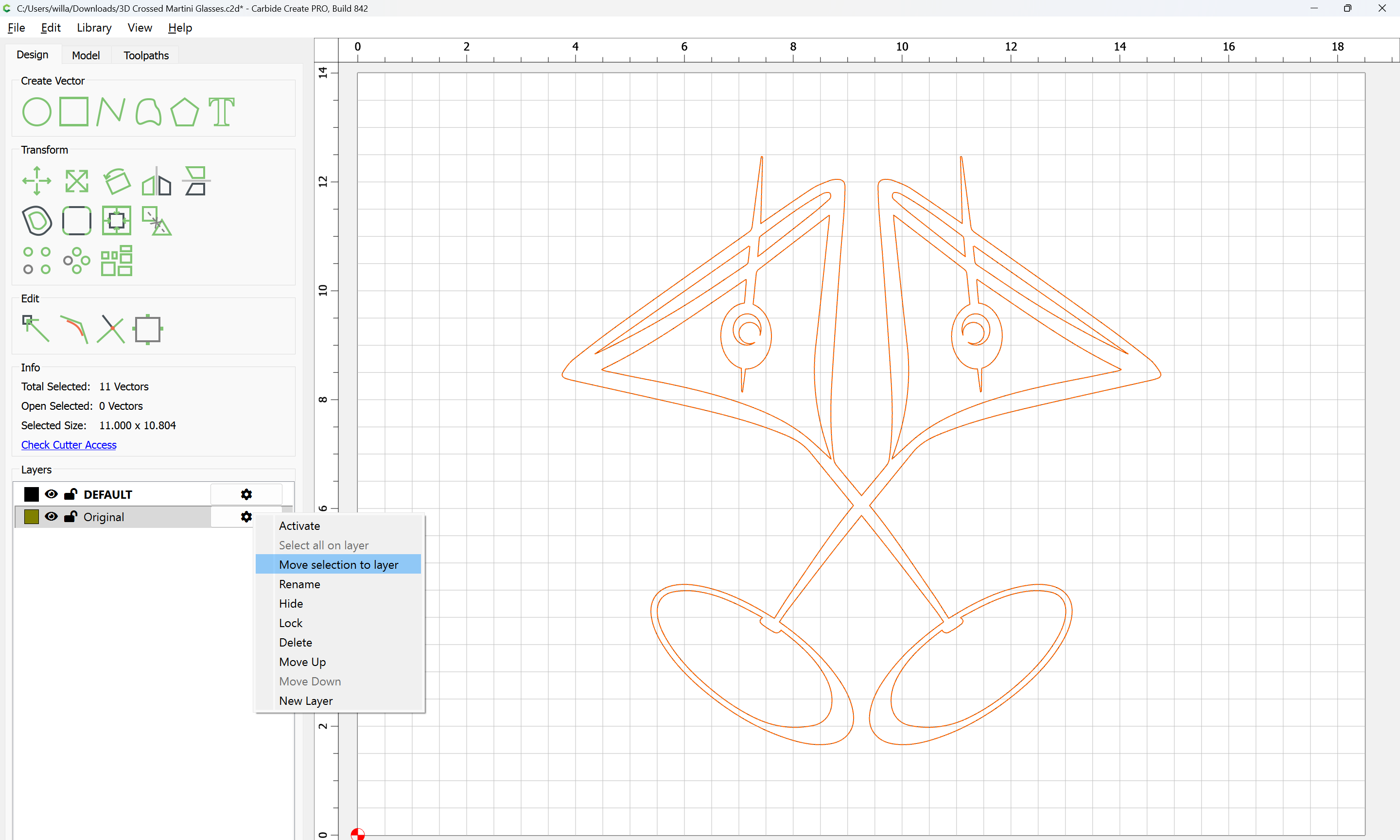
then hide the layer:
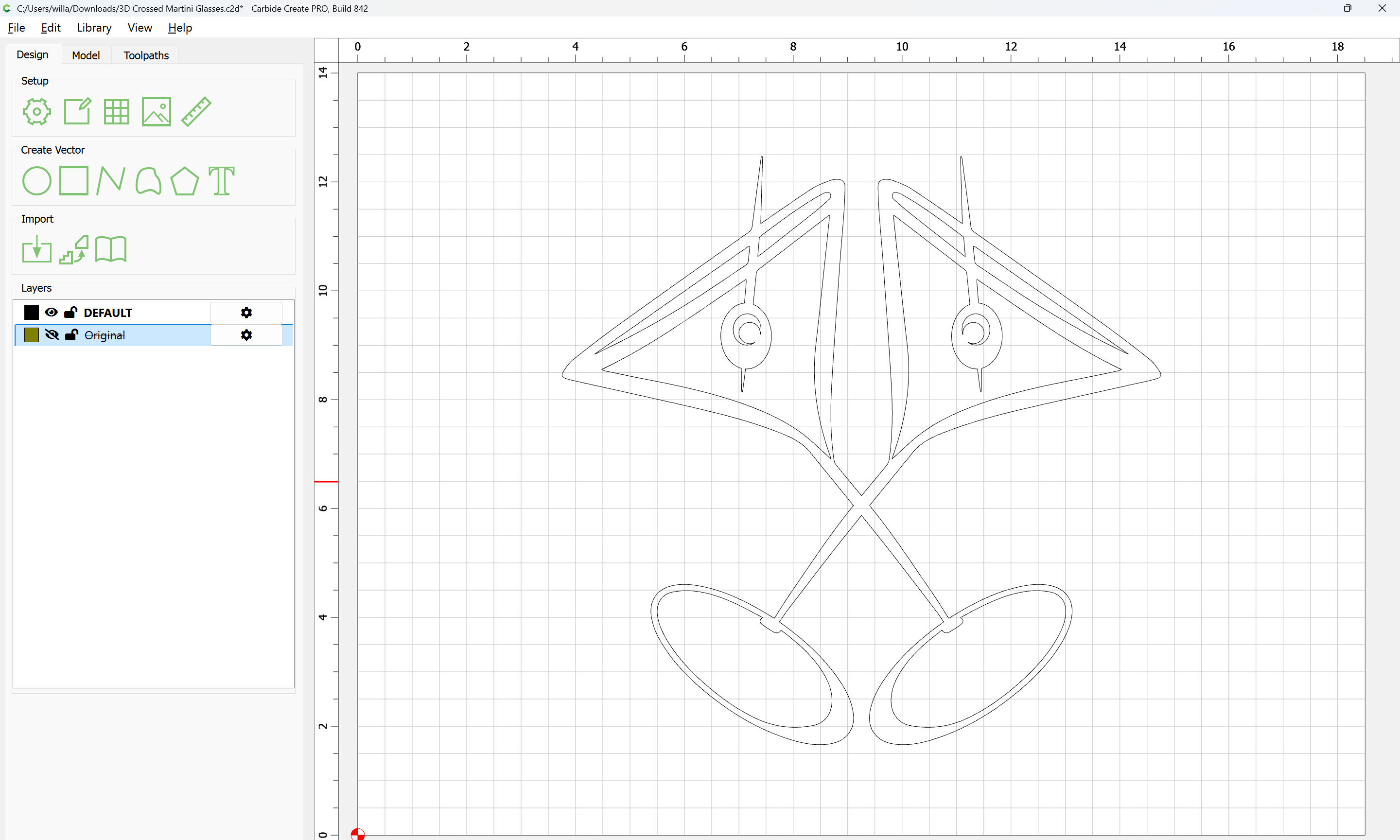
Select everything:
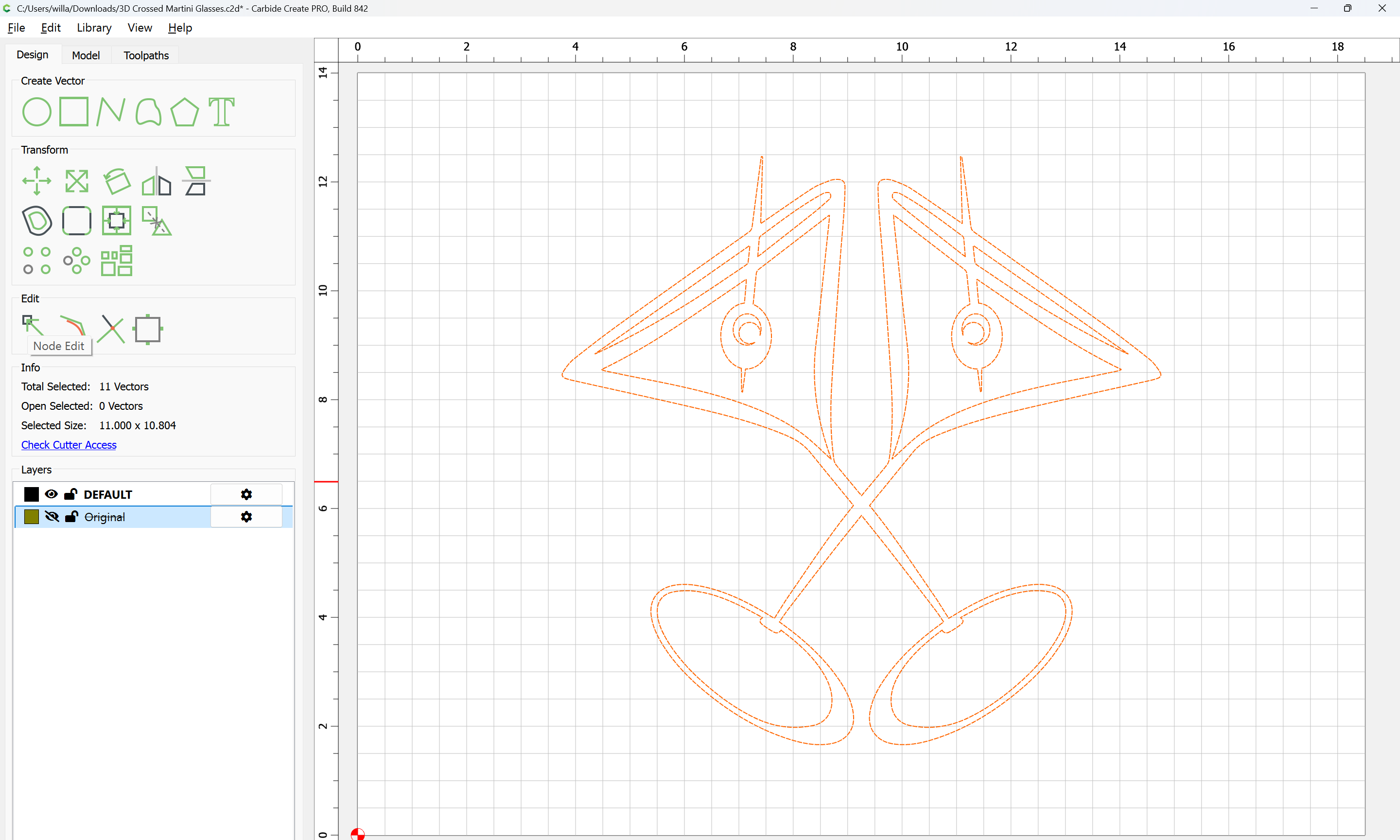
Use Node Editing to delete one glass and its contents:
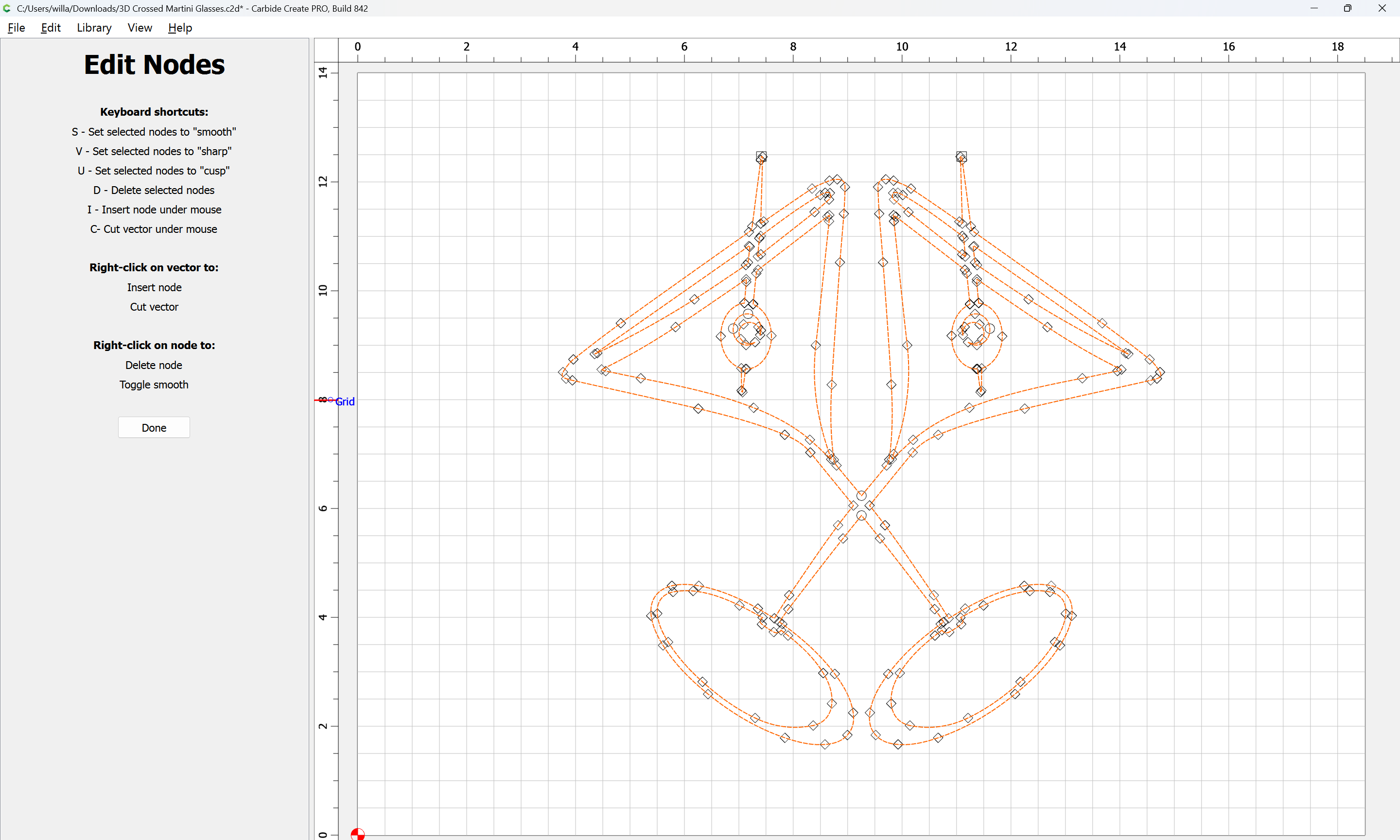
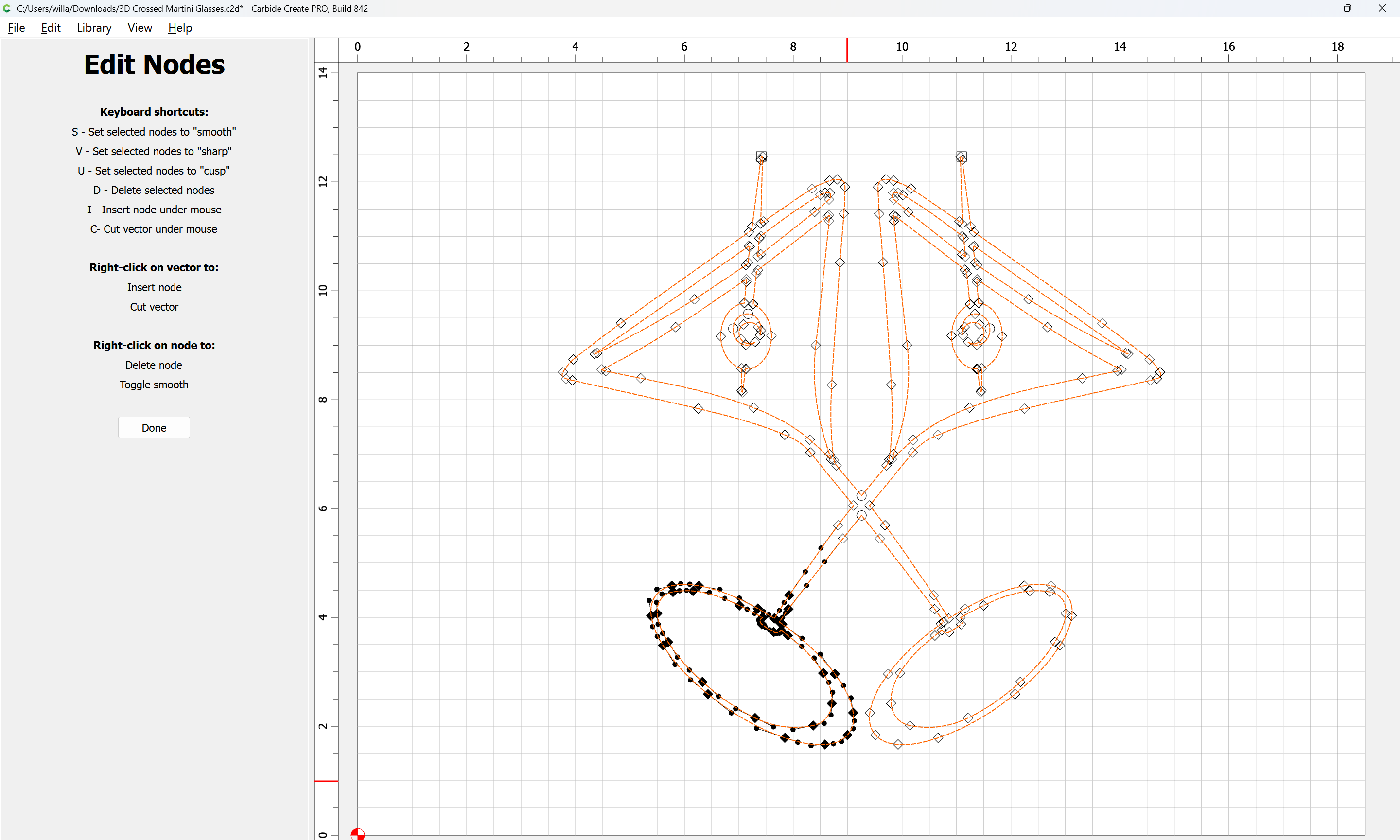
d
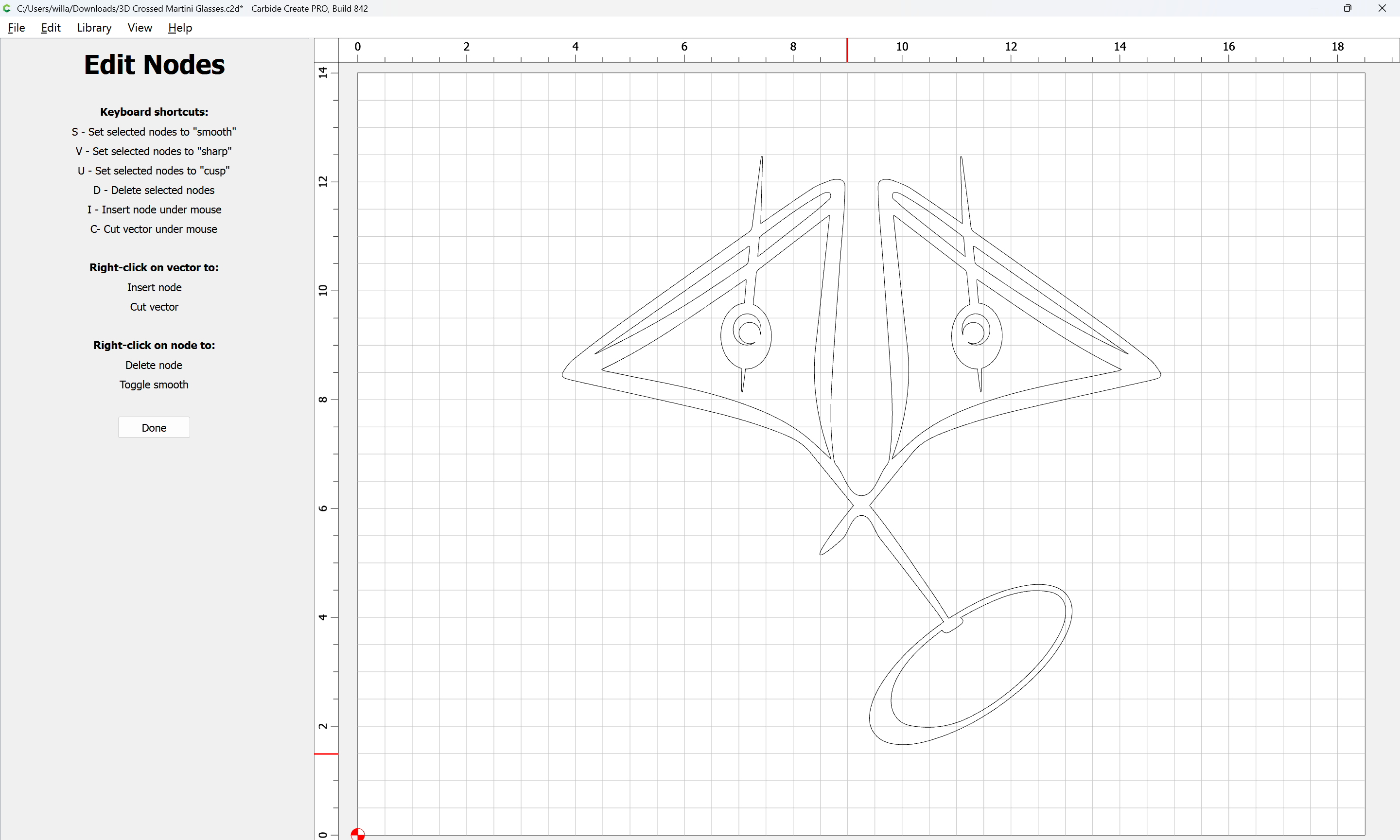
re-select
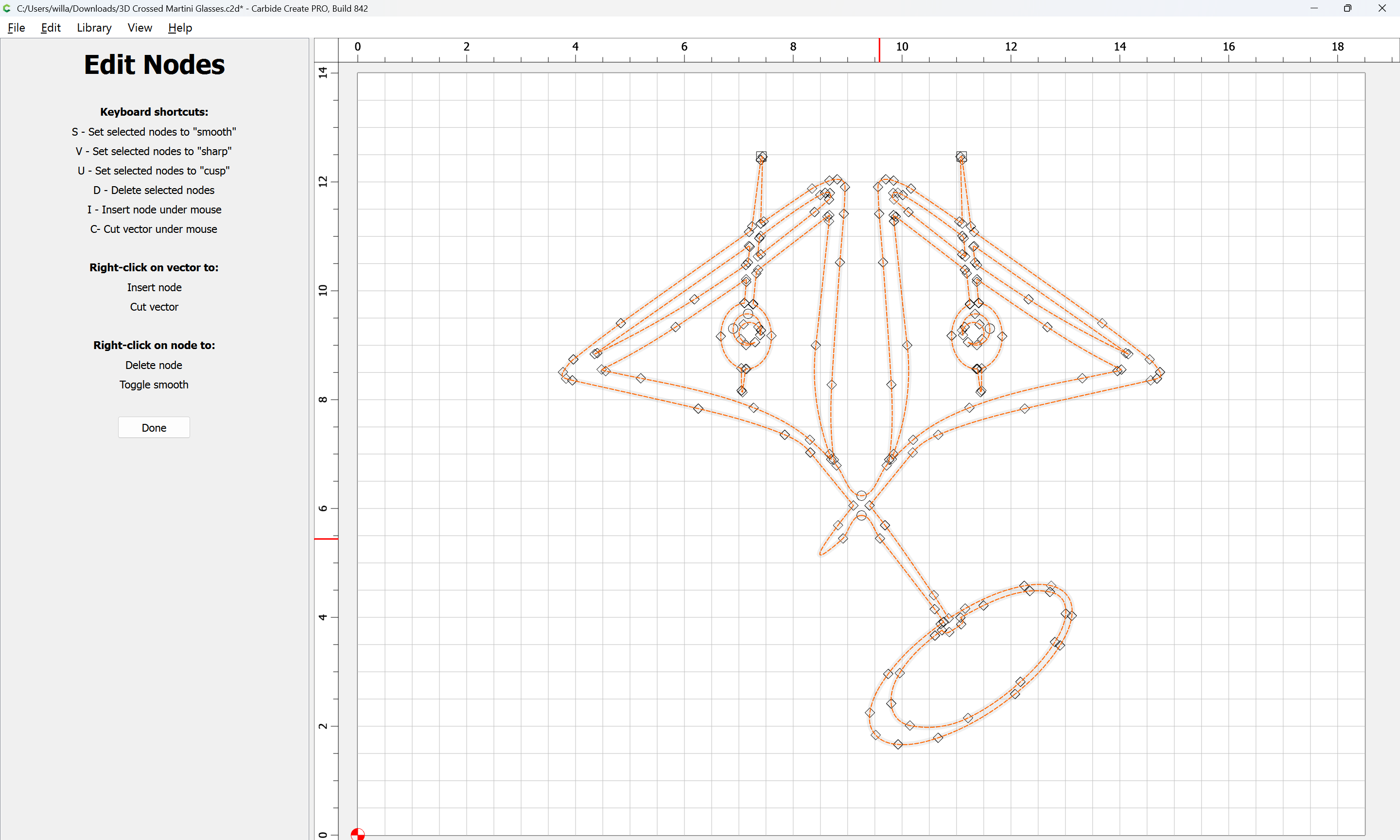
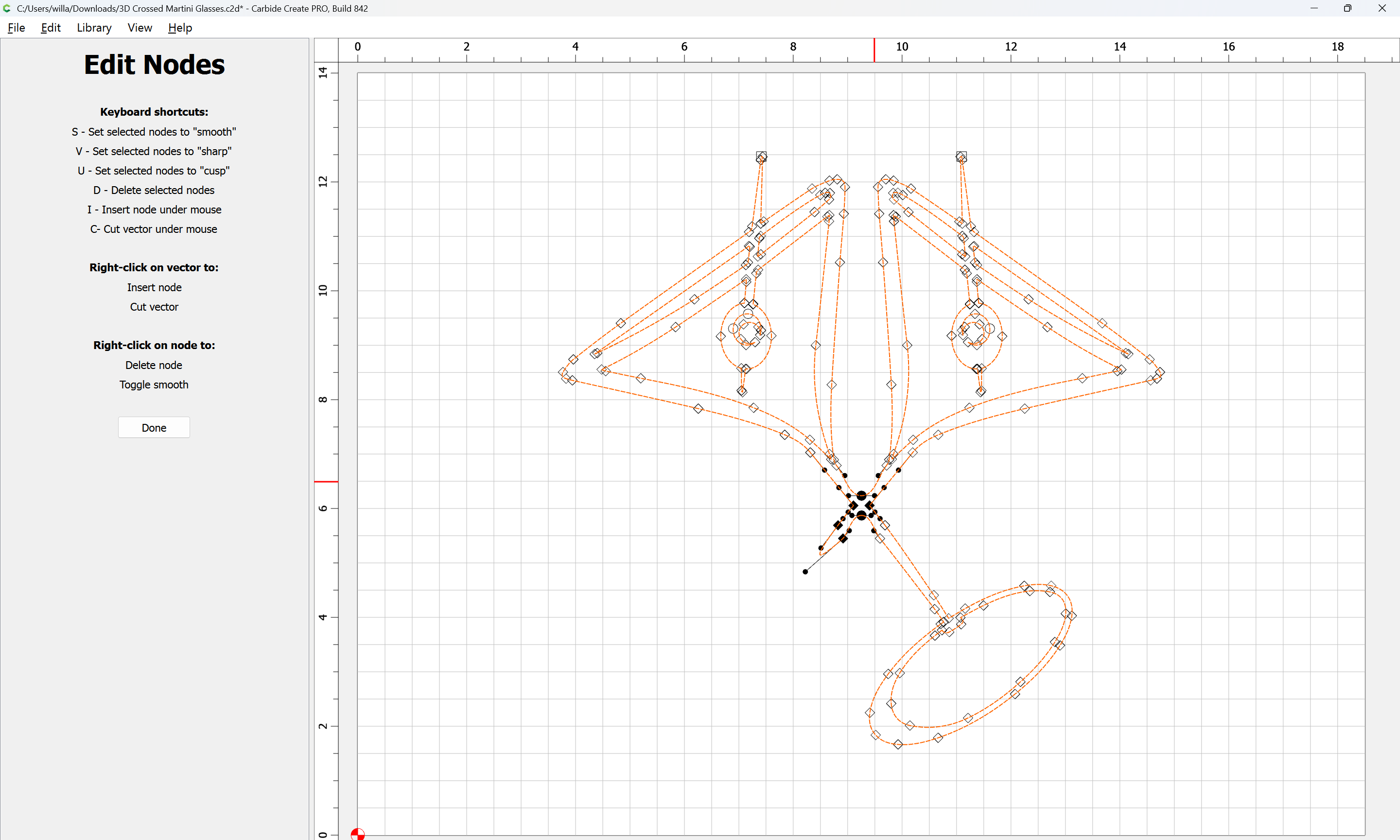
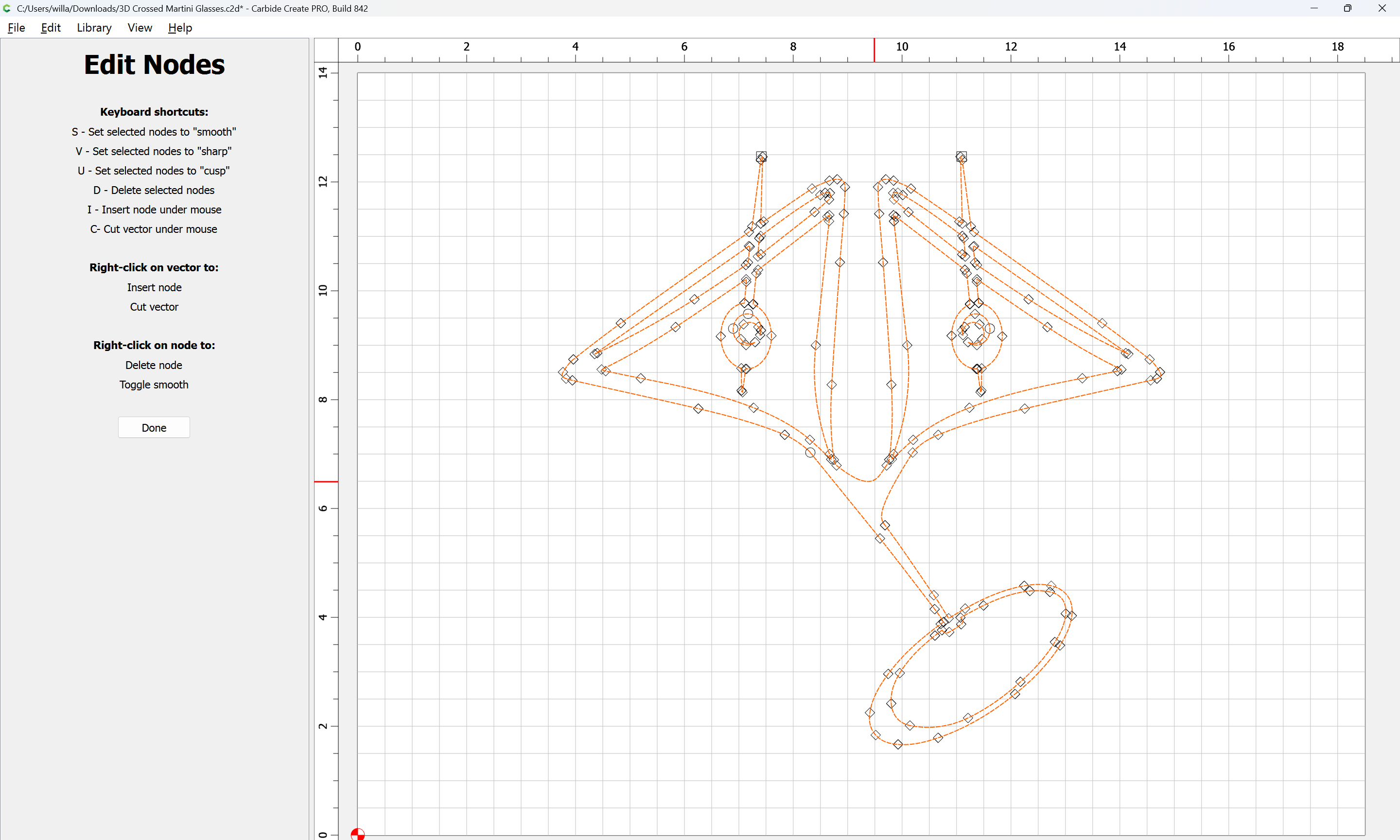
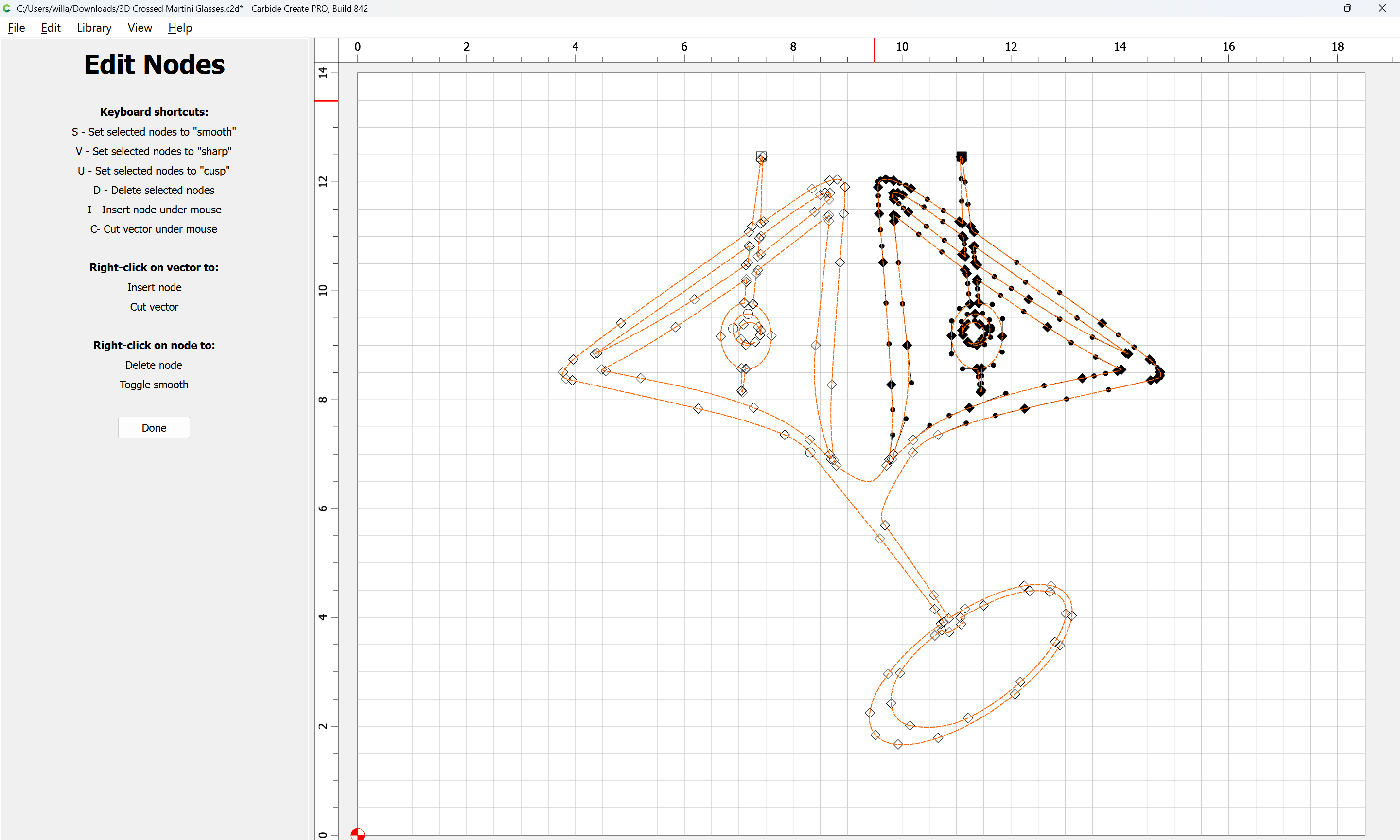

continuing until one arrives at:
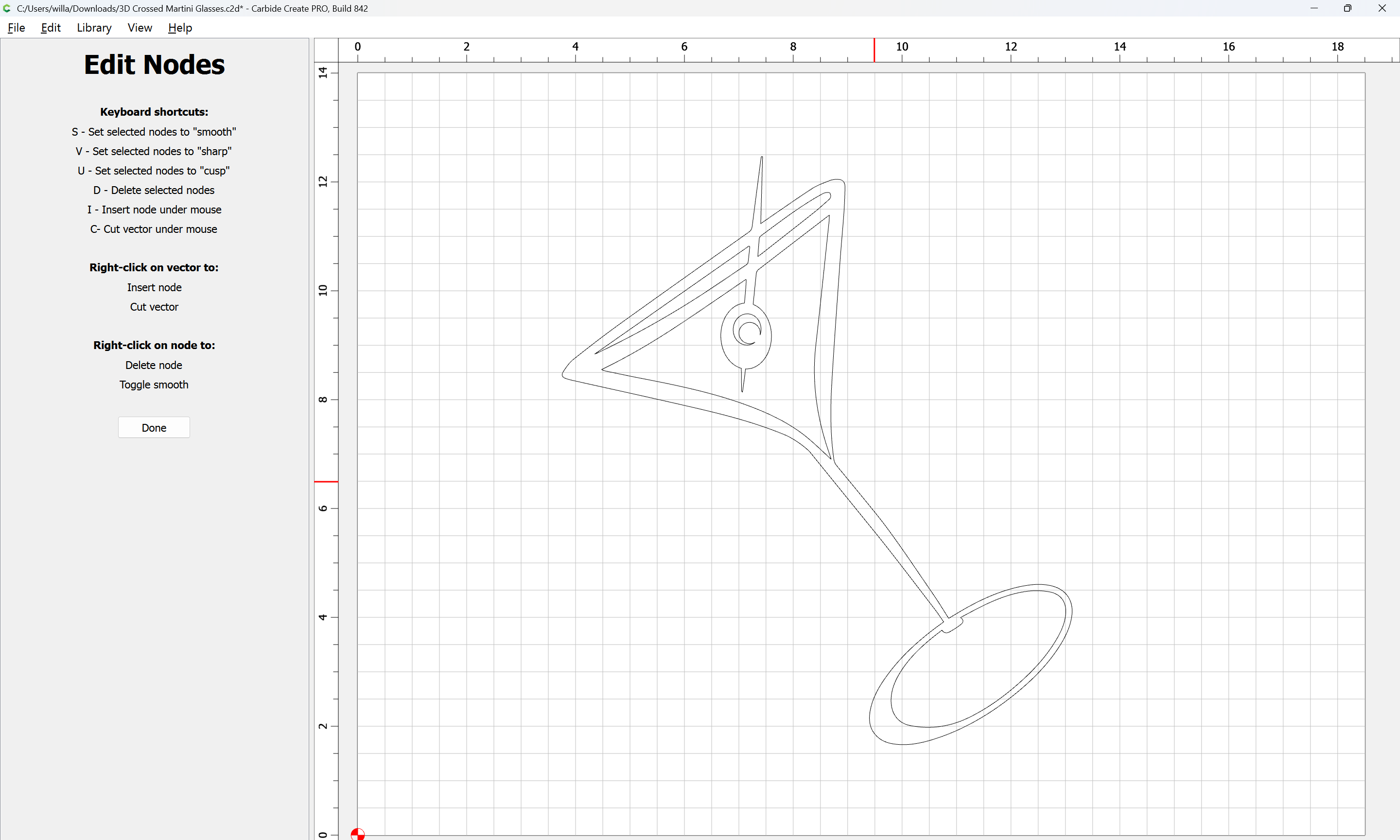
Repeat for the other glass after showing the layer:
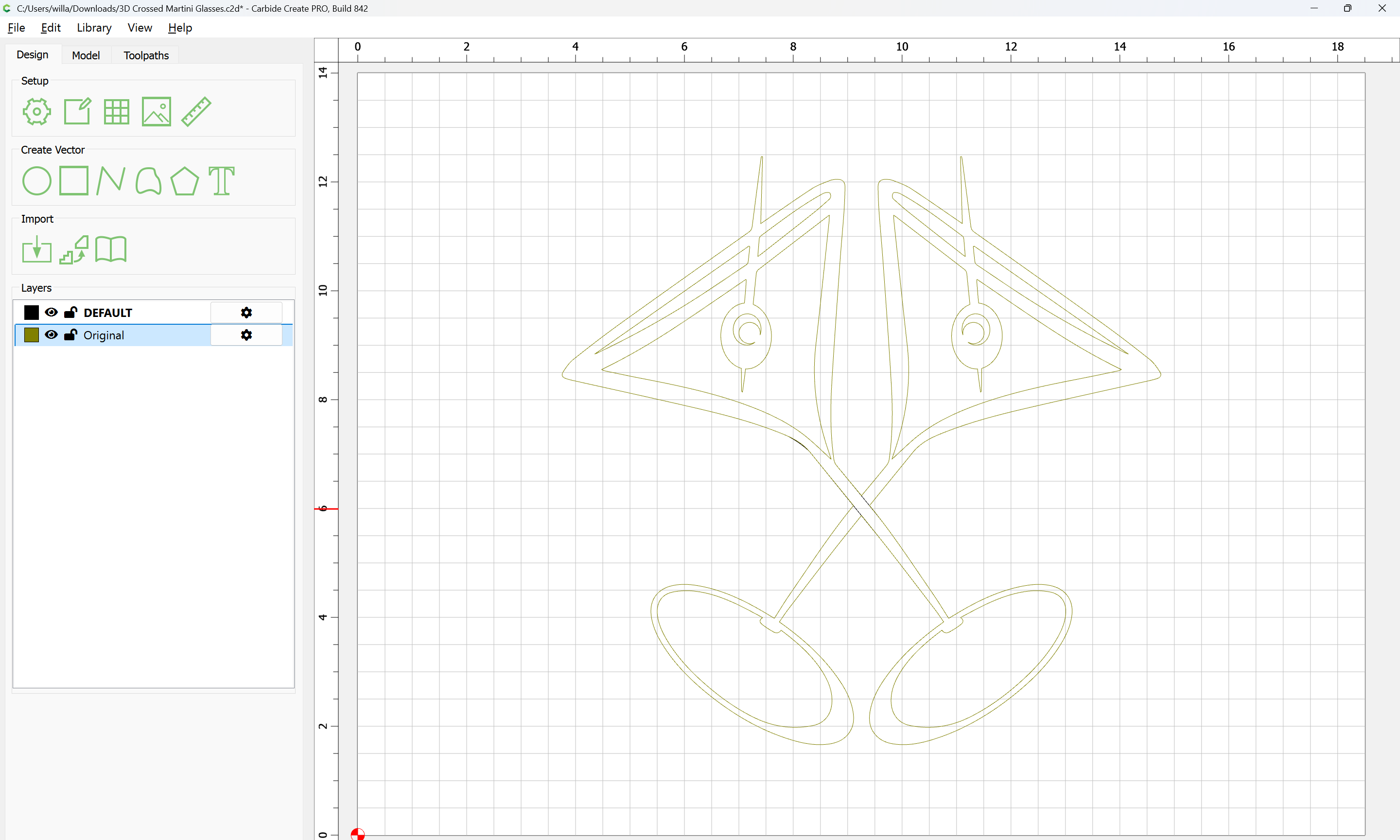
Probably it will be best to hide the layer which was just worked on:
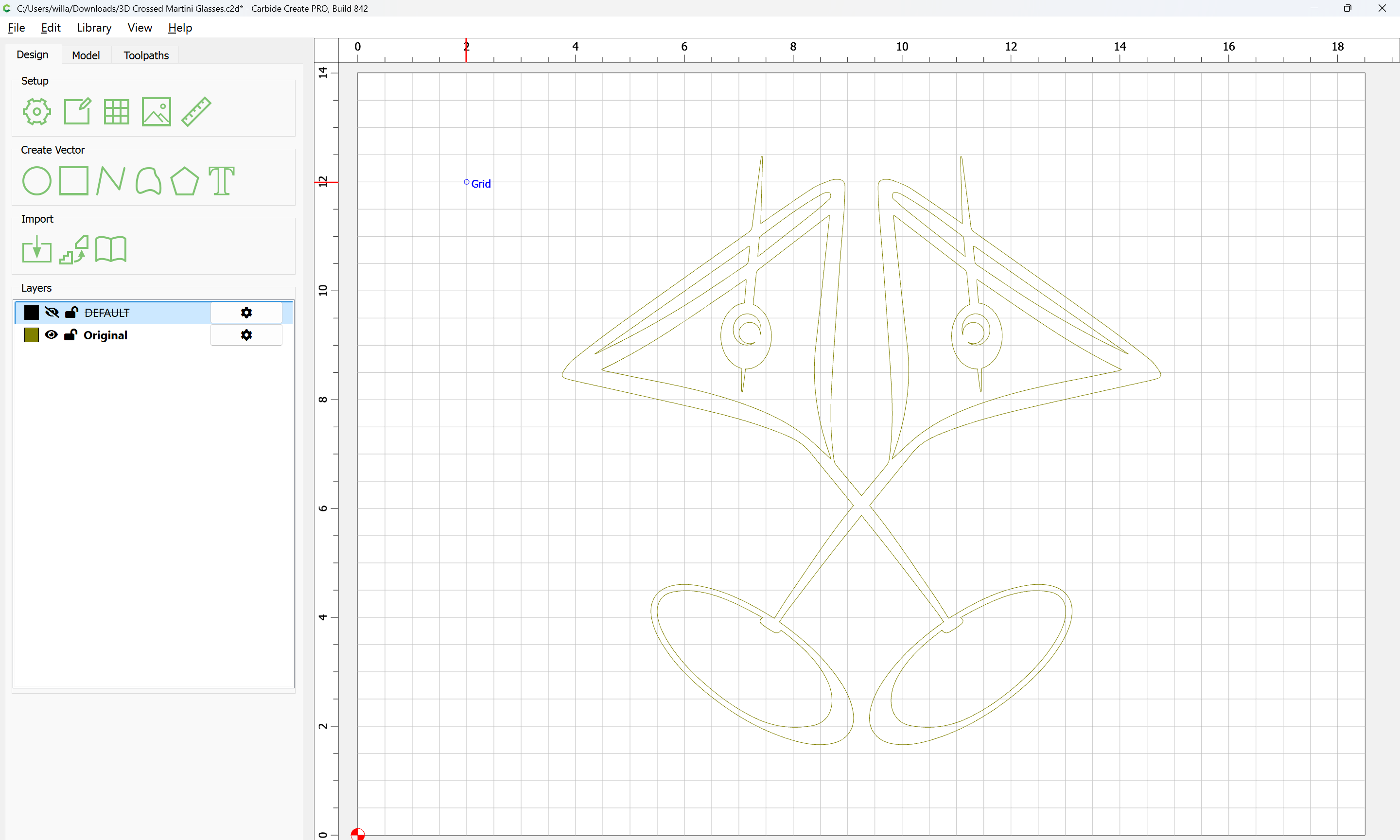

Repeat the process:
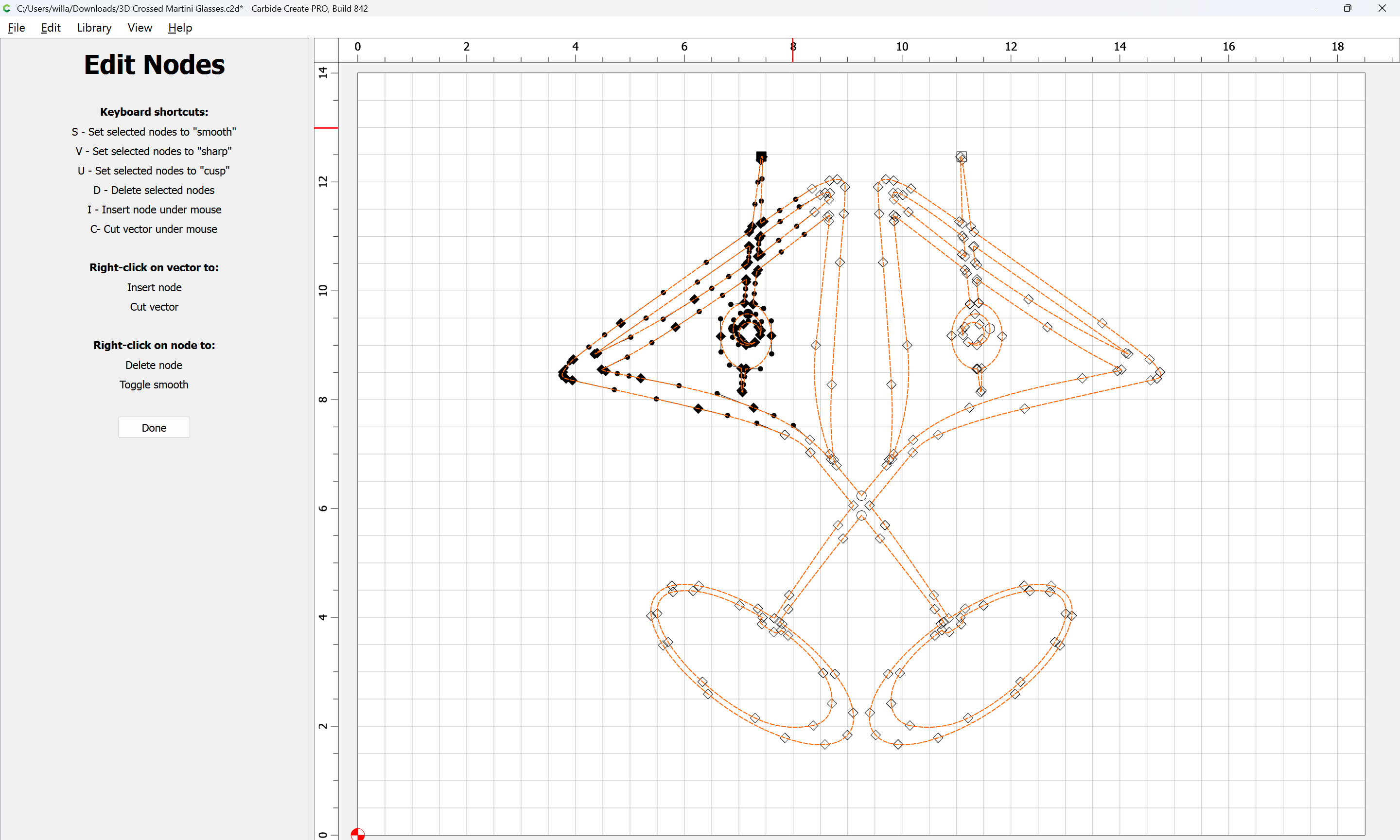
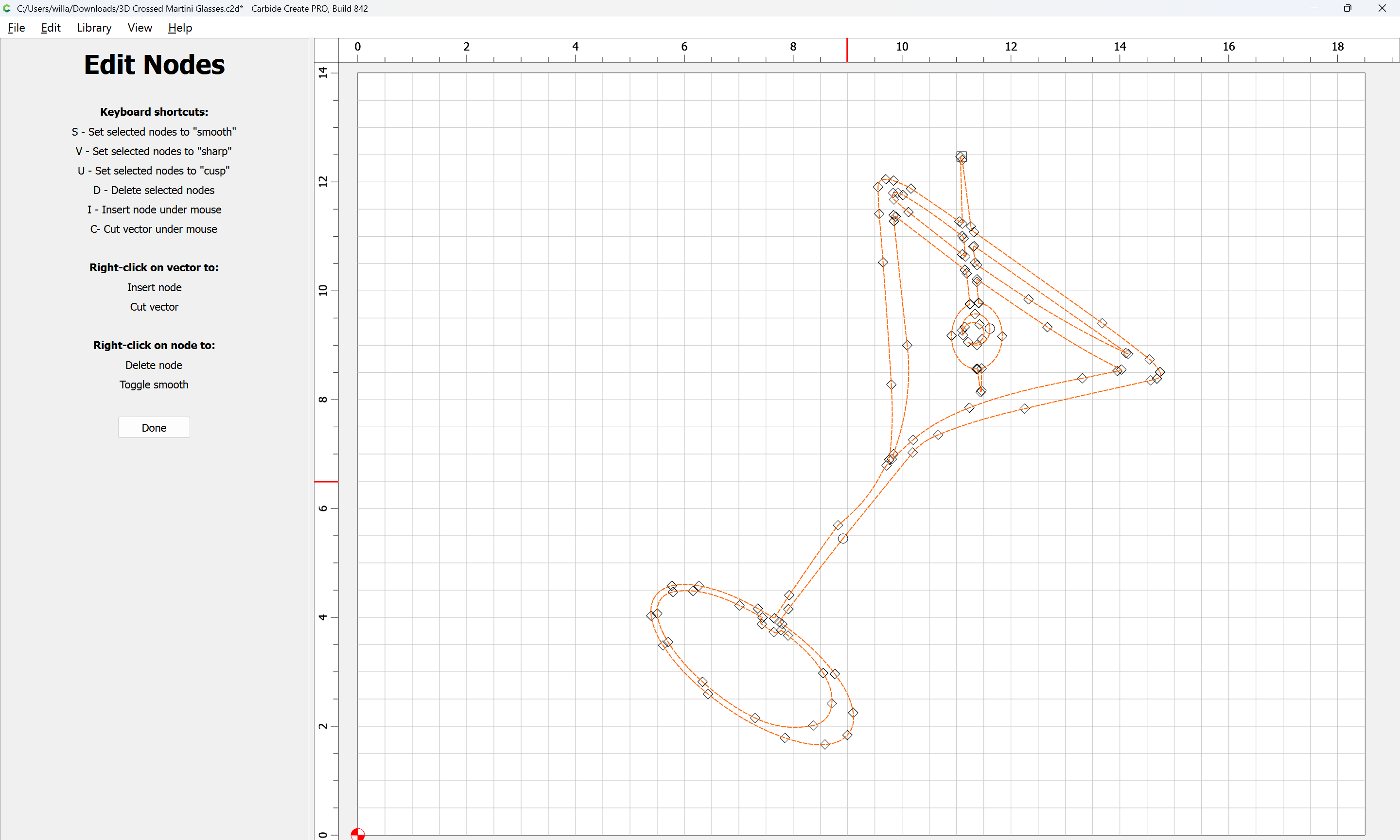
If need be, edit to adjust geometry:
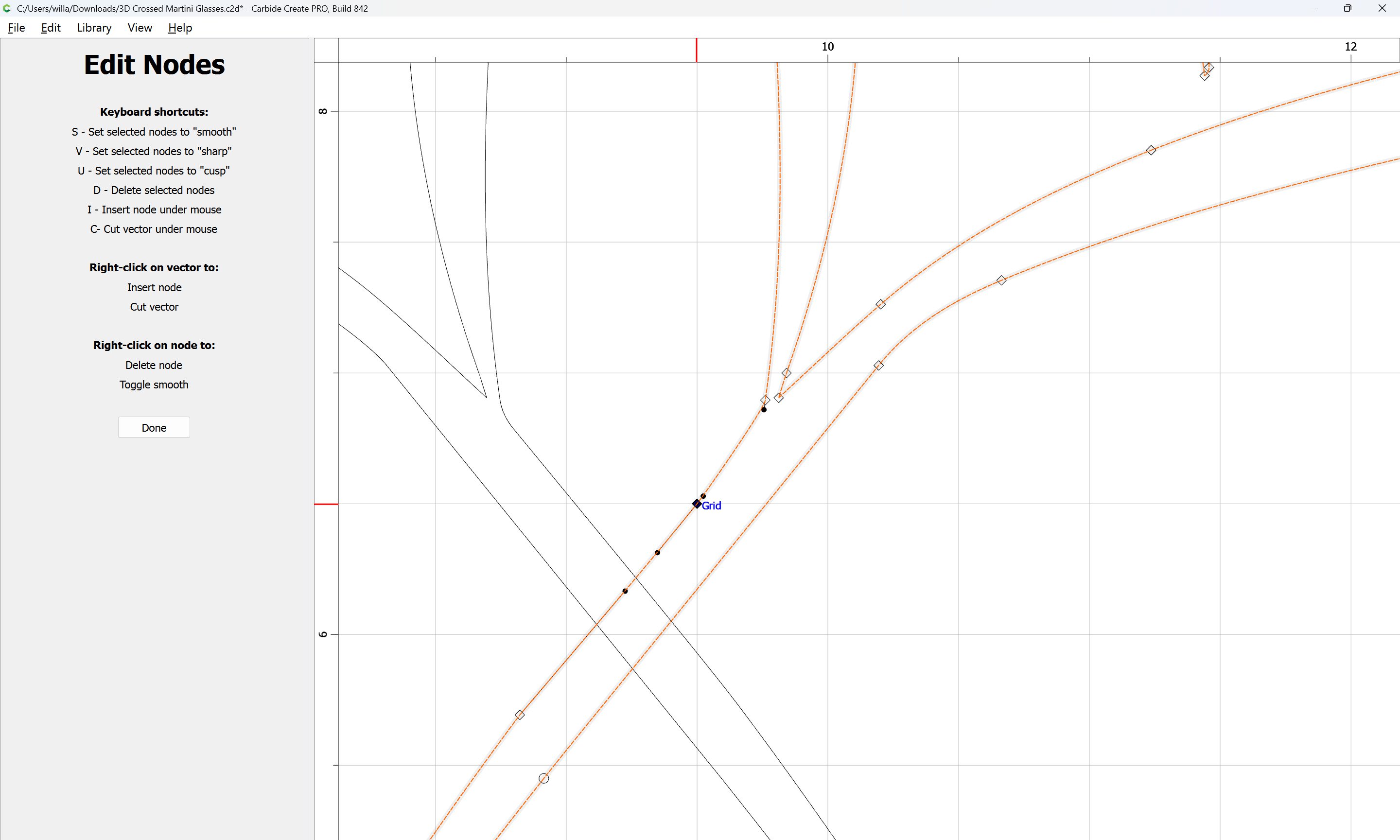
Until one arrives at:
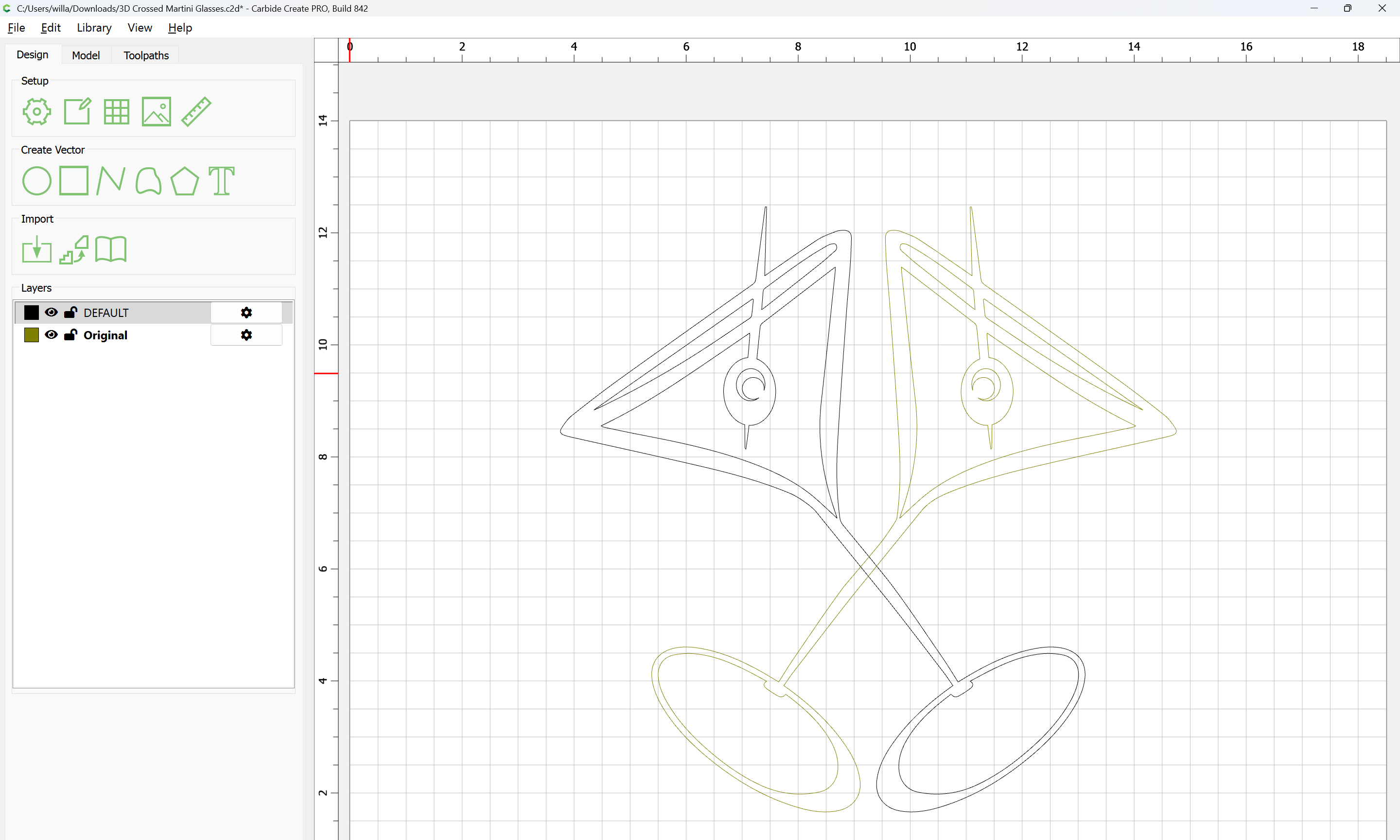
Select and Ungroup Vectors:
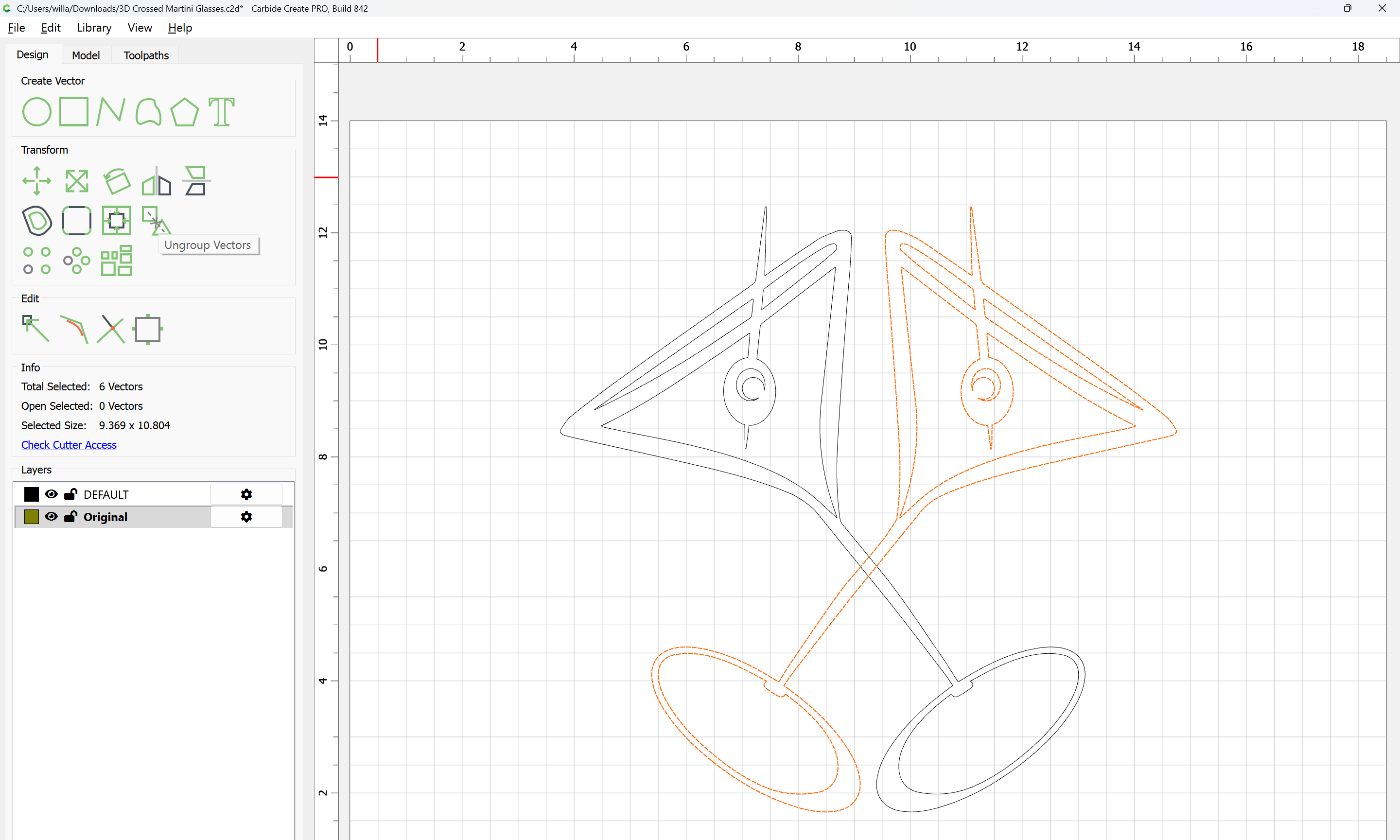
Ungroup Vectors
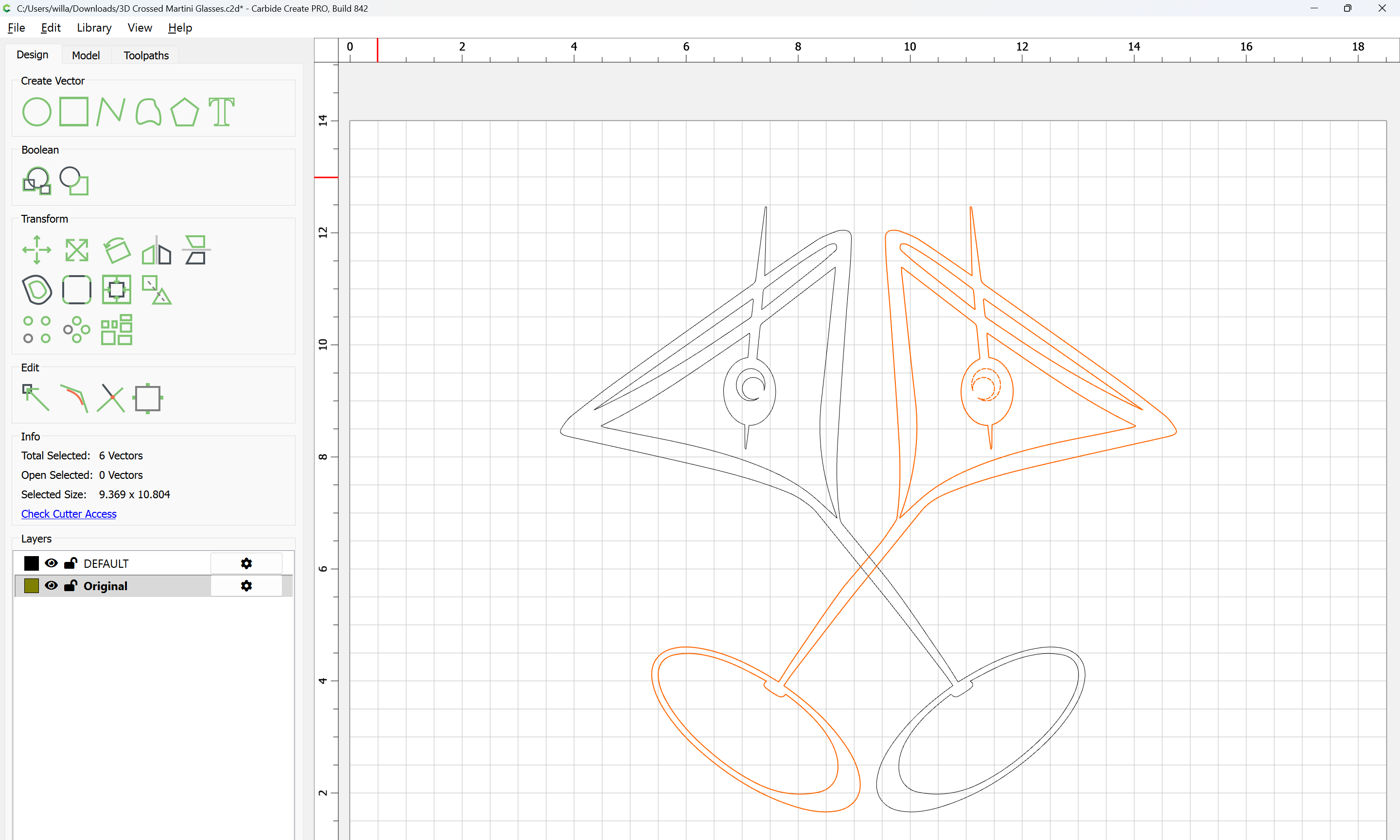
Select only the outline:
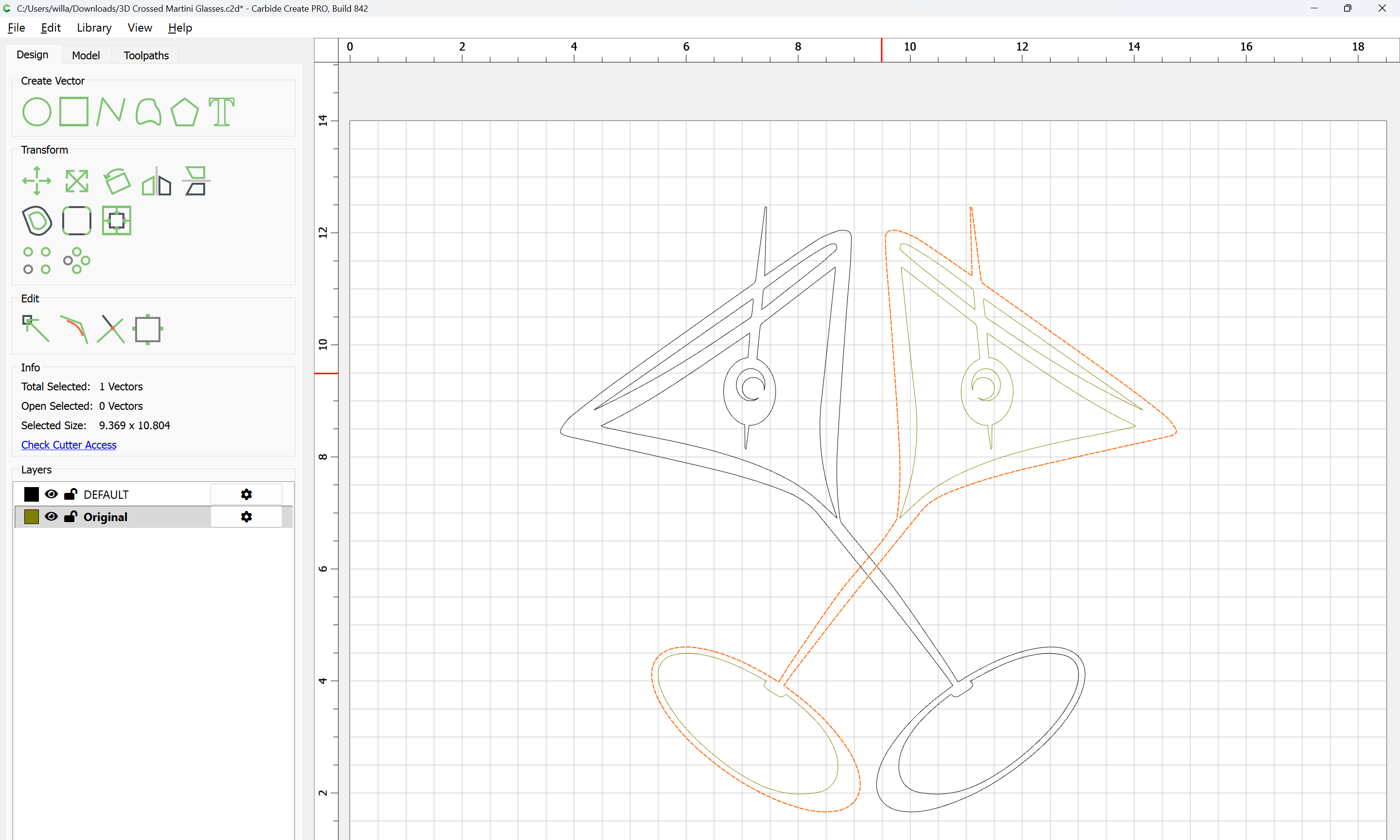
Repeat for the other glass:
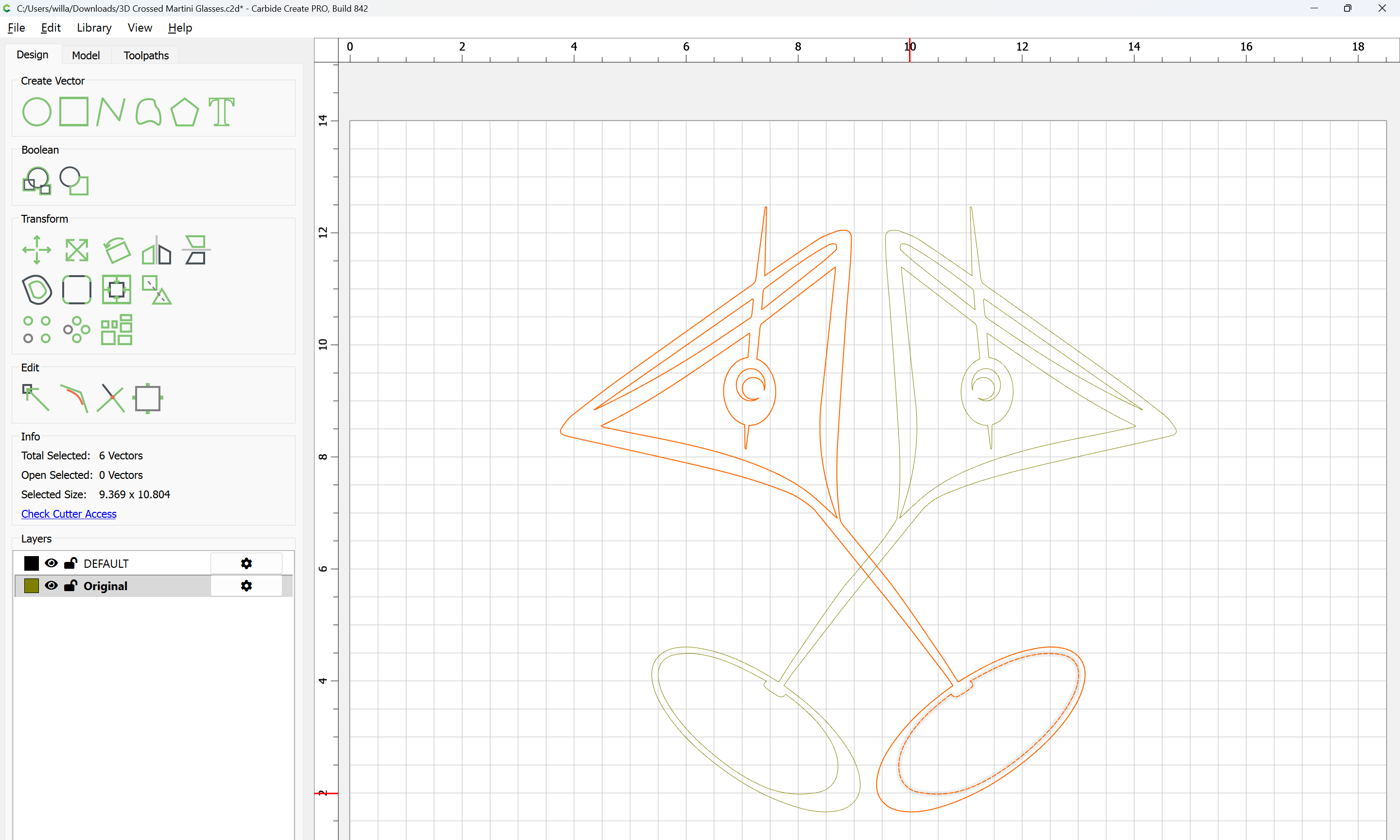
Select the outline of one glass and model in 3D:
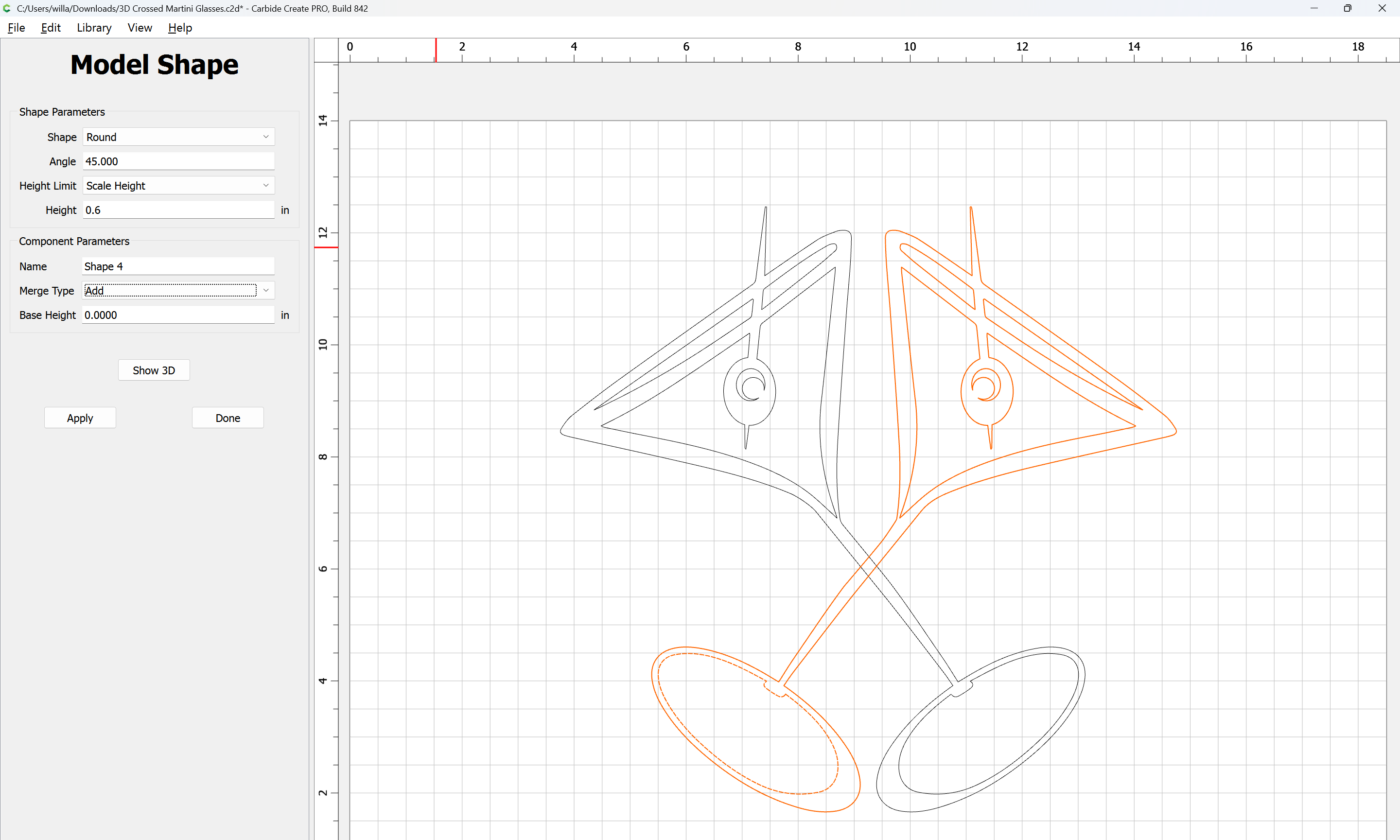
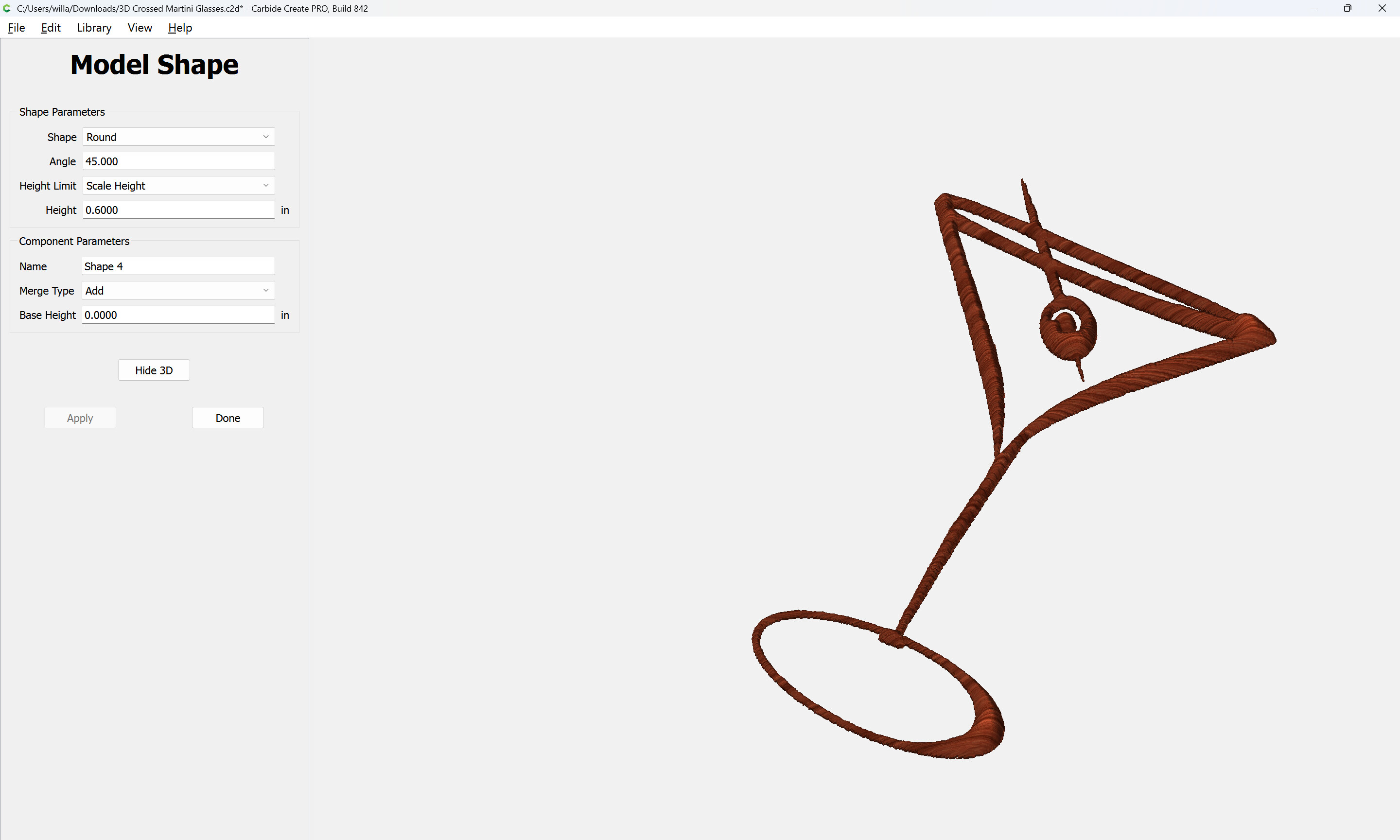
Repeat for the other glass, adding a base height so as to make it seem to be in front:
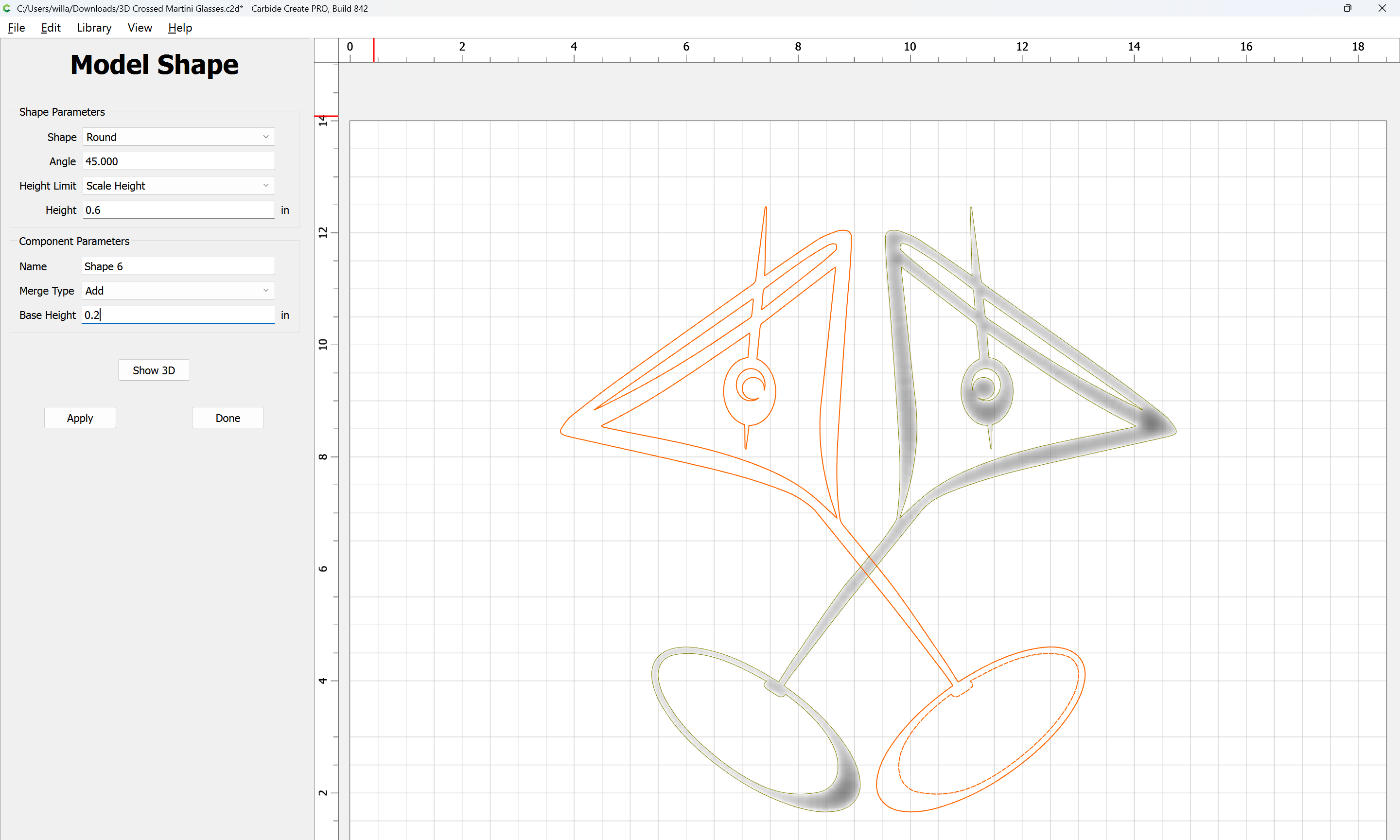
Apply
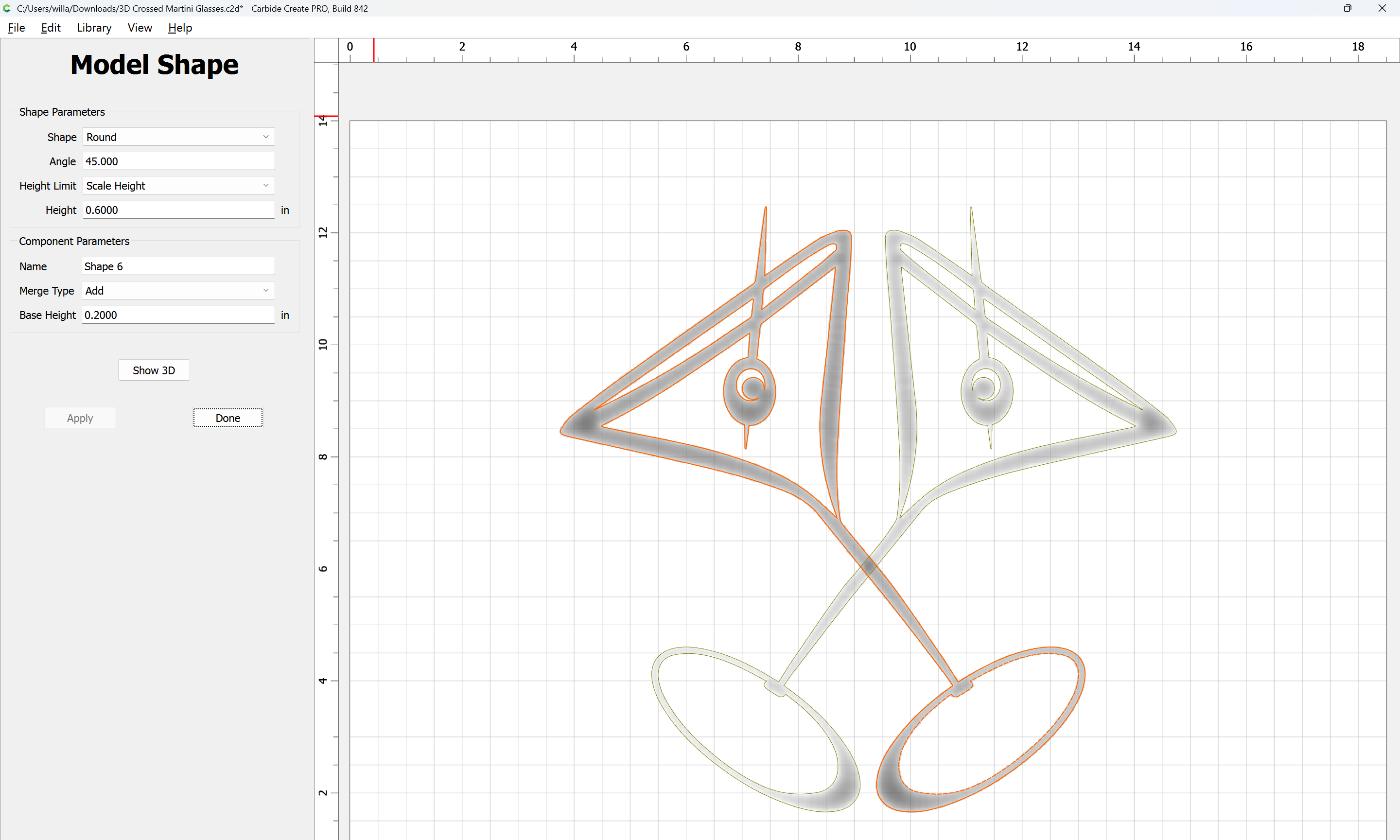
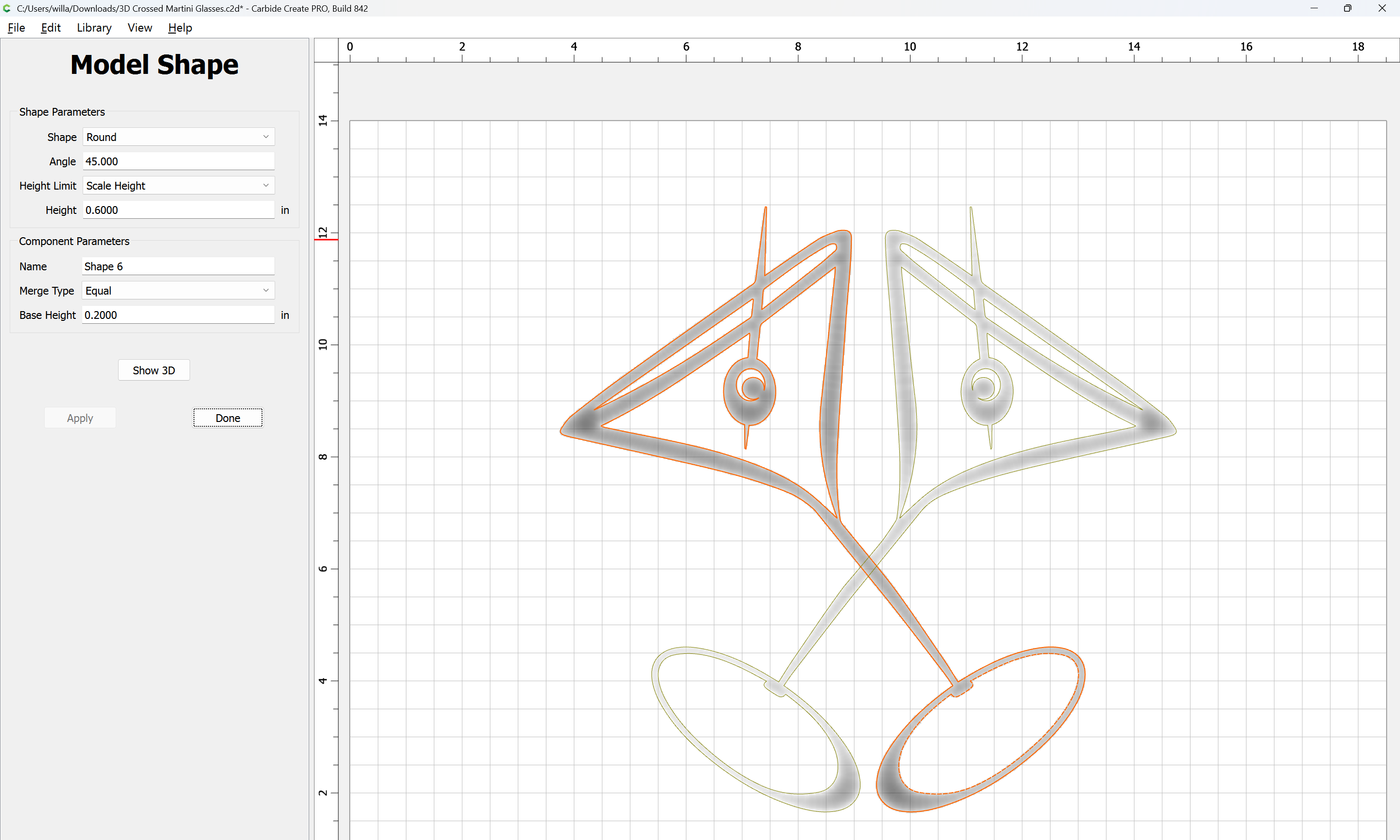
If need be, adjust:
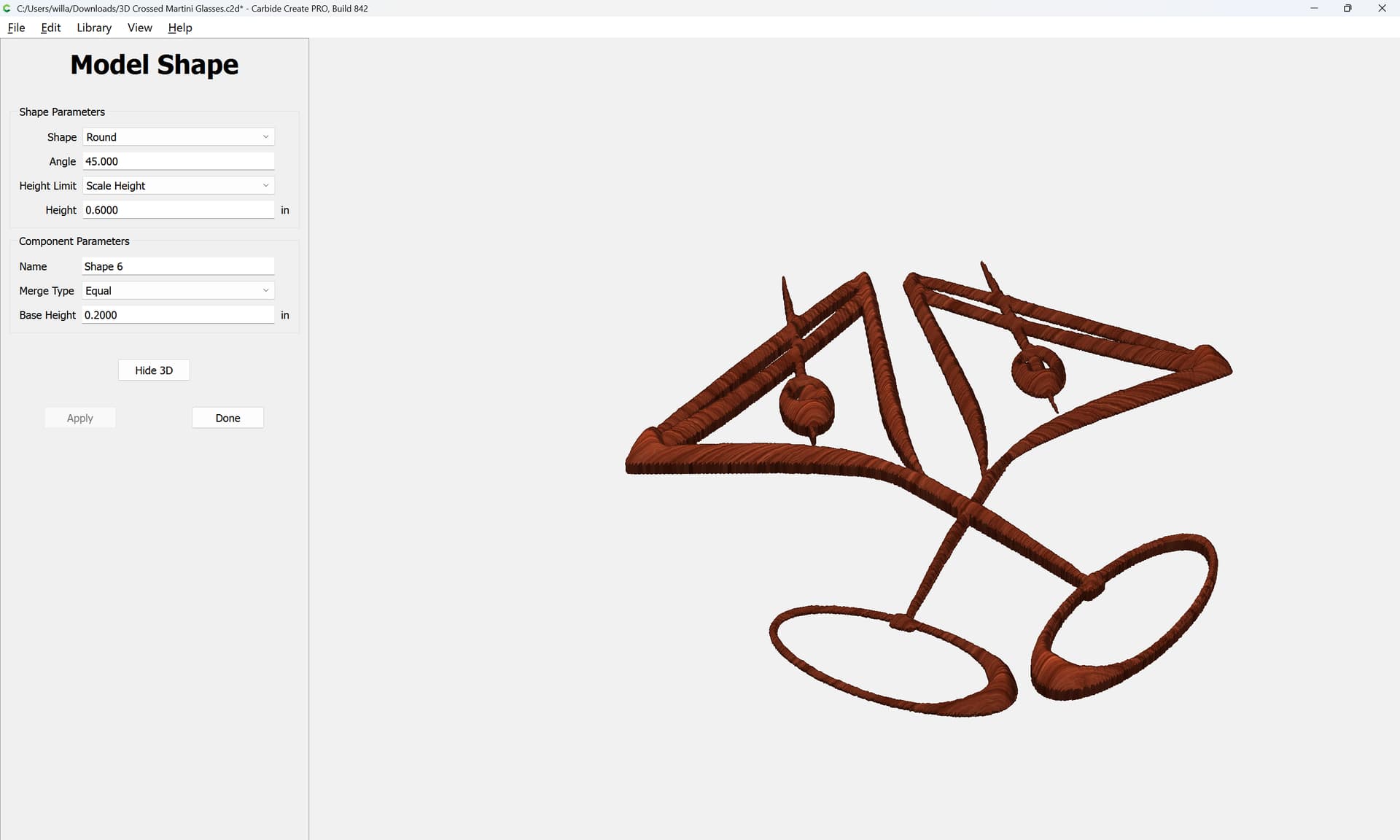
Duplicating and unioning and creating a base so that the glasses are not so hollow is left as an exercise for the reader.