Okay, the 3D preview in a 3rd party tool seems fine:
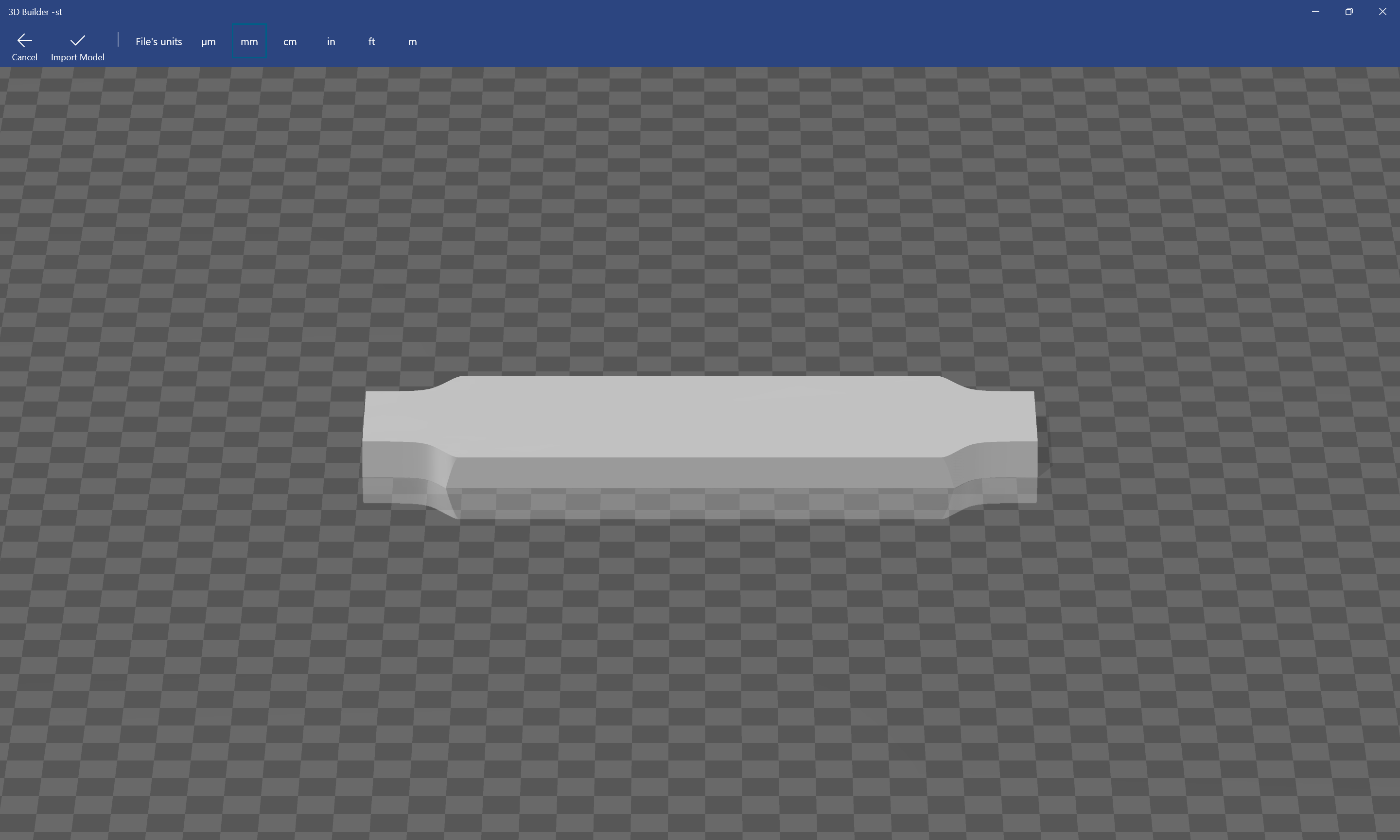
Using the new beta of Carbide Create:
we have this as a very small part if mm are used for the import…
Setting things up to match the small metric size we get:
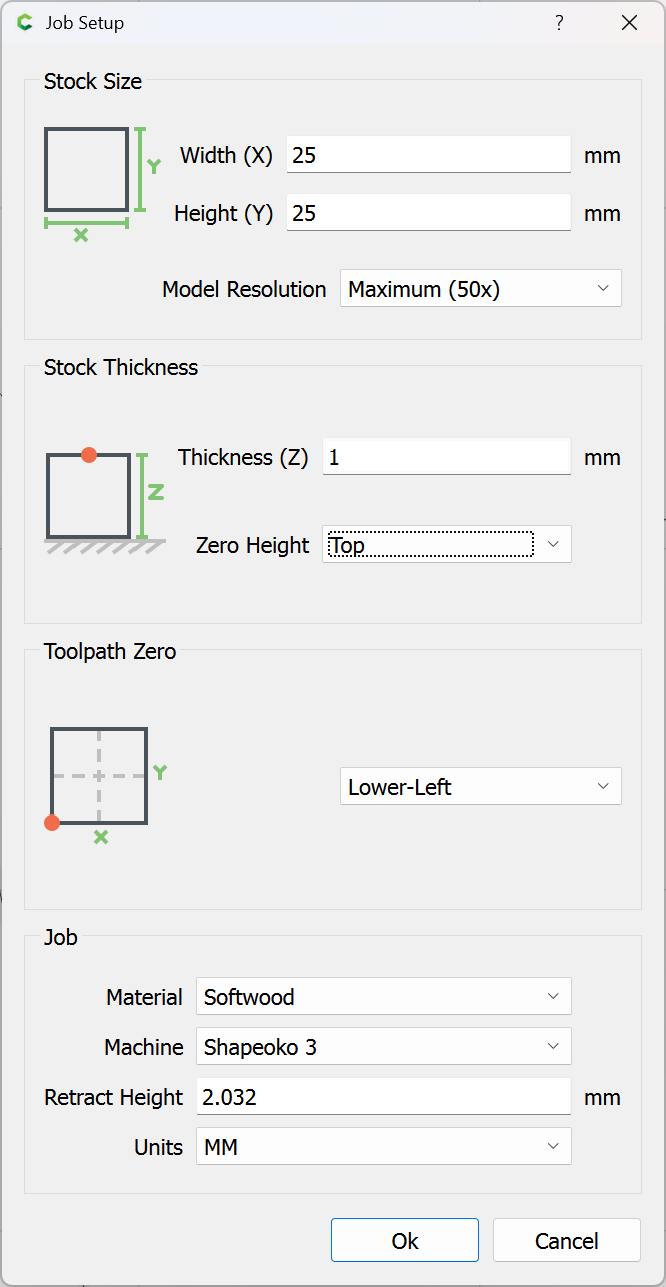
and we draw in geometry for the import:

and set it to 1:1 scaling for XY and for Z:
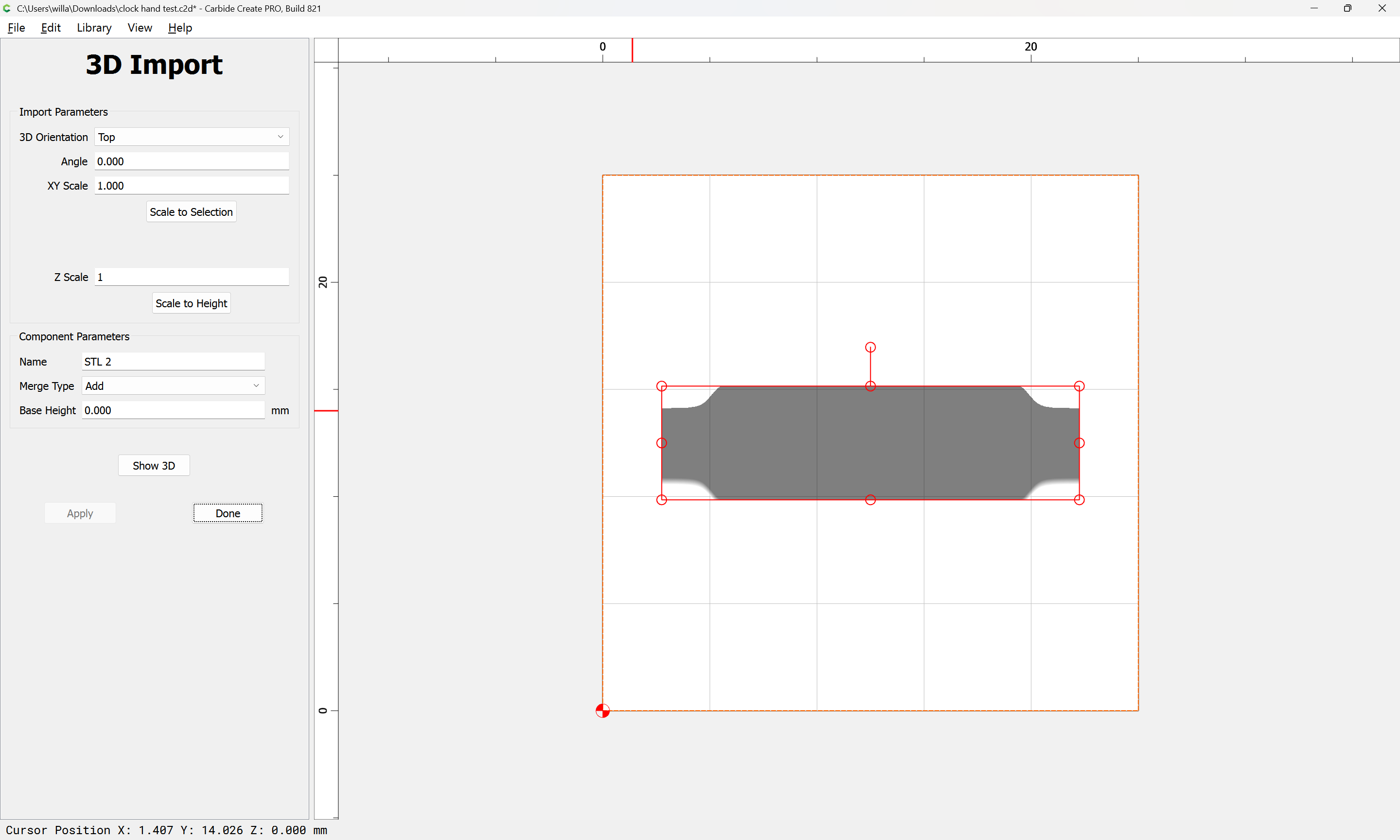
which seems to match (though the top is red which indicates it’s coming in at slightly more than 1mm — we edit the Job Setup:
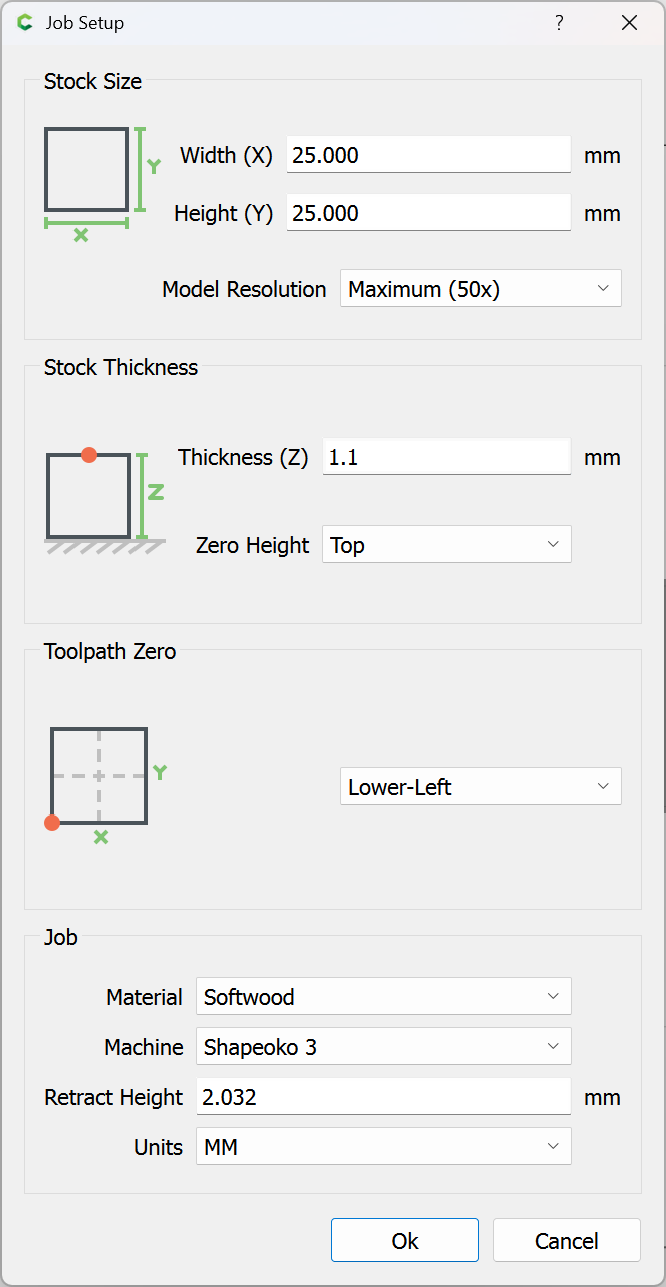
and the model loses the red tint.
We then right-click and choose “Create outline vectors”
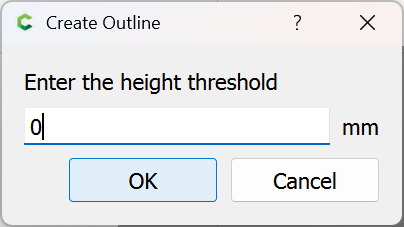
OK
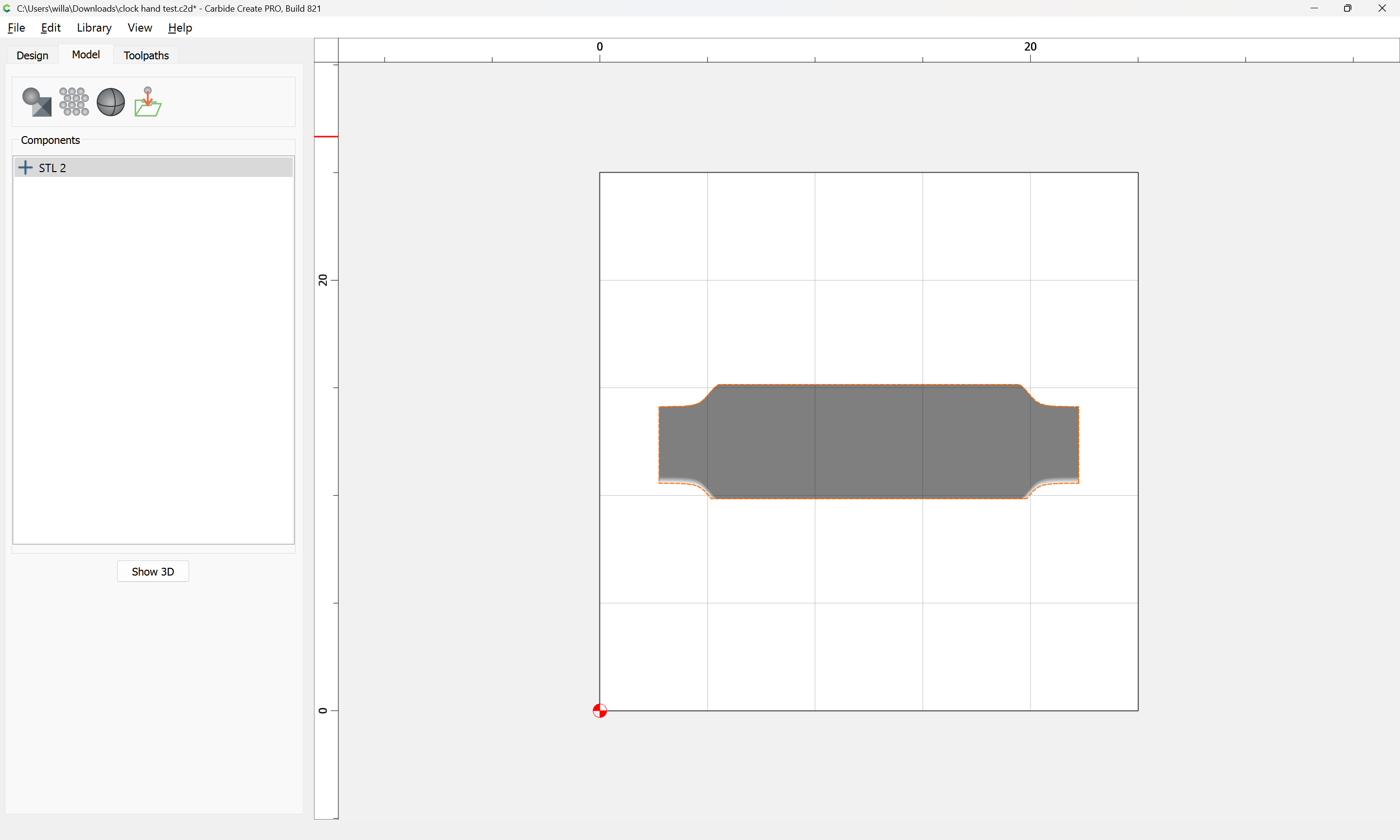
and offset by the radius of the tool which will be used:
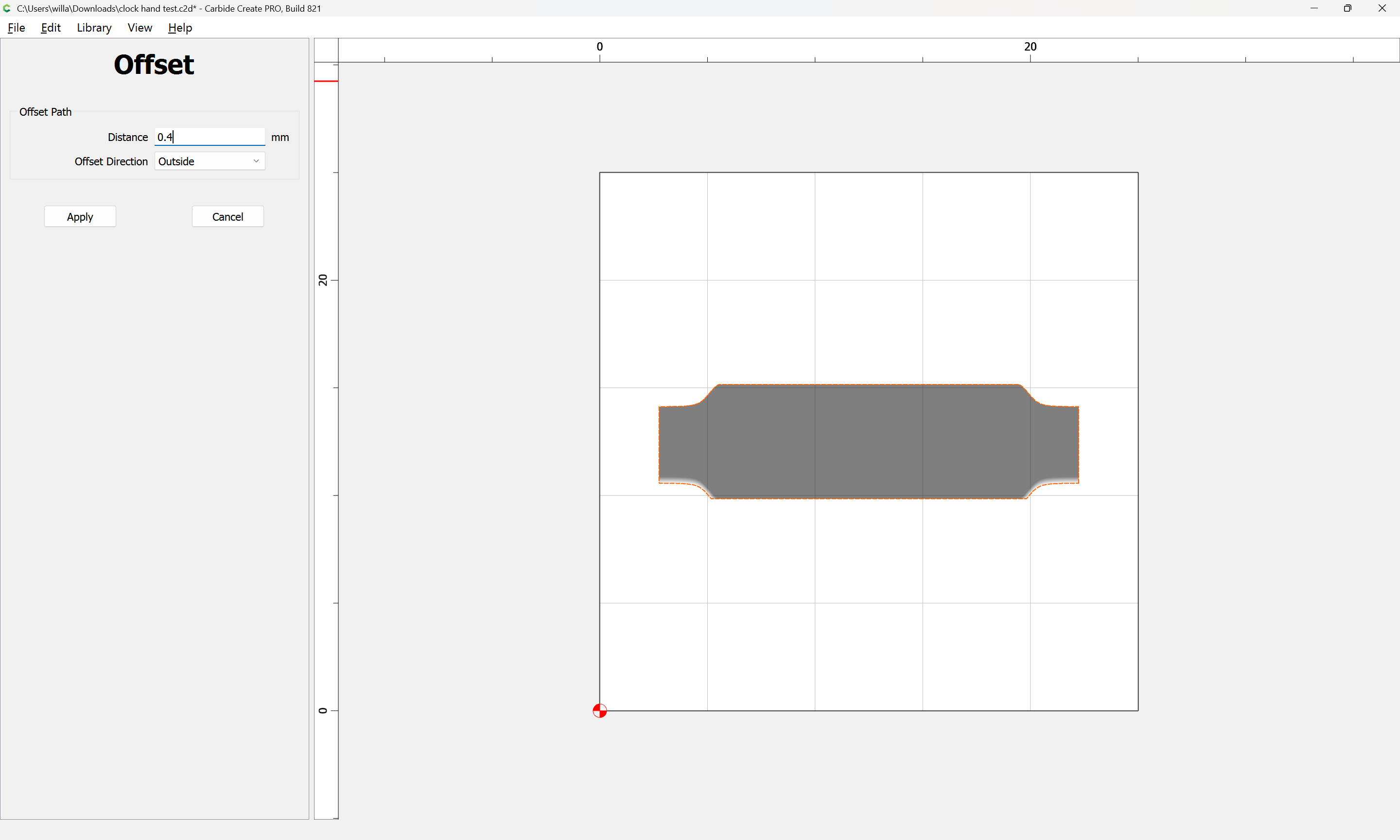
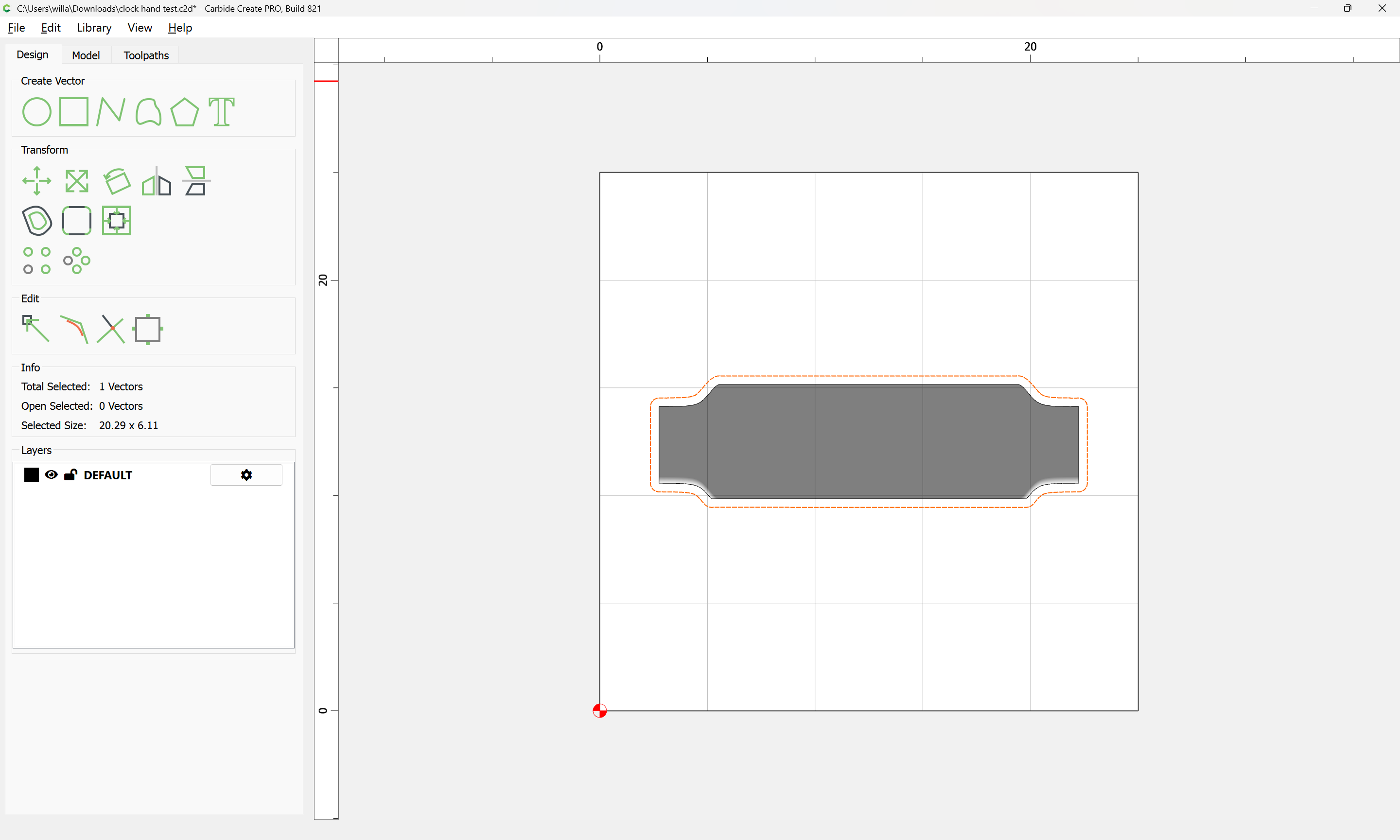
and then do a 3D roughing toolpath:
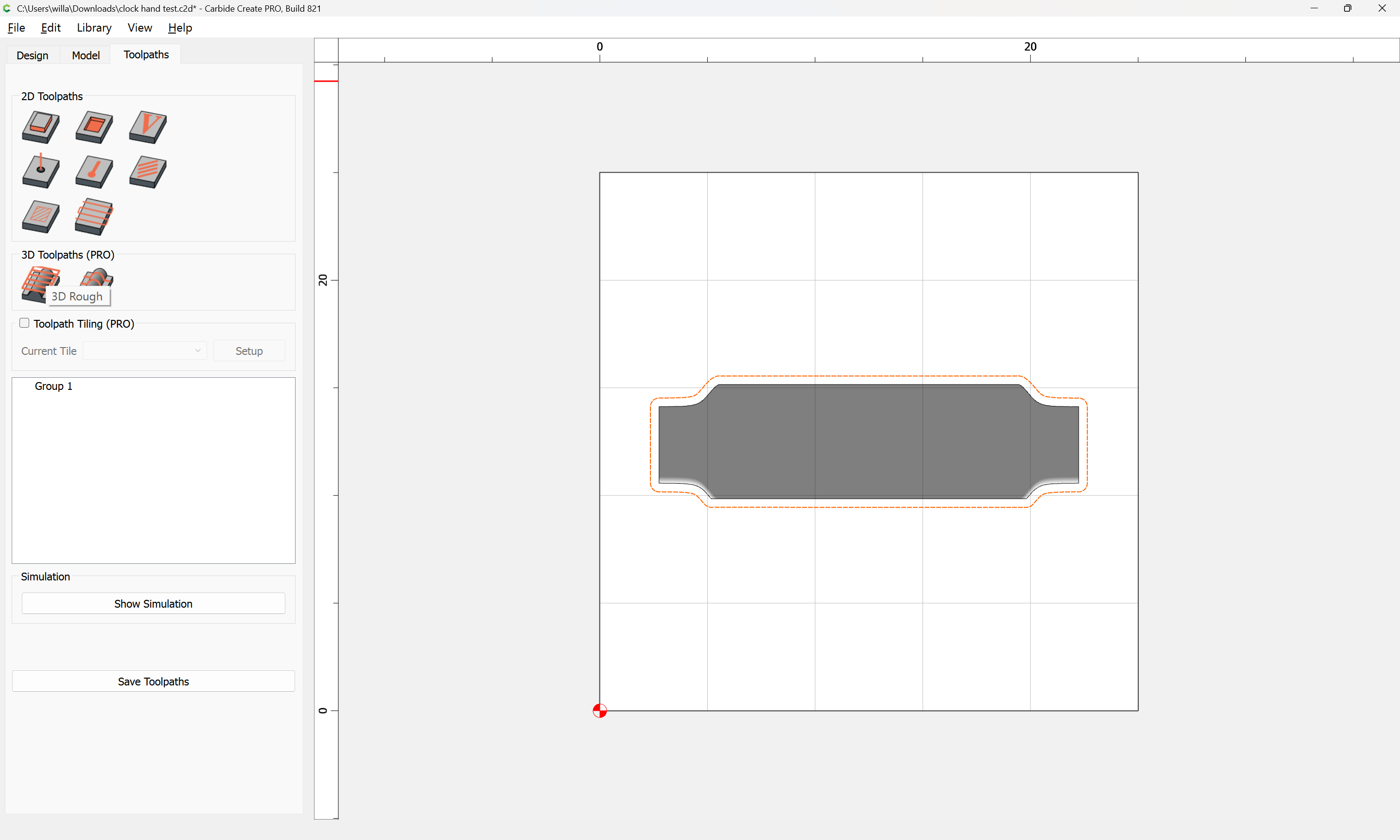
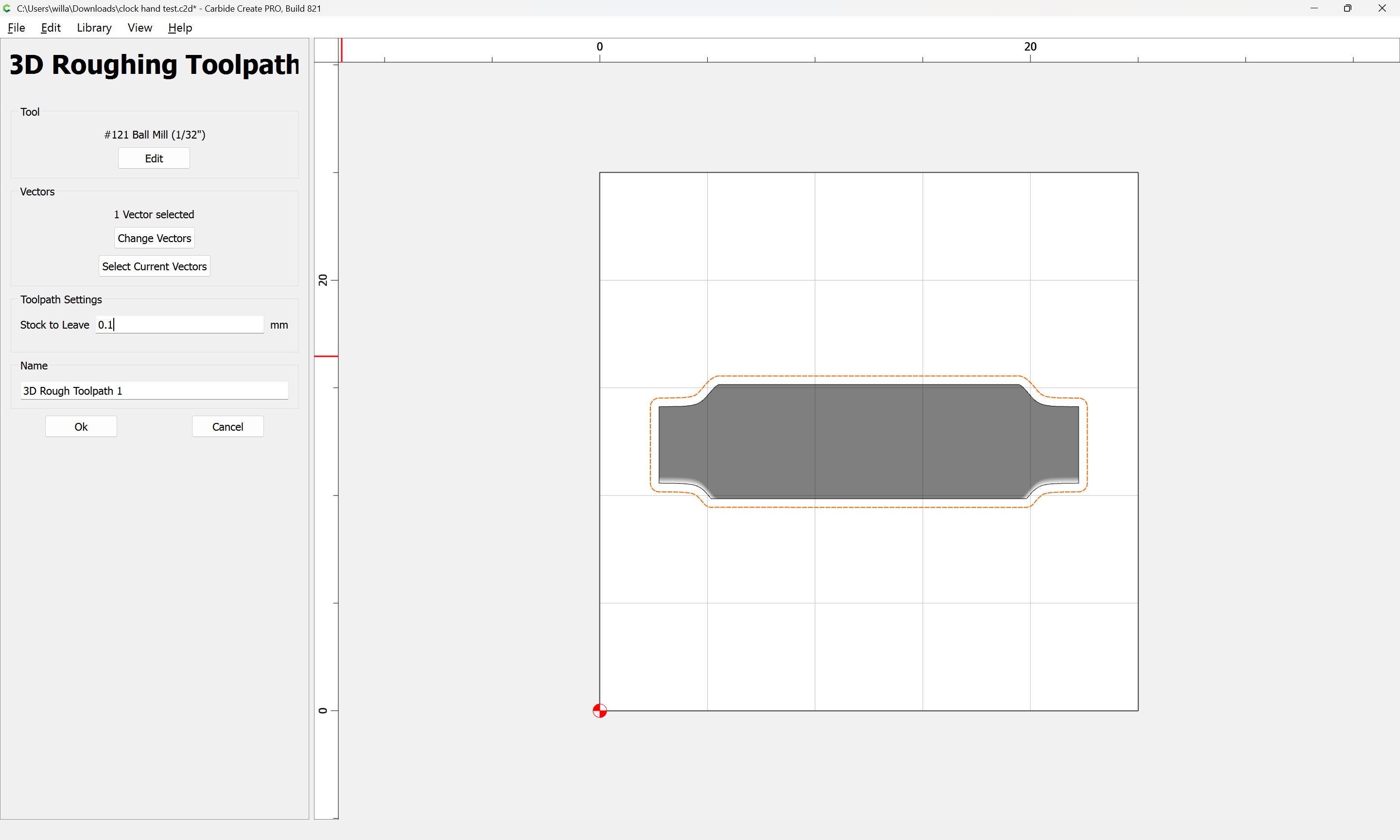
and then a 3D finishing toolpath, adjusting the stepover:
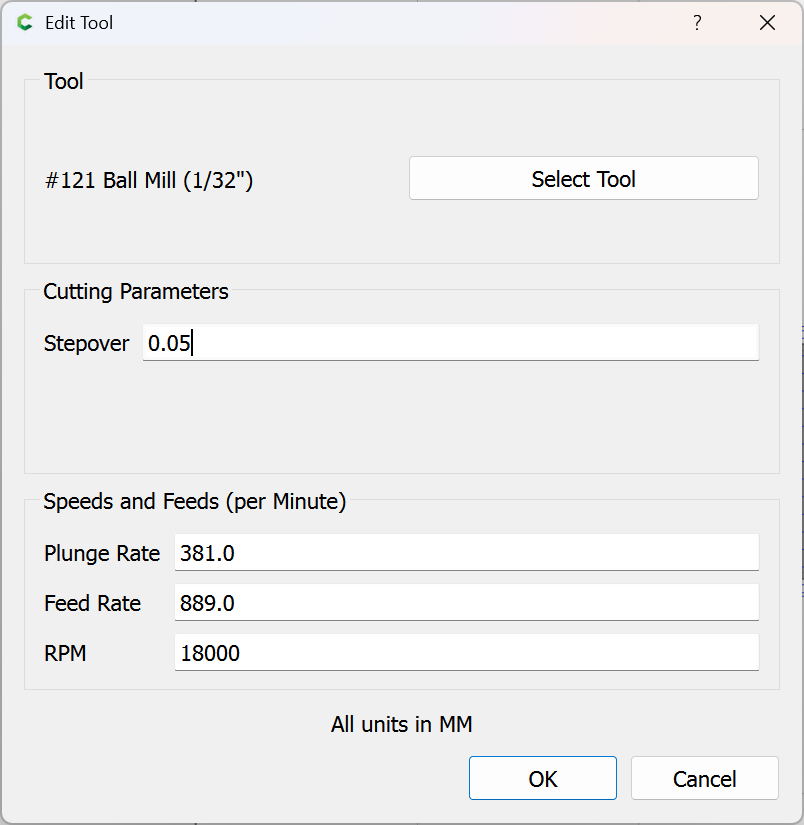
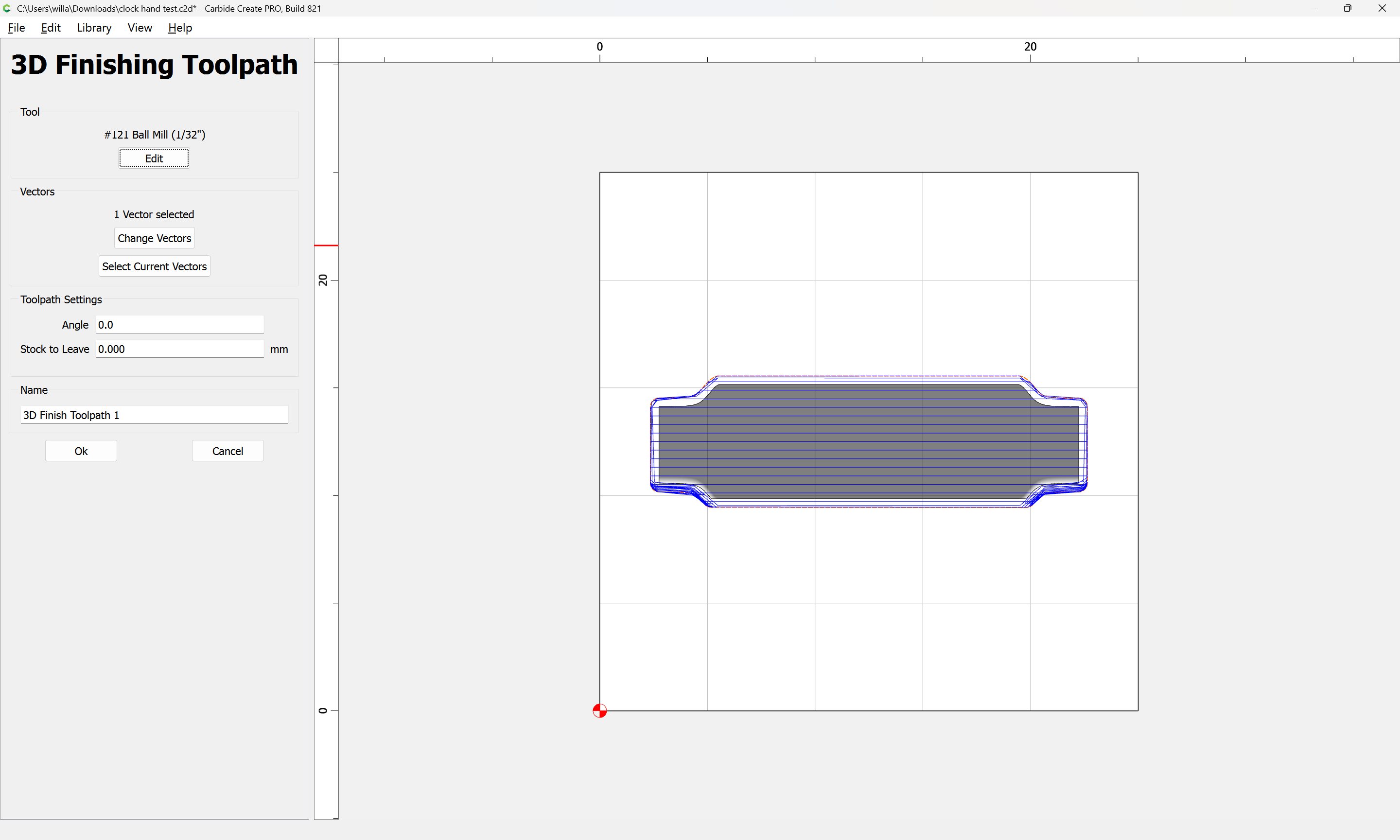
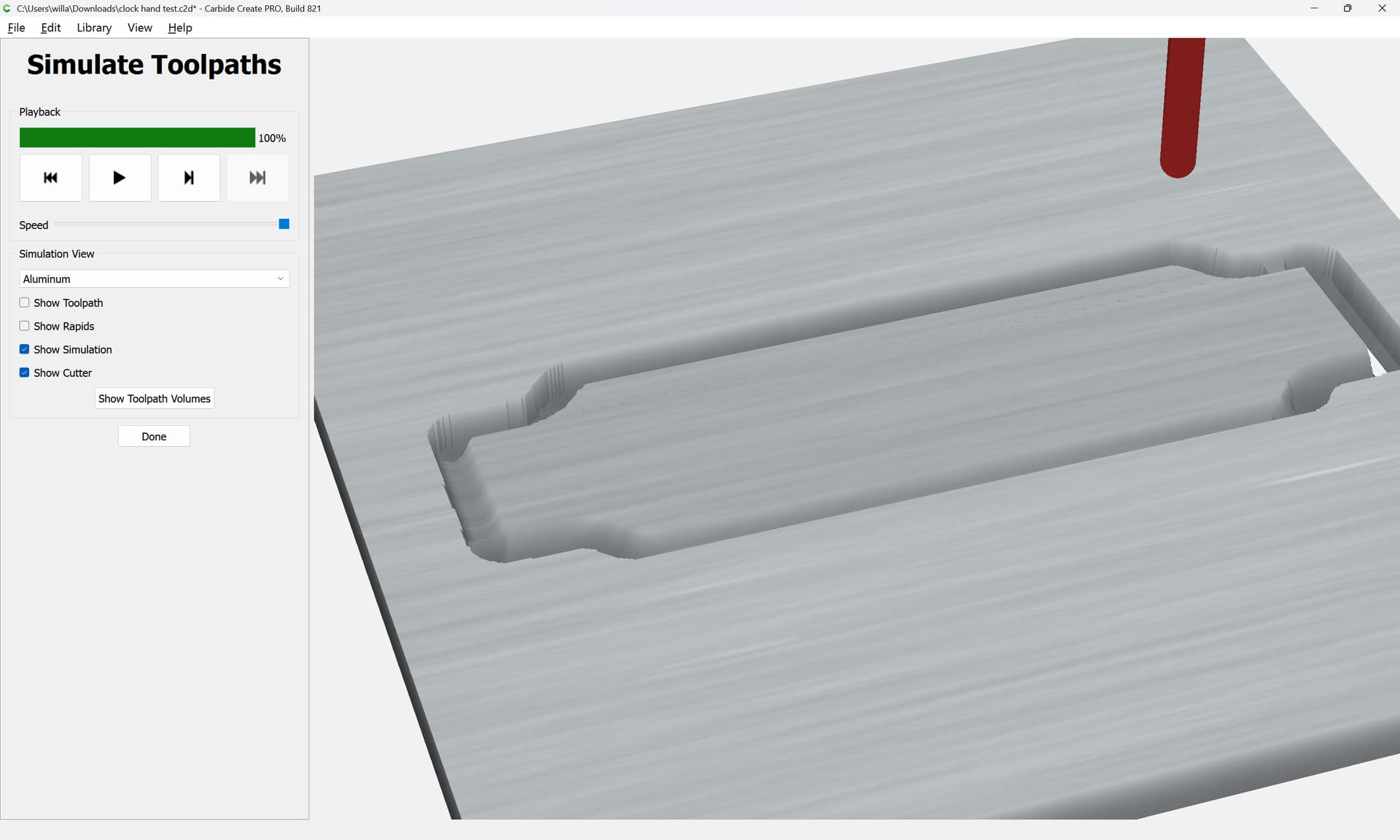
which has a pretty good preview:
I suspect for parts such as this you actually want MeshCAM: