as requested on support…
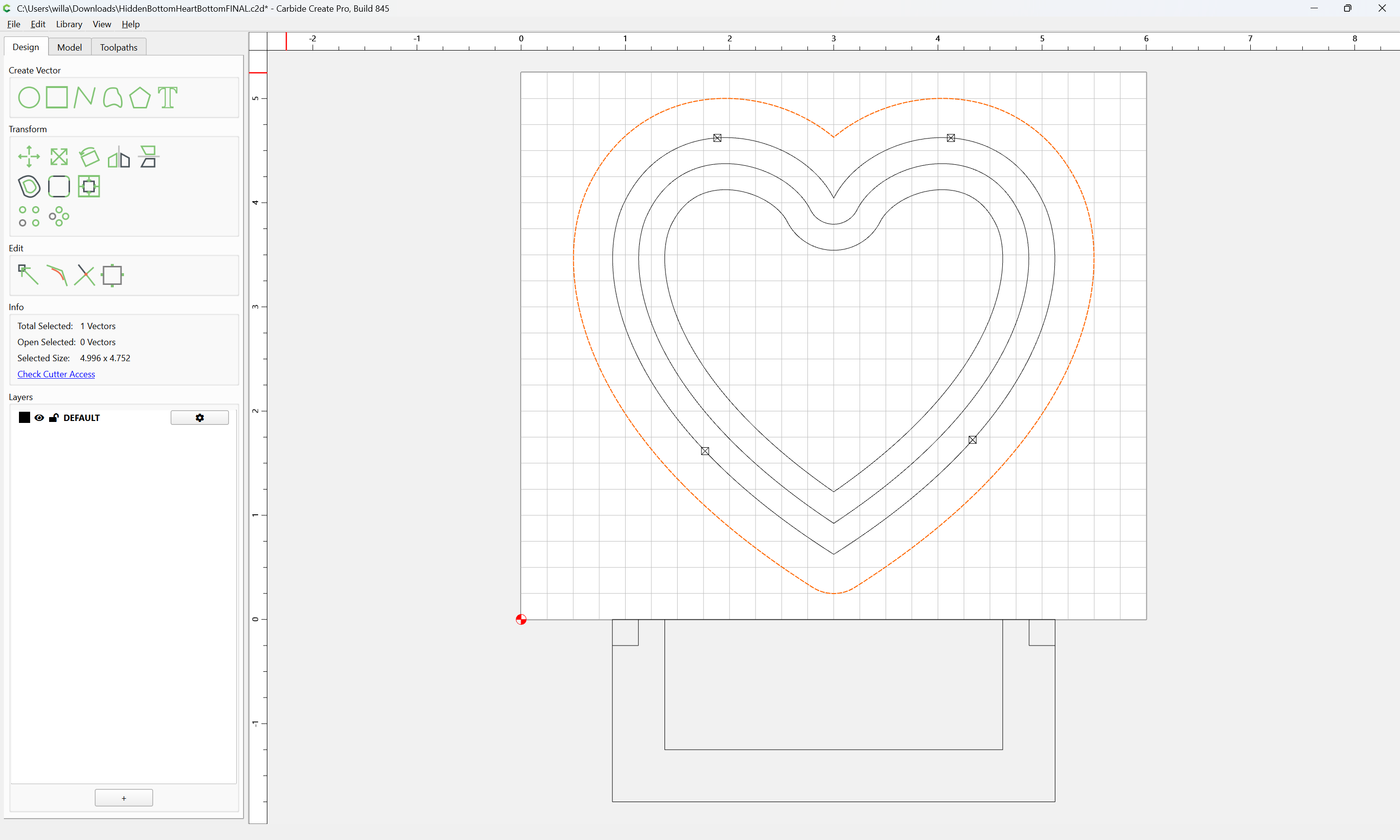
I’ve attached the code for a heart box I am making. I’m trying to make the lid that will sit down inside the heart on a ledge about 1/4" from the bottom.
where the relevant geometry is:
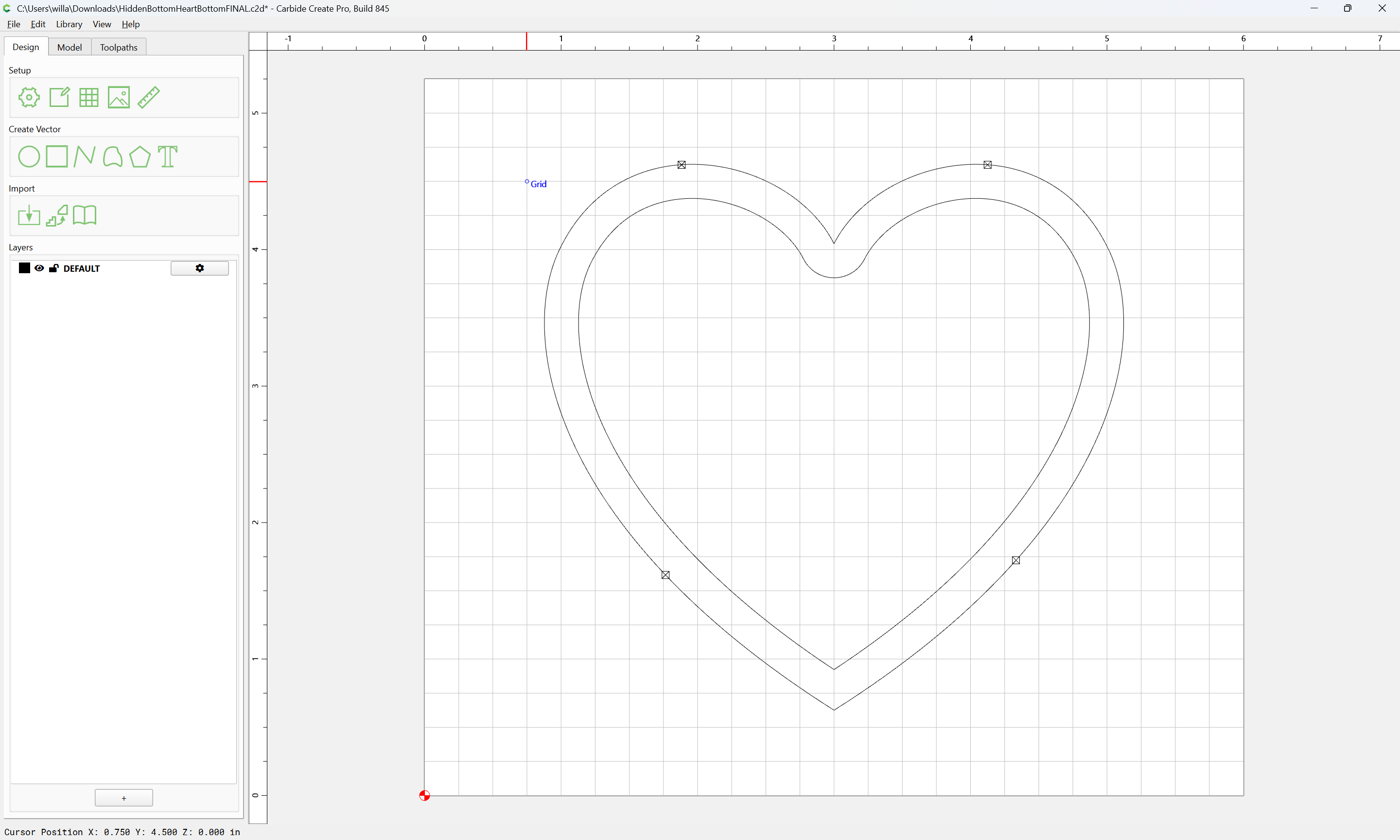
First thing to do is to draw up the current cut in profile:
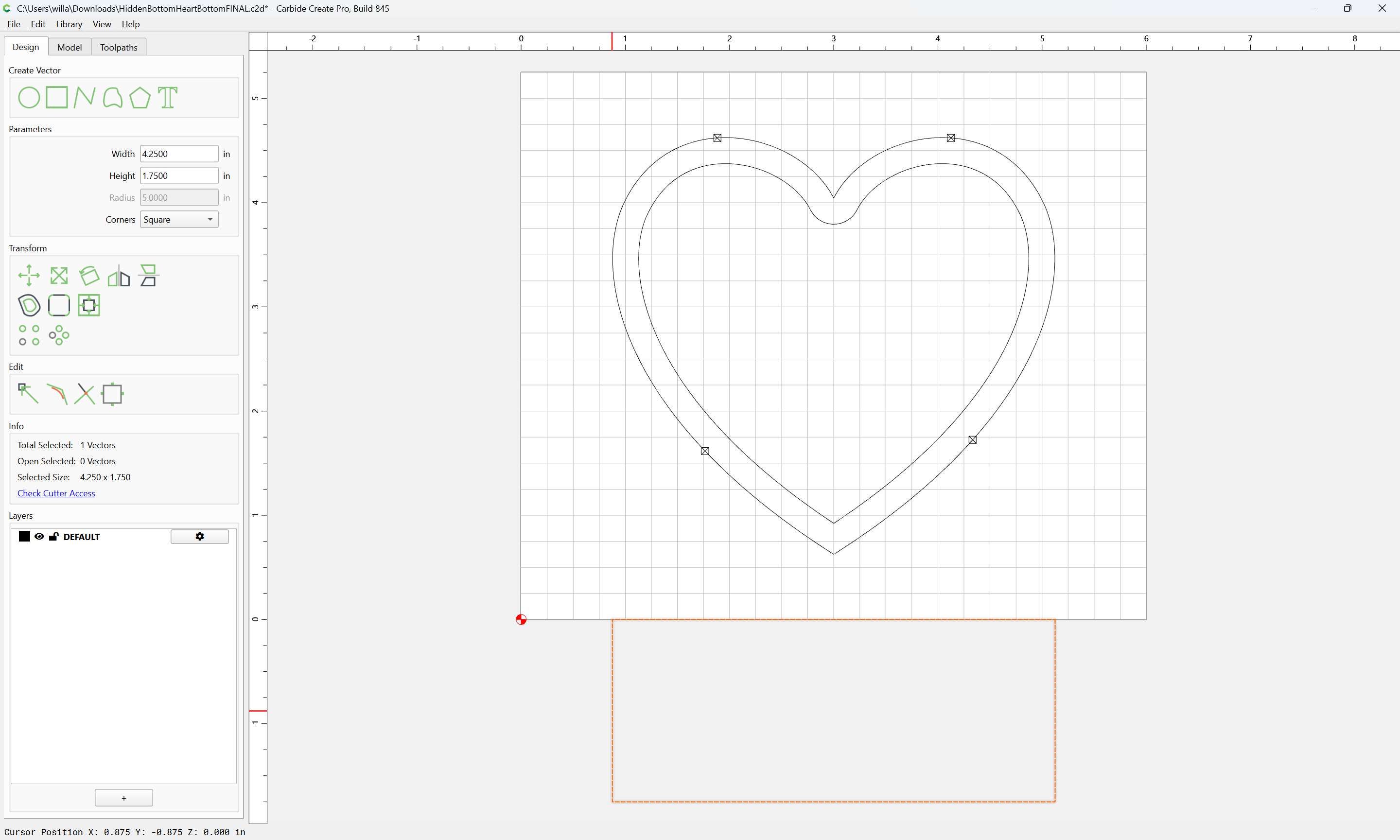
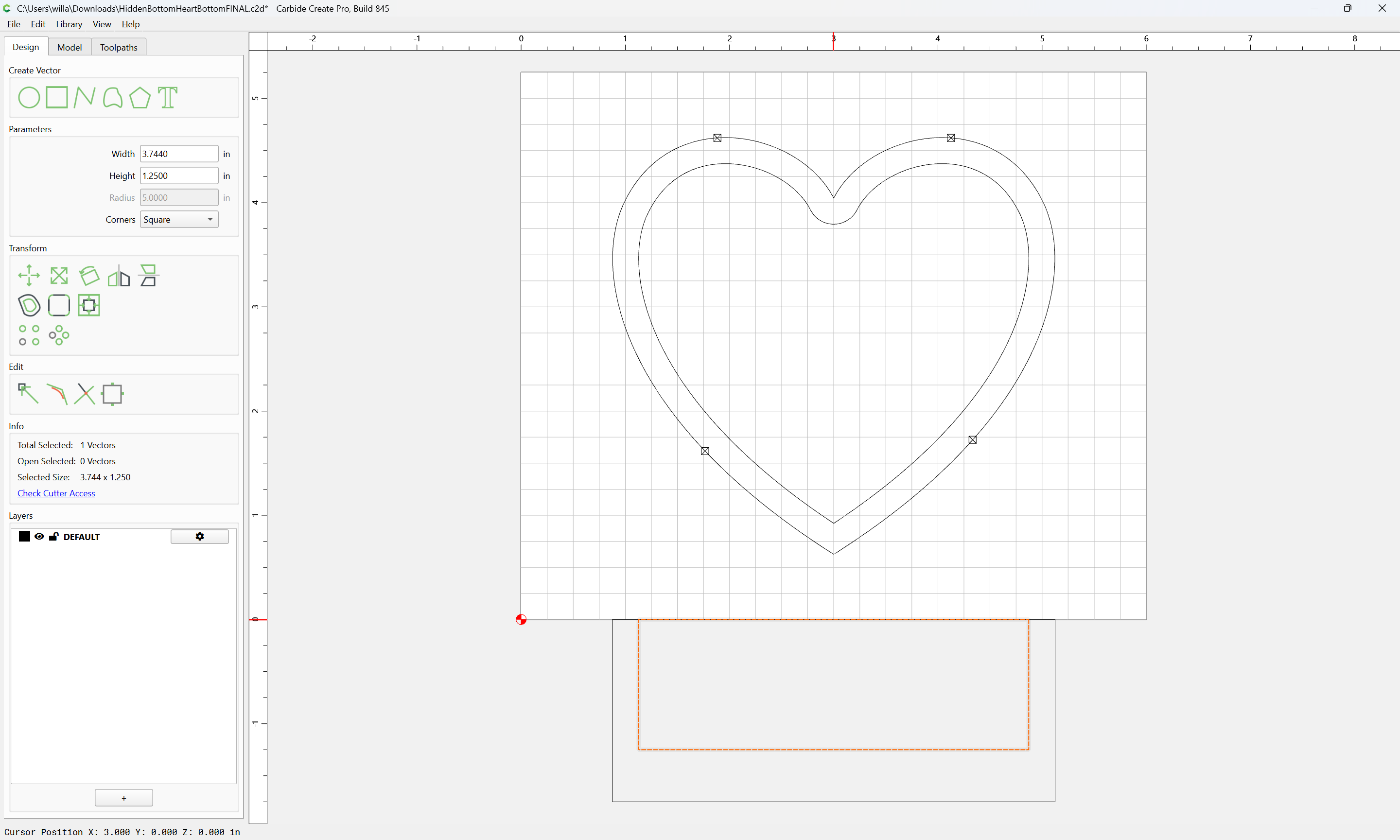
which leaves no ledge in the bottom, to add that, we inset by 0.25":
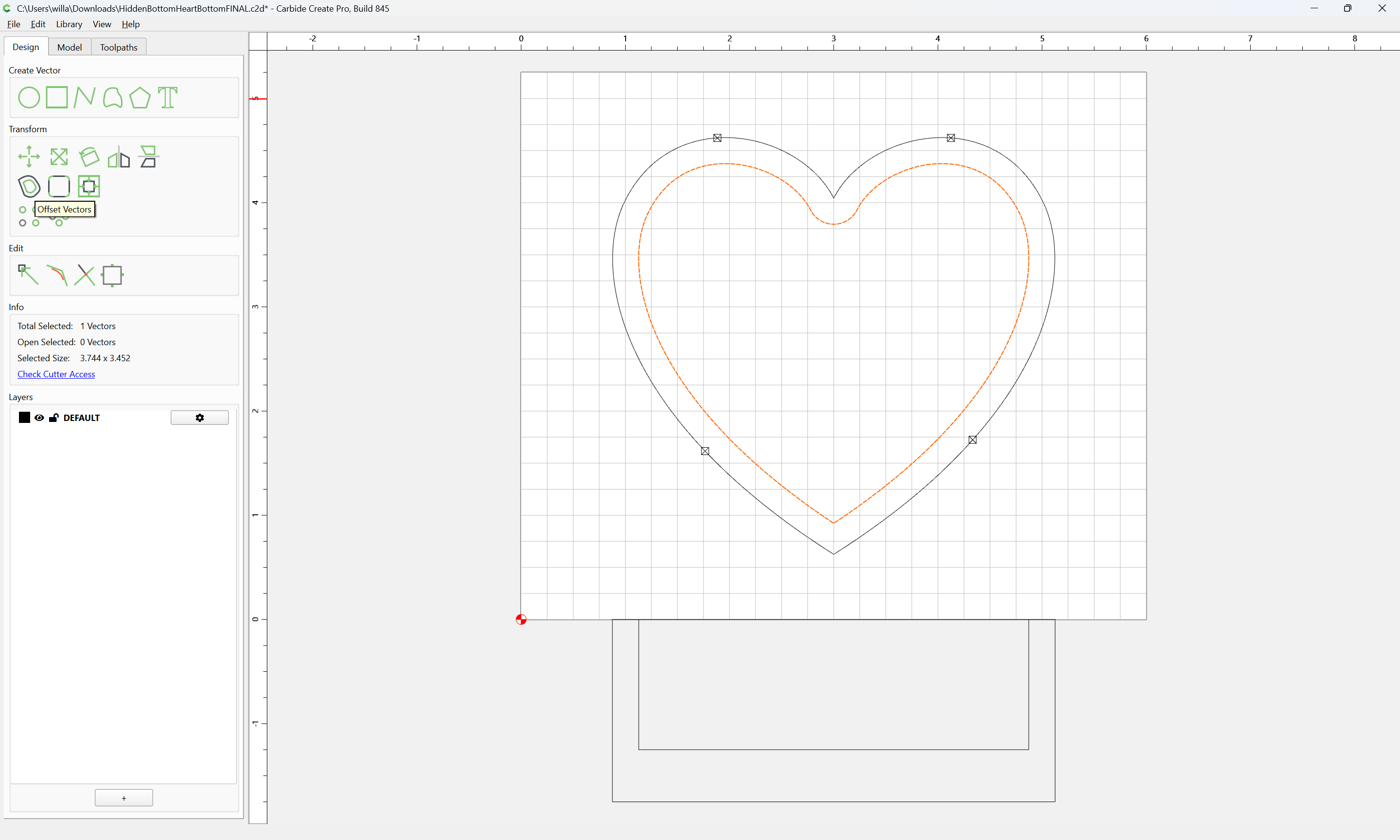
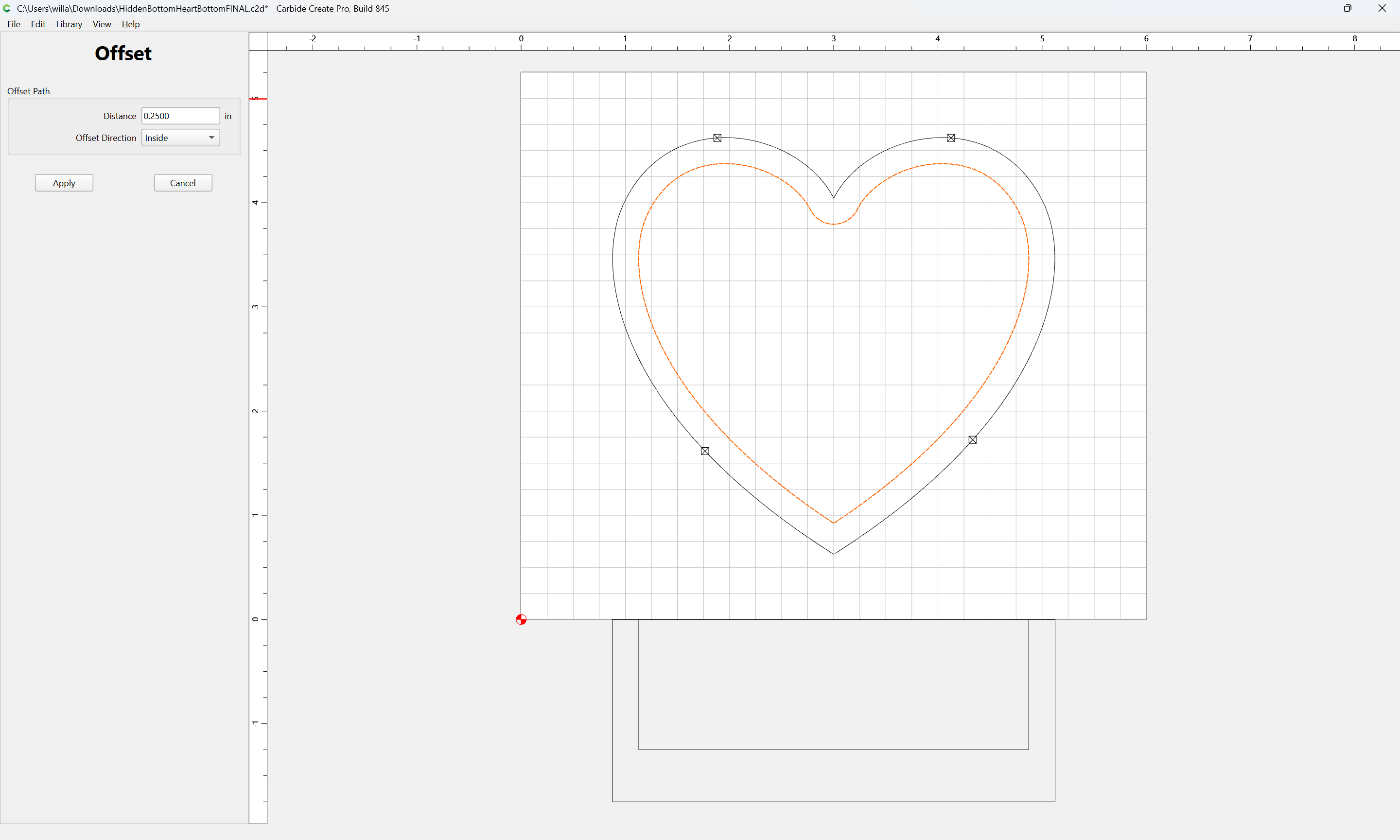
Apply
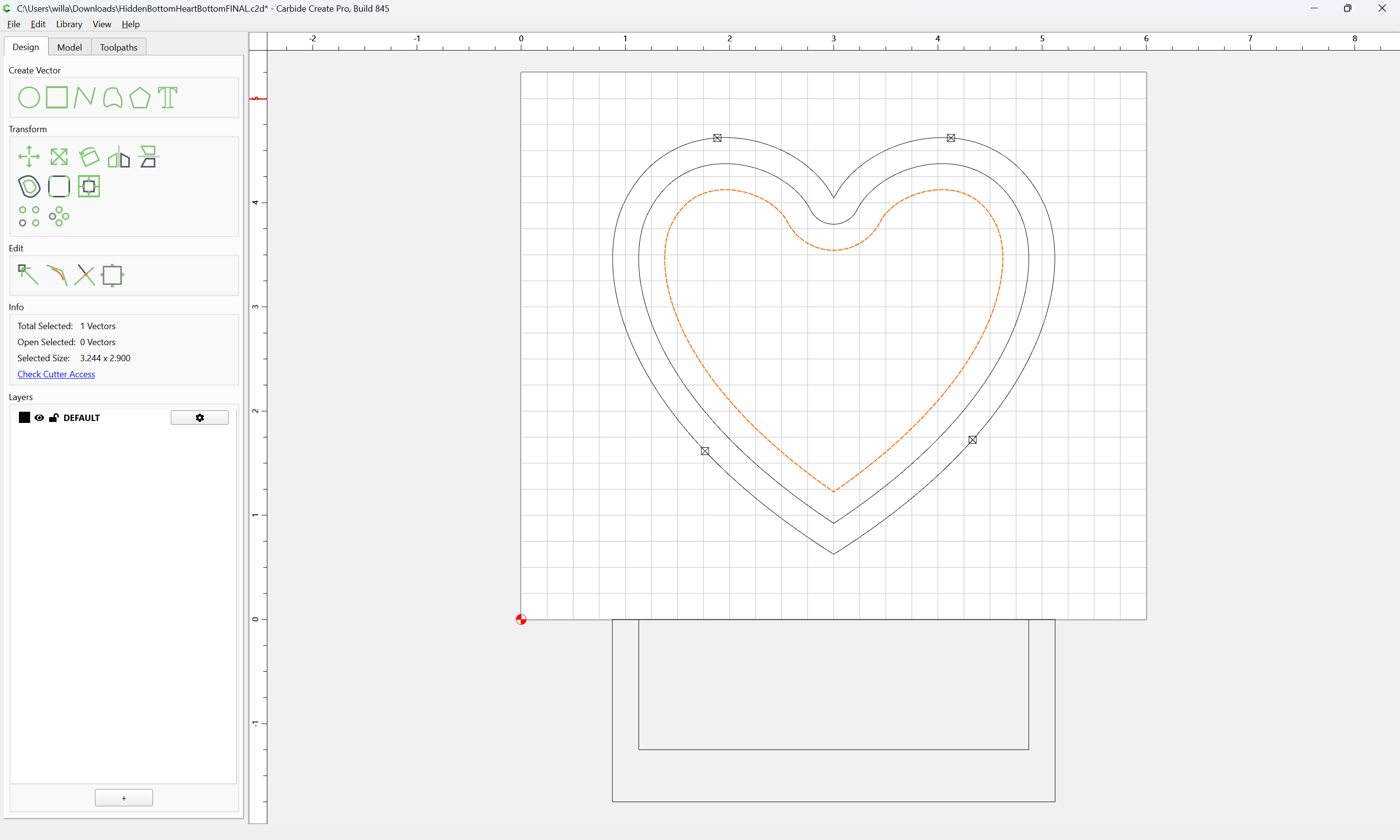
and transfer that width to the Pocket:
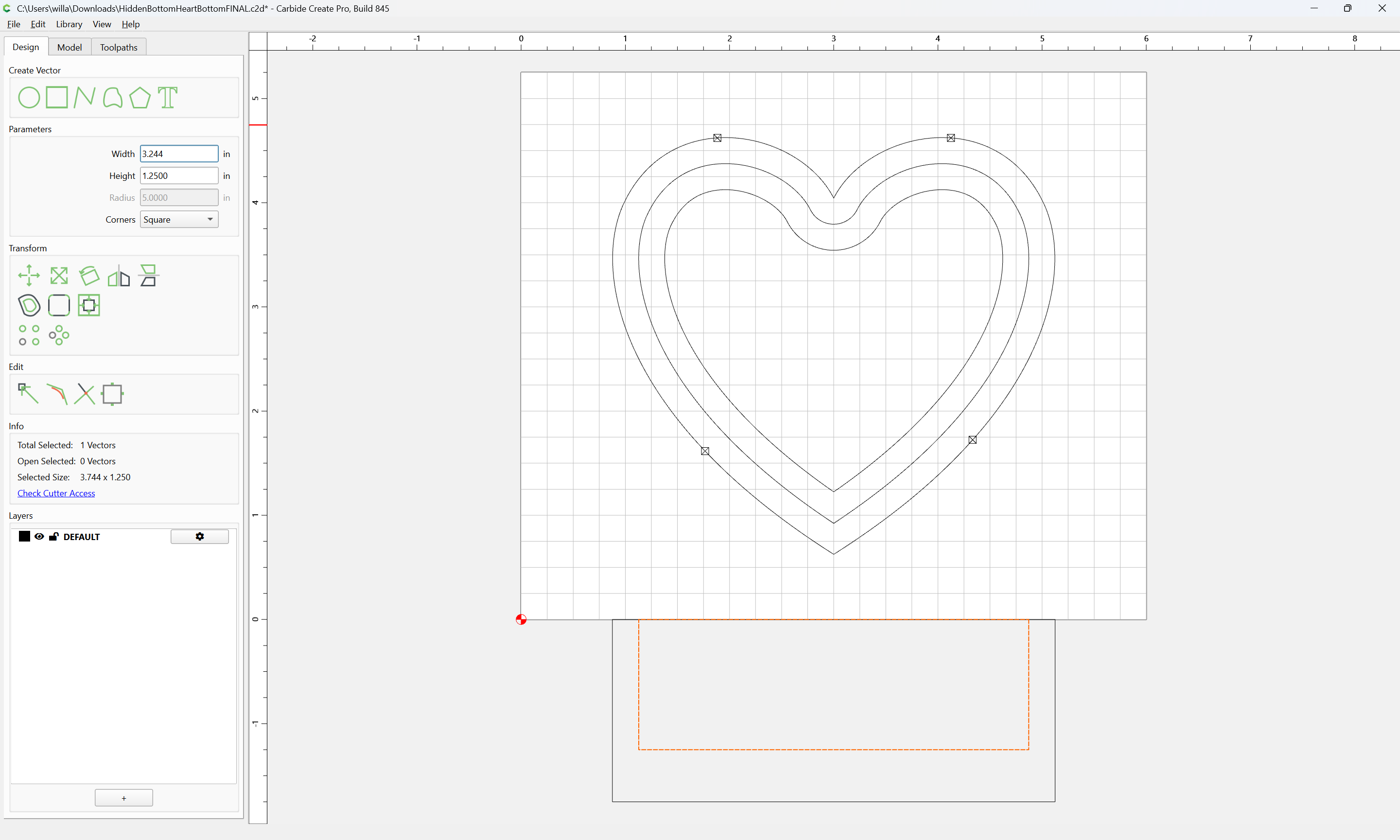
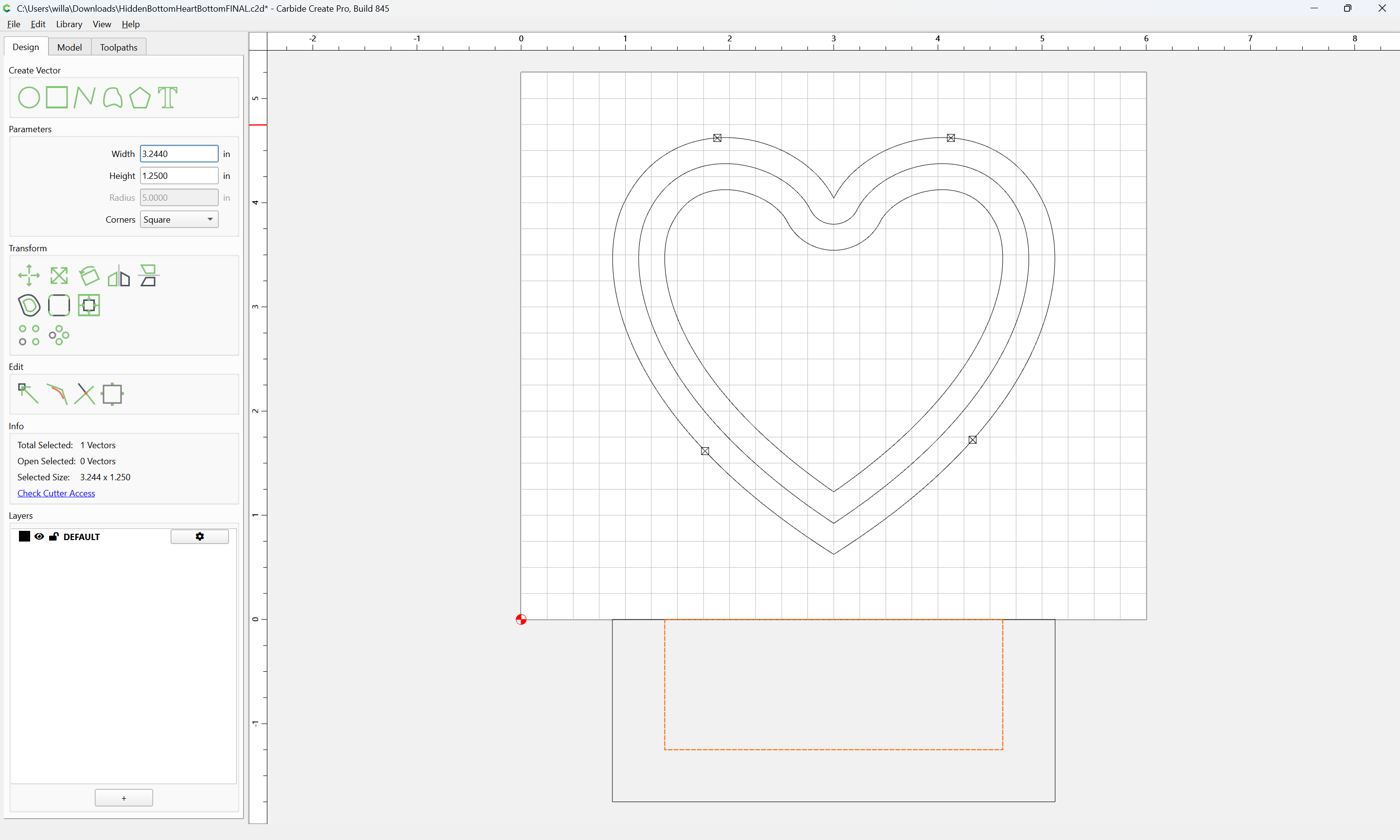
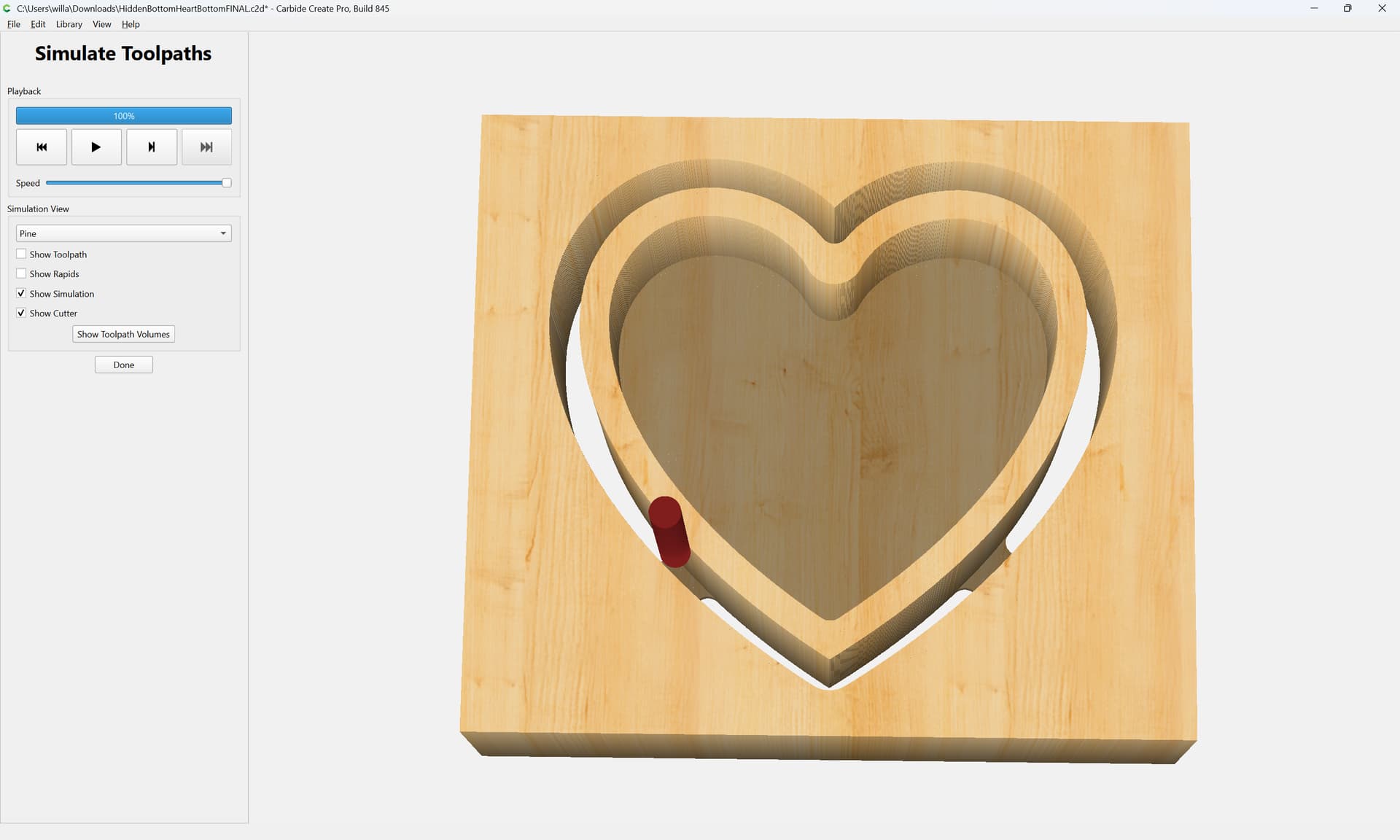
We then use the previous geometry to cut a pocket to a depth of 0.25" to create the ledge:
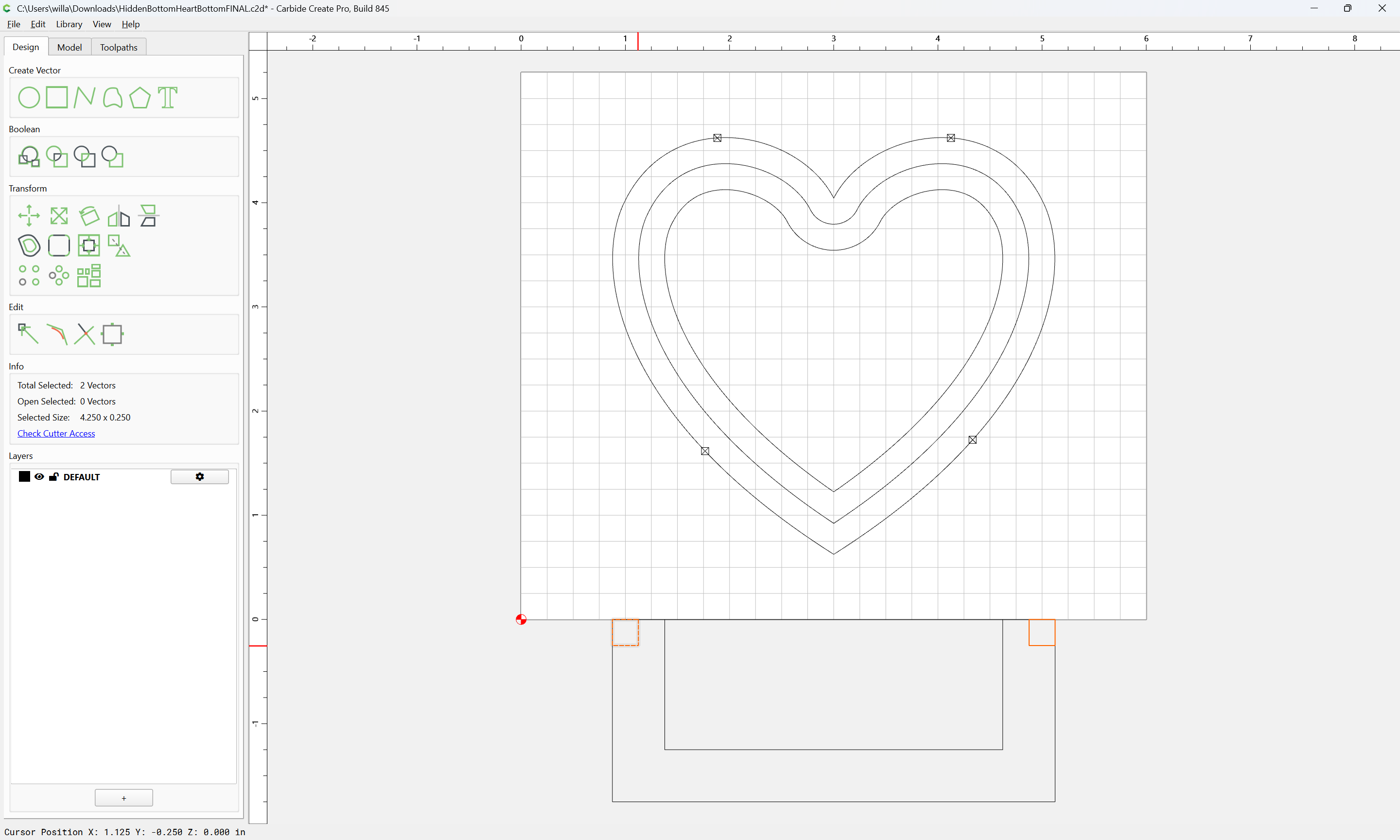
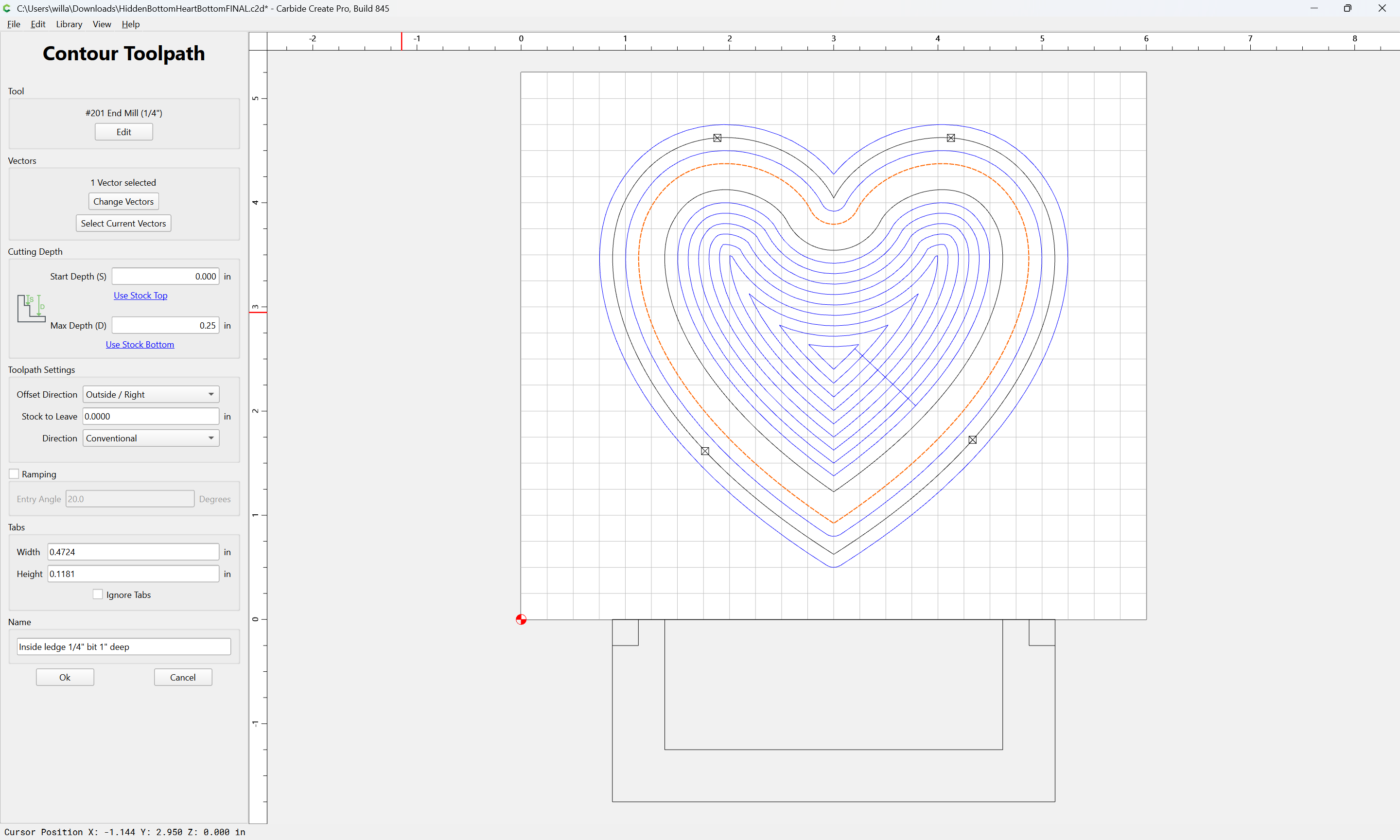
but this would probably be better/easier to visualize w/ a bit of offset geometry:

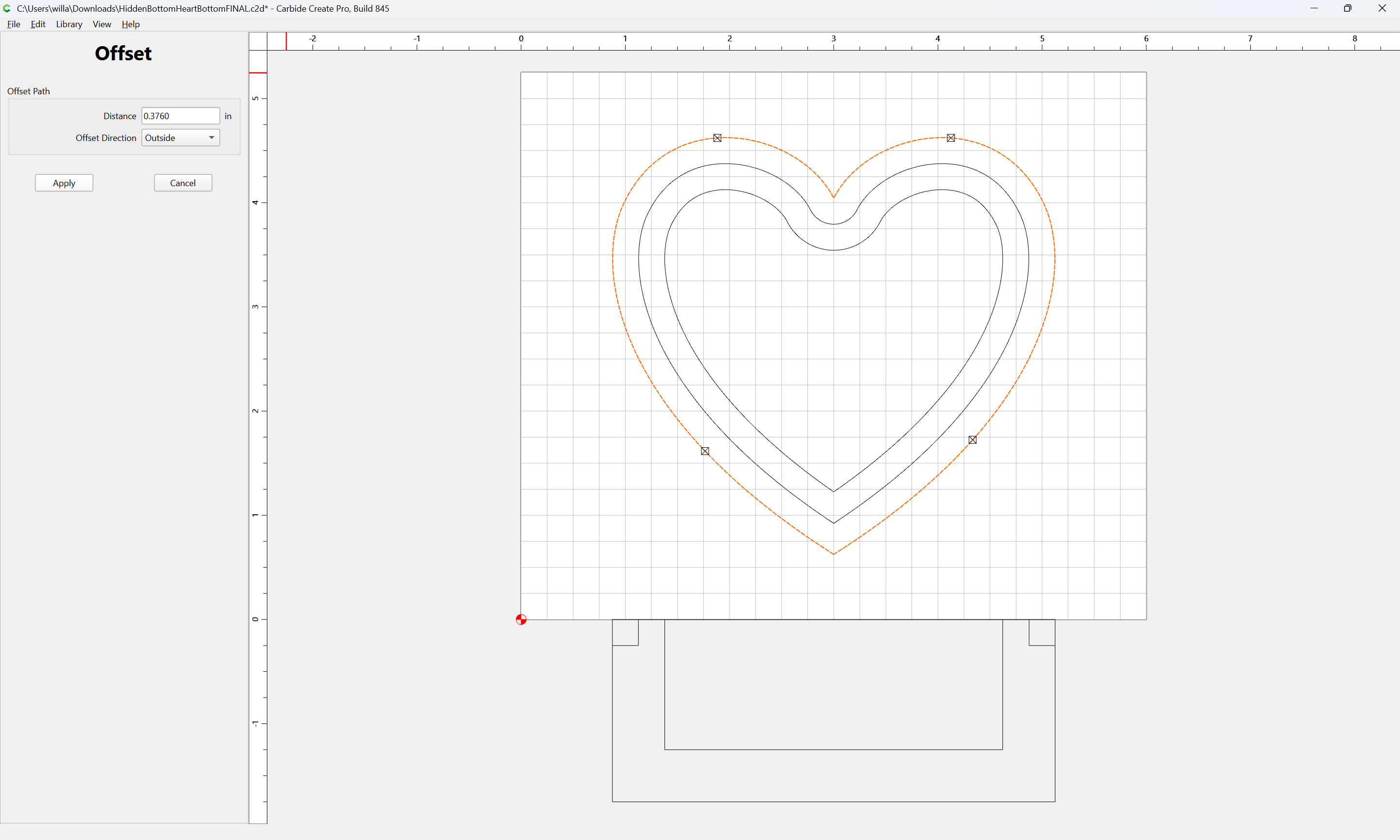
Apply
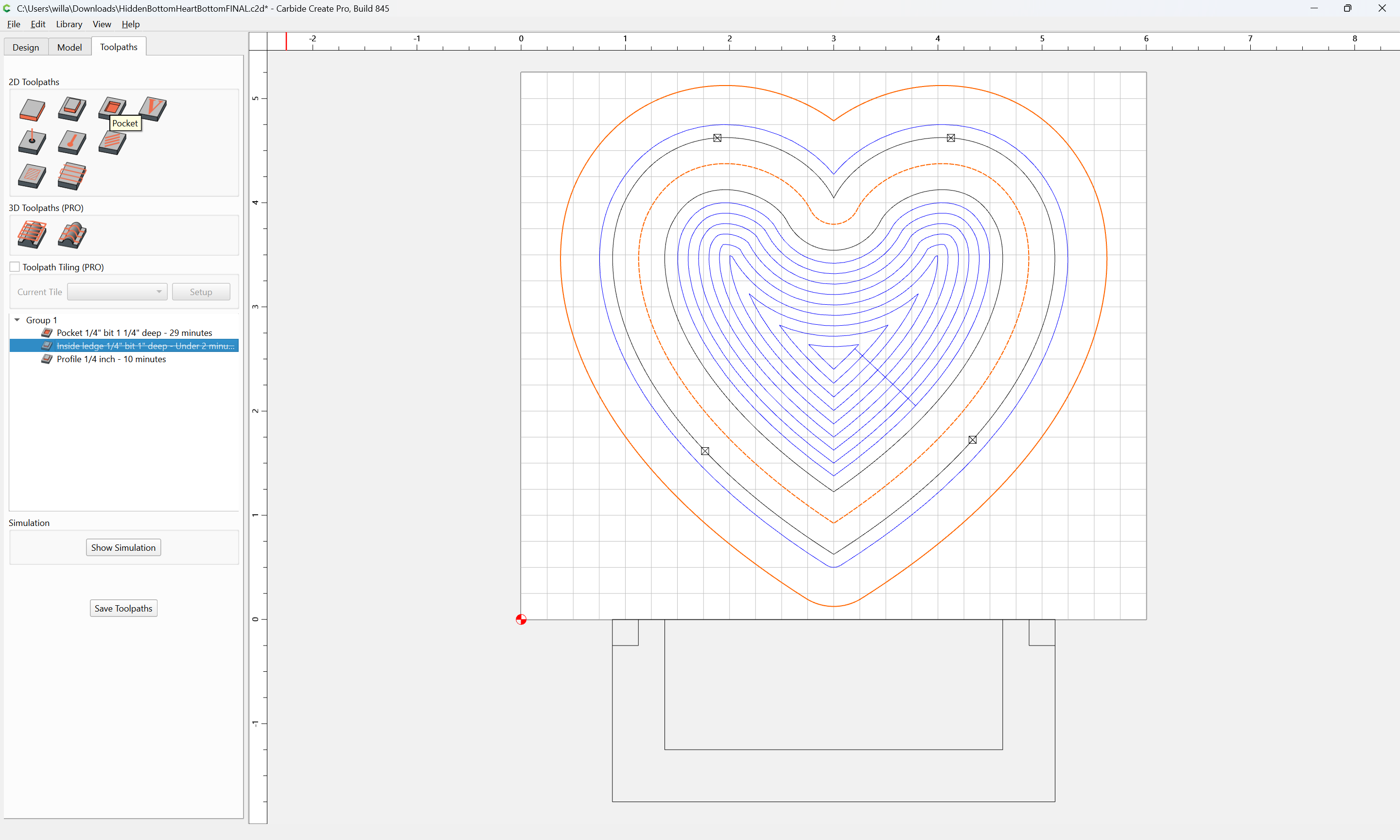
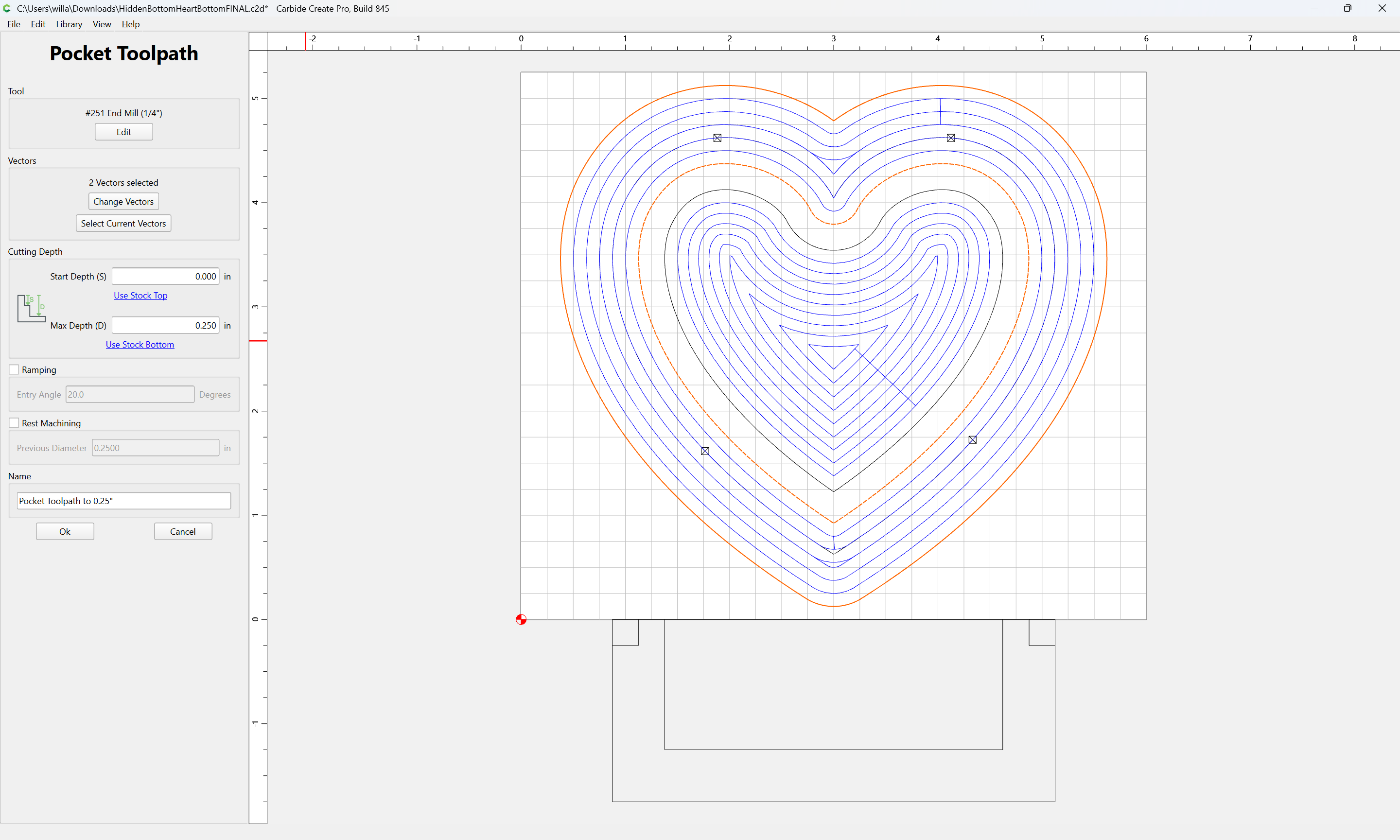
Note that the perimeter toolpath should be a Cutout:
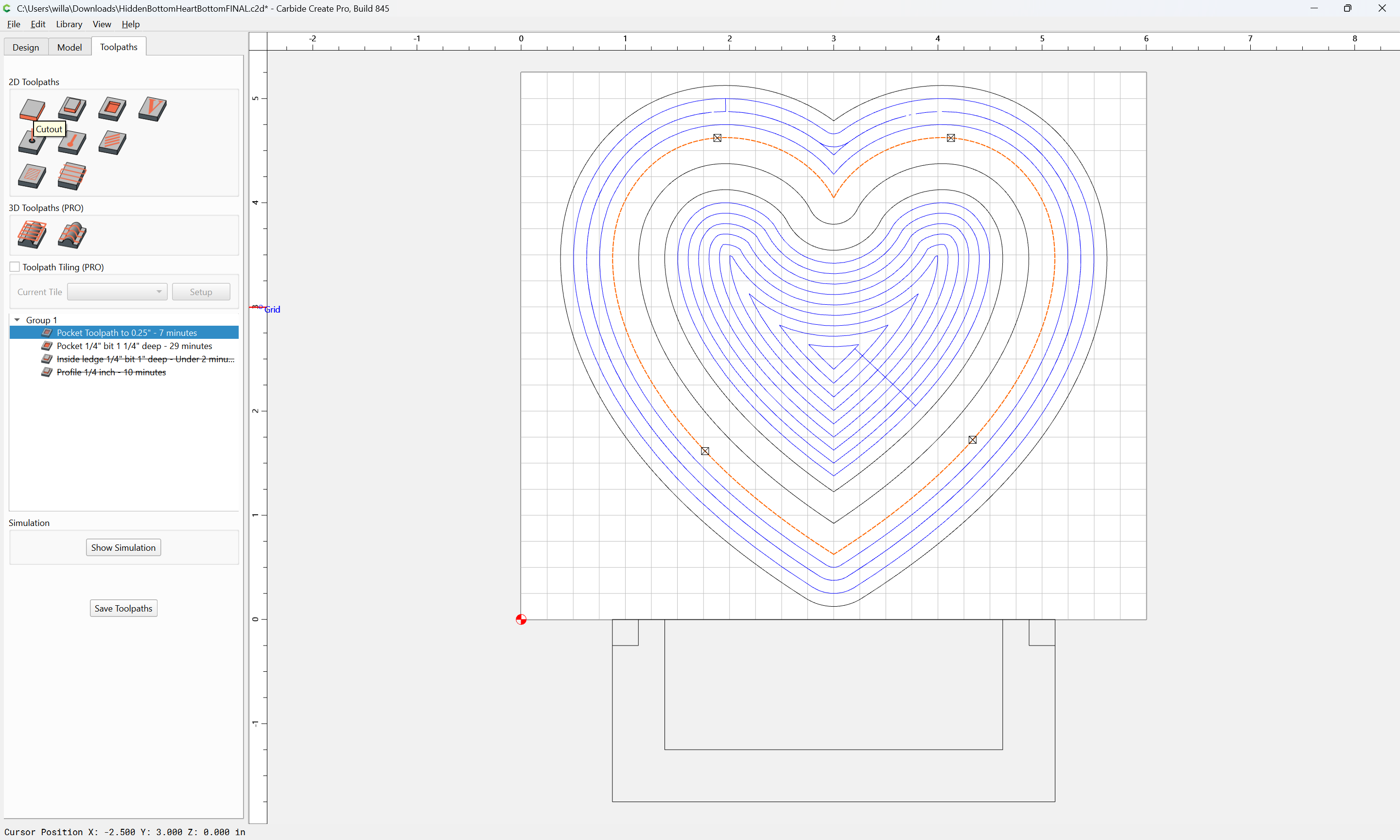
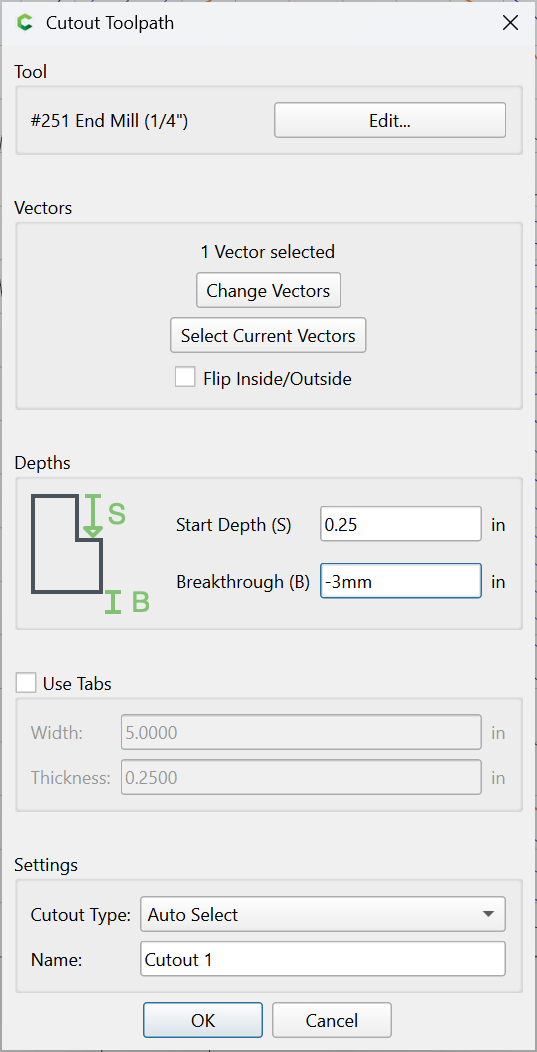
which now previews as:
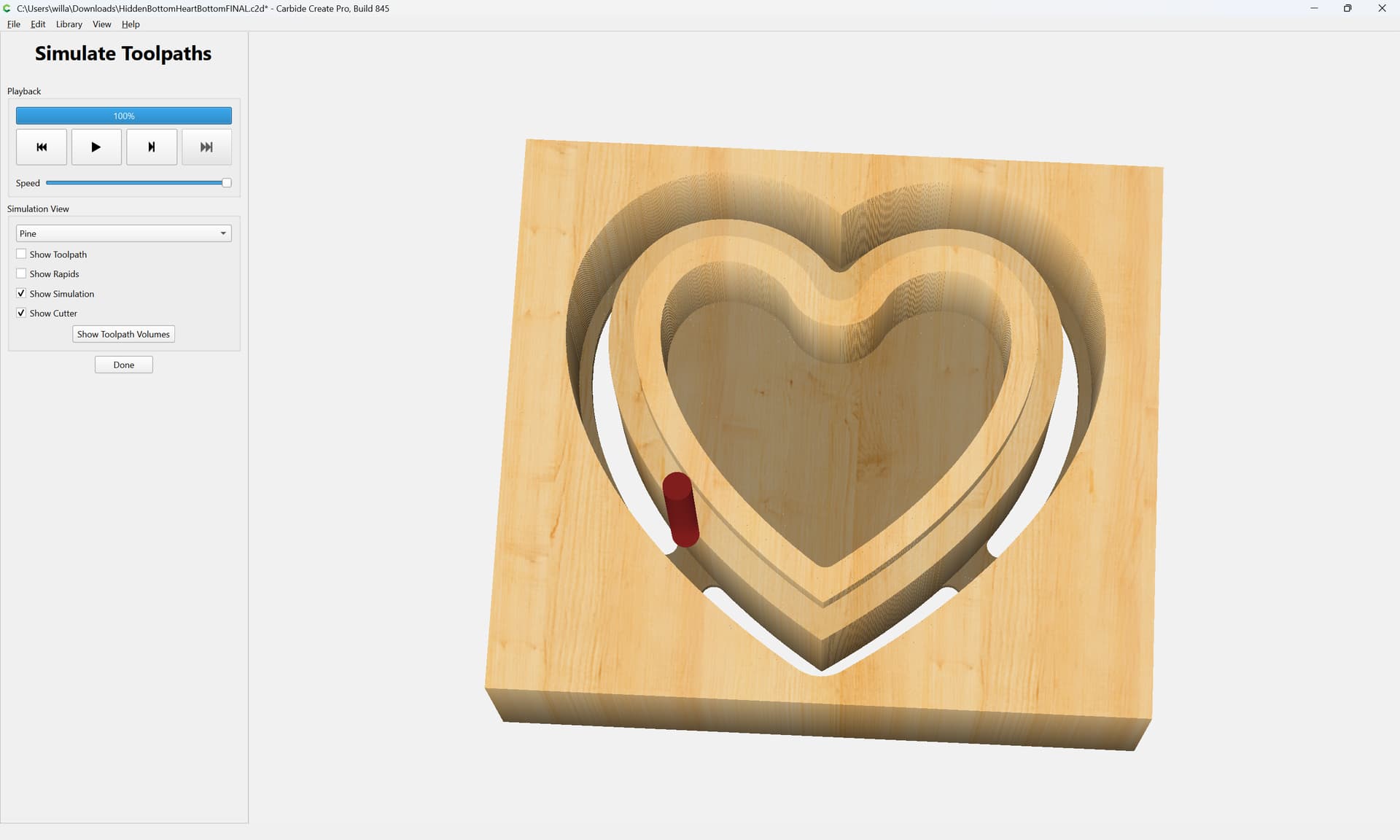
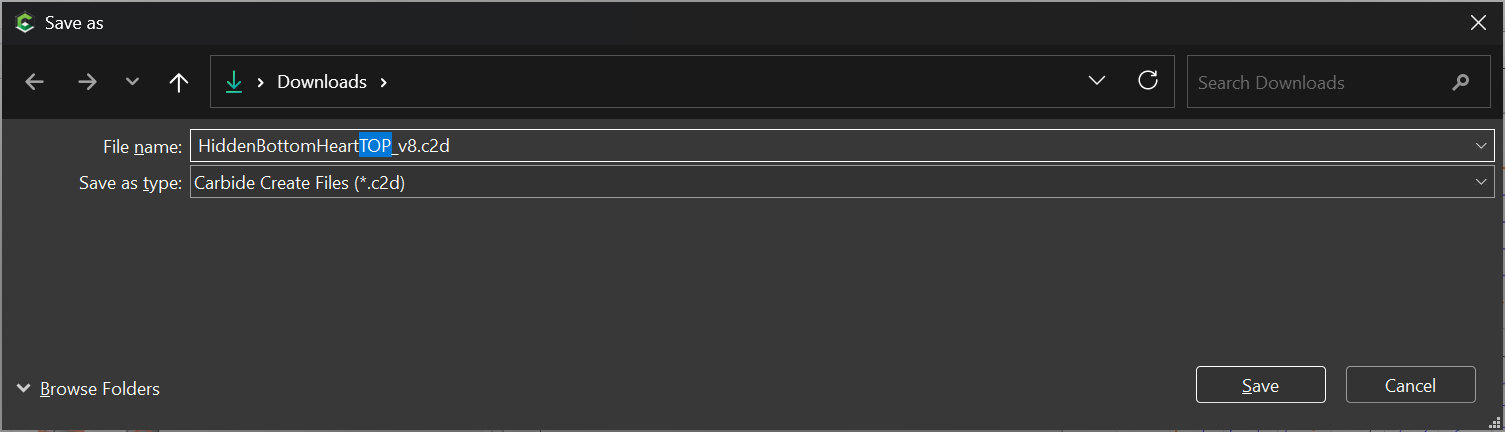
Making the lid simply requires a similar set of toolpaths, to a presumably thinner piece of stock. Since Carbide Create does not allow two different Stock Thicknesses in one file, we save and then File | Save As
delete all the toolpaths, go into Job Setup and set the desired thickness:
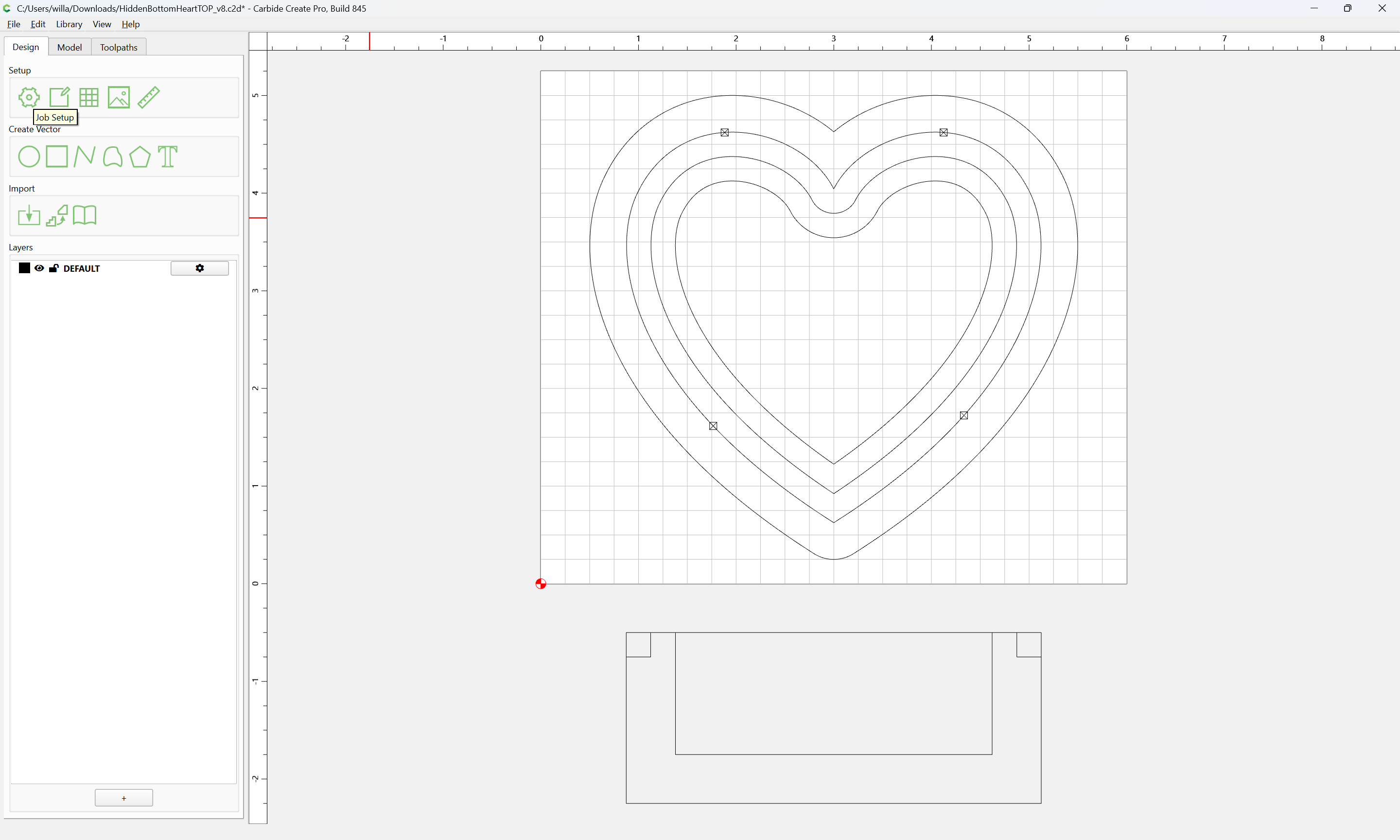
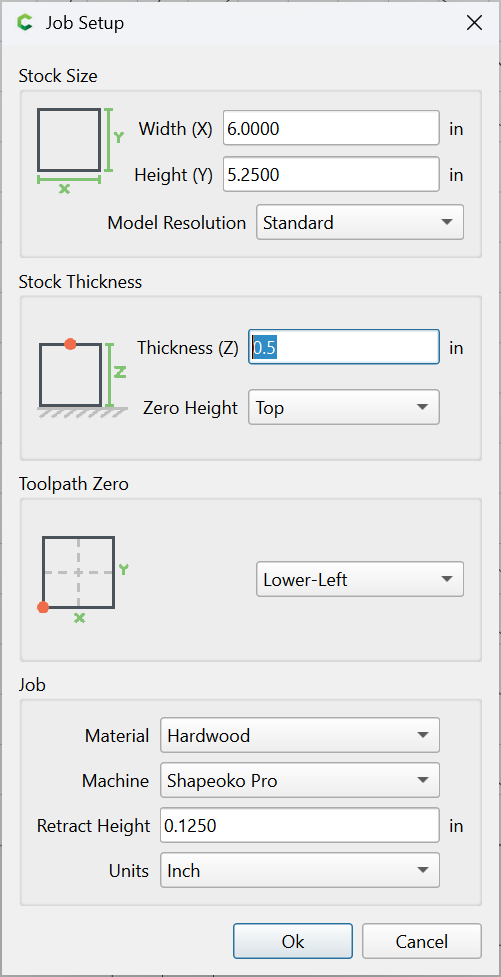
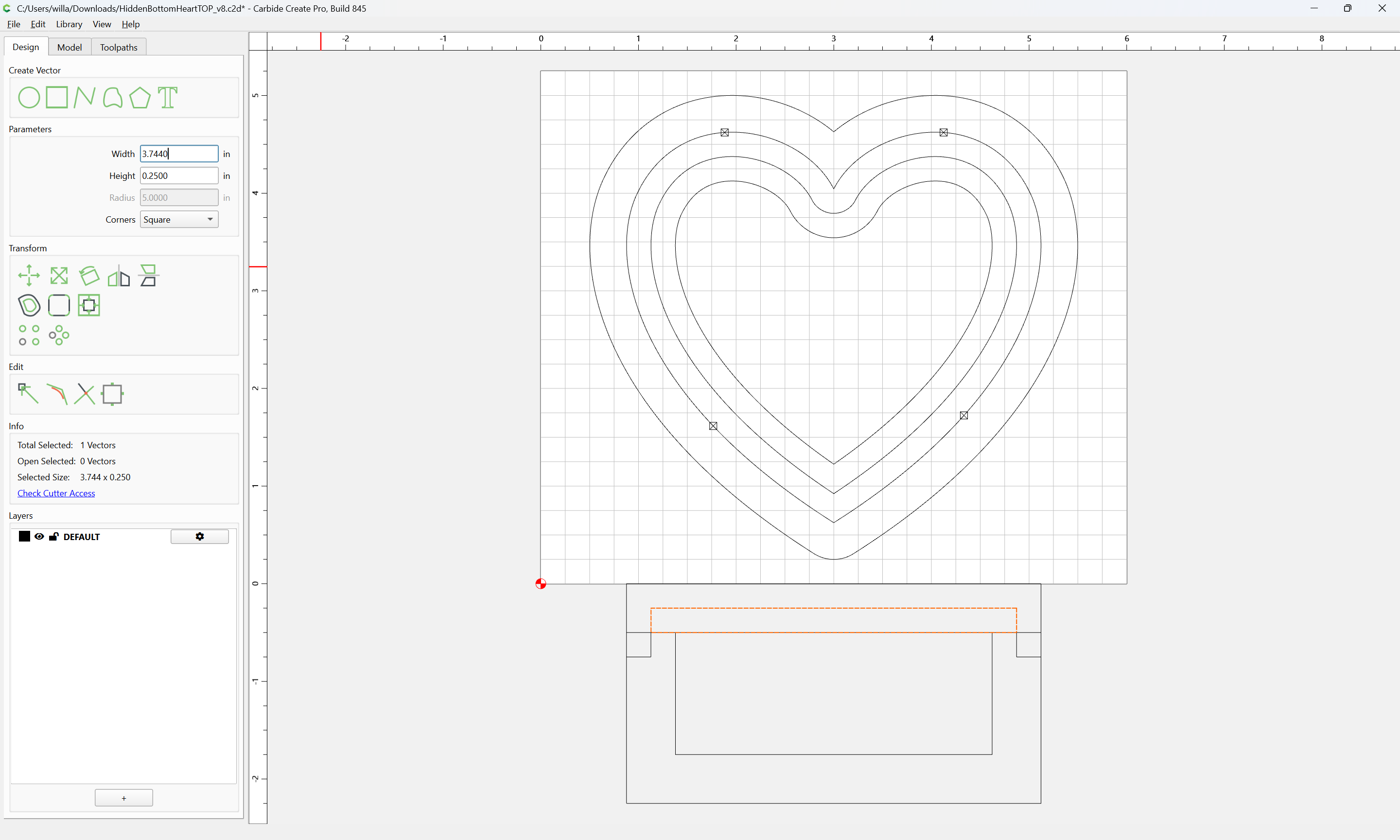
and then draw the desired profile for the lid
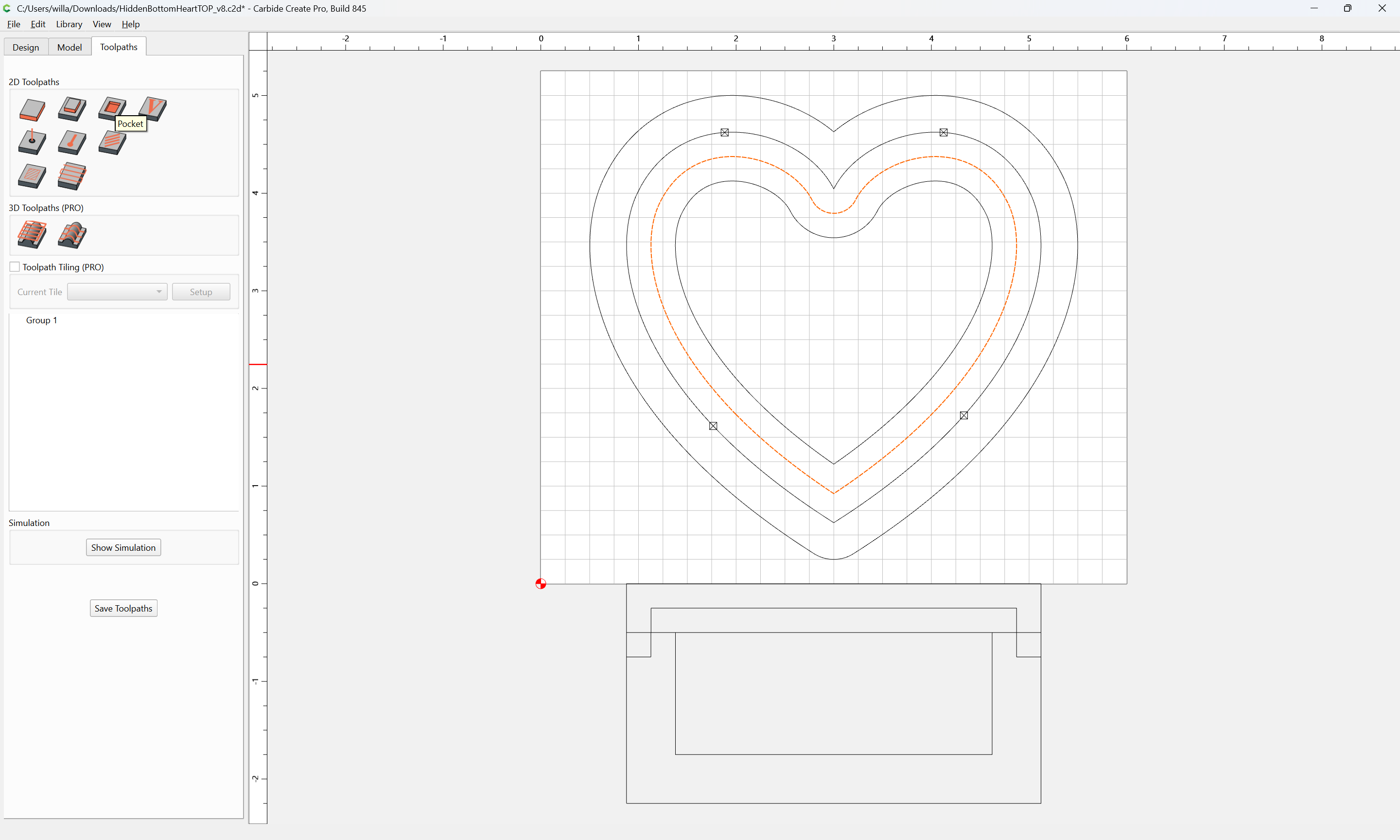
assigning a Pocket toolpath to the interior:
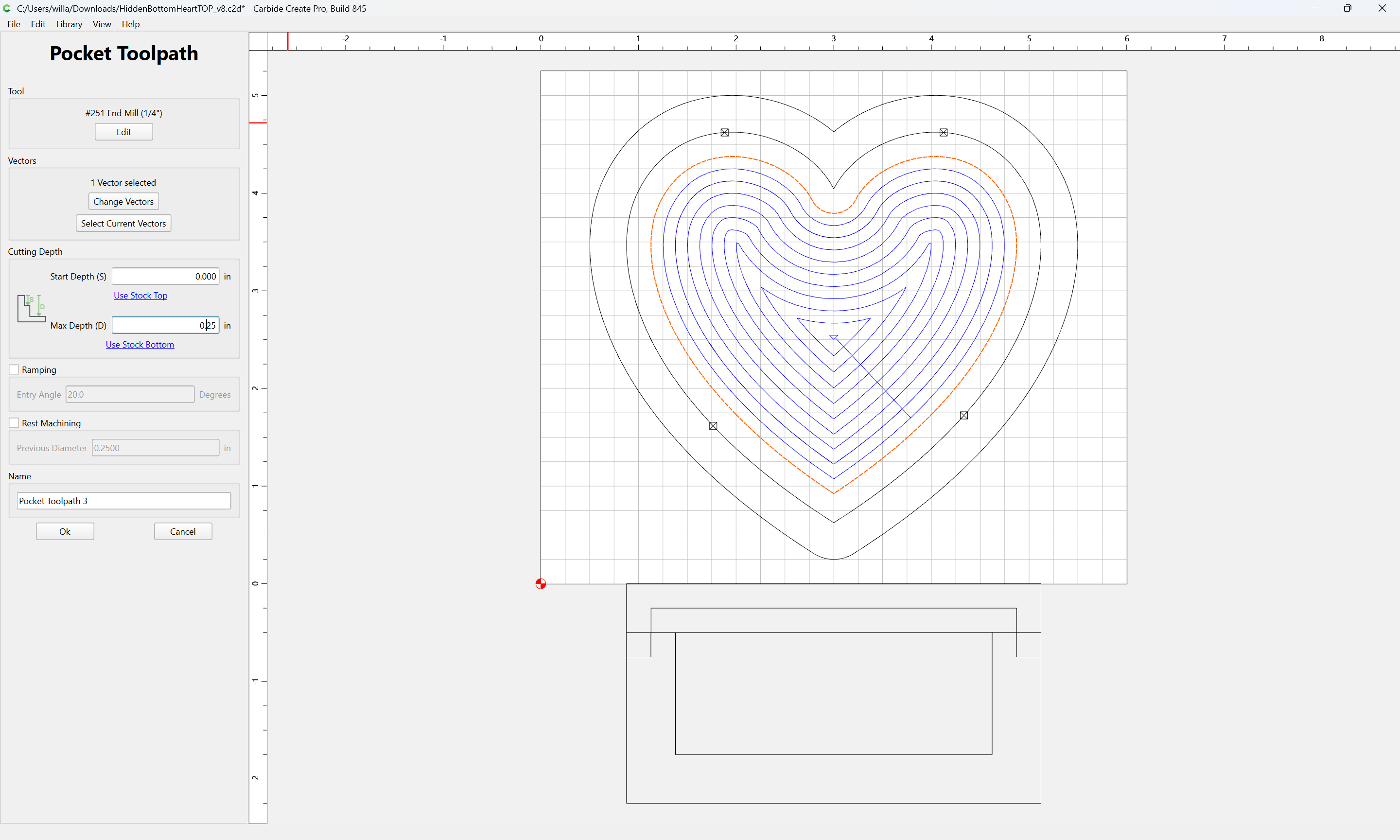
and a Cutout toolpath to the perimeter:
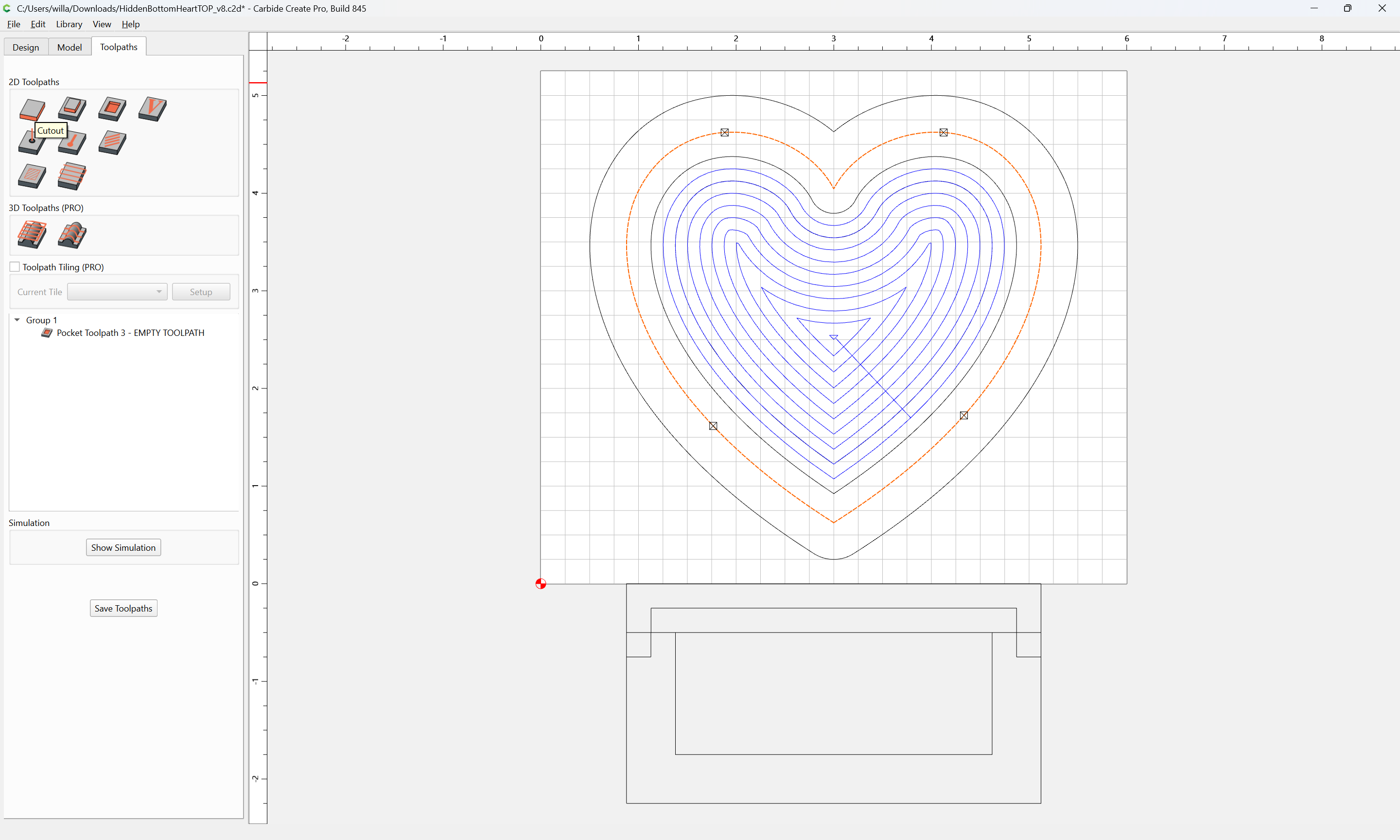
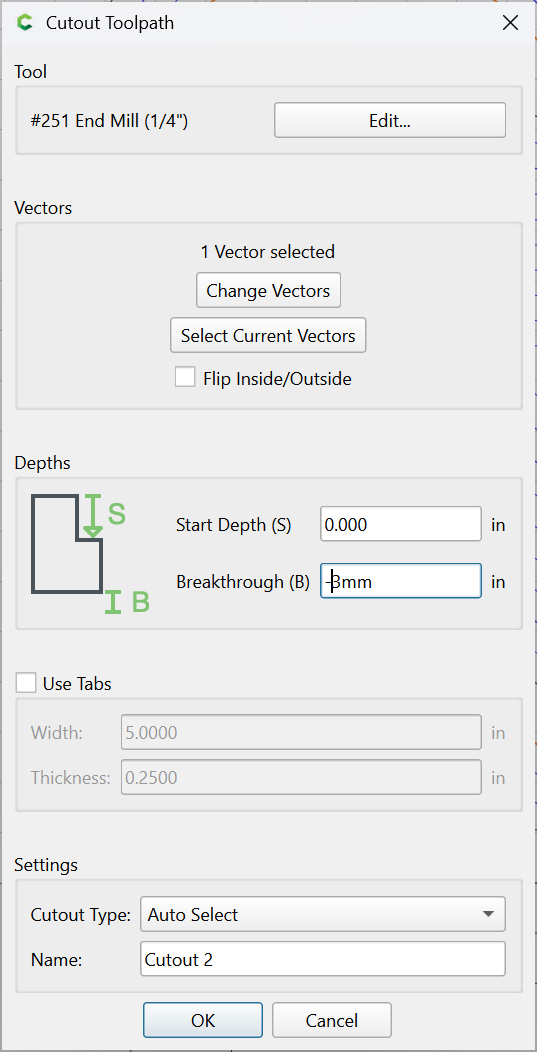
and then a final Contour to finish the cut:
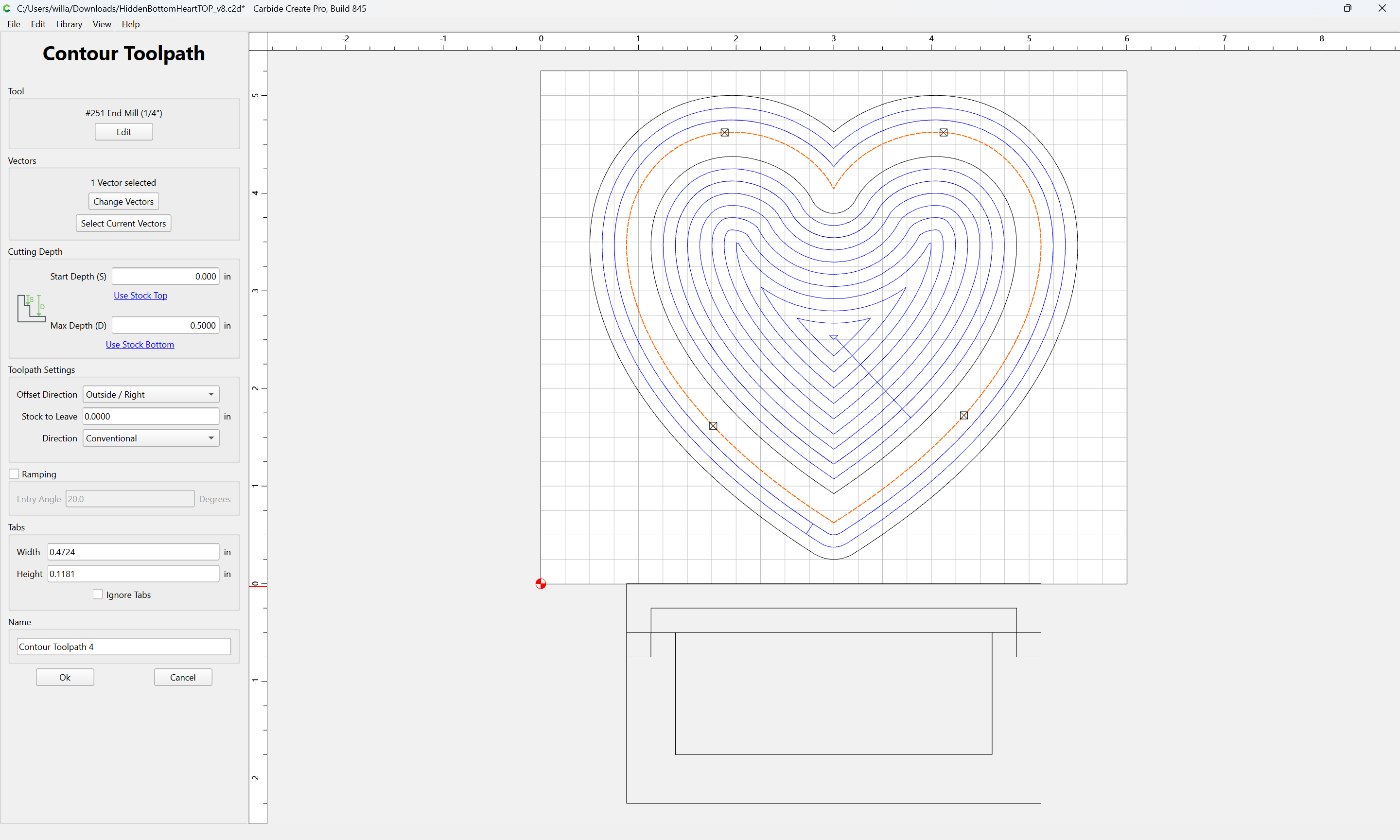
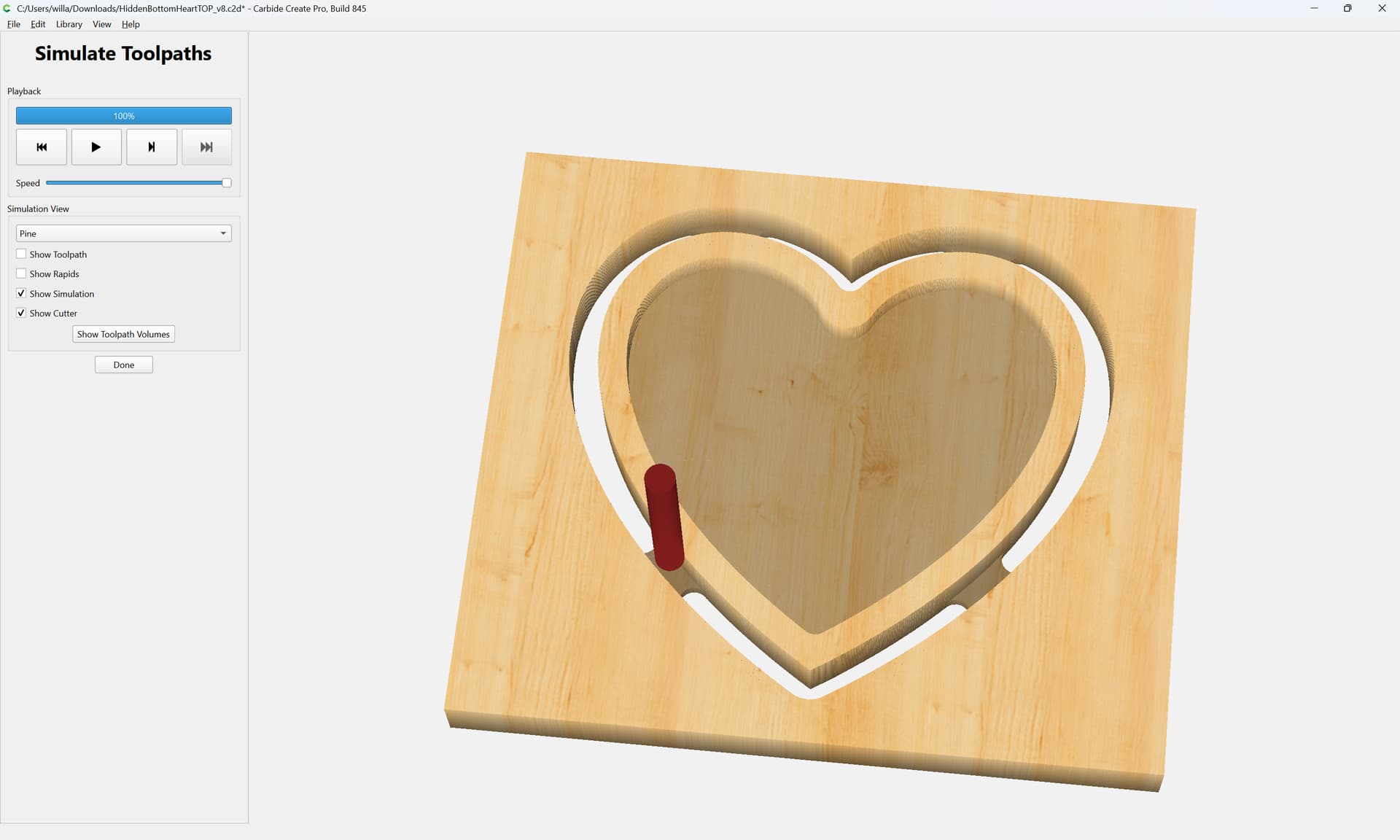
Attached as a pair of v8 files:
HiddenBottomHeartTOP_v8.c2d (256 KB)
HiddenBottomHeartBottomFINAL_v8.c2d (588 KB)