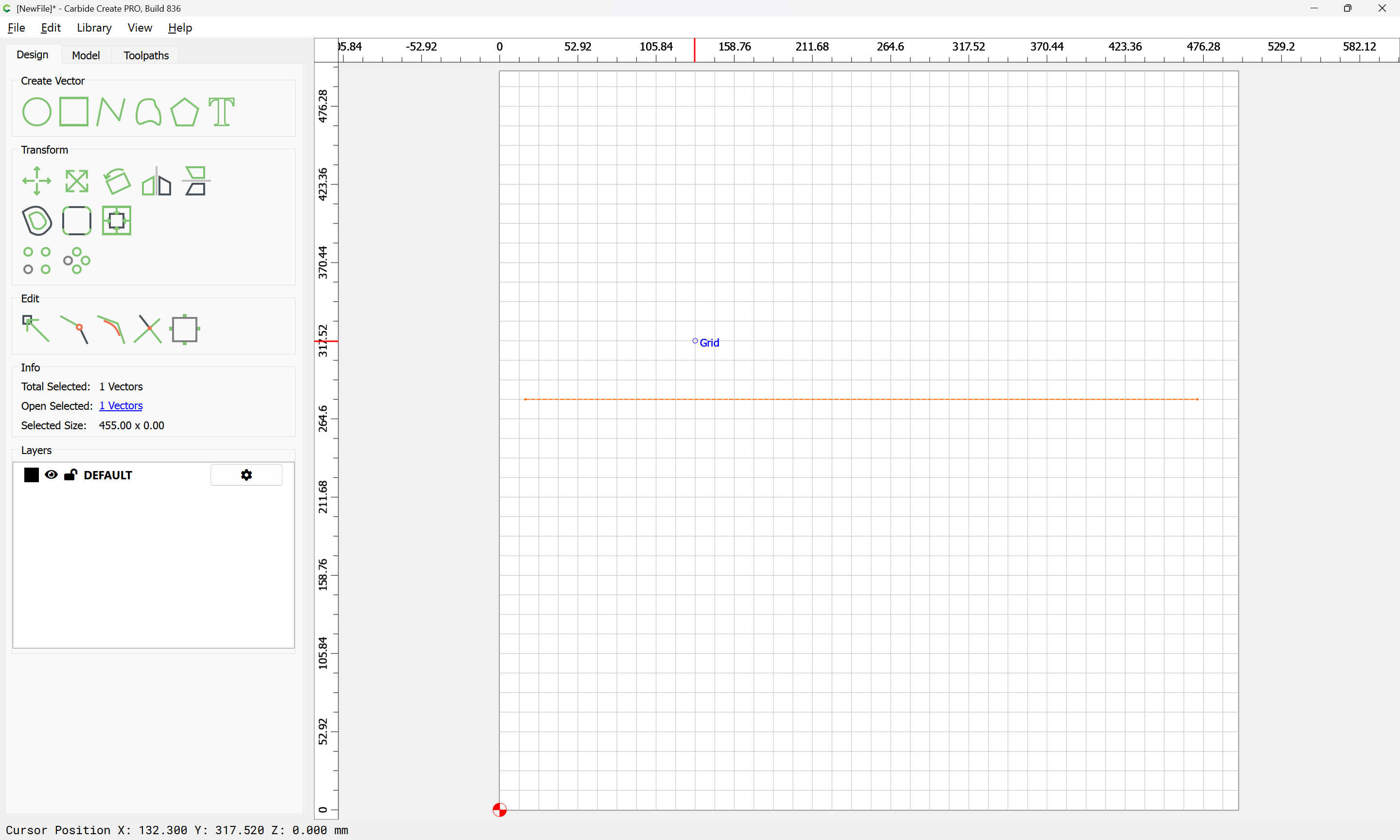
I was having trouble drawing a simple shape I needed in Carbide create-- a quadrilateral with four different exact side lengths-- because I couldn’t figure out an easy way to precisely specify the line lengths and then get them joined up. At some point a light bulb went on and I asked chat GPT to “make an SVG file for a quadrilateral with side lengths of 15, 155, 370, and 455 mm” (not the actual numbers so they might not work) and was pleased to find that it popped it right out for me.
This led me to start thinking about other tasks that I could get this tool to do in making designs. This was perhaps my first use of AI that actually made my life easier!
I would think (knowing as little as I do about AI prompting) that one would want to specify “a convex quadrilateral with sides in order of aaa, bbb, ccc and ddd” That is something I could unambiguously construct in a constraints-based sketcher such as SolidWorks or Alibre…
Good question. In the example I gave it there was only one solution that made it possible to join the sides (not counting the mirror flip). I didn’t think of that or try giving it a test case where more than one solution was possible. It did first test to see if any solution were possible.
Certainly if you gave it the sides in order that would remove ambiguity.
I’m no topologist, if I can think of a test case with more than one way of joining I’ll try it and see what happens. OTOH, I knew what the shape should look like so it would not have led me to an error in any event.
Even with the sides ordered, couldn’t the angles change? It’s been more than a few years since HS geometry, but 3 sides define a triangle; 4 sides don’t uniquely define a quadrilateral.
[forehead-slap emoji] You are correct, David. I’m too used to the constraint-based sketching so I put in all the things that are fixed and then move it to the configuration I need. Or know that two of the sides need to be parallel, or such.
Indeed. If you imagine the 4 corners of a quadrilateral being hinged, can the resulting shape be moved (unconstrained)?
It would be interesting to see the exact question asked of ChatGPT with the correct numbers.
I think a number of us could show you how to easily get the same result drawing it in CC, or a constraint based sketcher.
I’ve only used it a few times, for more decorative artistic designs, but I was pretty impressed. With only a few iterations I was able to get very close to what I wanted. I’ll give it a try with something more geometric, prismatic…
Yes , you need five parameters to describe a unique quadrilateral, four side lengths can’t be enough, you need to add at least one angle or one adjacency.
Perhaps ChatGPT assumed an order from the way I asked the question, or I just got lucky. Anyway, it’s easy to add one more constraint. Next time I try it I will ask it to explain its logic more clearly.
I’ve found ChatGPT to be very helpful on a number of occasions. I use it as a tool, not a solution so providing it with tight requirements, context and/or intended use for the requested output helps a lot.
Graphic patterns can be challenging sometimes, but is usually comes down to providing specific details (seemingly excessive) about what is wanted.
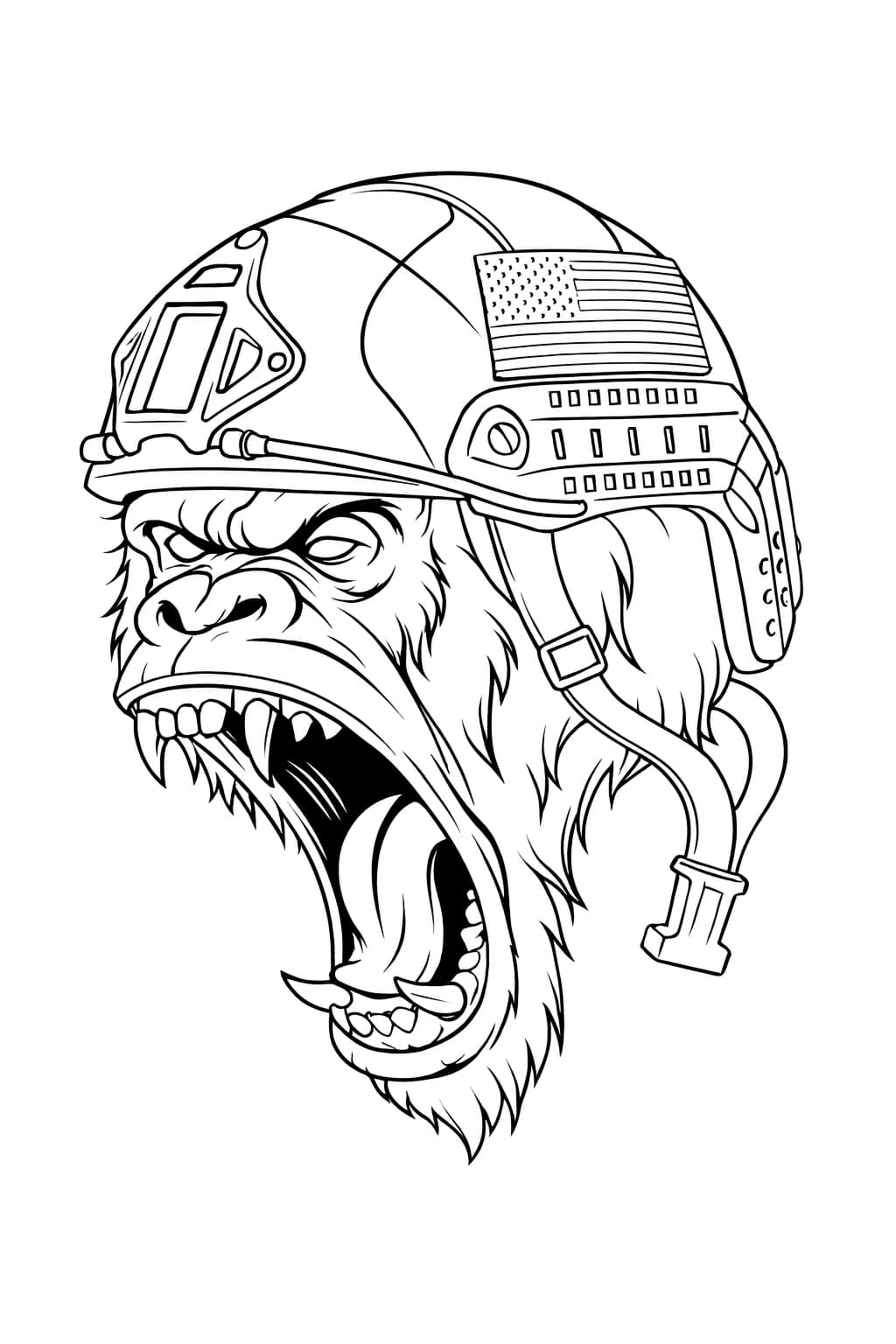
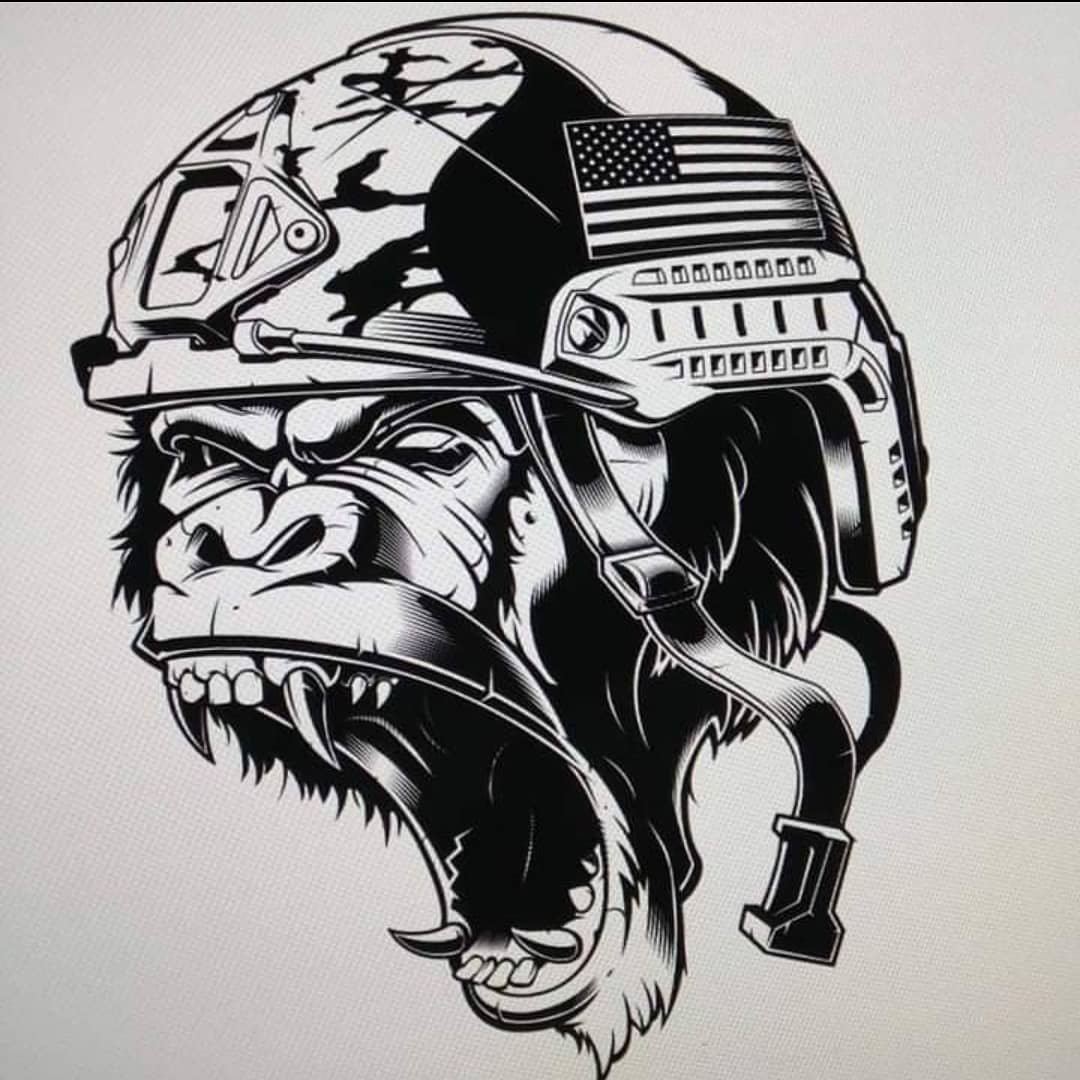
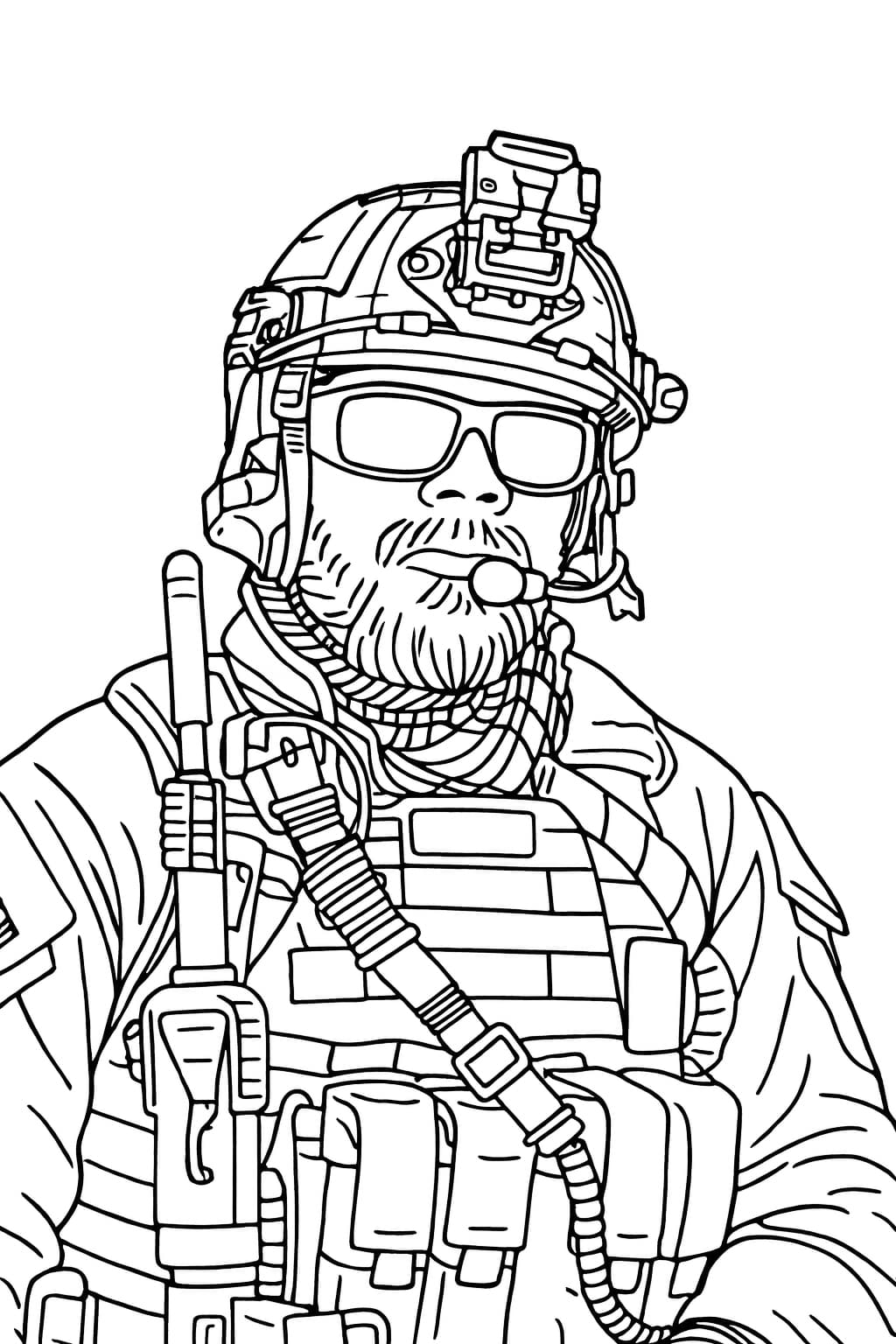
Its also great for creating custom art for our military friends. One of my buddies is a retired Air Force Pararescue. I made this file using an image of him.
What is an “adjacency”? If you mean knowing a particular two sides are adjacent rather than opposite that would not help. Quadrilaterals with flexible corners are not rigid, the reason triangles were invented for structural purposes.
That is so interesting. AI in woodworking makes so much sense if your mind is open to collaborative tools that assist in a process. Thanks for posting this!




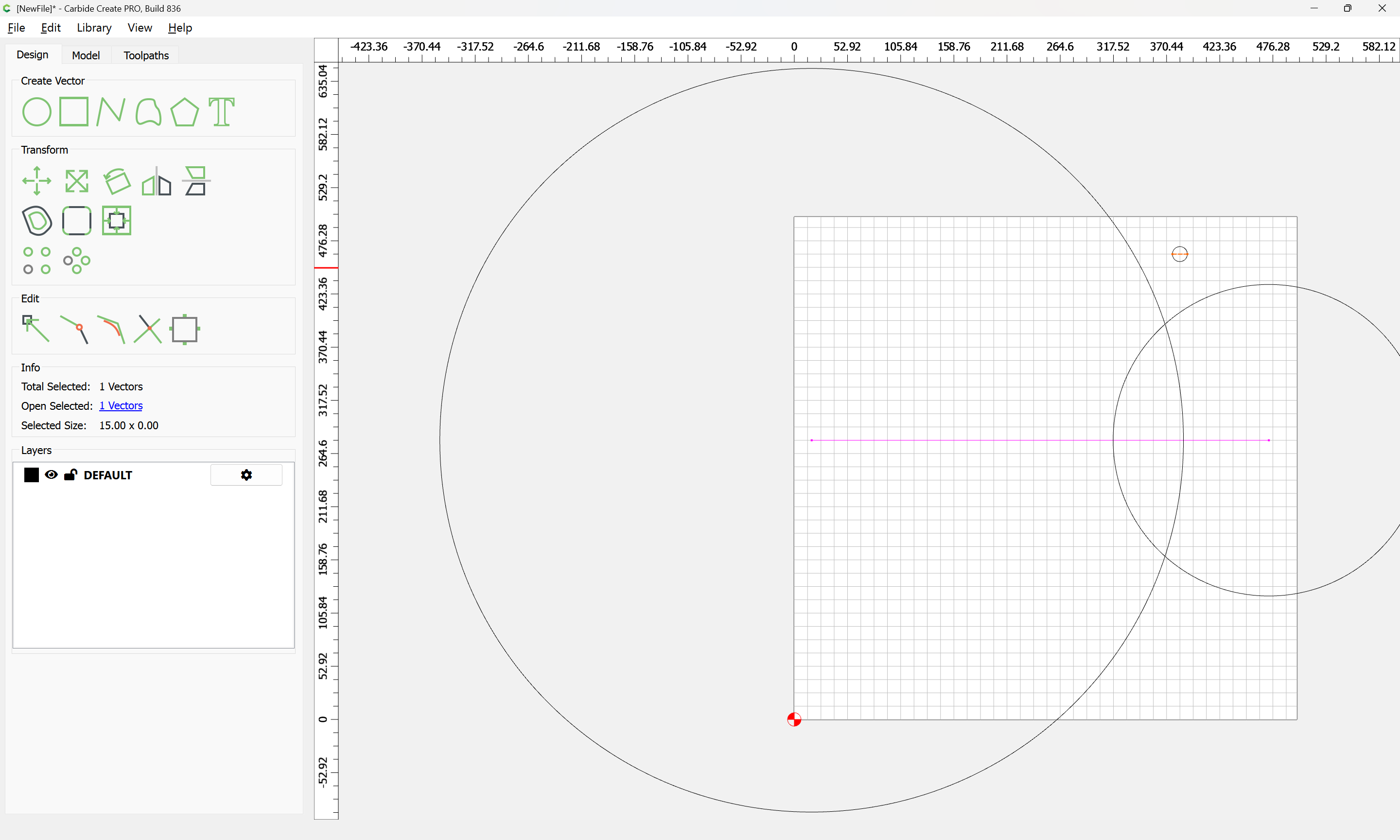
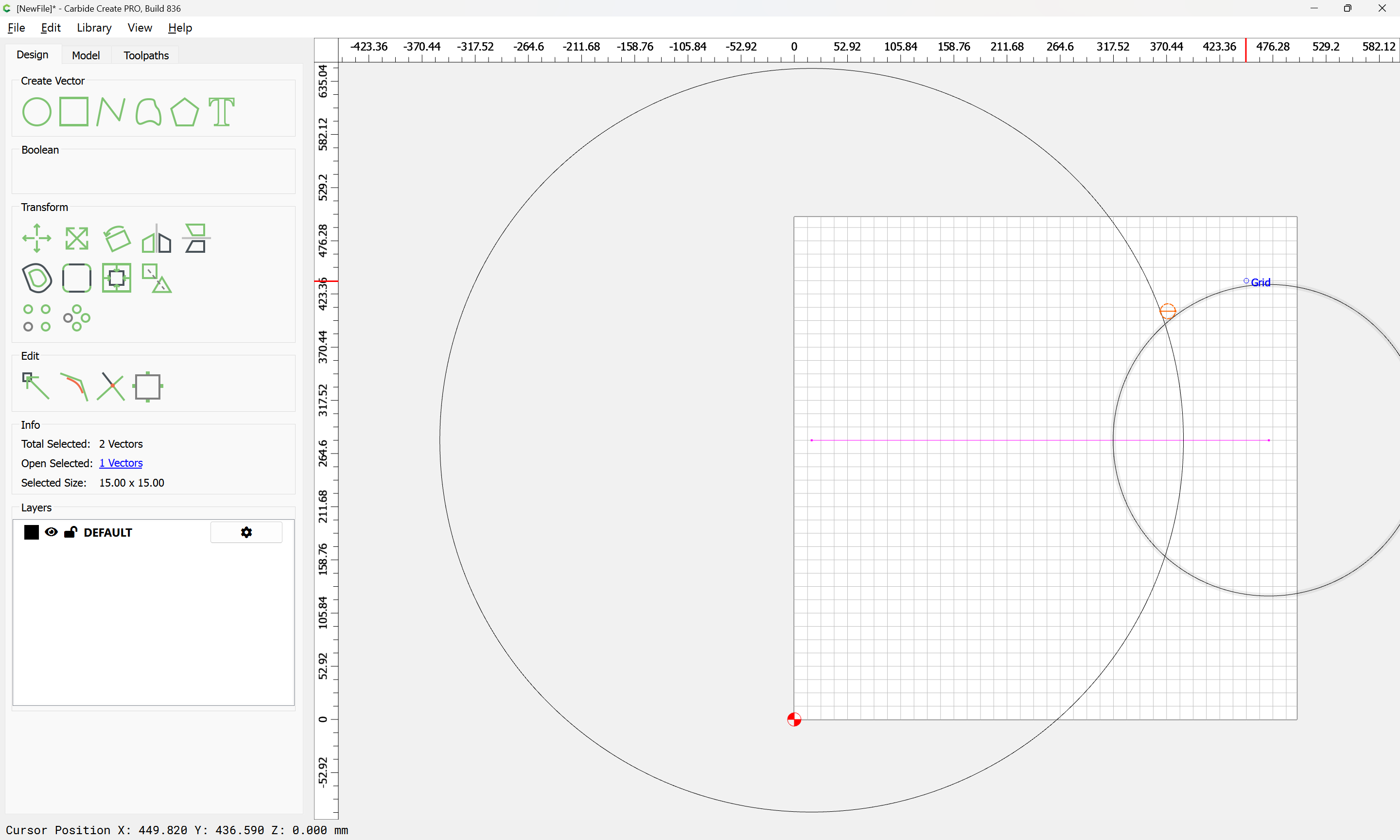
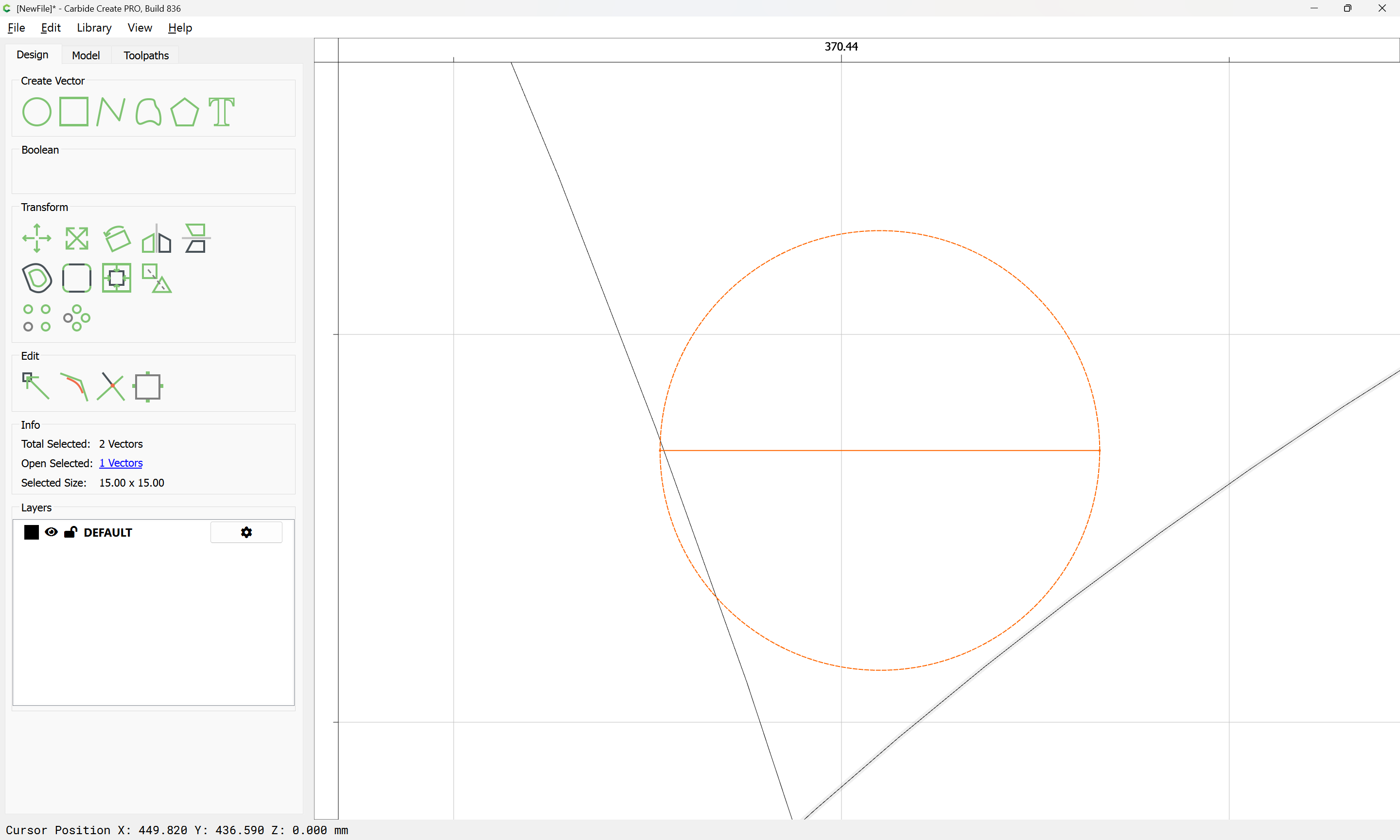
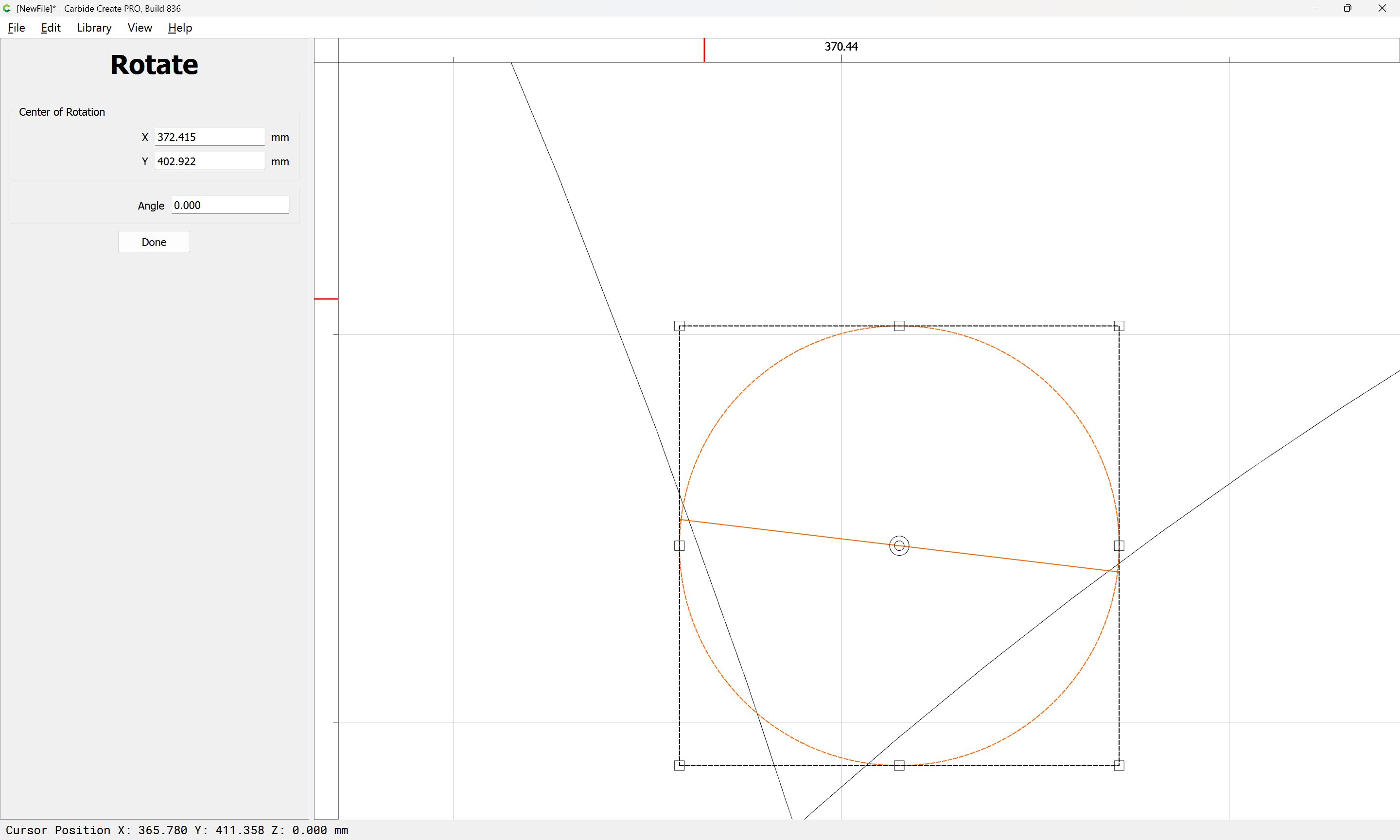
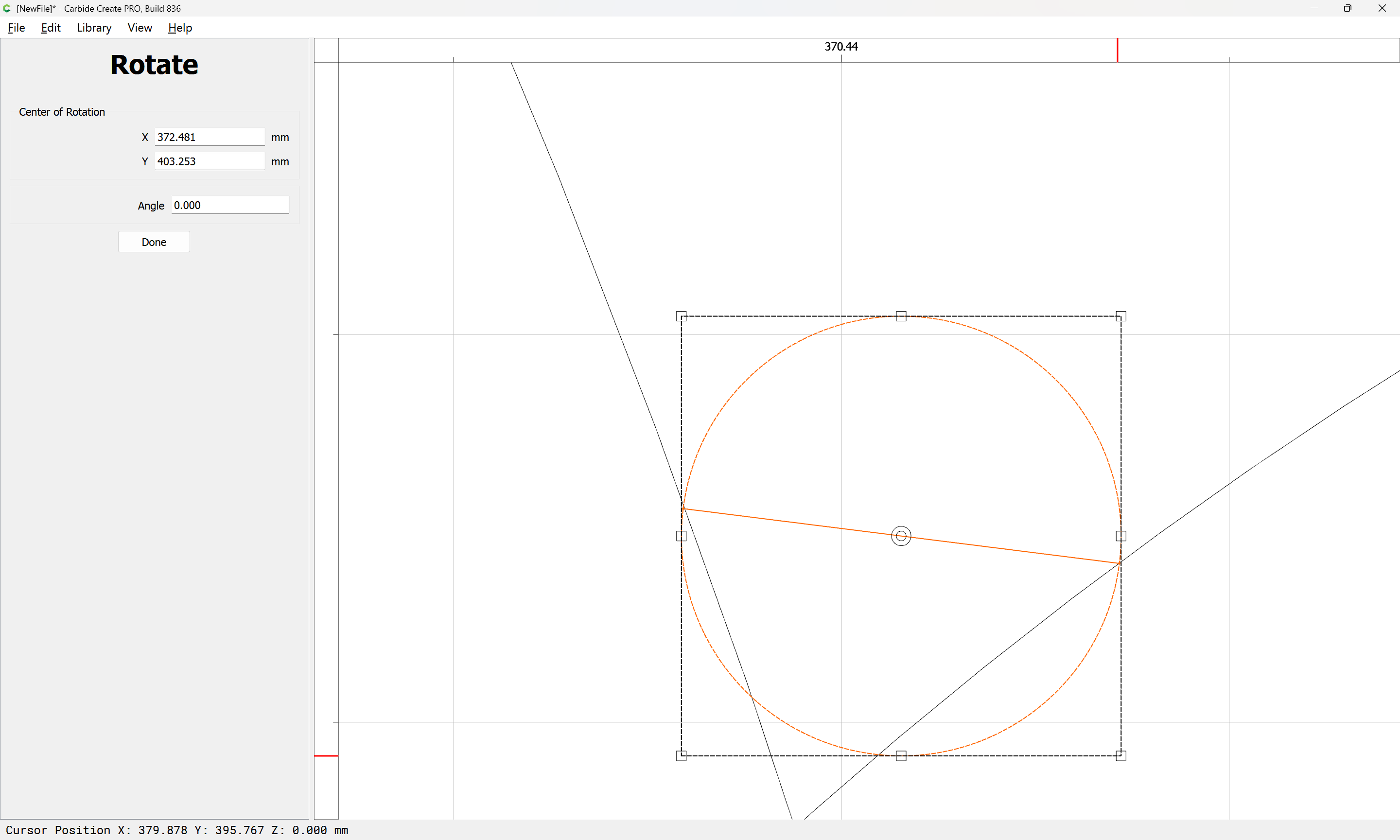
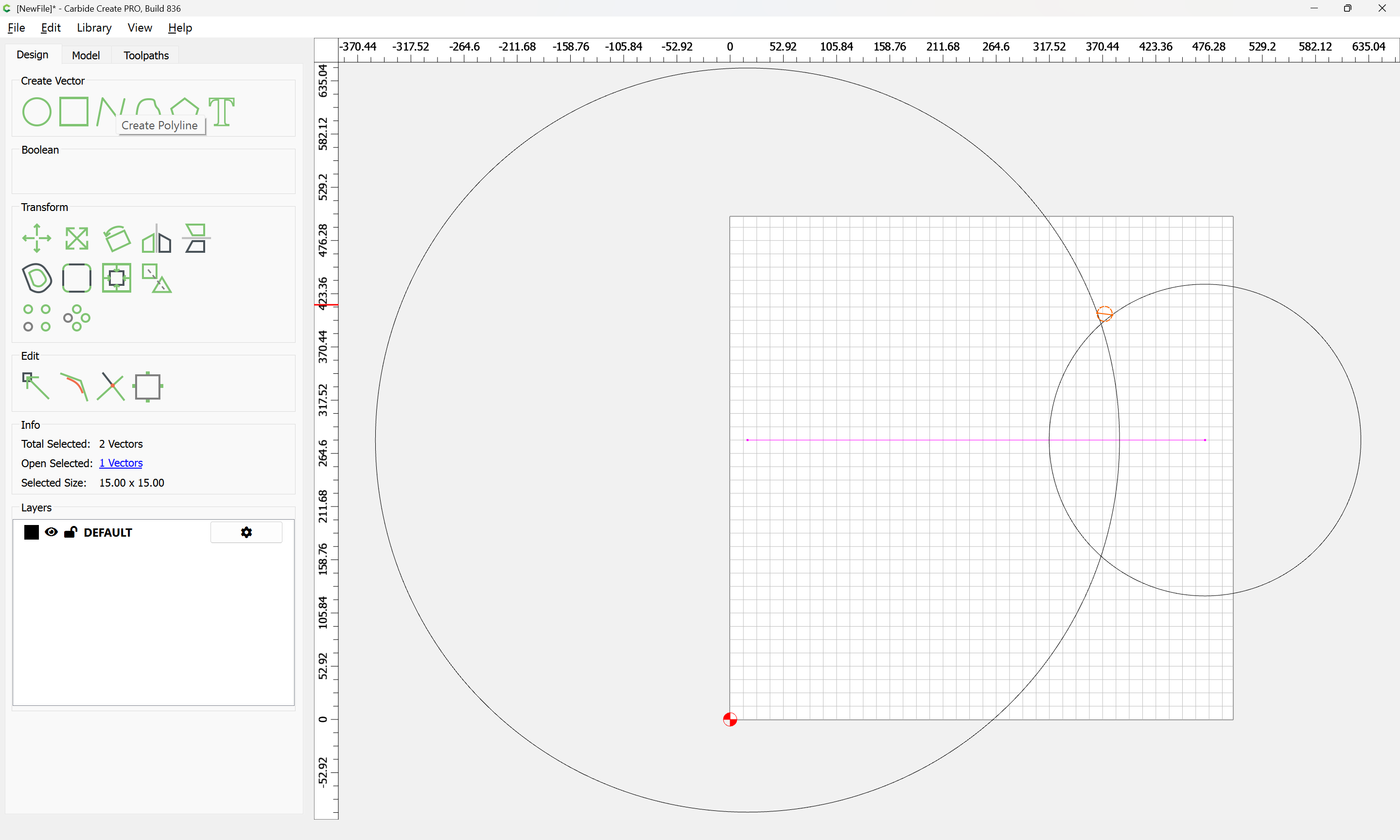

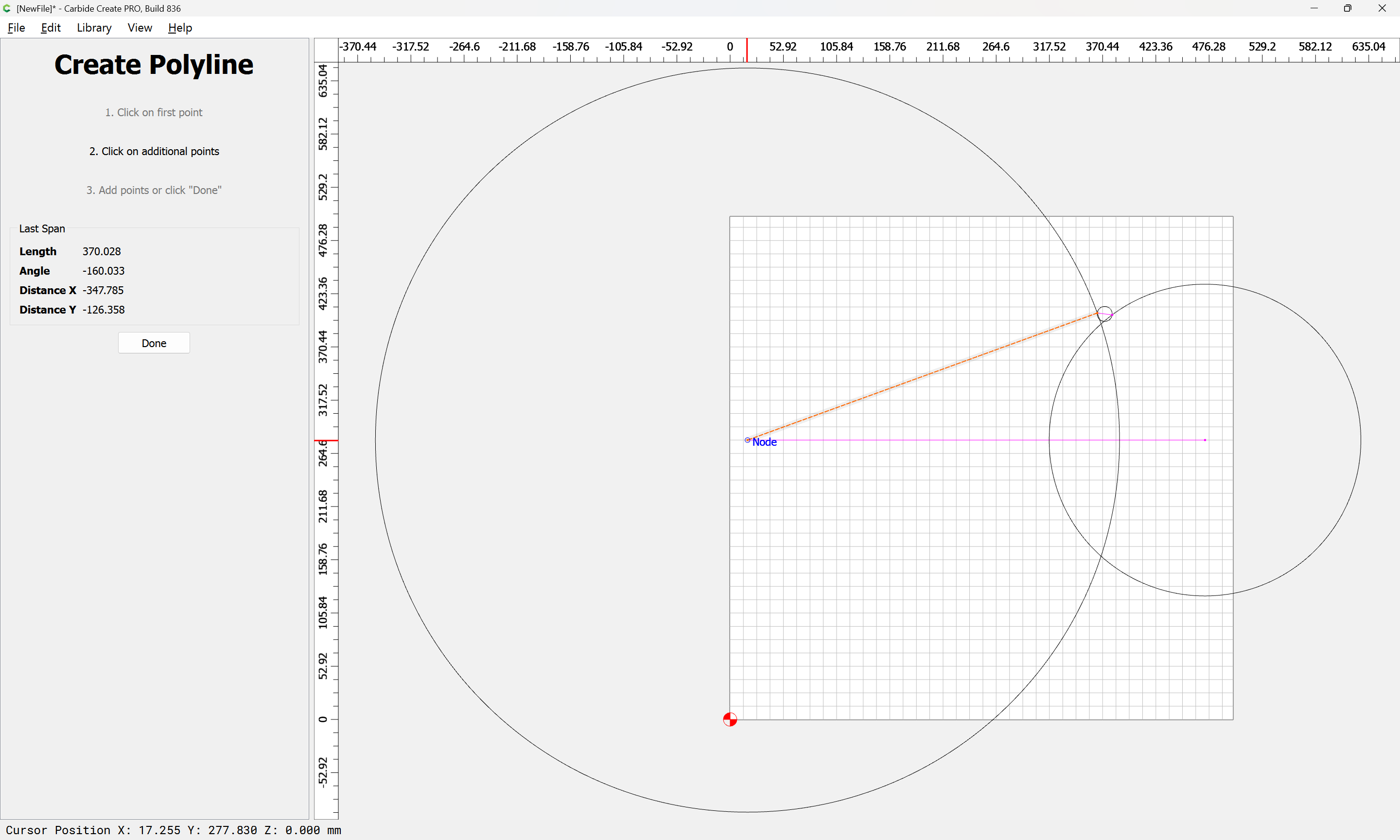
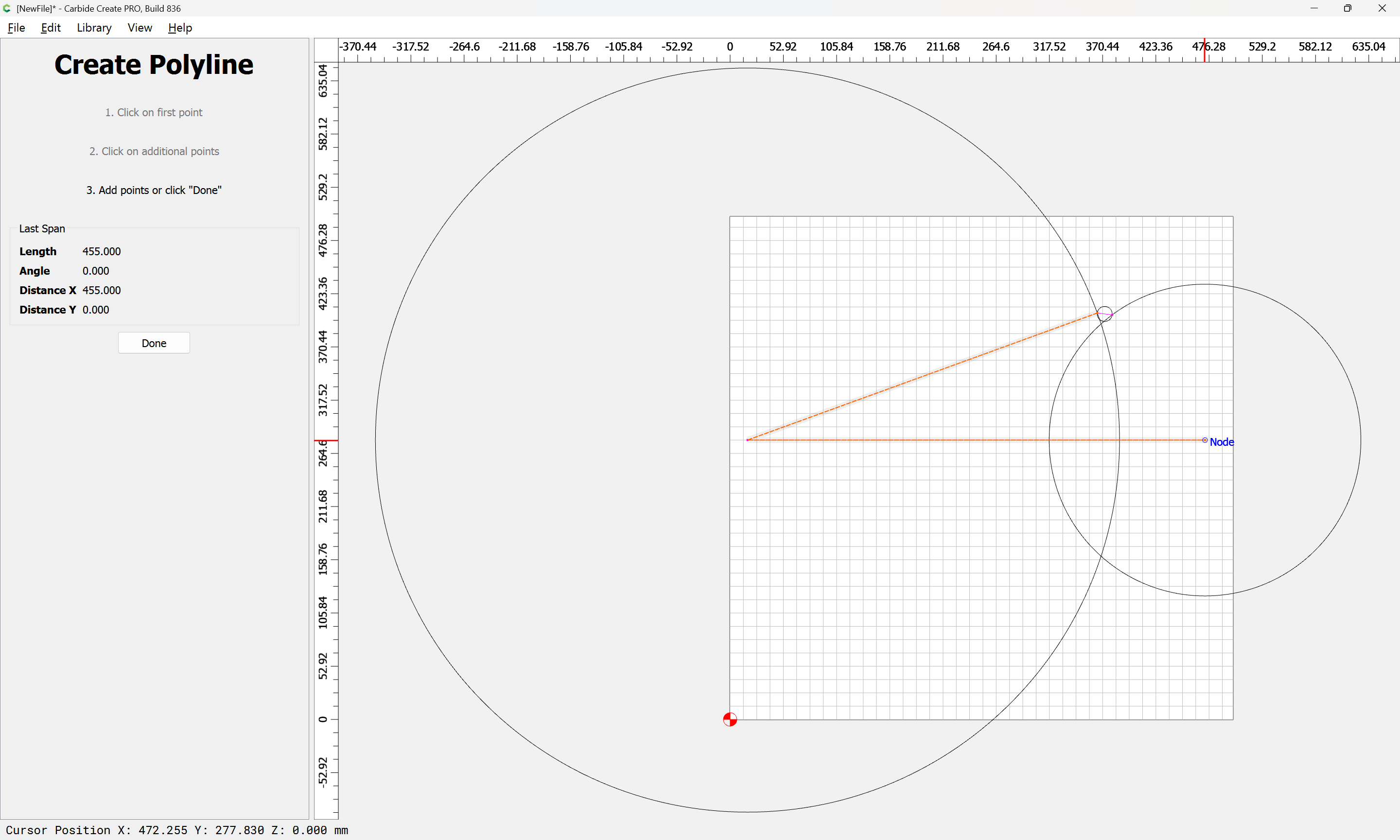
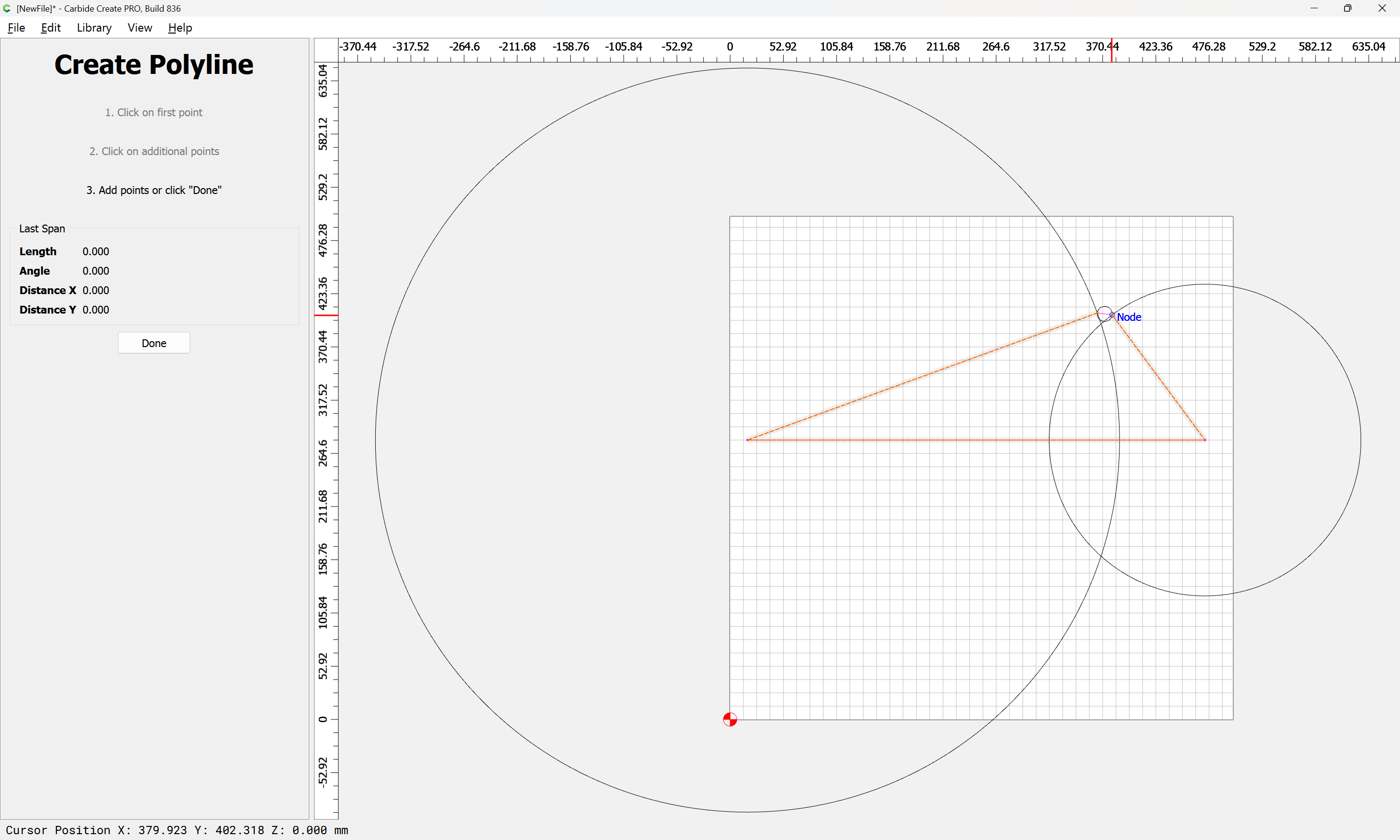
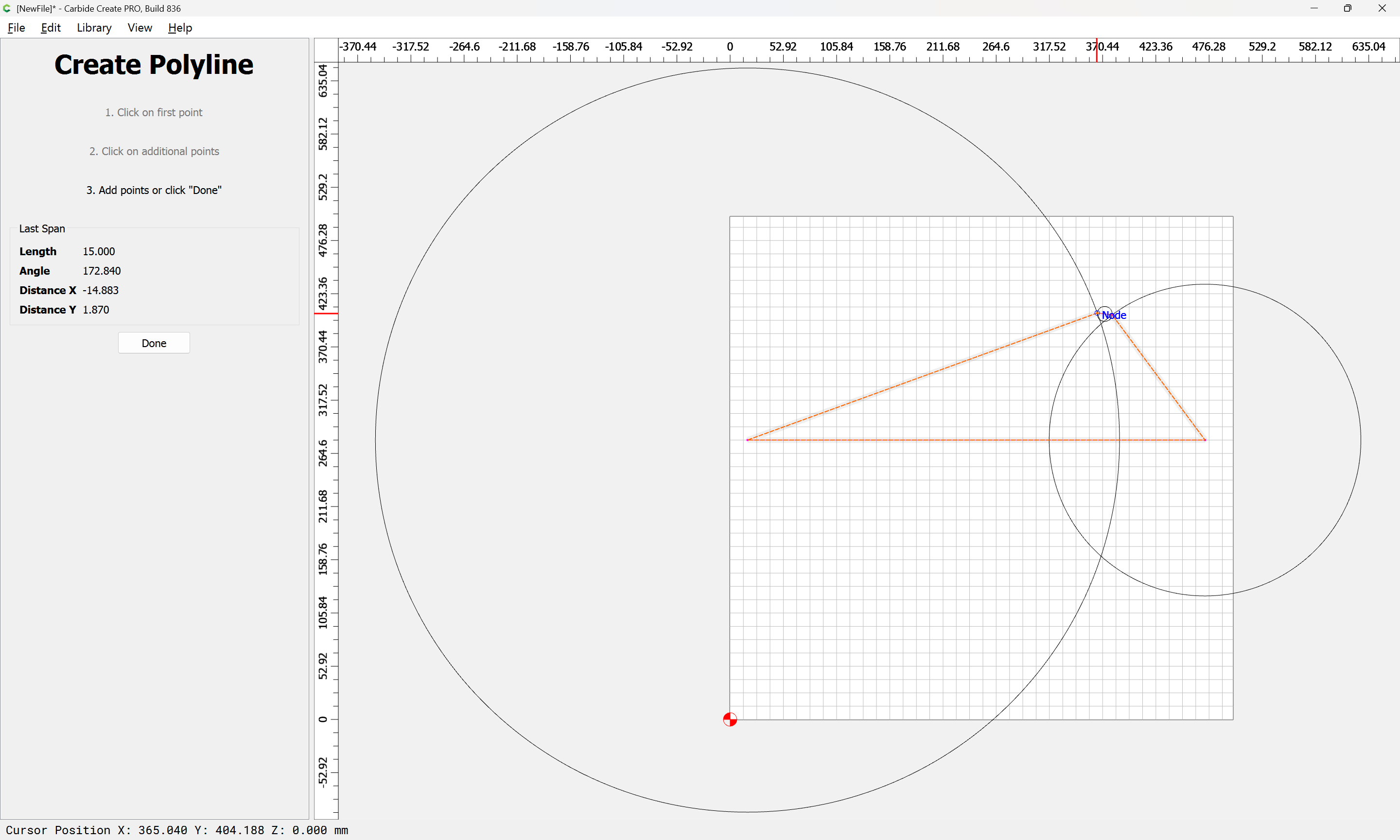
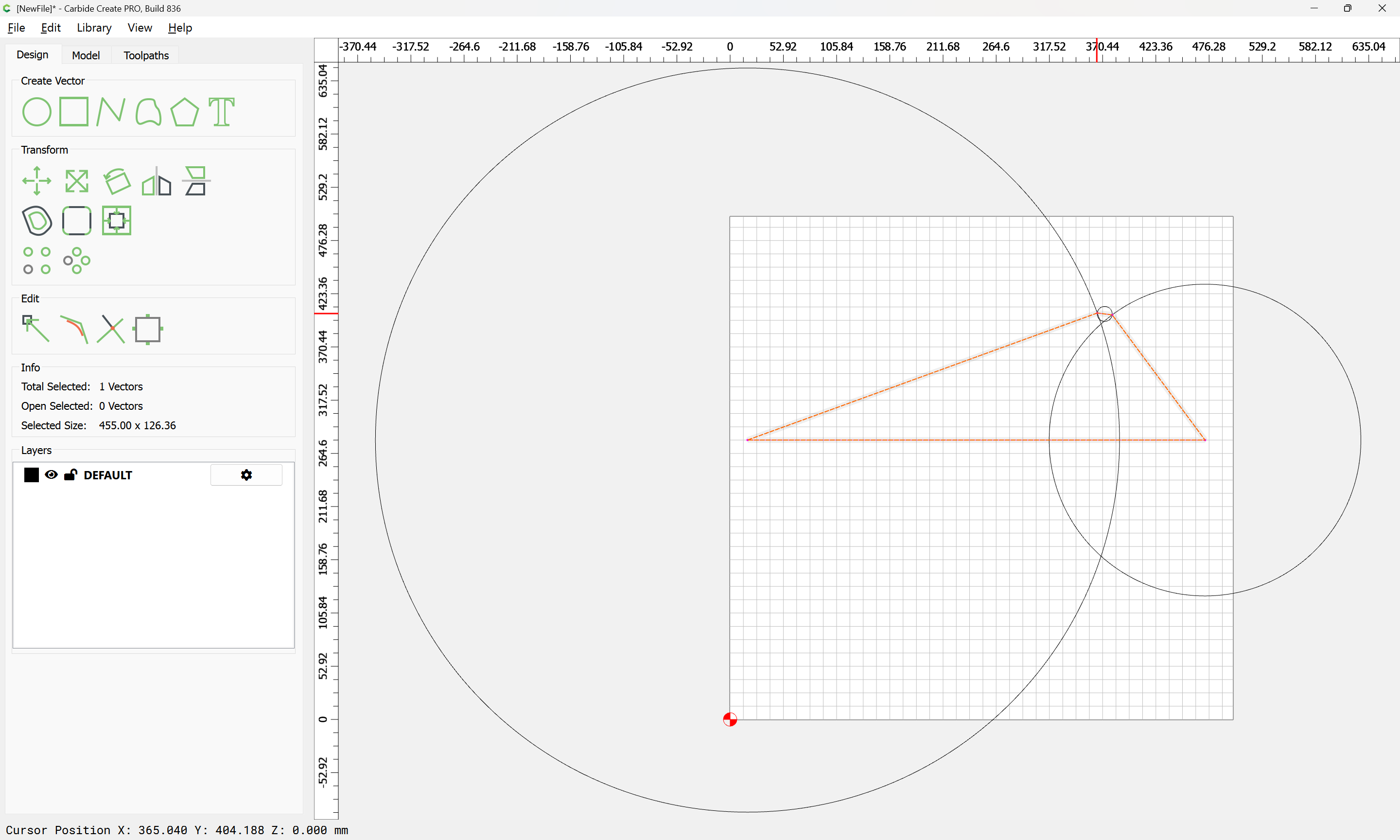
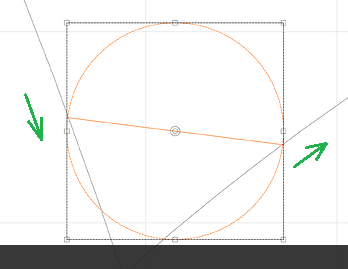
 So time for me to slink away in embarrassment…