Hopefully I can describe what I’m trying to do without having to try and upload a pic.
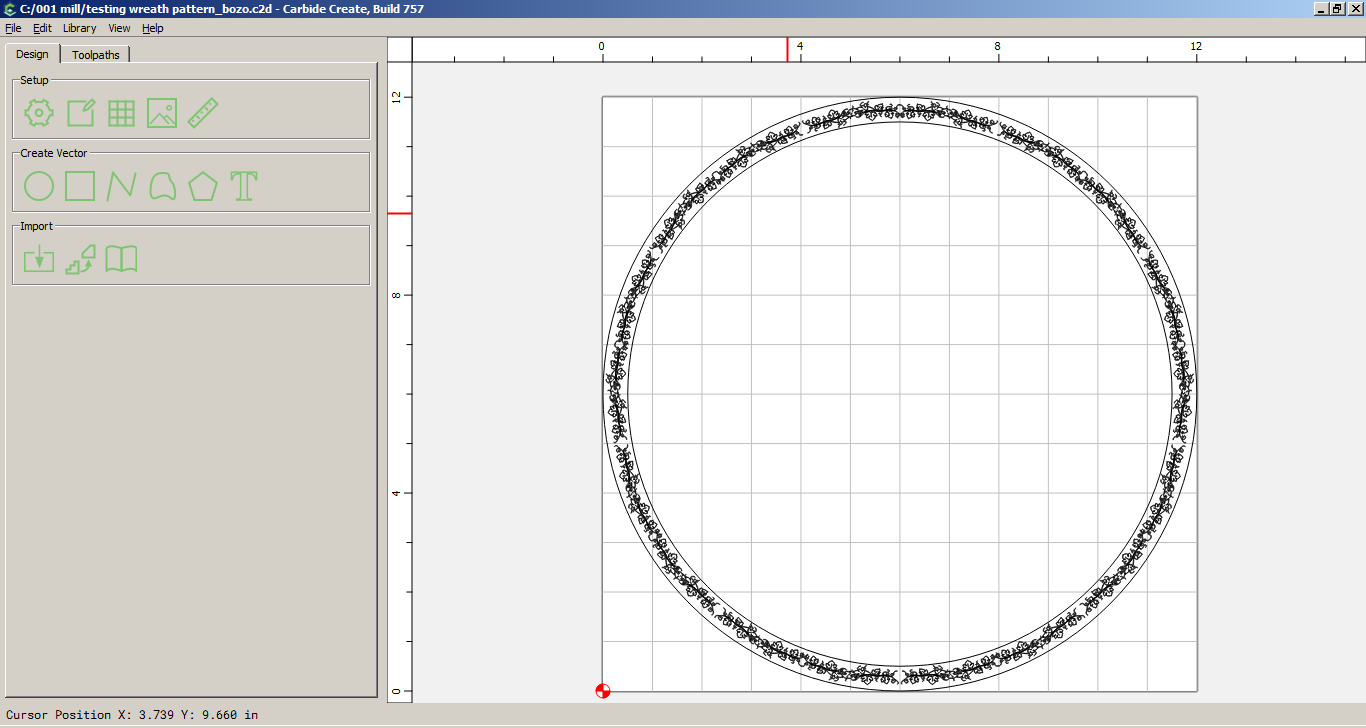
Two circles about 12" in diameter one inside the other by about and inch, thus an 11 diameter circle. Both centered on each other making a 1" track space.
What I want to do is add a leaf pattern in the 1" track all around the track area. Think o a mirror with a design of leaves around the outside.
If I get a suitable pattern that I like, how do I place it into the 1" space. Is this possible in CCPro or do I need some other s/w, maybe Inkscape?
testing wreath pattern.c2d (3.1 MB)
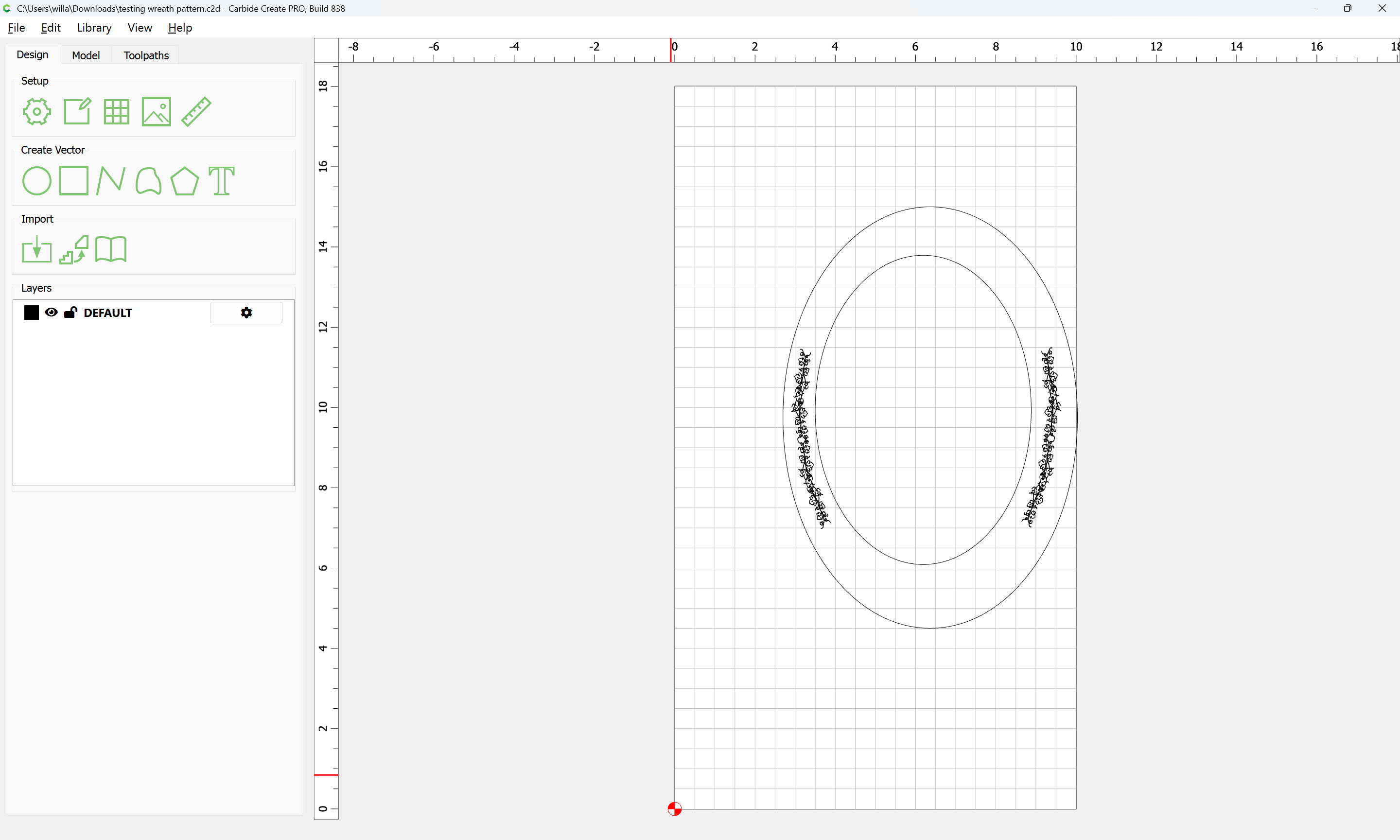
This is what I’m trying to do and replicate around between the circles. I know I can piece meal it like I have done in the attached, but wondering if there is some sort of “masking” capability to take a whole page of “texture” and then mask out what I don’t want.
Also, I’m wanting to use my McEtcher 120 to do the pattern so I am thinking I need to use the engraving selection in the toolpath.
Carbide Create does not have a feature to have geometry follow a path — in order to have geometry follow a path it will either need to be manually copy-pasted and adjusted, or to use a third-party vector drawing program which has this feature.
Creaturehouse Expression and Macromedia Freehand were two examples.
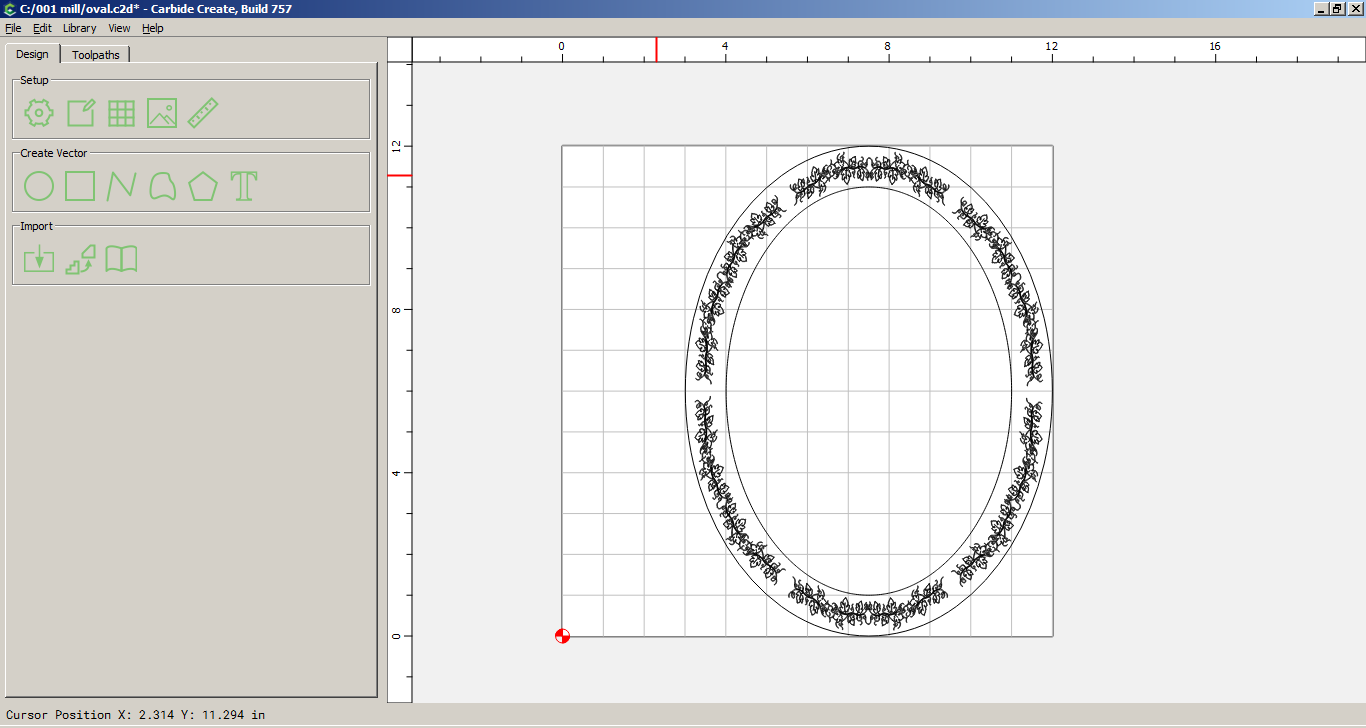
I drew the two circles, took one piece of the wreath and sized it ( did not maintain proportion) to the radius of the track, circular arrayed it with 9 items, select center as the center of the circles. Not sure if this is exactly what you want. Cheers.
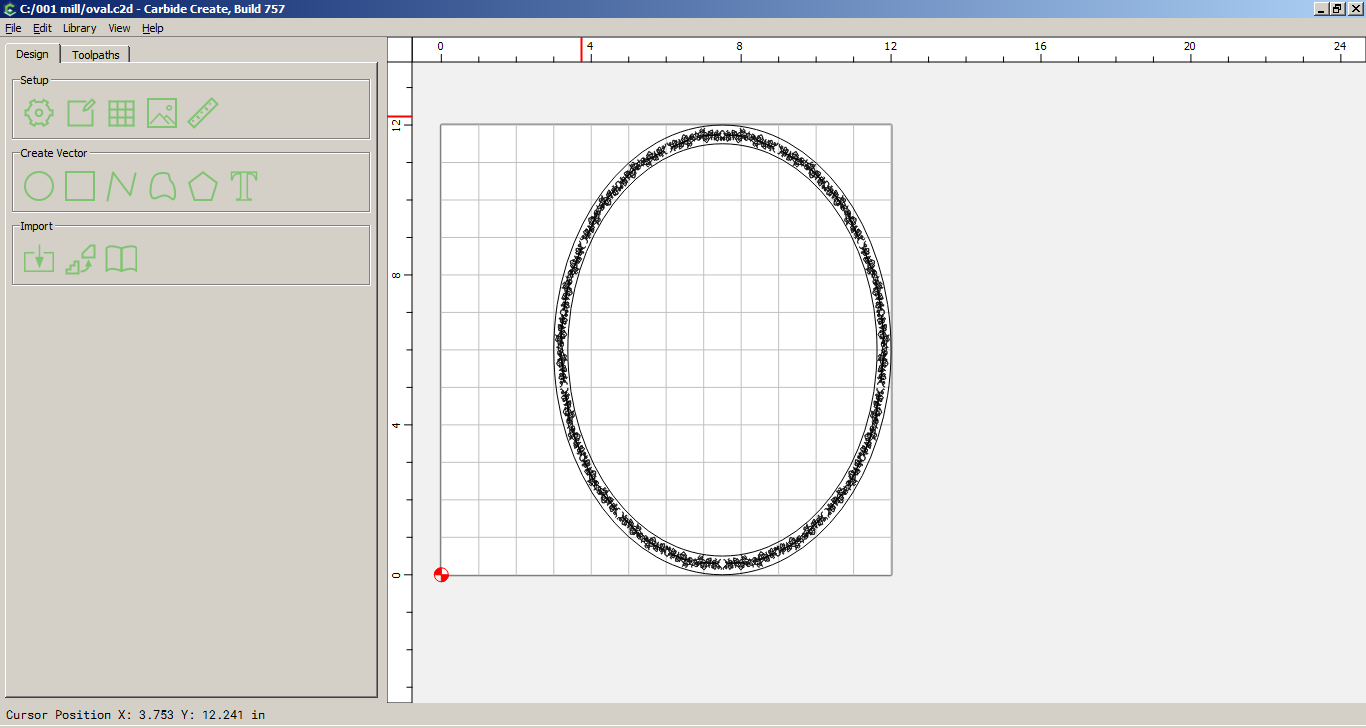
Thank you both for your feedback. I am trying to do an oval for a kids Snow White mirror on the wall type of thing so I will give the suggestions a try.