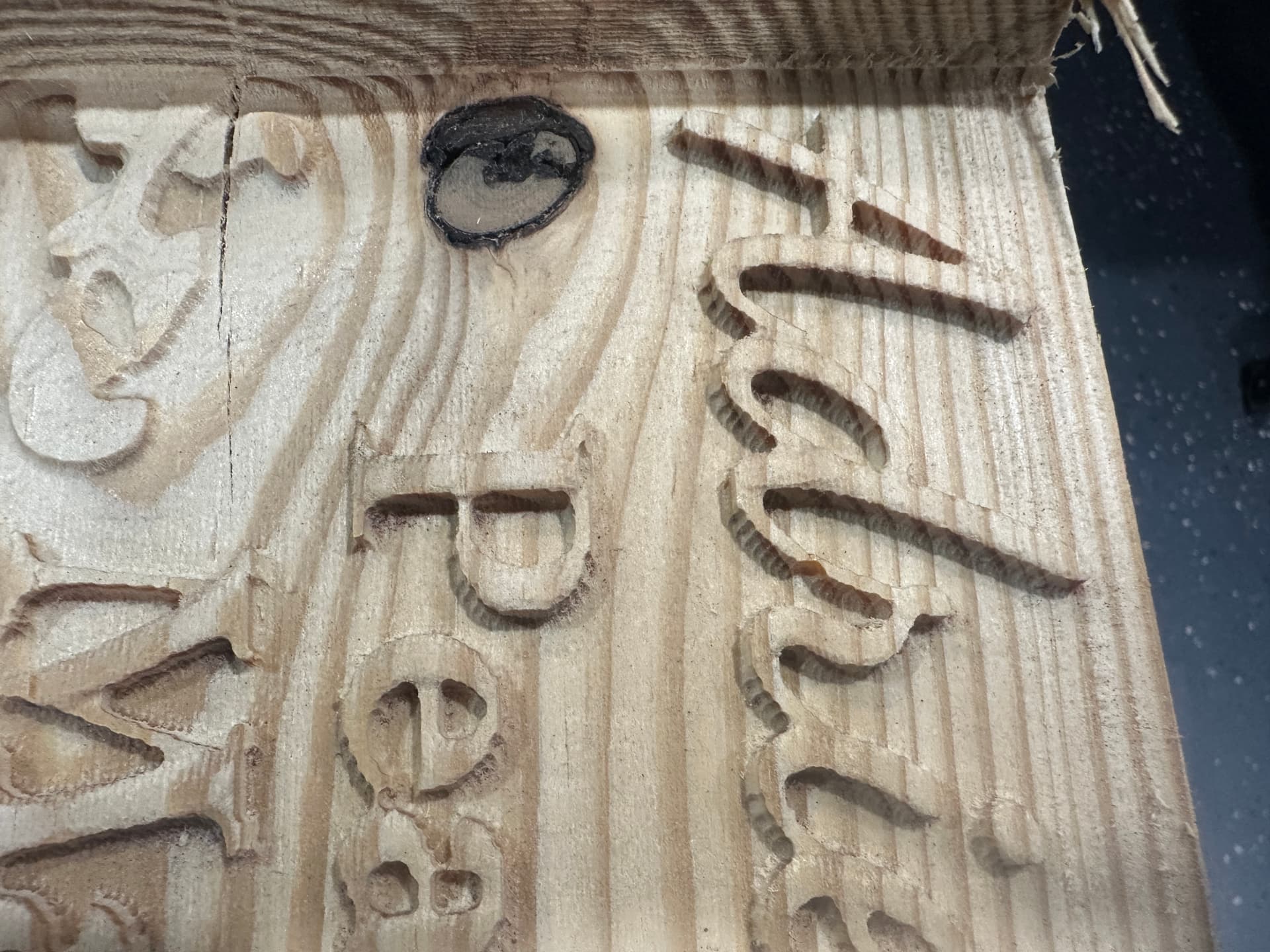
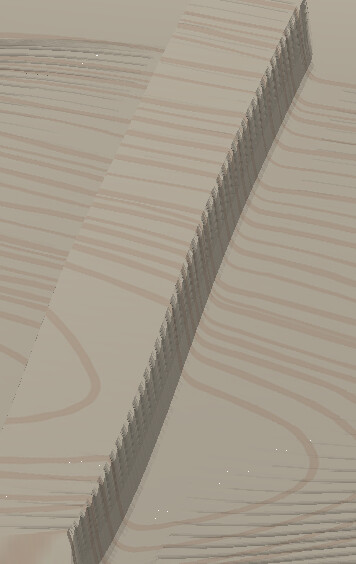
Im attempting to 3d carve a book, and put raised names into the book following the curve of the “Page”
I have the 3d model of the book and am adding text on top.
.25"(1/4) roughing bit for the rough out
.125"(1/8) with a .01 step over for the finish pass. takes a long time, but results are pretty good for everything excluding the text that im adding.
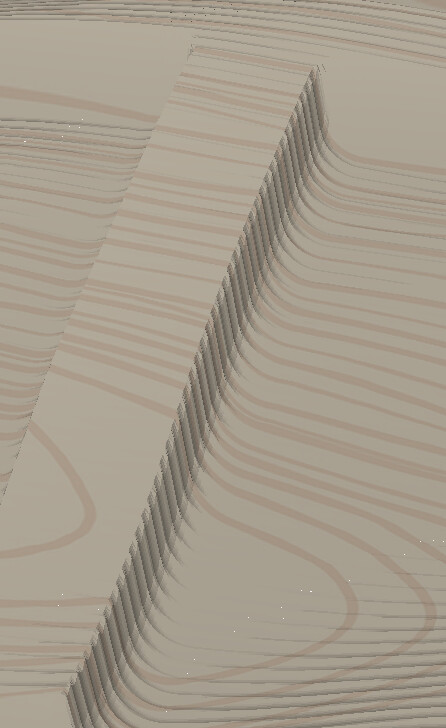
The problem that I’m running into is that where the letters start to extrude from the book it feels like the 3d image creation is interacting with the added vector in a weird way and creating this inconsistency.
I even ran an additional finish pass with a 1/16 with 10% step over and the results on the book and background were great, where the text begins to extrude from the book, not so much.
I have a test piece that I have run in the shop that ill snap a picture of and post when I’m back to the shop.
Was wondering if anyone has run into this before, if this is a known thing, or if there is a solution other than hand sanding with a dremel.
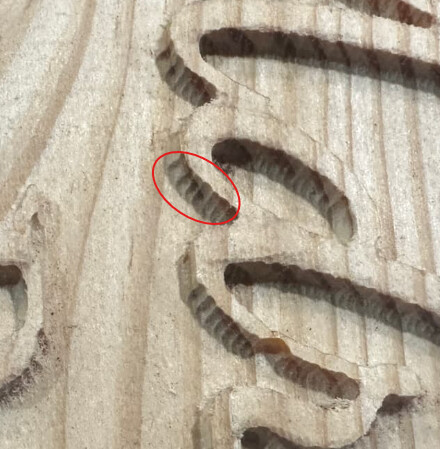
If you’re referring to the serrations, it’s the stepover of the tool. You can reduce them with a smaller stepover, but you can’t completely eliminate them. At least not with CC.
A higher end CAM software may have a contour or profile path that projects to or follows a 3D surface, so you could clean those up.
Yes ultimately I was running into trouble having the text within the 3d image, so im adding it on top in the model tab. Step over is set to 10% of the 1/8 bit.
Am I going about it wrong by adding the text on top, would I get better results working the text back into the book/background in the grayscale?
I don’t think it matters if the text is built in to the initial 3D component (imported from STL), or added on top of the book shape. It’s the 3D finish path that is causing the serrations.
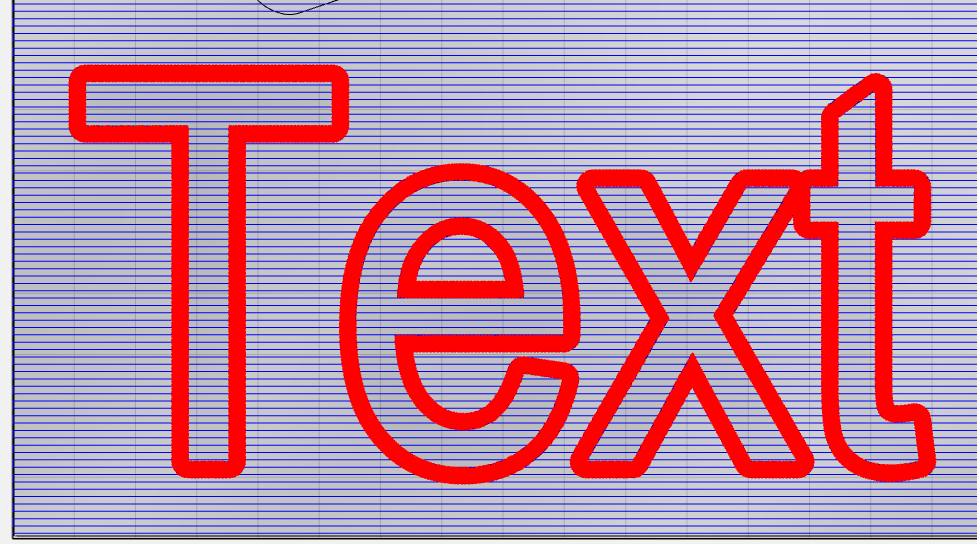
You either need a finish path that cuts like a pocket pattern so it’s tracing all the way around the letter boundaries, or an additional path that can contour/profile the letters but also keep the tooltip on the 3D model. Neither of these are available in CC.
I think your only discourse at this point is to use a smaller stepover in the 3D finish path.
Or you could offset the letters by half the tool diameter and just use a smaller stepover there.