Having some trouble getting the two different tool paths to align after the tool changes. I have tried zeroing only the Z axis as well as XYZ for the bit changes. Have changed the order of tool paths to start the job with. All parts are nice and snug as well as no issues with snagging or tight spots. This issue only seems to be occurring with the advanced VCarve

Hi Bryan- it’s usually helpful to upload the file you’re cutting and share a wider photo of your machine setup, so we can see what else might be involved.
1 Like

My setup is with a Sienci LongMill 30X30 MK2.5. I use dog holes to clamp my work piece down and it works really well to eliminate all movement of the work piece. I have attached the file below.
WTest.nc (195.4 KB)
Thank you for the prompt response and the help.
The G-code looks fine, as far as I can tell. That leaves a couple of options:
- The machine is binding up at some point.
- Something is going wrong at the tool changes. You’re using a post that outputs an M0 stop for a tool change, so it would probably be up to you to set the depth of the tool correctly to resume. If you’re off, that might overload the machine and bind up.
It might be worth outputting the pocket and the V toolpaths separately from Create to eliminate the potential for anything to go bad at the tool change.
Which version of Create are you running?
1 Like
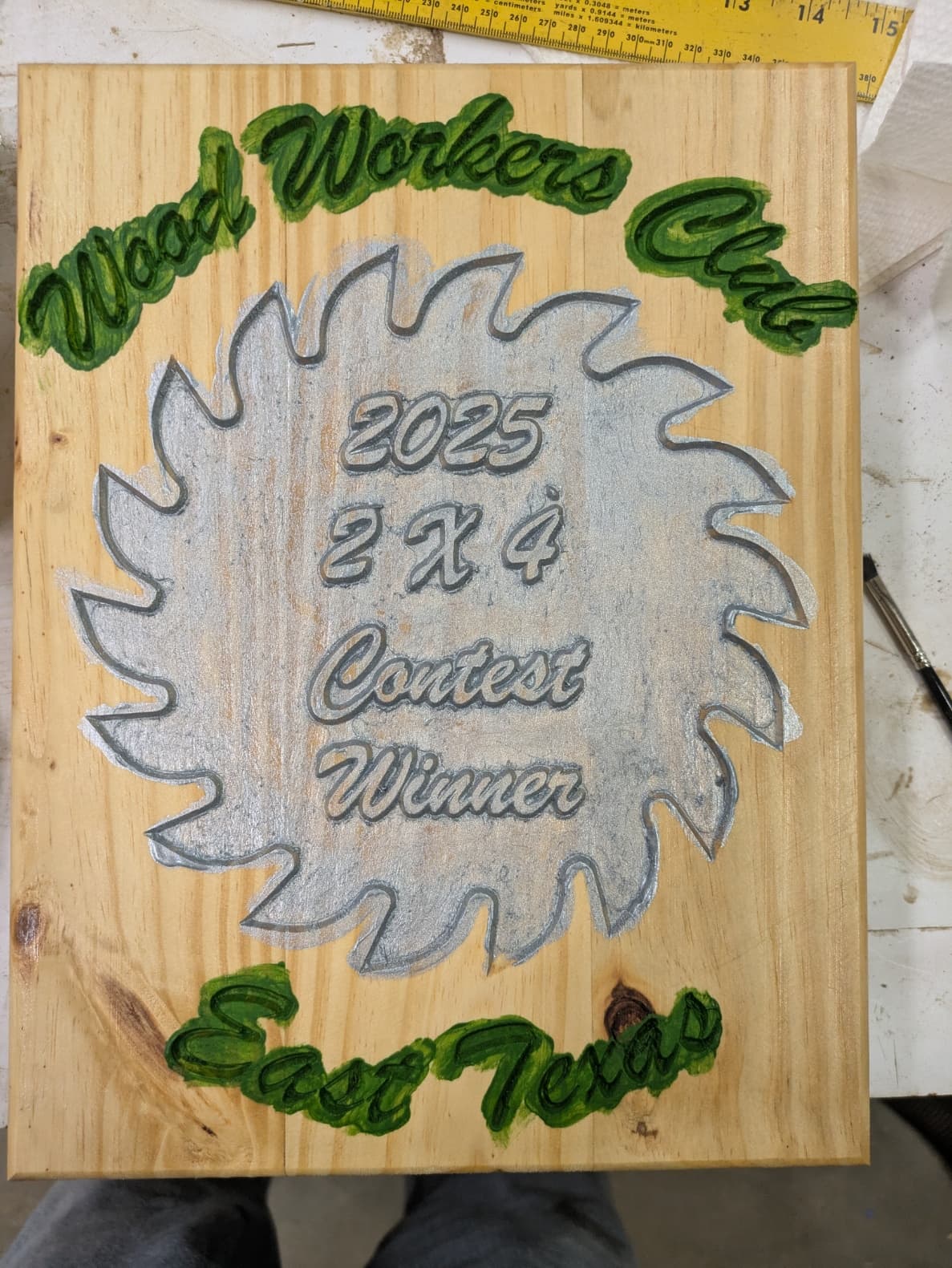
I have a Shapeoko 3 XXL with HDZ. I cut a plaque today and had a smaller version of what you had. Vee bits need to have a sharp point. Some come from the factory with a rounded nose or dropping or the bit rattling around in a drawer can take off that sharp point. If the nose of the vee bit is not pointy the BitSetter thinks the bit hitting a sharp point but is making the vee bit cut deeper because the rounded point is interpreted as a sharp point so the geometry of the bit is off.
Check that your vee bit is really pointed and not rounded. A magnifying glass help.
If you download my photo and look around the edges of the lettering you see a similar problem you have but just not as bad.
This topic was automatically closed after 30 days. New replies are no longer allowed.