As discussed on the forums, the STL wasn’t workable in any tool I could find to load it into.
The pixel image was loaded into Copilot, and prompt written:
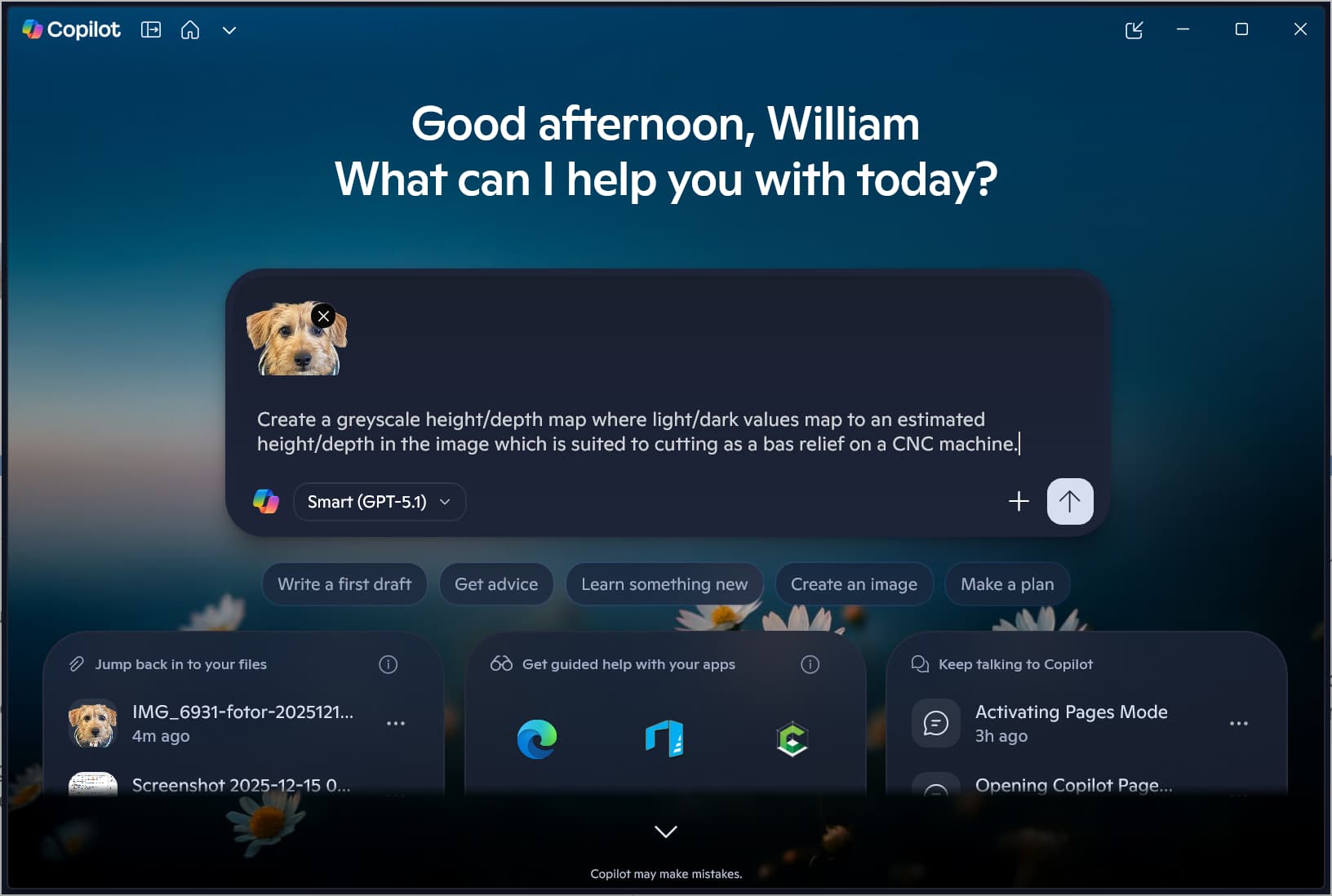
Create a greyscale height/depth map where light/dark values map to an estimated height/depth in the image which is suited to cutting as a bas relief on a CNC machine.
which eventually resulted in:
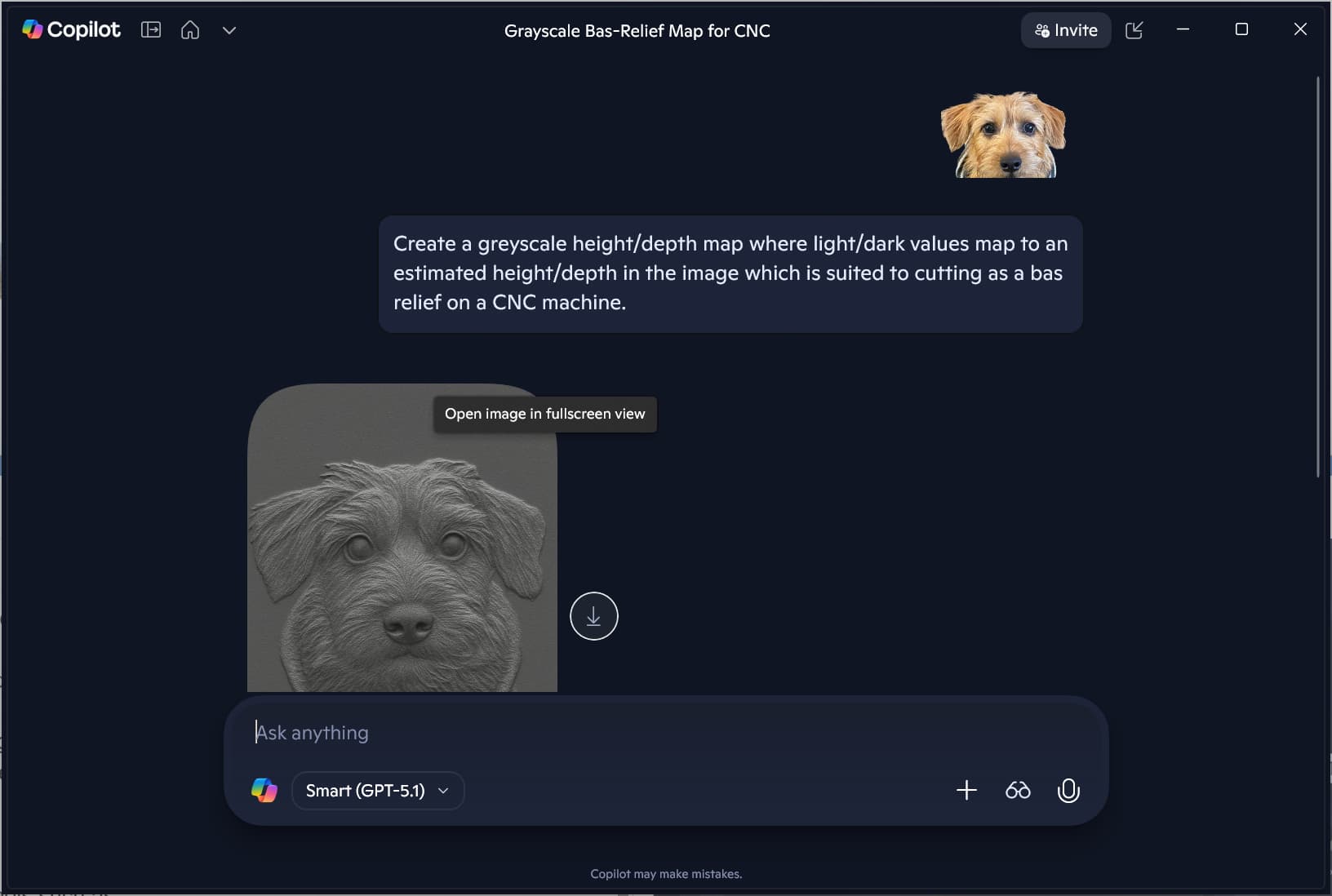
which doesn’t really work:
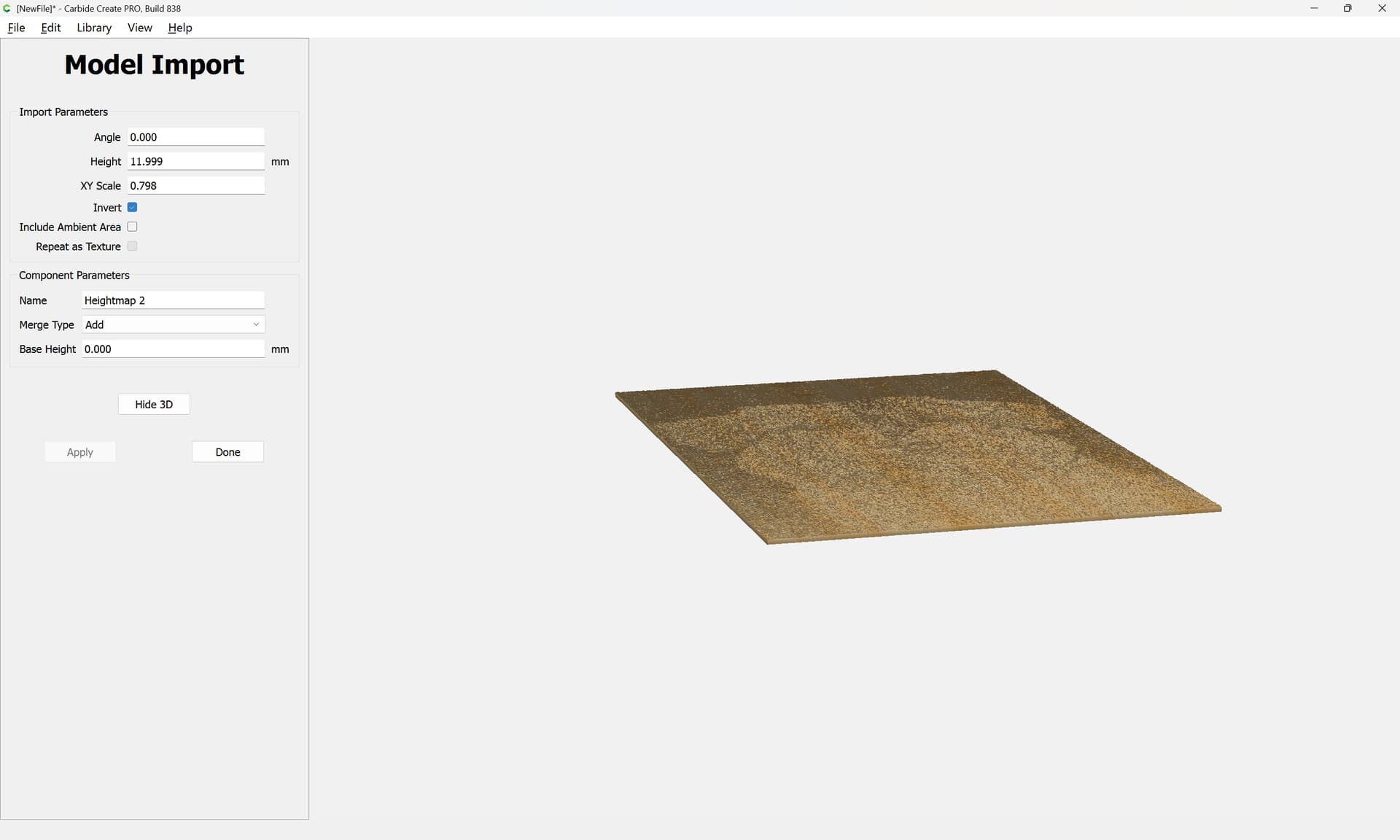
adjusting a bit with:
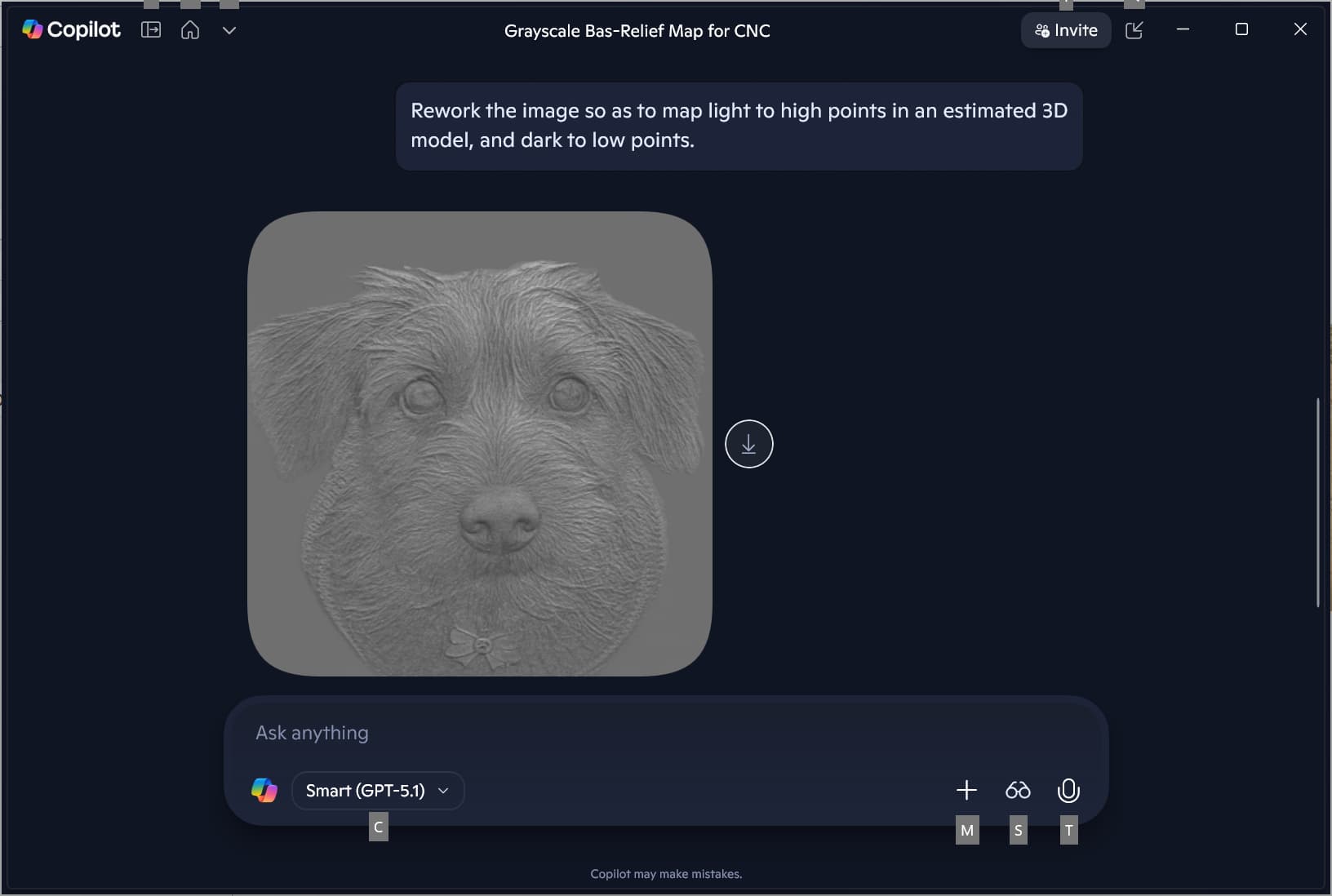
Rework the image so as to map light to high points in an estimated 3D model, and dark to low points.
gets closer, so we request:
smooth out the light–dark transitions so as to make clearer what is left in relief and which areas should be cut away.
which probably went a bit too far:

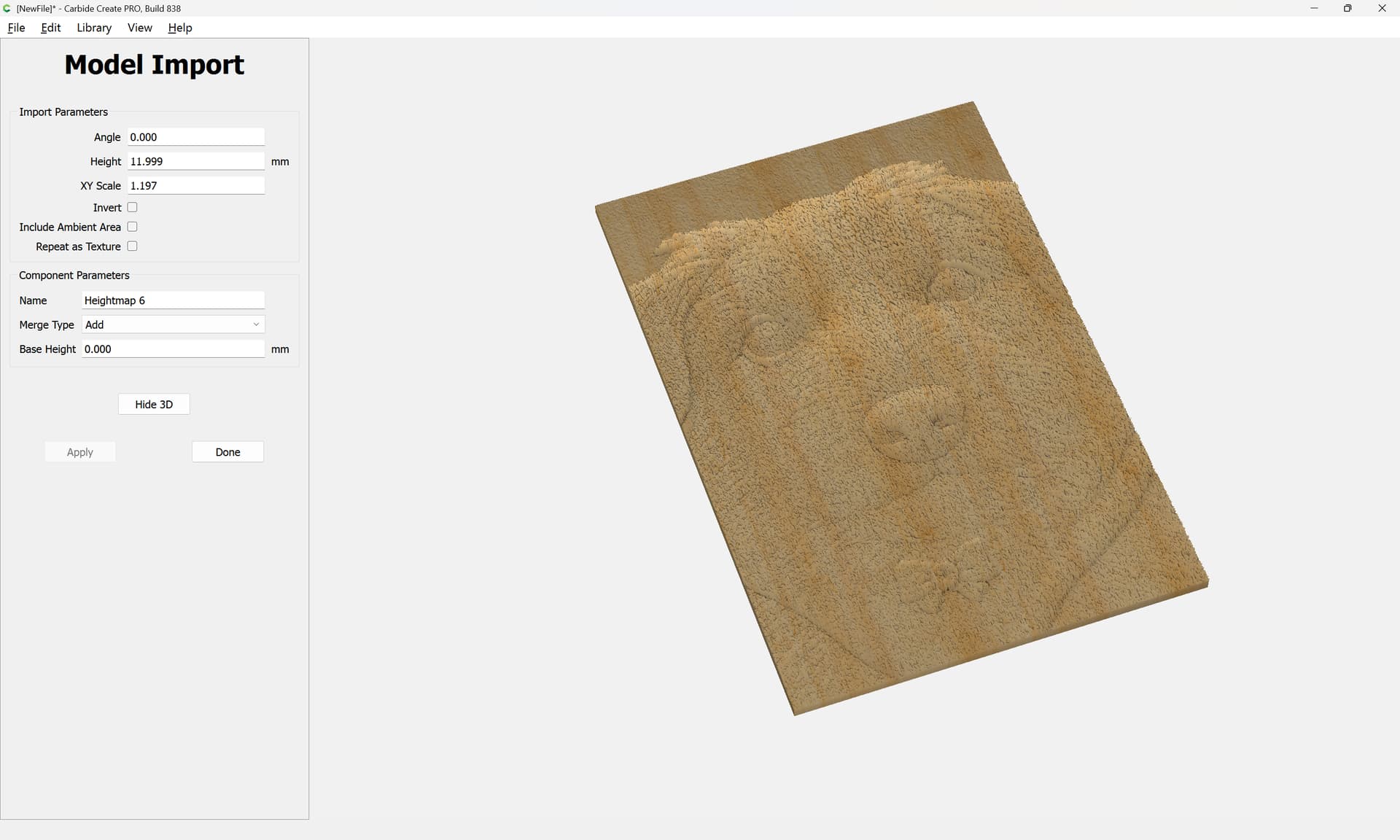
Maybe take the first image:
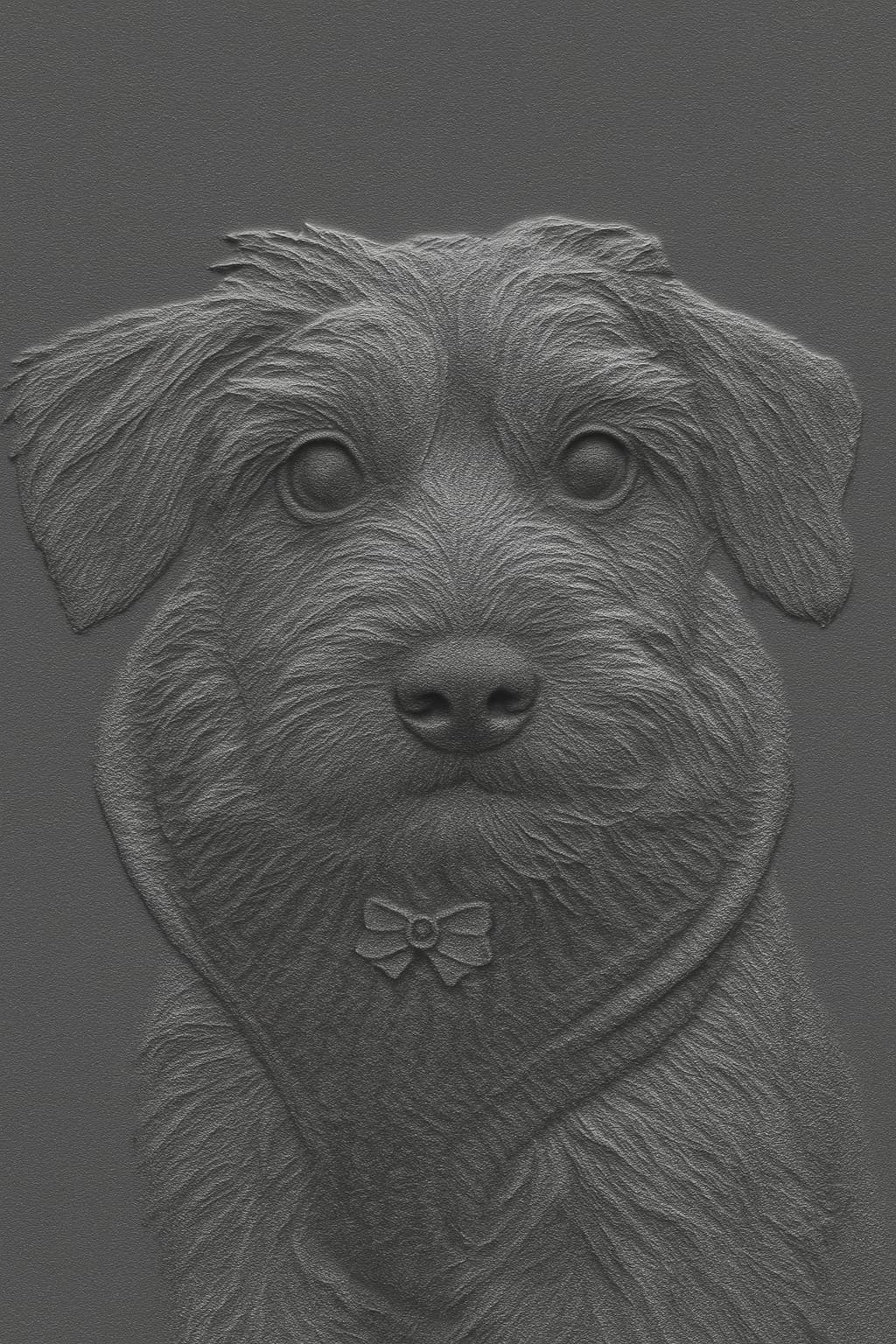
and try a halftone?
FWIW, it might be that tools such as:
https://microsoft.github.io/TRELLIS.2/
will make a difference in the future (though I don’t know if I’d trust Microsoft w/o purchasing a real product given that my upload limit in Copilot is now so low as to make it impossible for me to to process things at work).