As the topic indicates I’m looking fir a consensus on which AI SVG generator works best with carbide create
Thanks!
1 Like
Beware that SVG format has been used to deliver malware recently.
I would be careful
2 Likes
Thank you, I keep mandate protectionism up to date
You really can’t go wrong with ChatGPT for drawings and Lightburn for creating an SVG for you. Perfectly safe from a security standpoint. OpenAI (ChatGPT) is a leader in the field. I guess you could use other major ai, but honestly, there are only about 10 major backends and everybody else just buys ai in bulk from them to do their specialized thing. I subscribe to ChatGPT and I am extremely happy with it. I also use Vectric, but Lightburn is the best for clean SVGs. Make it a two step process and you’ll be happy and safe. Can’t speak to Carbide Create because I don’t use it. Might be just fine.
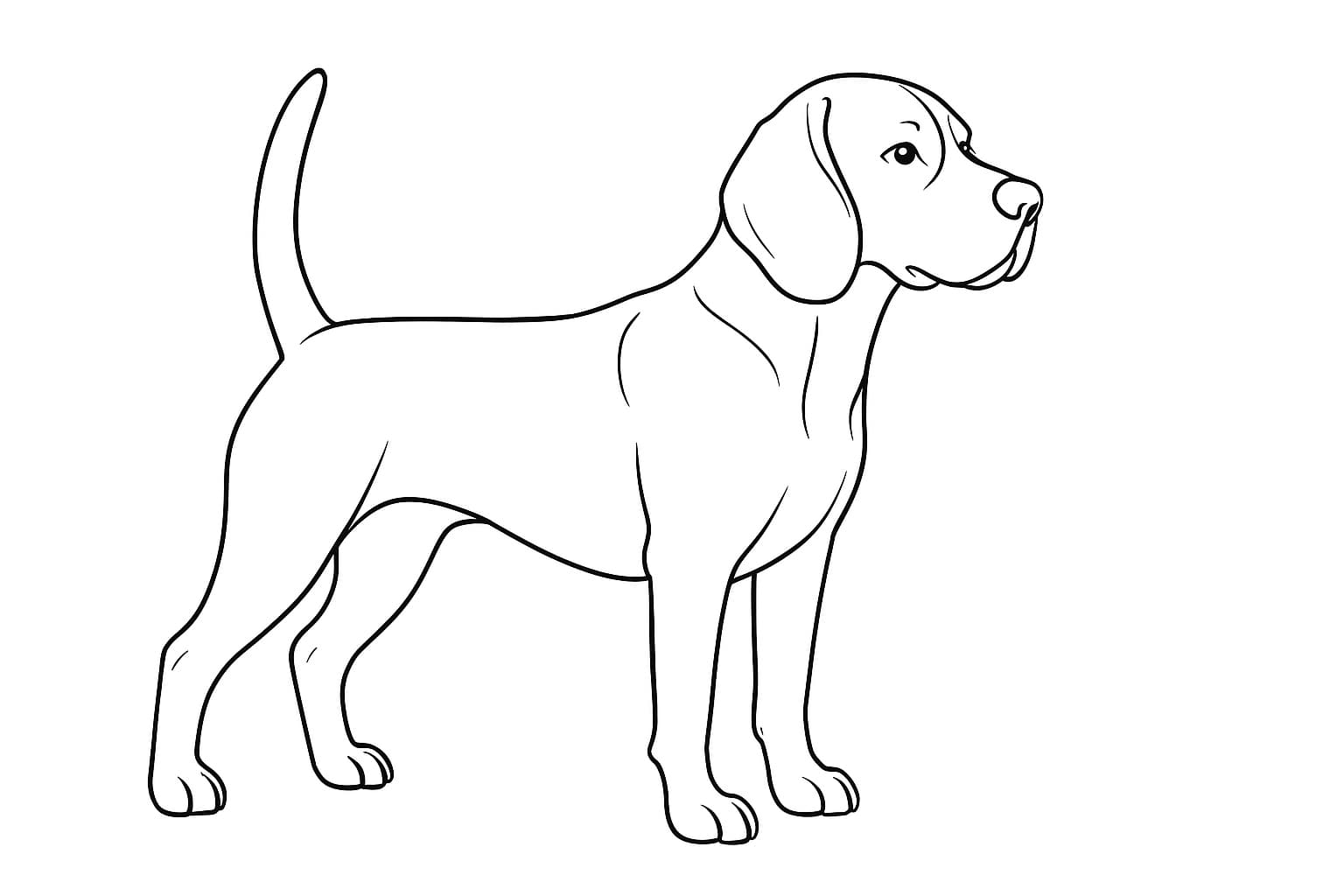
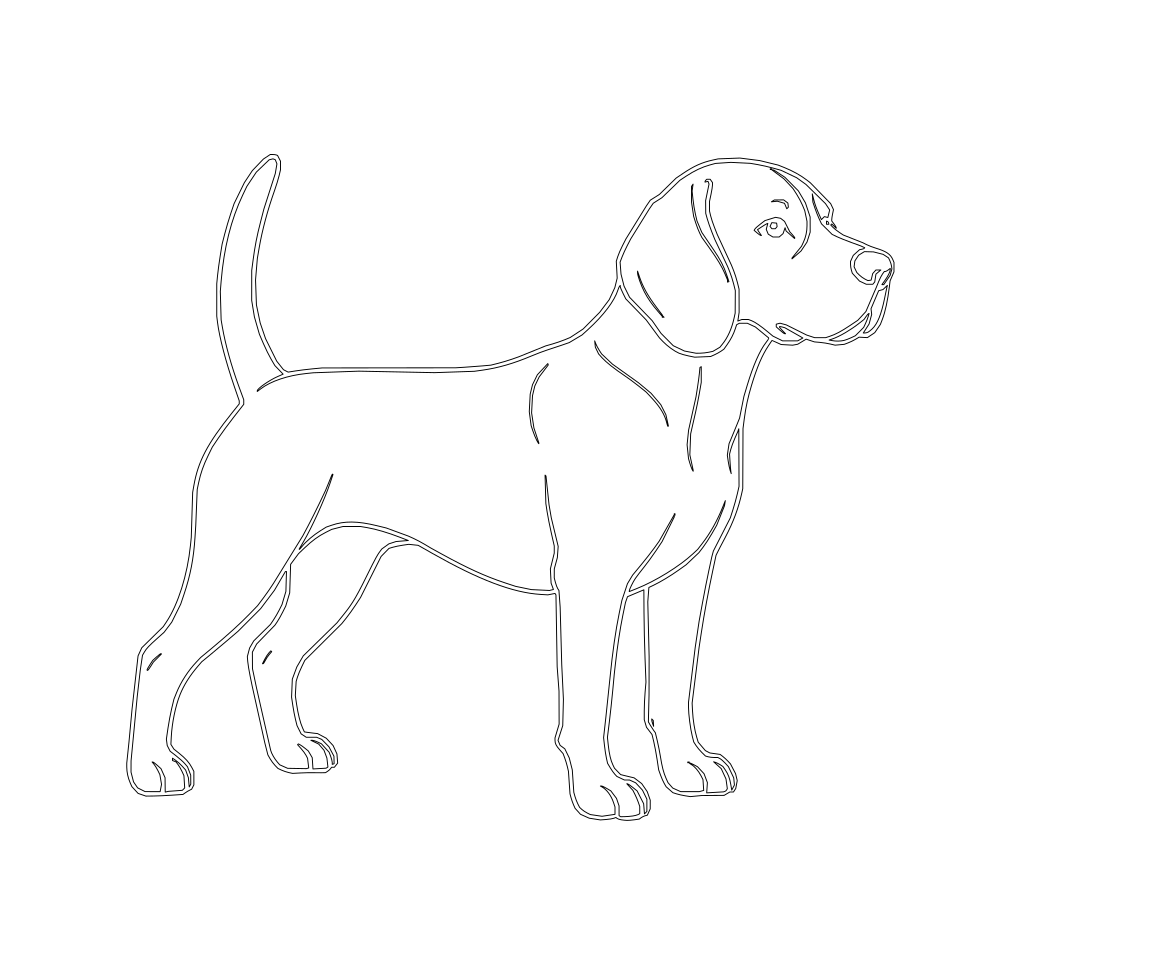
2 Likes
Thank you. I was leaning that way, it’s good to have ideas expanded, challenged, confirmed
1 Like
The issues of SVG is the ability to contain scripts and base64 images for a data store( like a watermark )
Since this is a capability of SVG , anti virus checkers let it go.
If you use a browser to open the SVG, the script gets launched.
If you open in a text editor, no issues.
I use Inkscape which I believe doesn’t launch any scripts (unless told to ). Inkscape allows for raw text view and edit if you want to inspect the file.
I need to confirm the Inkscape beliefs.
SVG is a great format. Sucks the world gets in the way.
2 Likes
I did a little testing on SVG files.
In short Inkscape does not have a Javascript interpreter, so nothing gets executed.
There is the ability to add events to any SVG element.
Note: I added an event to the rectangle to run the same function, but it doesn’t fire correctly.
Here is a screenshot of opening the svg file in Chrome.
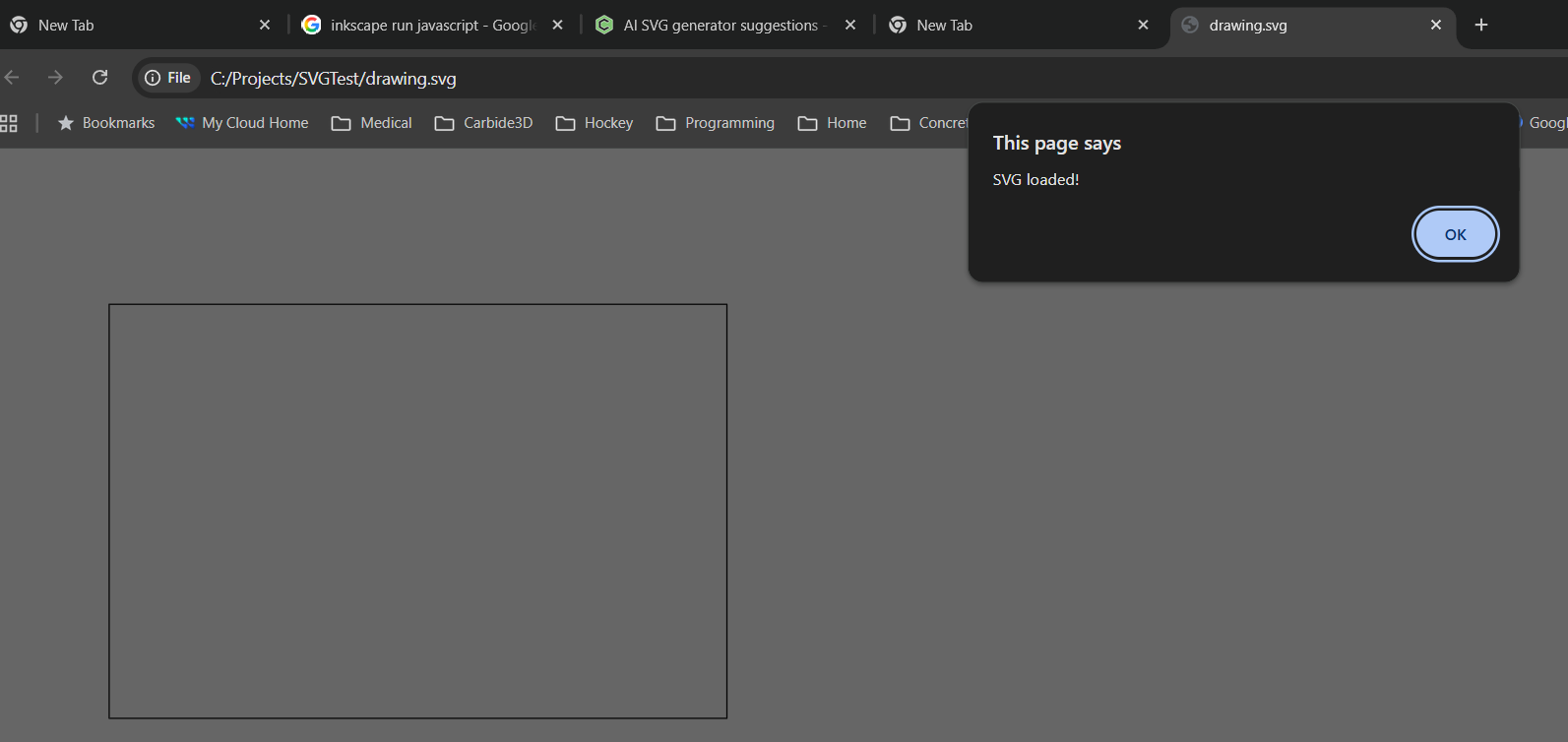
After you select ok the page is complete
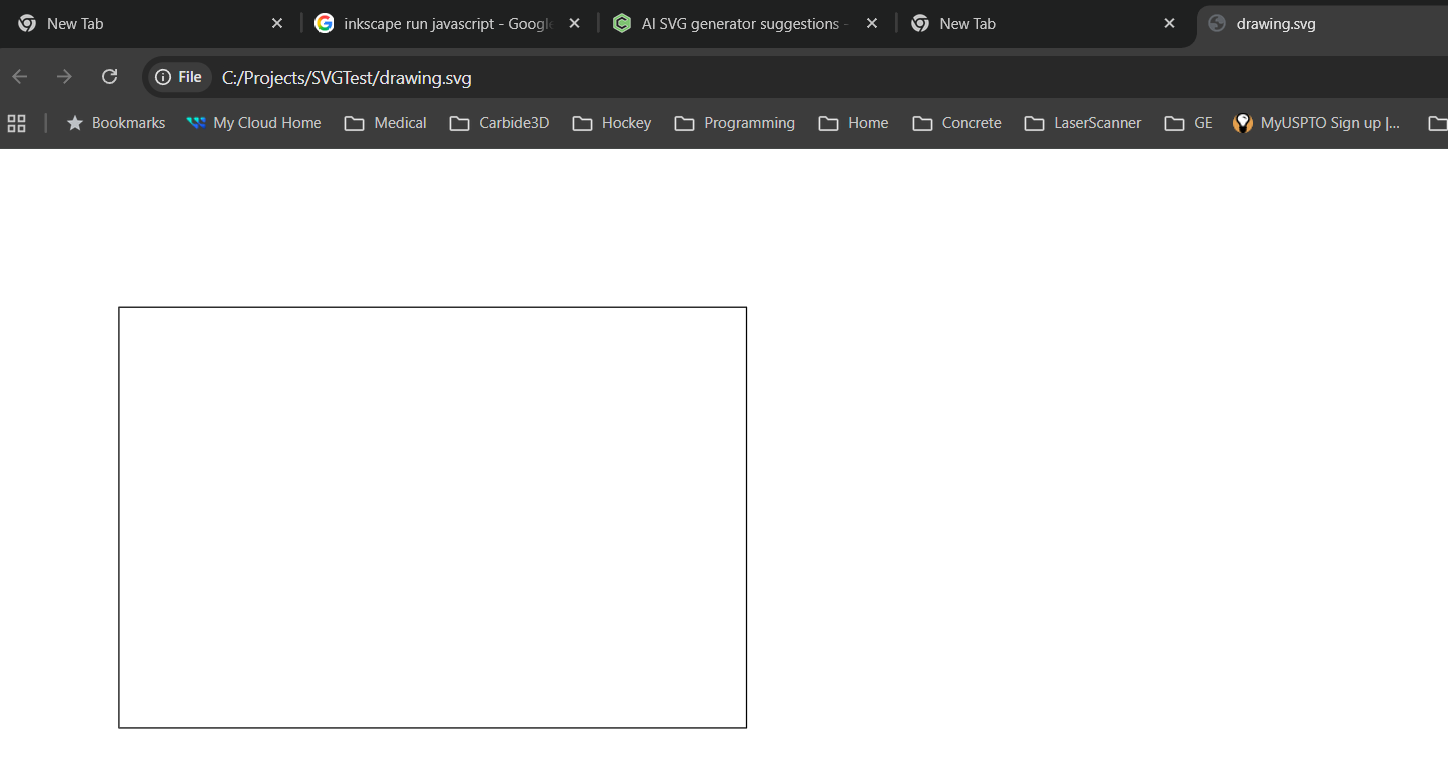
Here is the SVG file.

End of science project. I had to prove this to myself.
1 Like
This topic was automatically closed after 30 days. New replies are no longer allowed.