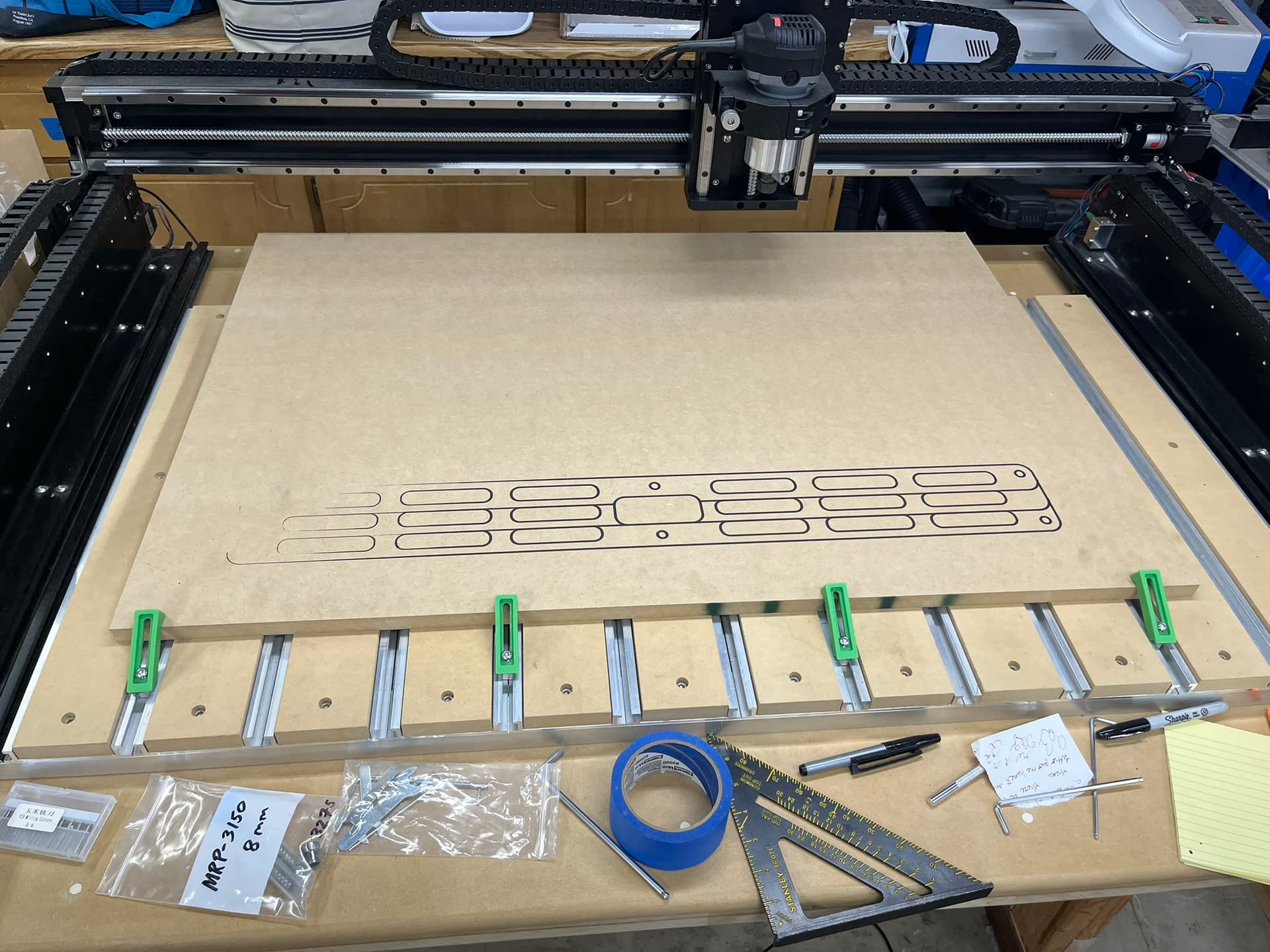
I am a relatively new 5 pro owner. I have a design I’m planning to cut in wood but thought I ought to just trace it out in sharpie first to get a sense of things. The sharpie was getting squished down pretty hard on the right side of the machine table but then not touching at all on the left. Is it to be expected that I would see an issue like this if my hybrid table has never been surfaced? Or is this more likely indicative of a larger issue with my X axis?
1 Like
- Level and Square your machine
- Surface the hybrid table
- Tram your spindle
- Surface the hybrid table again
- …
- Profit
1 Like
Thank you. I don’t think it was pointed out in any of the starter videos that surfacing the table is necessary… it makes sense though. I will double check squareness before I surface. Just wanted to make sure I was on the right track and it isn’t likely to be an issue with the X gantry itself. Or maybe it is the X gantry but surfacing the table compensates for the X axis being not quite parallel with the table.
You can use the same sharpie and run it around your spoil board area by setting the Z for the sharpie and just manually jogging your machine around the X/Y axis. This trace could help you check the square and how flat your spoil board is. The individual strips of spoil board can have different moisture levels or milled thickness from supplier not consistent and cause the spoil boards not be level. One of the first things after checking square is to level your spoil boards. There are several tool path files on CutRocket to level the table with specific instructions on how to do it.
2 Likes
Dont rely on the mdf clamped to your spoilboard to indicate a need to surface the spoilboard. The clamped mdf could be the source of some or all of the issue. If you run a sharpie around the spoilboard, follow up and double check the low / high spots by lowering a bit to the surface and noting the Z reading. I would probably just skip the sharpie and run a bit to the surface of the spoilboard in a grid pattern noting z across the entire surface. Then I could better determine where the issue was and how much, if any, the spoilboard needed surfaced.
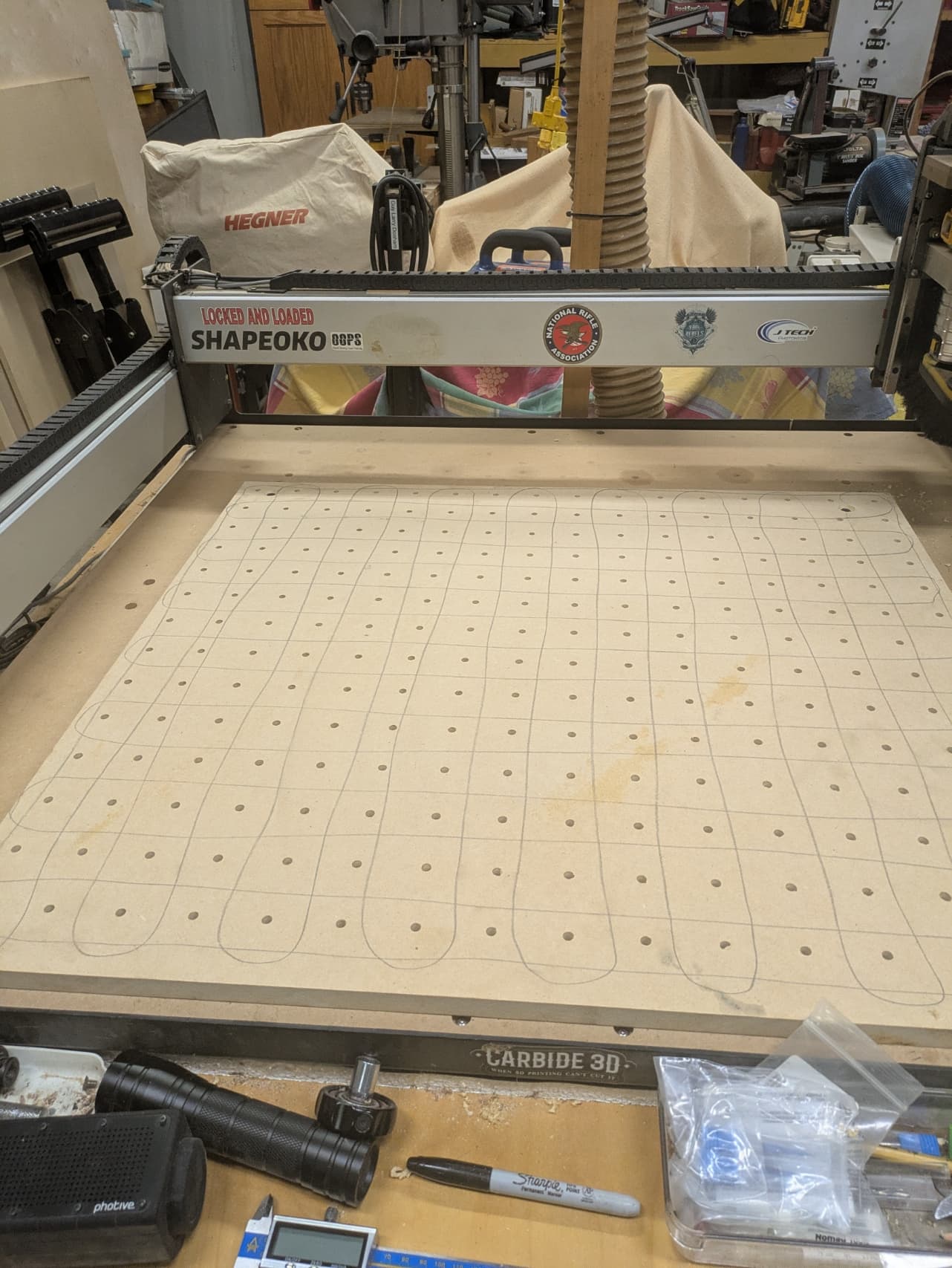
I would suggest before surfacing you use a pencil like a snake in the X and in the Y direction edge to edge. The reason is when surfacing when the pencil marks disappear you are level. What I do is run a surfacing job and if there are still pencil marks I simply rezero on the new surface and run the surfacing program again. Run the surfacing program until all pencil marks go away.
Here is what I am talking about. I have an SO3 but the same principal applies to the hybrid spoilboard. Just make sure you are not going to be cutting into your t-tracks. At that point you have to replace your slats.
2 Likes
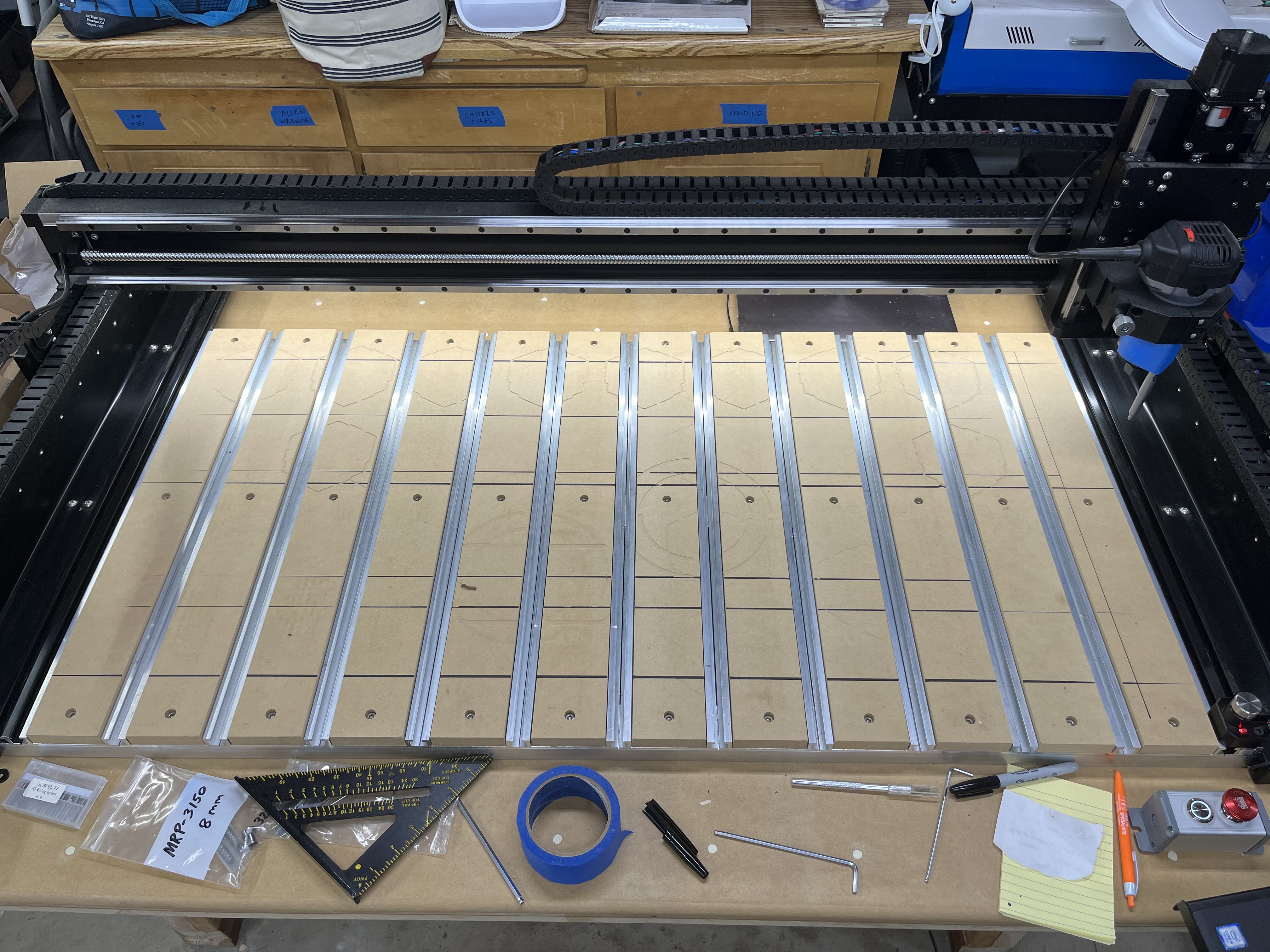
Update for everyone here: it would seem the center of my table is actually the high point, so there is definitely no issue with the x gantry being higher on one side. The sharpie barely touches on the far left and right sides of the spoil board and grinds hard in the middle. I suppose the table I have the cnc sitting on must be arched up in the middle and that is getting transferred to the cnc. Maybe I ought to get a rubber mat under the machine as I’ve seen suggested elsewhere? People say that can counteract an uneven table fairly well. Also, I have ordered a surfacing bit and should receive it in a week or so. Thanks
2 Likes
Final update here. I was out of town for a bit but back now and finally got a chance to surface my scratch board. I did make a minor mistake that resulted in the perimeter being cut slightly lower than the rest of the table but no big deal. My sharpie test after flattening the table was a success. Issue resolved. Thanks everyone! On to actual projects now.
2 Likes
This topic was automatically closed 30 days after the last reply. New replies are no longer allowed.