ffarner
February 11, 2026, 7:18pm
1
I have been using my Nomad 3 for nearly two years now and really enjoy it making many projects with 2D demands. Now I am attempting a 3D project. I gat a print of my granddaughter in her ballerina pose. Ran it through Easy Create 3D and saved it as a .TIFF [also as a .v3m]. Now I’m stuck. Attempting to convert the TIFF or v3m into a format that will work on my Nomad 3.
QUESTION: Anyone else having this problem? Any help or guidance, or is it just me??
FF
WillAdams
February 11, 2026, 7:54pm
2
Carbide Create Pro will require that a TIFF be converted to a supported format (JPEG or PNG, maybe others).
.v3m is a Vectric Clip art file format, so you would need to use a Vectric product for that file.
nbreen99
February 20, 2026, 5:06am
3
I started using EasyCreate a week go - .very cool.
Save a TIFF from EasyCreate,
go to the free website imagetostl com to upload and convert to STL
load the STL into CCv8 pro
The straightforward and reliable 3D CAM in CC pro is where I’ve found my hobbyist niche
1 Like
robgrz
February 20, 2026, 2:02pm
4
Can anyone share one of the tiff files? I think we can enable that in Create, but we’d prefer to have a test file first.
nbreen99
February 20, 2026, 7:30pm
5
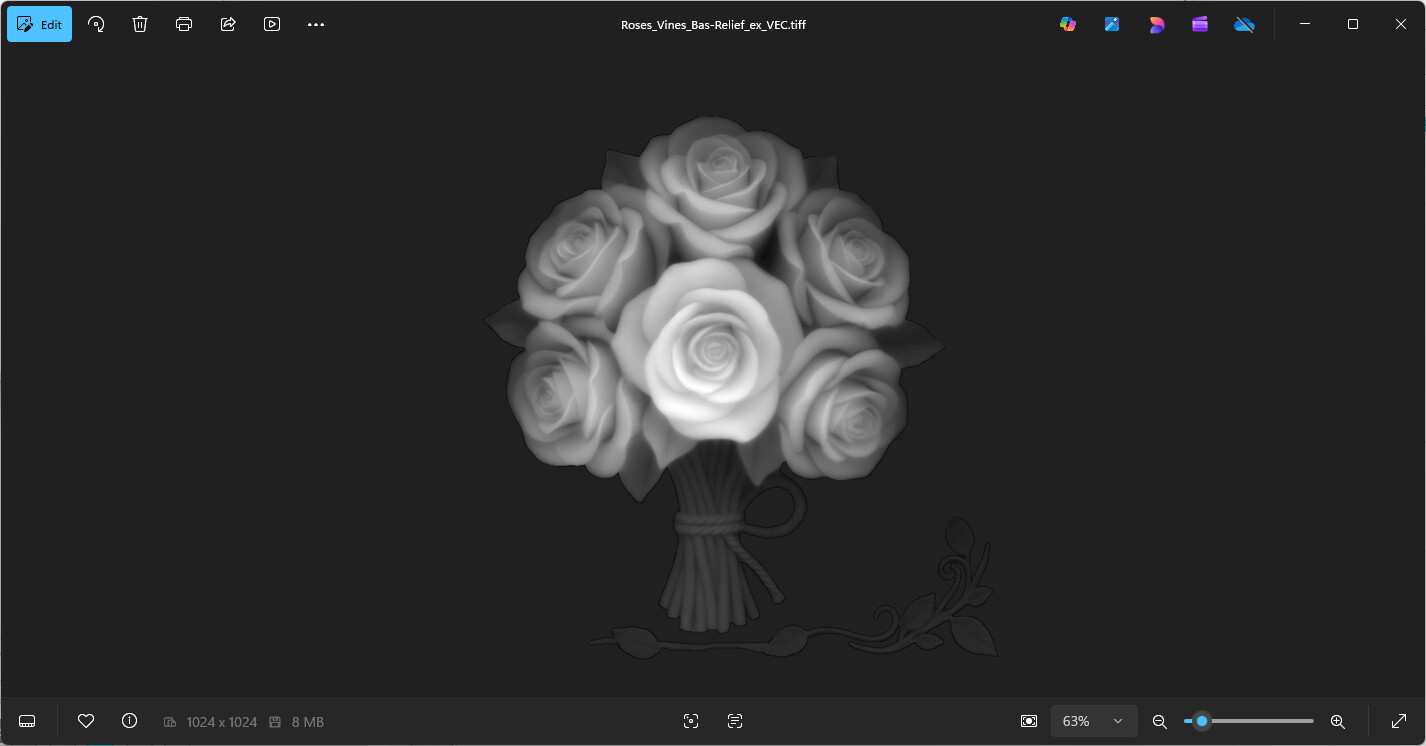
Bas-relief that I generated, Roses_Vines_Bas-Relief_ex_VEC.TIFF heightmap attached zipped.Roses_Vines_Bas-Relief_ex_VEC.zip (960.5 KB)
nb
WillAdams
February 20, 2026, 7:45pm
6
Note that you can open the .tiff:
and resave in a supported format:
robgrz
February 20, 2026, 8:40pm
7
2 Likes
system
March 22, 2026, 8:41pm
8
This topic was automatically closed 30 days after the last reply. New replies are no longer allowed.