Anybody have a SIMPLE example or two of how to use the Angled Plane function?
What angle do you wish to define?
Basically it’s:
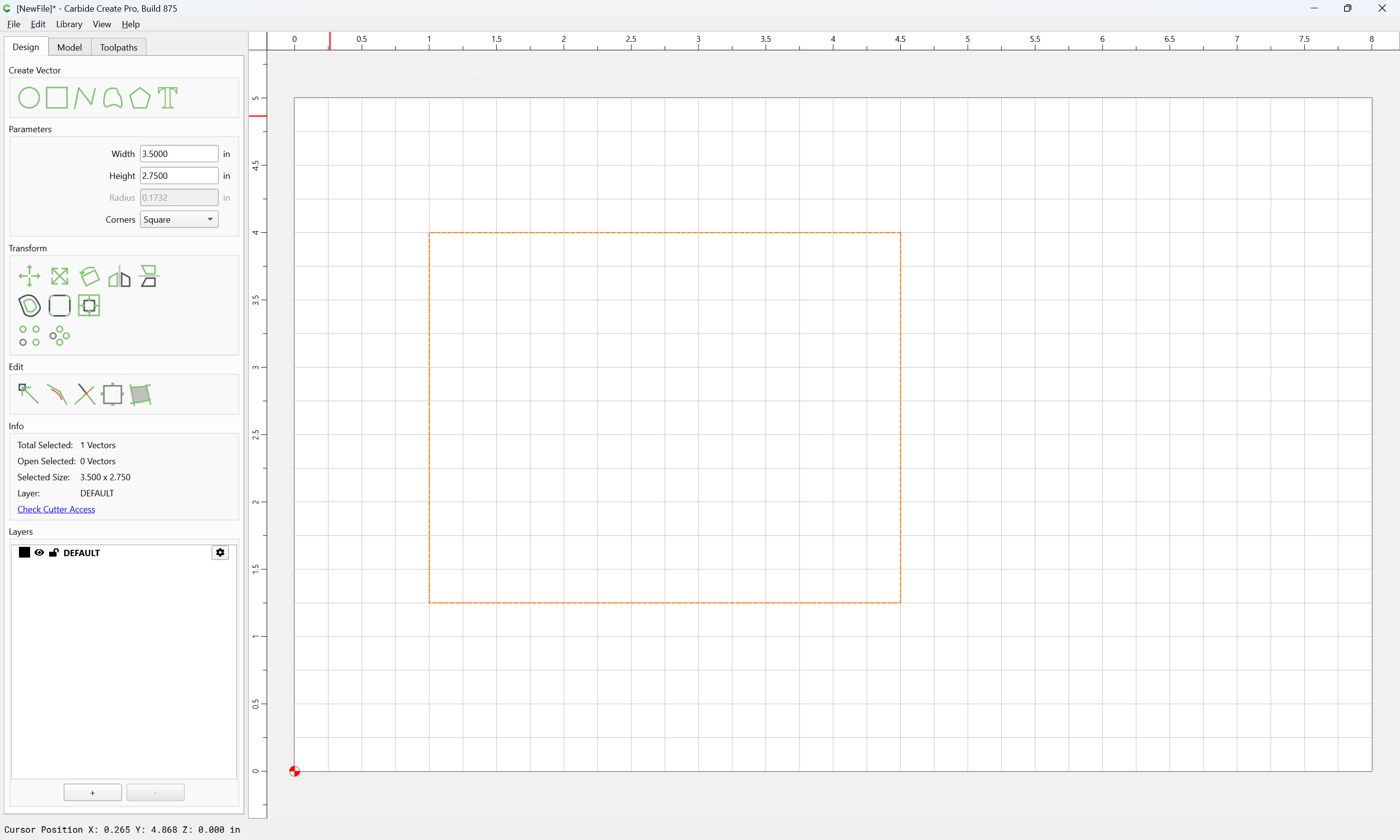
- draw geometry which defines the area the plane will be bounded by:
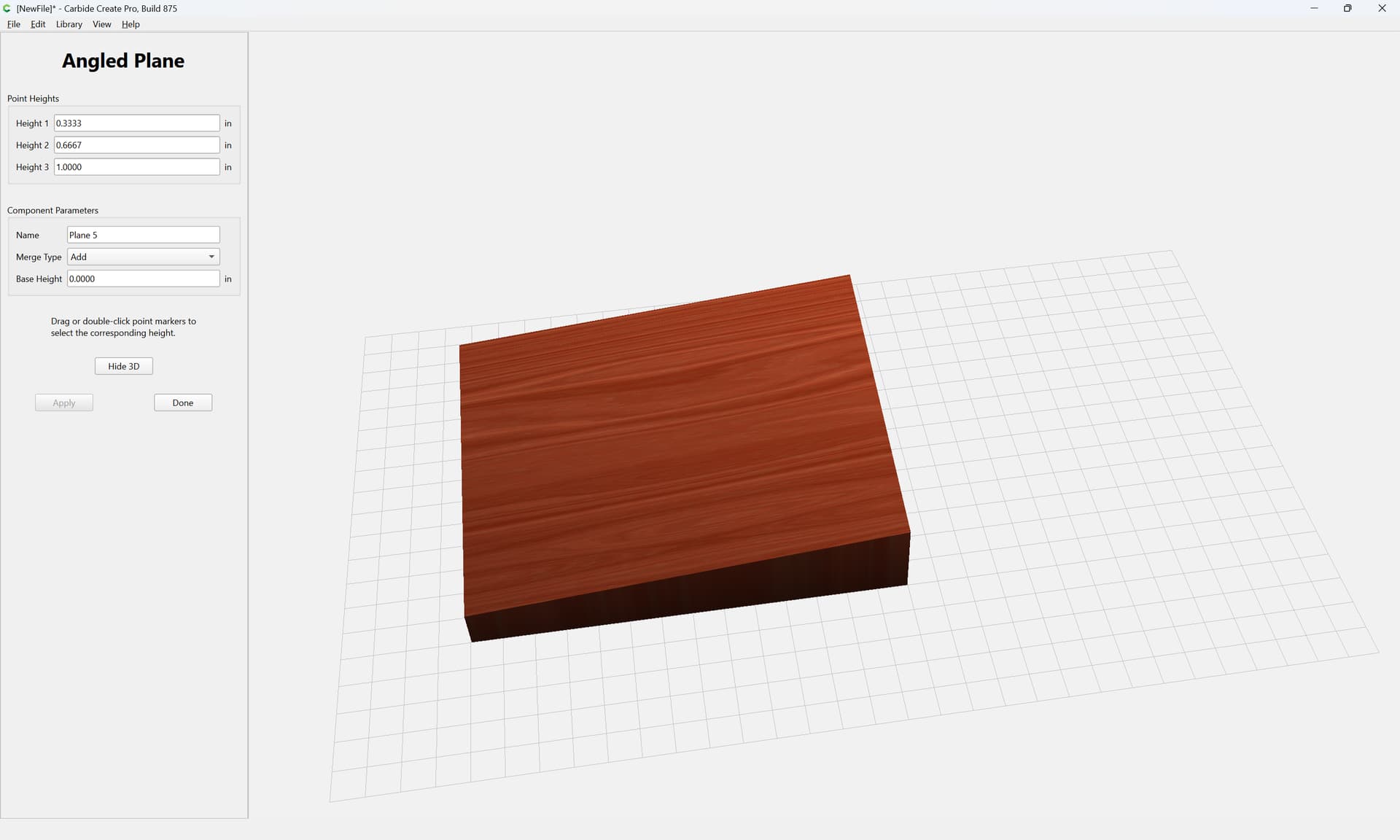
- model the plane by specifying the heights at the various points,
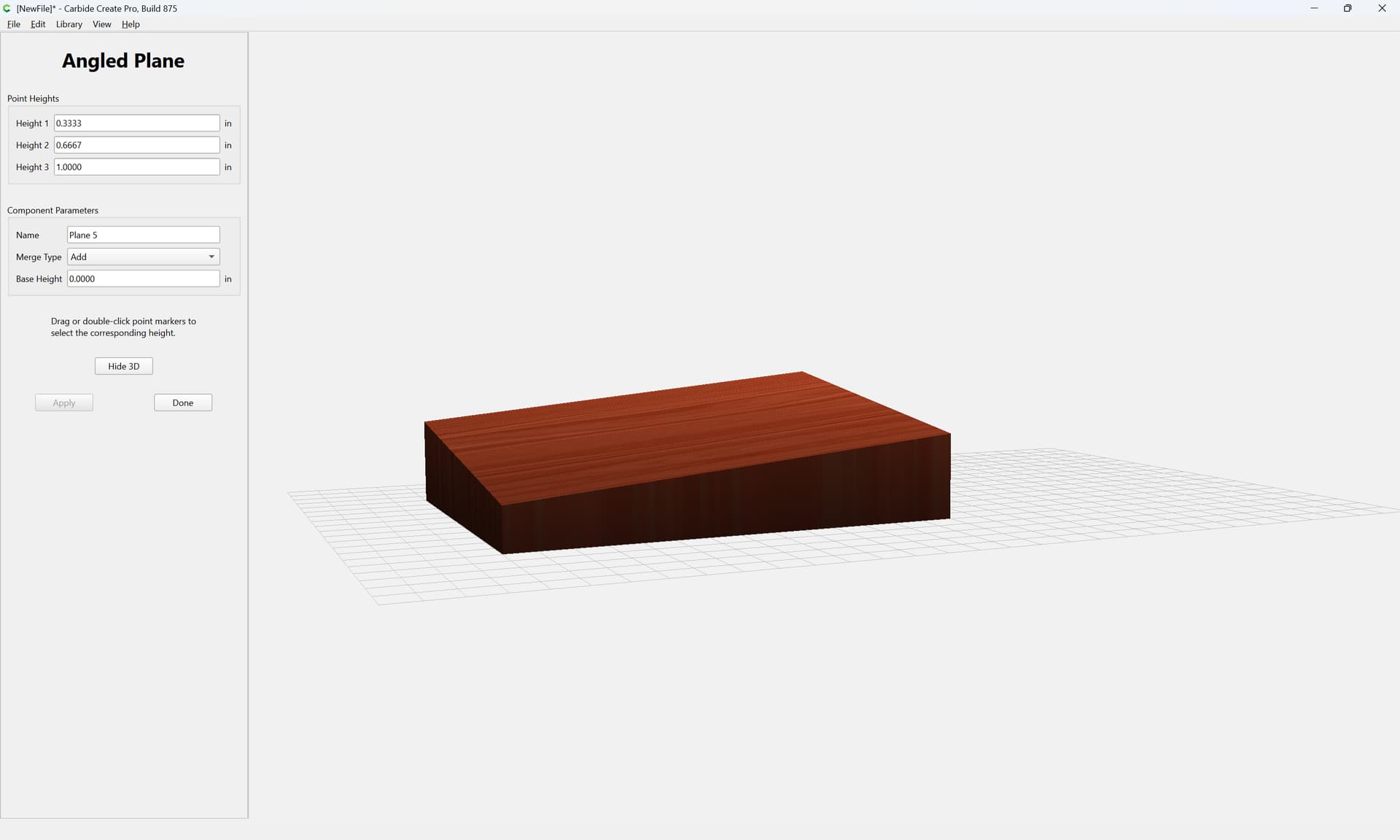
and if desired, repositioning them by dragging them around:
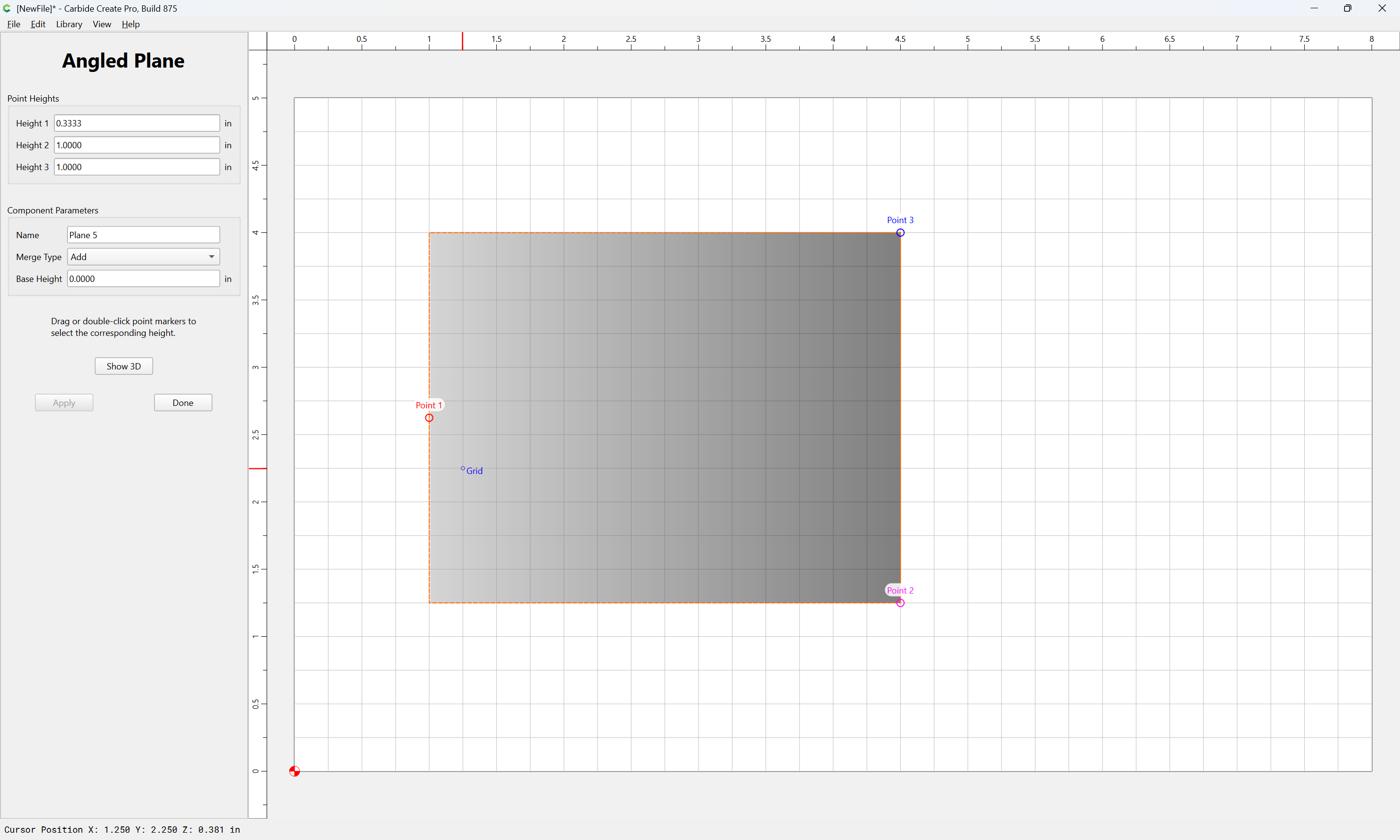
adjusting as desired:
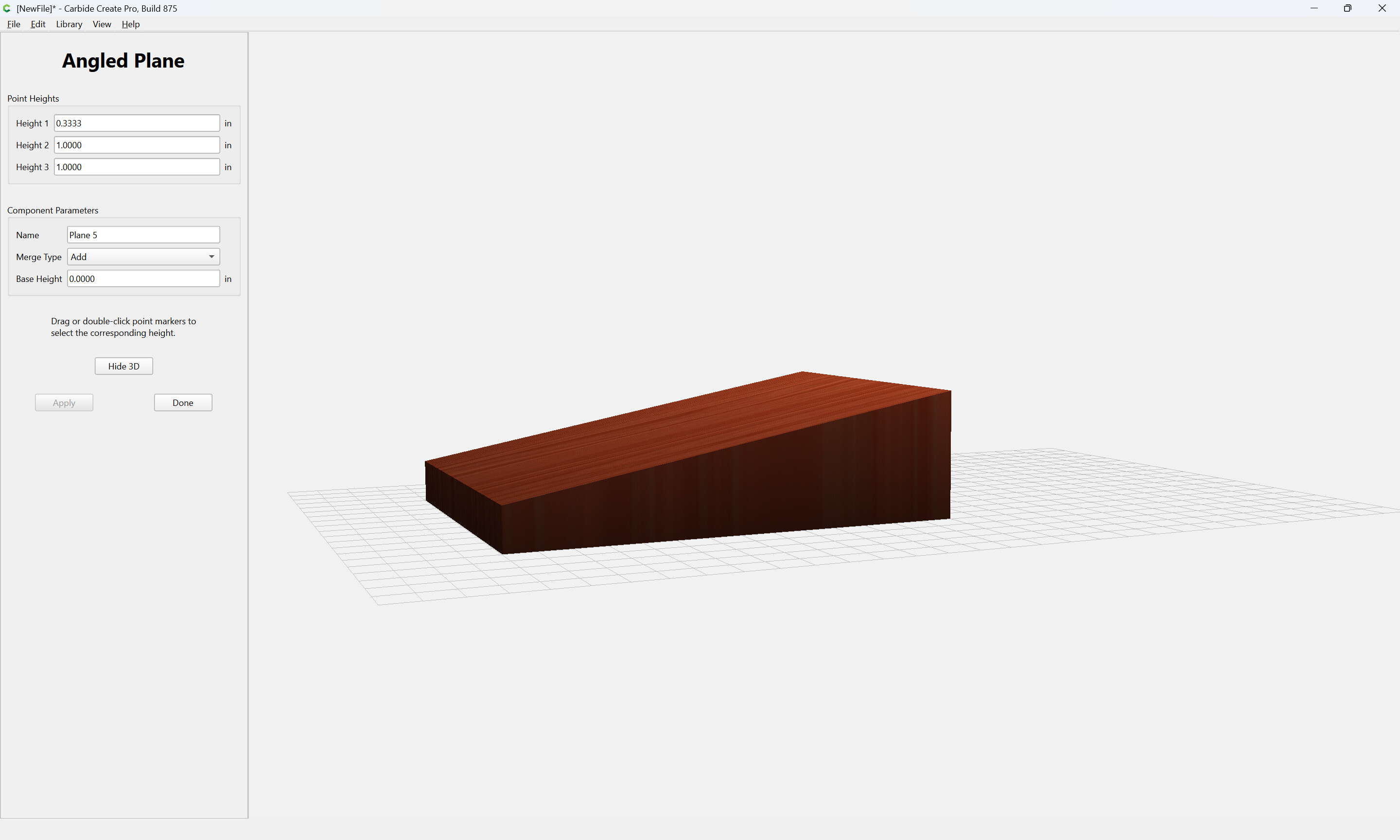
If you can provide a dimensioned drawing of what you are having difficulty arriving at we will gladly walk through it with you.
So in it’s simplest form, it let’s me create a crooked ramp?
Other shapes as well?
I didn’t make enough progress with it to get very far. Most times I couldn’t select the 3rd point.
Edit: personal information removed, will address in a PM
A single angled plane, yes.
For other shapes, use other features.
If you’re having difficulty modeling something, put up a sketch and some notes on dimensions and we’ll look into it with you.
1 Like
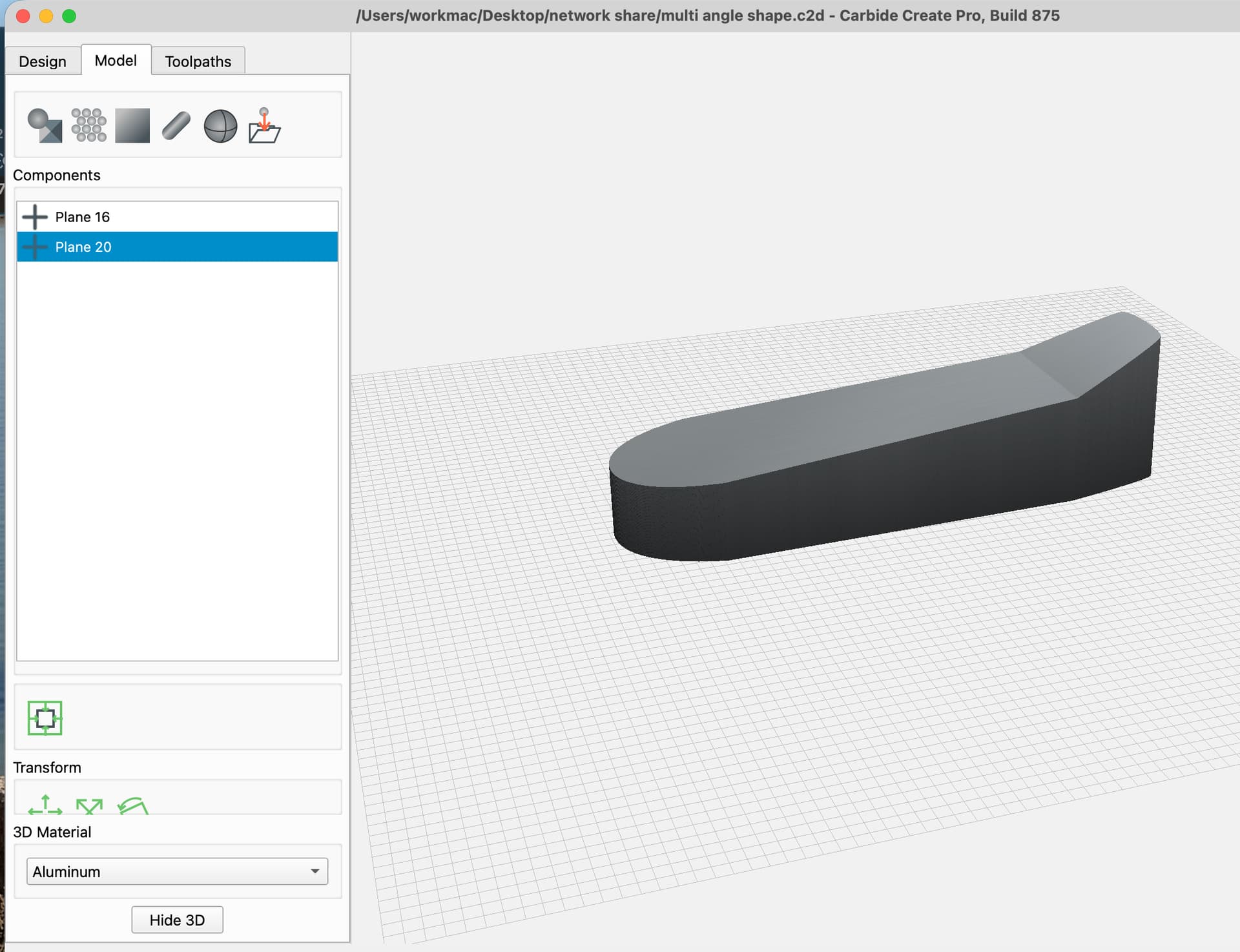
This is an example of combining two closed vectors, each of which have their own angled plan, to create one shape.
multi angle shape.c2d (72 KB)
1 Like
@WillAdams I’m running V853 do I need to update to 875 for the “angled plane” option in modeling?
Yes, update to the current stable build:
1 Like
This is perfect timing for something I’m planning on.
I’m playing around with the angled plane feature in 875. Very easy to use and intuitive. Having said that, I seem to have this sliver left over that I can’t get rid of along one edge. It’s so small it won’t likely be an issue but it annoys me. Any advice on how to get rid of it?
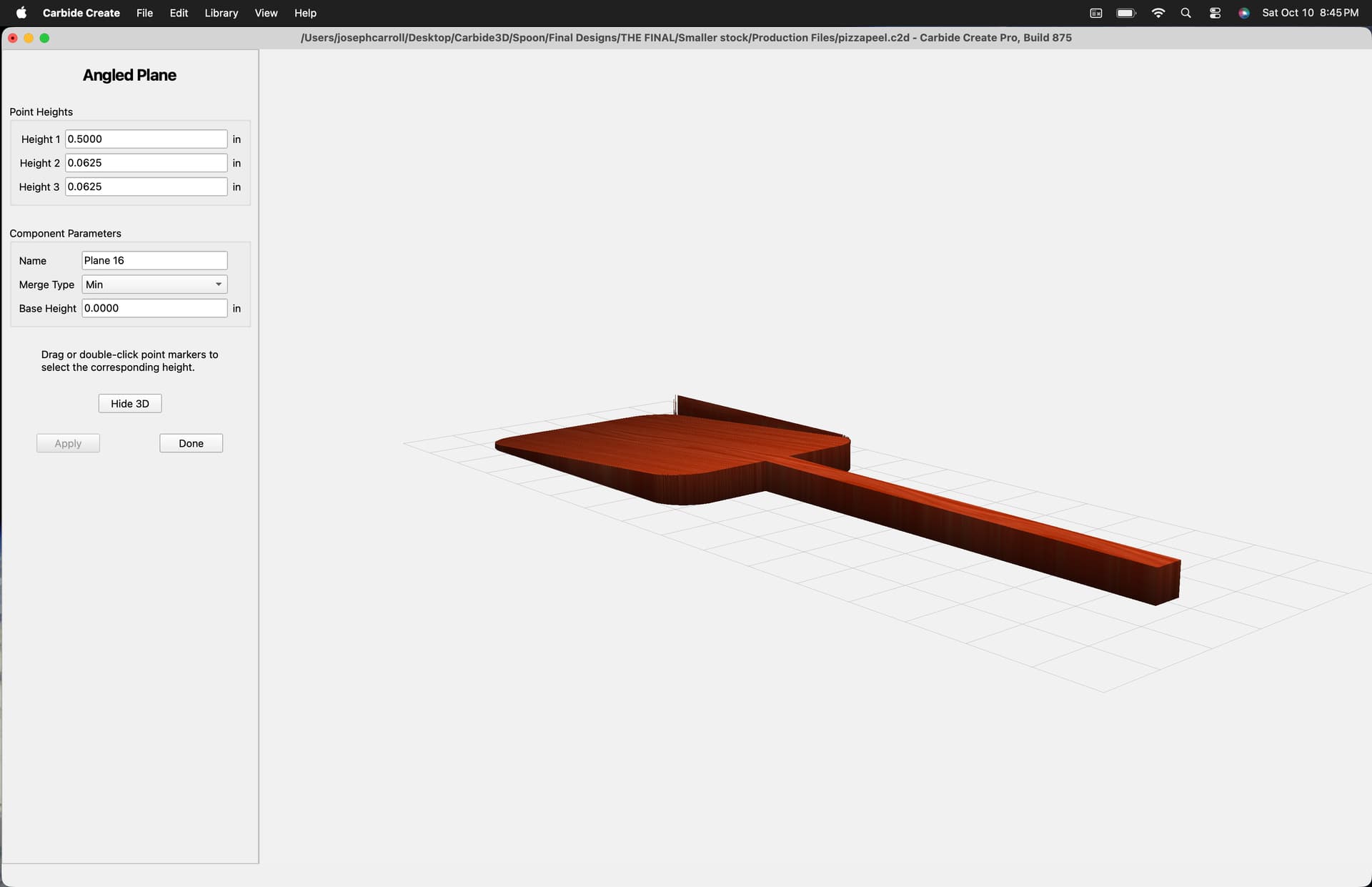
Select the geometry used for the angle plane and the handle slightly inset them and if need be, union, then draw geometry to surround the stock, select both and subtract.
2 Likes
Thanks I will try that. Is it something inherent with how I set it up in the first place?
Not sure — if you’ll send the file in to support@carbide3d.com we could look into it.
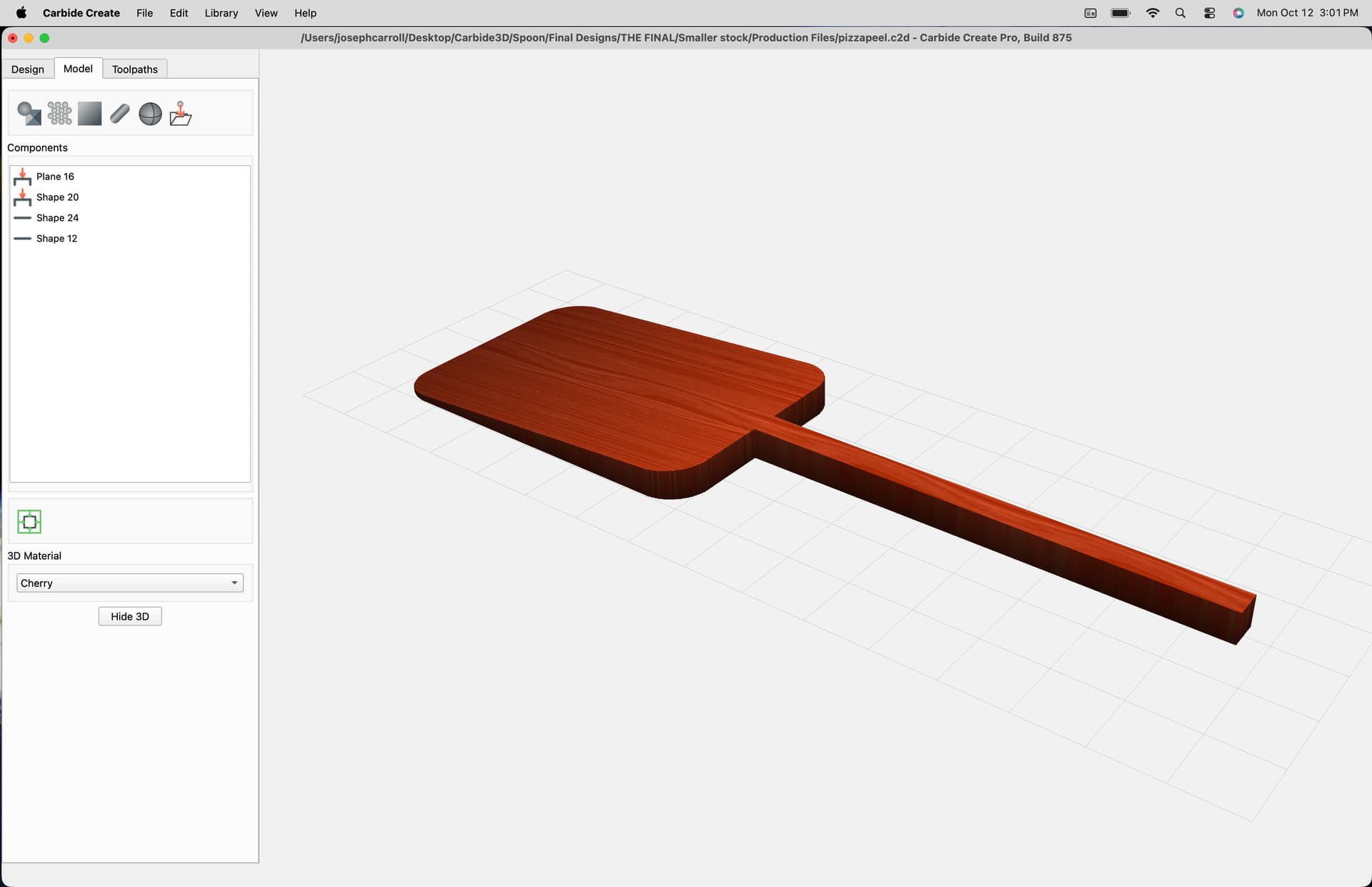
@WillAdams your suggestion worked perfectly:[
“Select the geometry used for the angle plane and the handle slightly inset them and if need be, union, then draw geometry to surround the stock, select both and subtract.”
Hello All, I have an issue with using the plane and I am not sure what went wrong.
I draw a simple angled plane and added some text ( perfect feature BTW )
3D shows :
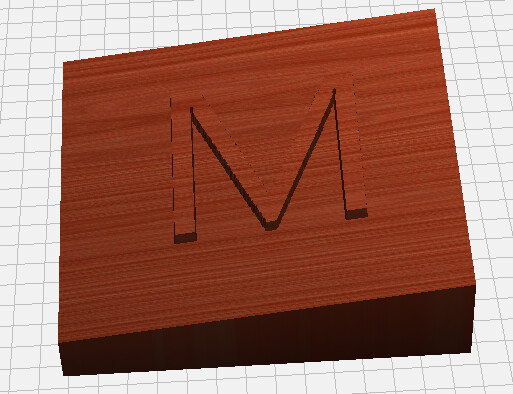
But when I run 3D toolpath i get :
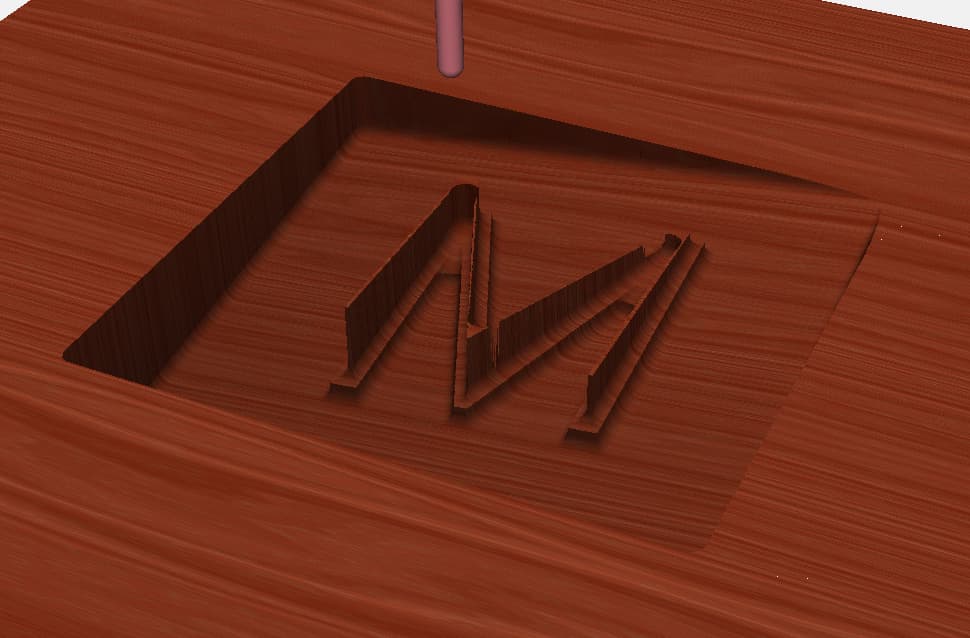
What am I doing wrong ? ( settings were for testing purposes only. )
File:
kvadratk.c2d (224 KB)
Thank you,
Br, Miha
You are excluding the M from the area cut:
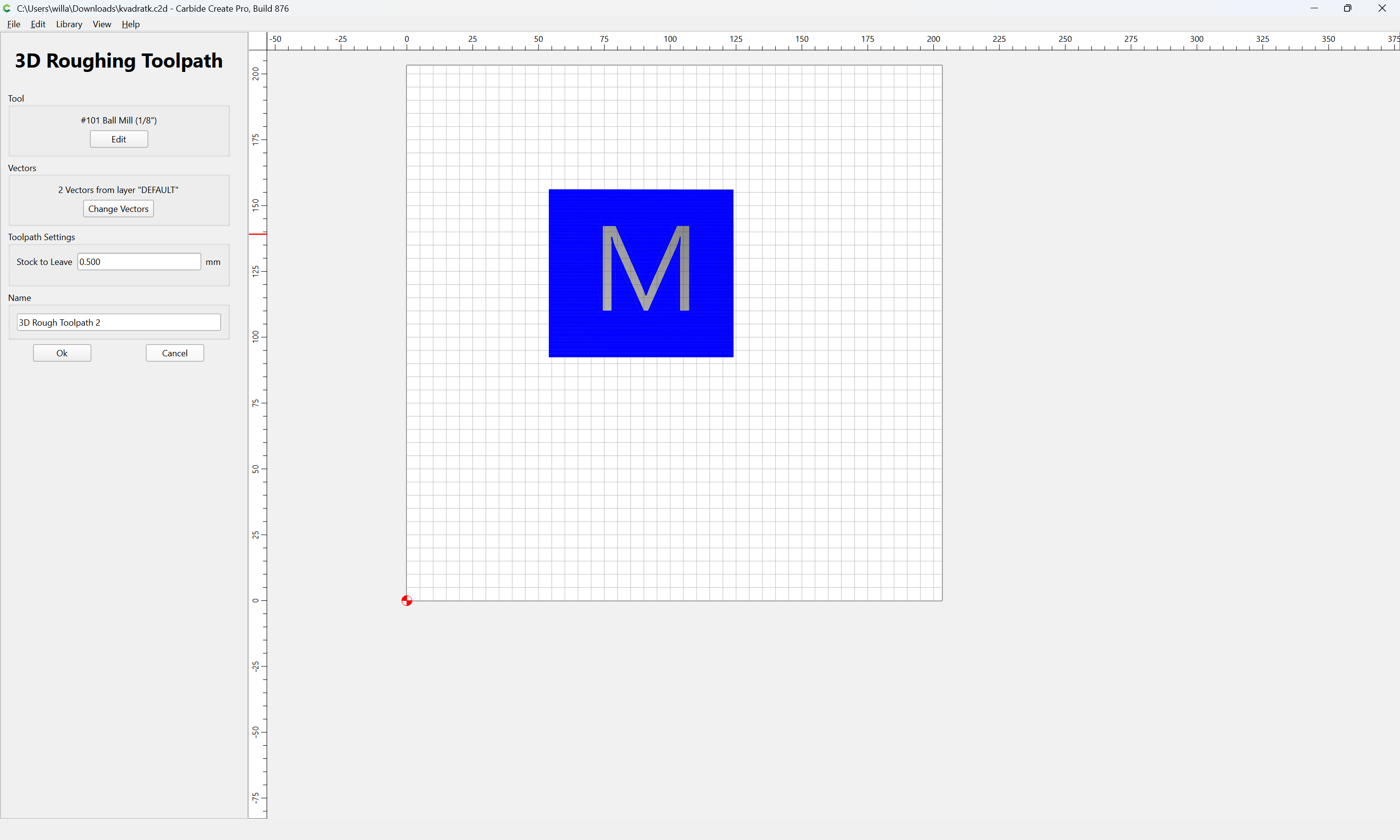
If you change it to just the geometry which delimits the perimeter:
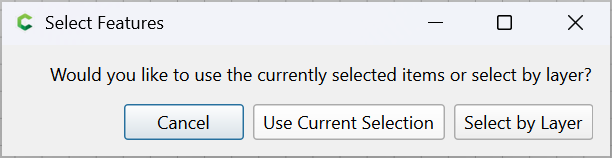
Use Current Selection:
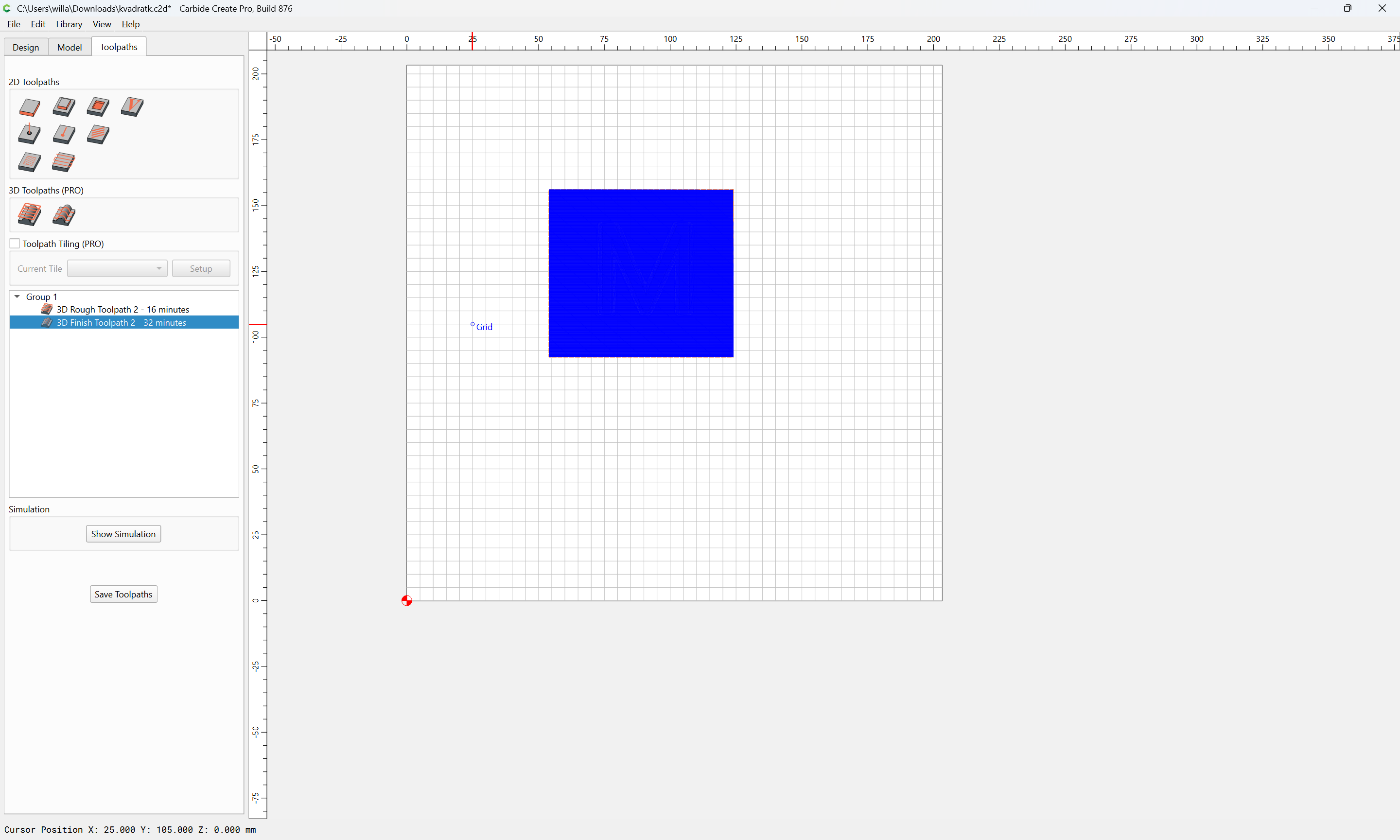
(for both toolpaths)
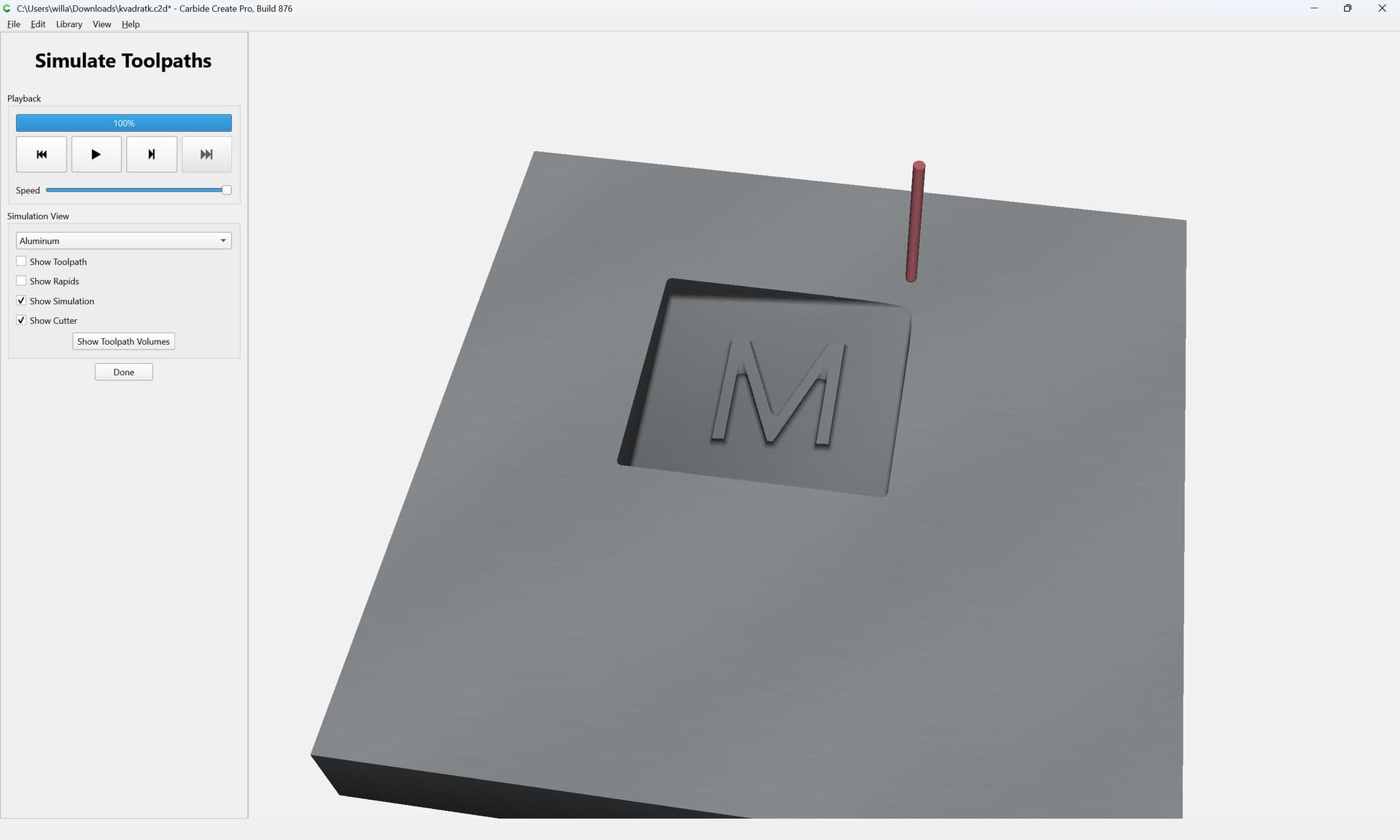
For more on this see:
1 Like
This topic was automatically closed 30 days after the last reply. New replies are no longer allowed.