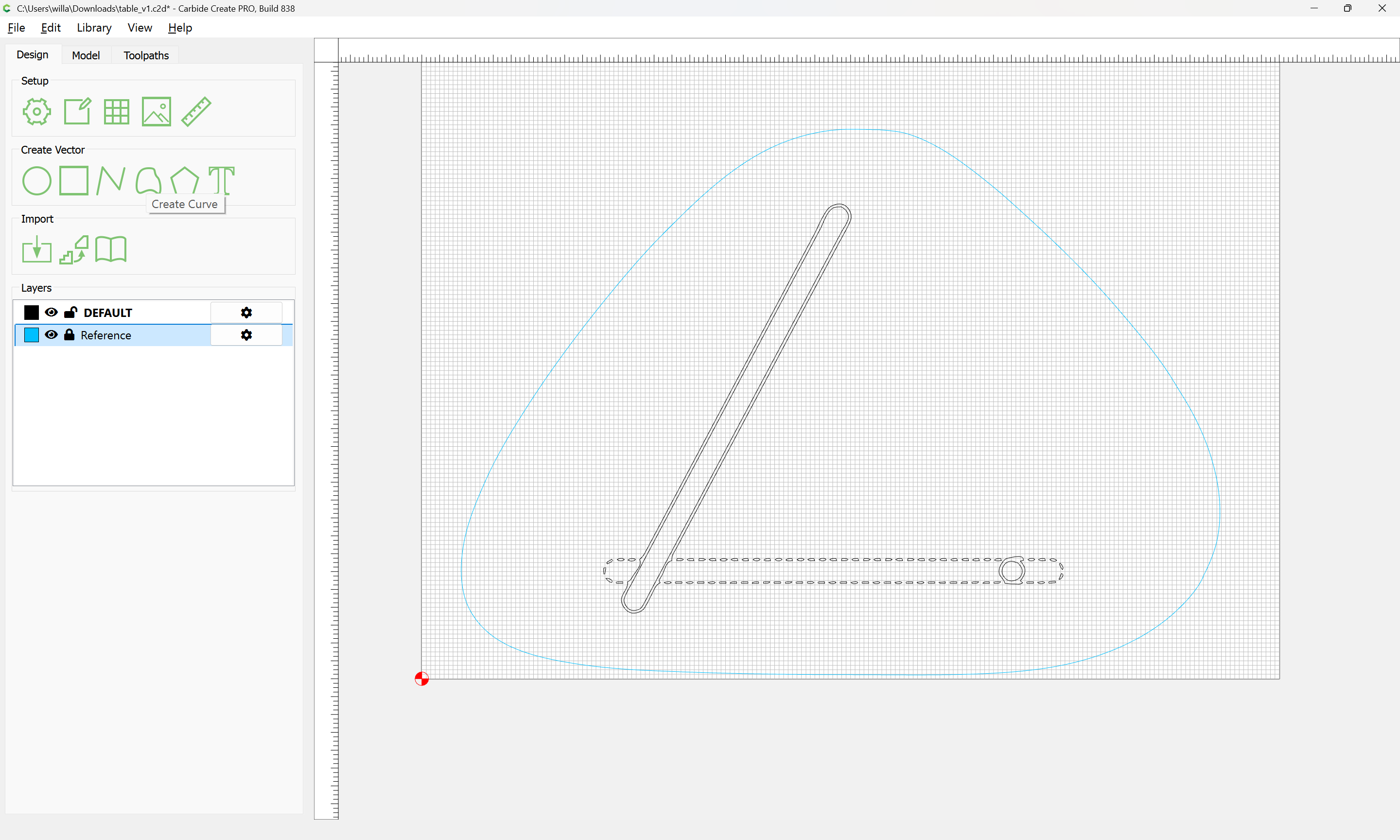
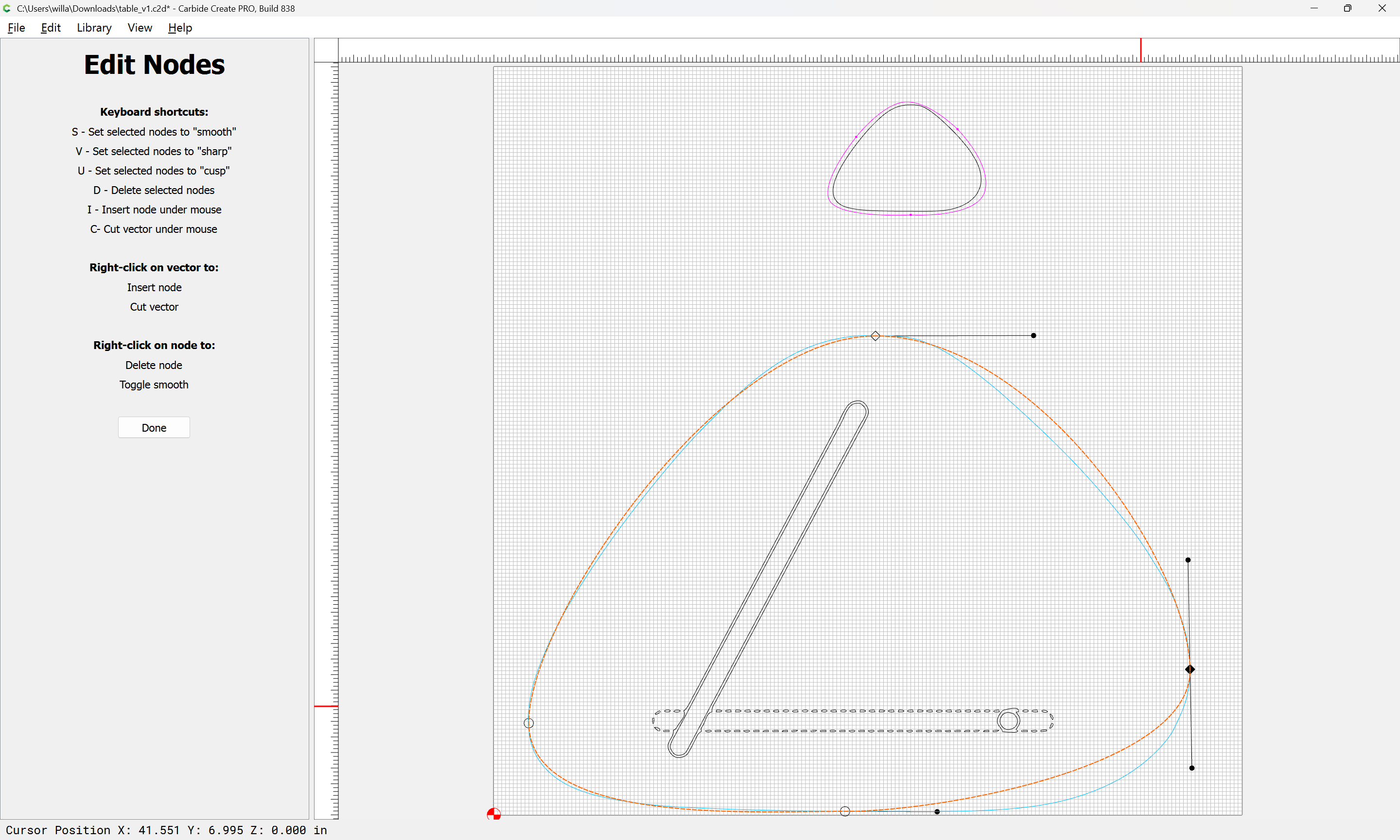
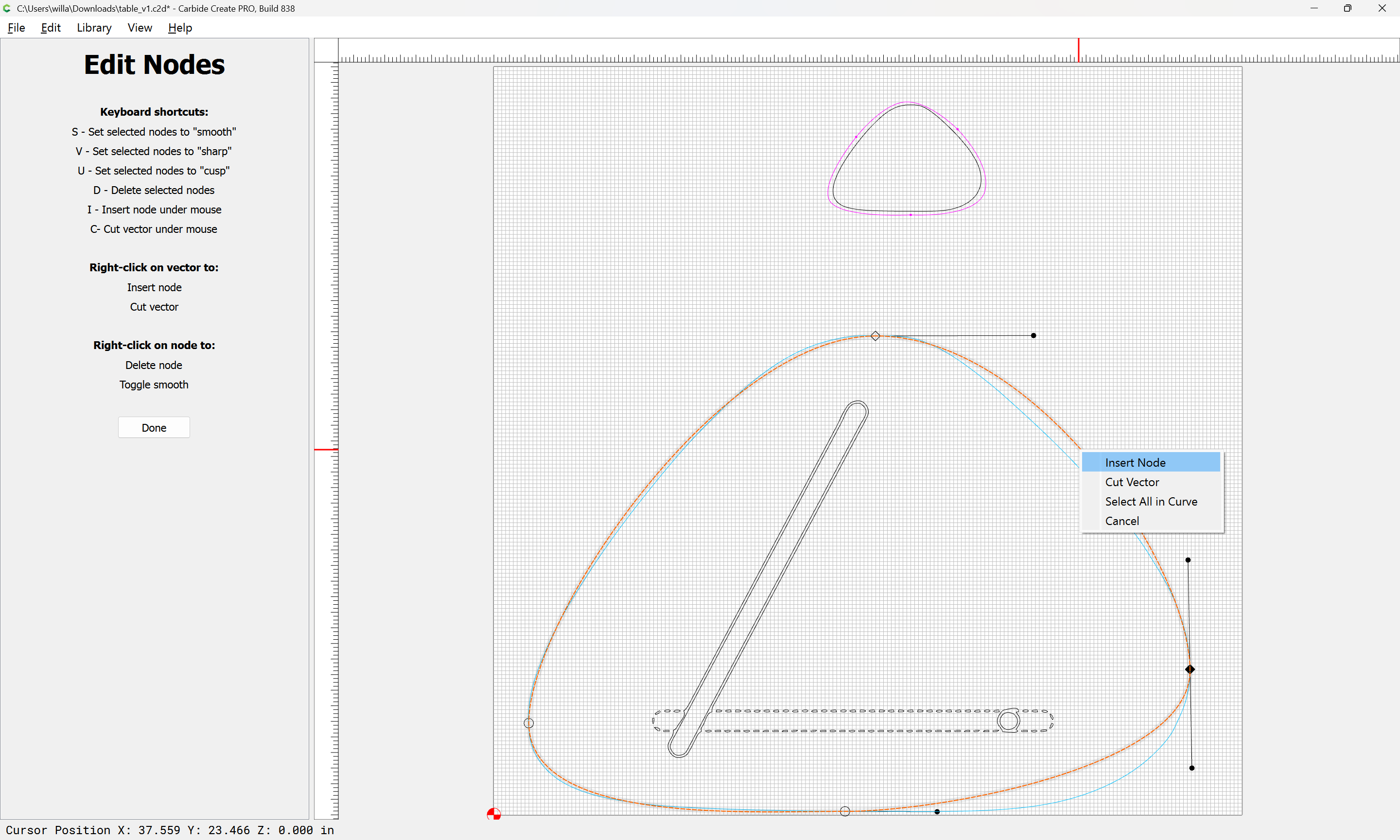
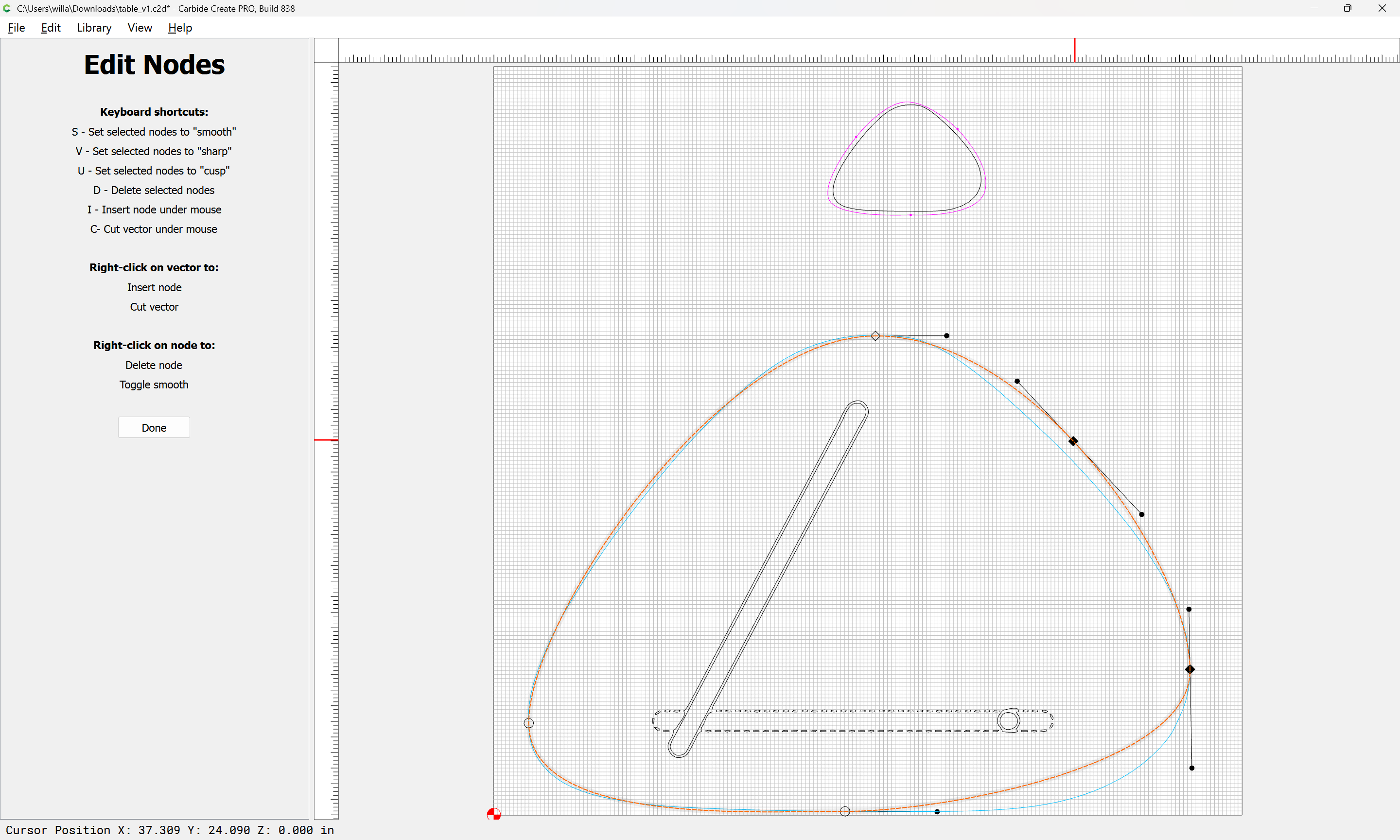
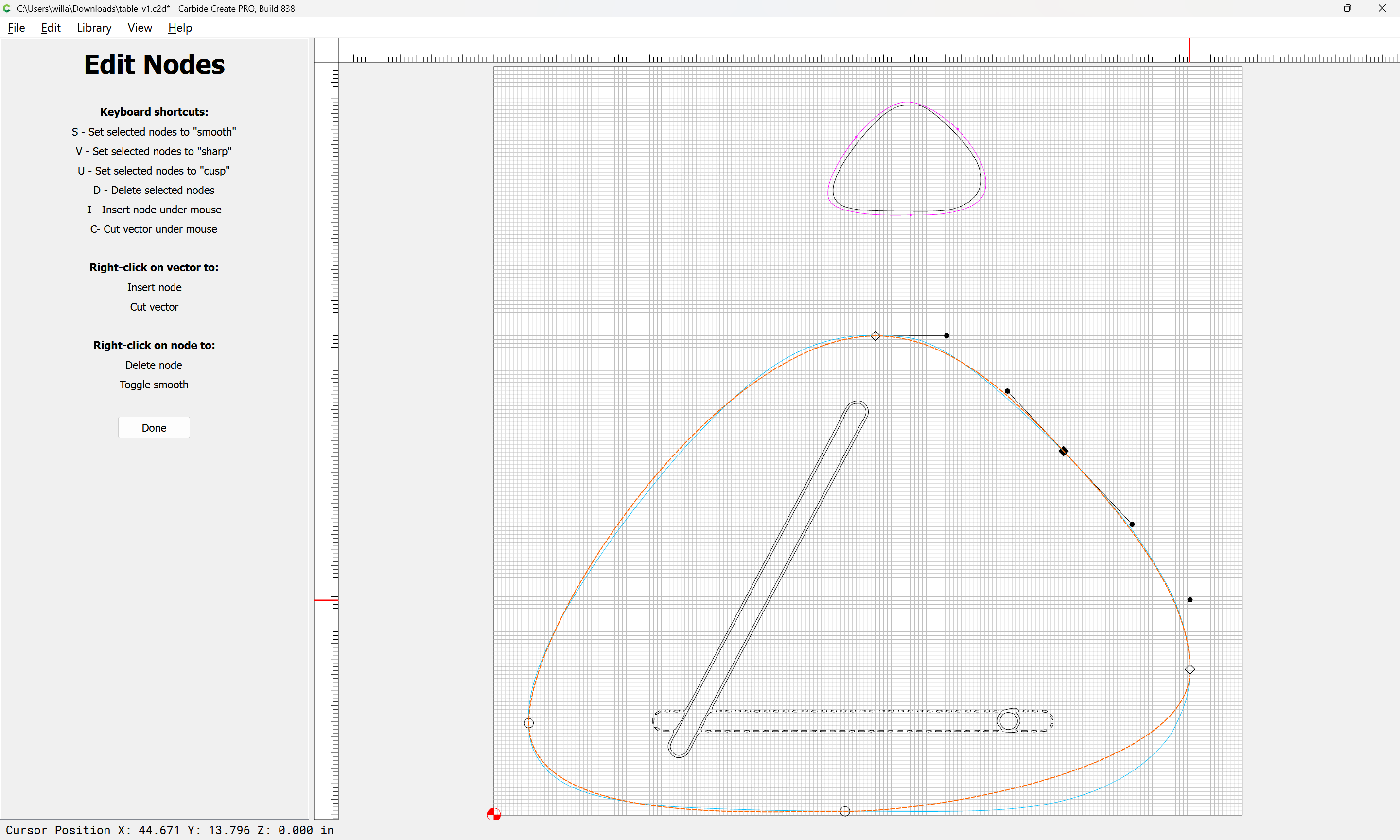
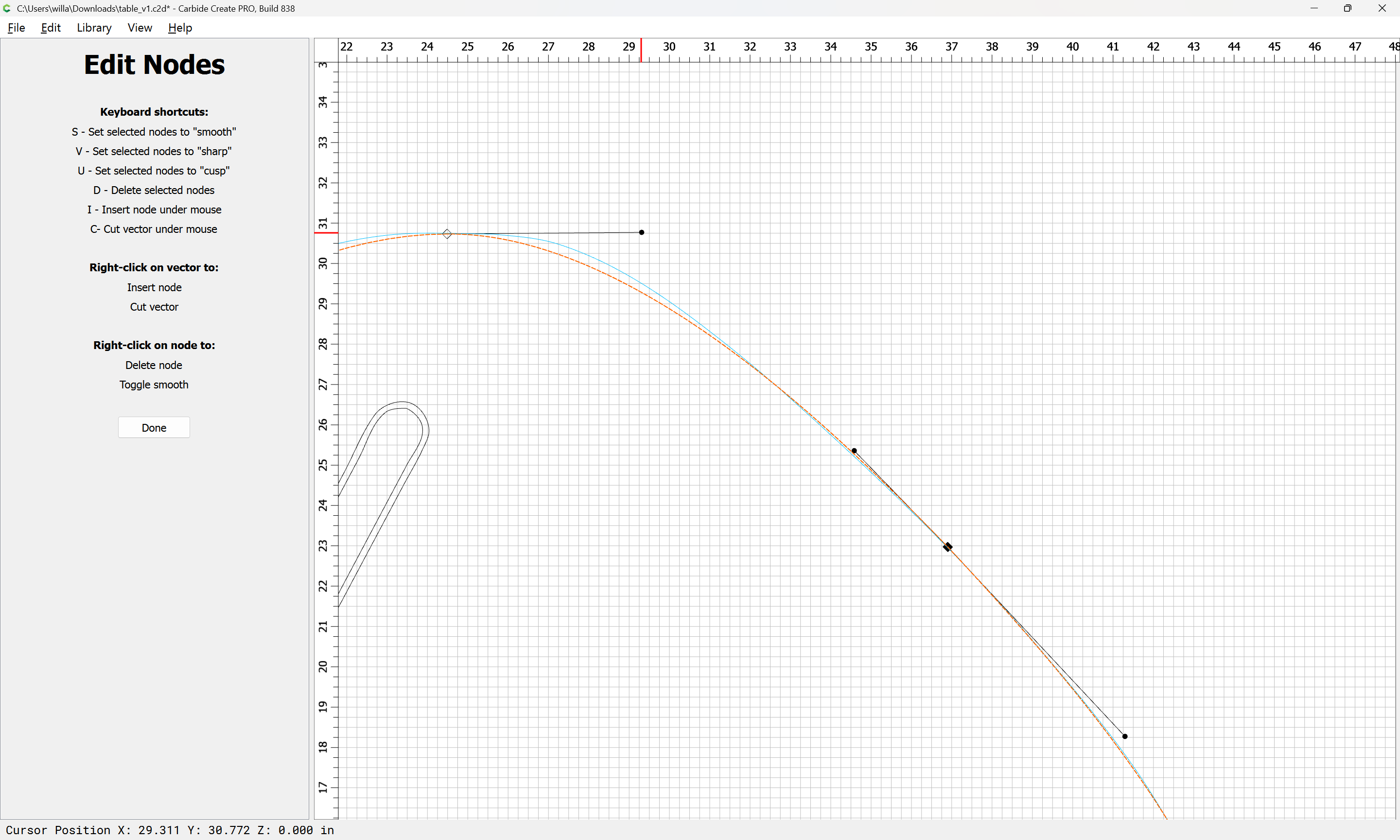
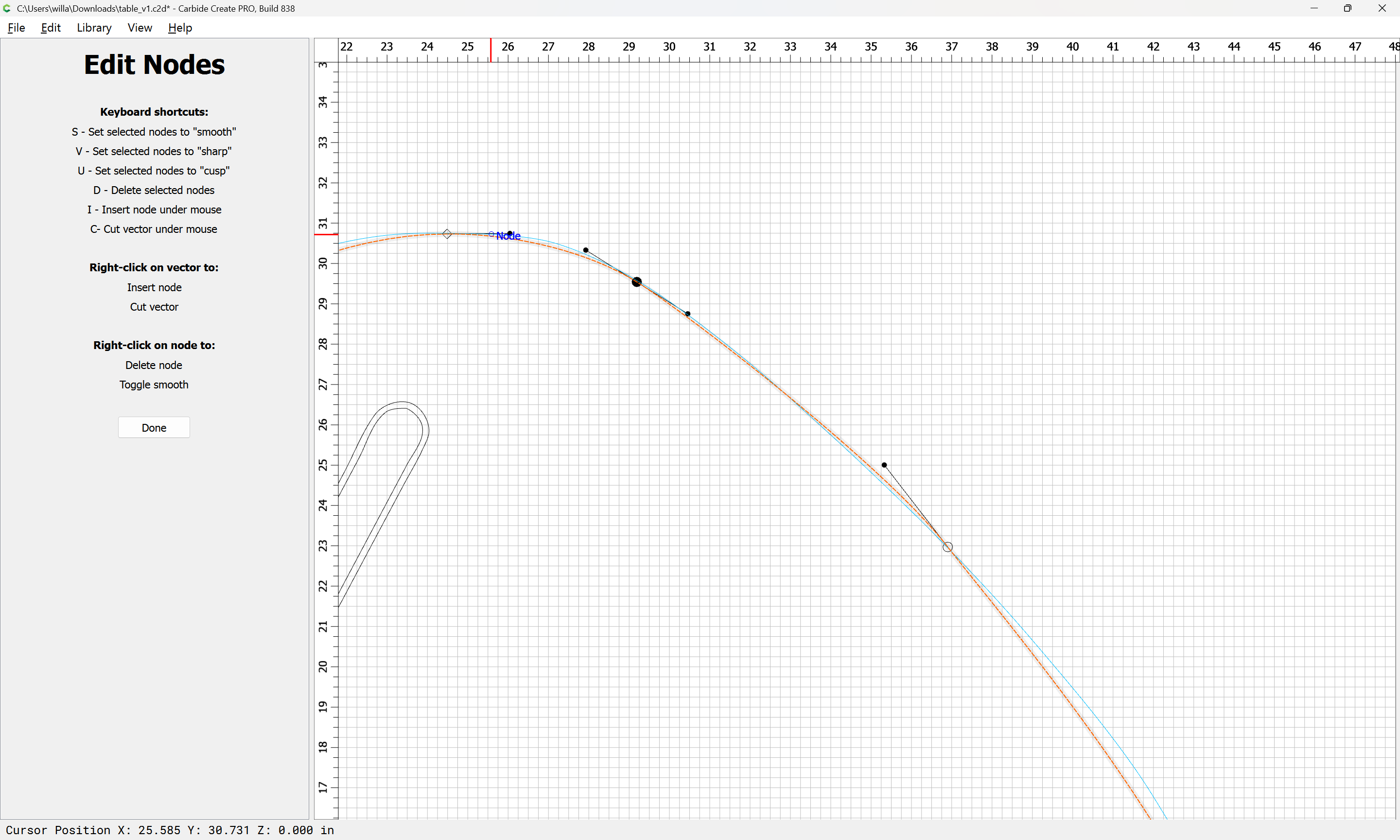
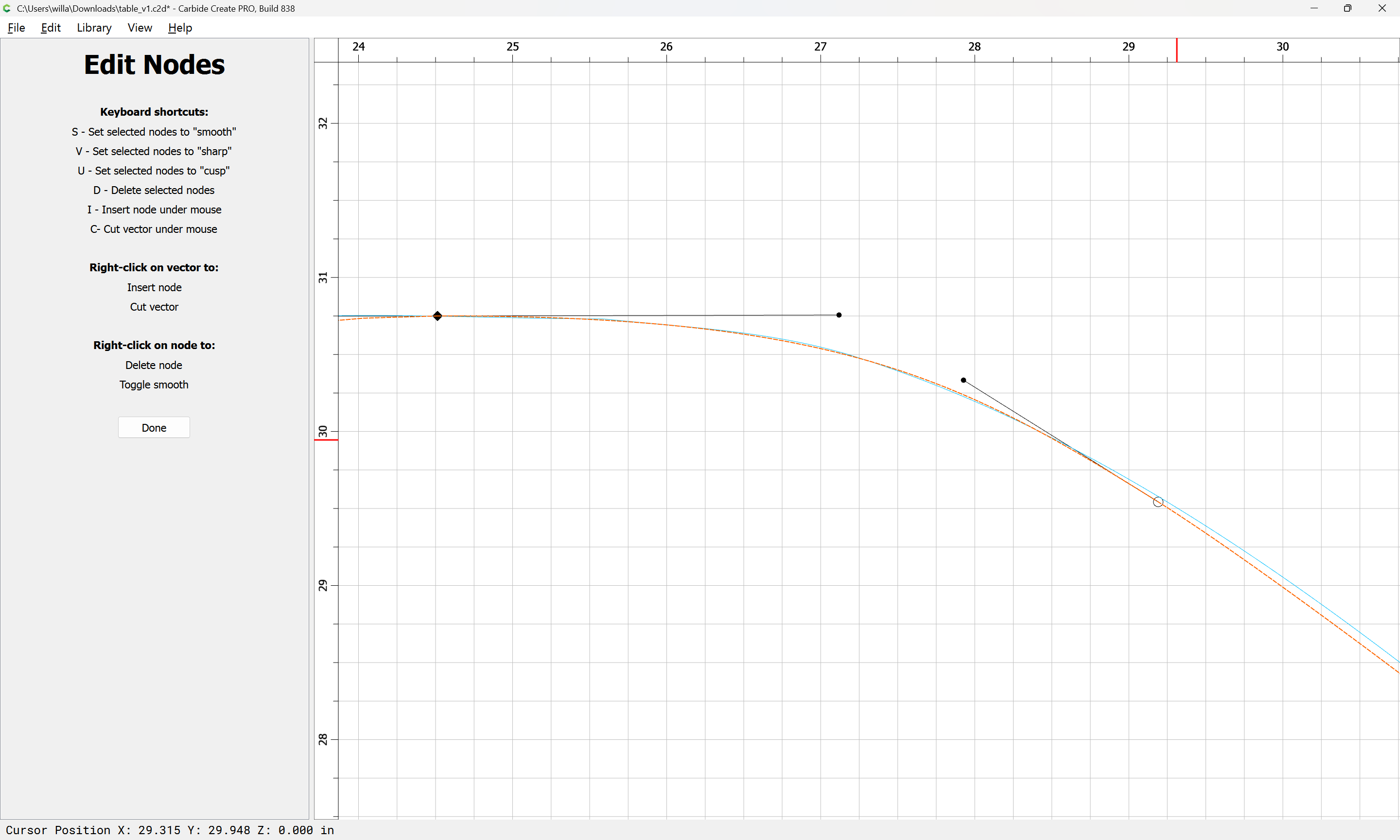
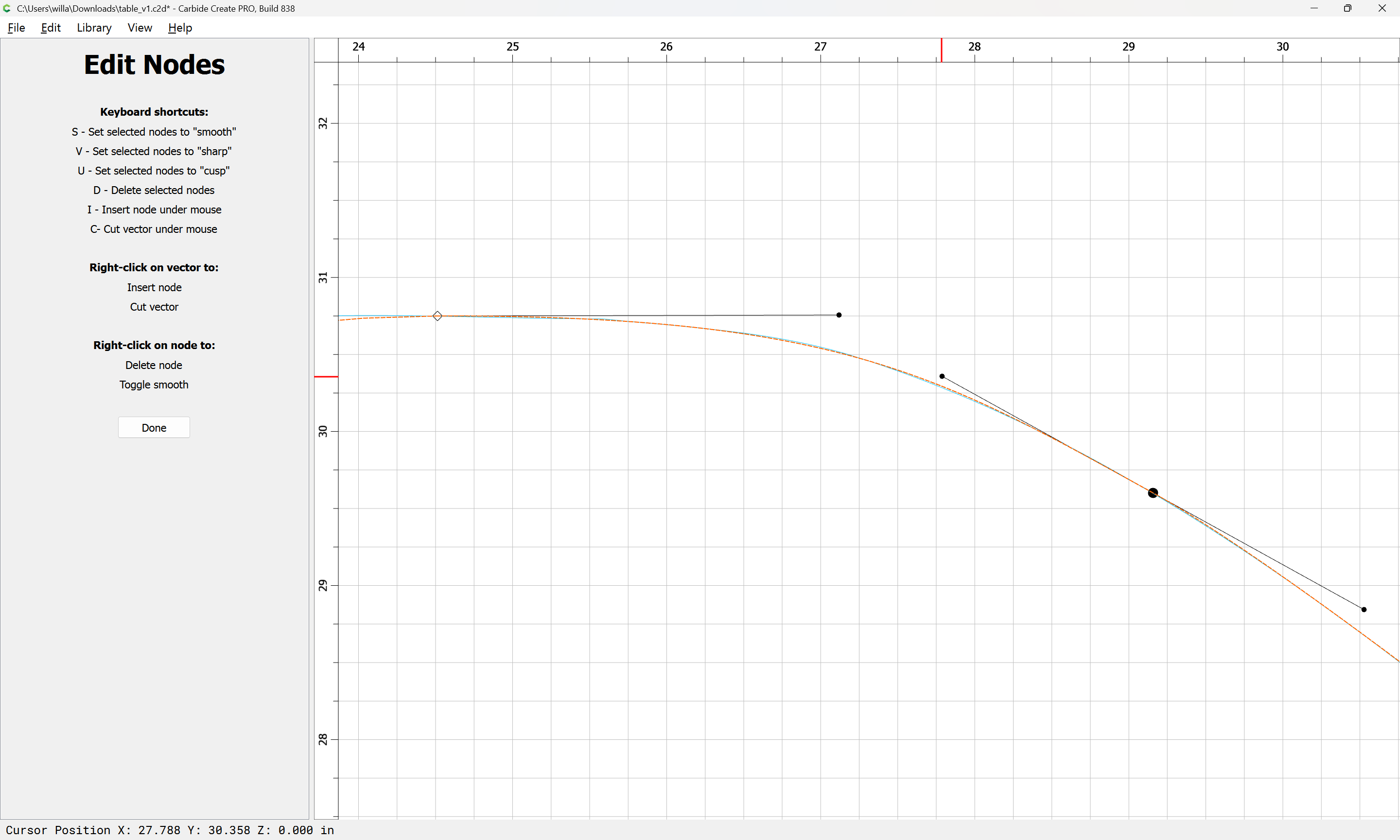
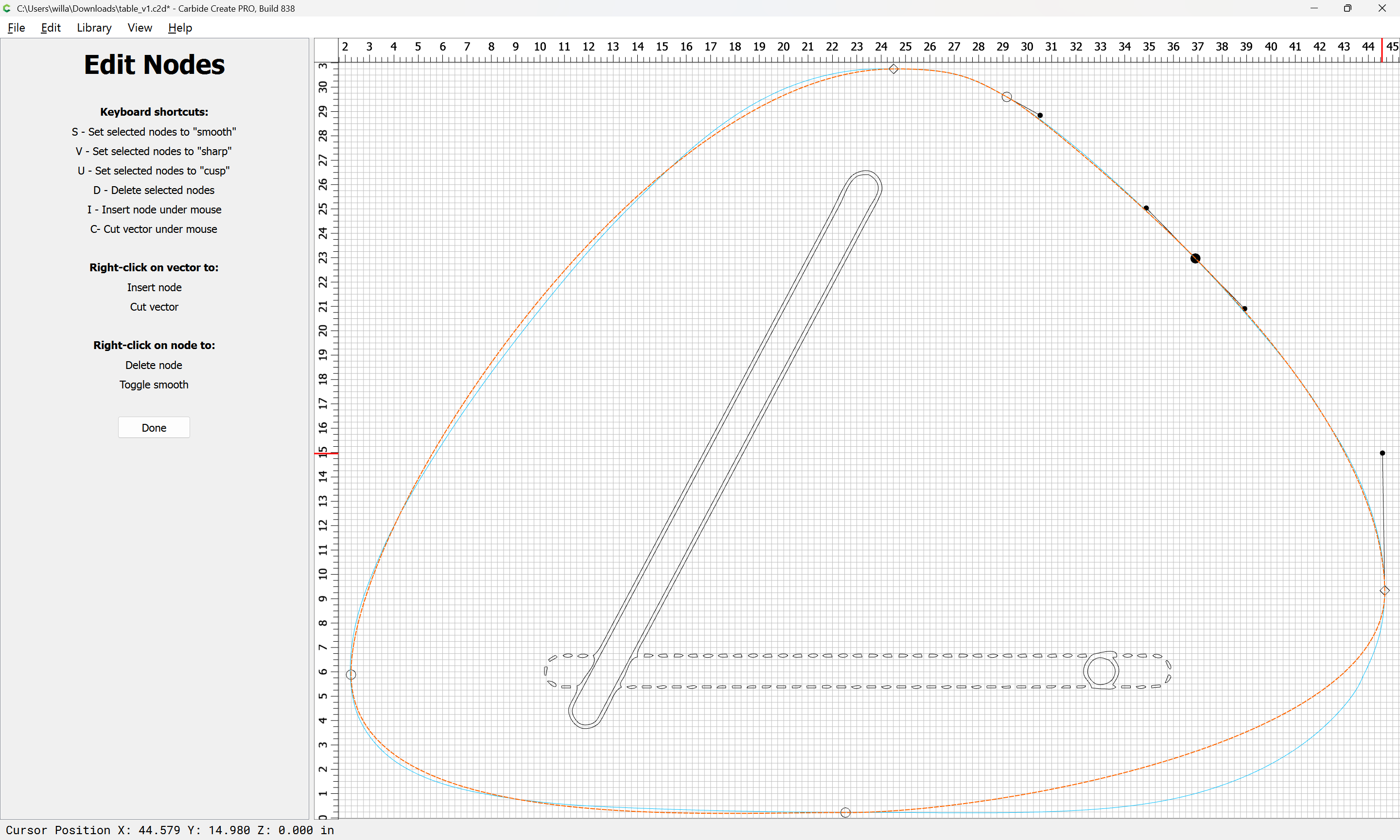
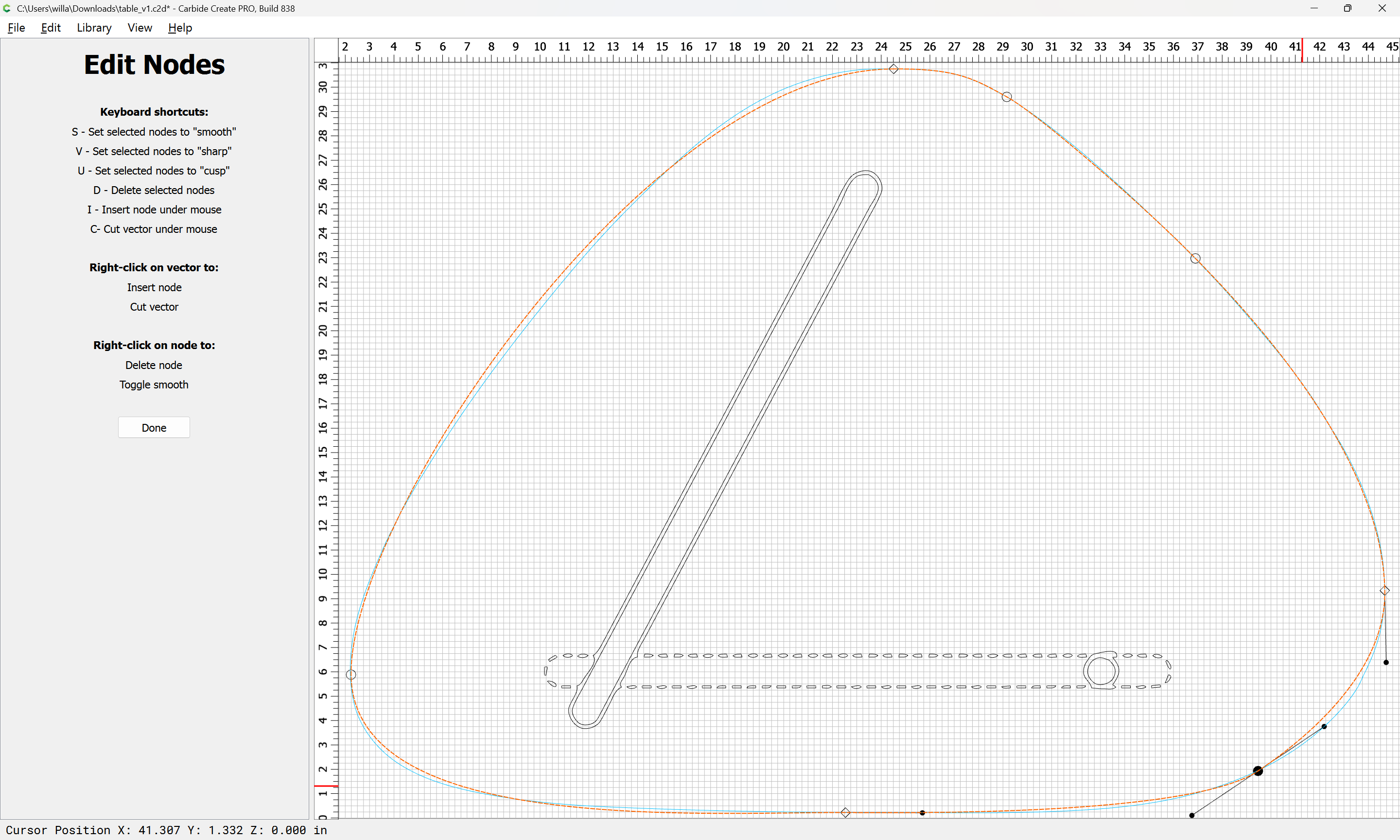
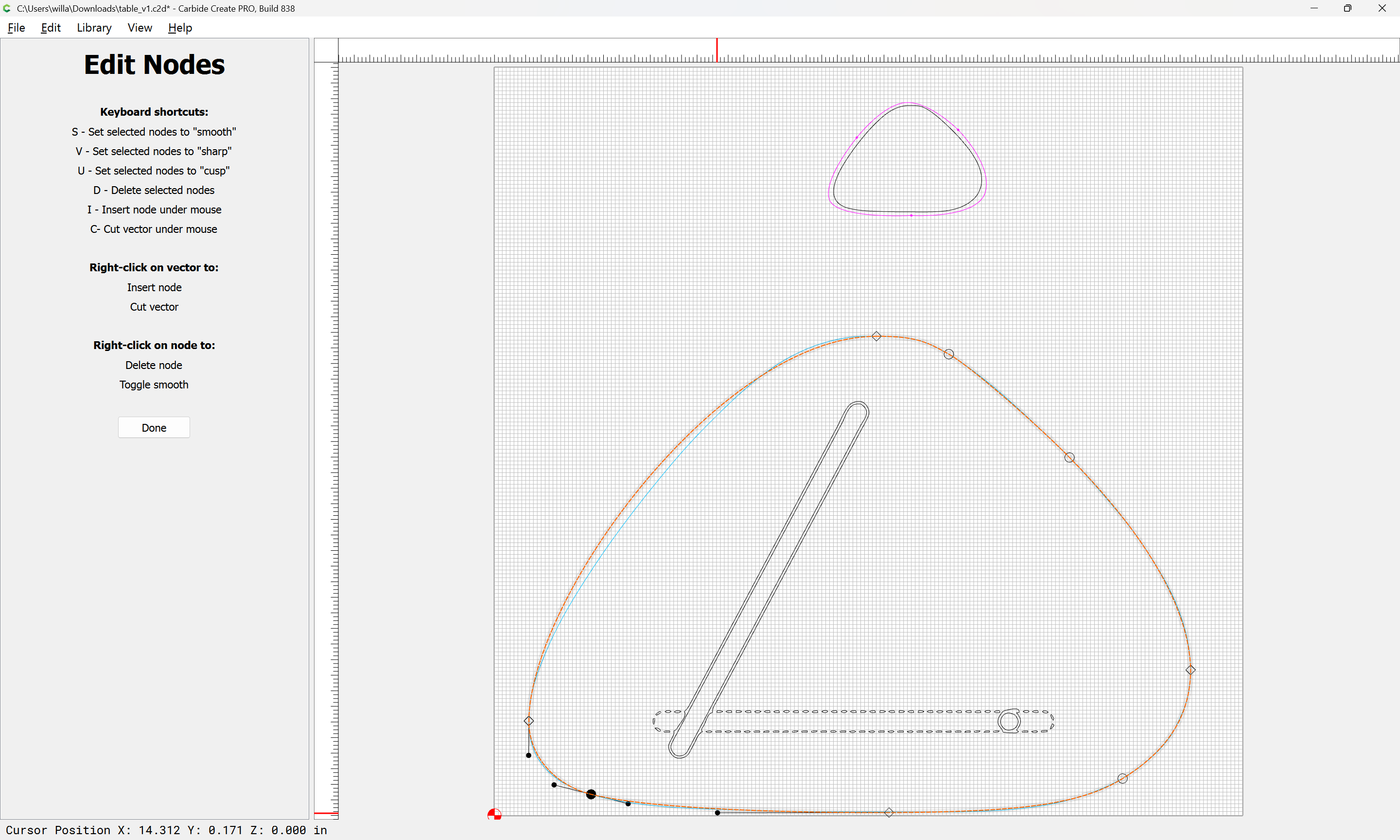
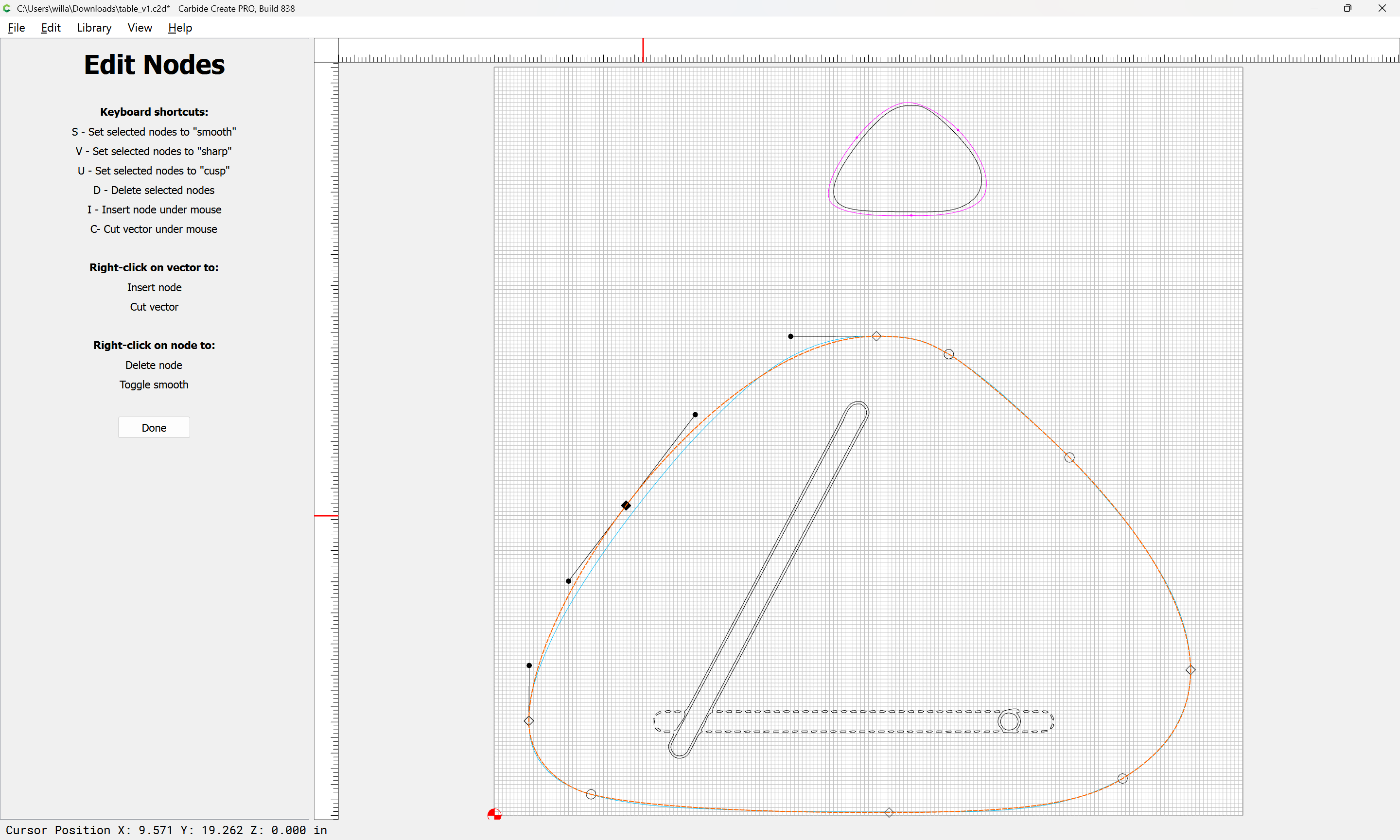
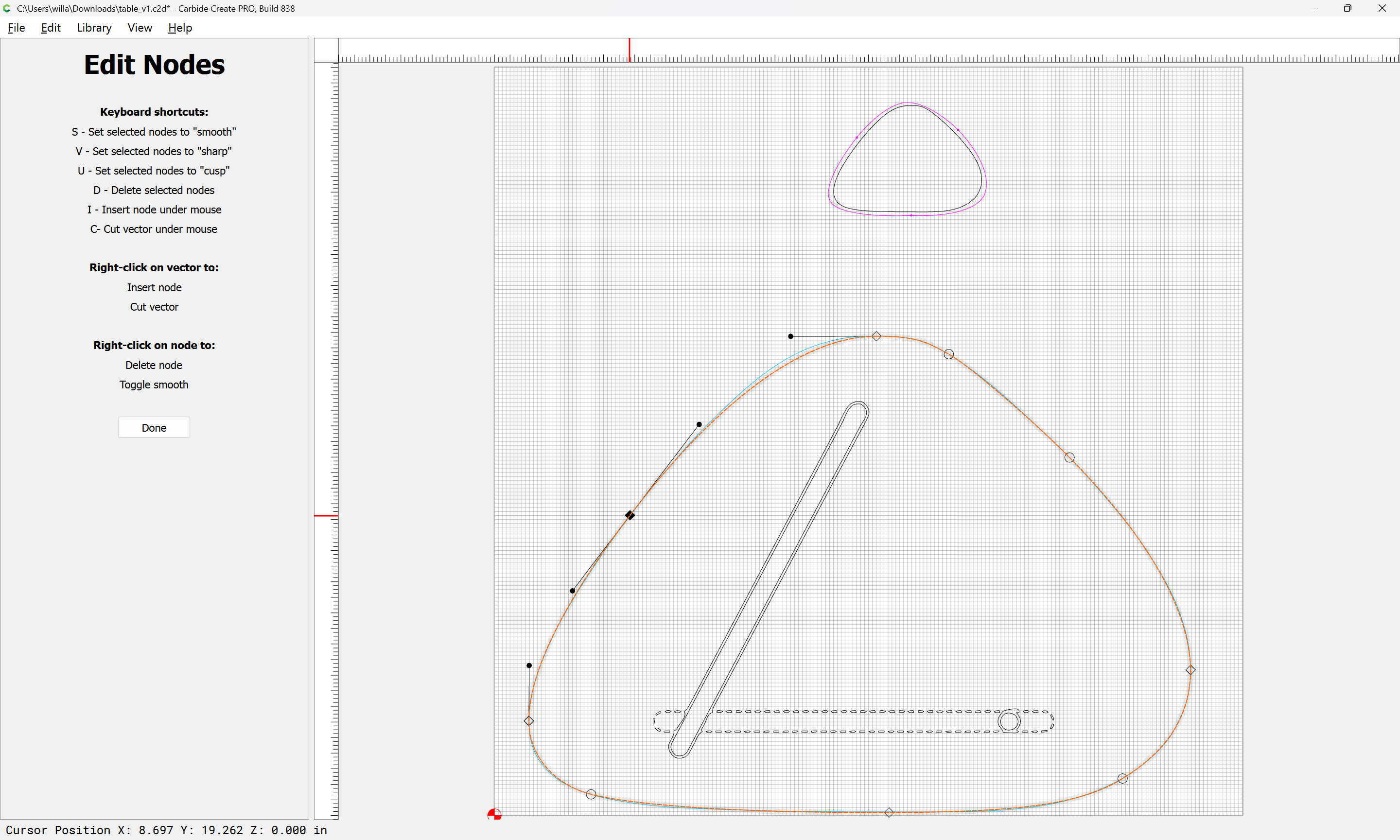
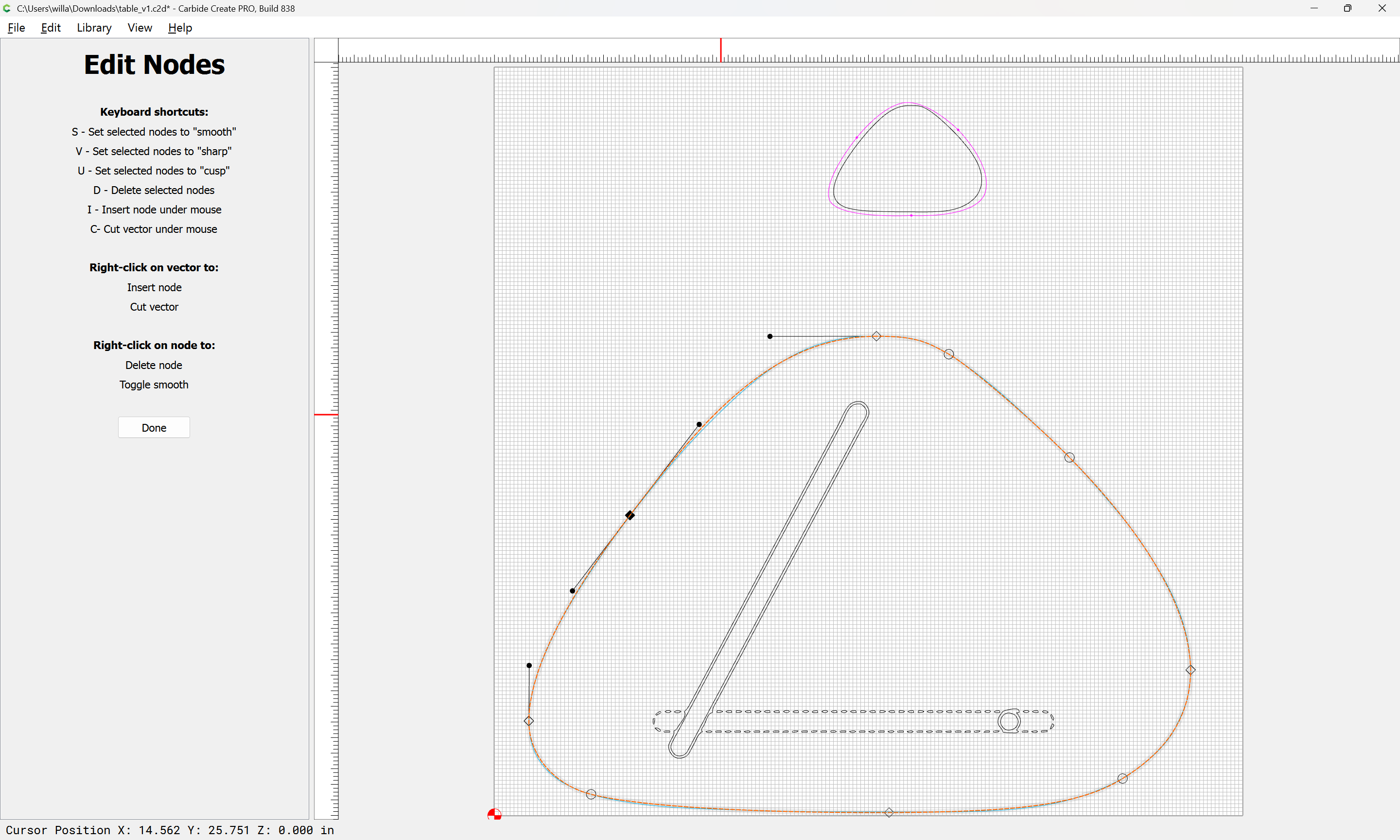
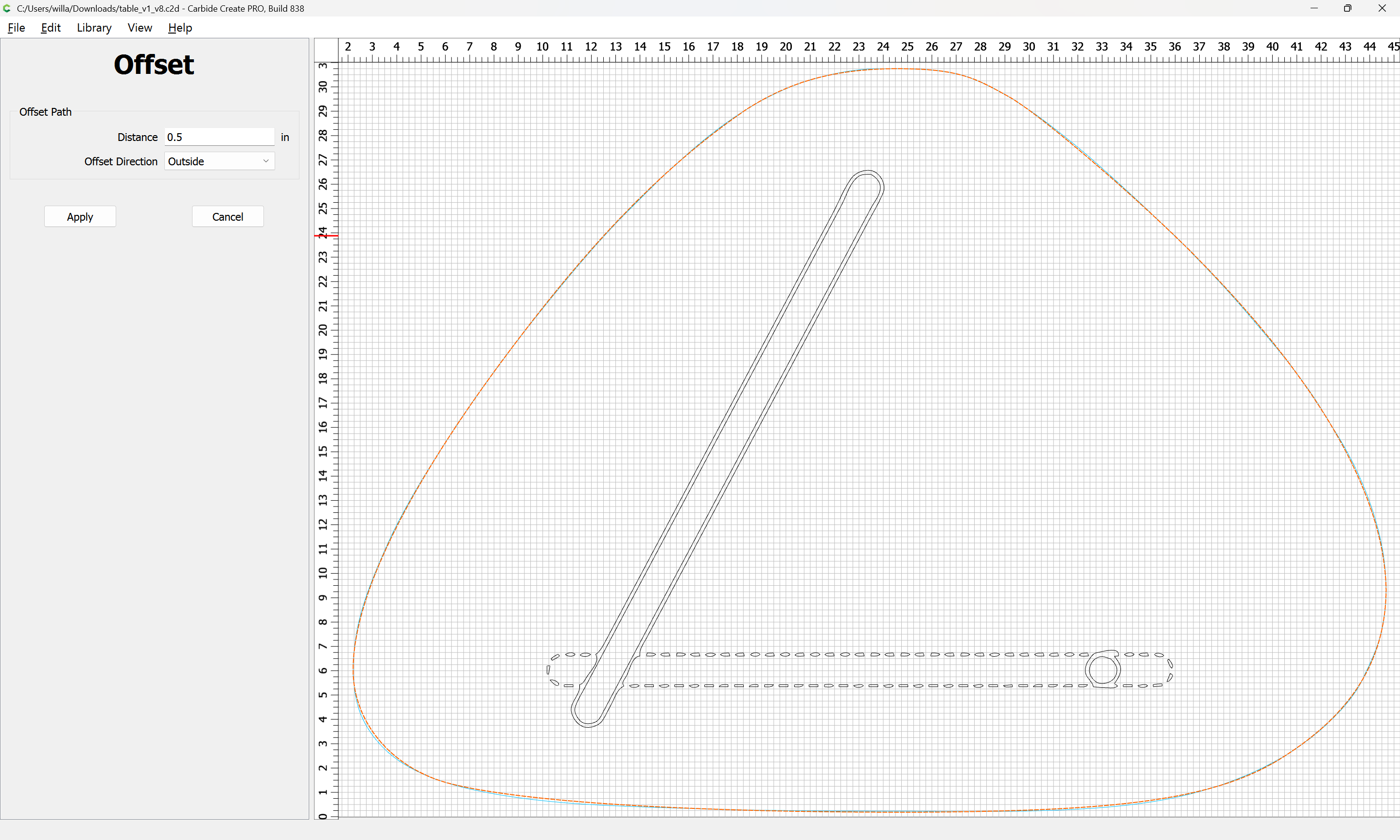
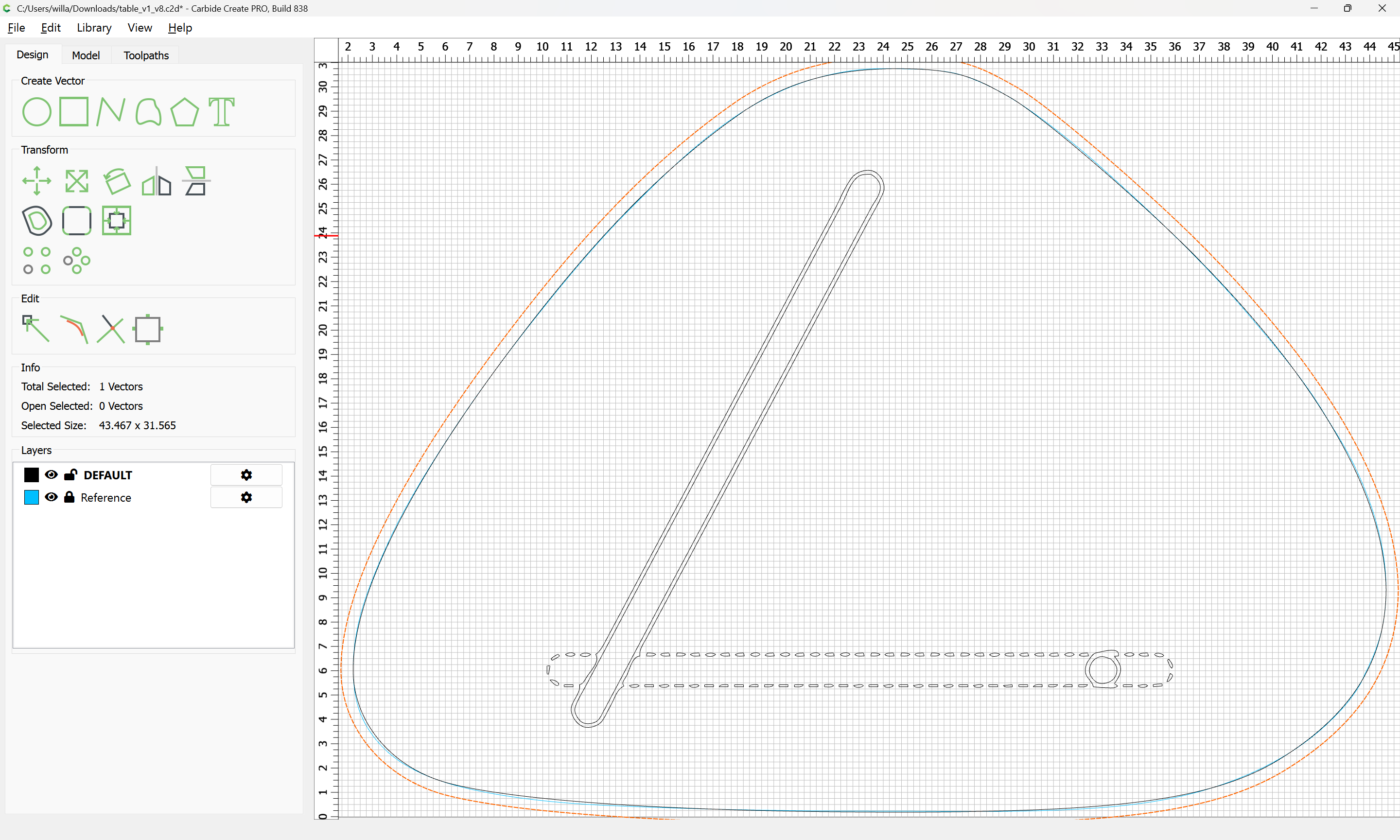
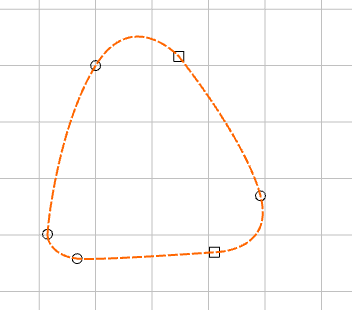
I am looking to create a similar table to the iconic Noguchi coffee table that features a triangular shape with differing rounded corners. That shape lends itself to the Curve tool very well, but I cannot for the life of me create a completely convex (no inward facing edges/nodes) shape using the curve tool alone. I always end up with one concave node. I’ve tried this in Carbide Create as well as the Bezier tool in Inkscape. Inkscape offers a little more flexibility in editing and rearranging the nodes as well as some “Simplify” tools to smooth things out, but in the end the shape ends up still having odd bumps, lumps, or other imperfections.
Is there a best practice for getting a completely convex shapes using the curve tool?
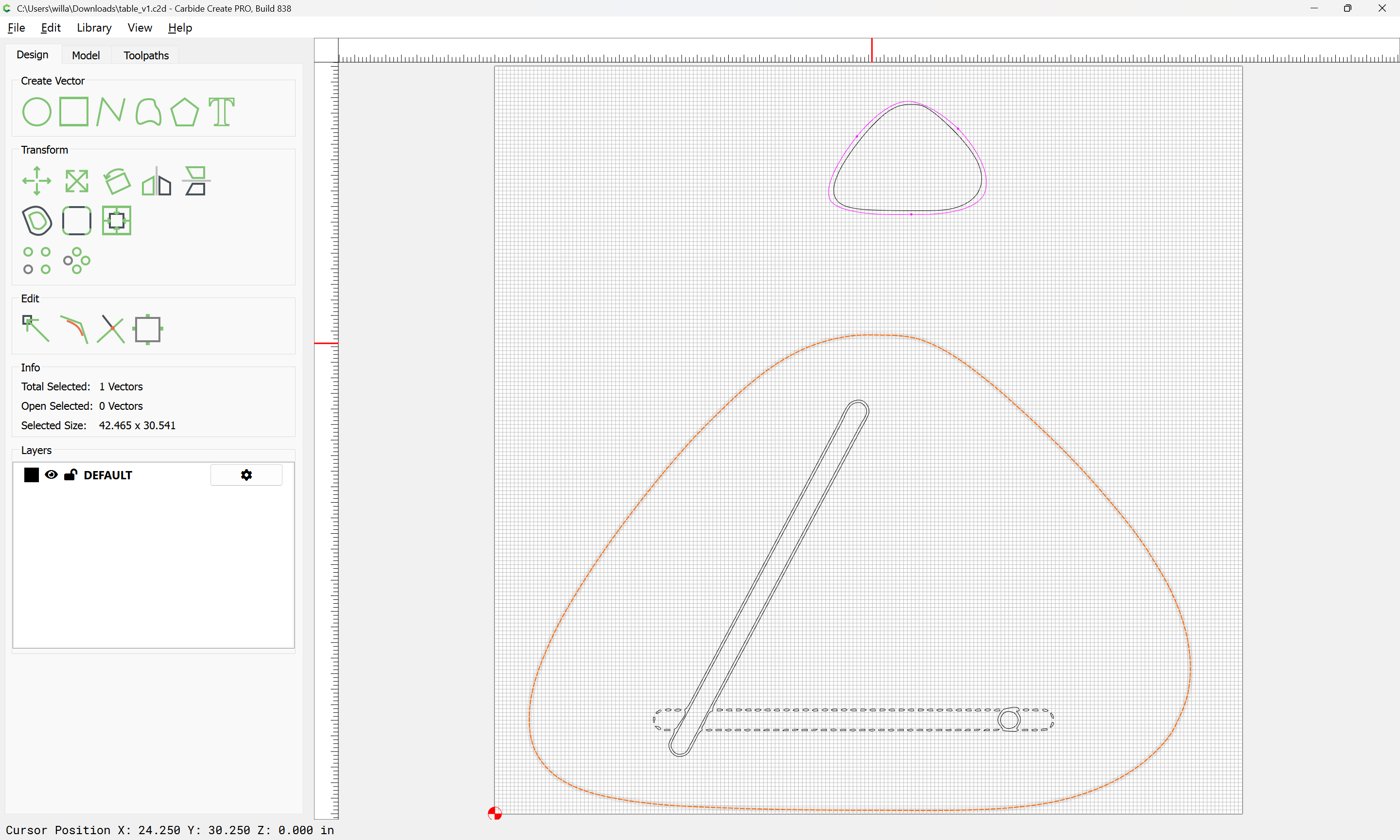
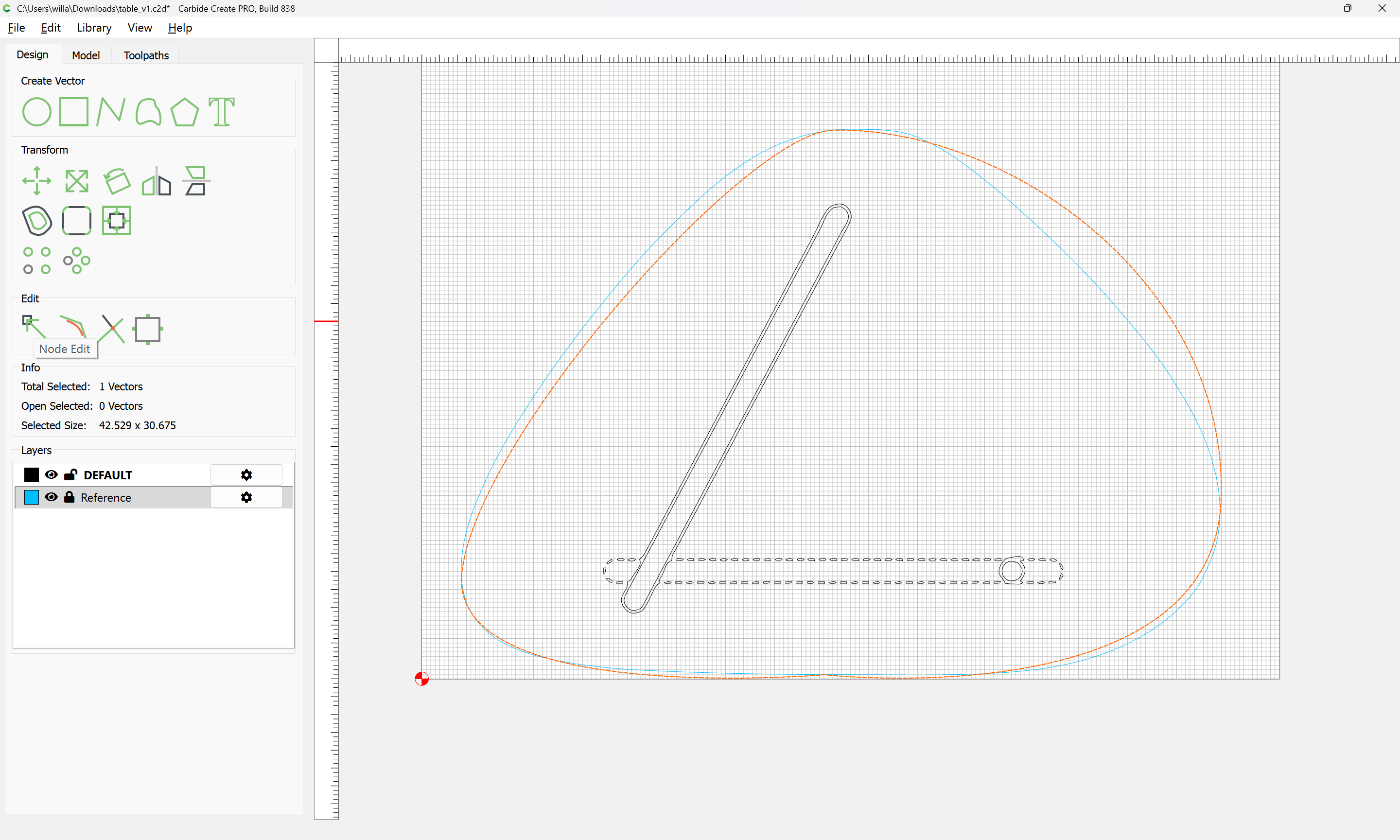
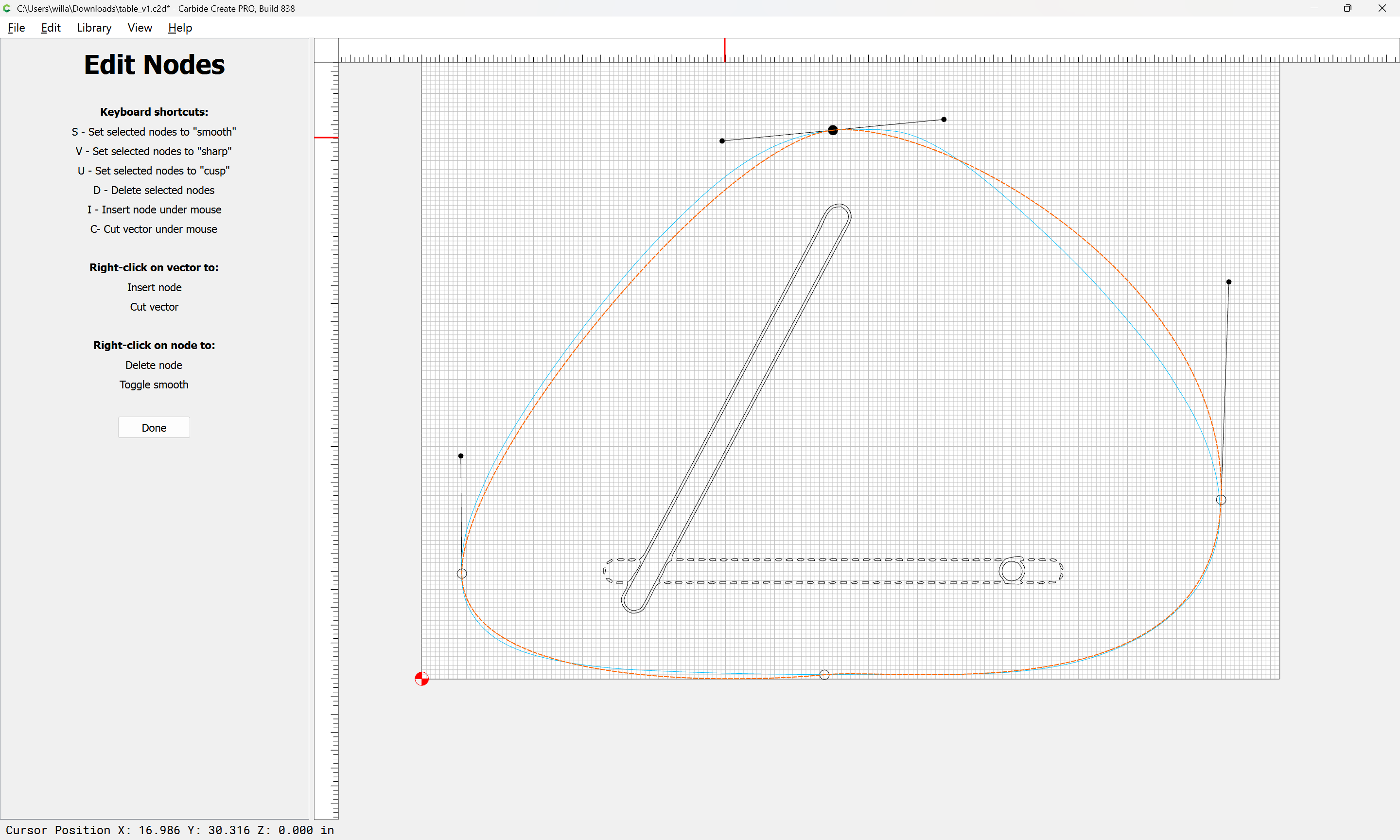
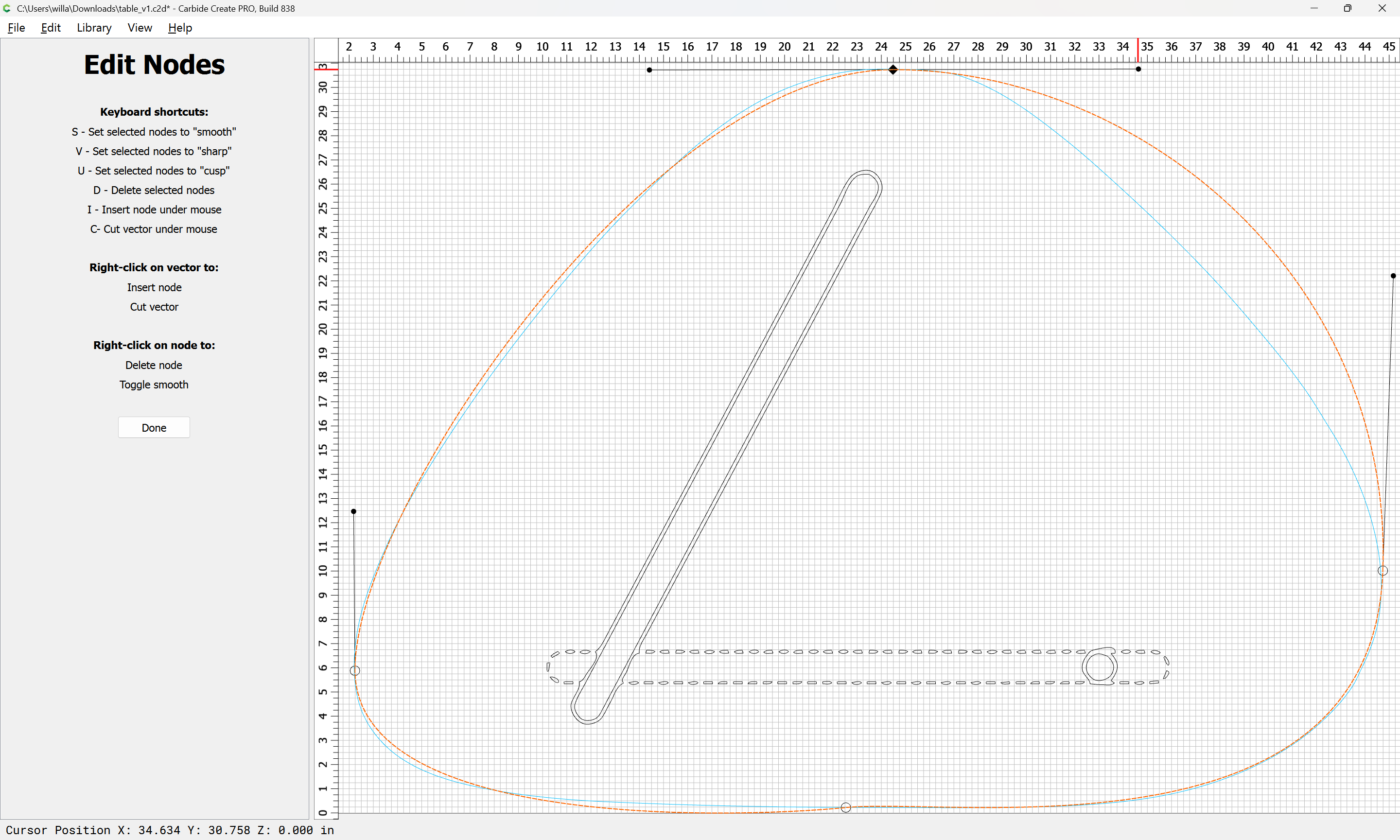
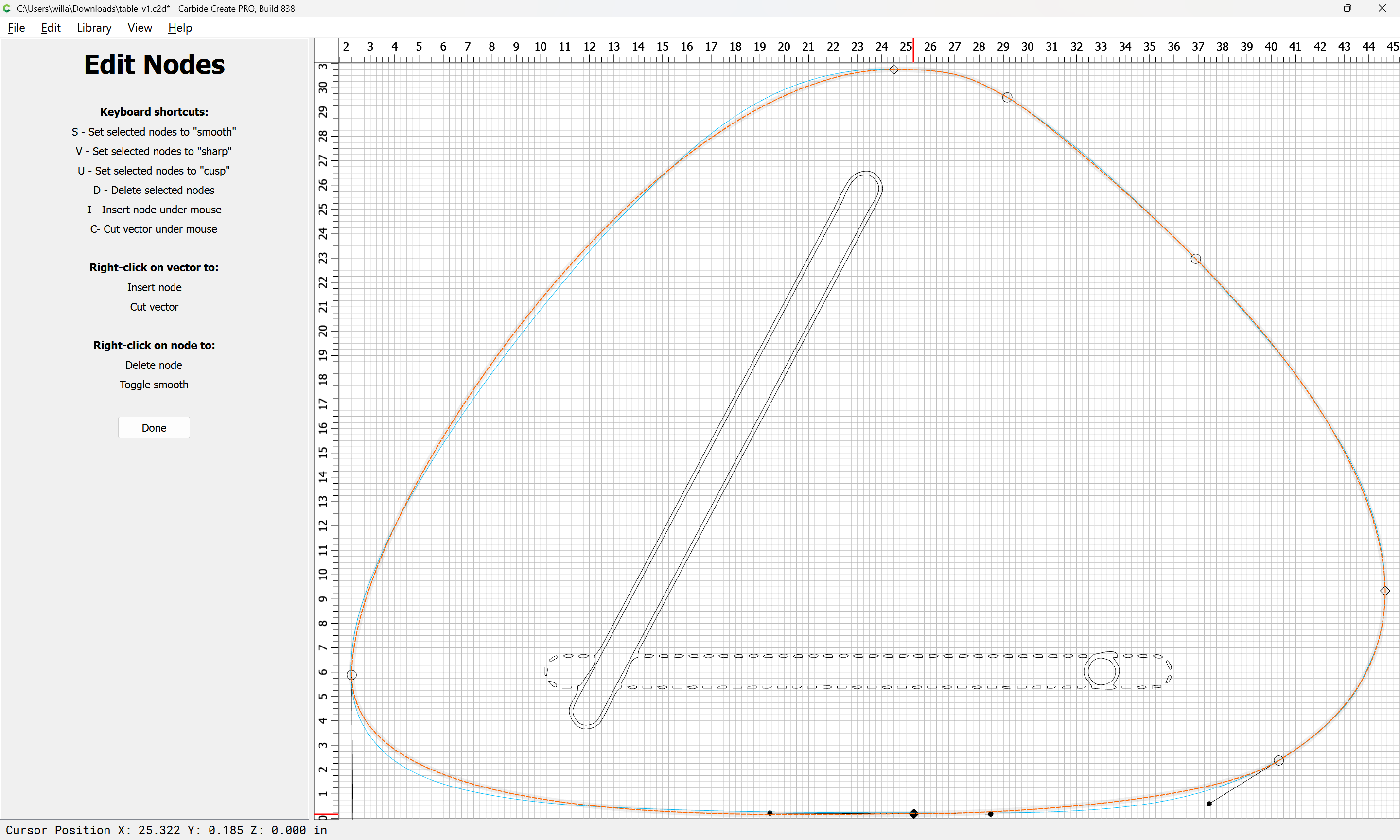
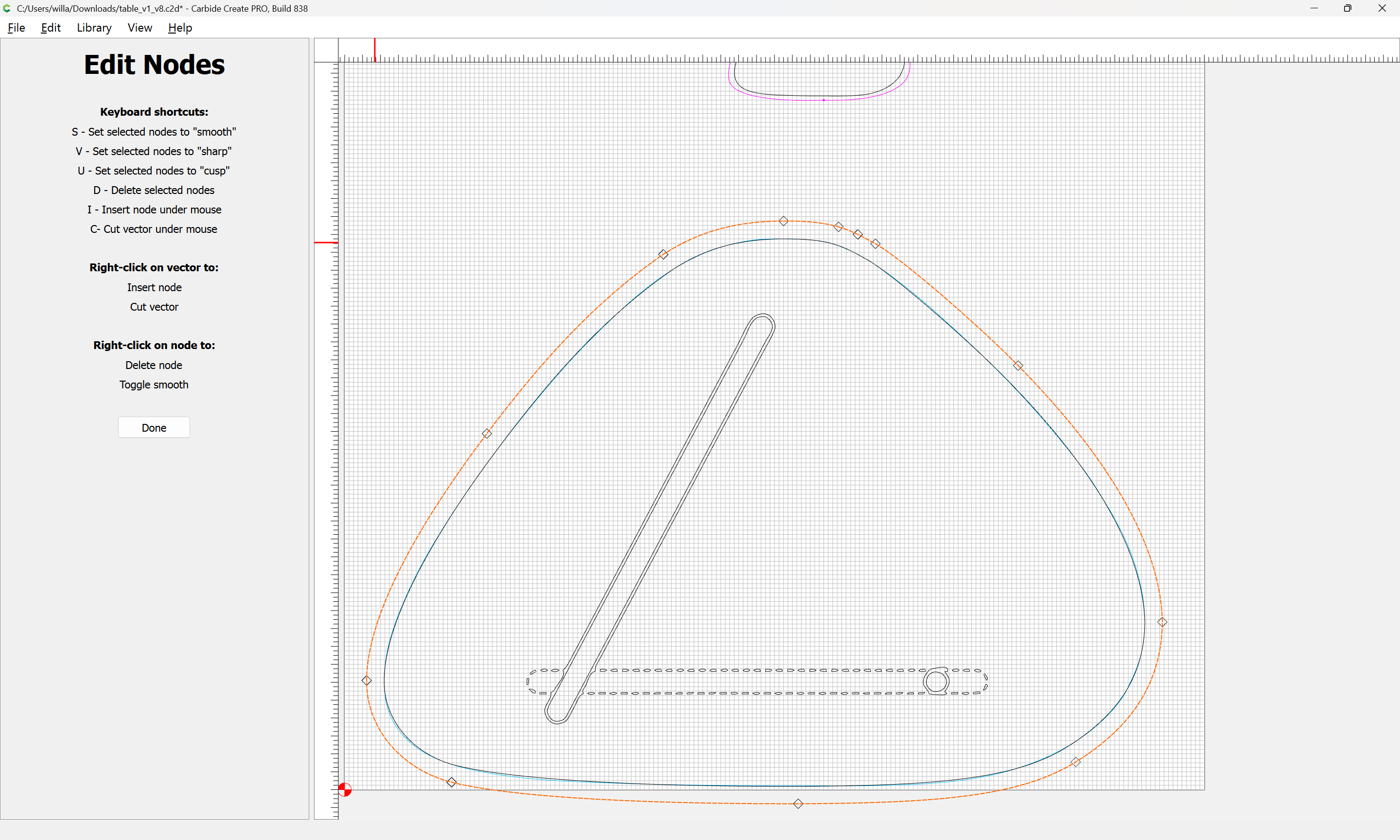
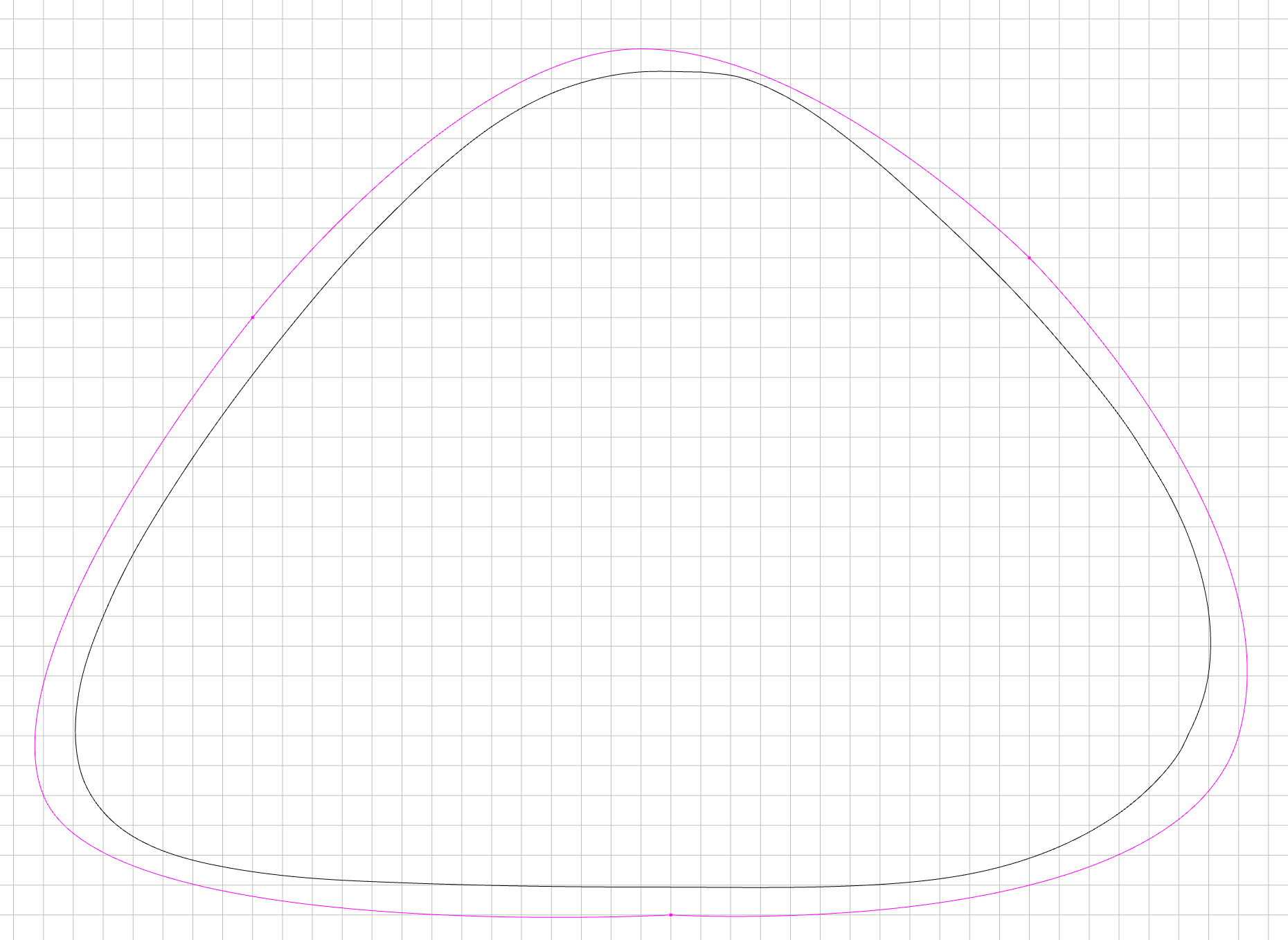
The screenshot below is my attempt (pink line) at recreating the traced image that I uploaded from a a google image result (black line) which did a really good job at tracing, but still had slight imperfections on some of the corners. I just needed it to be close-enough, not a perfect match.
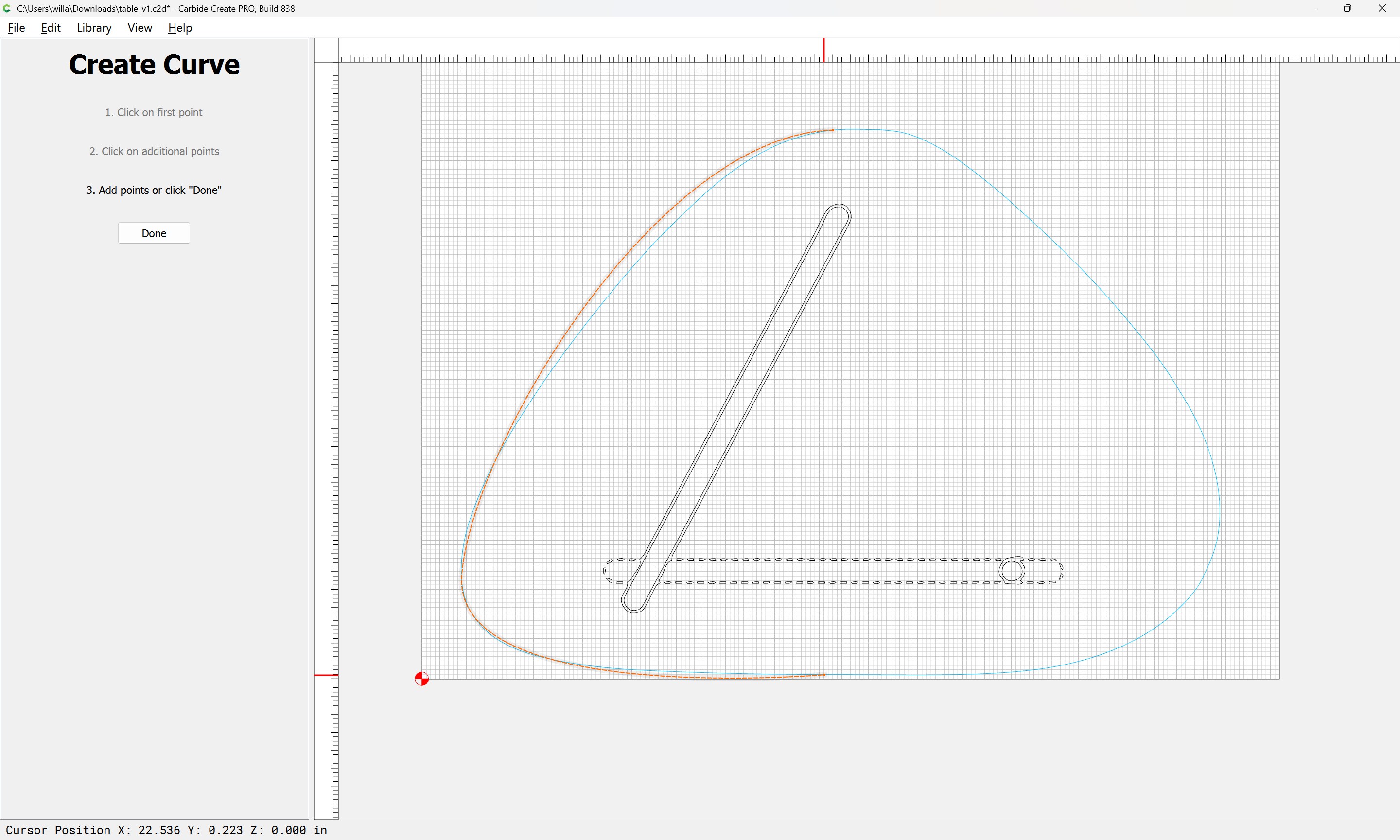
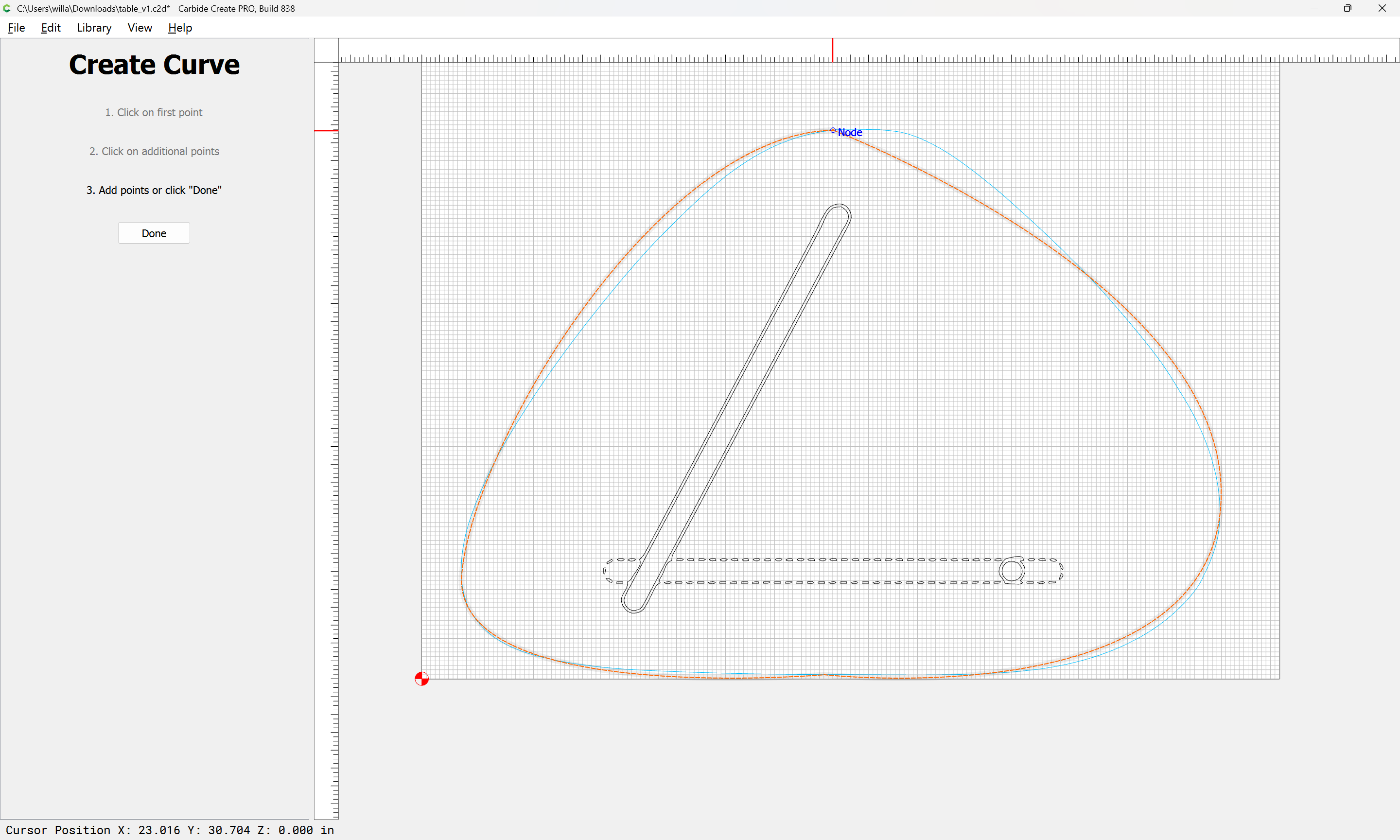
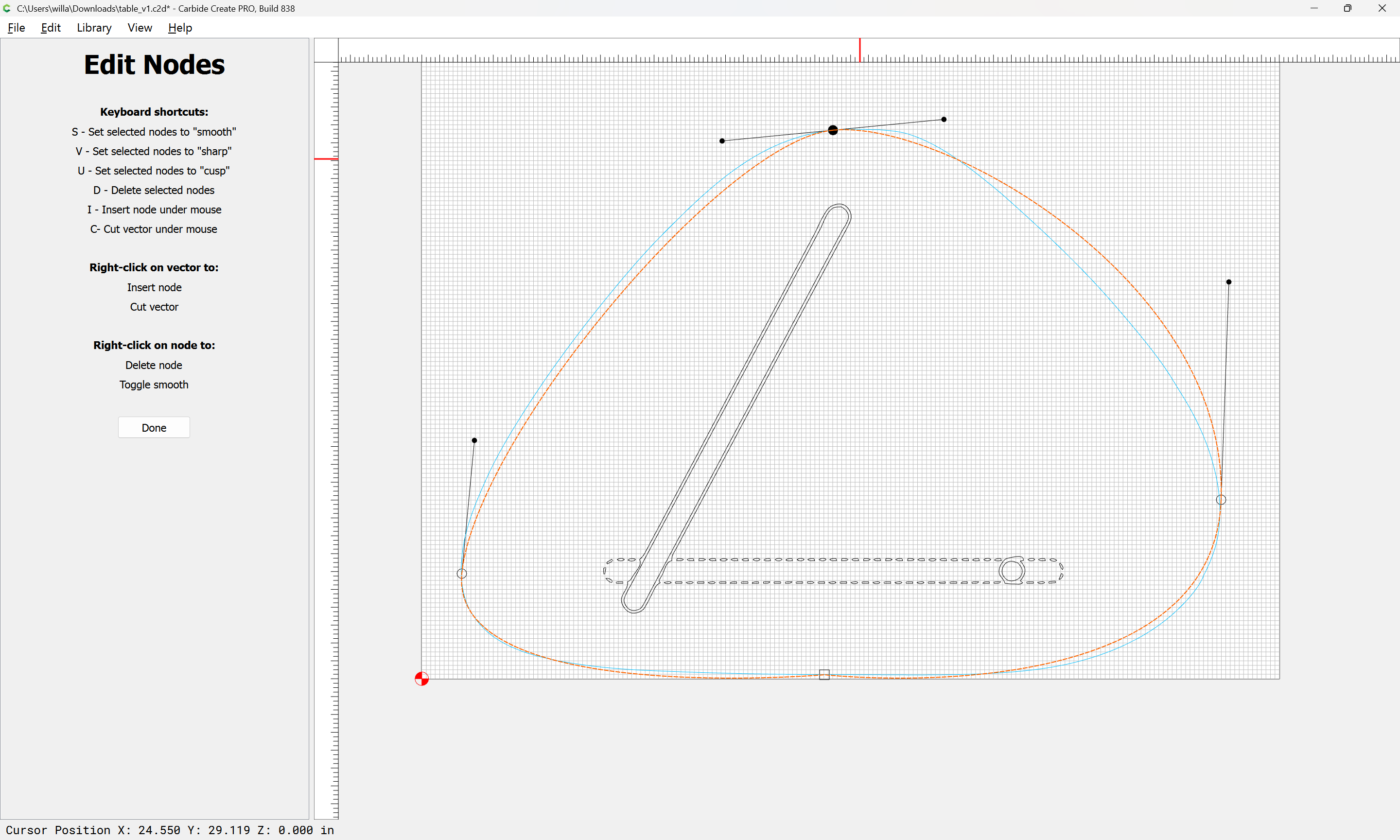
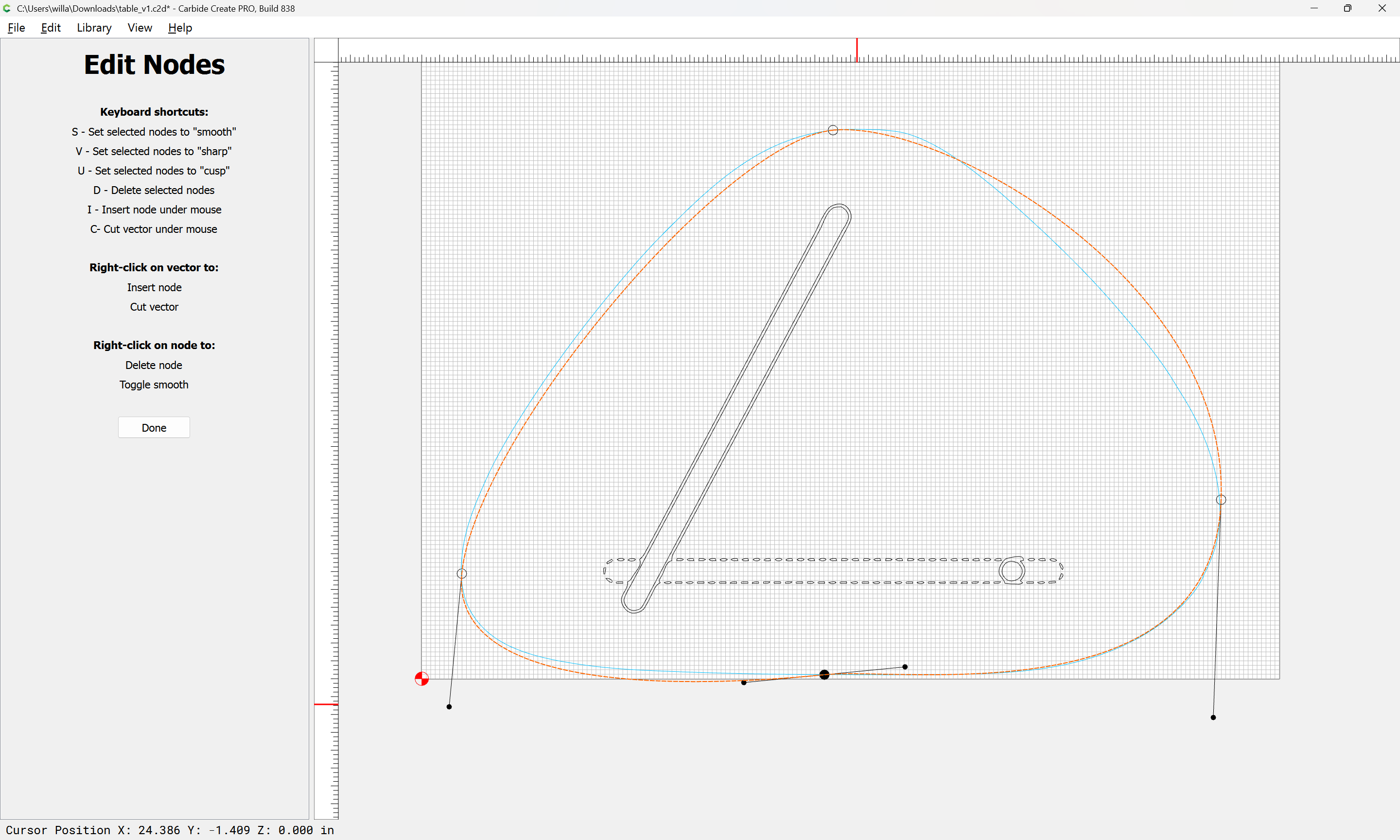
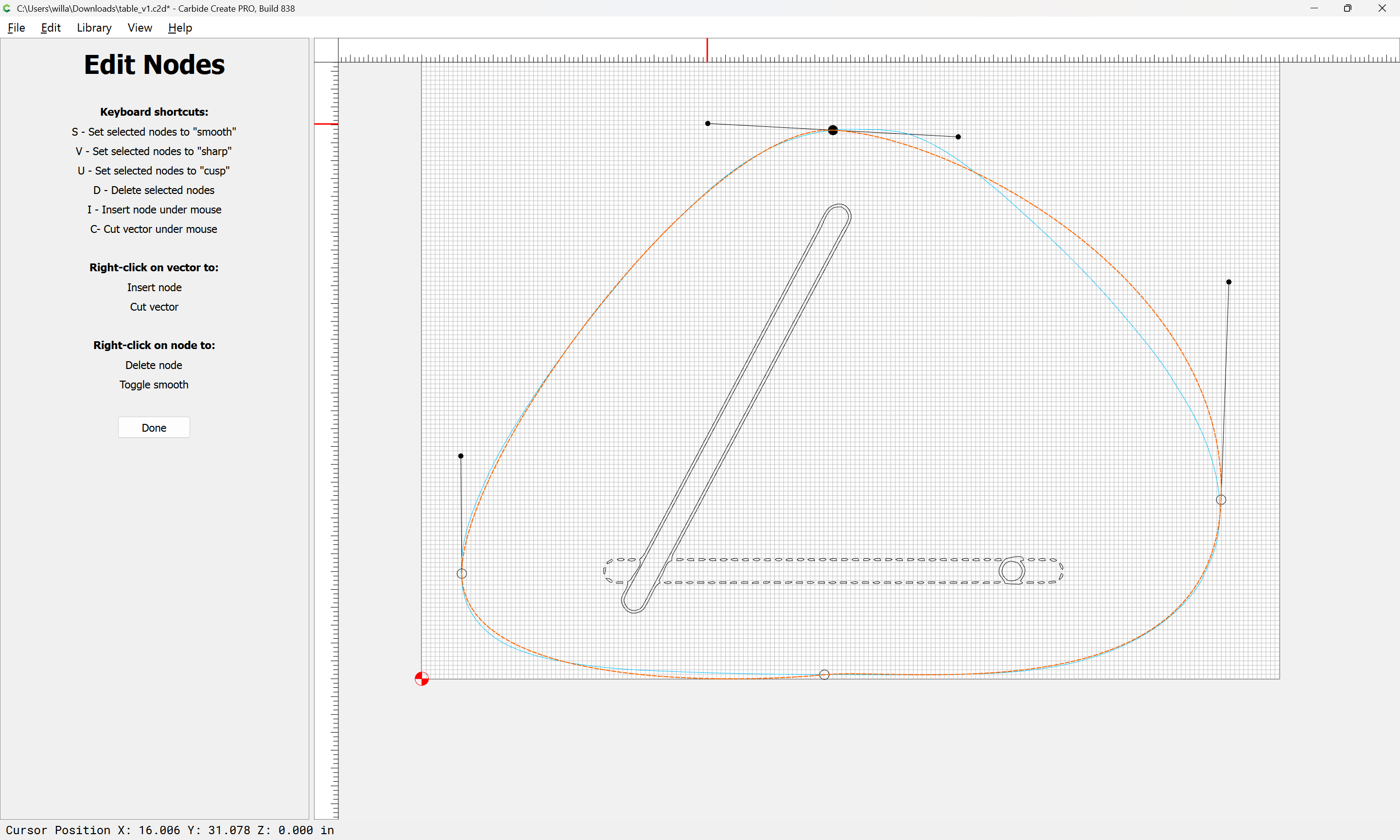
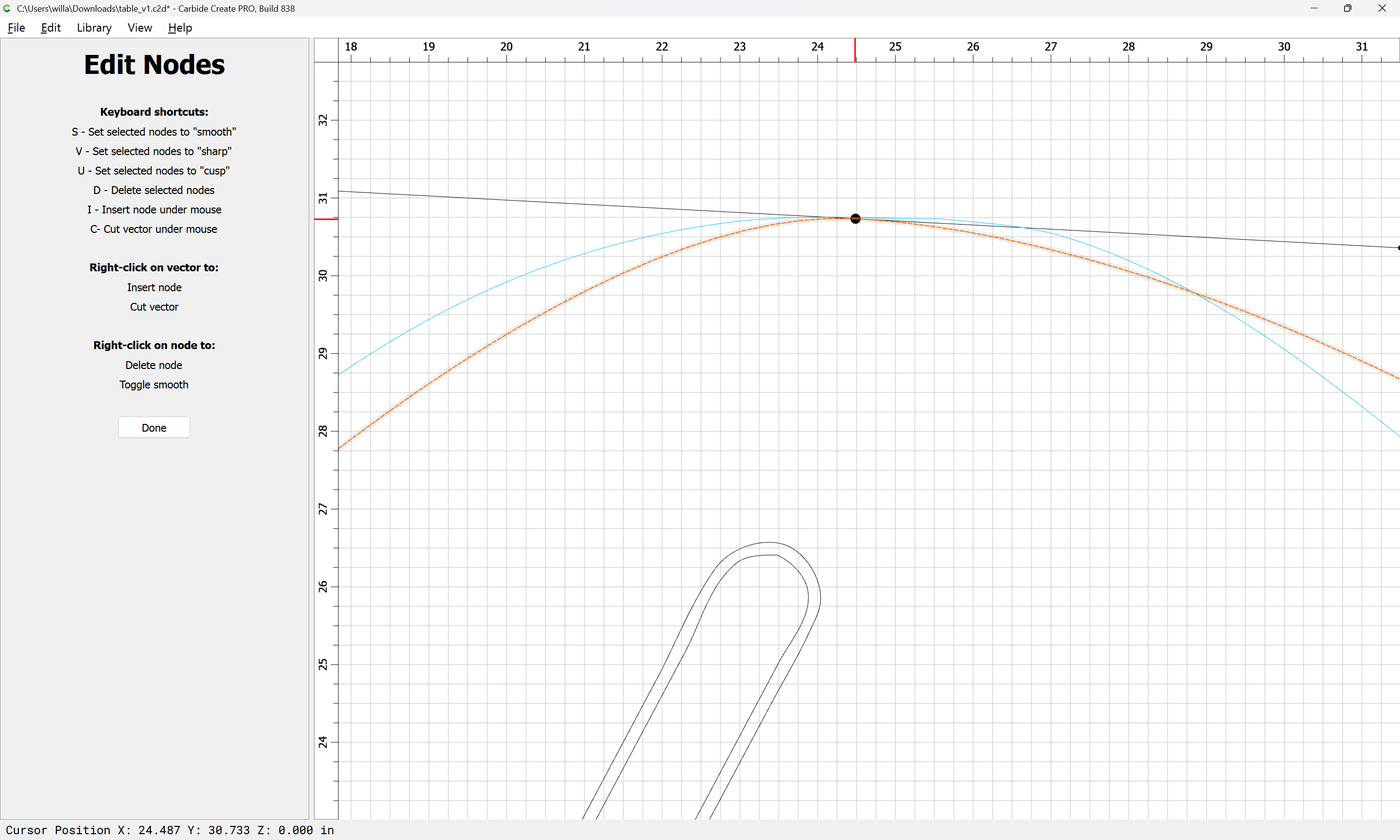
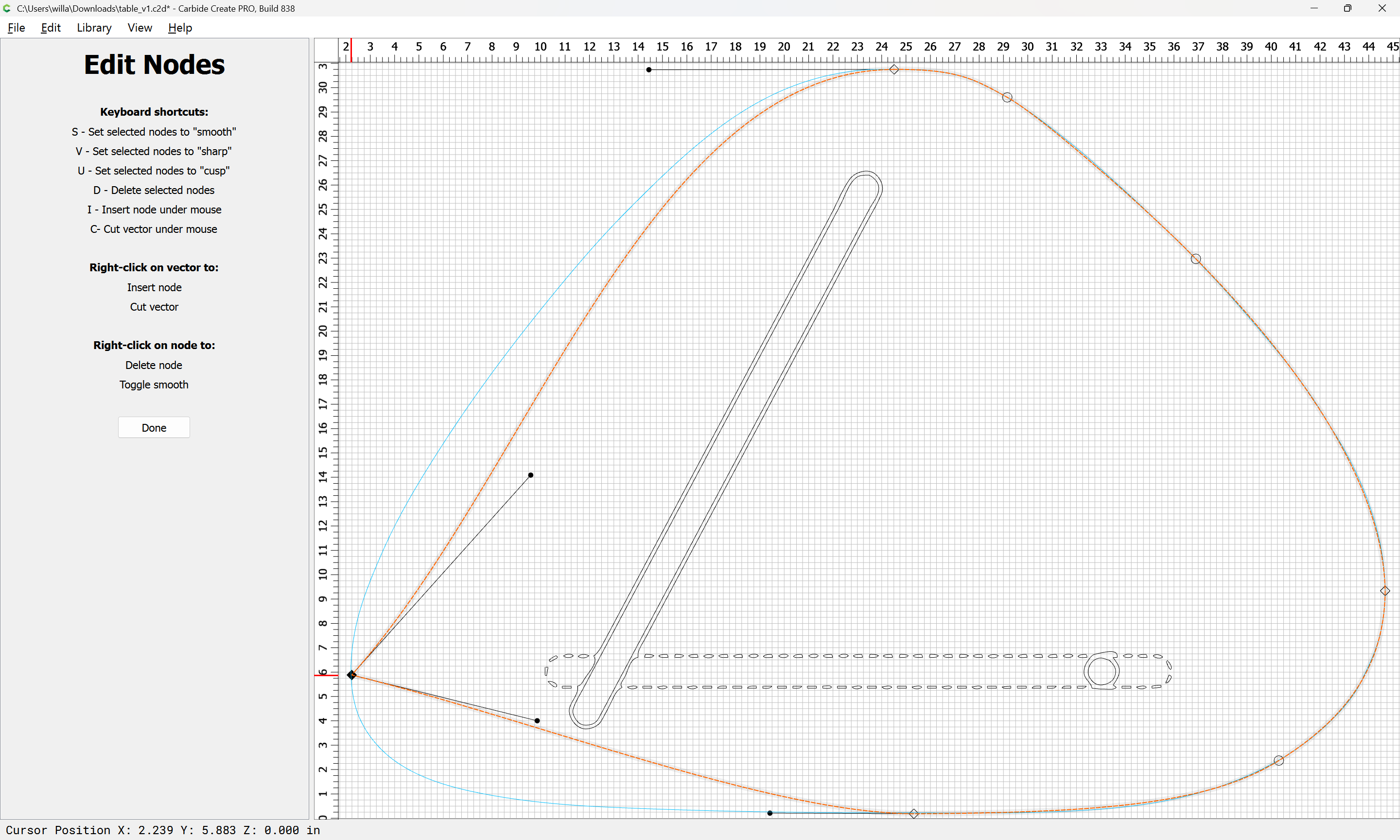
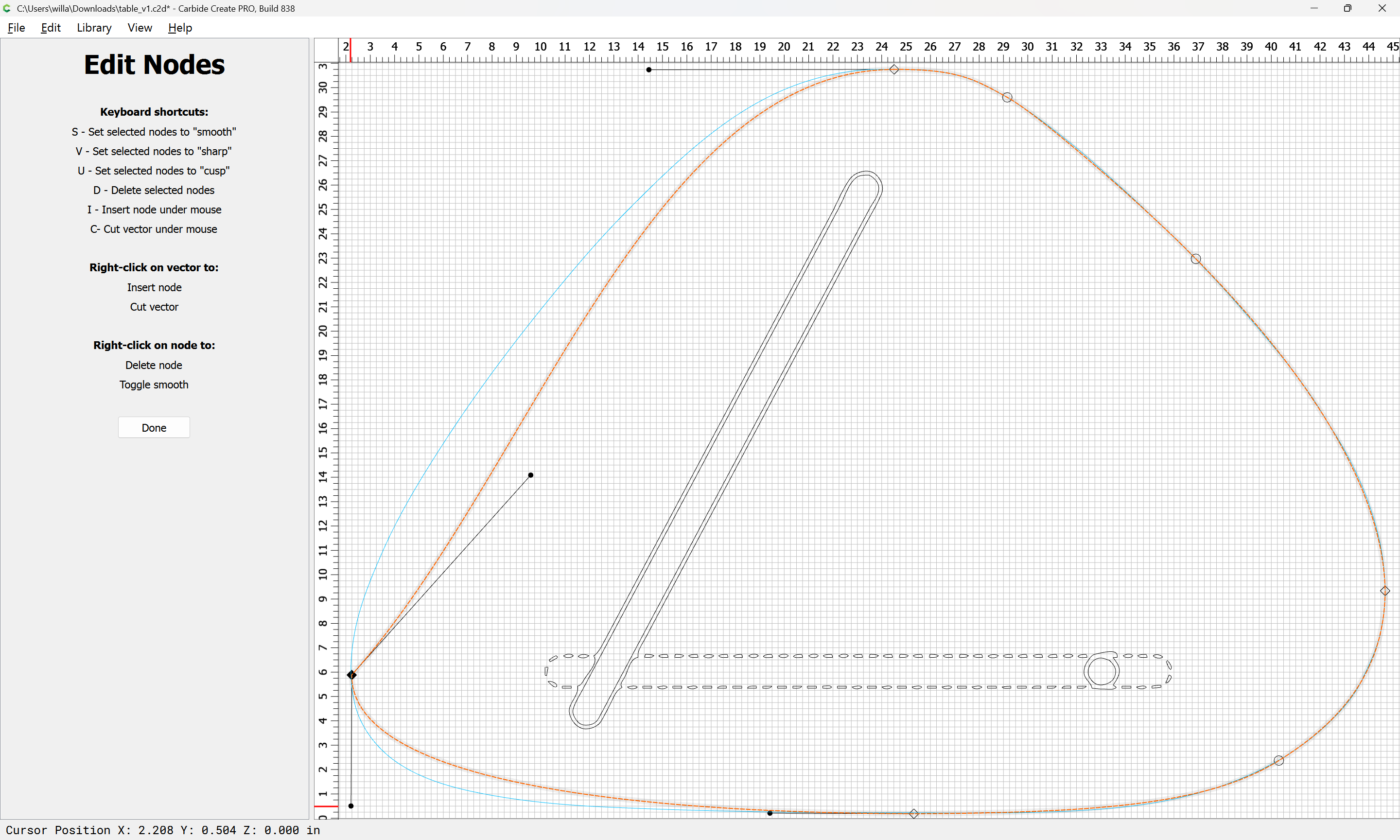
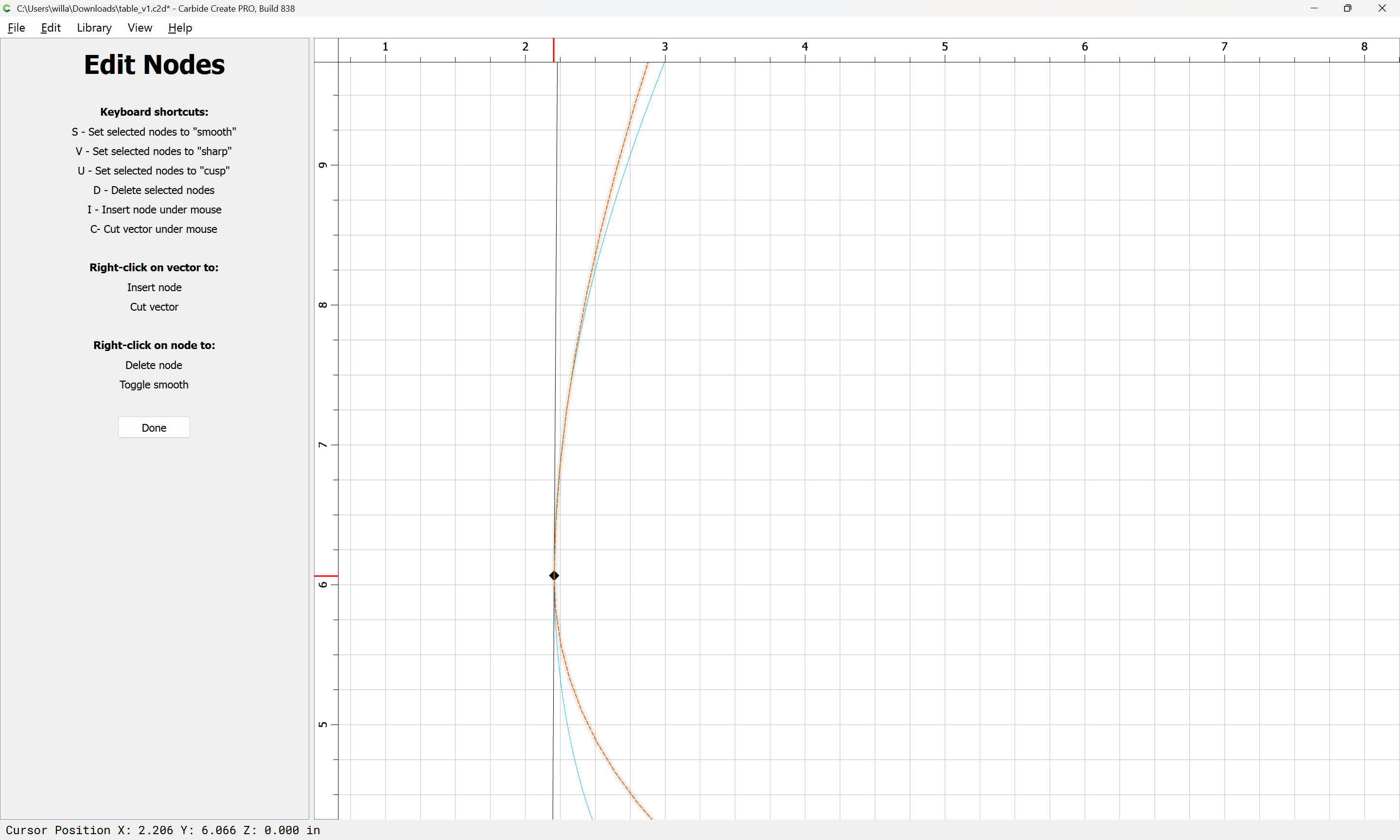
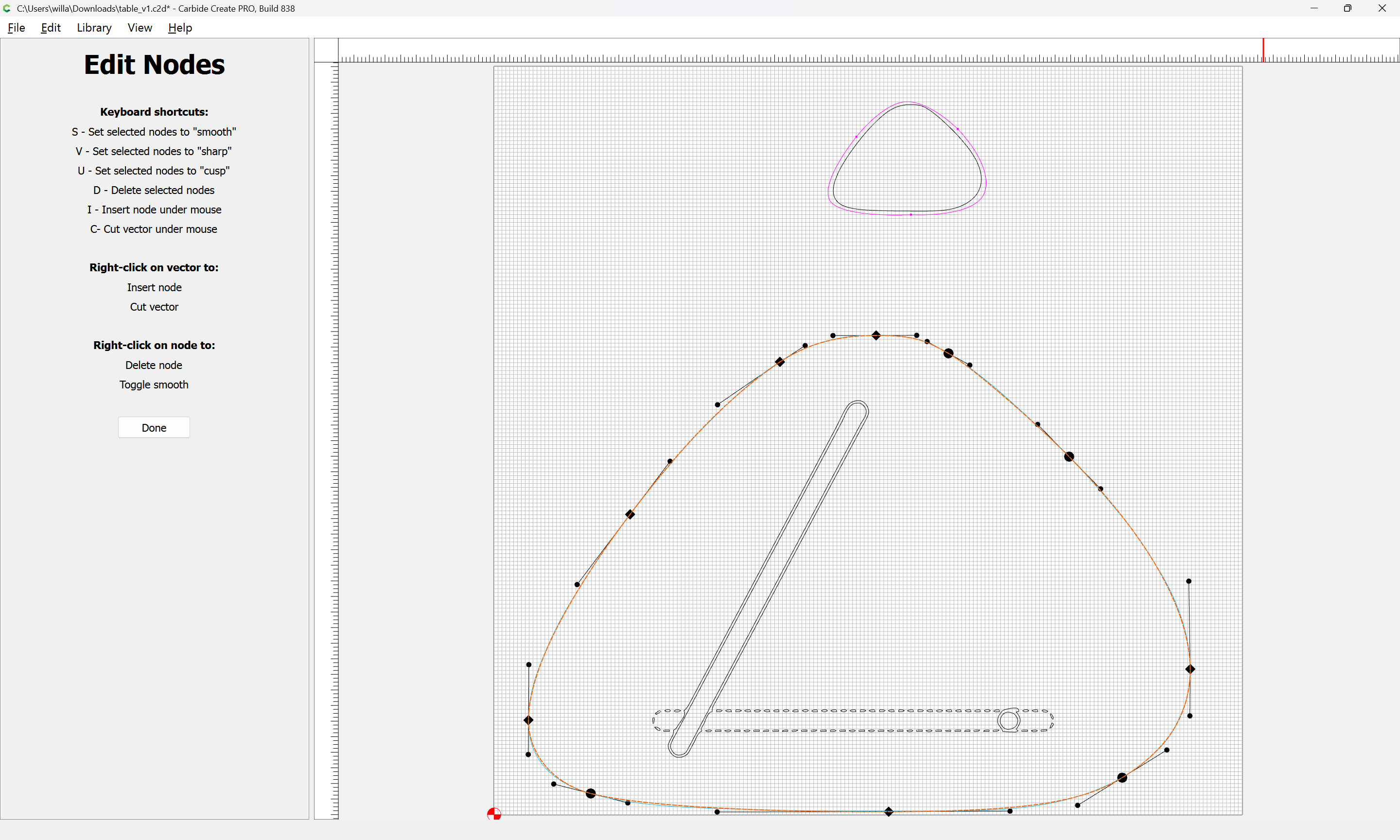
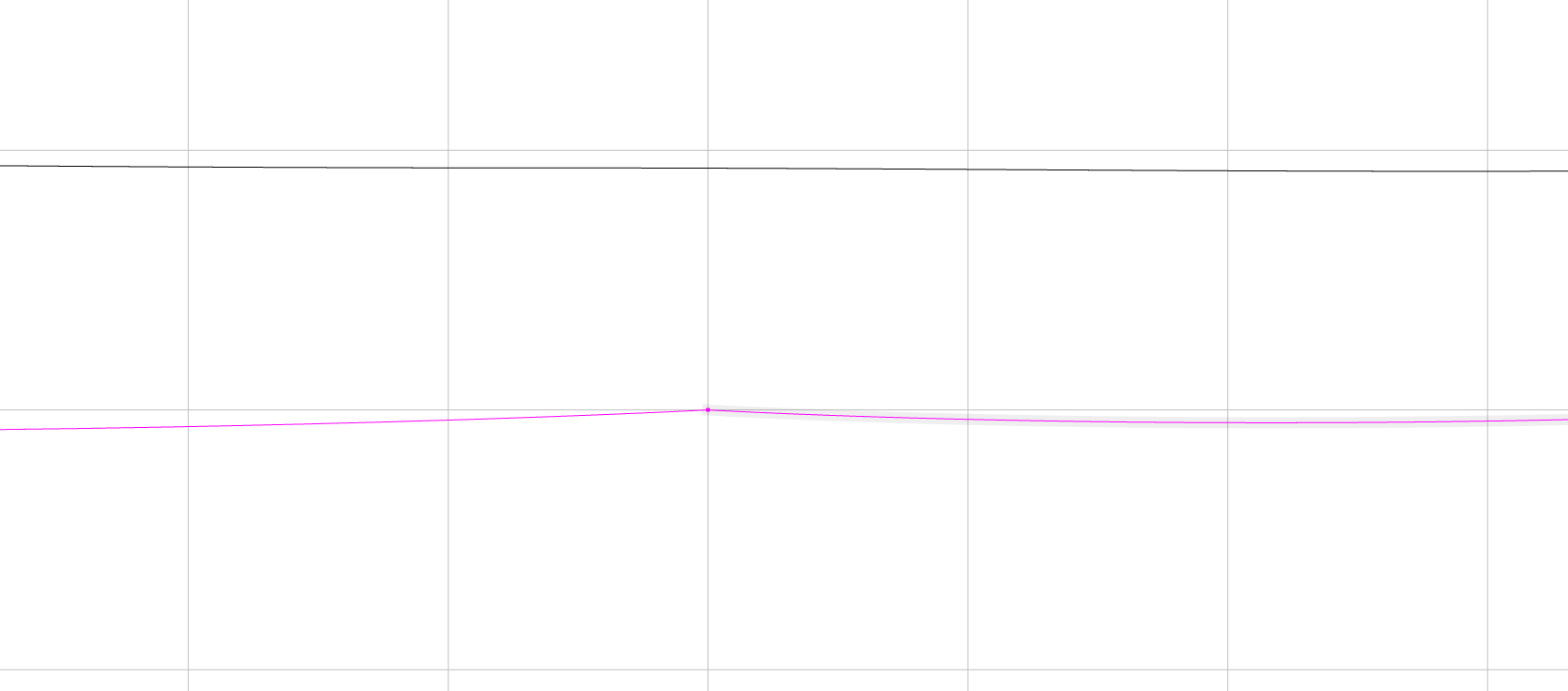
My method I used was to start the curve in the middle of the edge, select a point close to the center of the rounded corner, click and pull the curve to match the curvature of the traced image, and then find another mid-point along the next side of the shape that matched the curvature, then click to end the curve. I tried numerous other methods and starting points but they all produced similar results. It seemed like as I pulled the curve to match the shape, the curve “dipped” below the starting node at a certain point which caused the concave node to form.
CC file attached.
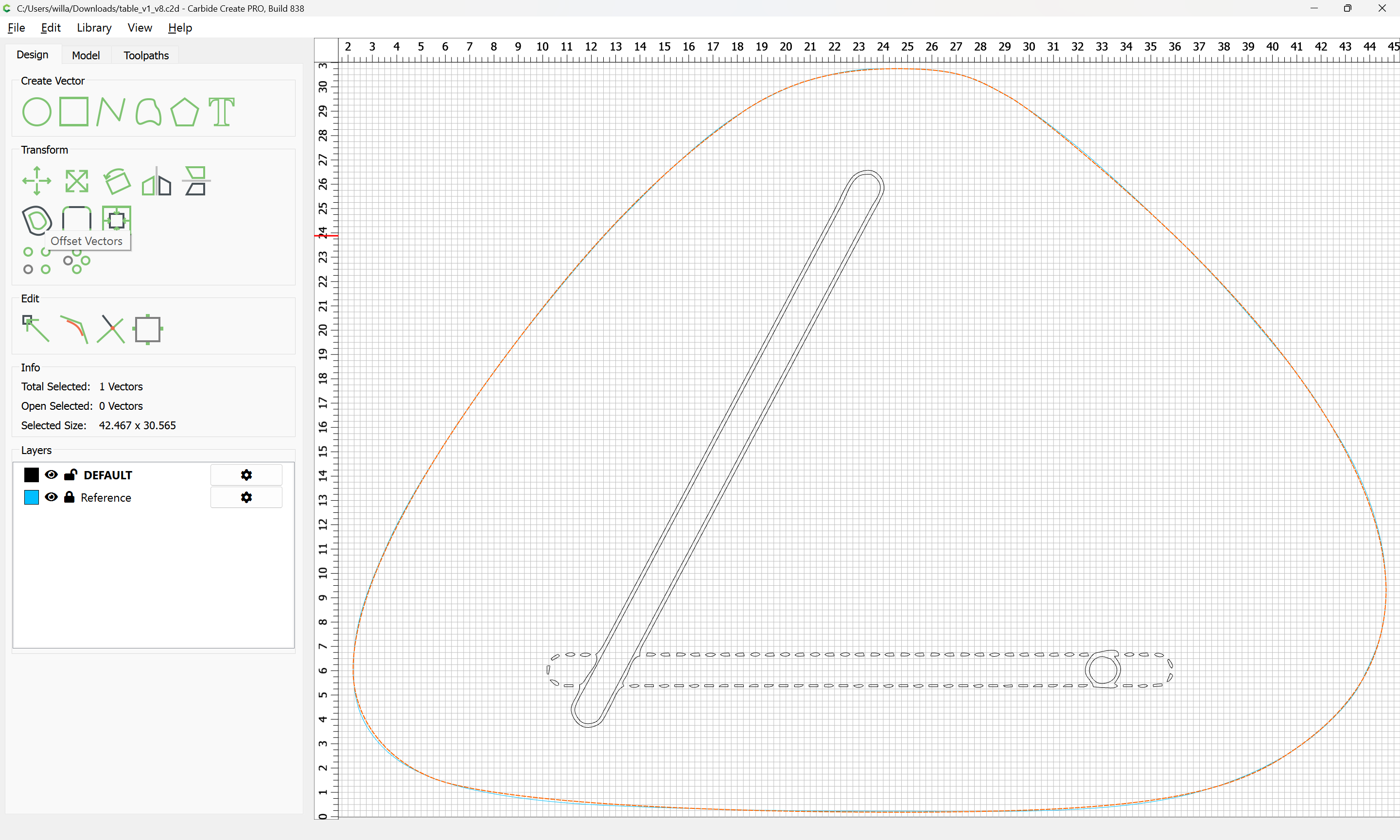
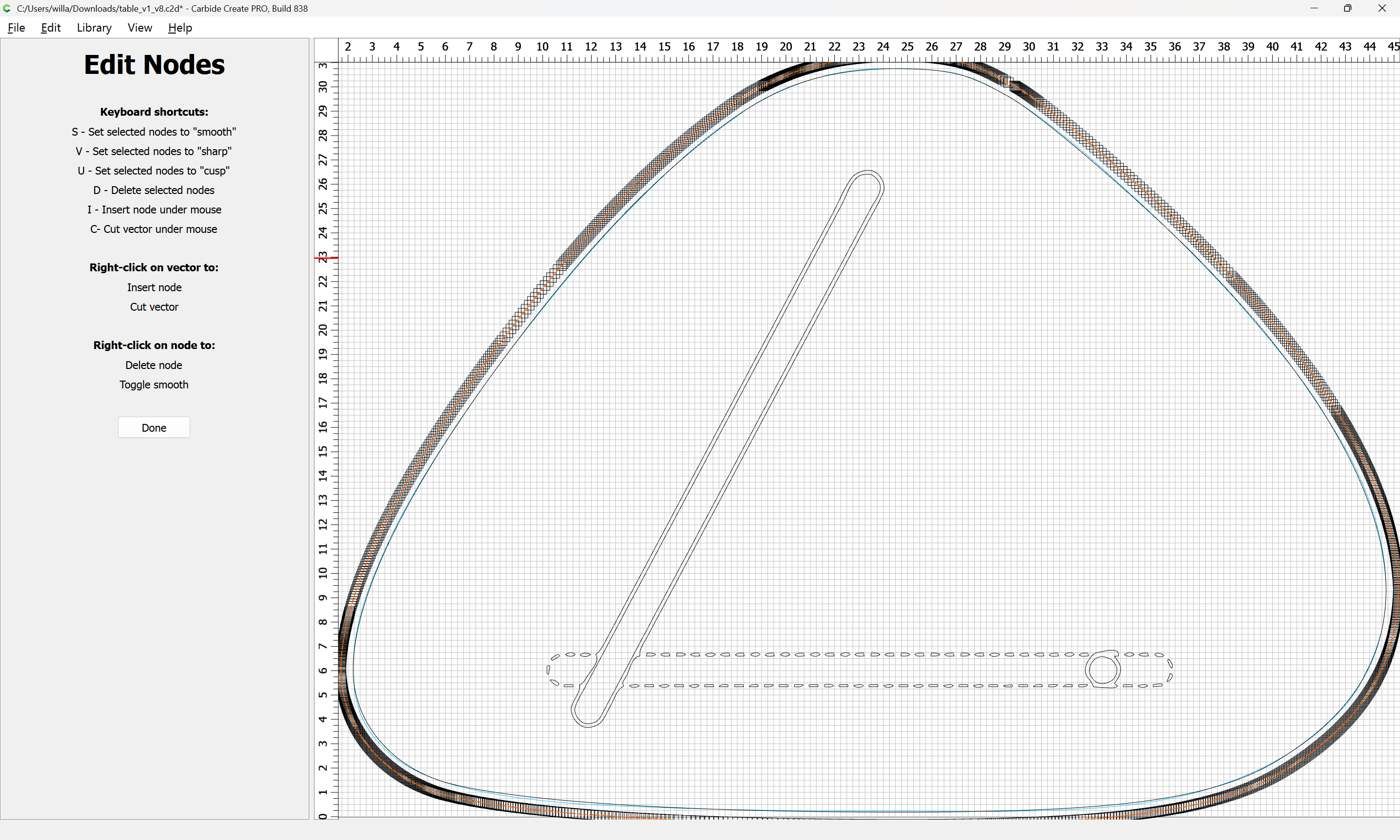
My best attempt:
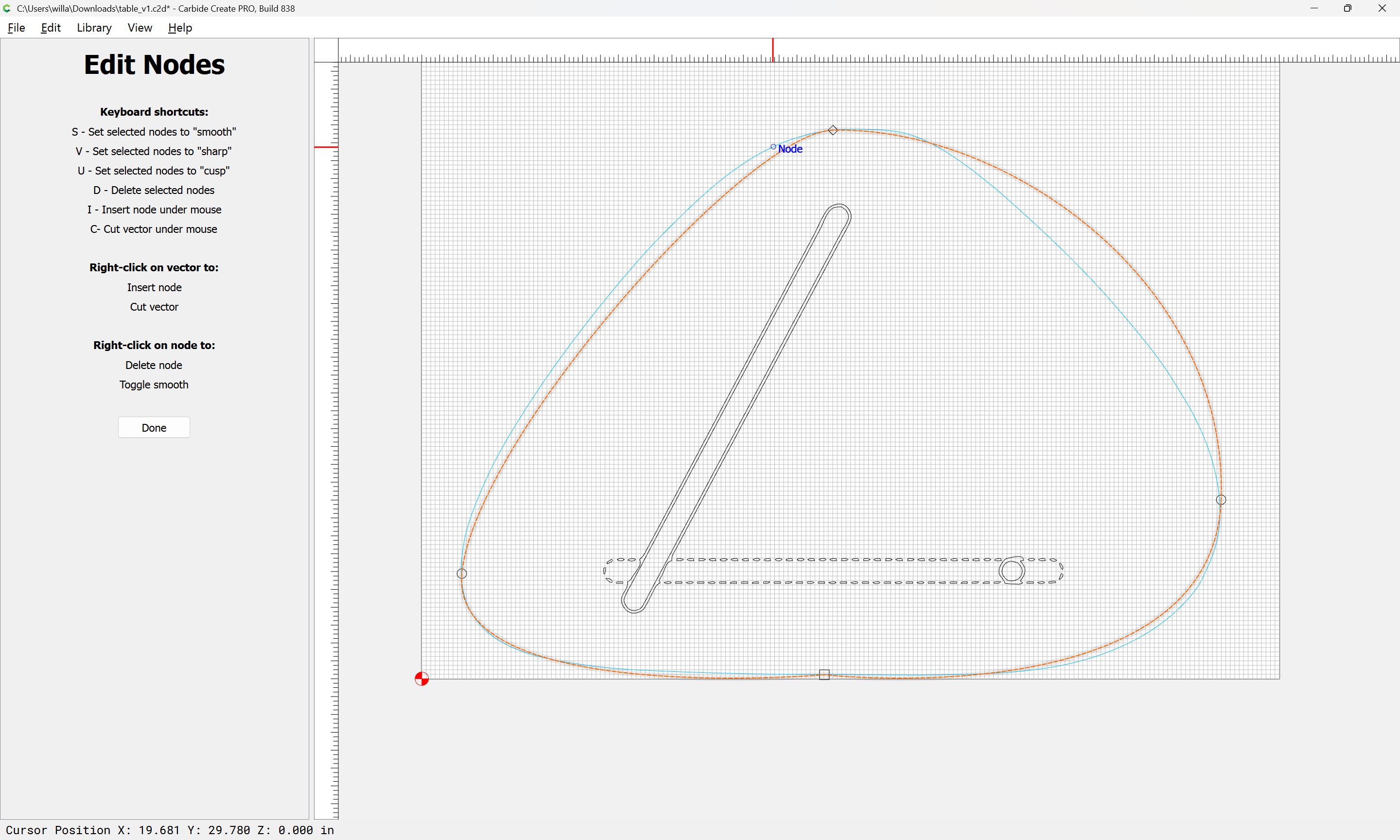
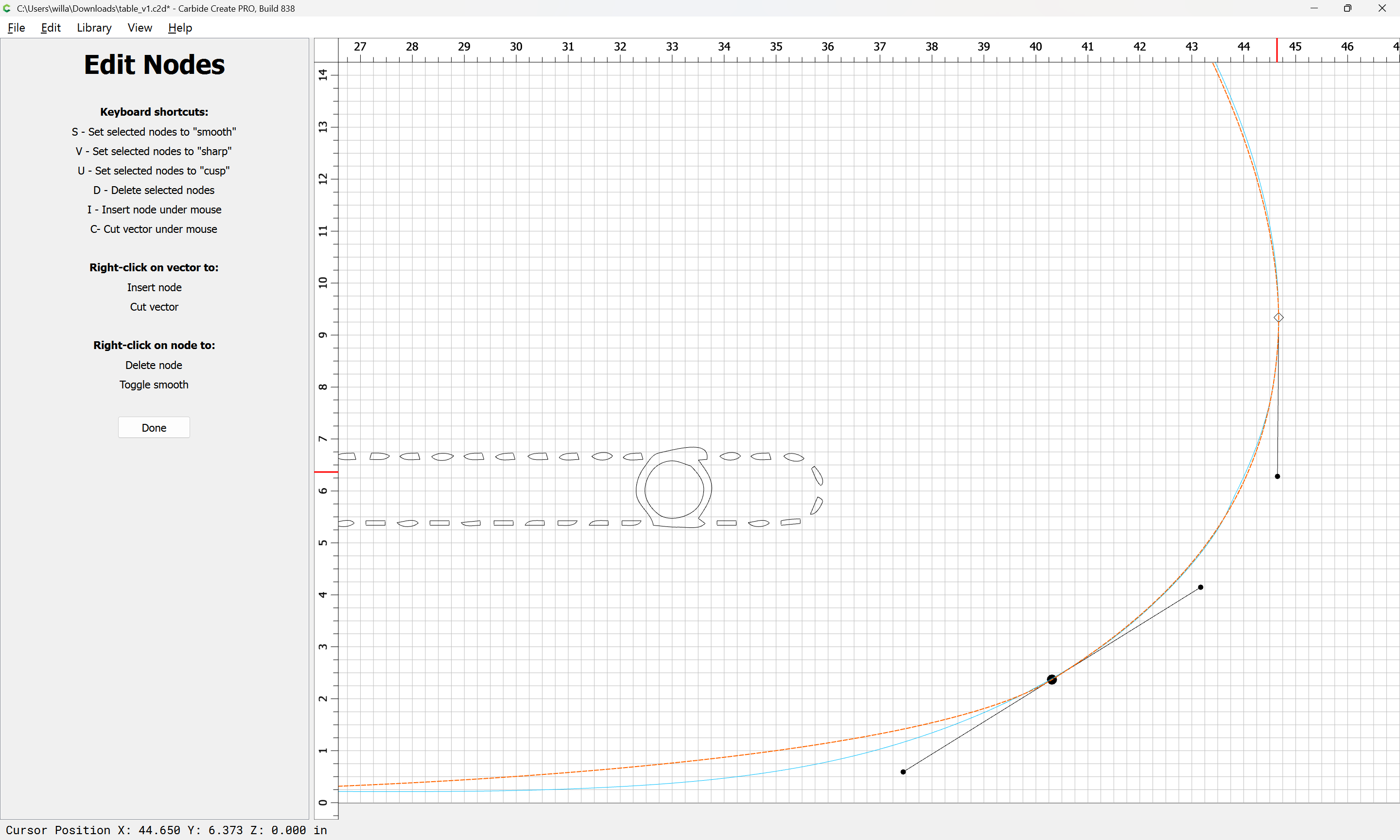
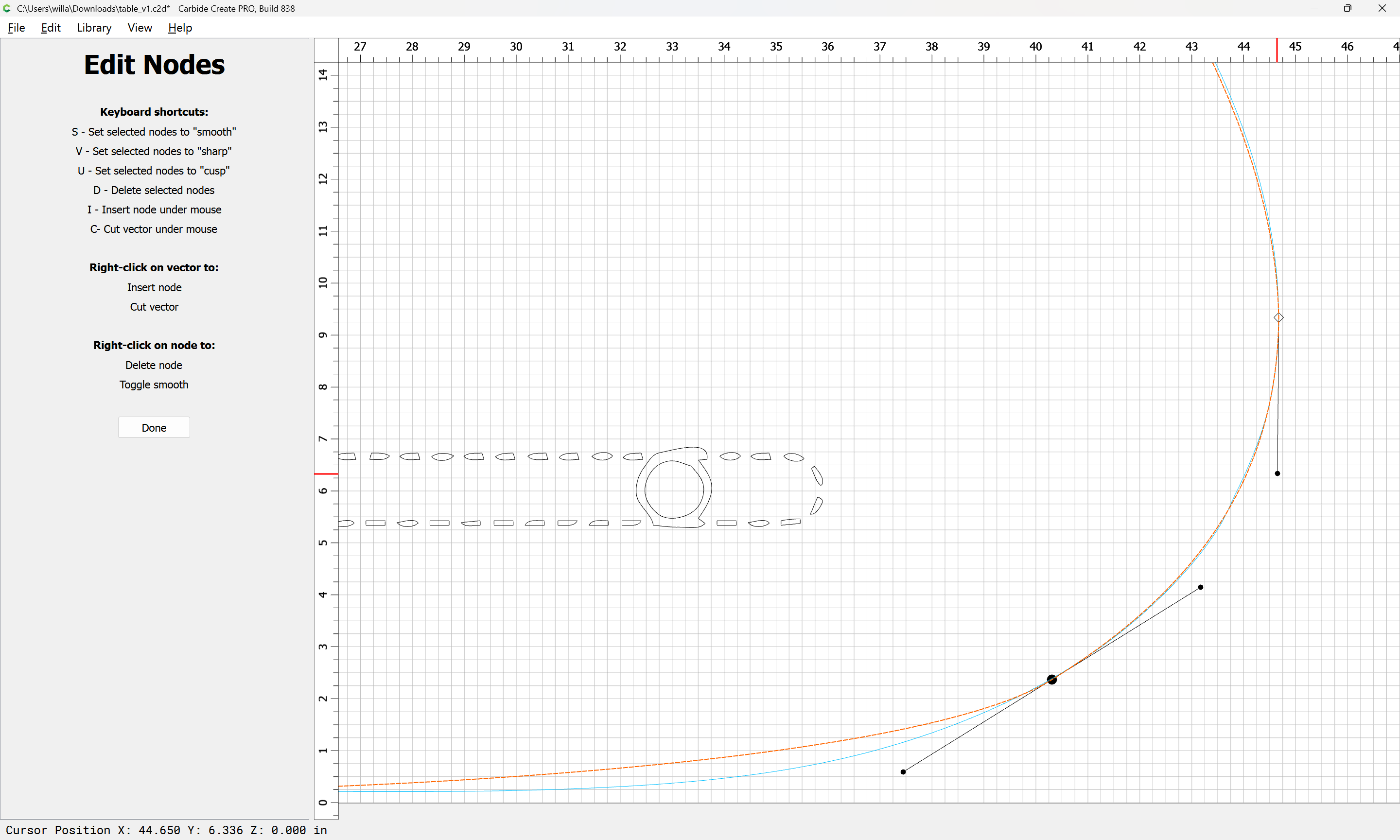
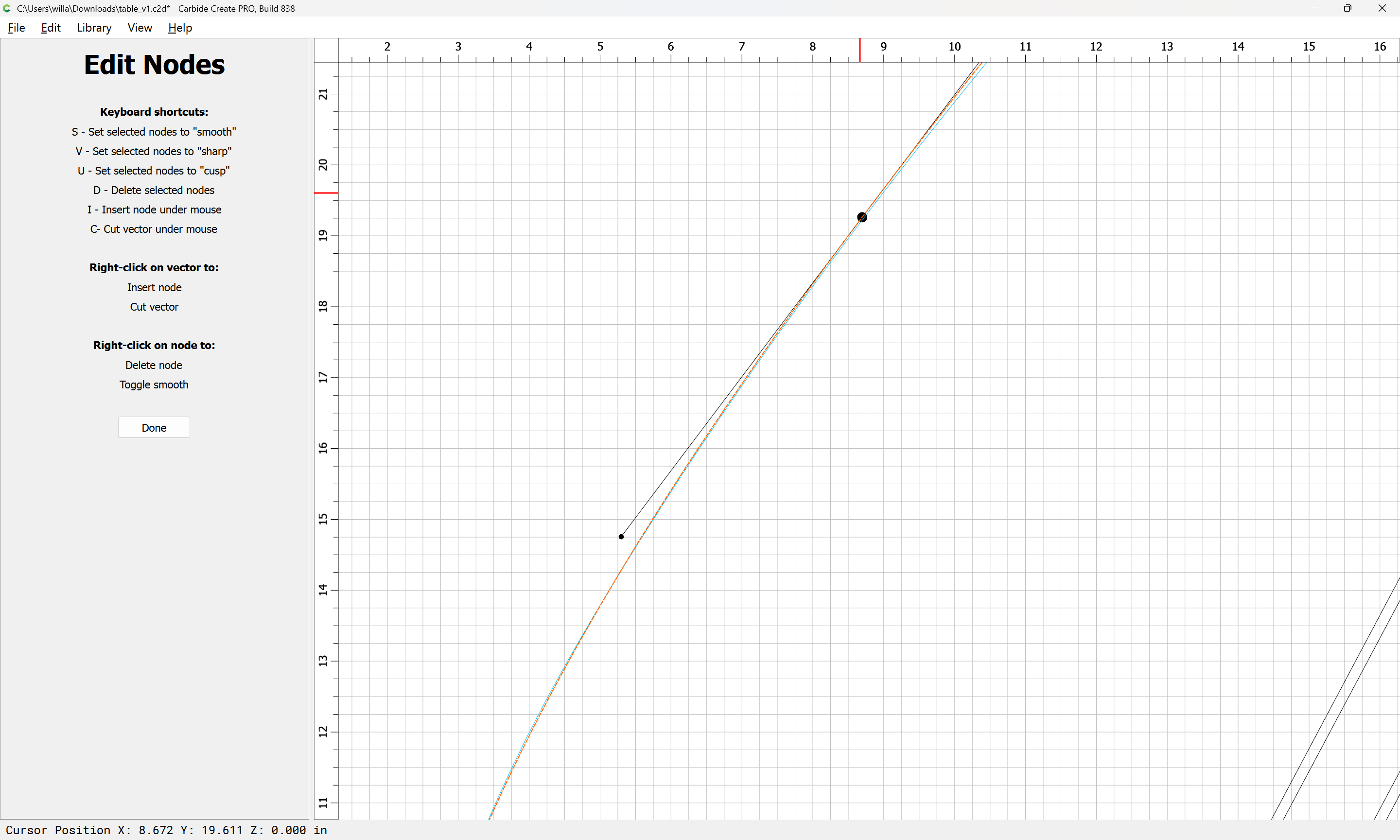
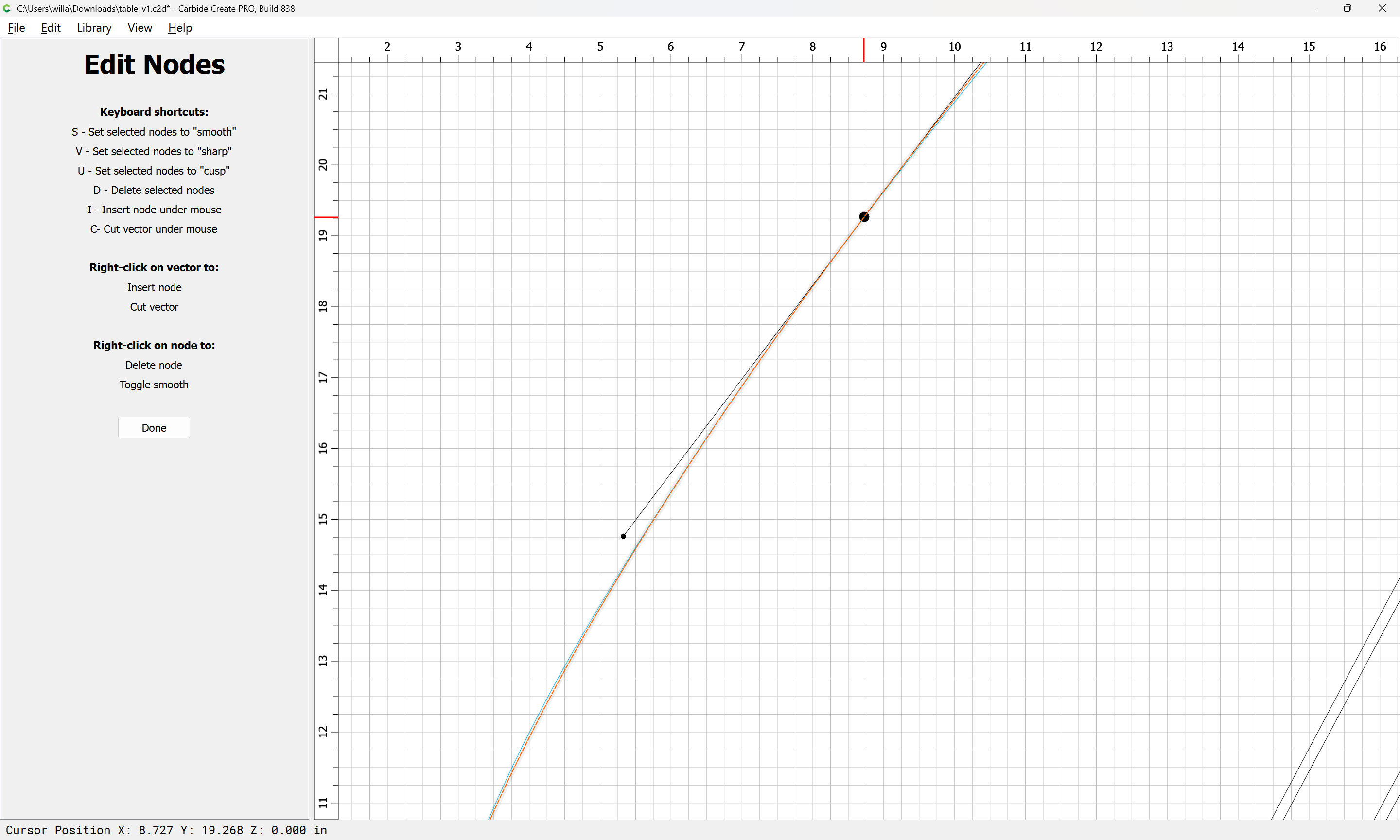
Concave node:
table_v1.c2d (112 KB)