Probe with a probing pin or a supported endmill, then switch to the unsupported endmill, and if need be, reprobe for Z only with the BitZero correctly placed.
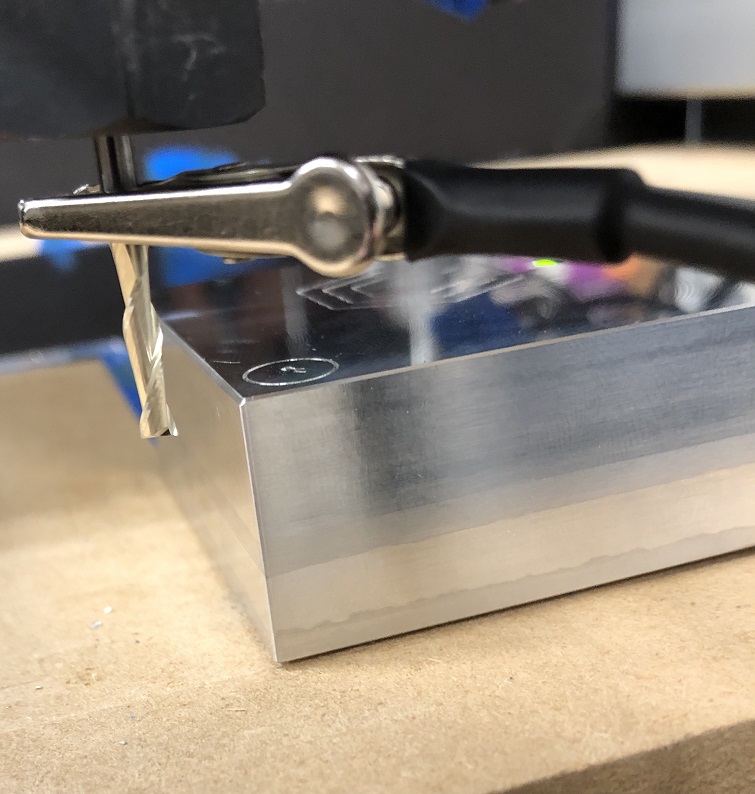
If I use a 1/8 endmill using the X,Y,Z probe operation then the X,Y zero positions are perfect. If I do an zero X probe only then the position is way off. I’m placing the BitZero overlapping the material, just like you would for an X,Y,Z probe and like the CM instructions show. Attached are pictures showing the before and after of the X probe.
Before the X Probe.
X Zero position after probe operation.
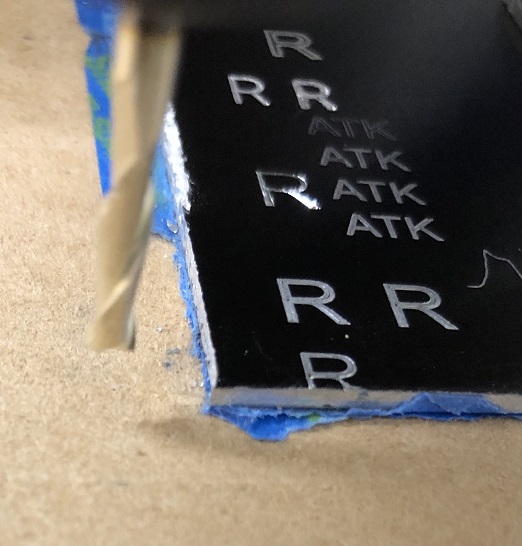
You don’t place the BitZero over the edge when doing an X only probe.
The ONLY probe that currently works with the lip over the edges is X,Y,Z.
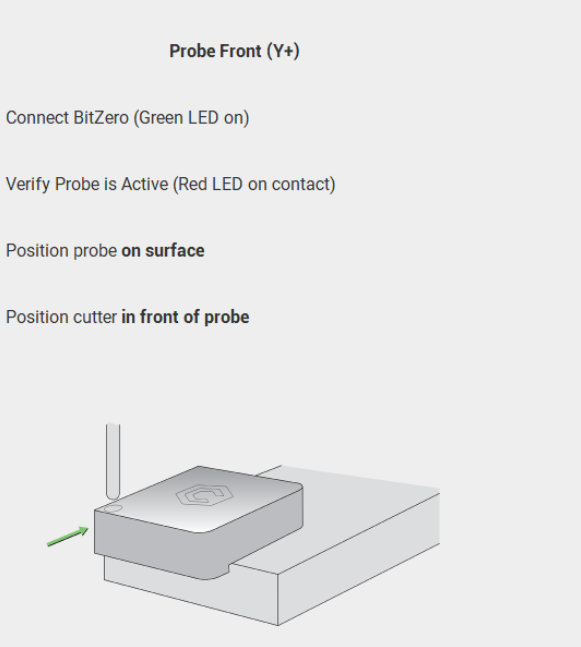
BitZero User Guide - Carbide 3D shows examples of this.
The instructions in CM can often differ from the images, as in this old version… sure it looks like it is over the edge, but it isn’t, and the text confirms that:
1 Like
Yes, you’re correct, one has to place the probe on the edge for X,Y only probes. I came to that conclusion after trial and error.
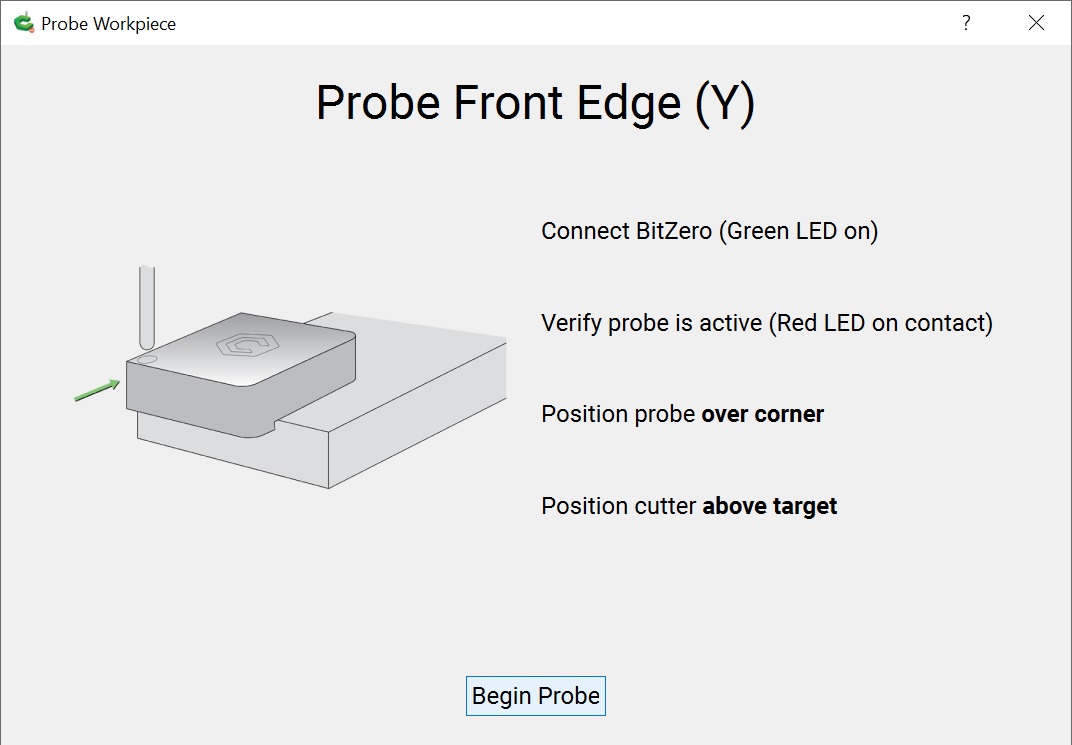
That being said, this is what the latest version of CM shows when setting up for a Y only probe.
“Position probe over corner” combined with the picture sends a clear message to me to overlap the probe.
1 Like
Me too. It is confusing… maybe they changed the pictures and the text but not the code 
1 Like
Actually the picture is identical… I think they need clearer ones that show exactly where things are.
This topic was automatically closed 30 days after the last reply. New replies are no longer allowed.