Hello again, does anyone happen to know what might be wrong when I save a picture as an SVG. When I upload the file, I saved to carbide all of the black filled areas are unfilled or looking white with an outline. I should say any ideas on why this is?
This is a function of “Figure Ground Reversal” and depends on which elements are depicted with how many lines.
If you could post your SVG either here we can walk through this with you.
1 Like
At the moment I can only post by taking pictures of my computer, so this is the best I got. I hope it’s enough.
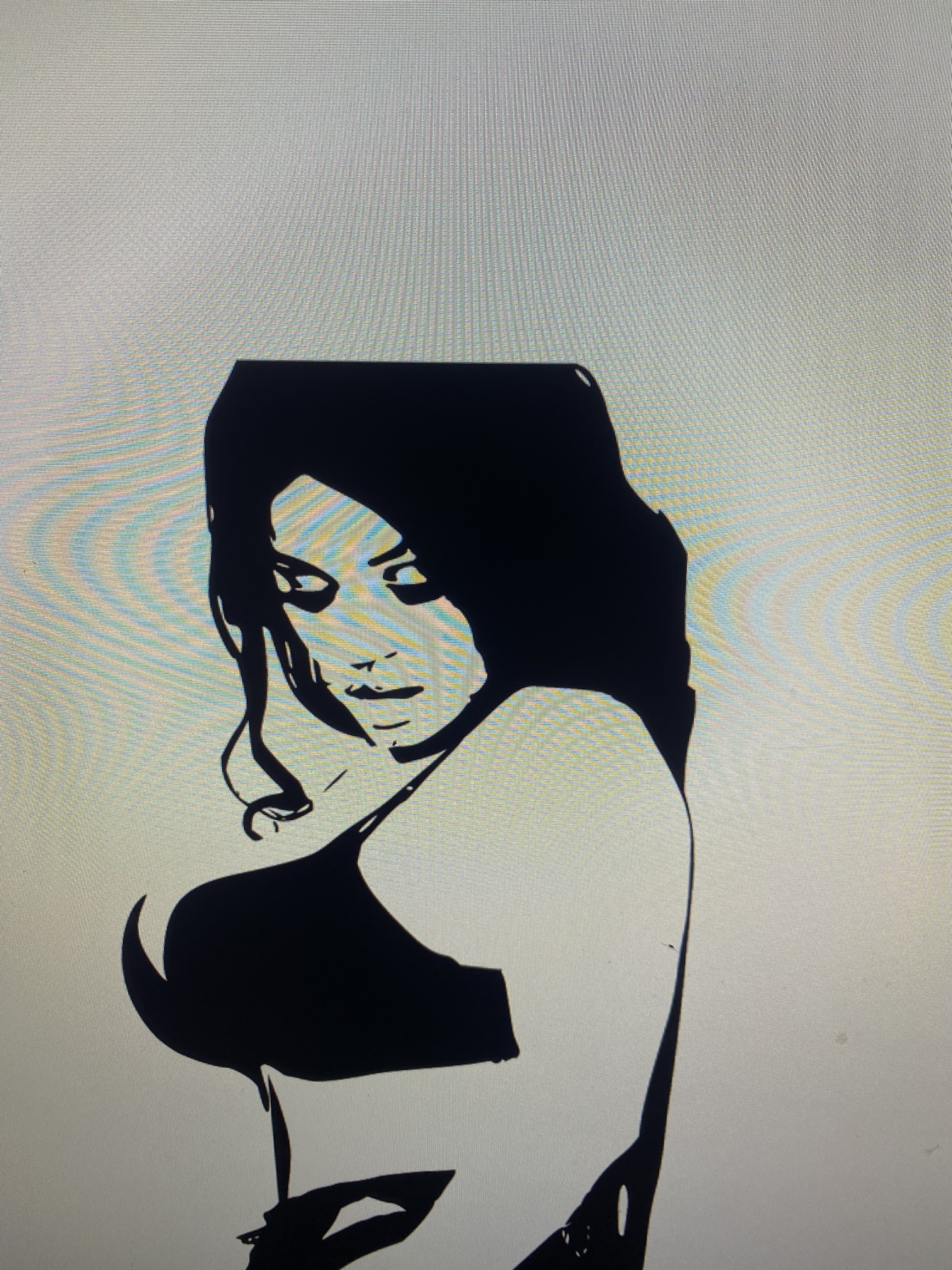
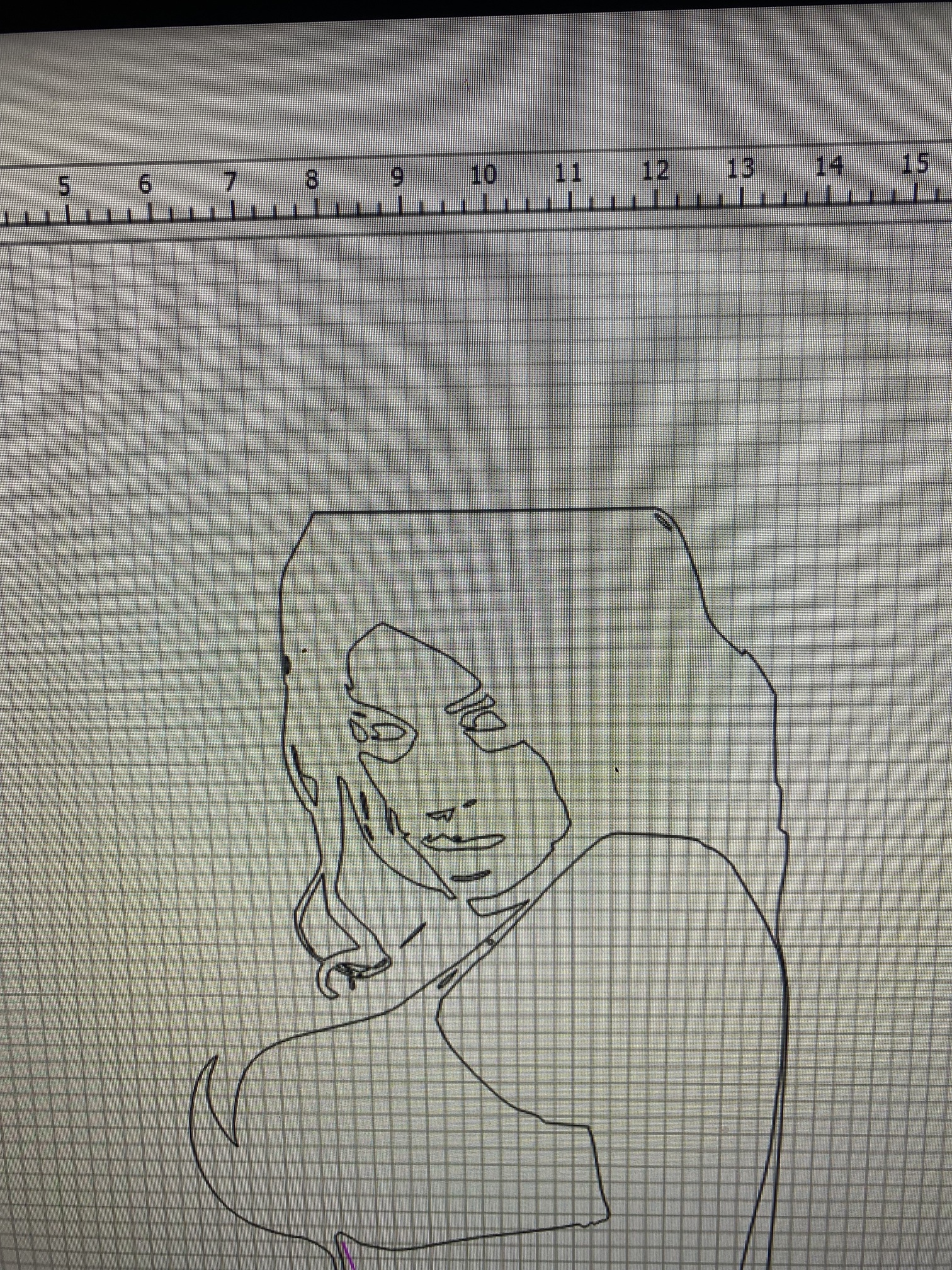
That is just what “Trace Image” should look like in CC. If you pocket or Advanced V-Carve it will cut out all the black areas. To cut out the white areas You would need to add another vector around the outer edge & select that as well.
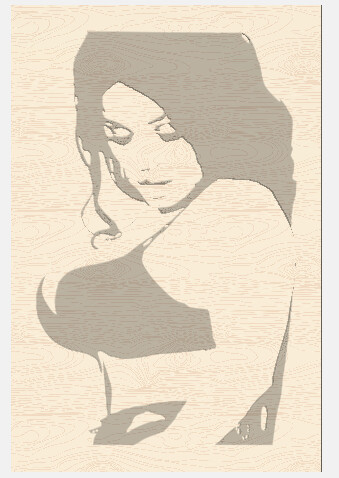 OR
OR 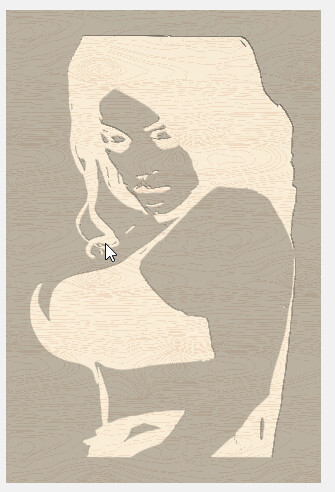
1 Like
Ohh ok ty ! That makes sense @Tod1d
This topic was automatically closed after 30 days. New replies are no longer allowed.