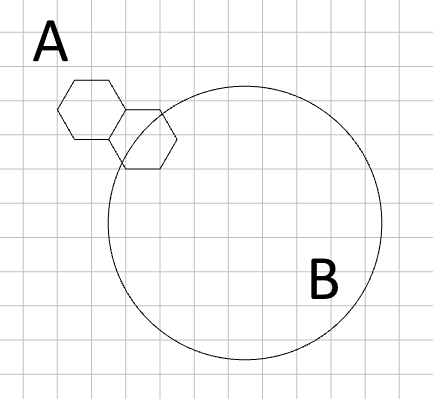
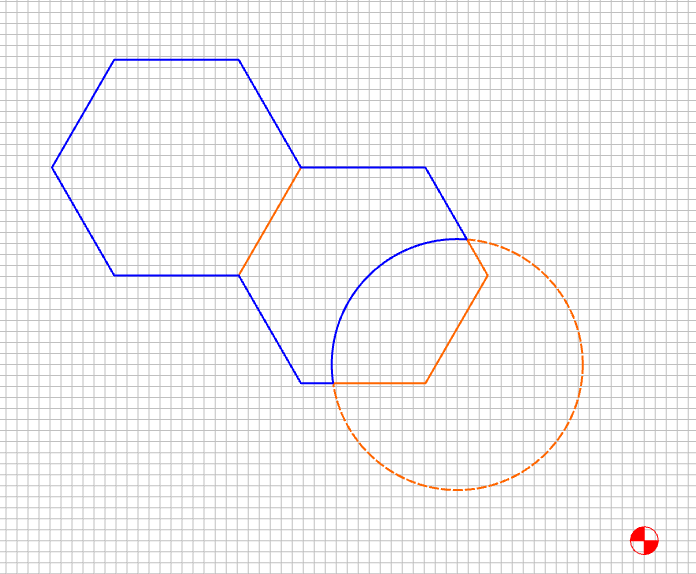
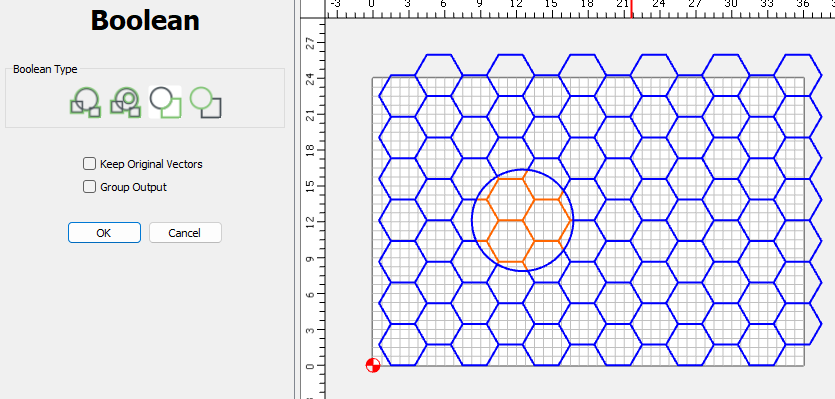
I’m not sure if this is a feature request or bug report (or unexpected behavior). I run into this all the time as I use CC to create various surface/engraving designs. This is just a very simplified example to help demonstrate reality vs. my expectation.
I typically have a group of polygons - in this example, two hexagons joined together (A). They are intersected by a circle (B) and I want to remove everything inside the circle (leaving the intersection circle arc). Note that in this example, the order that A or B is selected doesn’t change the results.
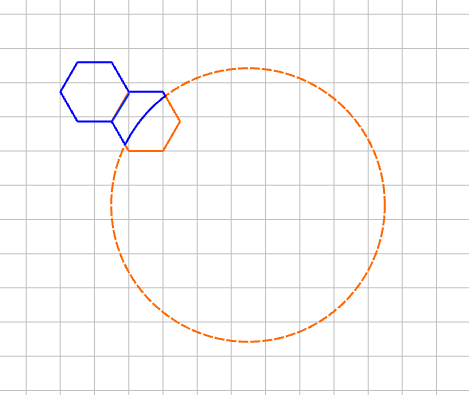
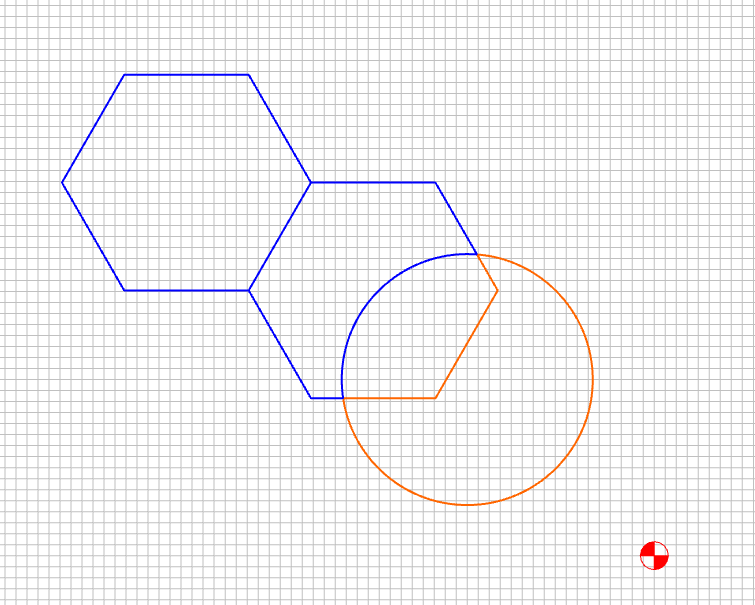
What I want is to clip the polygon group with the circle, leaving all geometry that is not impacted by the circle, like this (note the purplish crossbar).
Basically, the subtraction is losing information from the polygon group. Maybe there is some option that I’m missing, that I would be happy to be informed of.
Just looking into Booleans a little more…this is like the difference between Weld and Smart Weld. If you weld, you lose interior pieces…Smart Weld keeps them. In effect, you want Smart Subtraction as an option in the Boolean menus.
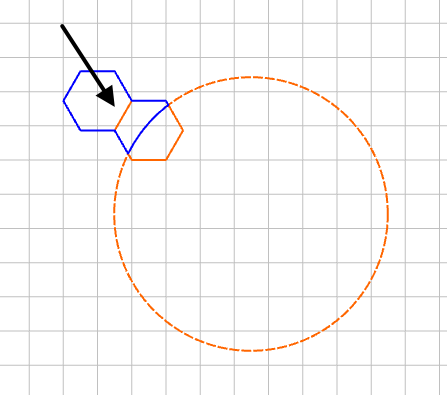
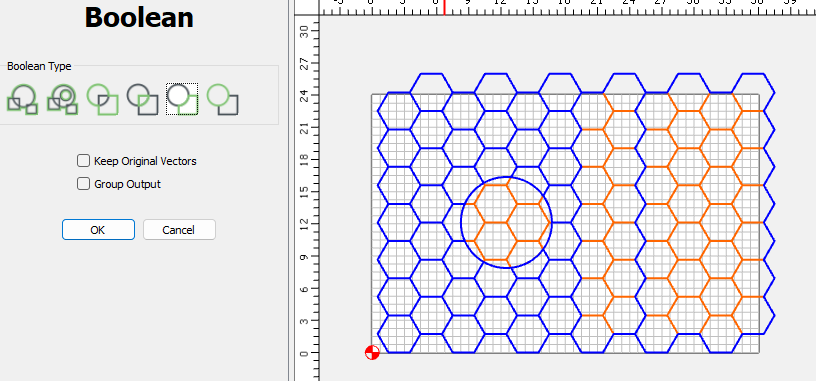
The order, when subtracting definitely matters. The last object you select will be subtracted from the other selected objects. The problem here is the grouping. ungroup them & you’re fine.
If I select all of these objects, deselect the circle, then add the circle to the selection, it shows up as the dashed, last selected object, and the subtraction works fine.