Folks,
Hope someone here can help explain this.
I designed a project in vectric aspire and created G code file for carbide motion I i have done this many times without any issues).
I have a stock that is 600mm x 140 and its on my shapeoko 5 pro with x,y zeros well within the machine extreme limits. X,Y,Z zeroes are all fine and my cutter is getting there with no issues.
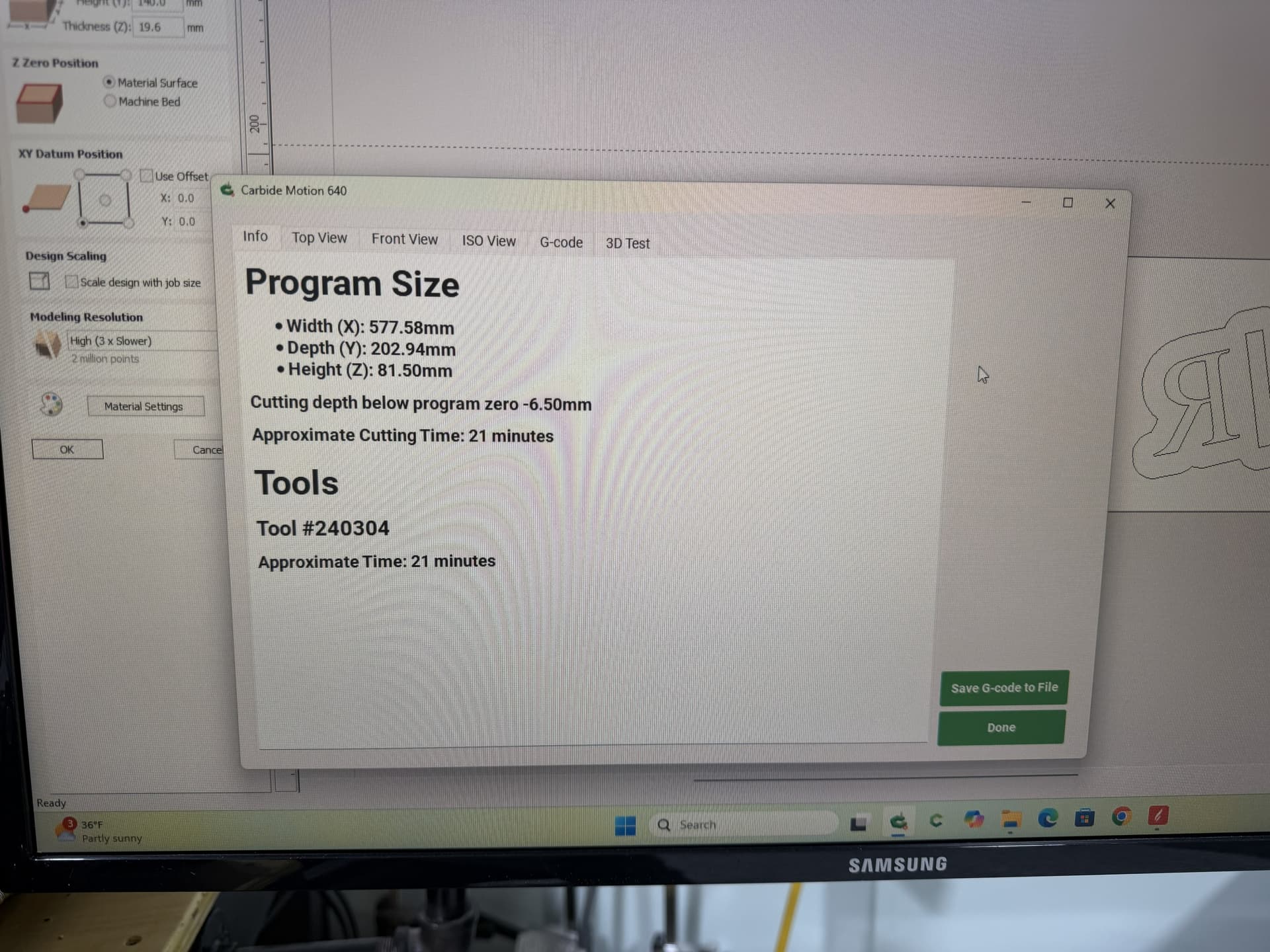
When I load the file in carbide motion, the program size says 577mm width (X), 202mm depth (Y).
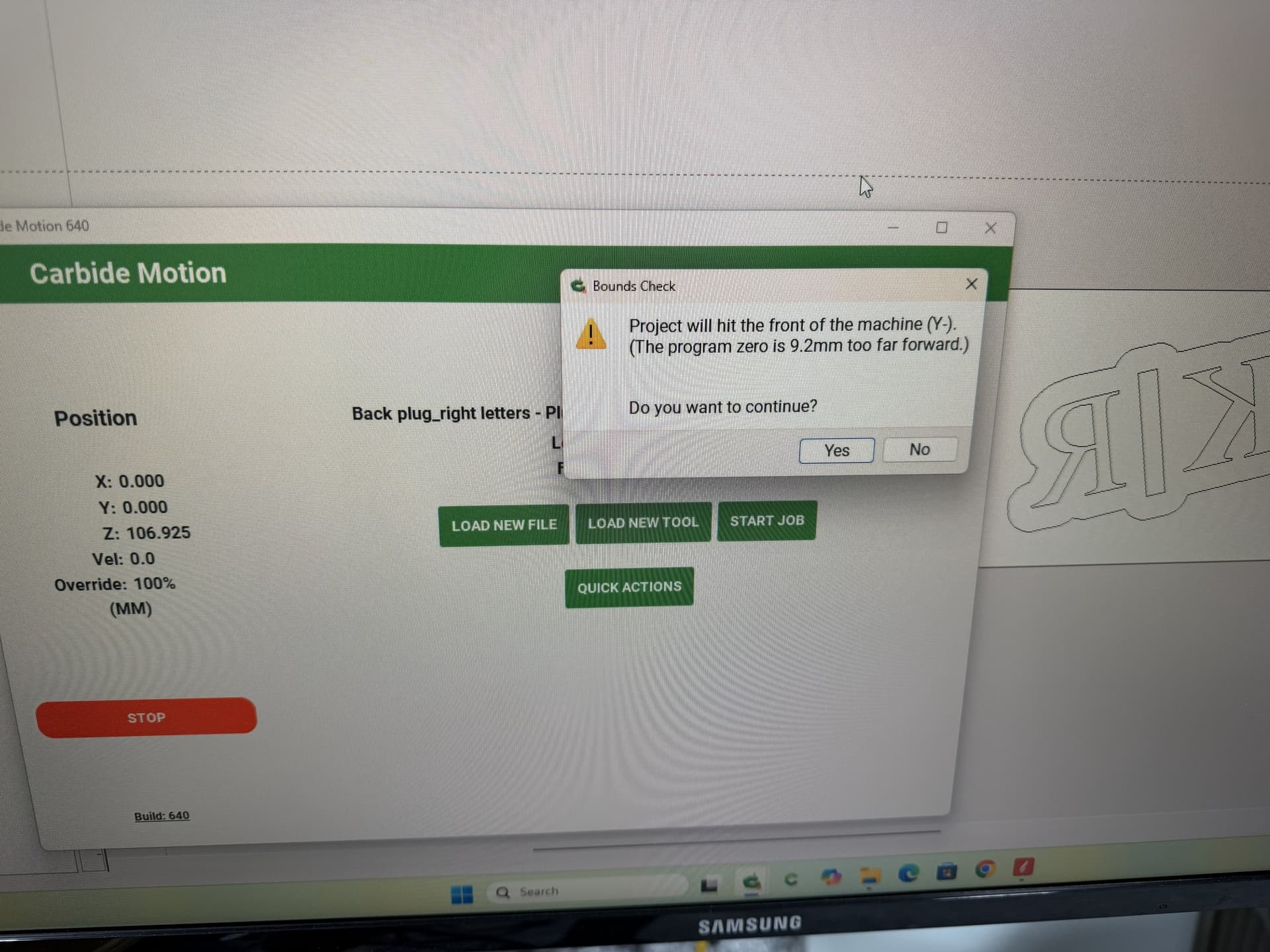
when i start project, CM is giving me a bounds check warning saying that program zero is 9.2mm to far forward.
I understand that the tool paths can be extended out. DOes this mean that the cutter will het the front limit and will not be able to move there therefore the cutting will not be accurate?
I find that opening the source file up and drawing a box which matches the specified dimensions (draw up the cut in profile if need be) or moving the machine to the origin and then using a tape measure to measure out the dimension(s) in question will make clear where things aren’t lining up.
your email made me think about the tool path travel. Looking at the preview, it looked like the tool path on the right side was coming quite far out. So, I thought I would move the stock a bit more inside the bed (moving x,y 0 inwards.) that took care of the issue.
But, I am a bit perplexed why I would lose a significant area upfront to do the cut. Is there something you can do to optimize the tool path so that it does nor come too far out the stock edge?
Thanks,
Mani
Vectric is a confusing mess to me (I bought a copy for one project, muddled through it, updated a couple of times, found out that I was only using it for tech support and dropped it) — there is a facility for setting “datum points” (I think the idea is to avoid workholding?) — check and see if any are set?
The datum point setting in Vectric is where you tell it XY zero relative to your stock.
In version 11.5 or 12 (I think) they added the concept of keep out zones. You can mark certain areas with that and the travel will avoid them. I have used that a little but not much. If you used more obtrusive clamps it would certainly be valuable.