I’ve seen this question before but can’t sort through all the old data. I’m trying to find a current tool chart for Nomad tools including recommended feeds, speeds, Etc? Is there one out there? I see them for other manufactures but can’t find this one. Much appreciated!!
For the Carbide 3D Nomad, the most up-to-date feeds and speeds data is integrated directly into the Carbide Create software’s tool library, which automatically provides recommended starting values tailored specifically for the Nomad’s spindle power and rigidity across various materials.
1 Like
Thanks, but I’m trying to put them in V-carve. Seems like there should be a spreadsheet or PDF listed by tool name and number. For reference with other software‘s. But maybe not.
Unfortunately for those of us who don’t use CC, it is a matter of copying the information onto a piece of paper to transfer to the other software… I too would welcome an export function.
The only document I have from C3D is the old one for the Nomad883 with its 10krpm spindle and only the #101 and #102 cutters.
Select the library, click “Duplicate” at the bottom. Select the Material & Machine. Save the part
Click Help → About → Open Data Directory
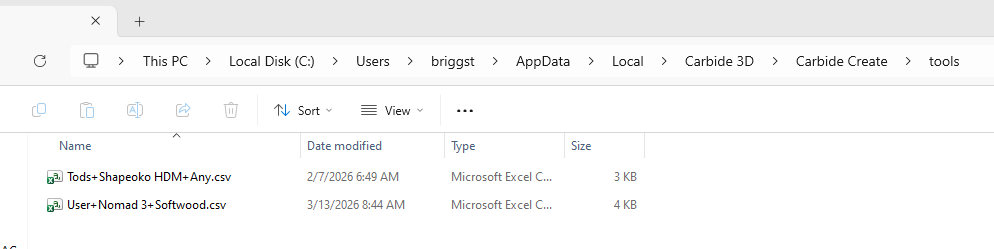
The .csv file opens in Excel
2 Likes
Thank you, @Tod1d and @WillAdams for your suggestion about the .csv. That will be a Learning Experience for this weekend. I don’t know if SheetCam has a tool database import capability, if nothing else I can have the csv onscreen and copy numbers from it like I do from scribbled hand-notes… 
Here is the Amana Tools Database for Vectric
Amana-Tool-Vectric-12-5-2025 (2).zip (495.7 KB)
From what I understand, the Locked Tool database cannot be exported. You must first duplicate the Database; you can then find it under %appdata% and open it as a CSV. Once you have it in a CSV you should be able to import it into Vectric.
Vectric tool database doesn’t accept .CSV imports. It has to be in their custom SQLlite based format with .VTDB extension or older .tool format. I added Nomad bits manually by duplicating the closest Vectric generic bit and editing the specs to match Create.
1 Like
@mookie You are correct. I tried and tried, but I had no luck.
Well, I found a workaround.
If you have any specific tool database in Carbide Create Post, it’s here, and I’ll run it again.
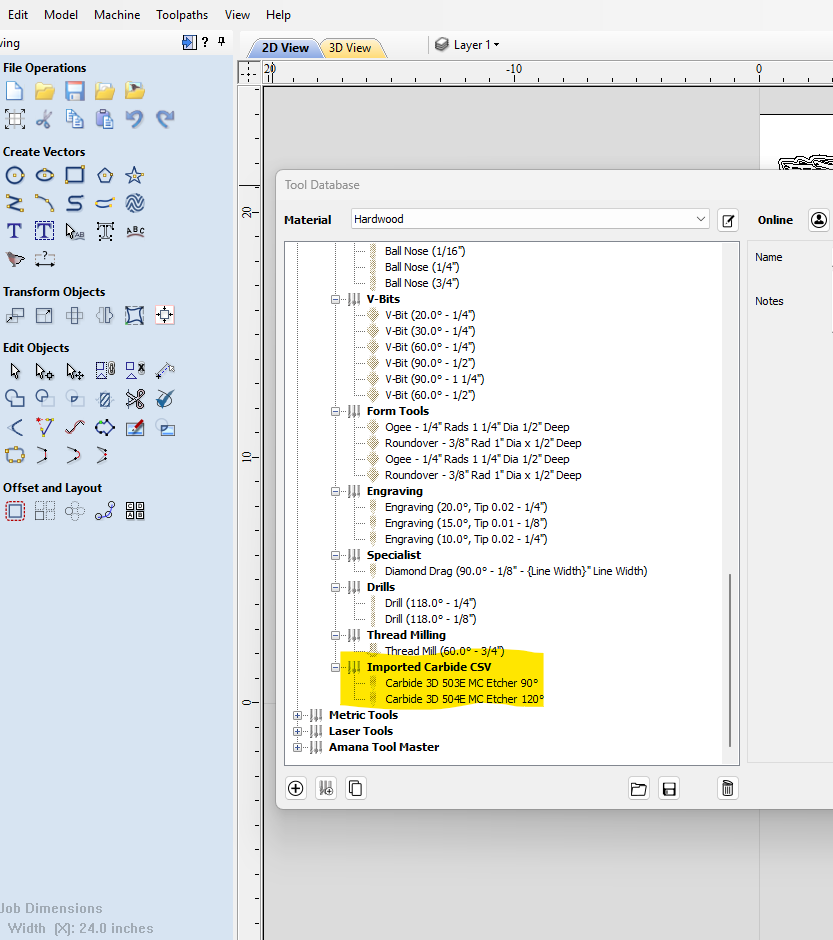
vectric_tool_database_from_csv.zip (250 Bytes)
vectric_tool_database_from_aluminum_csv.zip (268 Bytes)
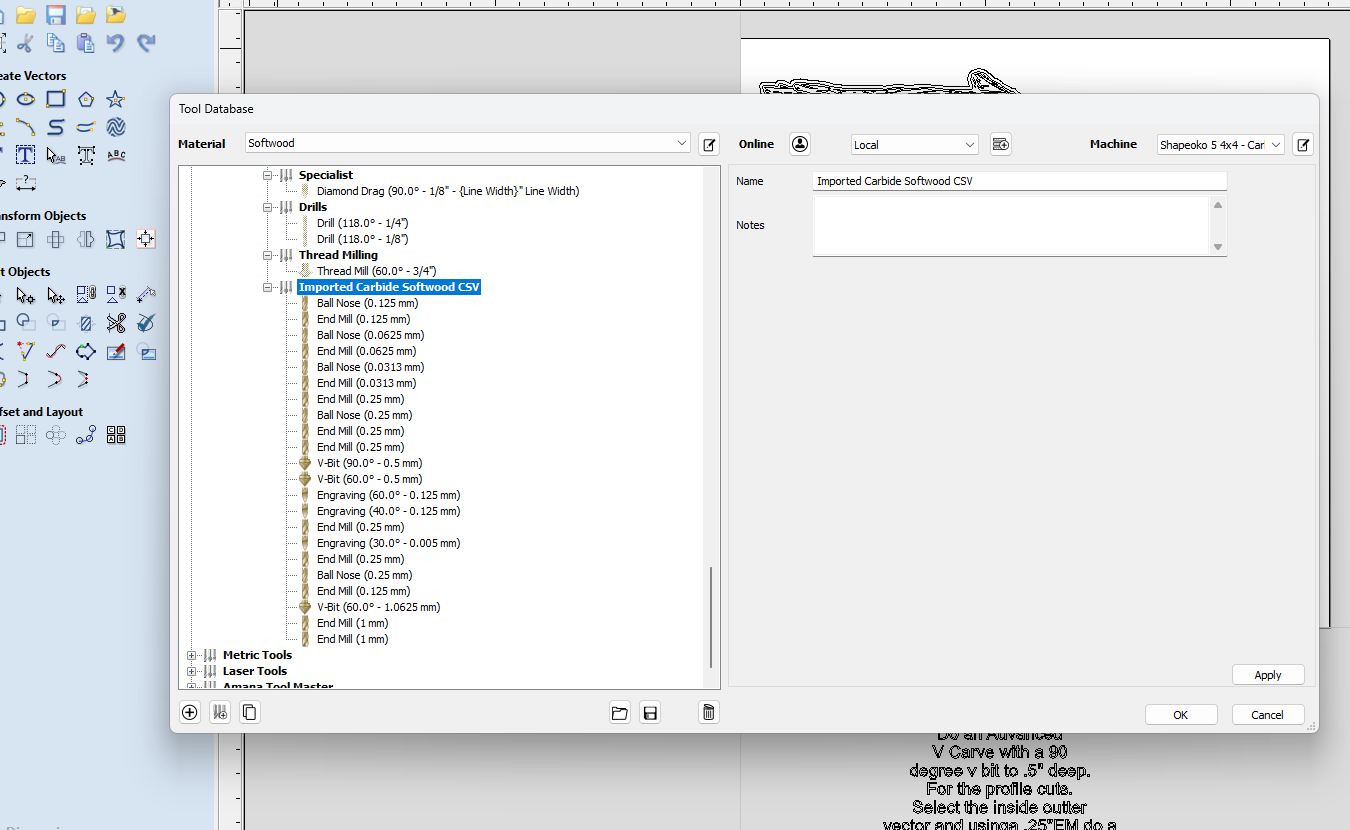
That’s great you figured that out. You have a way to convert CSV to VTDB?
I couldn’t get your unzipped exports to import. What I see is:
The .ZIP’s contain a .vtdb-wal file
Vectric (VCarve) will import a .vtdb file. Export also creates a .vtdb.
When a .vtdb is imported it creates two helper files in the same folder with the same name but one is .vtdb-shm and one .vtdb-wal.
Could you try zipping and posting the .vtdb?
I learned today they (Vectric) released version 12.508 which has changed the underlying file and tool format. Files and I think tool db’s saved or exported from 12.508 won’t open in 12.507 and earlier. I’m staying on 12.507 at the moment.
This topic was automatically closed after 30 days. New replies are no longer allowed.