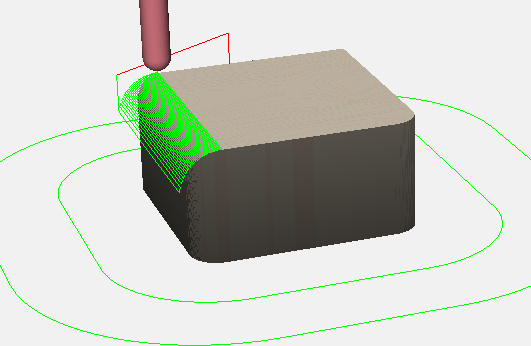
I mainly make mechanical parts in SolidWorks. Sometimes those parts can be mostly made with 2.5D, but some small area needs to be profiled to add a roundover or some other 3D feature. See picture below.
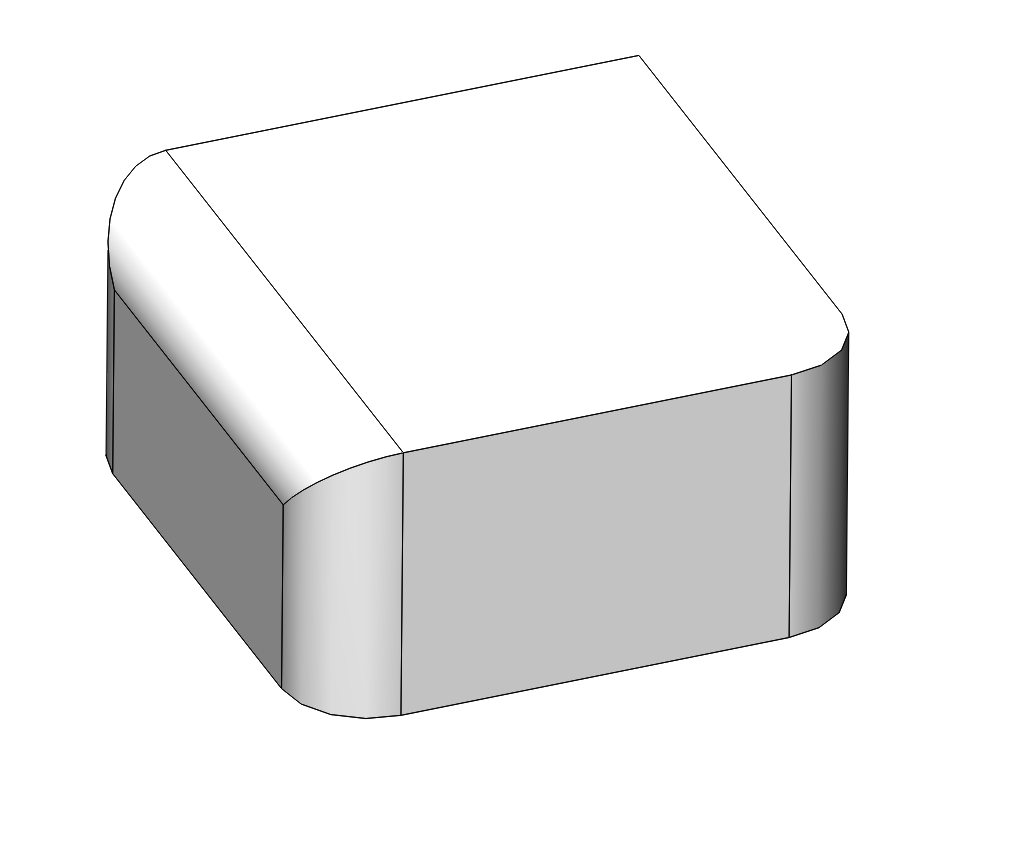
I previously used HSMworks in SolidWorks with a Fusion subscription, but that is no longer offered. I’m hunting around for something that replaces it.
In my search, it seems that programs either do everything (Fusion, FreeCAD/CAM, SolidWorks integrated CAM) with all the handles for changing every parameter, or 2.5D, or they general 3D roughing and finishing (Carbide Create Pro, Estlcam, MeshCAM). The problem with the 3D roughing and finishing versions is that they try to do the whole part, rather than just a small region that needs 3D treatment.
Fusion has various issues (cloud, changing policies, etc.) and the SolidWorks integrated options are too expensive to justify. I give in and dig into getting FreeCAM to work, but every time I’ve tried it’s been a frustration, and considering I’d prefer to continue to make parts in SolidWorks, I really only need the CAM element.
Any suggestions?