In addition to the video training at:
I wrote up a bit at:
and
and you may find a text such as:
helpful
As noted, there are just a few things which need to be done here (if you can’t source a file which was made by a competent illustrator):
- ungroup vectors
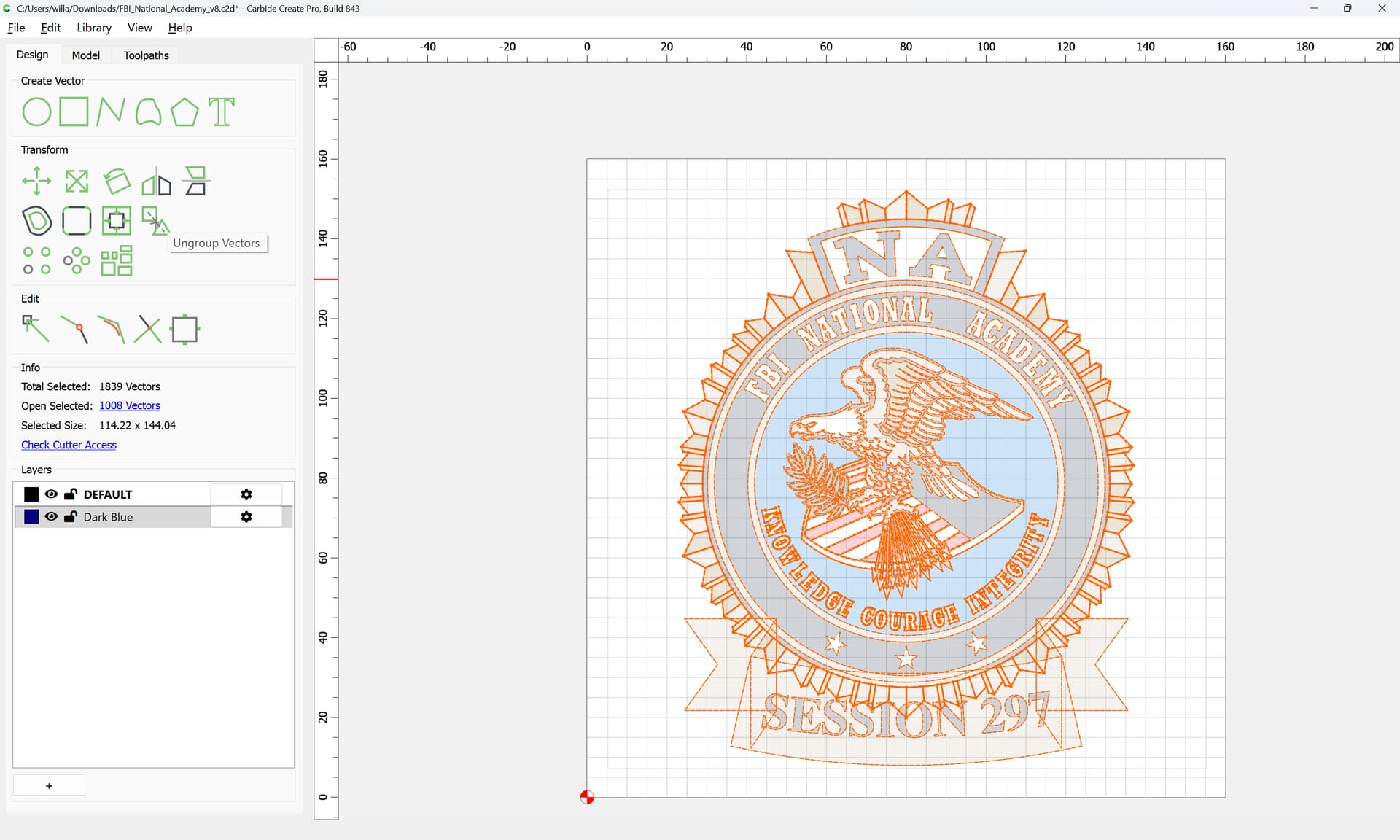
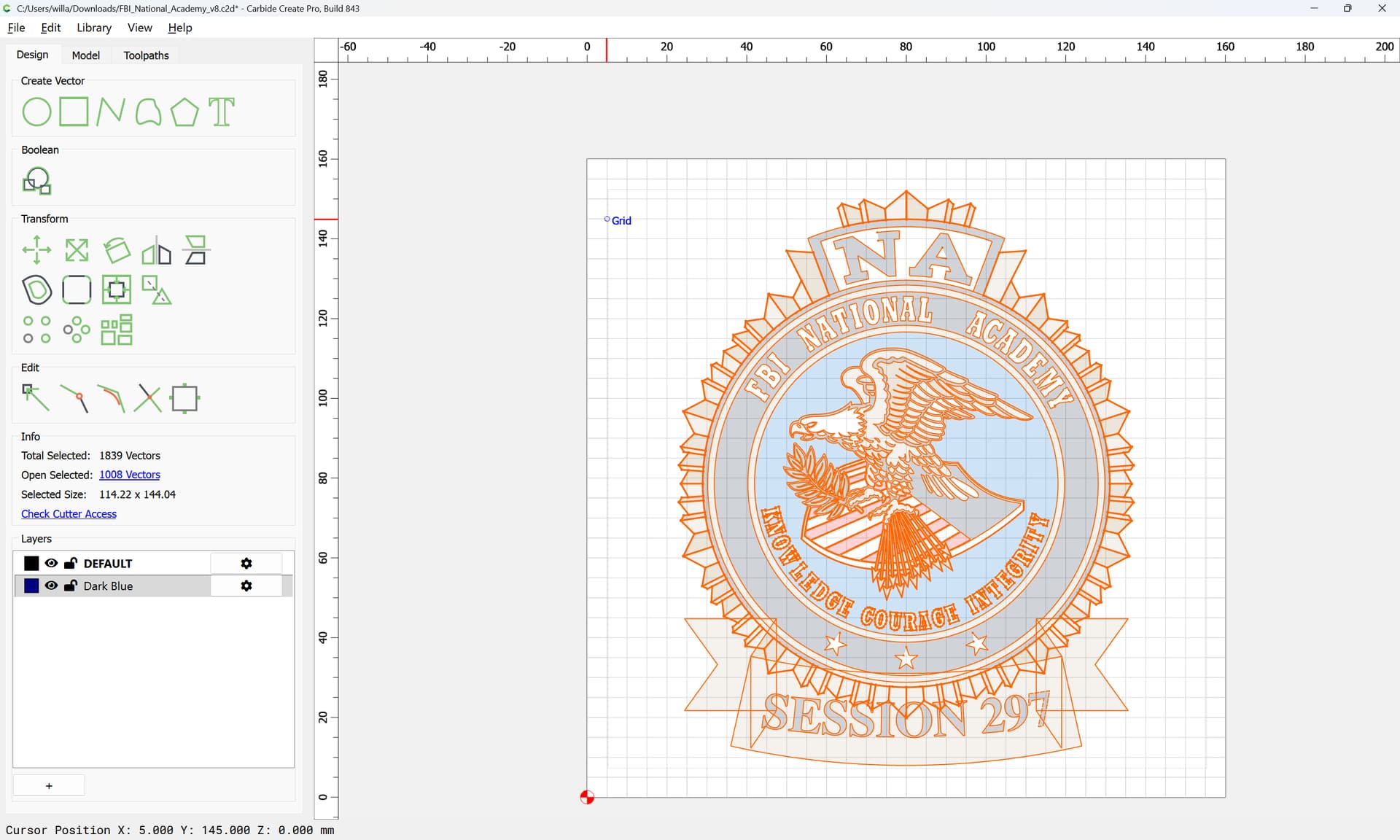
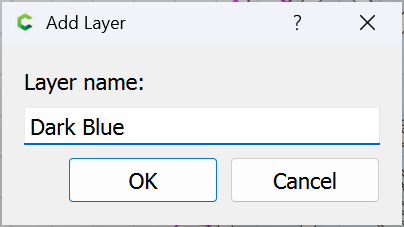
- make a layer for each colour
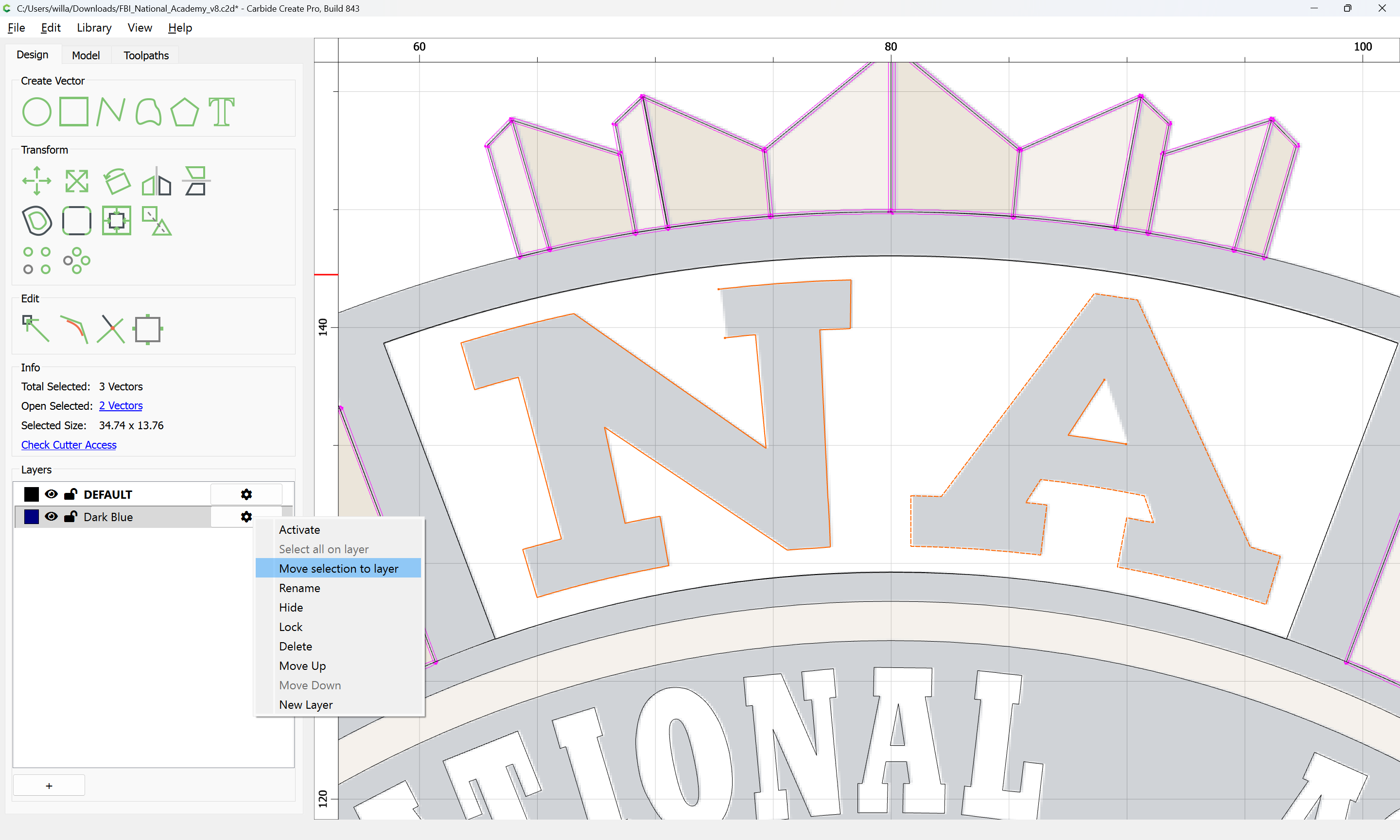
- Select and then move those elements whose outer perimeters are defined by the colour in question to that layer:
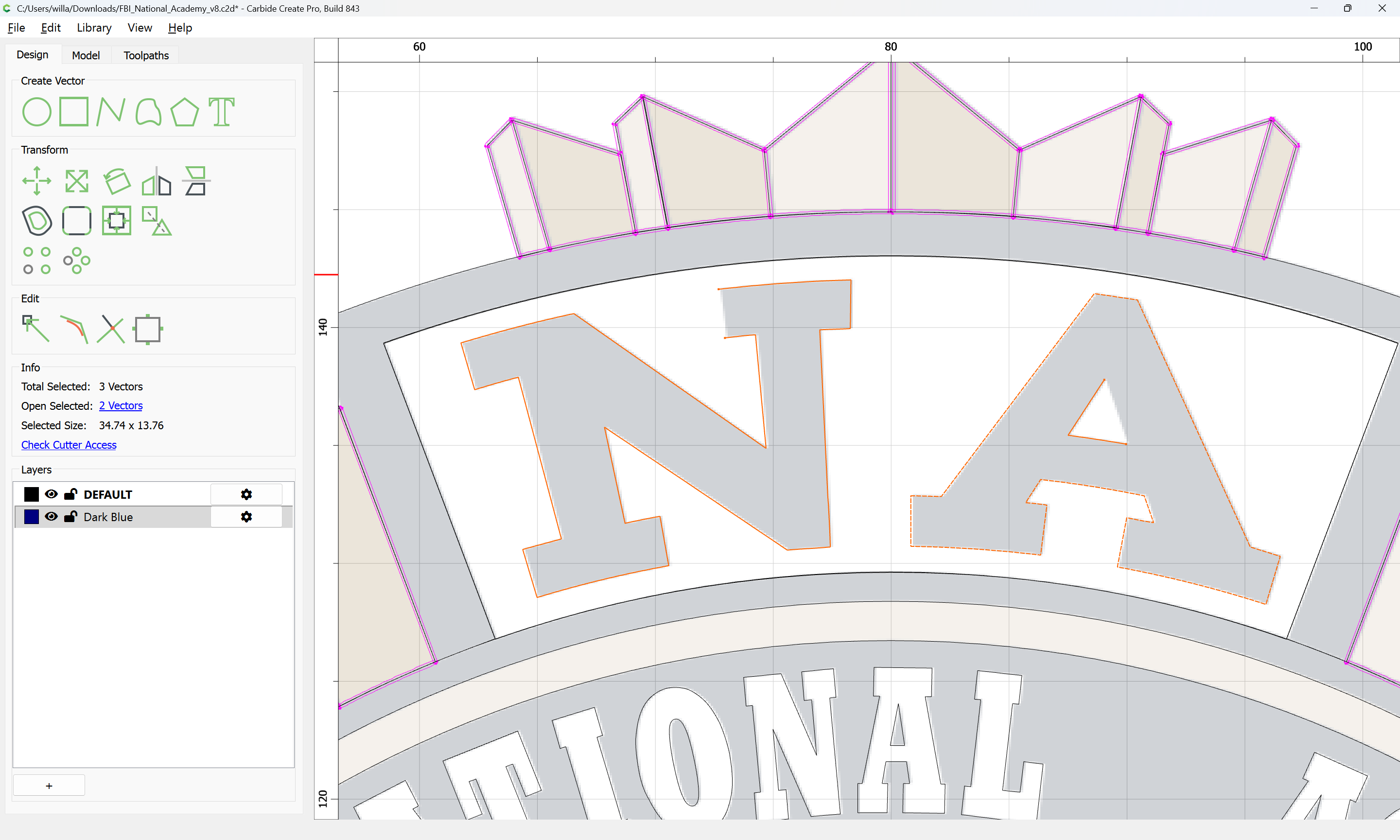
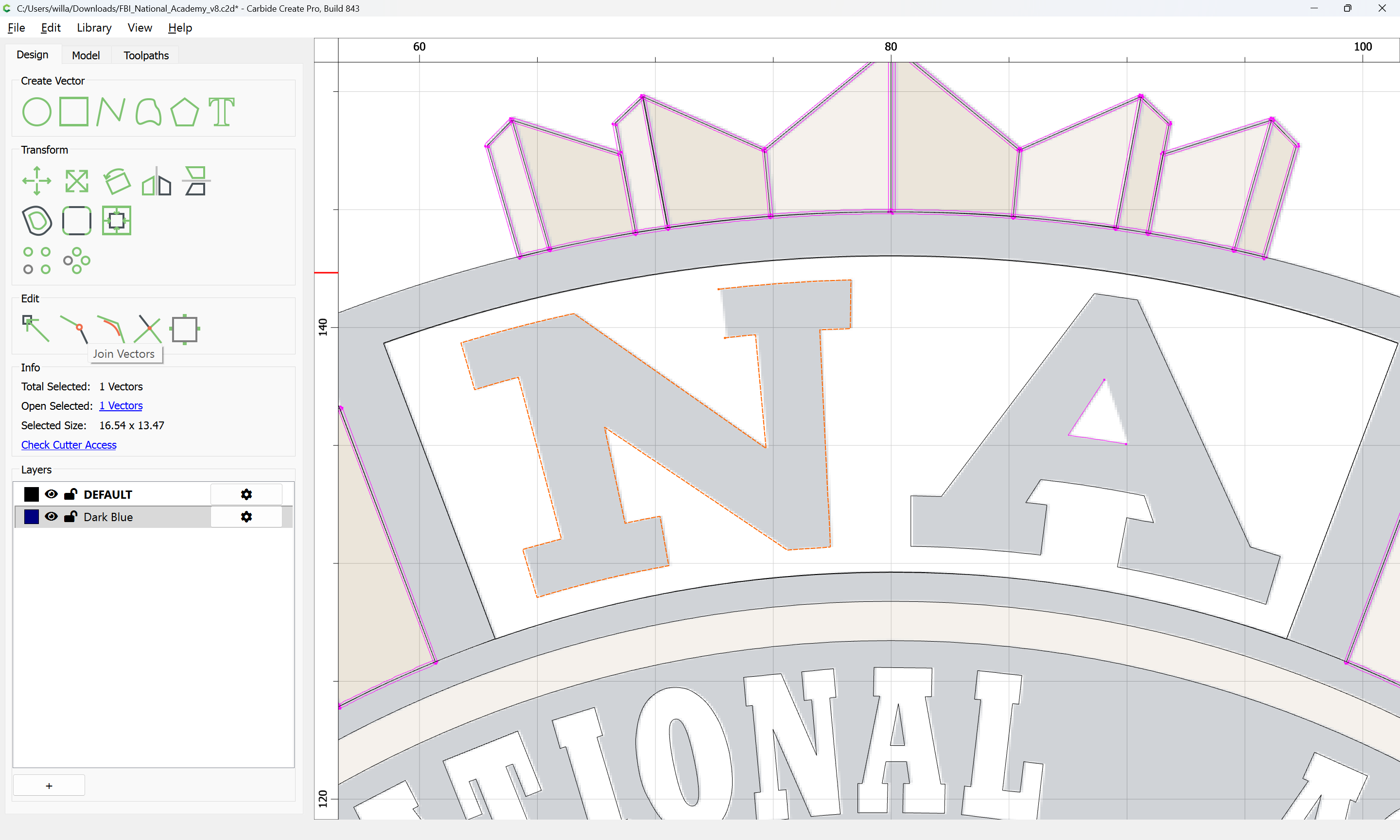
- use Join Vectors to close any open regions:
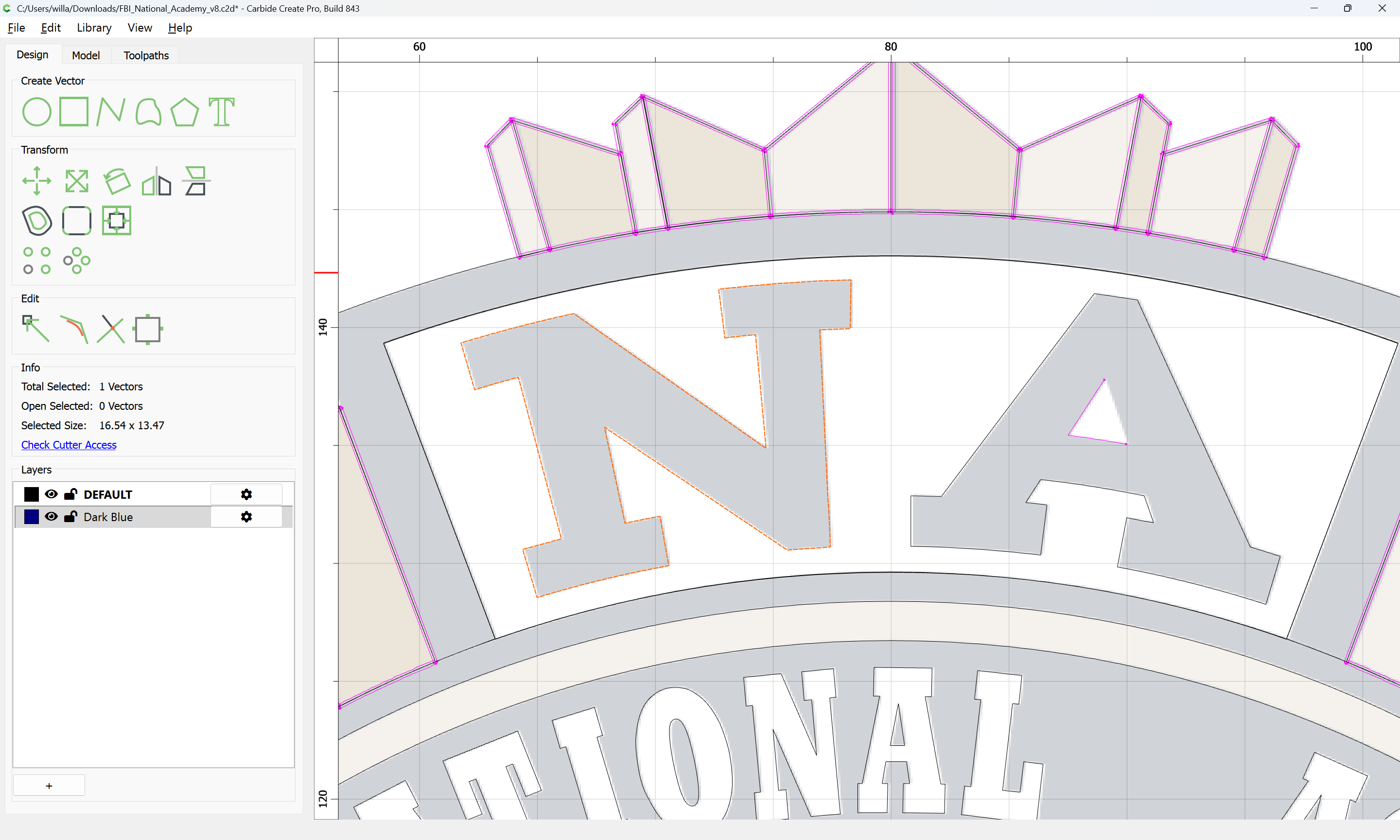
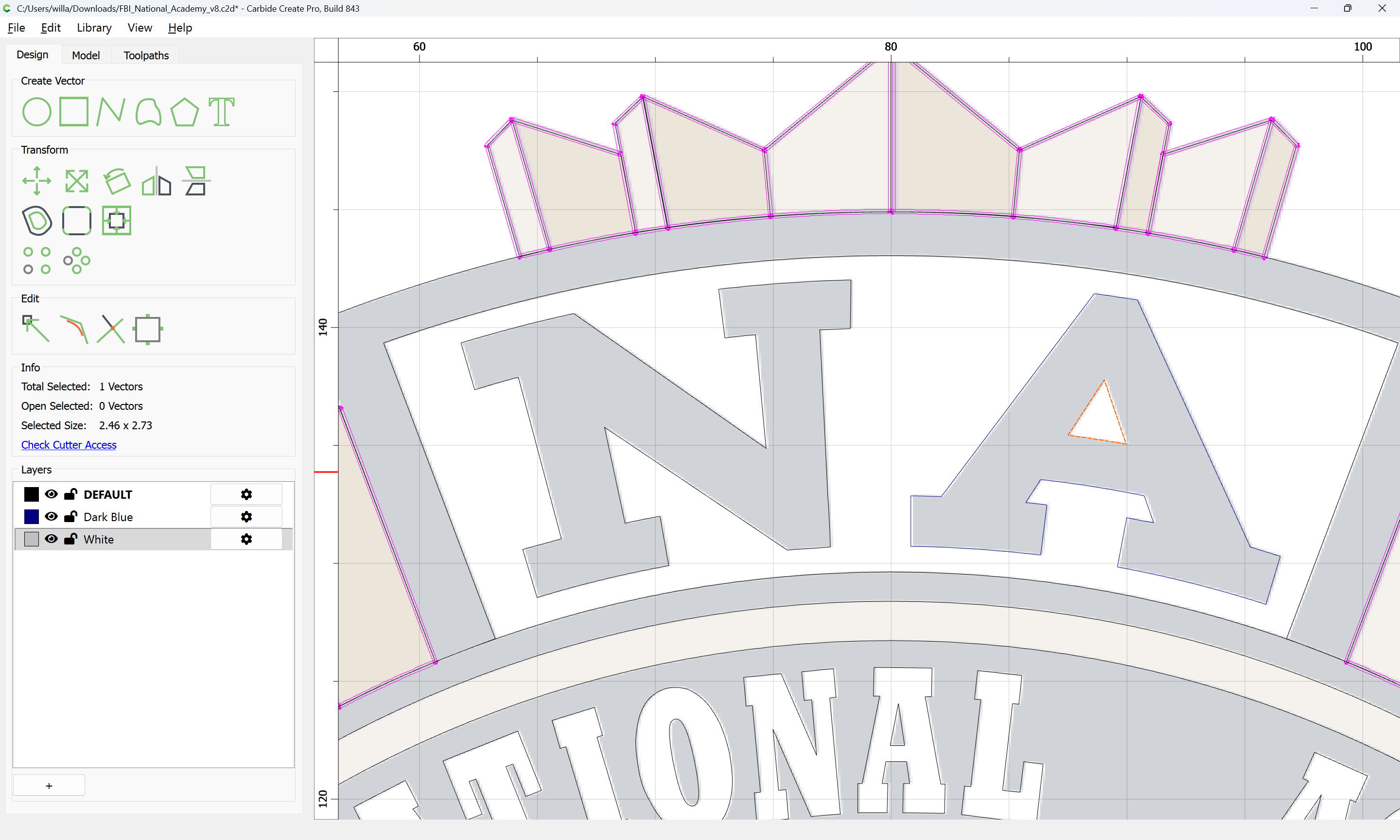
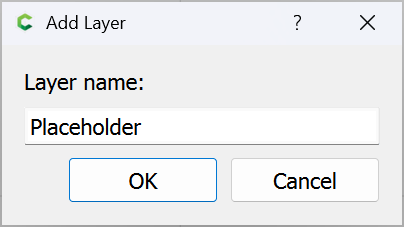
Where extraneous geometry occurs, delete, or move to a placeholder layer:
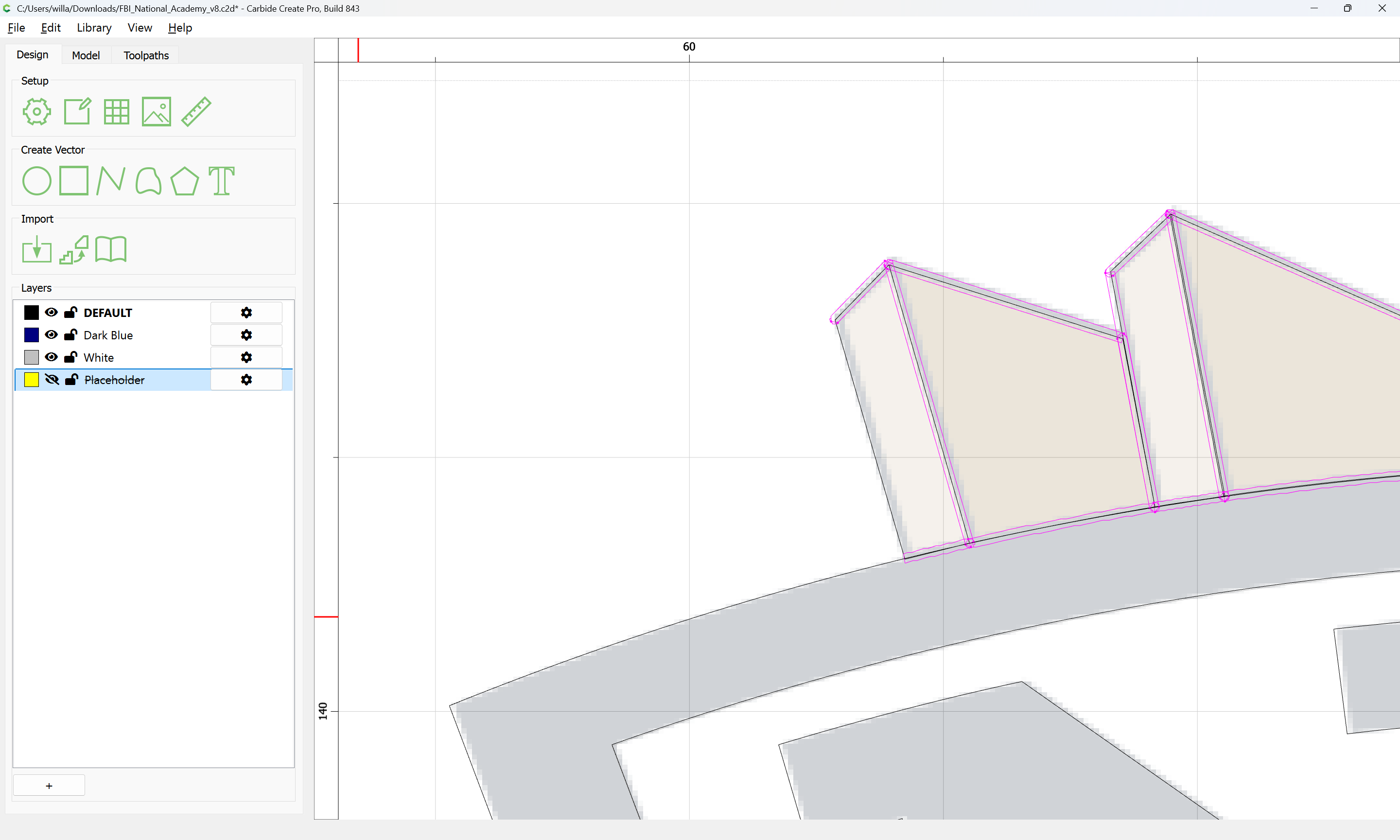
Where elements which should not cross cross:
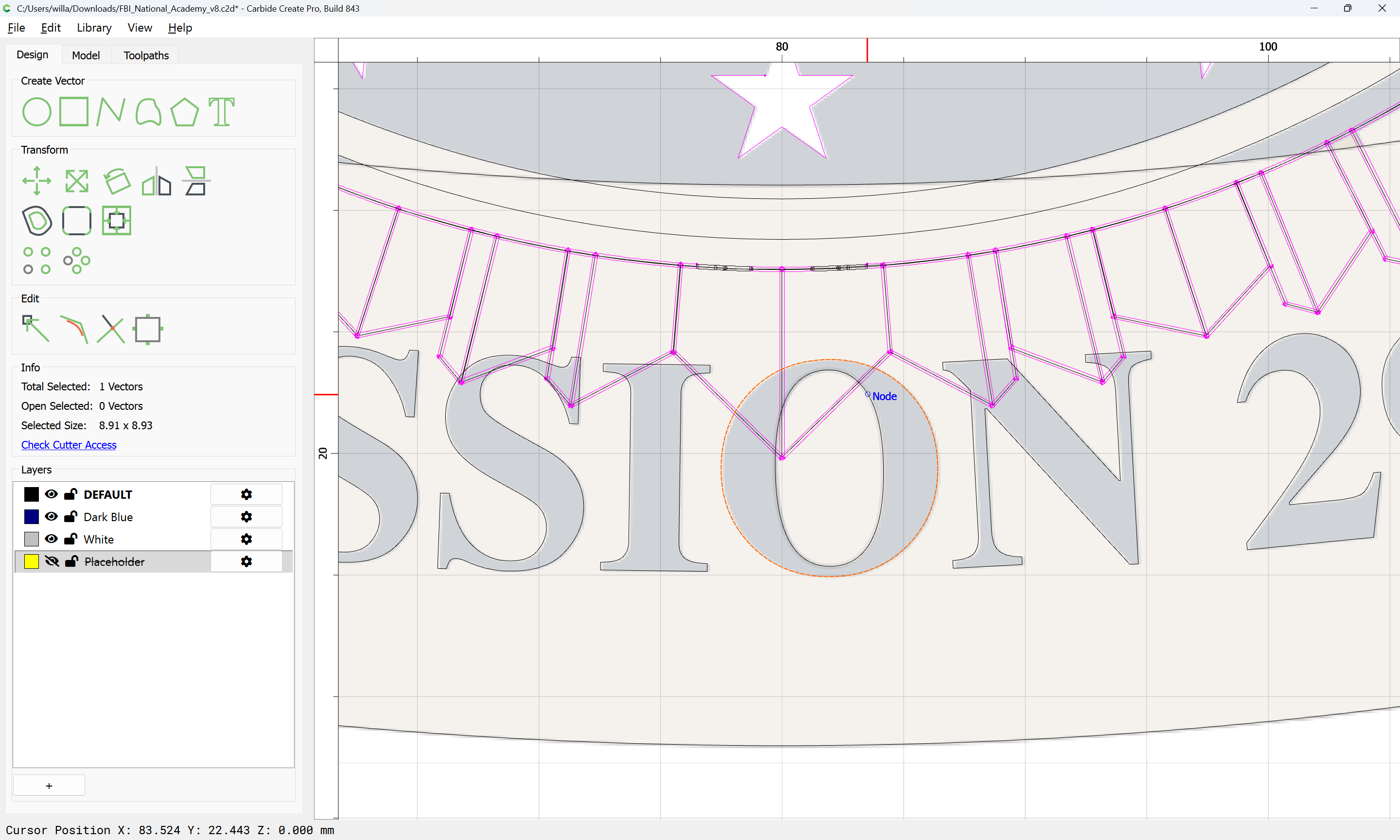
Select:
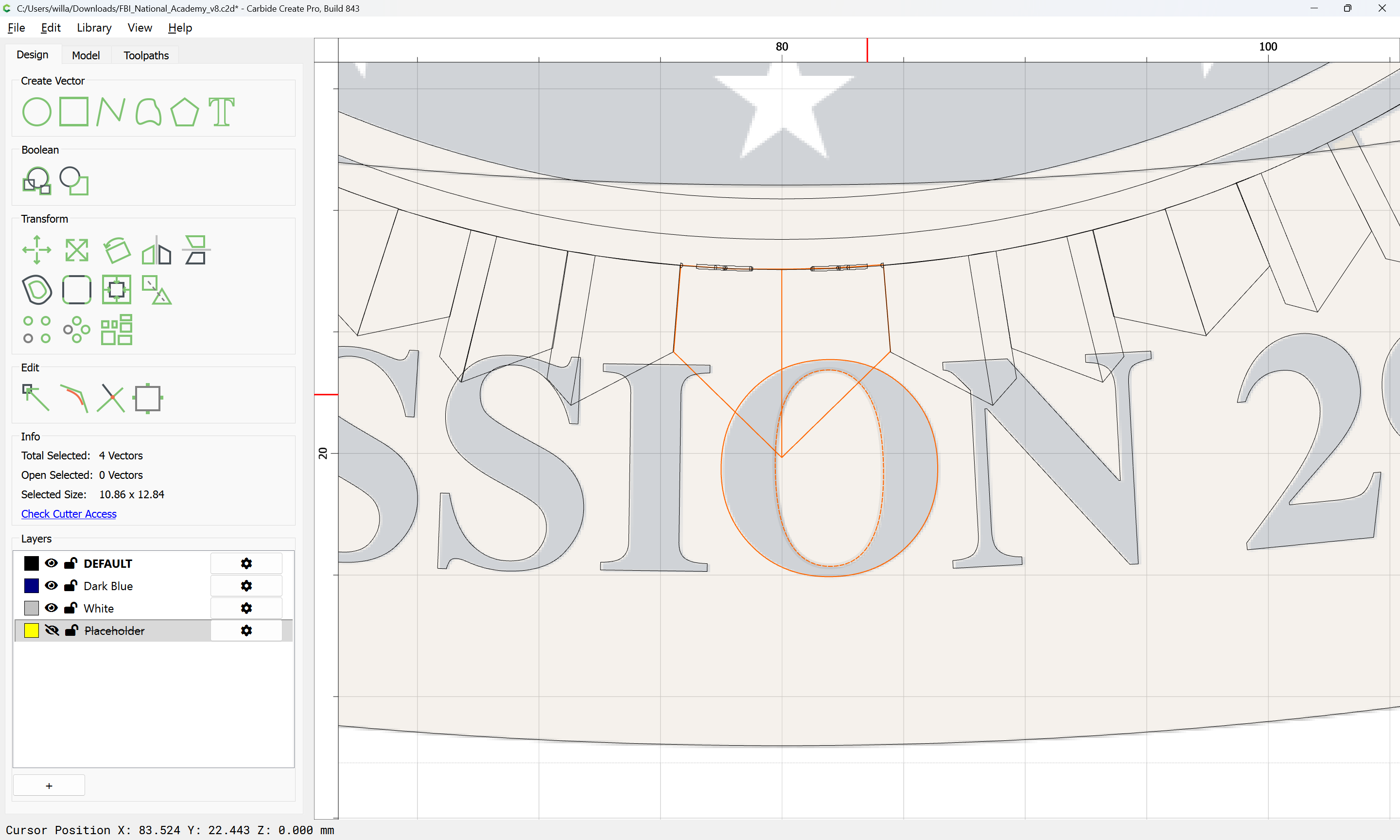
Duplicate in place by copying, then pasting with the cursor outside the drawing area:
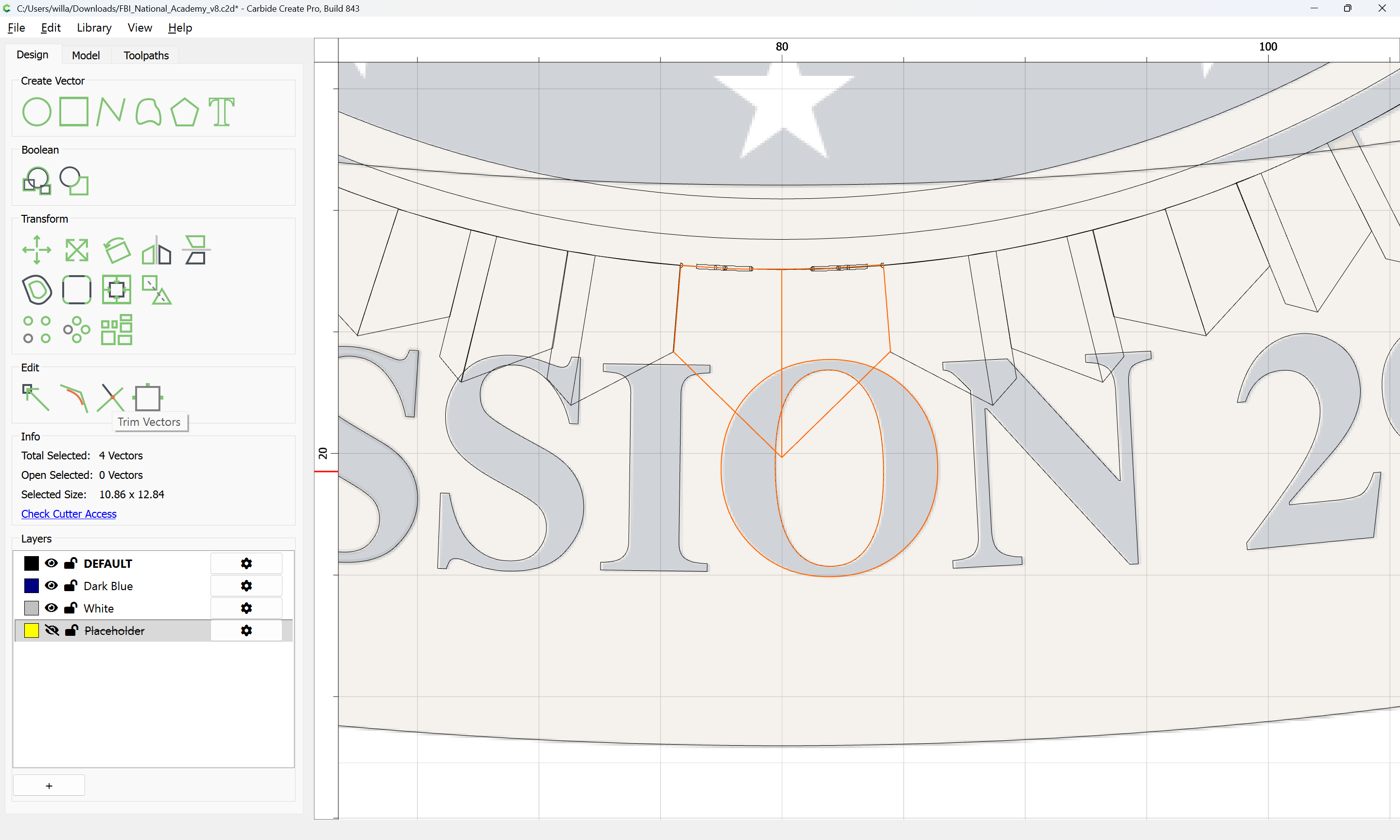
and then use Trim Vectors to make a set of geometry which define the background regions:
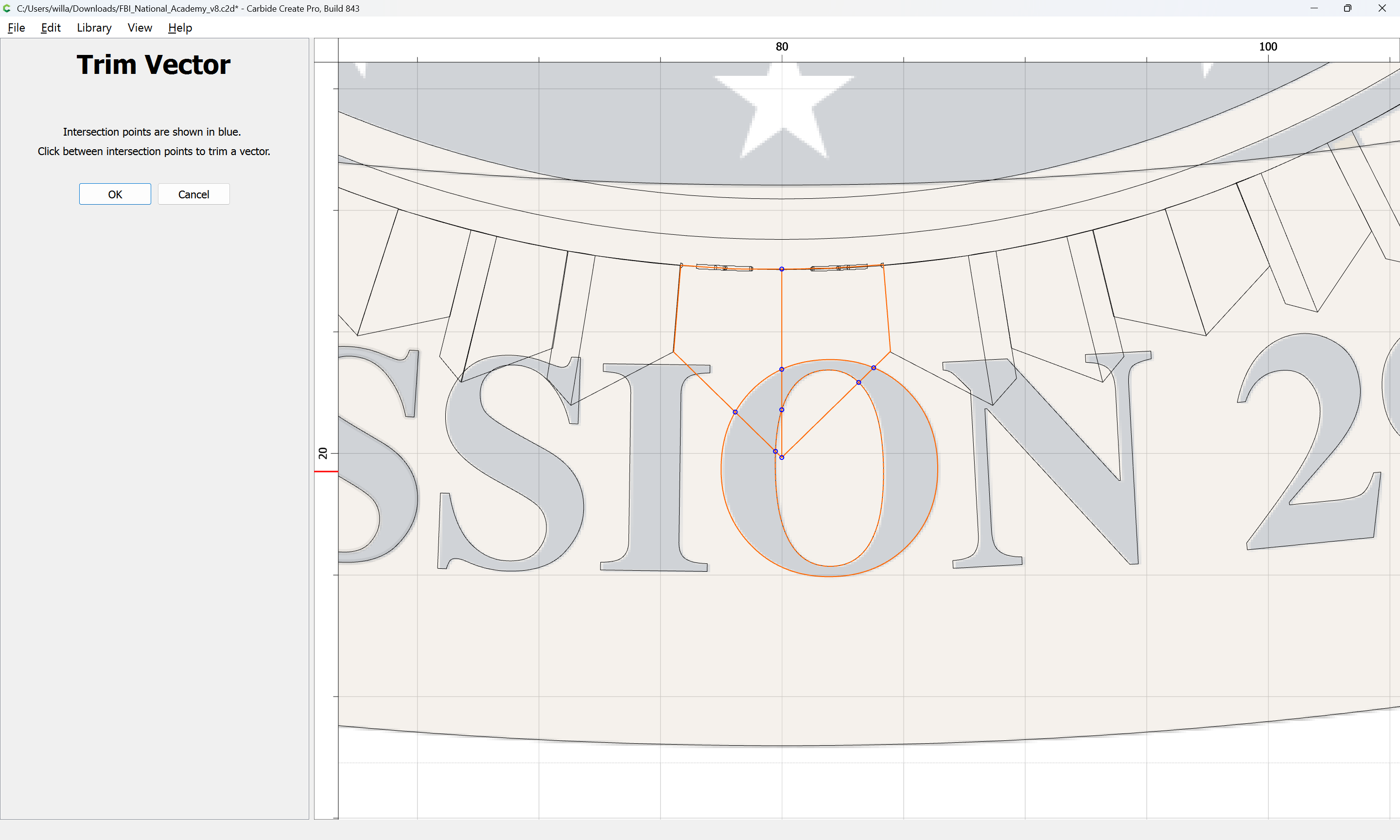
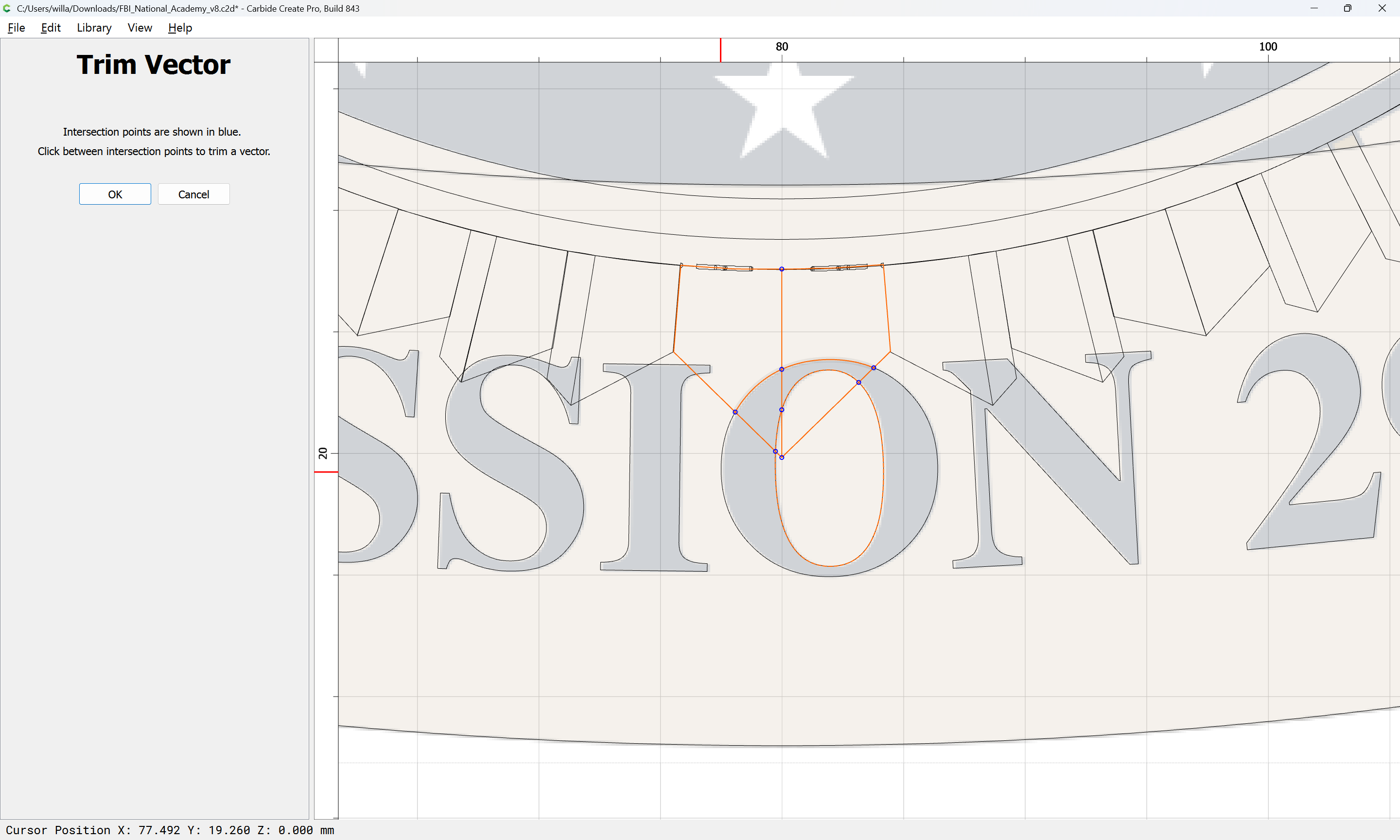
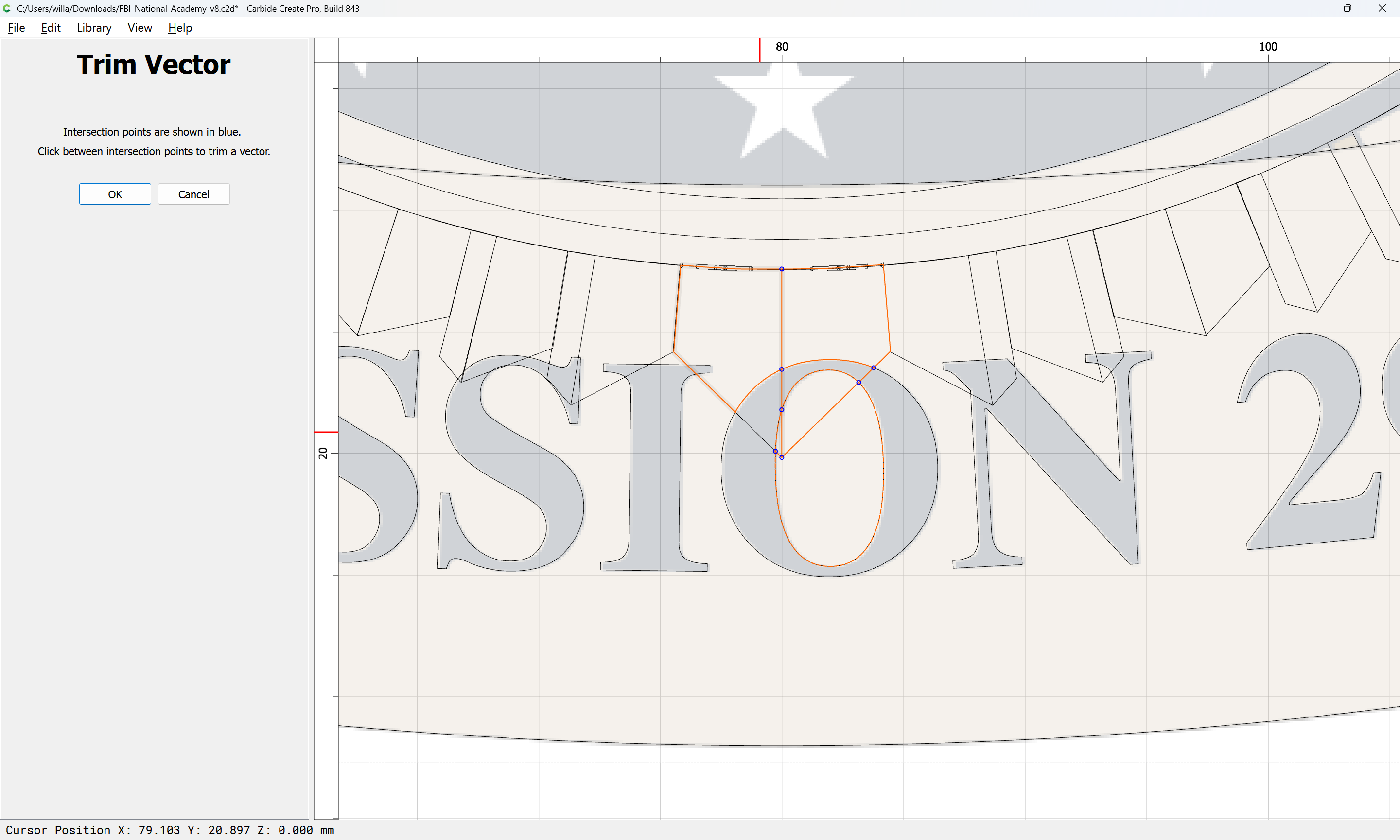
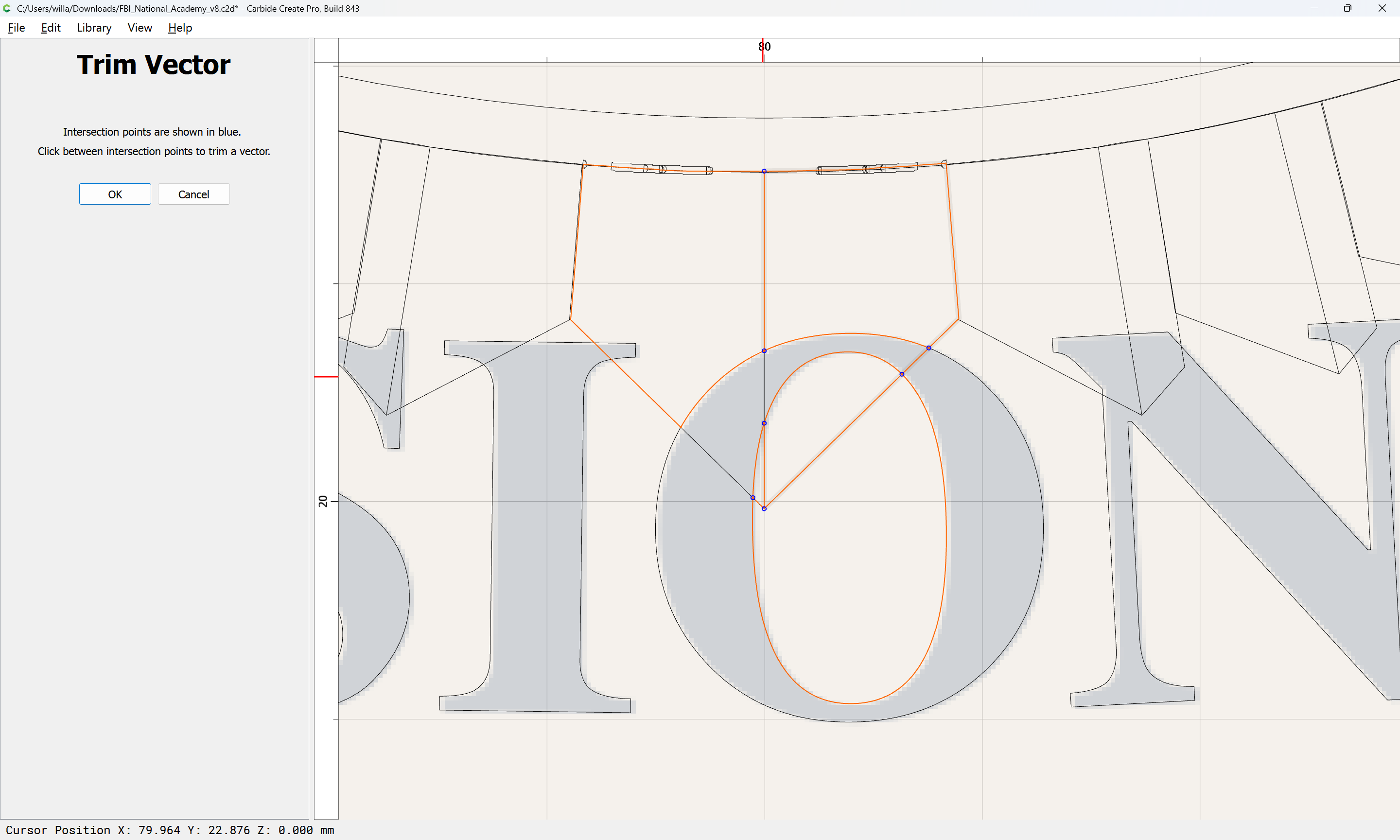
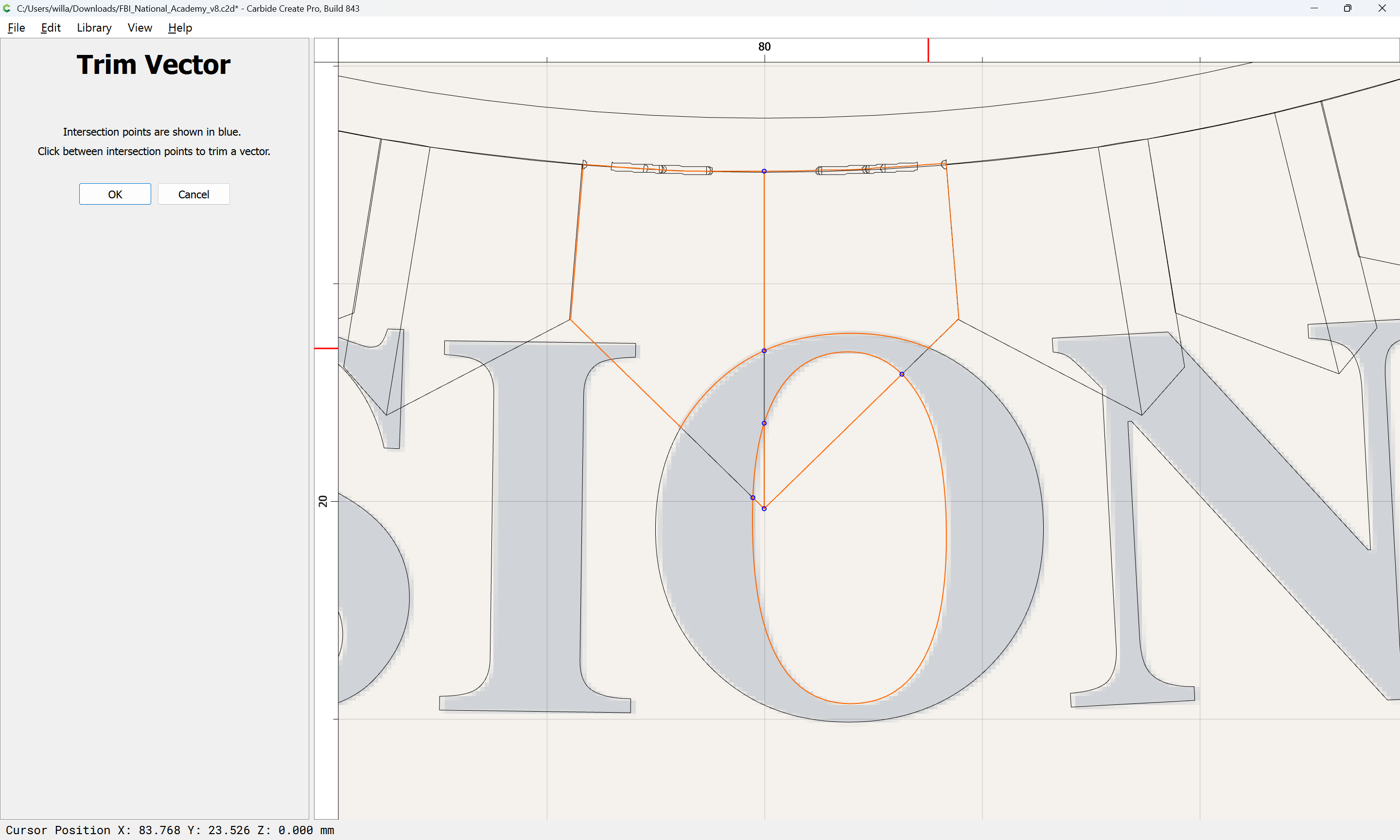
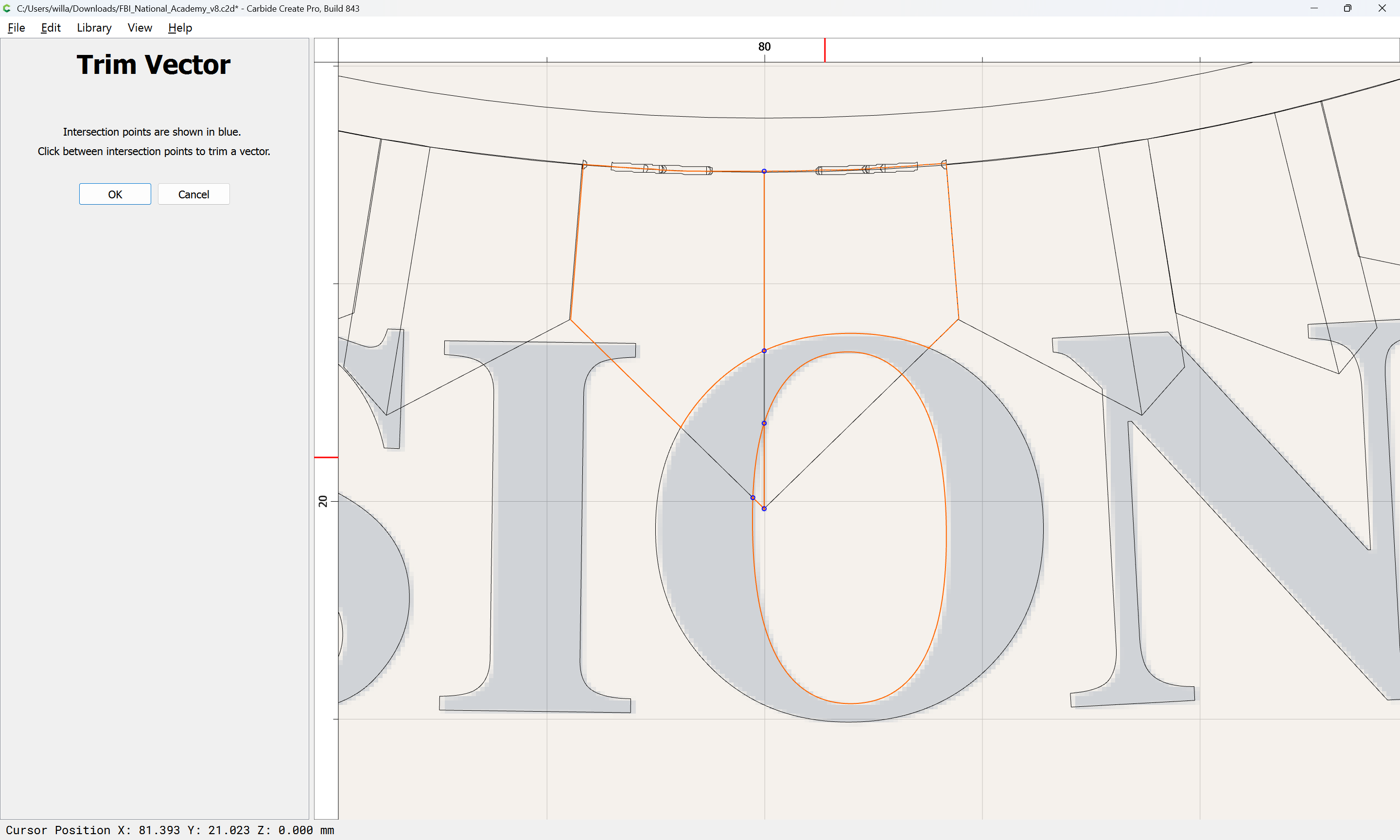
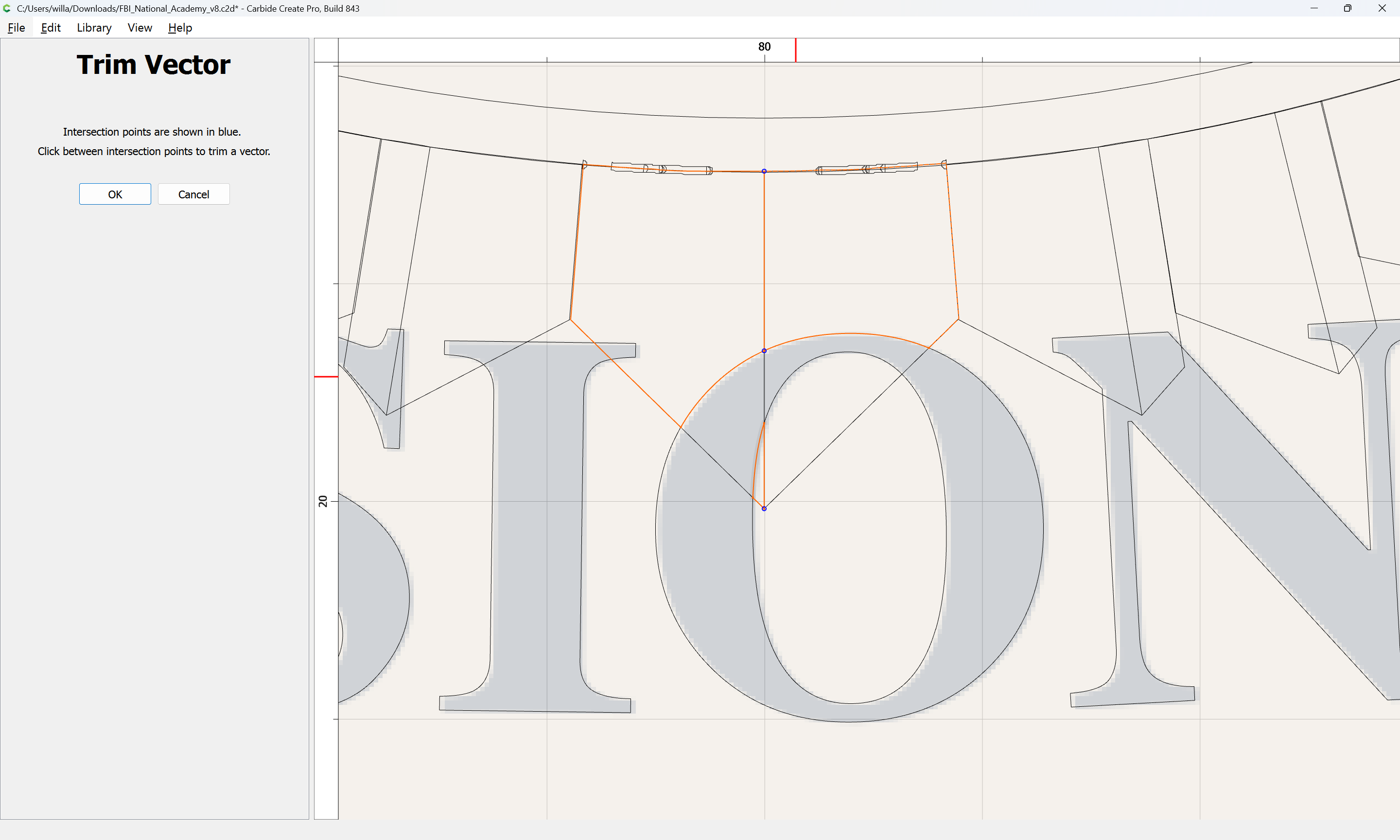
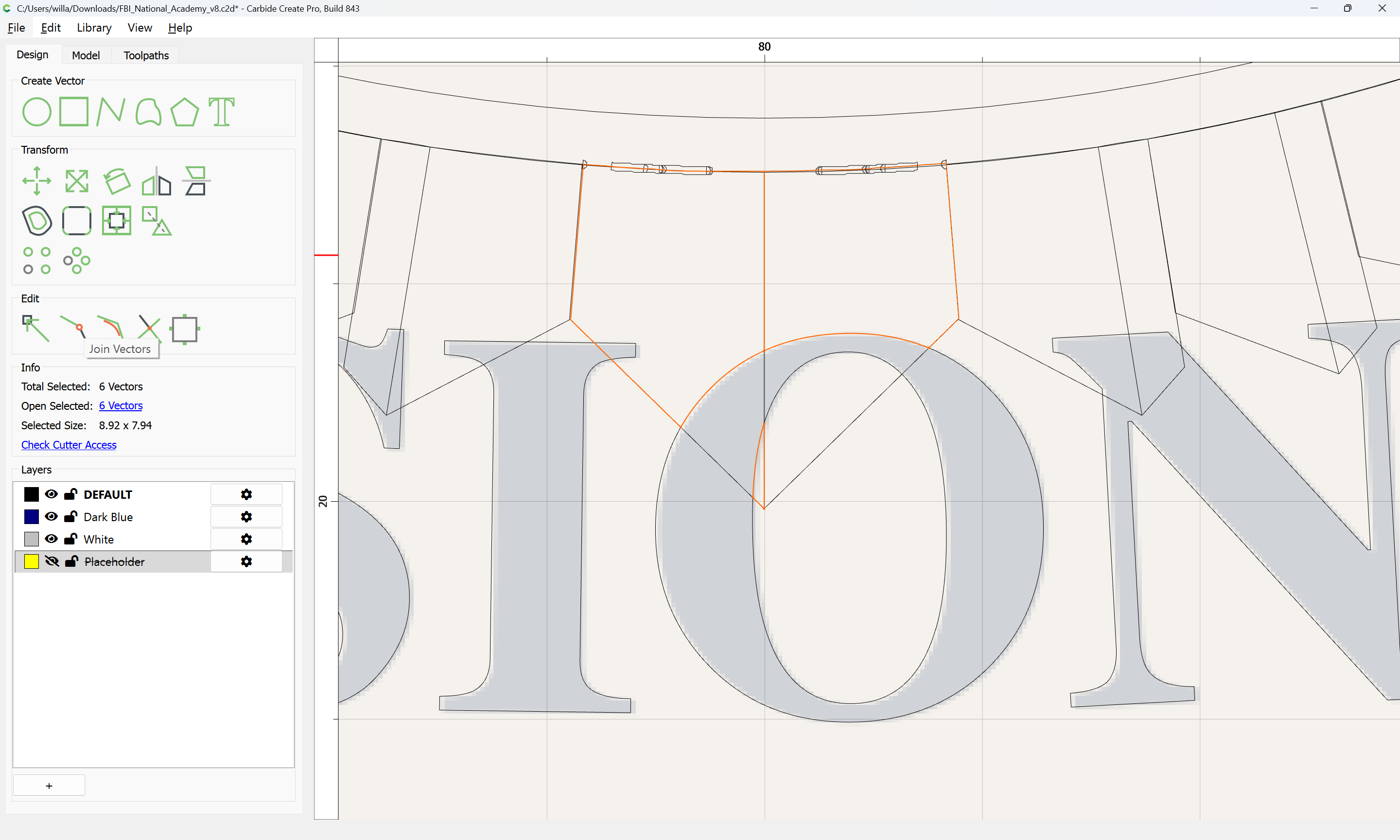
Then use Join Vectors to close the regions in question and move them to the appropriate layers.
EDIT: actually, the above could simply be deleted:
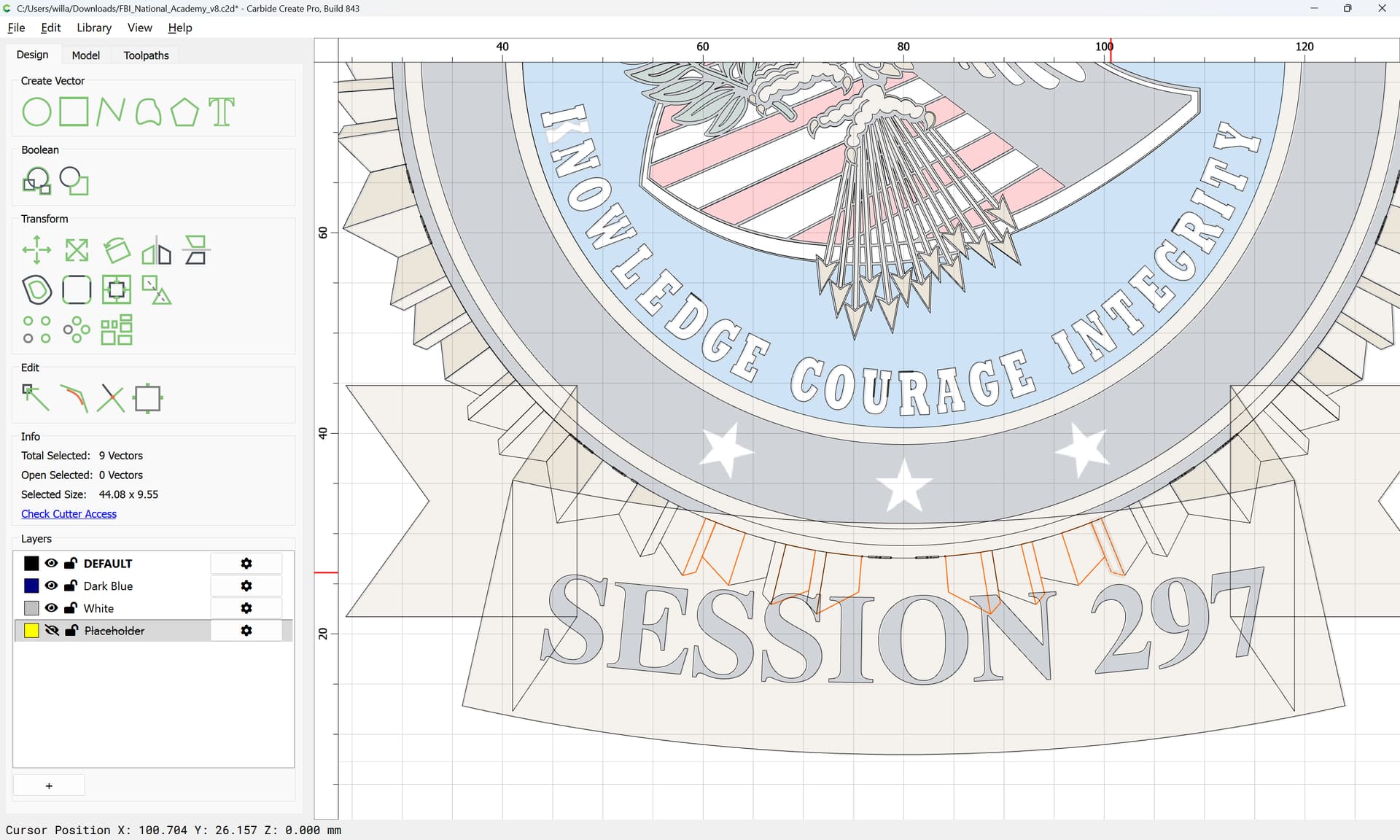

since it falls on the ribbon area surrounding the text at the bottom — the principle still stands, and would instead be applied to the ribbon.
Repeat the above steps for each and every element — or, explain to the people who provided this graphic that it was created using Adobe Illustrator, which allows filling regions which are not actually closed and has overlapping regions which make it unsuitable for this usage.
If you wish, you could use a training session, either one bundled w/ a machine:
or a purchased one:
for further instruction.
EDIT: Mostly finished file:
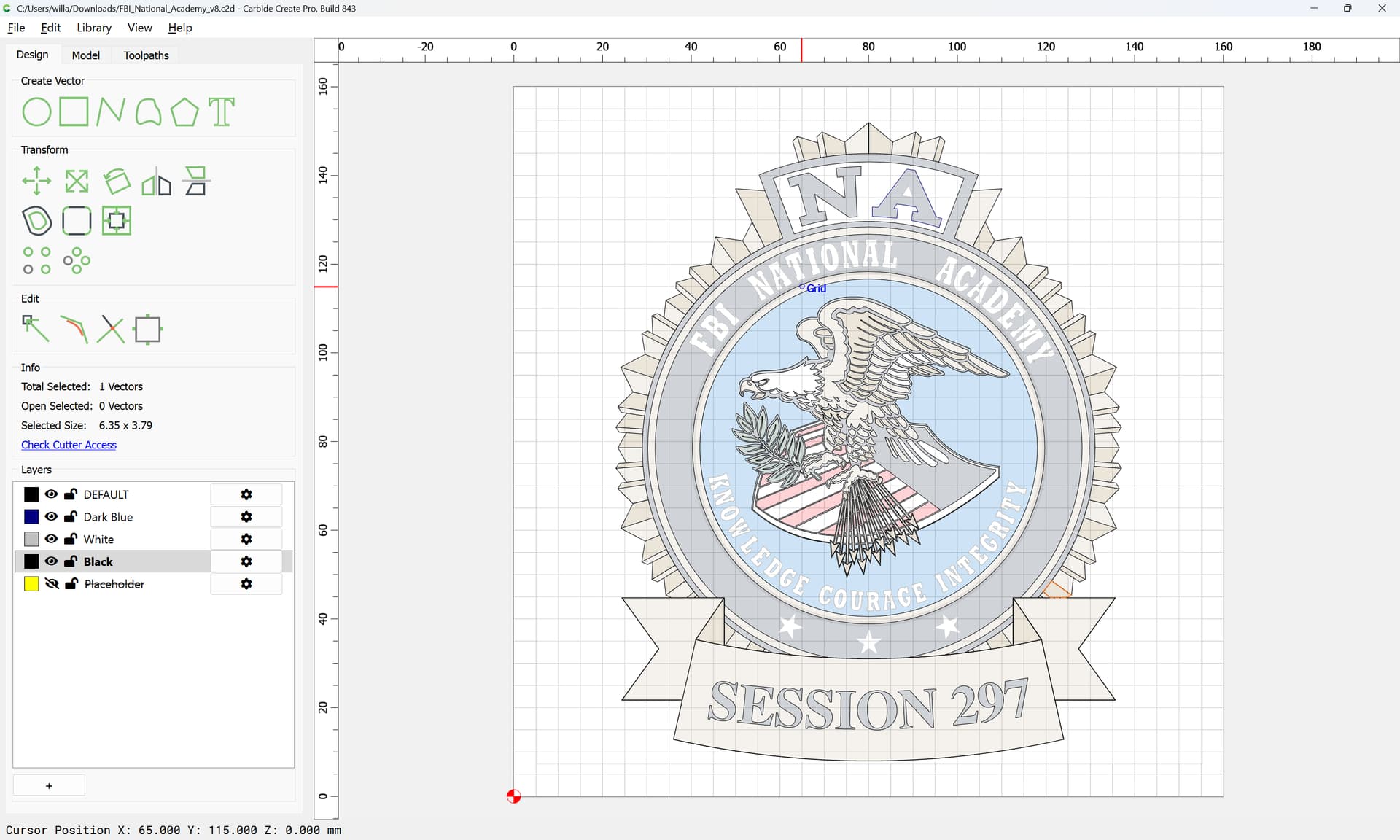
FBI_National_Academy_v8.c2d (3.5 MB)
Layer association and redundant vectors will need to be sorted out.