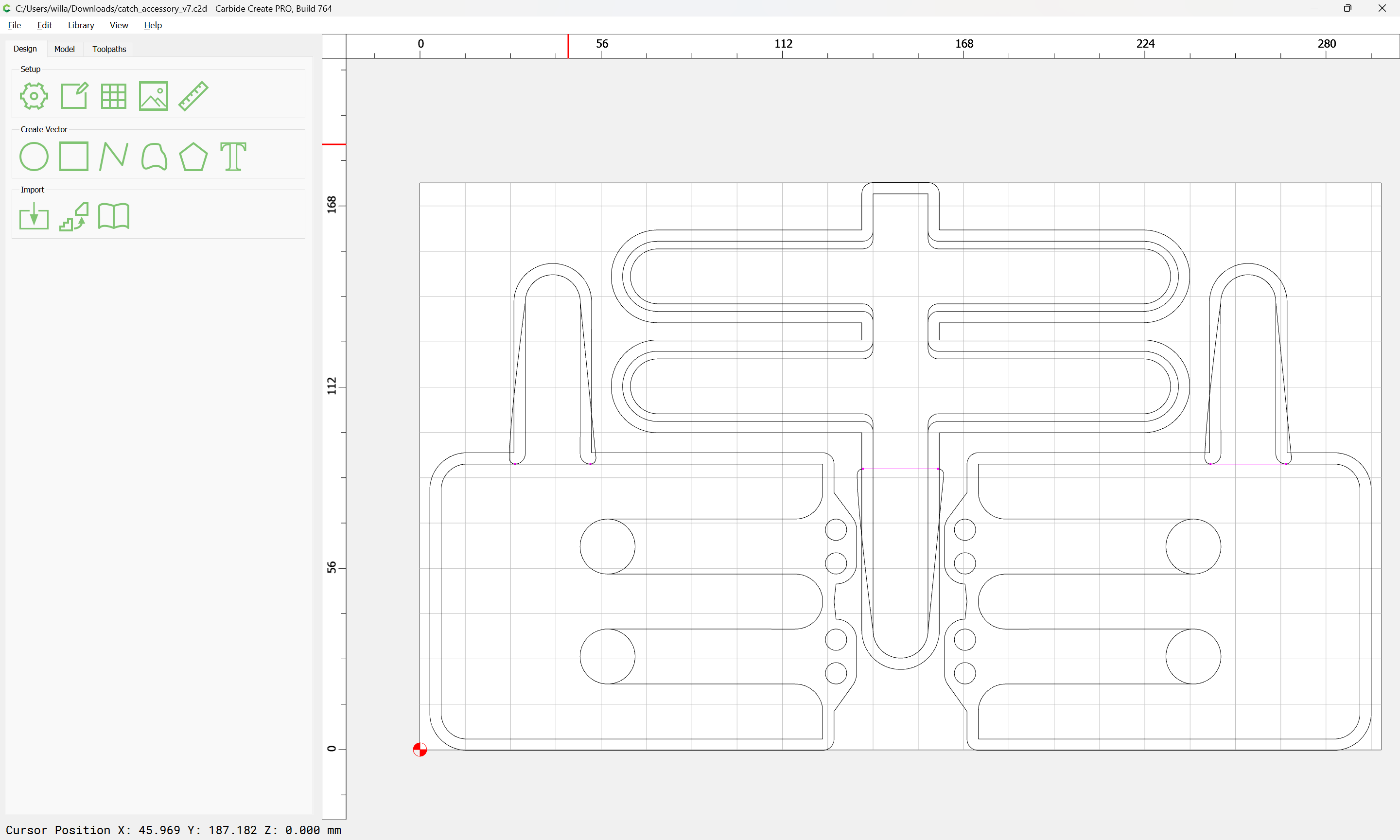
Is it possible for the shapeoko 5 to start at the lower right corner? I am using vcarve and you can start from the lower right; however, I set that and loaded my work into the cnc machine and it interpreted it as lower left. My case, I have a 21 inch piece of wood I cut where I have screws that go through the board so it is flat. By the way, I have the 2x2 version.
I thought this was doable, then I looked at the settings. Only left side options. Maybe there’s a way to change the 0,0 location to the back right, but that might mess up other settings.
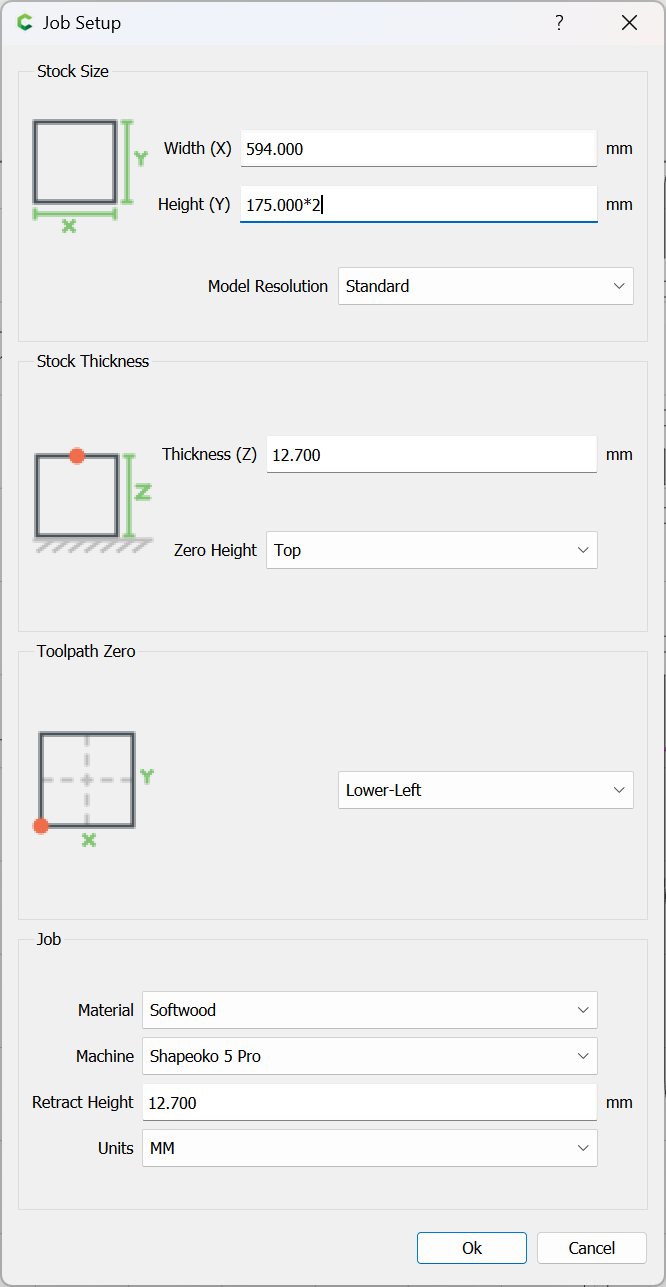
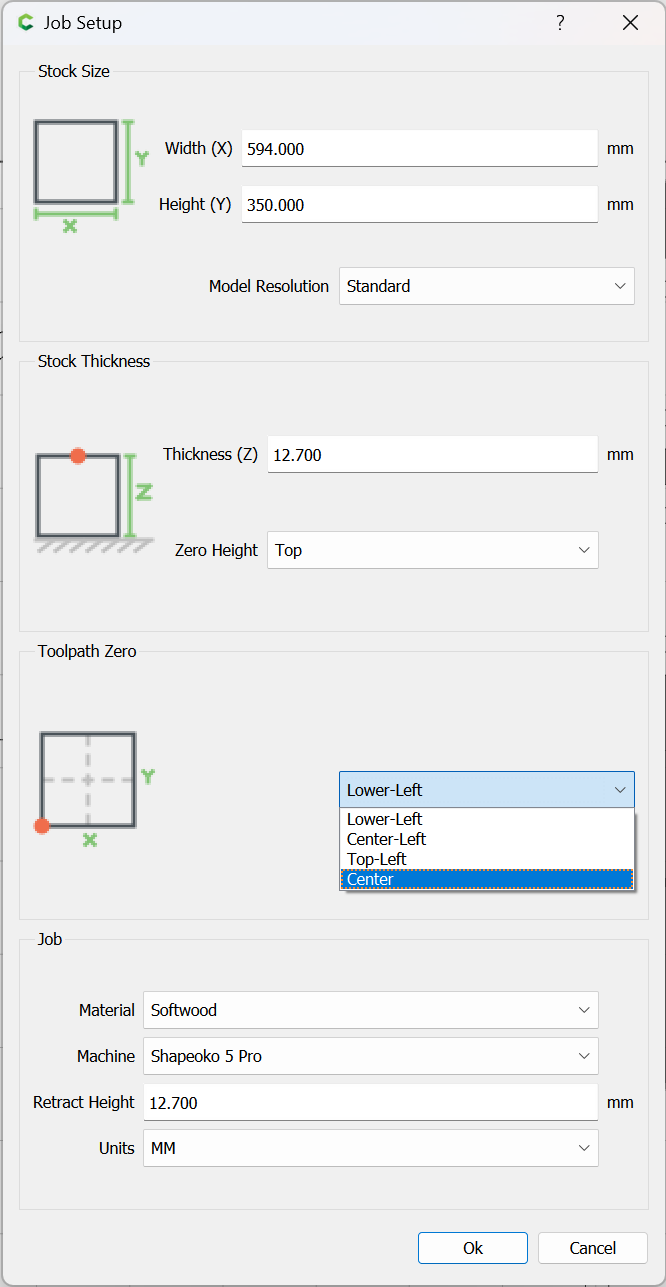
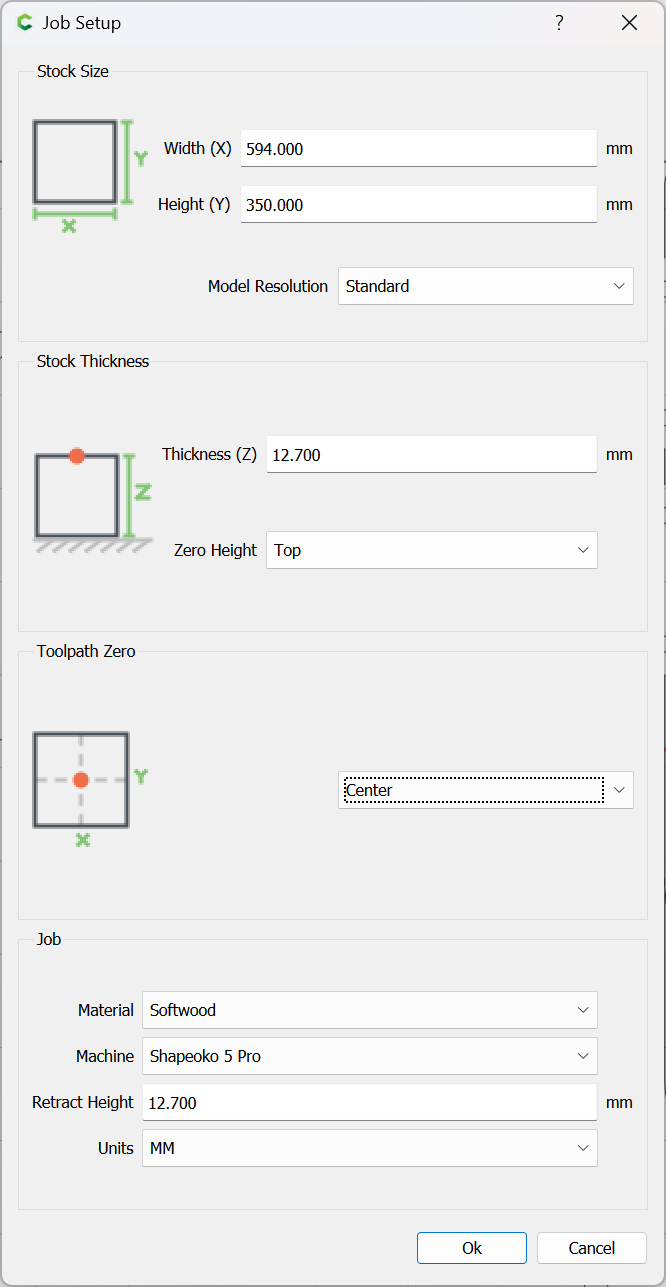
Thanks, I tried that before the post. Well, I think I did. I couldn’t find a place where you can set everything individually. But, when I set the position there, it treated that as the lower left corner and started moving to the right when cutting. As dustmite pointed out, in carbide create, it only has left side or center options. In vcarve, I set the xy datum position to the lower right corner.
Carbide Motion allows setting the origin at the lower right (as a three step process) so as to allow running a file from an application which can set the origin there.
Carbide Create does not have a feature for, nor support this.
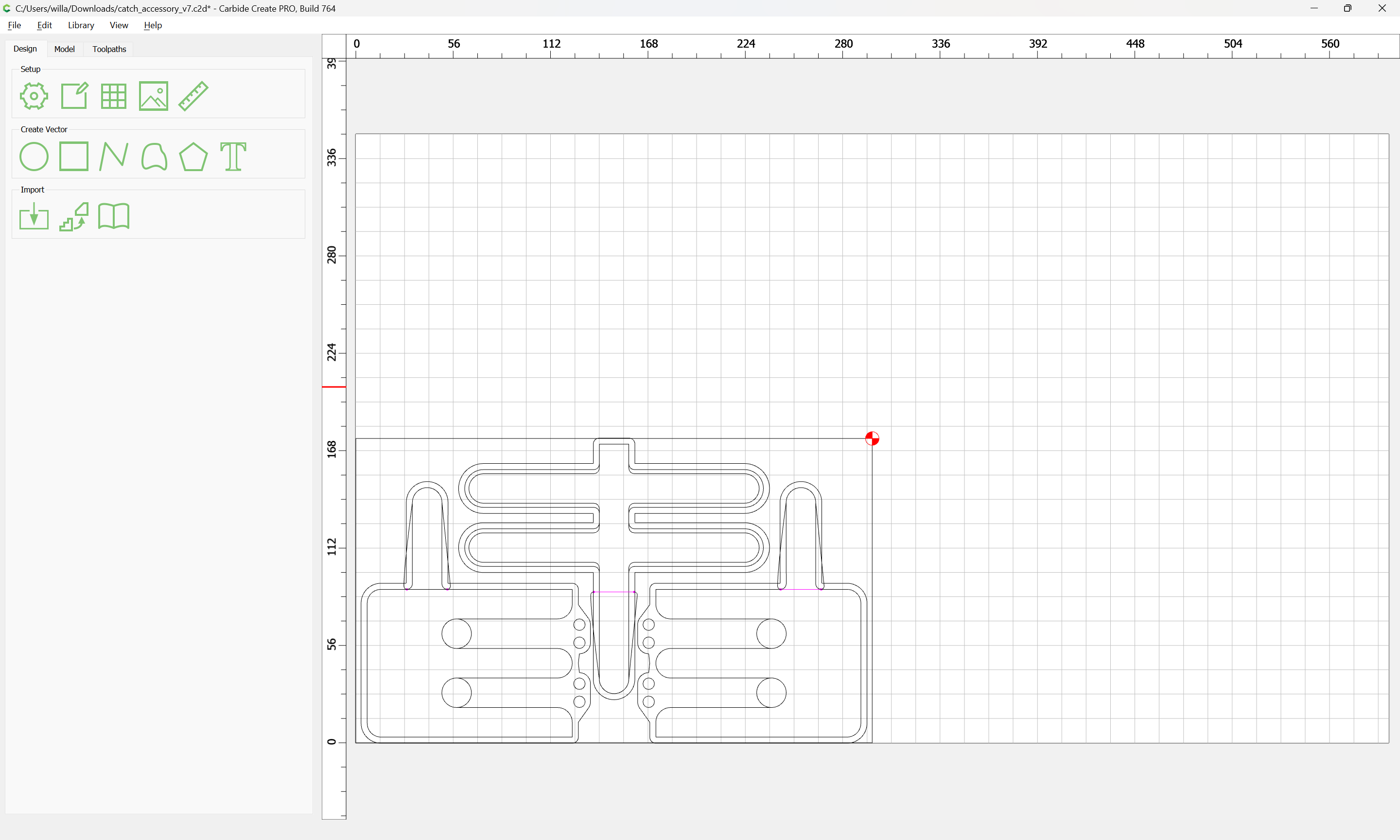
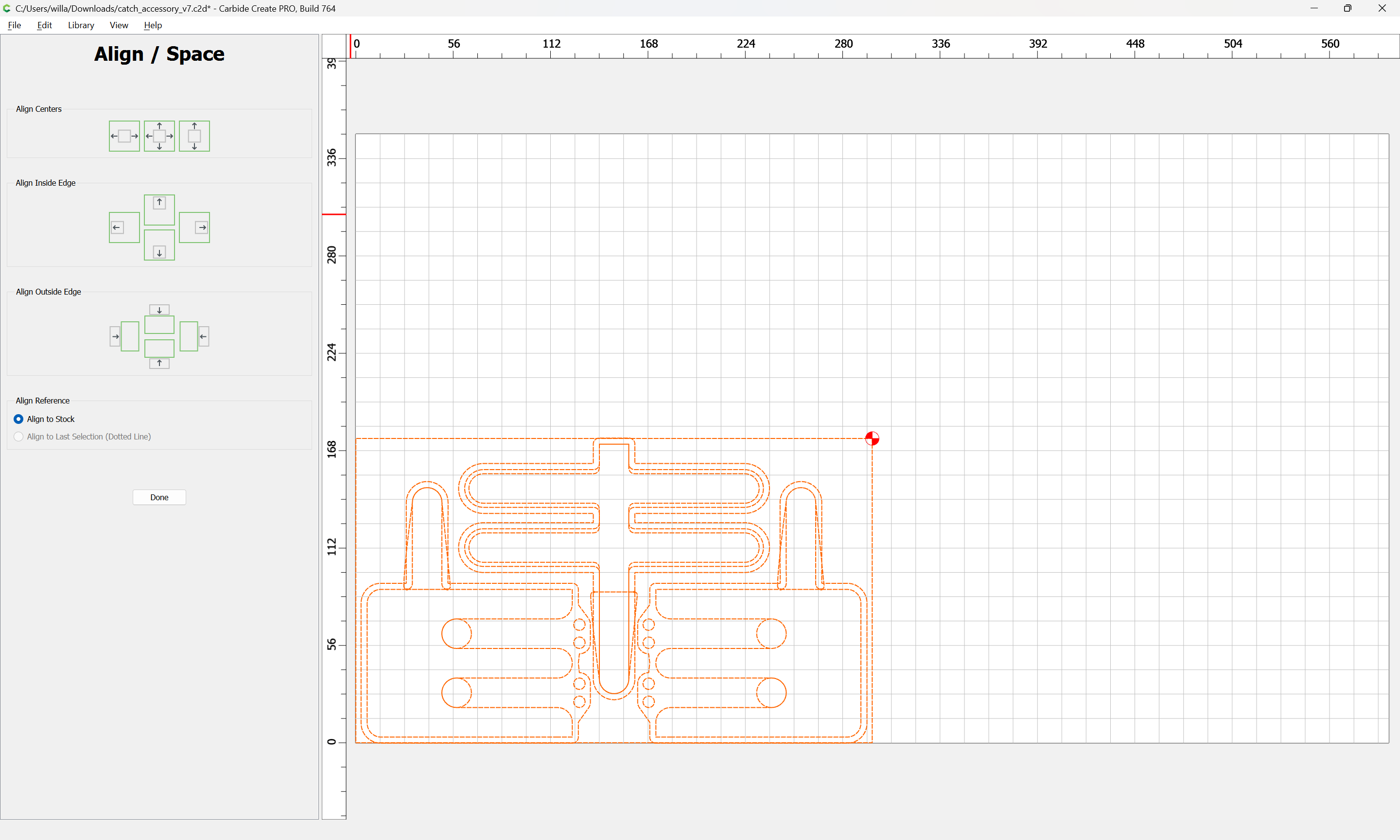
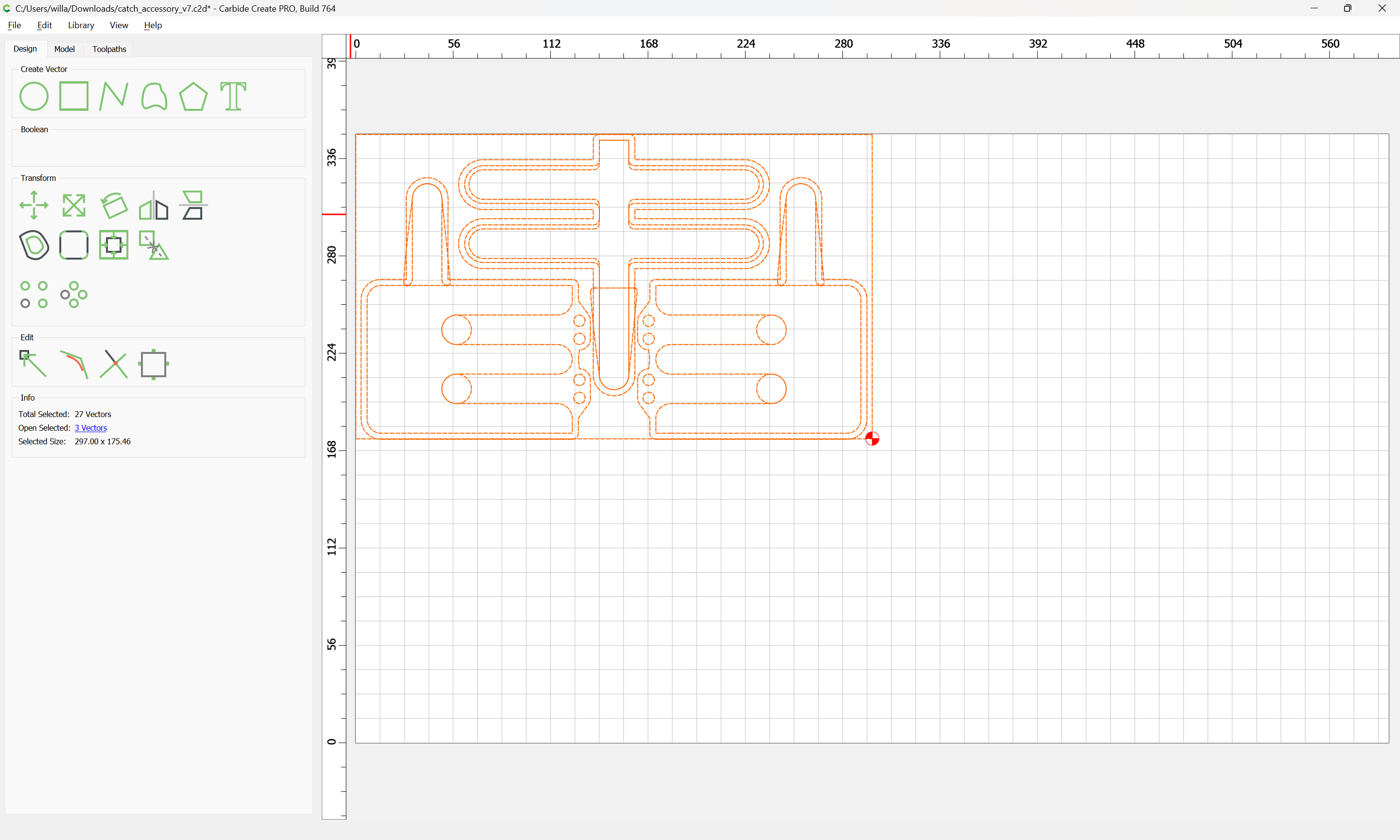
The workaround is open a file which has the origin set thus: