Hello,
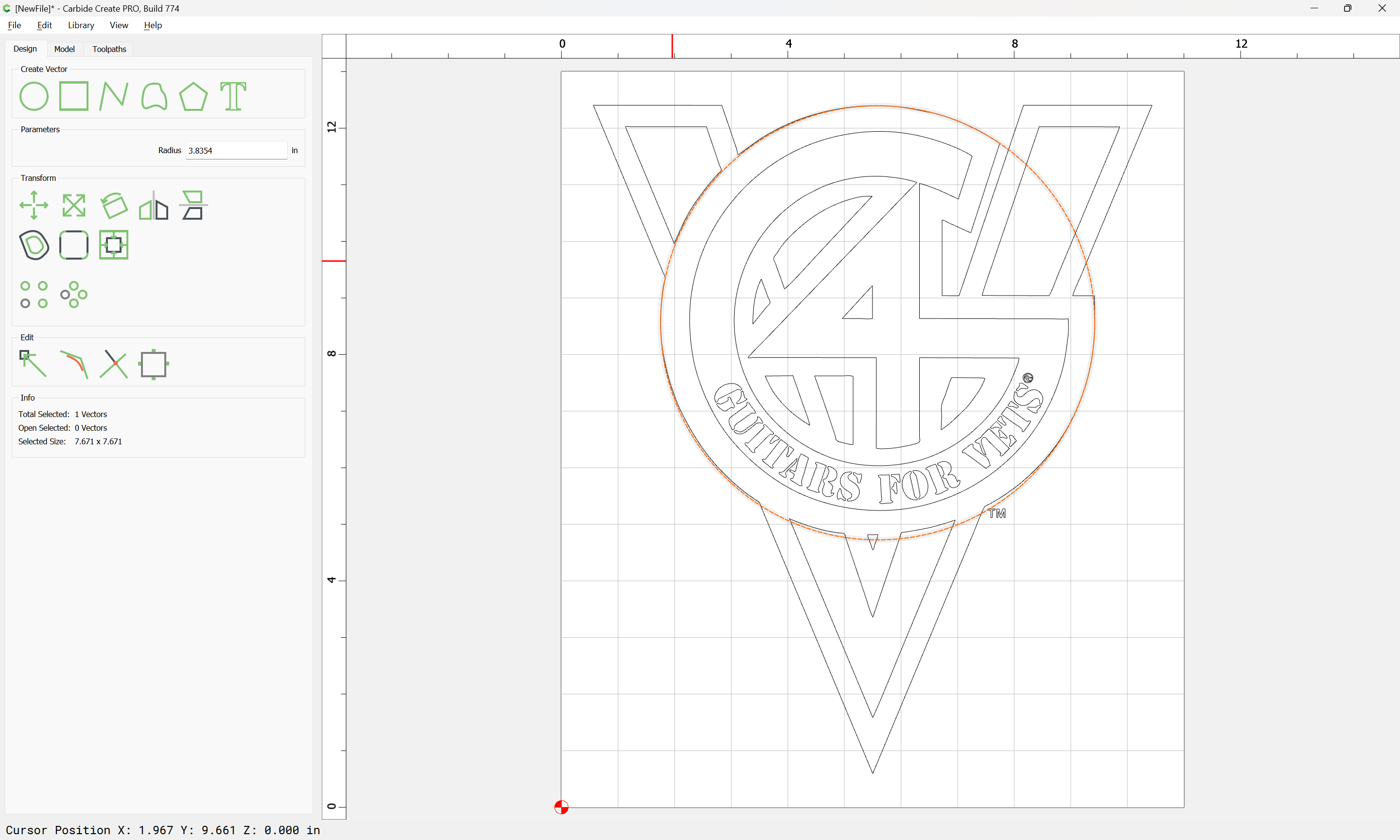
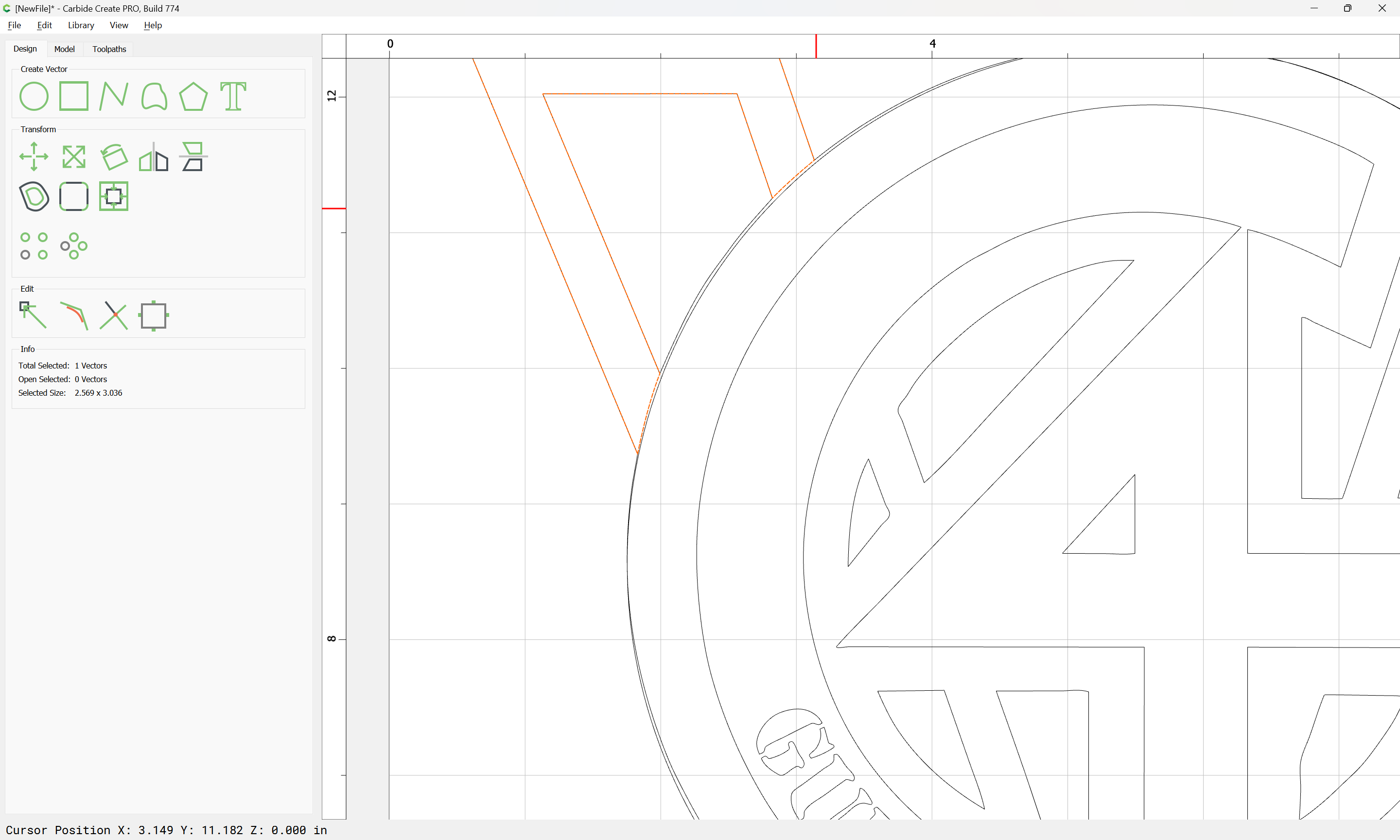
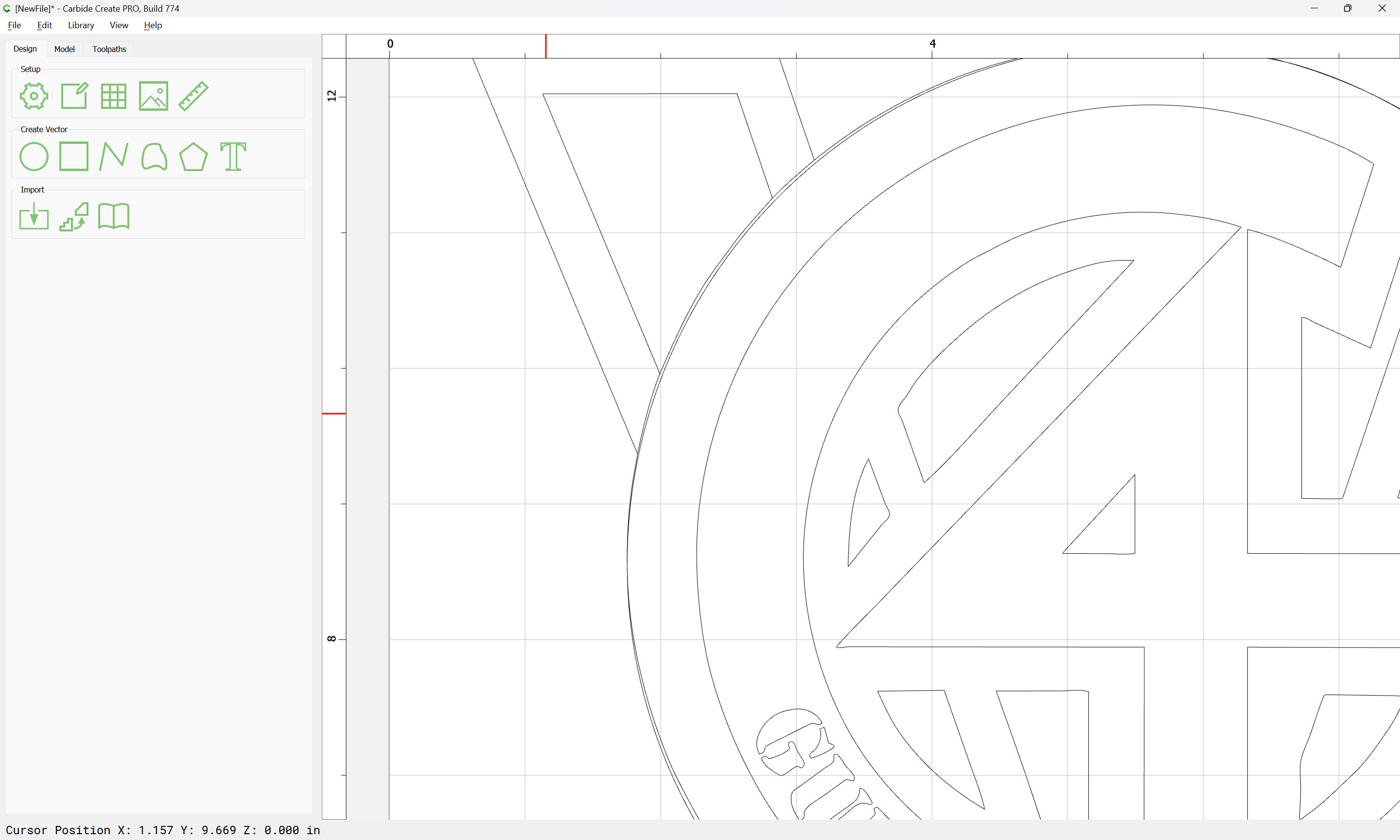
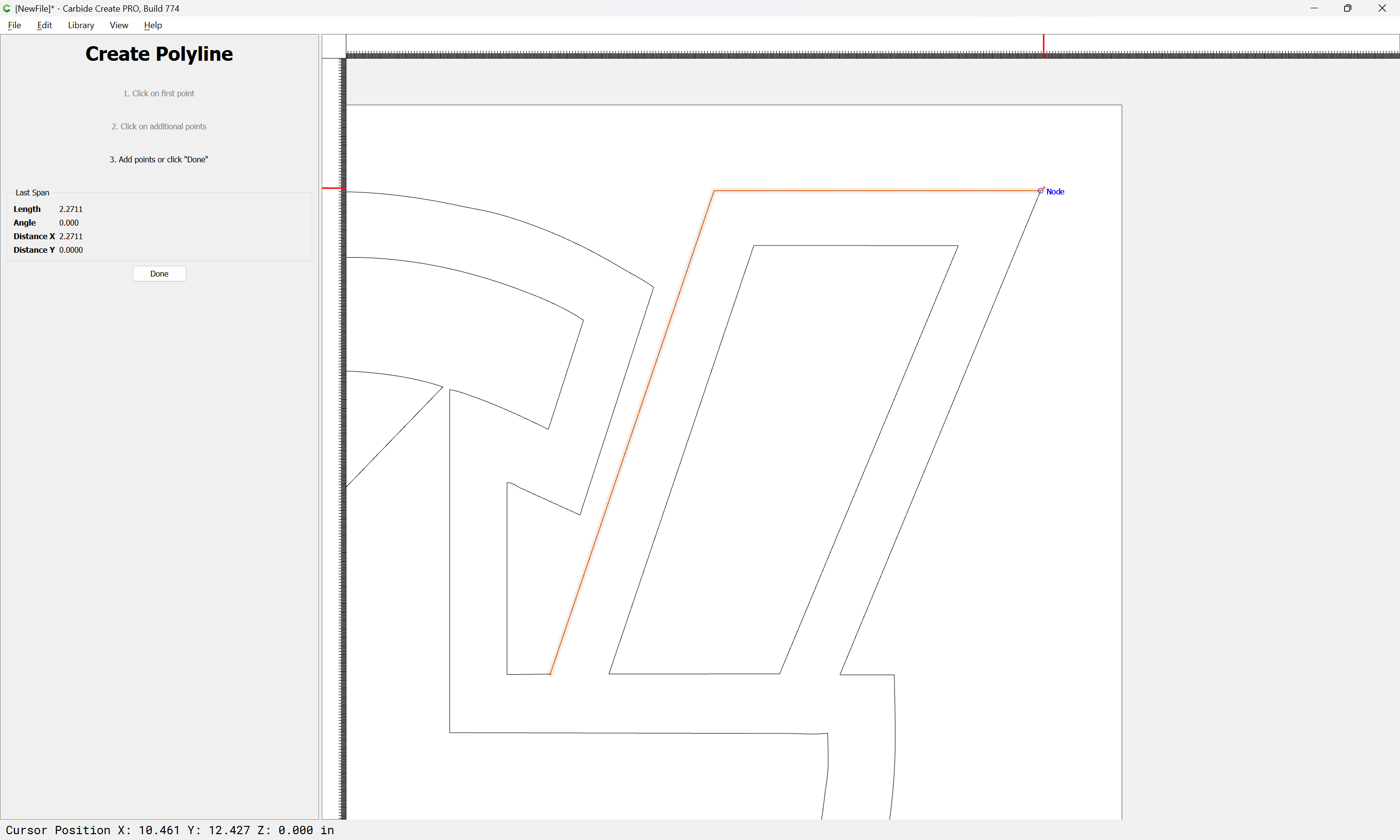
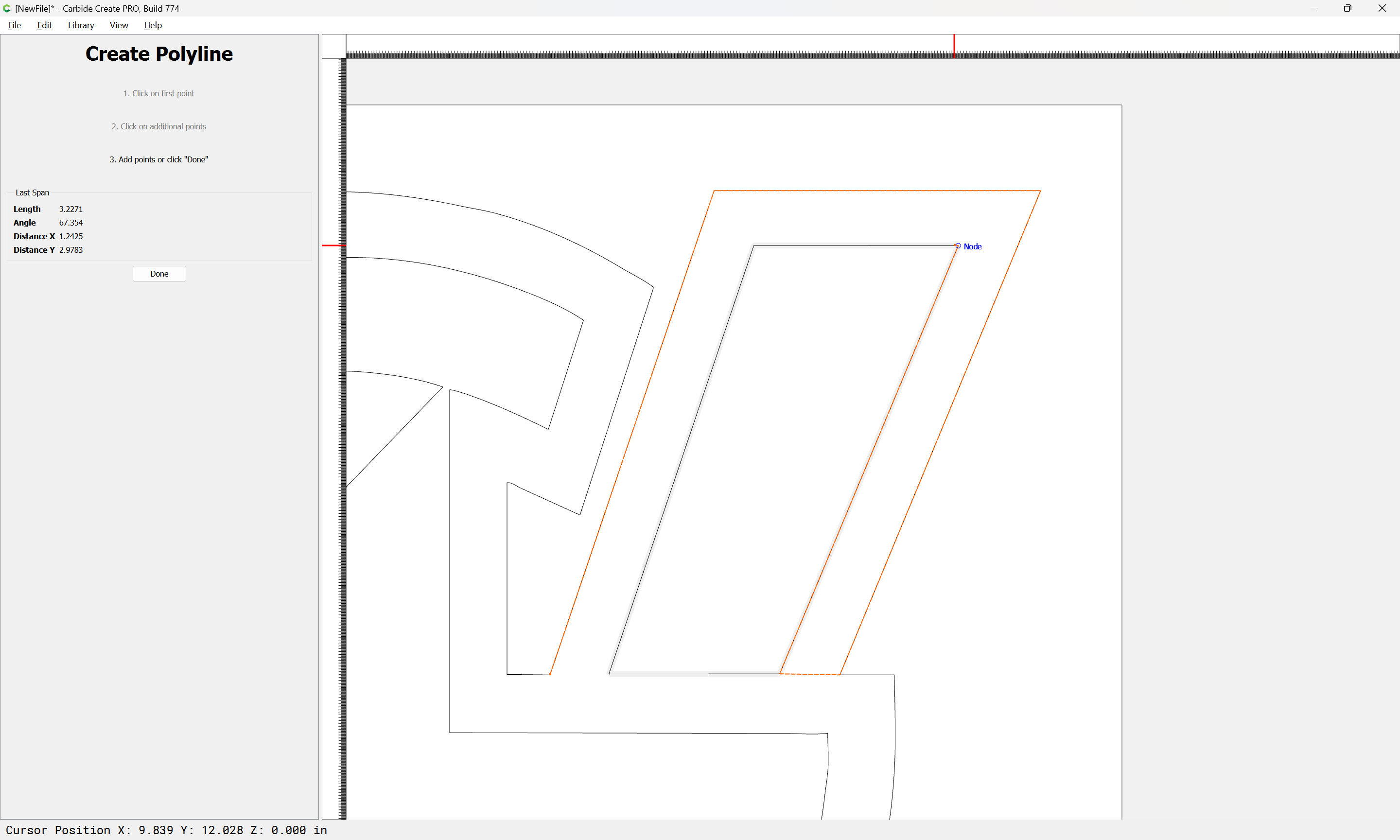
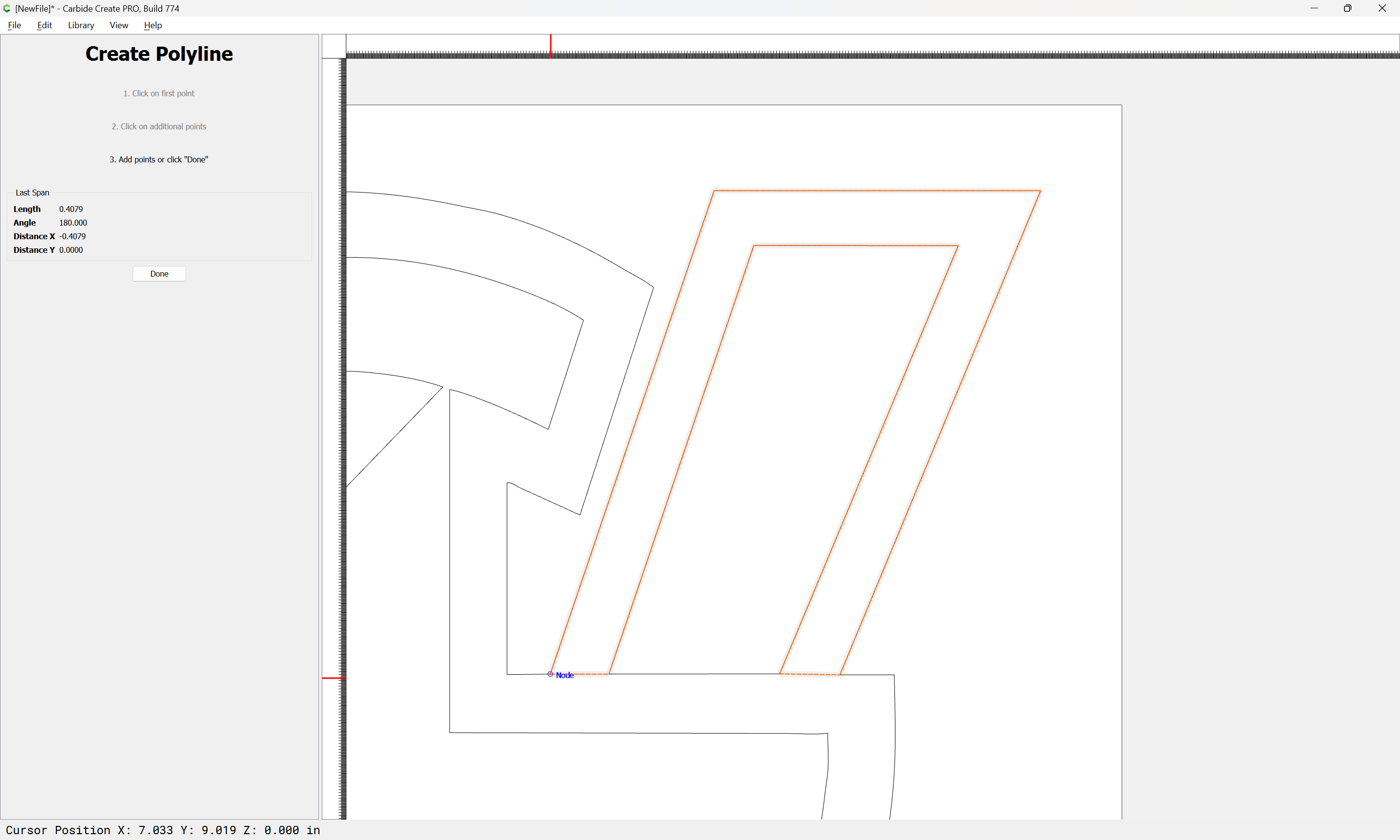
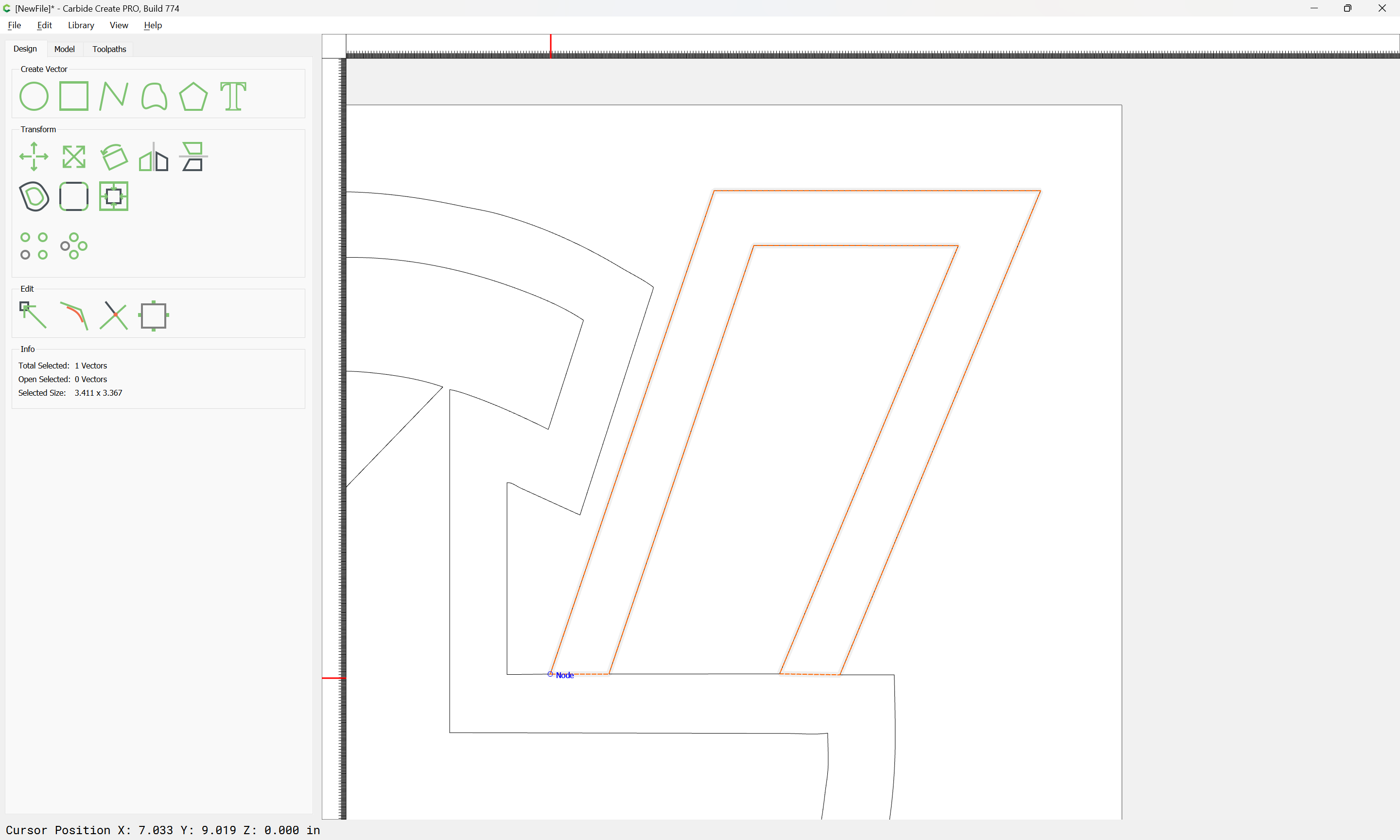
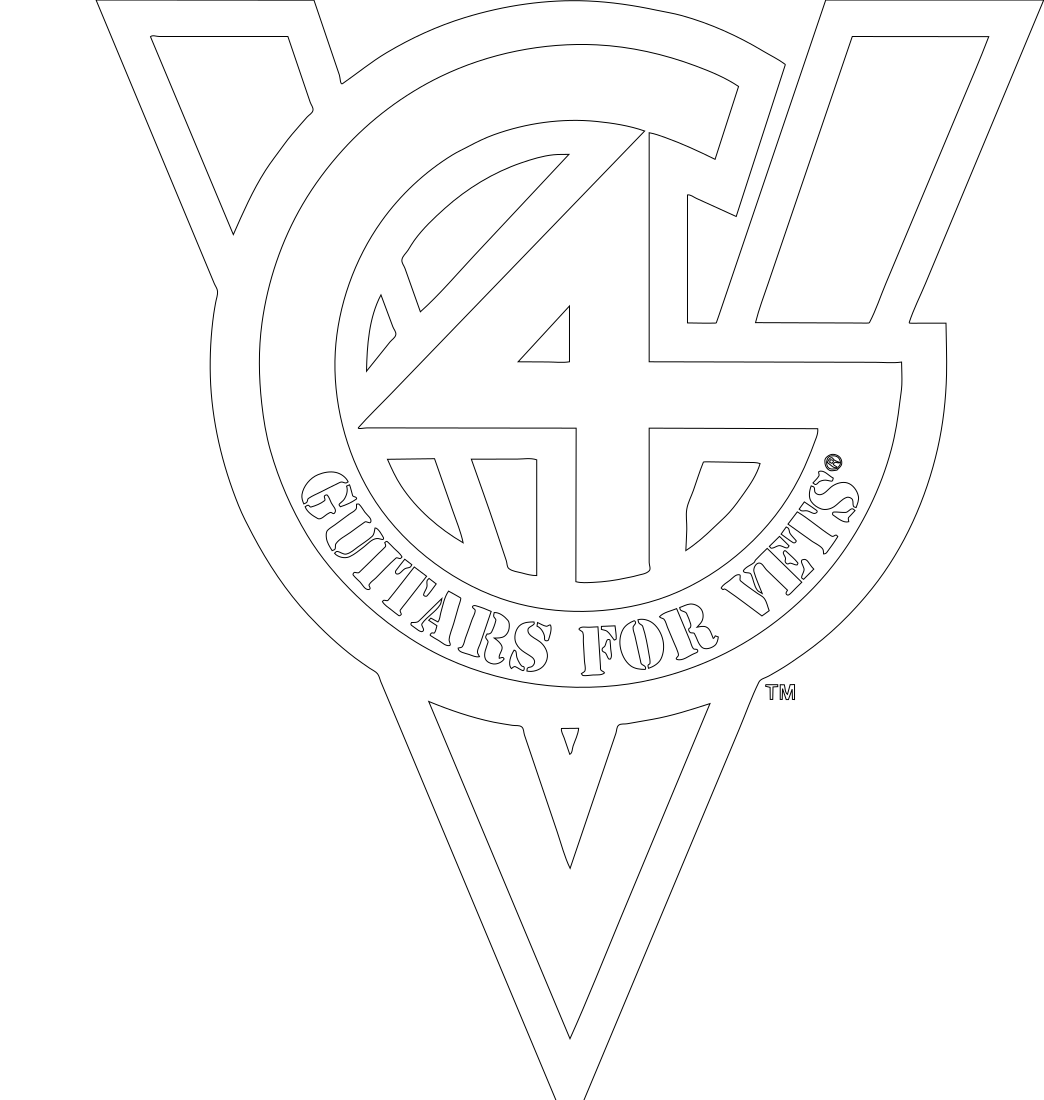
I am trying to get vectors connected on an imported image. I am trying to complete the outline around the number 4 where the trace did not pickup:

I don’t understand why they won’t connect. Here is the file. Any help would be appreciated.
Hello,
I am trying to get vectors connected on an imported image. I am trying to complete the outline around the number 4 where the trace did not pickup:
I don’t understand why they won’t connect. Here is the file. Any help would be appreciated.
If you wish to create new closed regions you will need to fully define the regions to be closed using geometries which are selected.
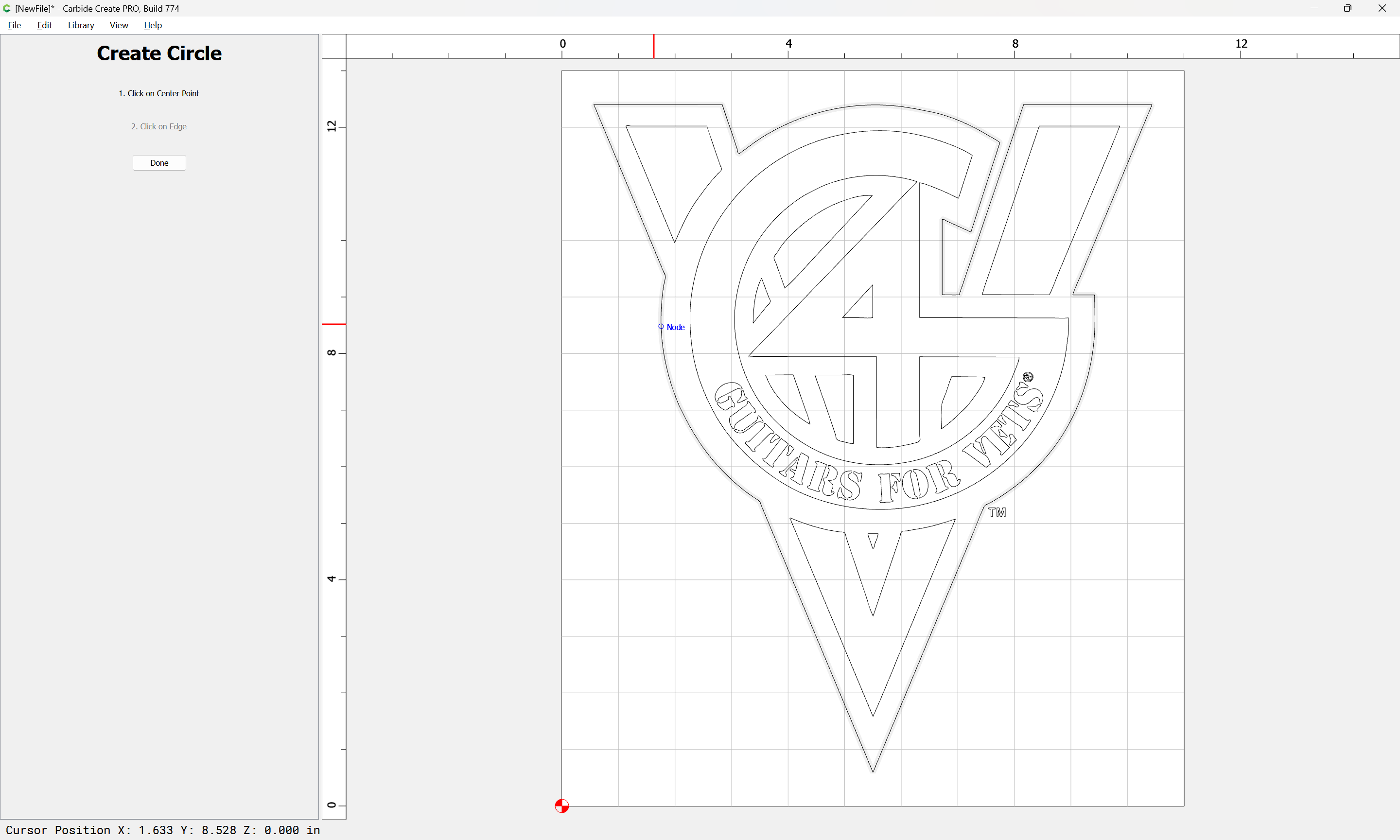
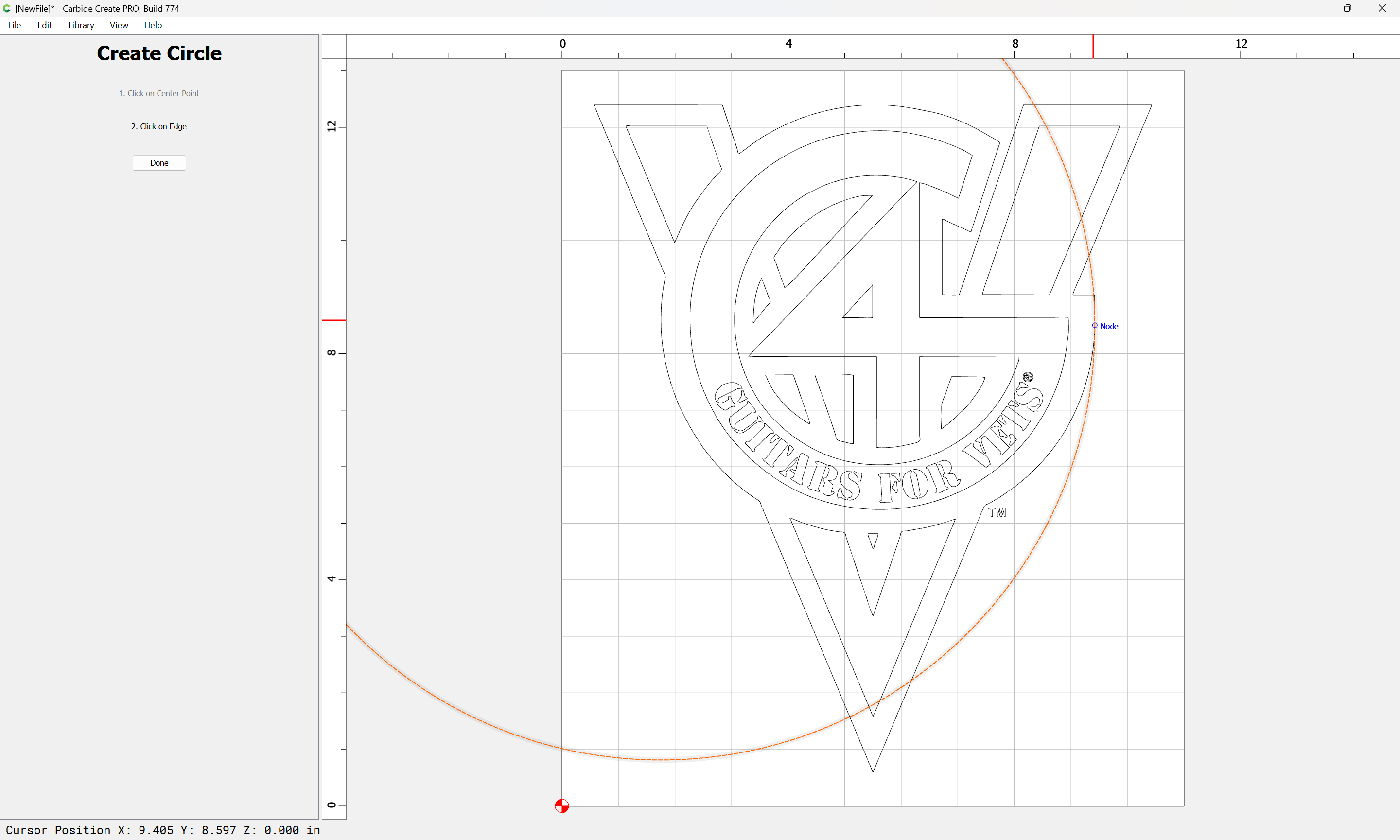
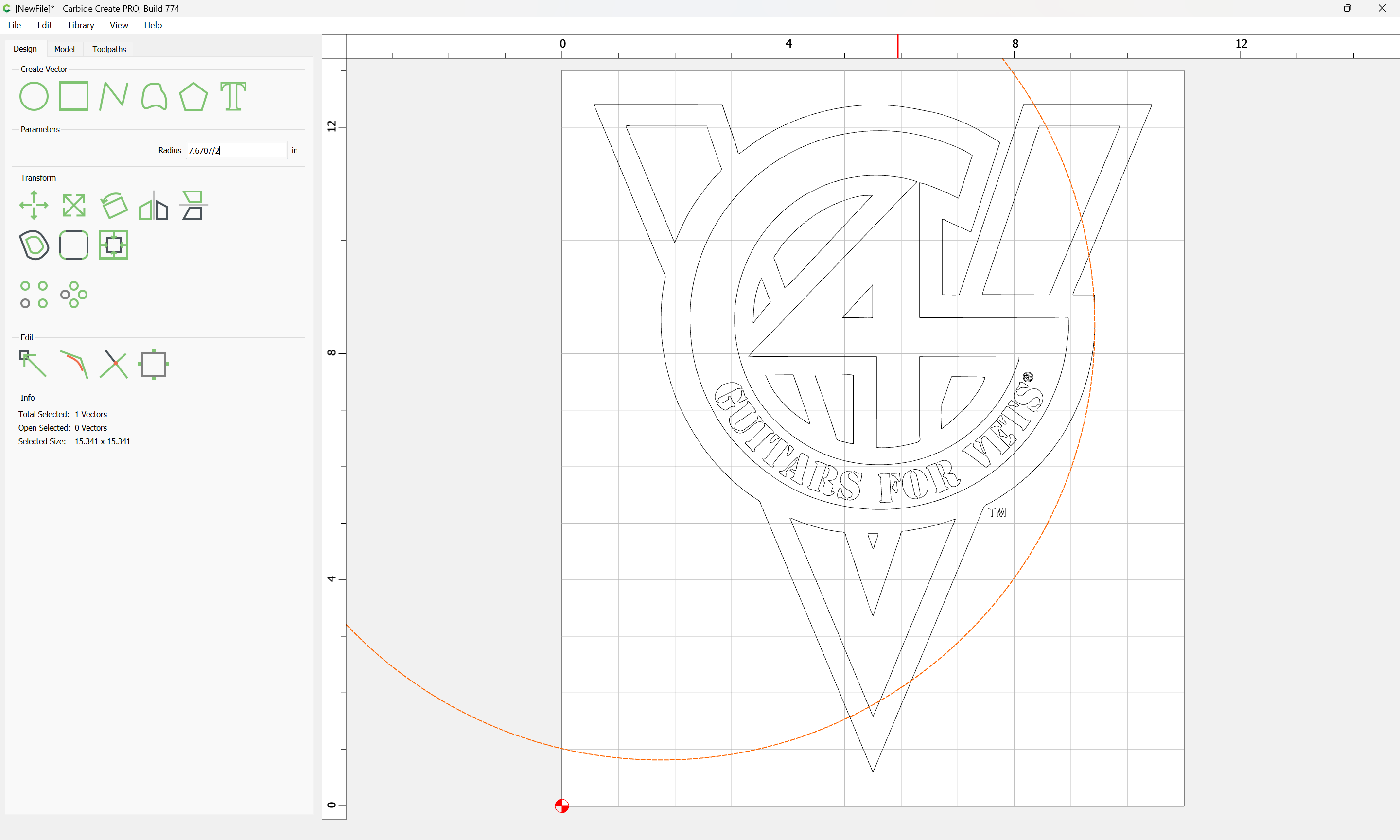
Multiple ways to do this — the first thing to do is to define the curve/arc by re-creating the underlying circle:
Drag into alignment
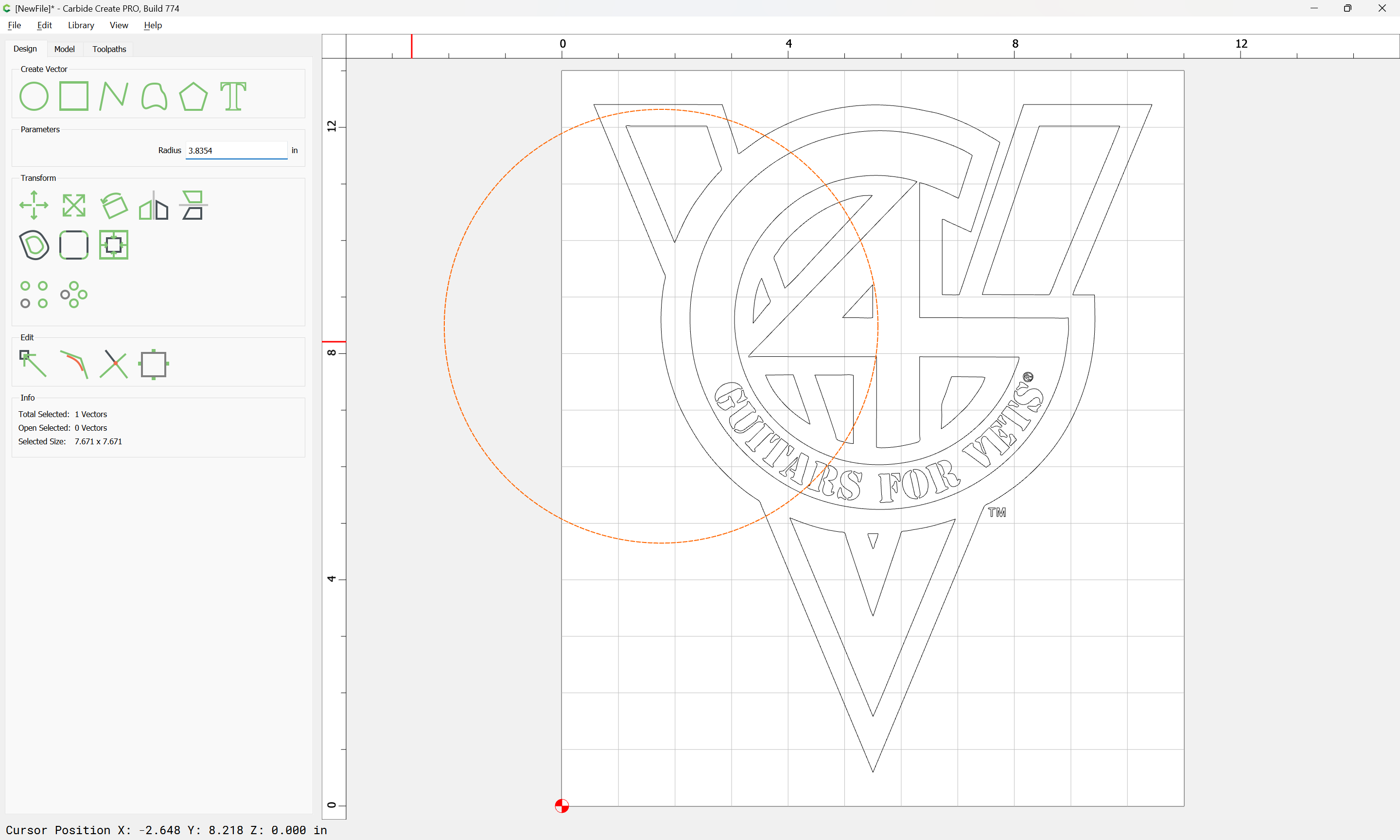
(insofar as this is possible — it will be necessary to adjust things)
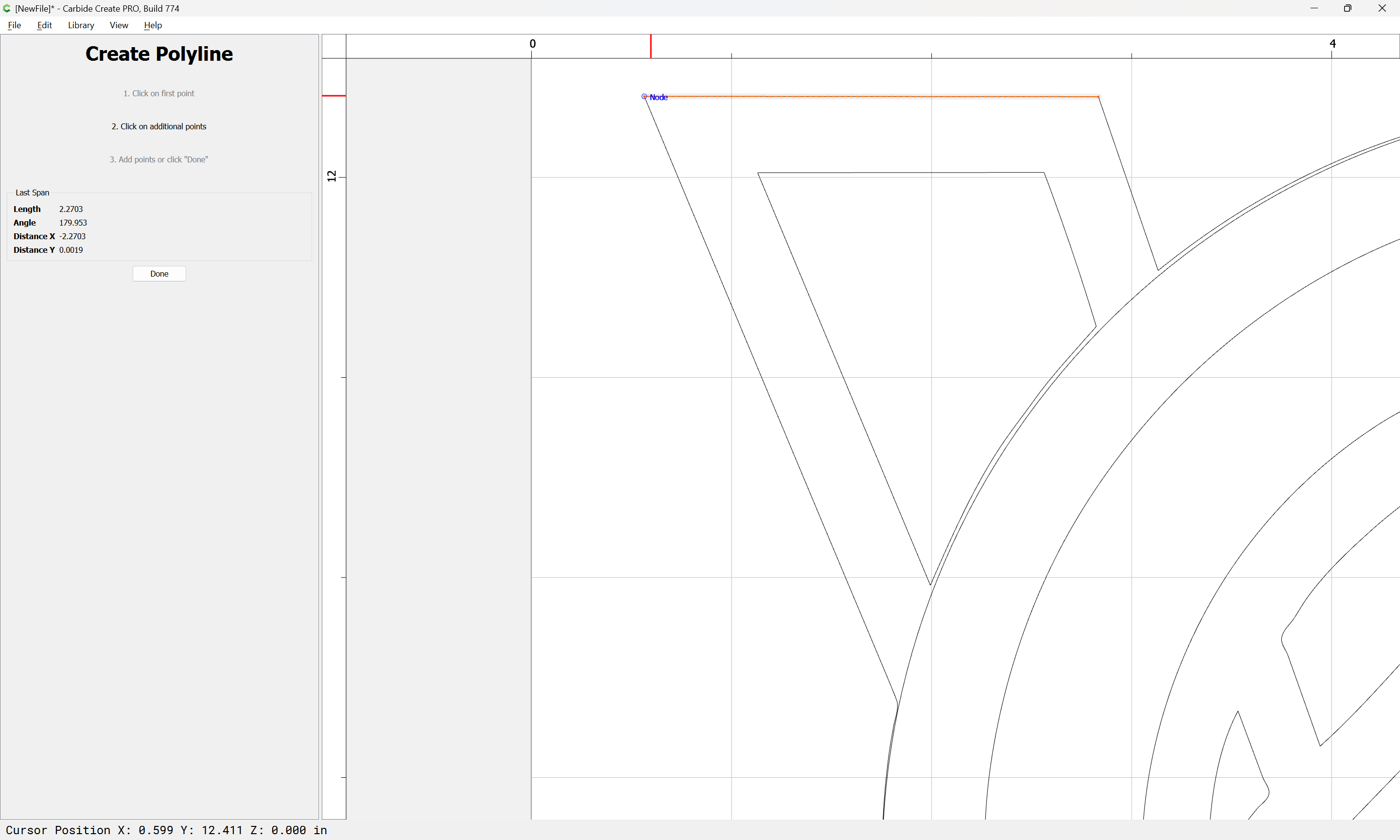
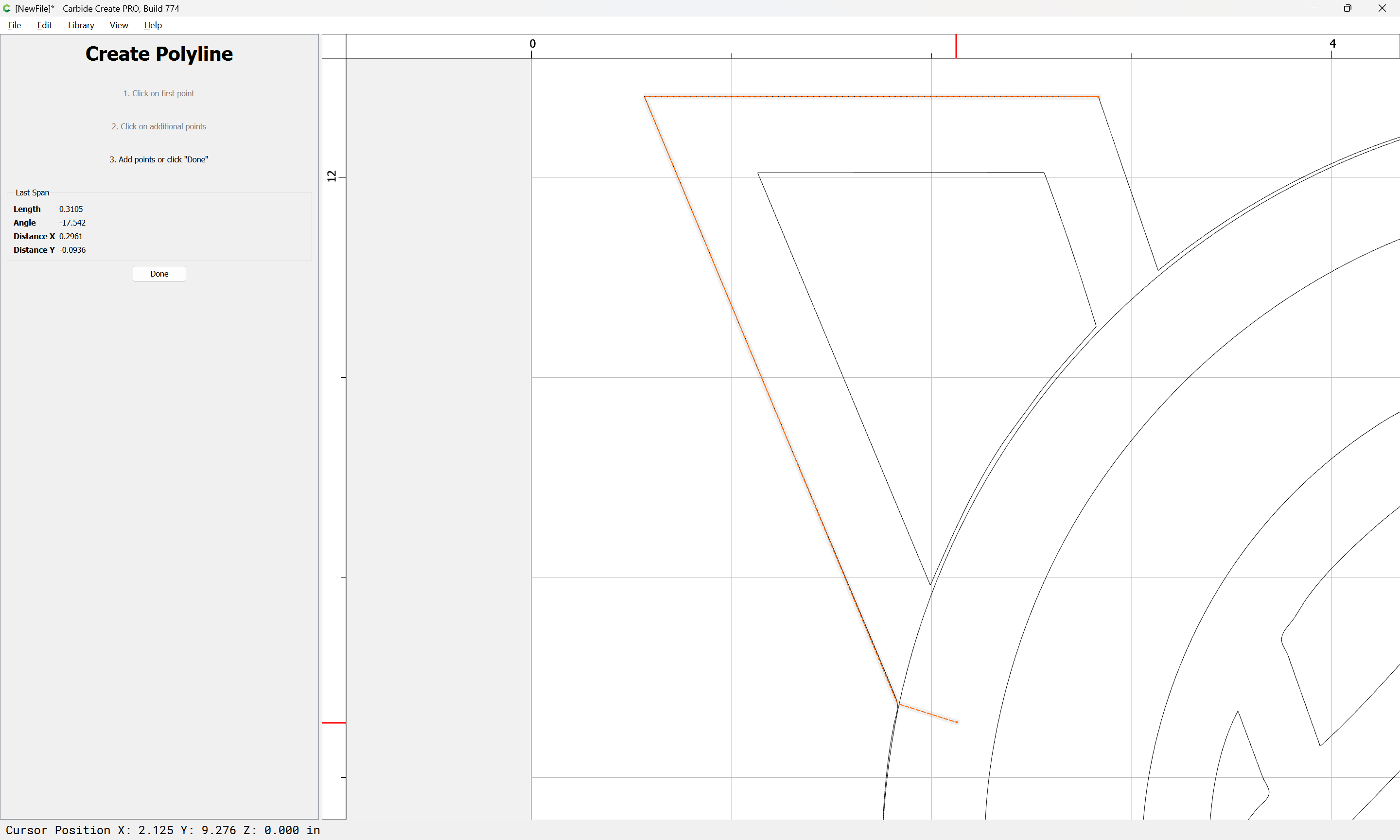
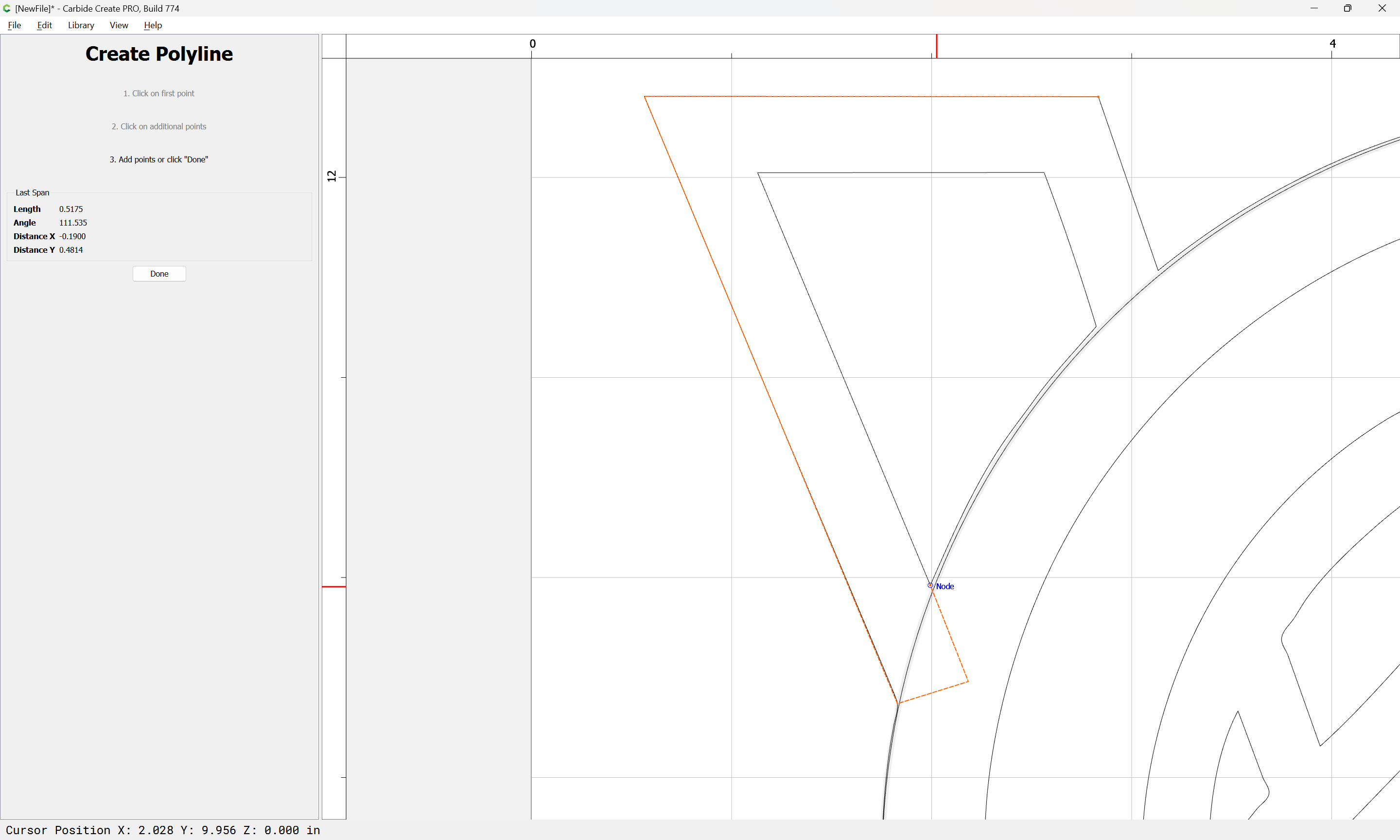
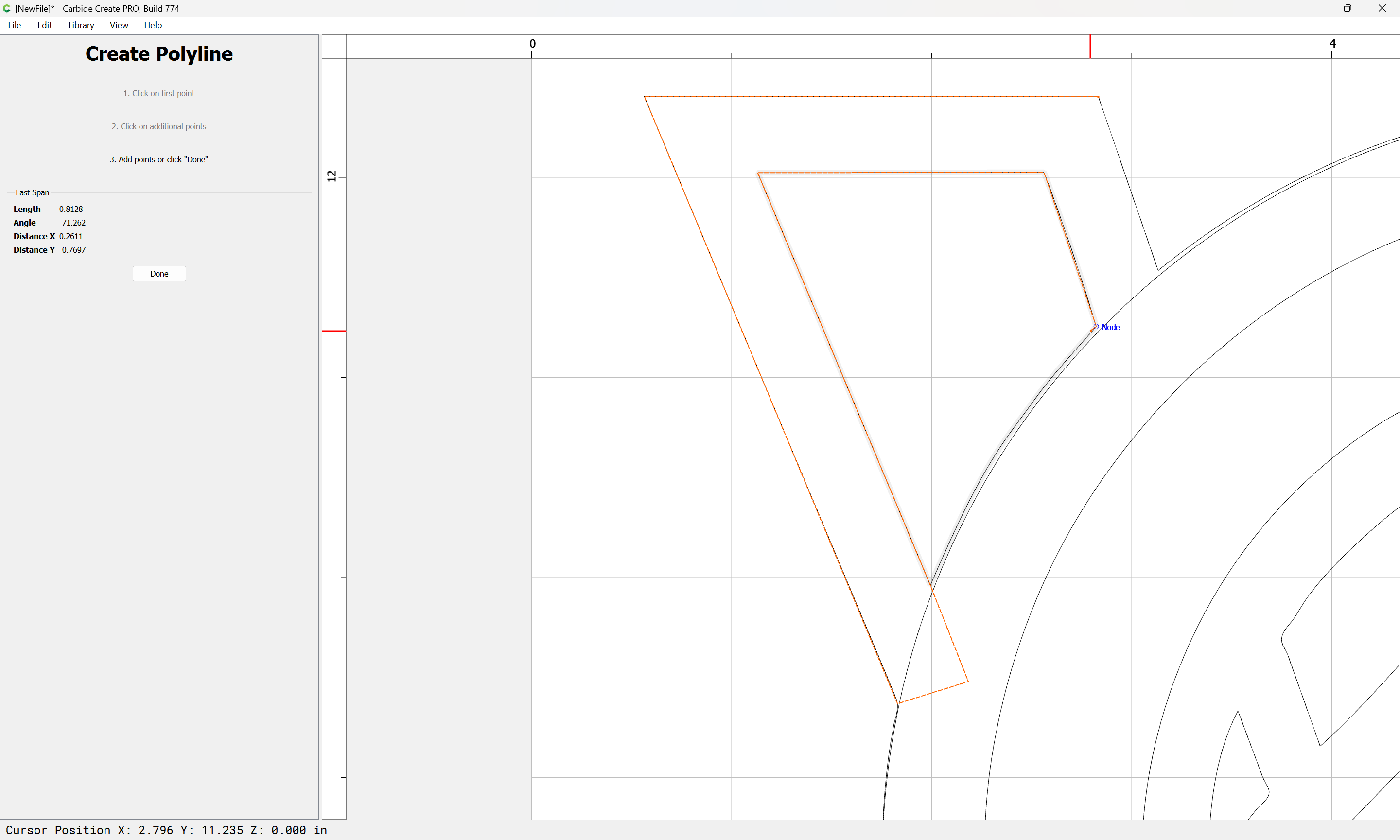
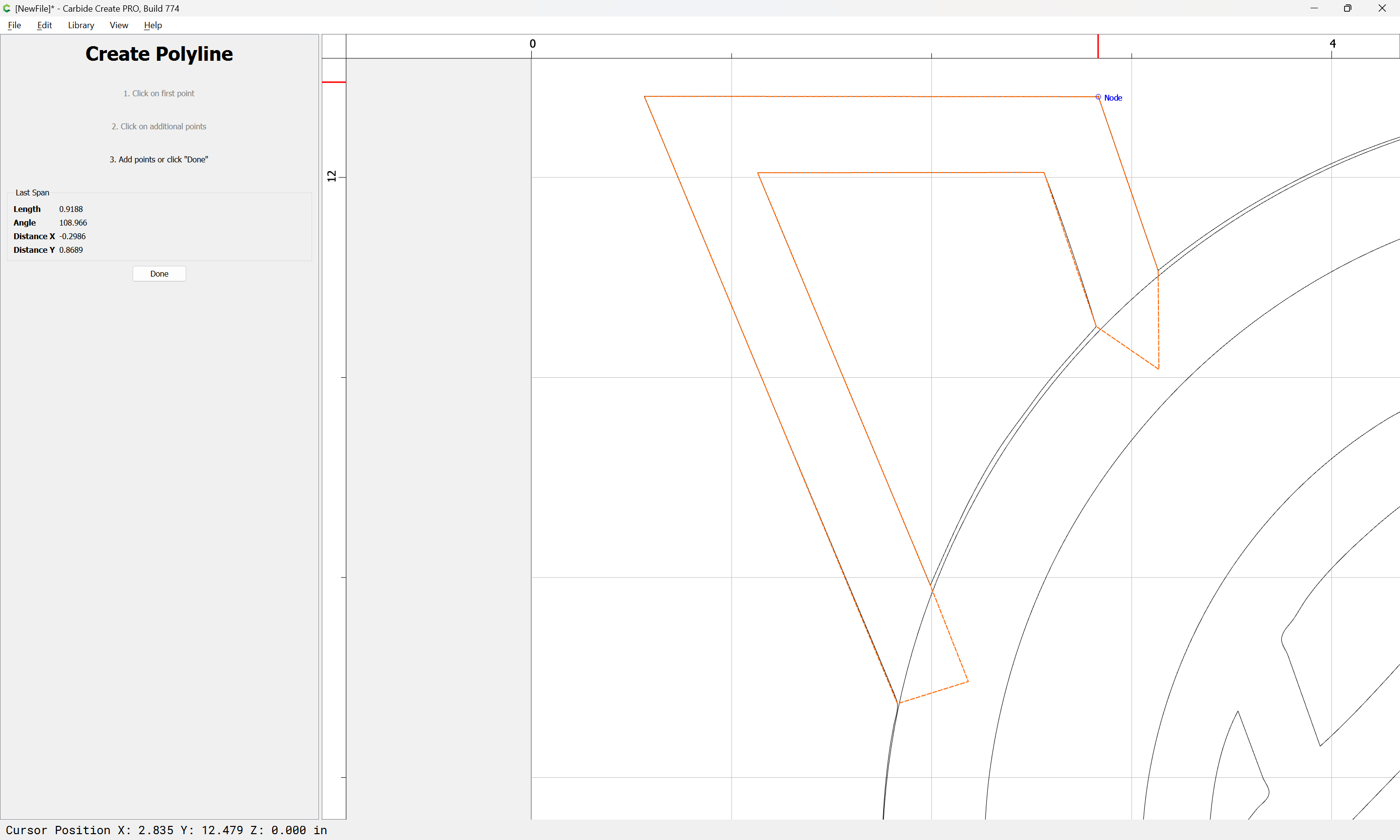
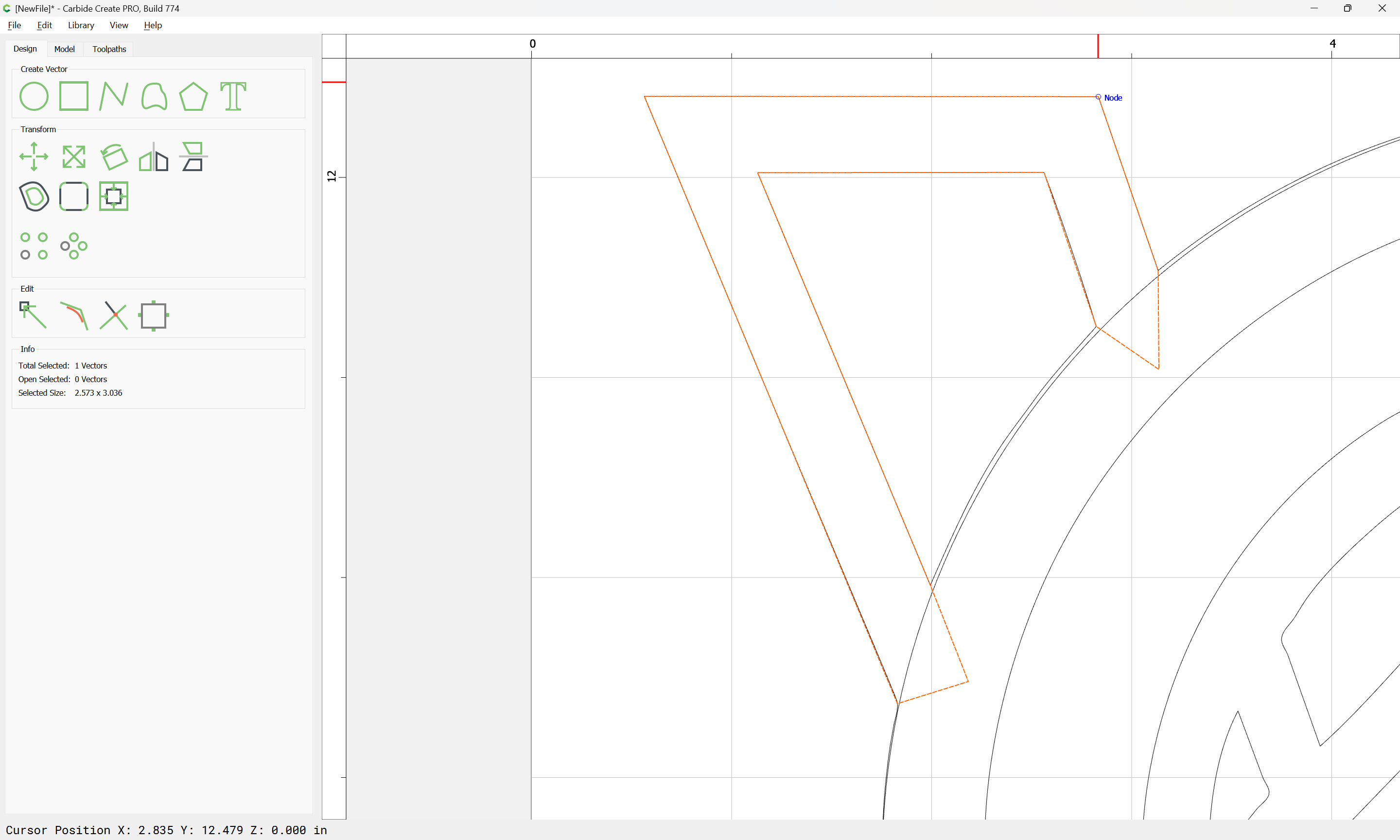
For a given region which one wishes to close, draw in a polyline which (over) defines it:
Duplicate and adjust the position of the circle:
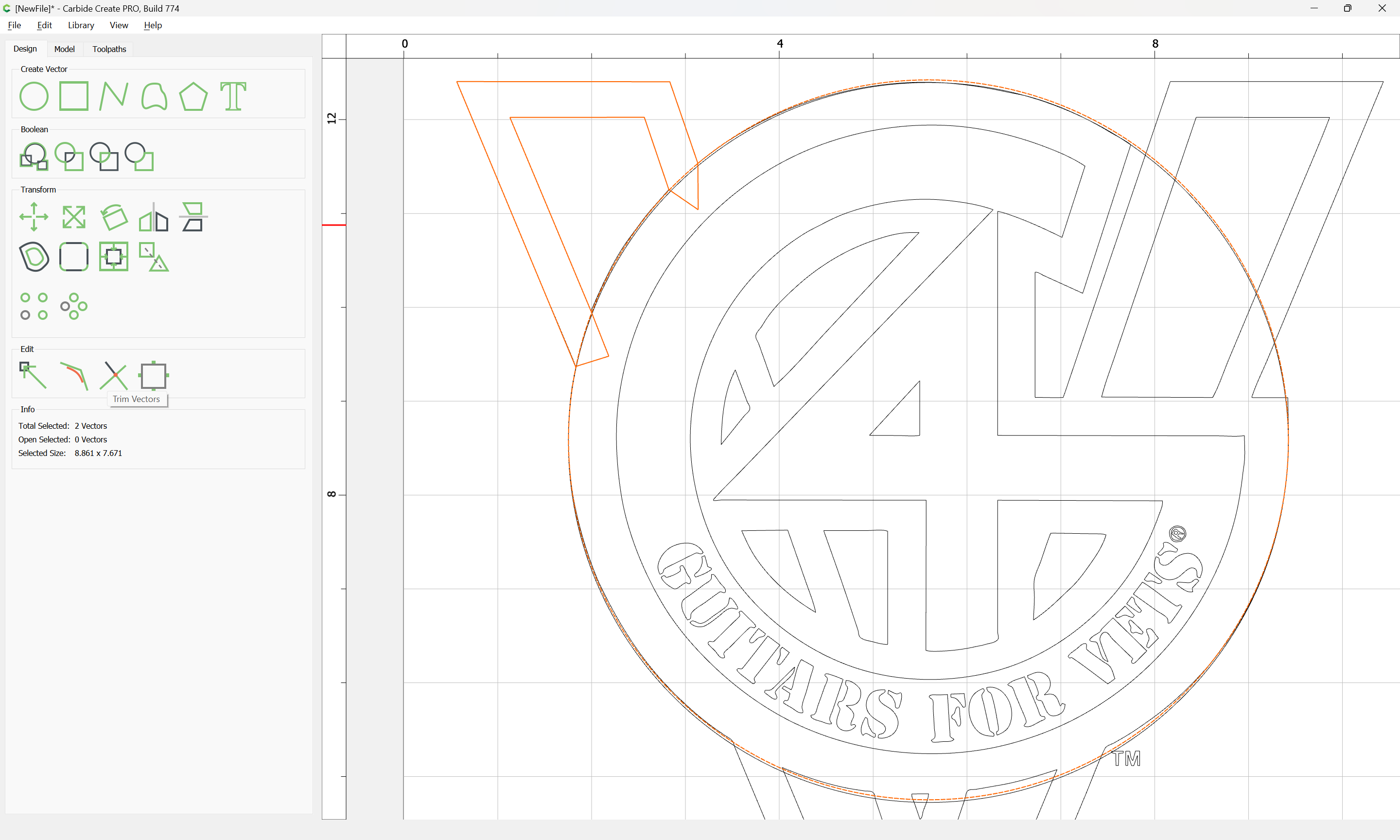
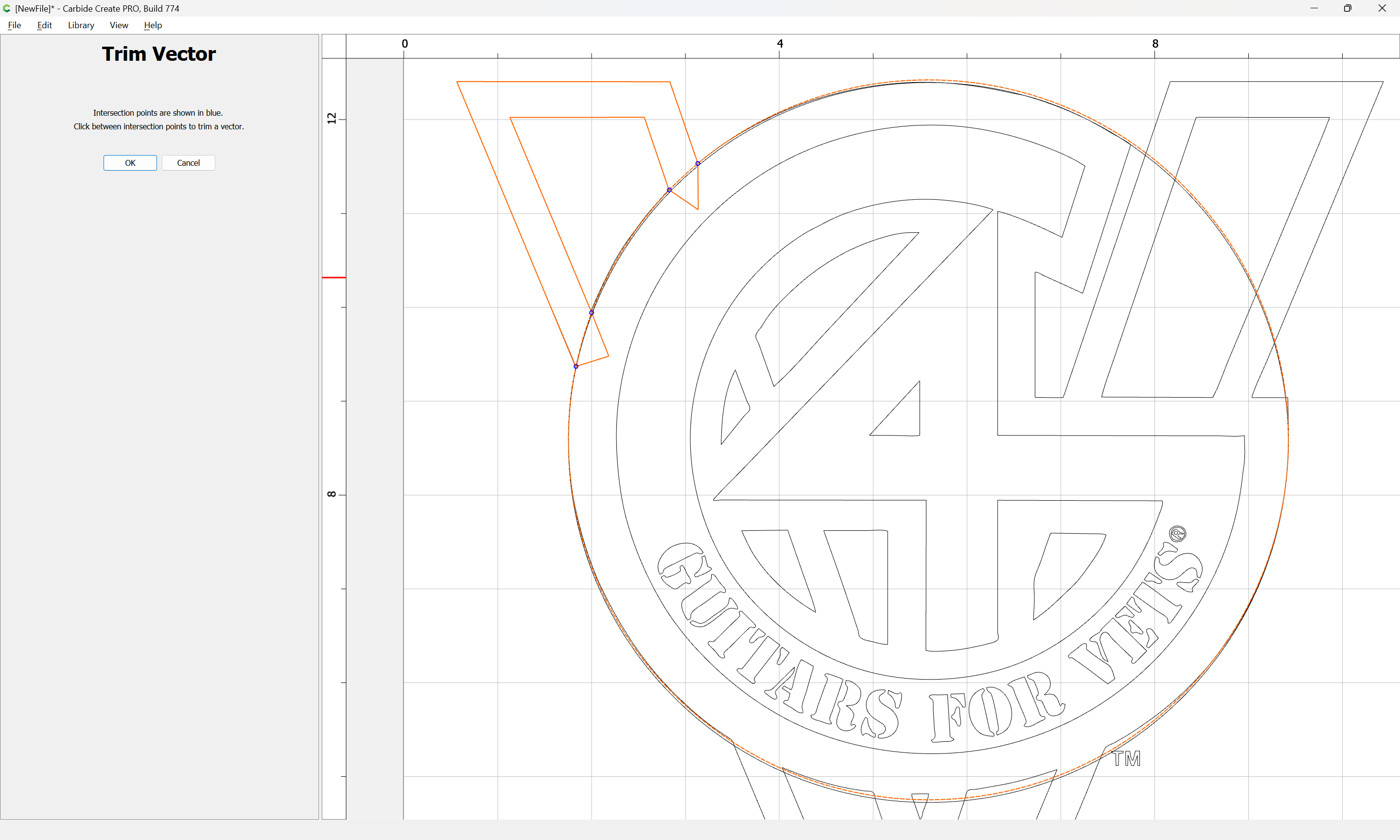
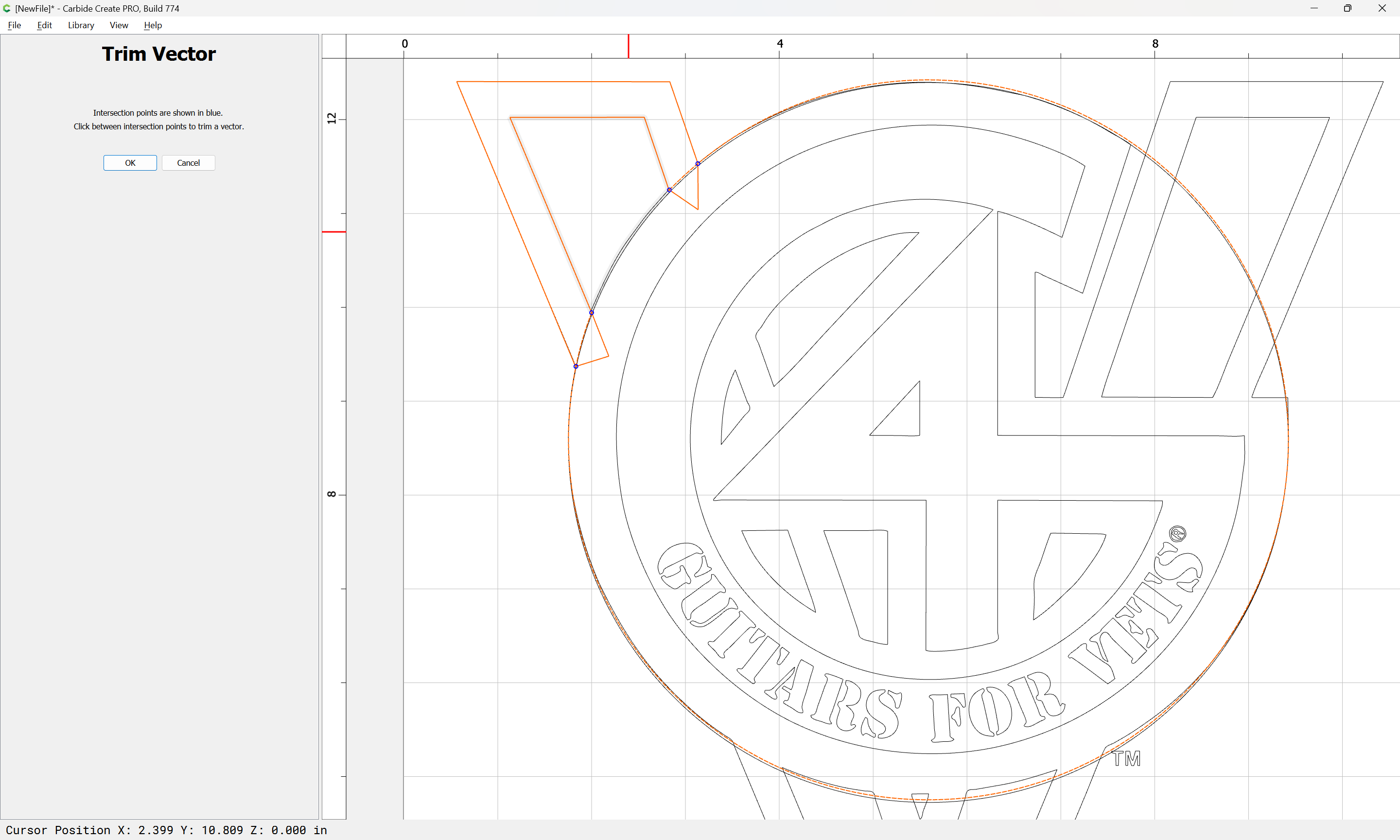
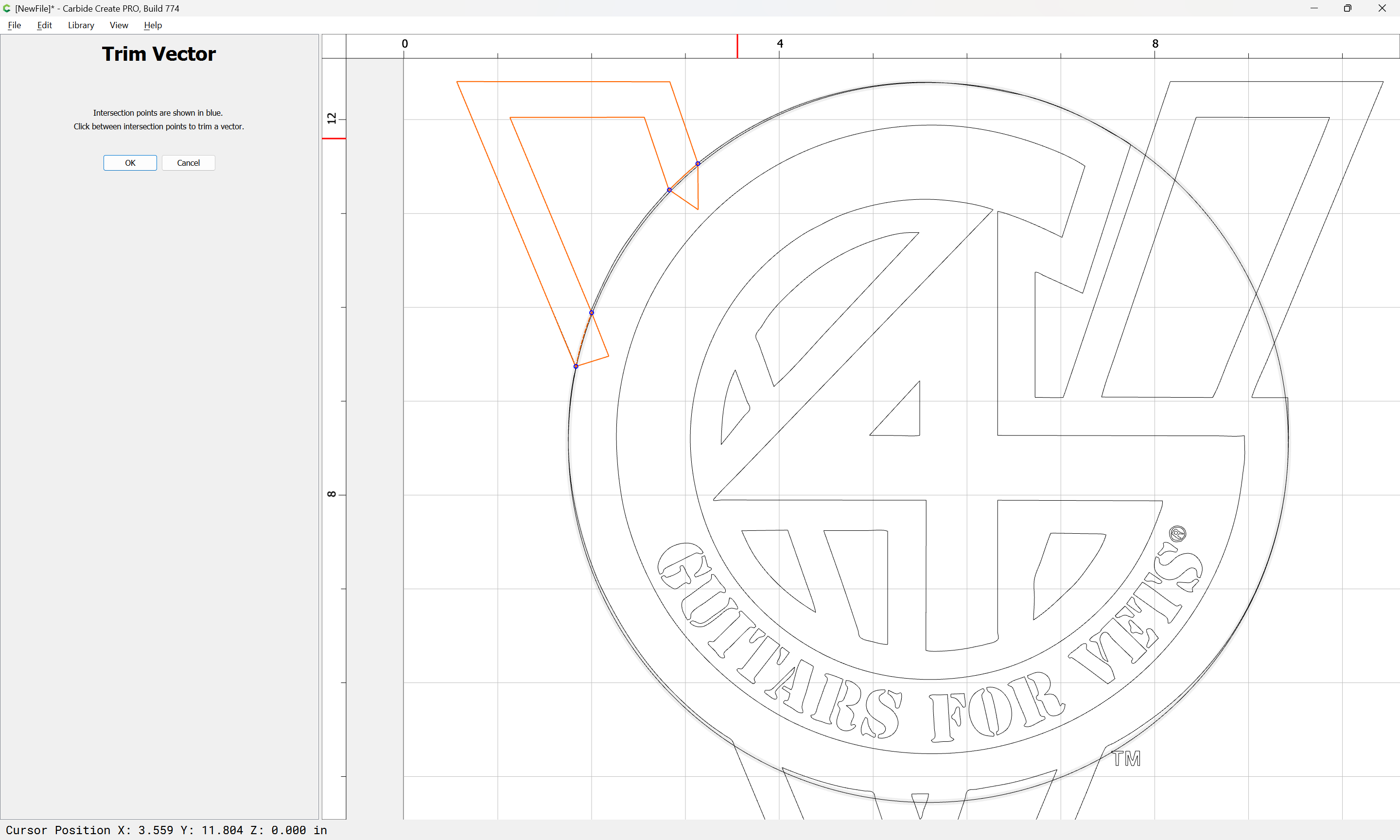
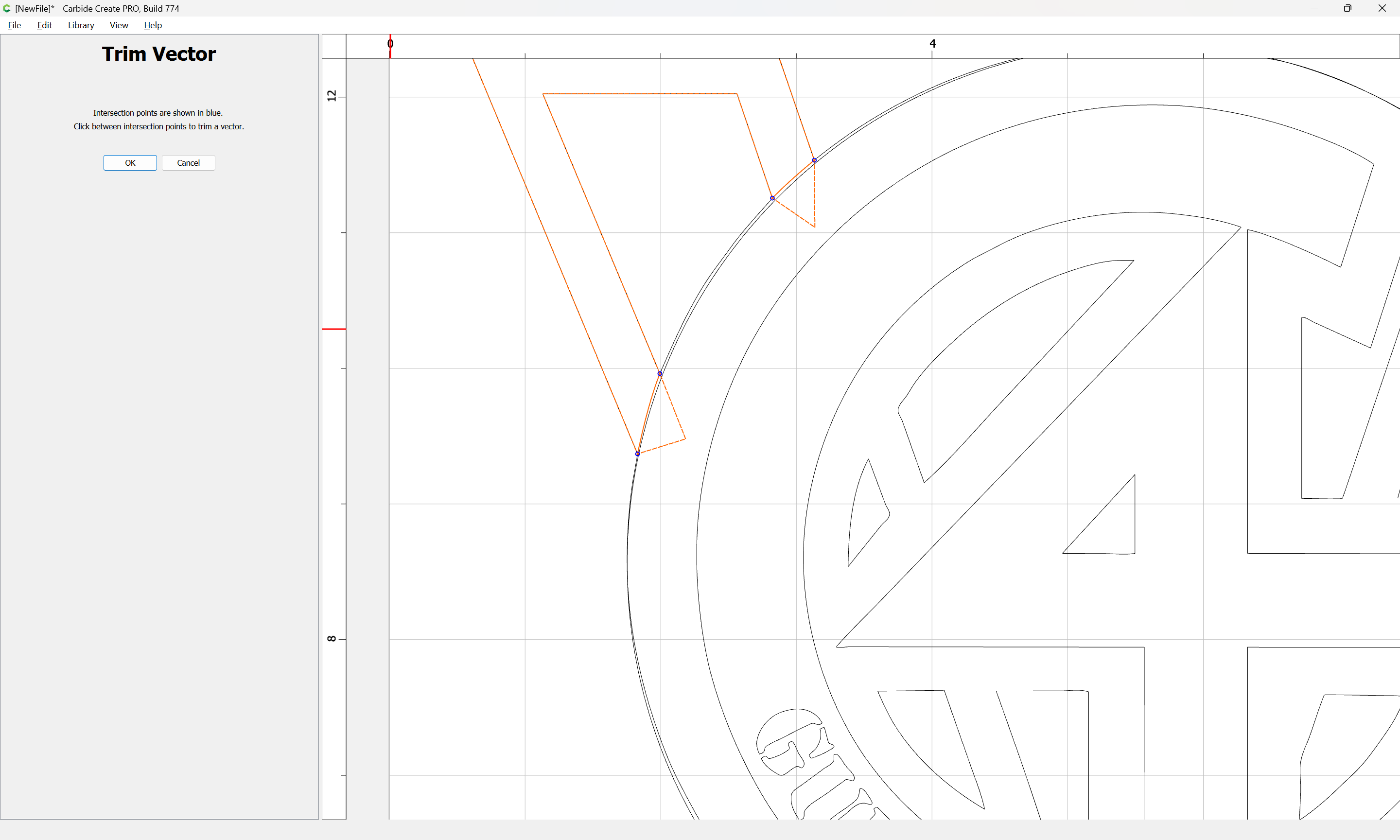
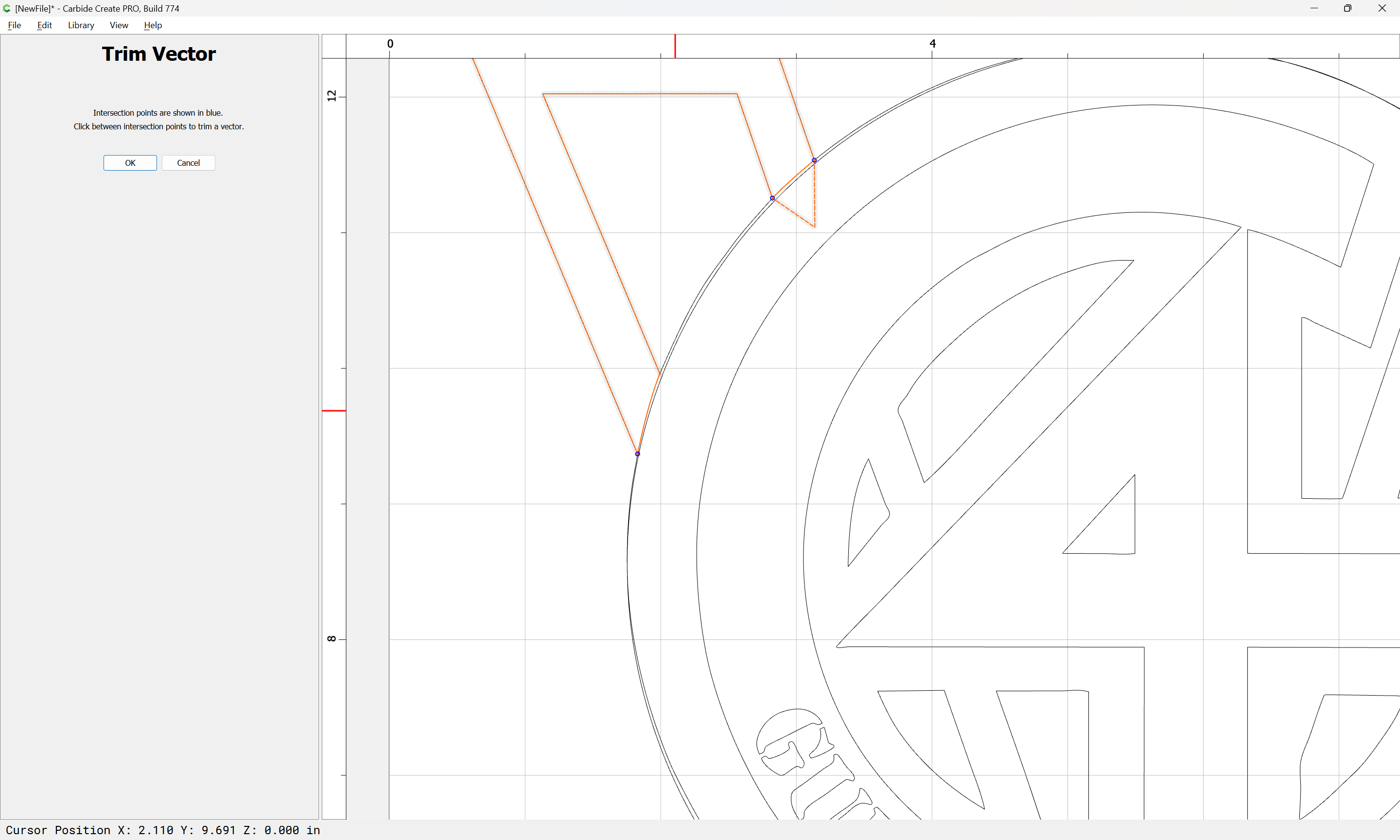
and use Trim Vectors to reduce the circle to just the desired arcs:
Ok
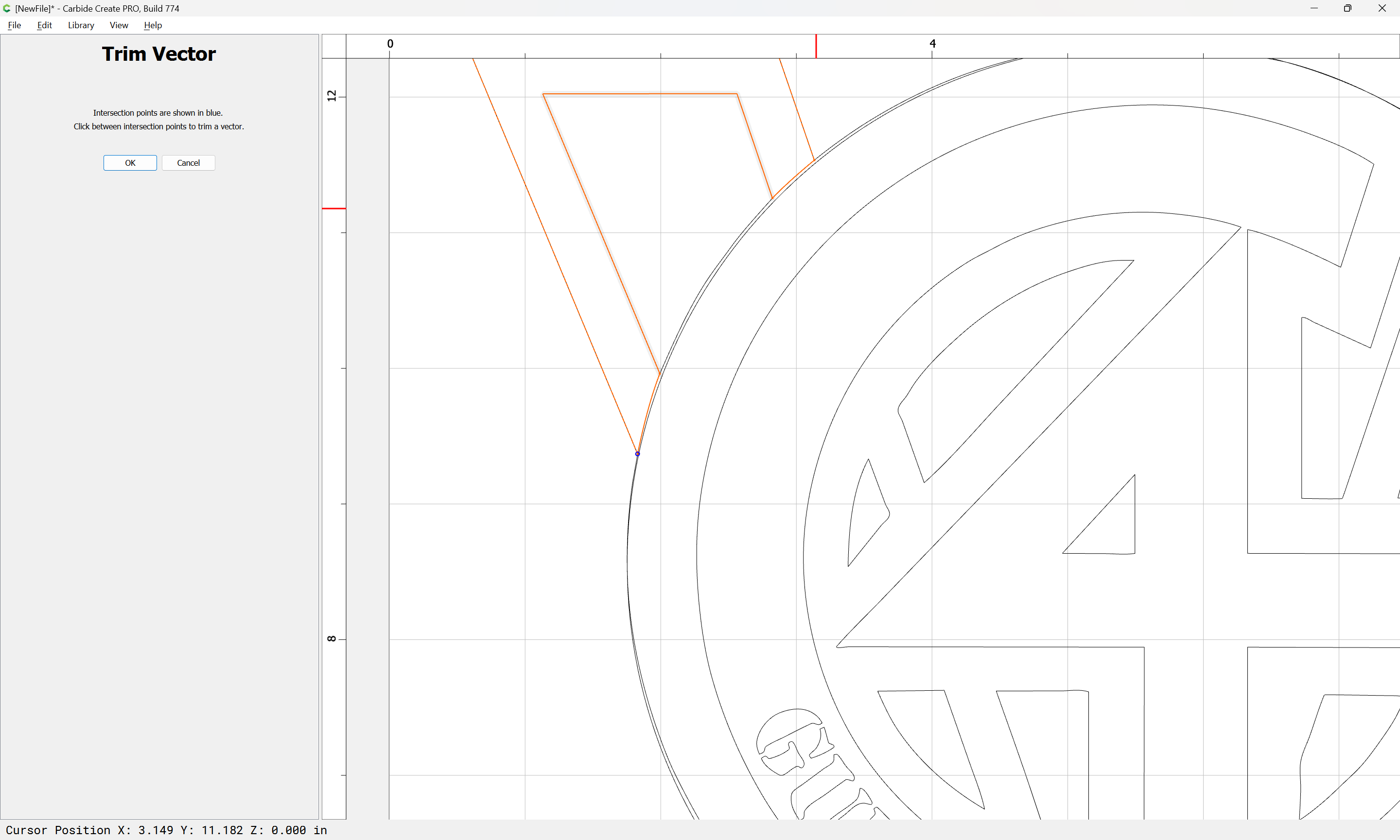
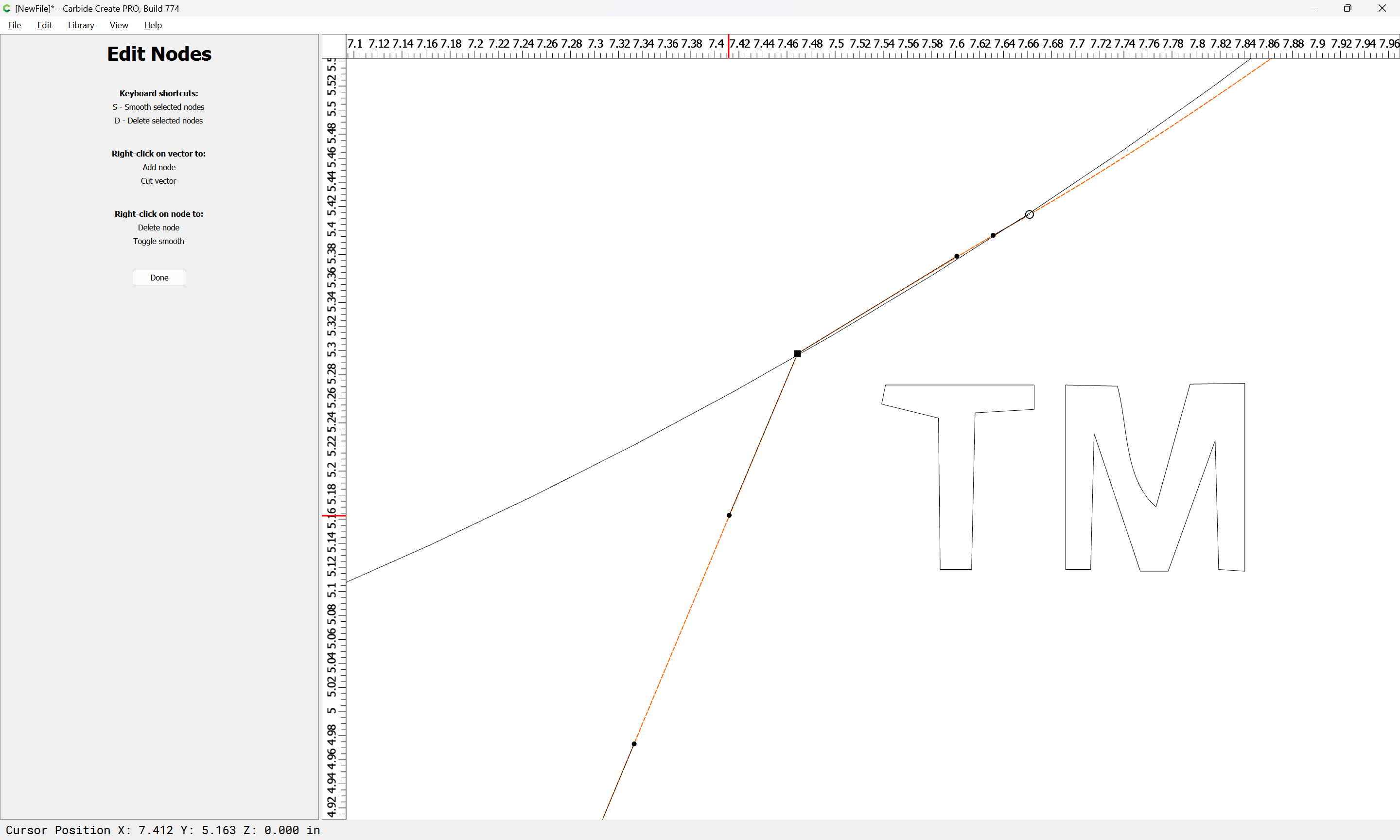
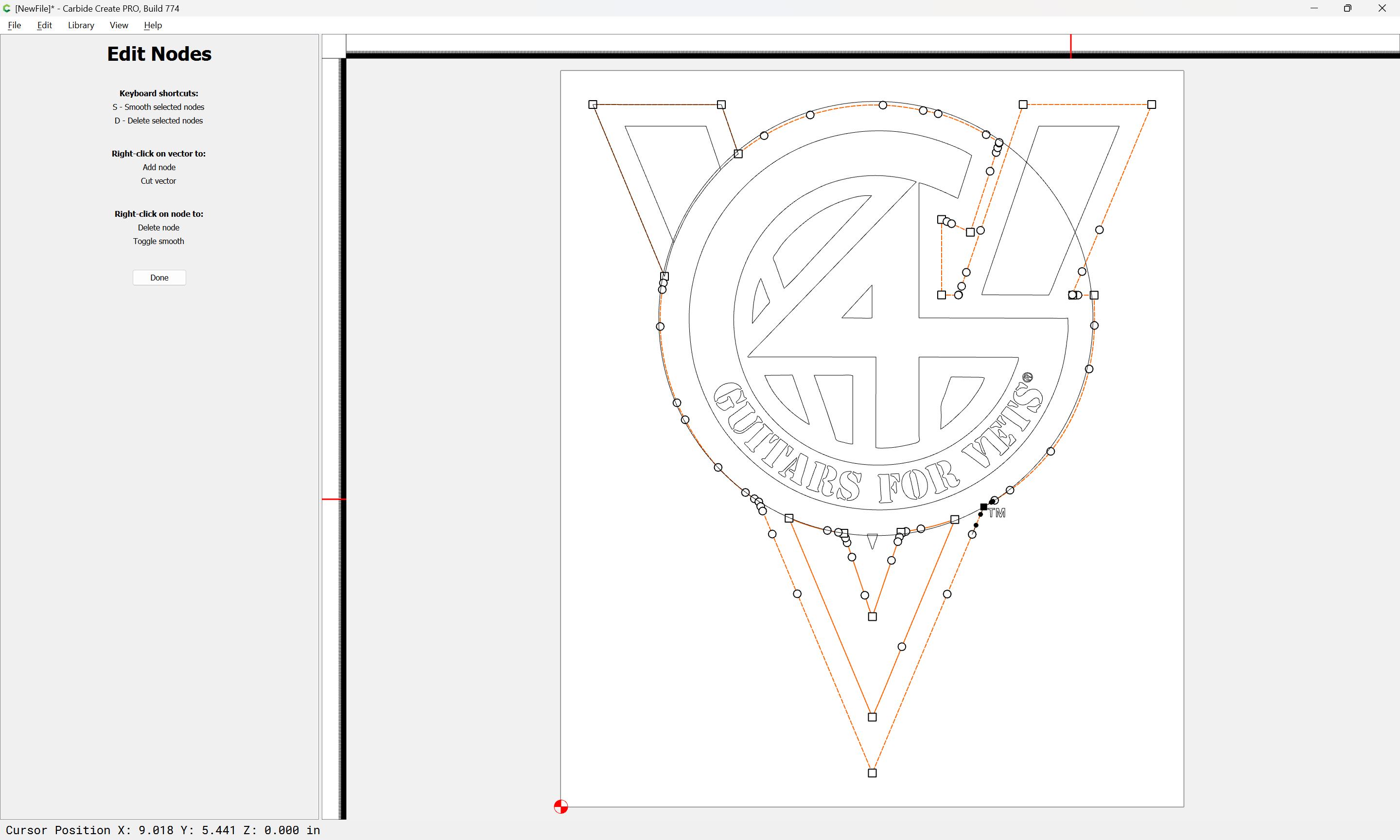
If need be, node edit to adjust positions and then finish removing what is not needed:
OK
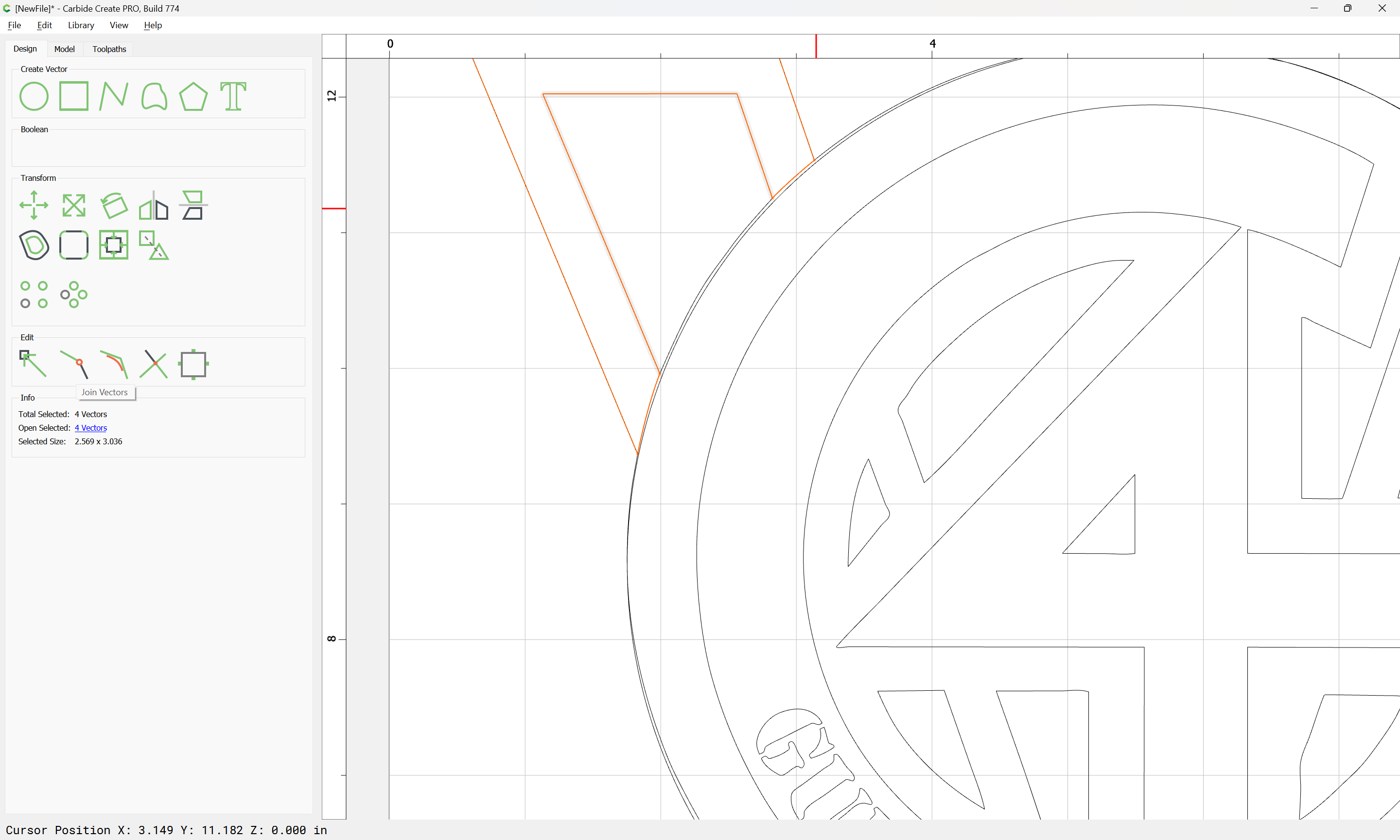
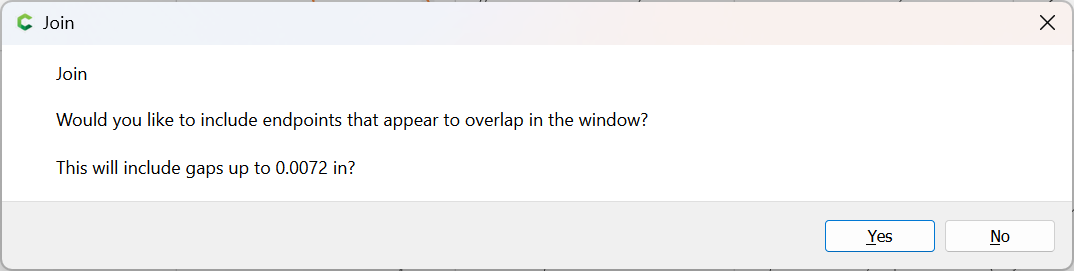
Join Vectors to close:
Yes
Repeat for the other regions.
Note that one will probably want to clean up some areas:
and of course when there are only straight lines, the region may be simply drawn with the polyline tool:
Attached as a v7 file.
guitars4vets.c2d (144 KB)
Thanks so much Will ! Do you ever sleep? That was a quick turnaround.
For some reason, I always get tripped up on joining vectors. I’ll definitely save this tutorial for future use.
This topic was automatically closed 30 days after the last reply. New replies are no longer allowed.