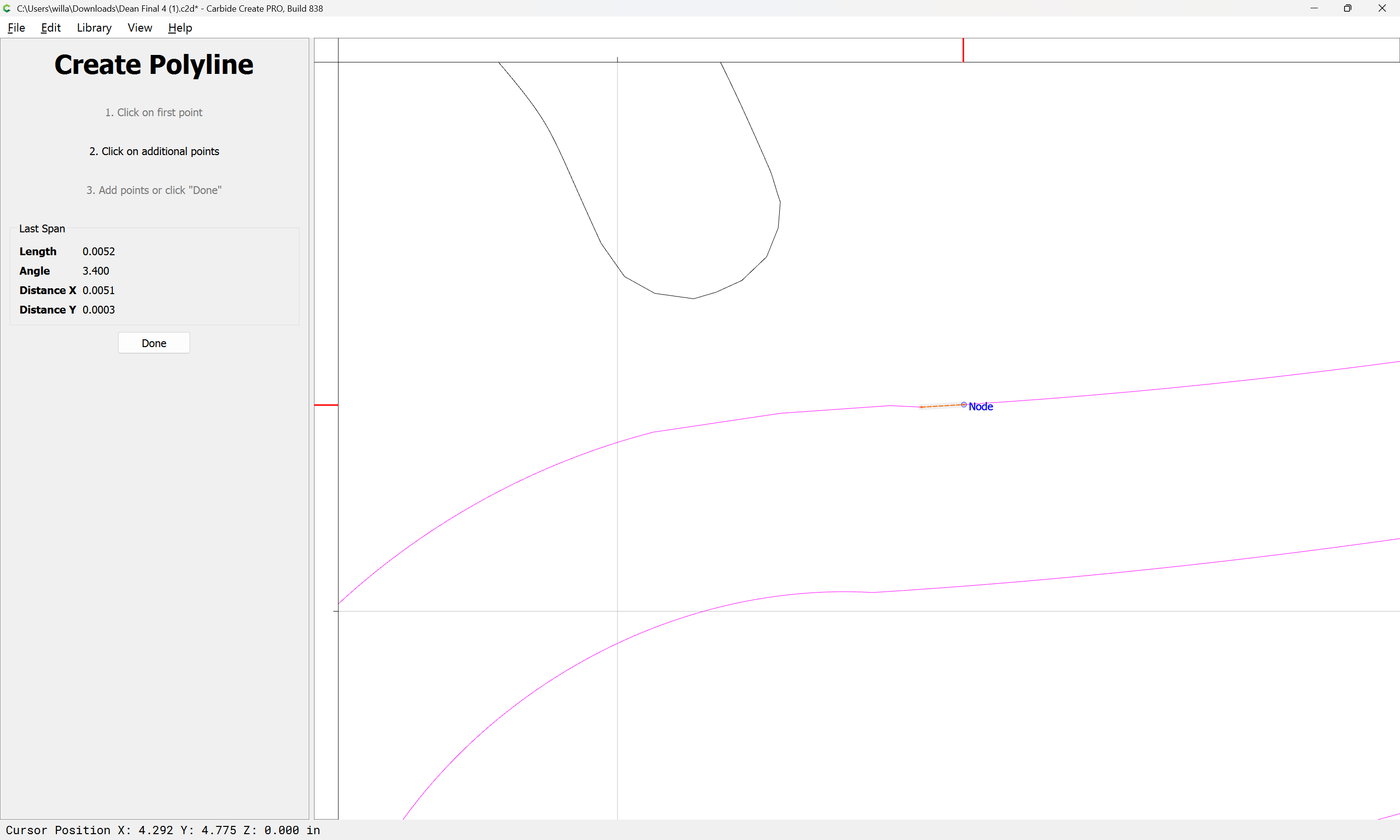
Trying to figure out how to connect my vector around the eagle. Any advice would be appreciated.
Dean Final 4.c2d (600 KB)
Trying to figure out how to connect my vector around the eagle. Any advice would be appreciated.
Dean Final 4.c2d (600 KB)
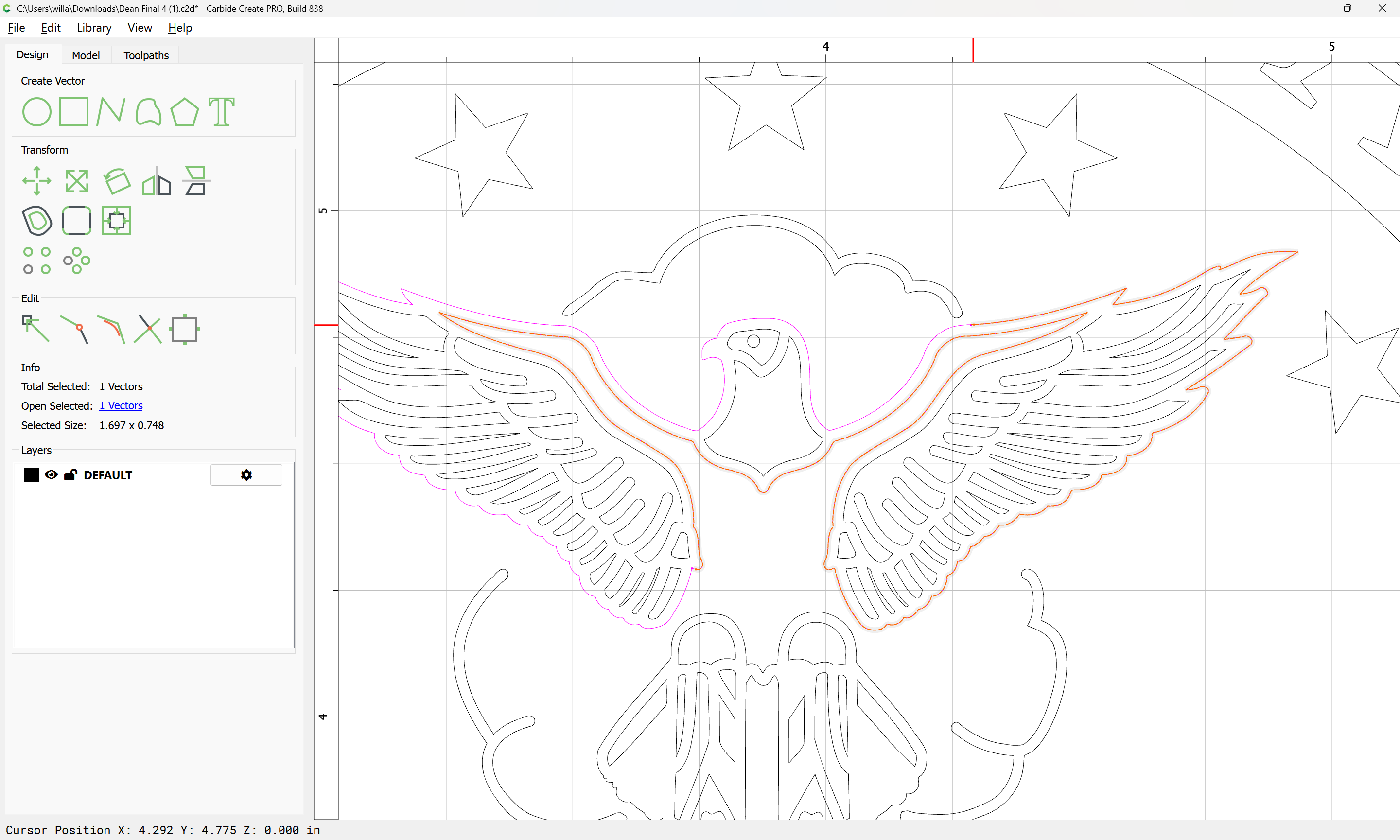
The beginning and end do not touch:
(indicated by the two magenta dots — if they were touching and eligible to be joined to close they would be close enough to each other to appear to be a single dot)
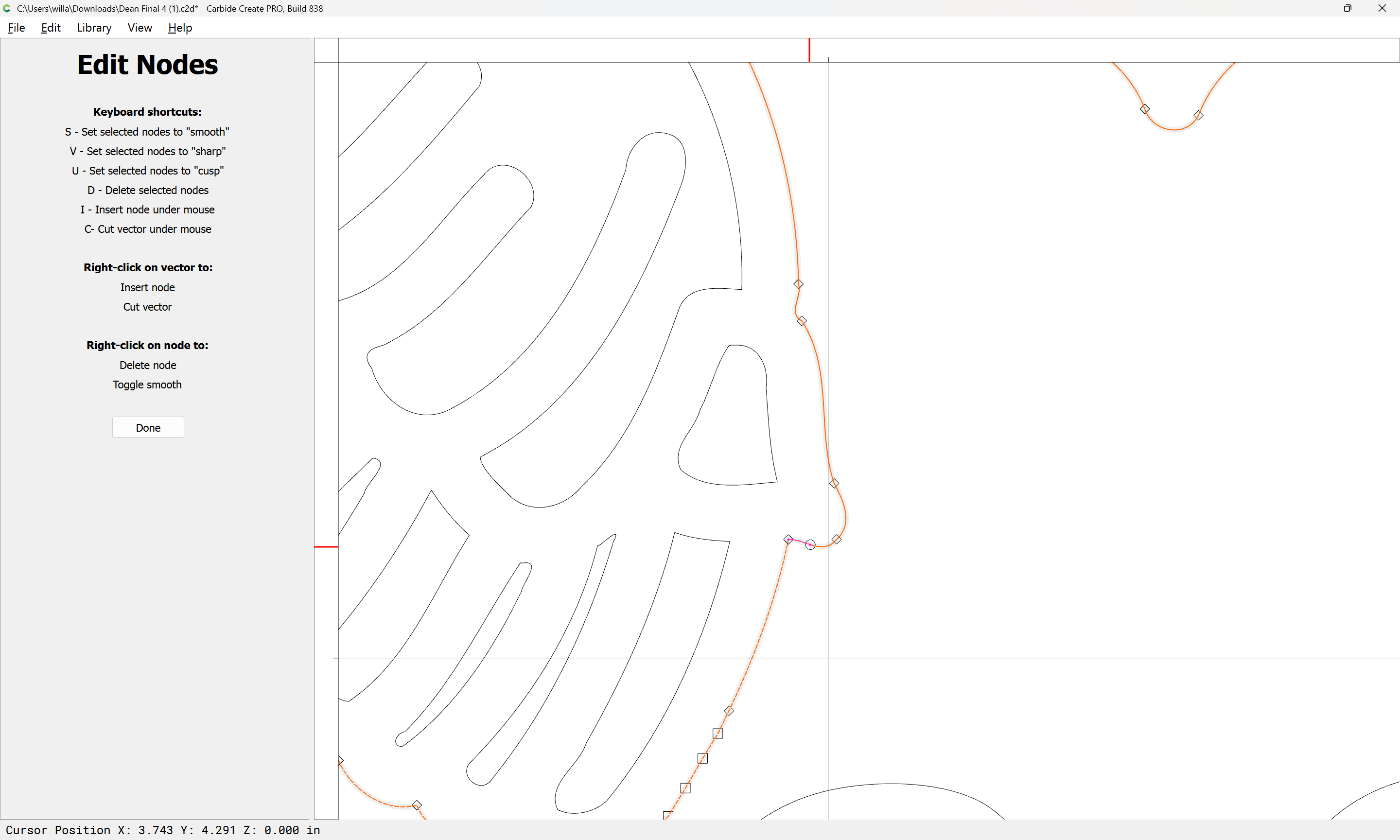
If you select this and go into Node Edit mode:
you can see that two nodes appear at the beginning/end points, indicating that the geometry continues…
There’s definitely something weird going on, CC says there is one vector, but only part of the vector is dashed when selected. Usually solid lines in a selection are “everything else”, with the dashed line indicating the ‘key vector’. So why isn’t the entire vector dashed?
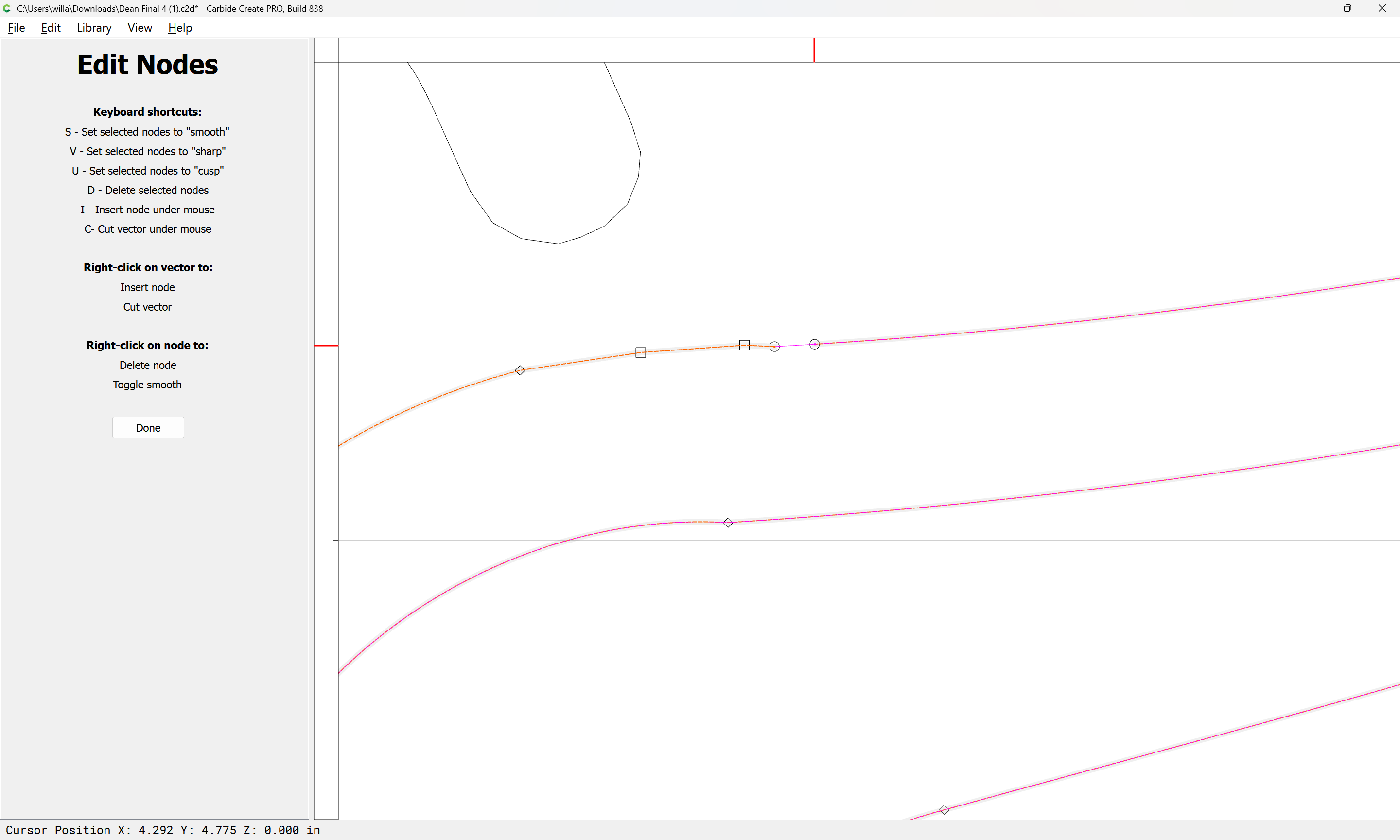
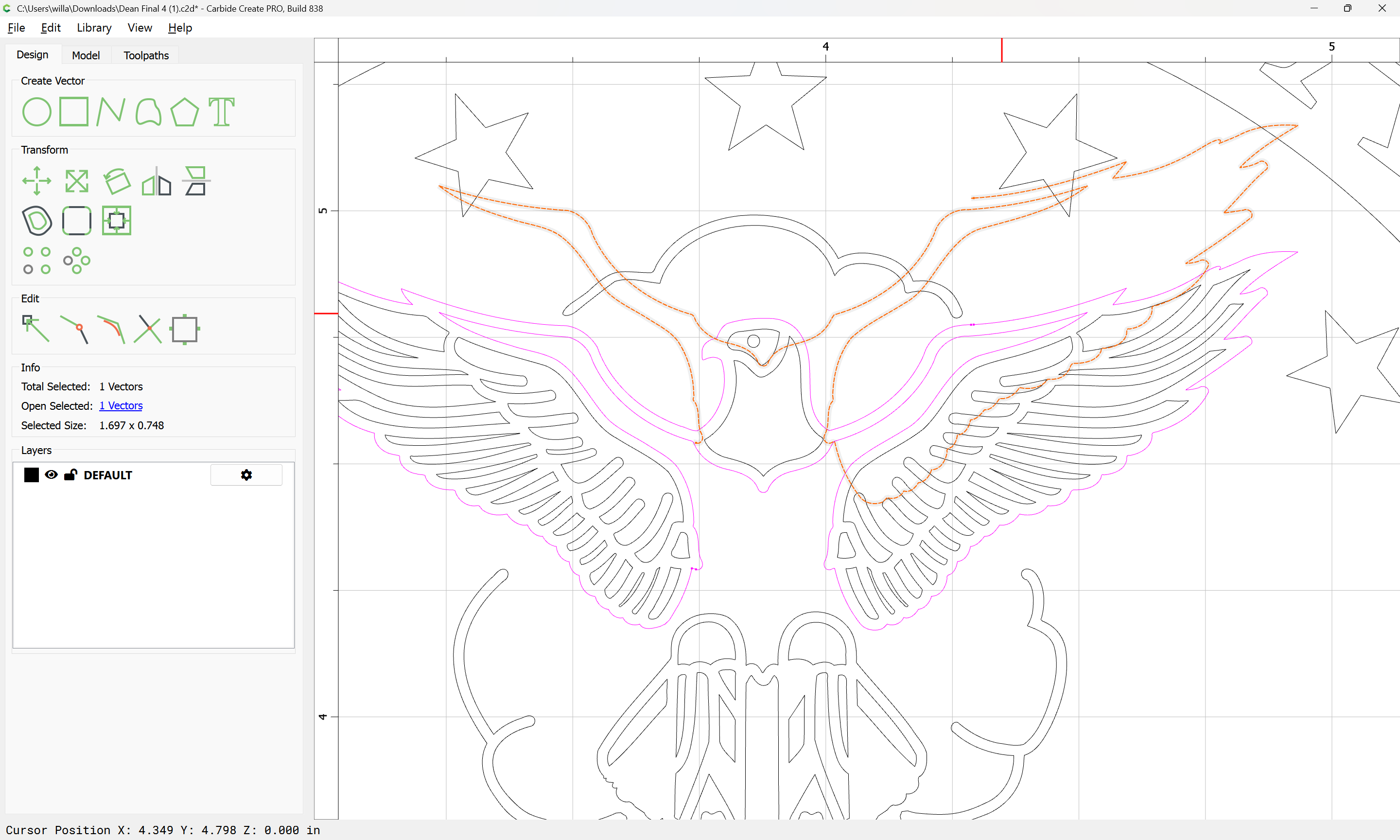
OK, I see what’s happening - you have several over-laying vectors, and the endpoints are near each other. I moved some nodes (here over to the left), you can see there’s anther line there.
I think the vector has gone completely around, and then gone on for more, which is why there is only one vector.
If you right-click and cut the vector:
along each such doubled up section of the segment:
then it will be possible to select the doubled-up section thus isolated:
and delete it:
It is then possible to draw in geometry to close the gap:
select the open geometries:
and Join Vectors to close:
Attached as a v8 file.
Dean Final 4_v8.c2d (564 KB)
This topic was automatically closed 30 days after the last reply. New replies are no longer allowed.