I have created my cylinder in 874 and is excellent,I go to tool paths and it will not carve as a cylinder instead 2 strips either side of the top of the cylinder, question is am I assuming this is for carving a cylinder or for other intended uses if this makes any sense.It will not allow me to do the finishing pass.
We’d need to see your file to see what’s going on.
1 Like
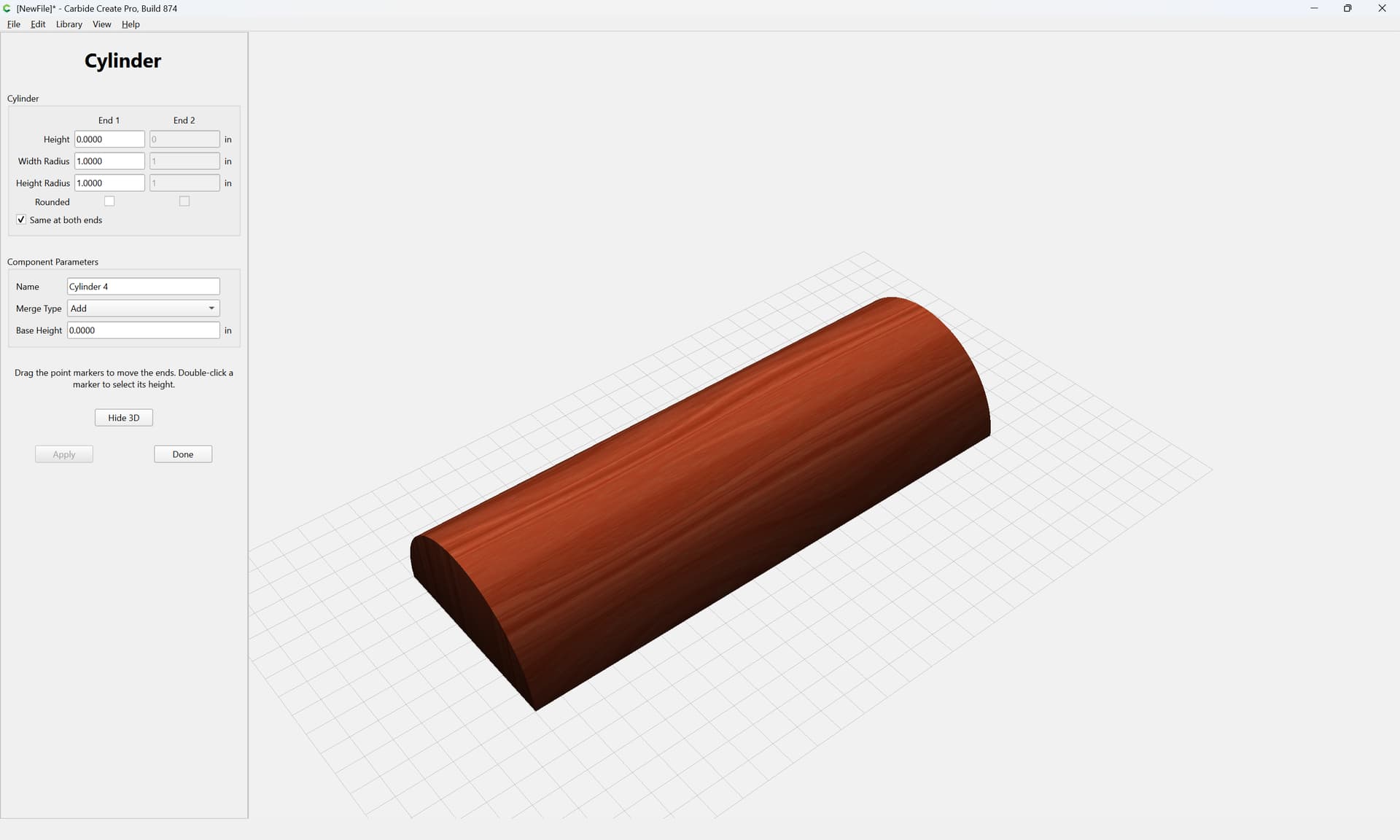
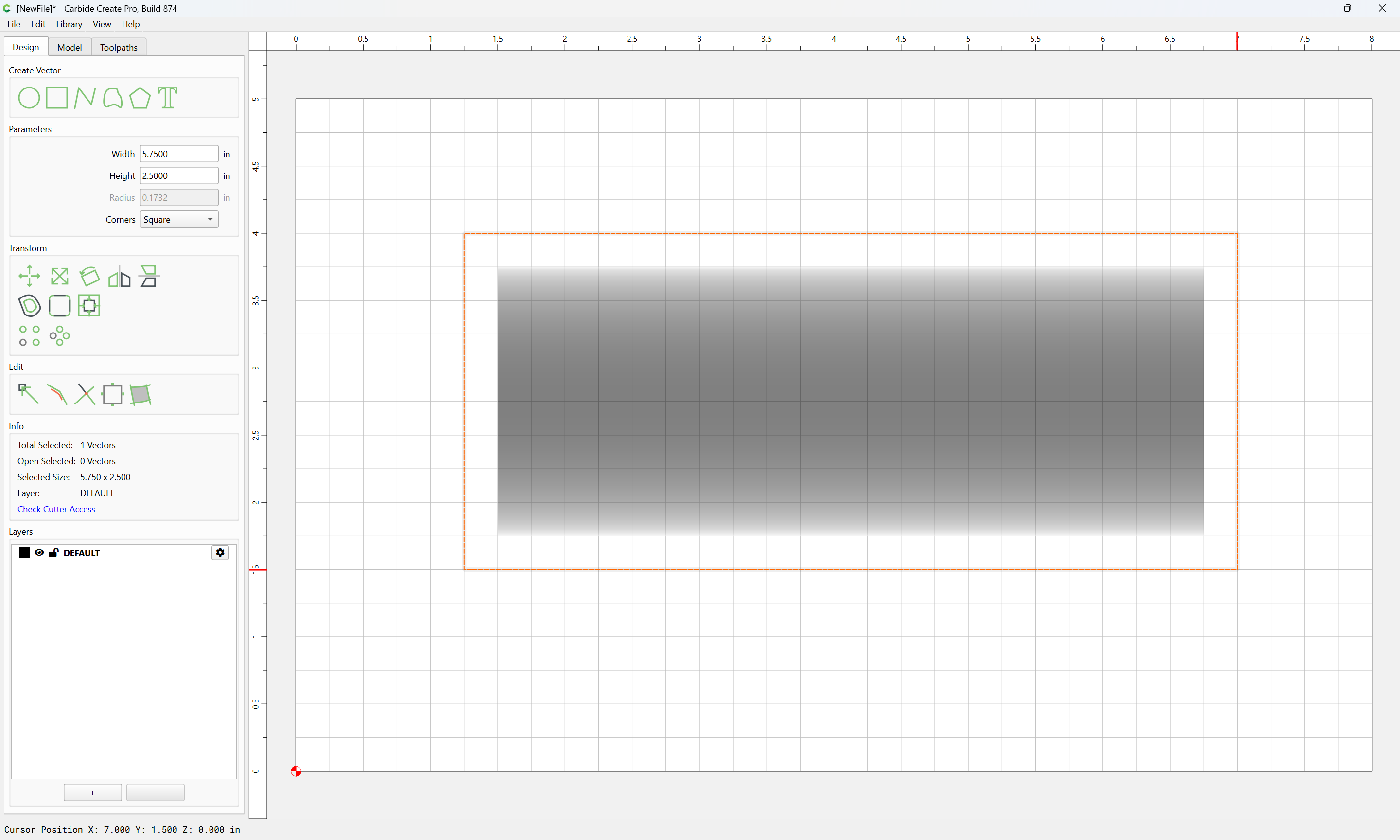
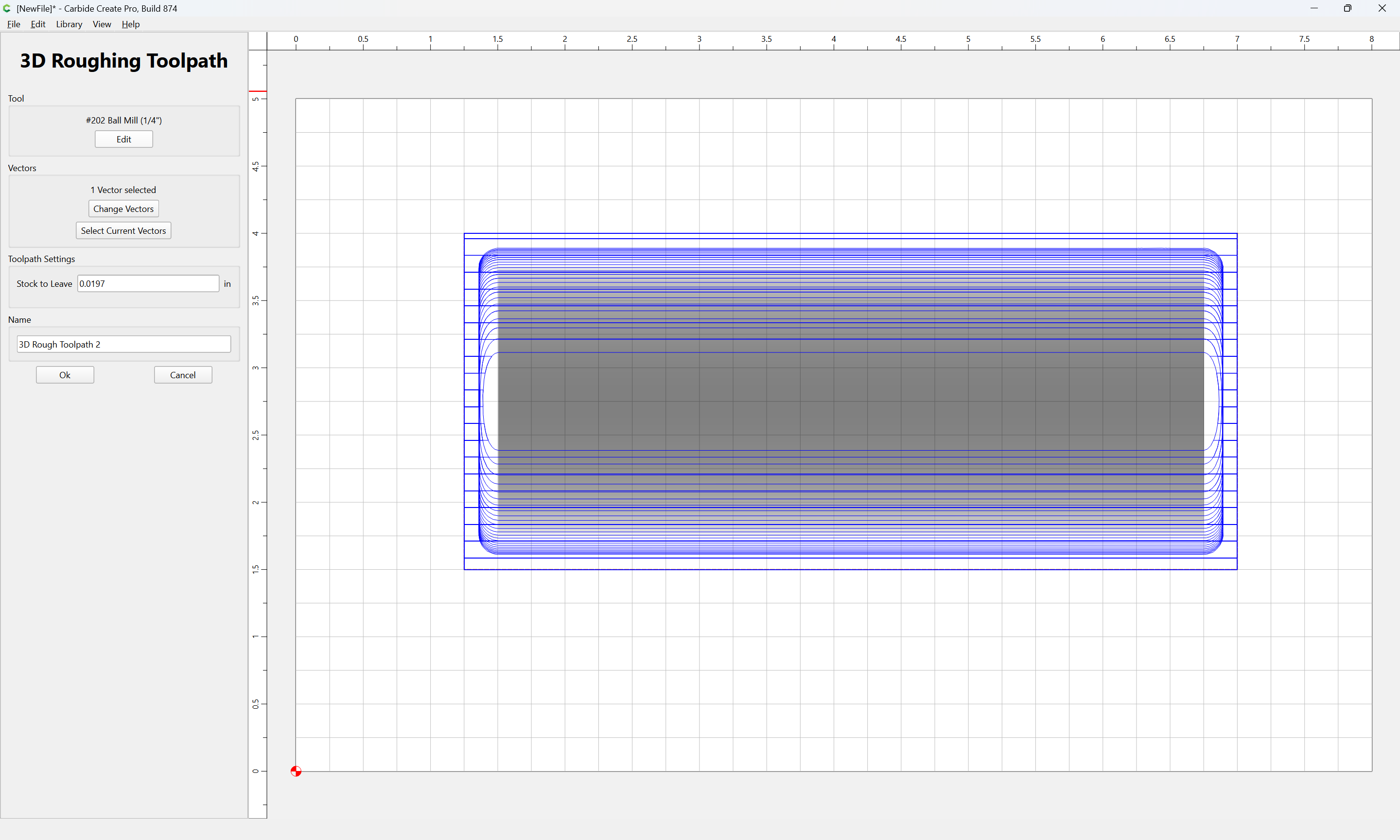
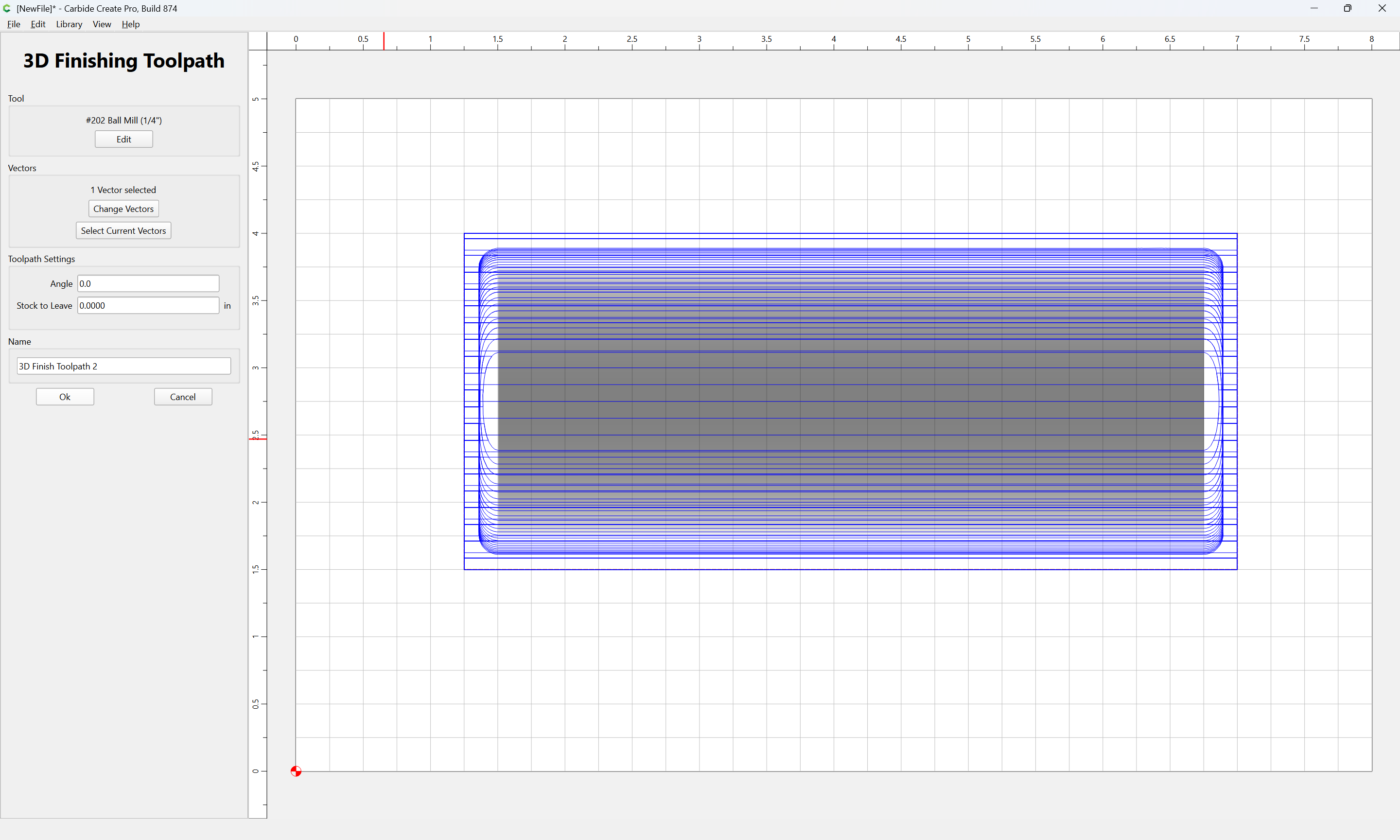
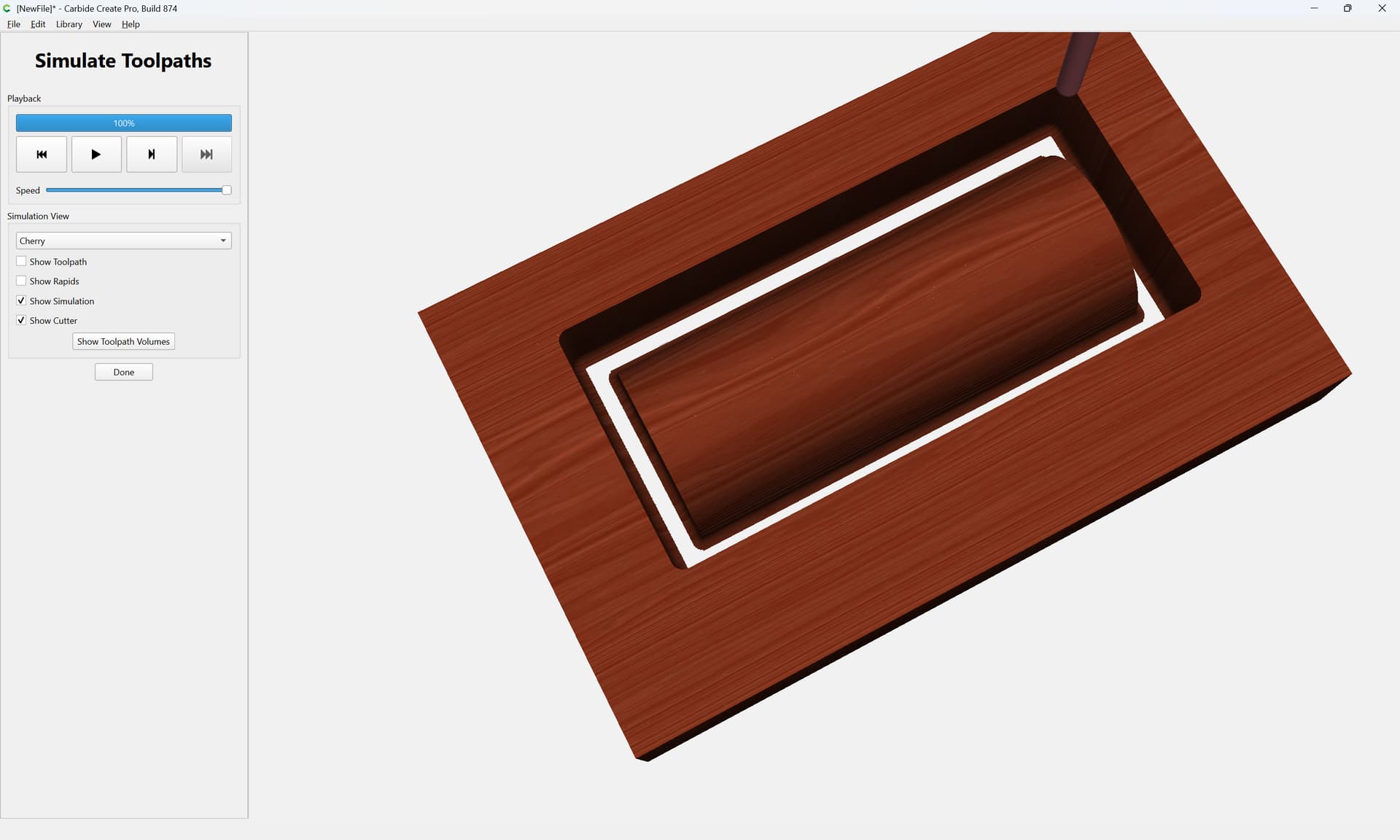
1 Like
Rob,
I get to Wills first step no problem,I will follow Wills steps and see.
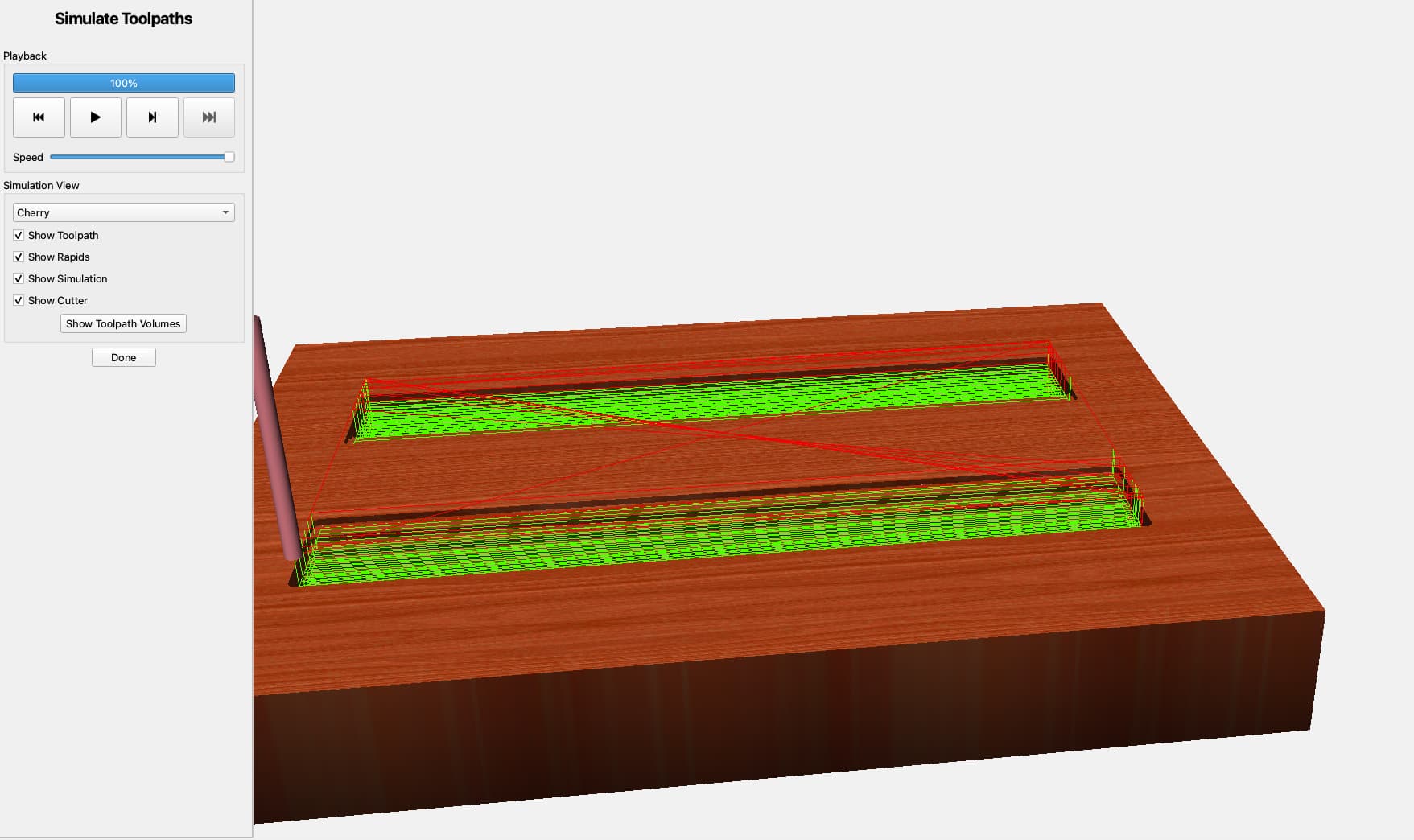
Got it, put an offset around it but not sure that was of any help, thanks for the help.
I just played around with the newest build after updating from 870 and the 3d roughing toolpath calculated SIGNIFICANTLY faster, great job on that!
2 Likes
It turns out that 3D roughing doesn’t really need to be calculated to 10 microns.
10 Likes
I typically set the tolerance on rough cuts to 1/4 - 1/2 of the “Stock to Leave”. Even 1/10 is going to be a lot looser than 10 µm 
1 Like
I think we moved it to 50-70 microns, so we’ve got a lot of room to go if we want to speed it up further.
2 Likes