(FIX) Try to fix a rare crash when selecting a layer.
(NEW) All-new DXF parser that handles less-popular parts of the DXF format better.
(NEW) Increase the tool path resolution in the 2D view. This does not change the 3D or G-code output.
(NEW) Added Cutter Check command in the “Info” section of the design pane to show where a cutter will fit in the selected vectors. Consider it a work-in-progress
(PRO) Added “More Information…” to the STL import command.
(INTERNAL) Reworked the command system to enable errors to bubble up better.
The biggest change is the new DXF parser, which seems to work well with every test case we have, except for one that relied heavily on imported text, which we still do not support.
It’s got many more options than prior versions- way more than I’d like- but I think it’ll handle a wider range of use cases than the one-click style we had before.
Starting with R14 they came out with ObjectArx and in R2000 the database allows for custom objects. In my previous life, this was a nightmare unless you had the original app installed to convert anywhere near correctly.
So what curve entity types are you expecting to work with ?
Are you honoring organizational things like Layers, Blocks and Groups ?
As far as I can tell, DXF files are broken into two types:
Those that come from a program that treats the file like an SVG, and just dumps the geometry into it. Those are trouble free in almost every case.
Those created by some Autodesk program using every obscure, poorly documented, feature of the format, and no two files are alike. These are the spawn of the devil.
This was very much a customer file driven project where we threw every file we’ve saved over the years at it until they all worked (except text, which is a whole other can of worms for file interchange).
Long story short, layers, blocks, and groups should all work and be respected. I am certain that there are more obscure DXF features we haven’t seen yet, but we’ll add those to the test directory when they come in.
That sounds like a pragmatic approach . This will go a long way in reducing @WillAdams threads on DXF import as well as hopping to Inkscape to get to SVG.
You can keep the layers, and have them imported to Create. You can keep groups together as well, although we have break them if the groups span different layers, since we don’t support that. Blocks are inserted and basically pasted into their new position each time they’re referenced.
Whenever I have a choice (which thankfully is in most cases with the several CAD I’m using) I export in R12 format. Yes sir, just the geometry, please and thank you…
+1 on that, Will. Layers and arcs, which weren’t working the last time I tried CC. It looks like not needing any more to take the SVG detour that you had suggested last fall.
That’s what I call “not working”, i.e. filleted corner turned into a chamfer… I imported a simple filleted rectangle at scales of 1, 25.4, and 254 (i.e. scaled to 1mm, 1inch and 10inches width) into the same new workfile in 839 and all arcs were arcs. That’s what I call “working”…
Thanks for the visual Will. Eventually I will have time to get into 3D projects this year. I’m absolutely thankful C3D continues to forge on with CC capabilities!!
I tried the cutter check command several times picking a random file I’ve been working on. It works the first time; but if I change the cutter size from the default 1/4 it shuts down the program. It sometimes shuts down when clicking “done” also. I realize it’s a work in process, but I thought you might like to know.

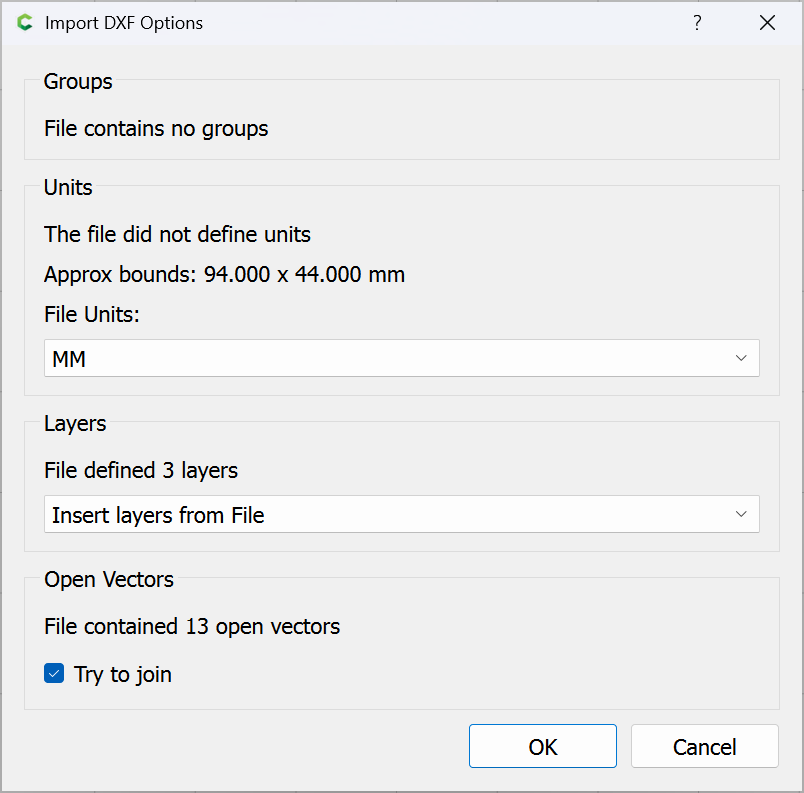
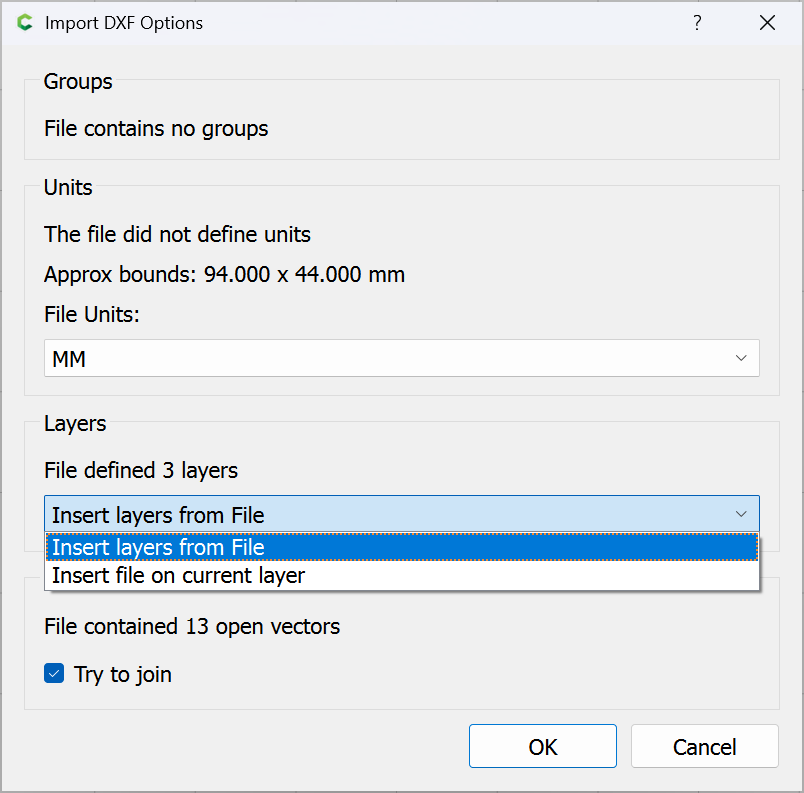
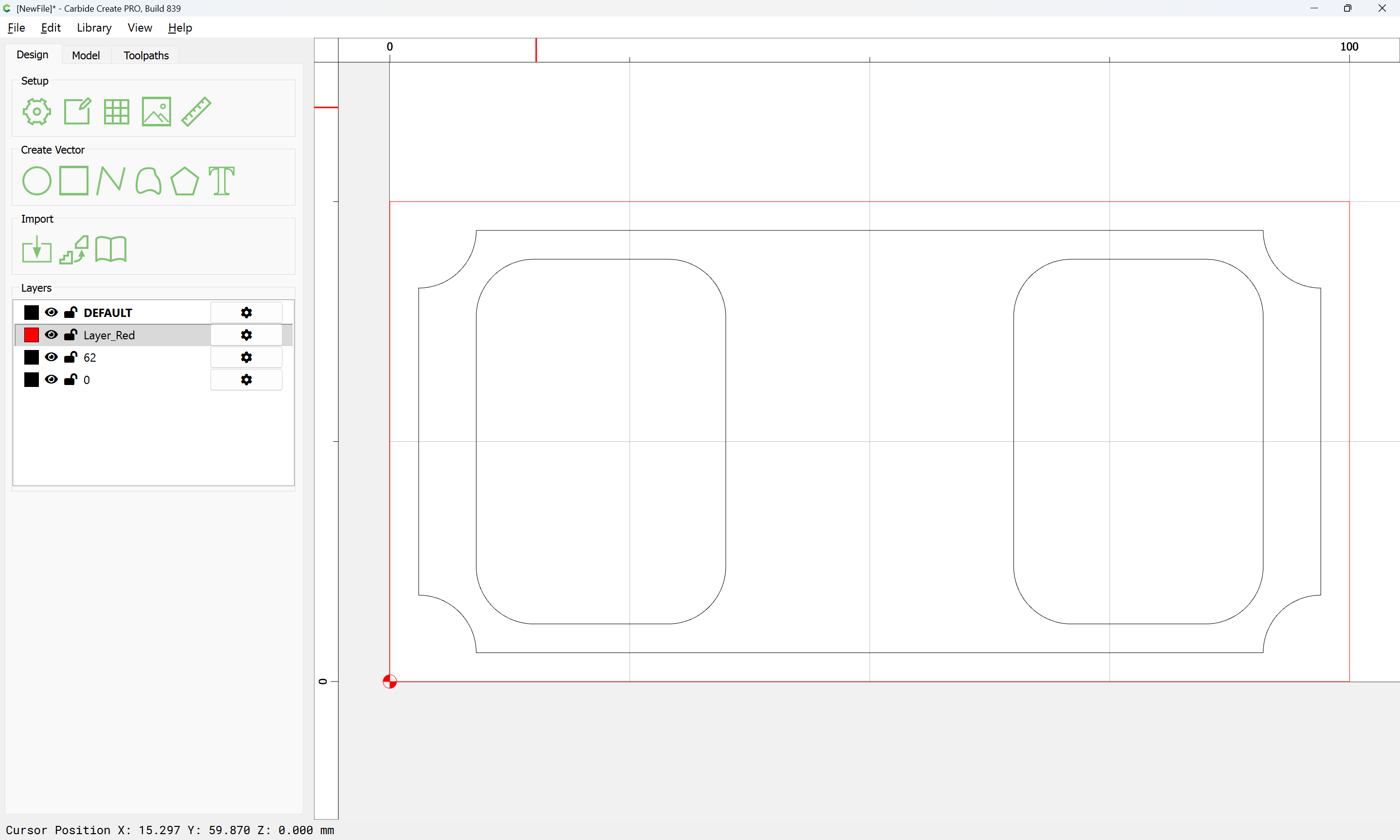
 I imported a simple filleted rectangle at scales of 1, 25.4, and 254 (i.e. scaled to 1mm, 1inch and 10inches width) into the same new workfile in 839 and all arcs were arcs. That’s what I call “working”…