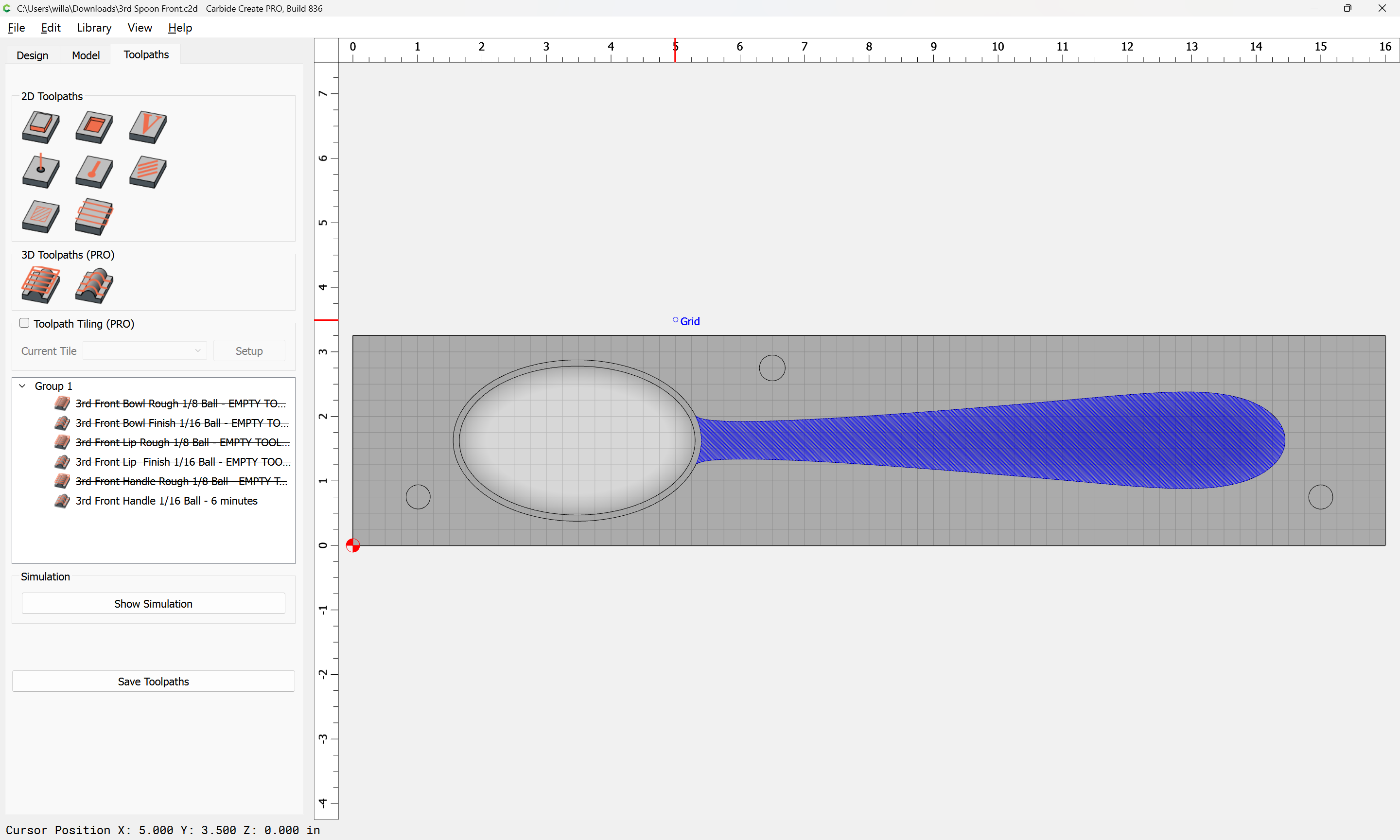
I have been working in the Carbide Create Model tab. Working on a spoon. I did the Flat “base” and two rounds, one add one subtract. When I went to save the project there was a pause about midway in the save the it completed. When I reopened the project all of the model changes were gone. I reentered the data and had the dame results. I had to delete all of the tool paths and any model data. Then copy all of the vectors, open a new project and paste them in. This has happened twice. Carbide Create Build 836, MacBook Pro 32G memory, M1 processor, OS 26.1 Tahoe, 1T storage .5T available
Upload your file?
Where is it being saved?
Using what filename?
Do you have other older versions installed?
Upload not sure. I think I still have it.
3rd Spoon Front.c2d (928 KB)
File is being saved on the MAC in sir/Paul/CNC/Spoon/3rd Front Spoon
File name is “3rd Front Spoon”
Yes 813
[quote=“Pyonker, post:3, topic:98665”]
user/Paul/CNC/Spoon/3rd Front Spoon
user/Paul/CNC/Spoon/3rd Front Spoon
This topic was automatically closed after 30 days. New replies are no longer allowed.