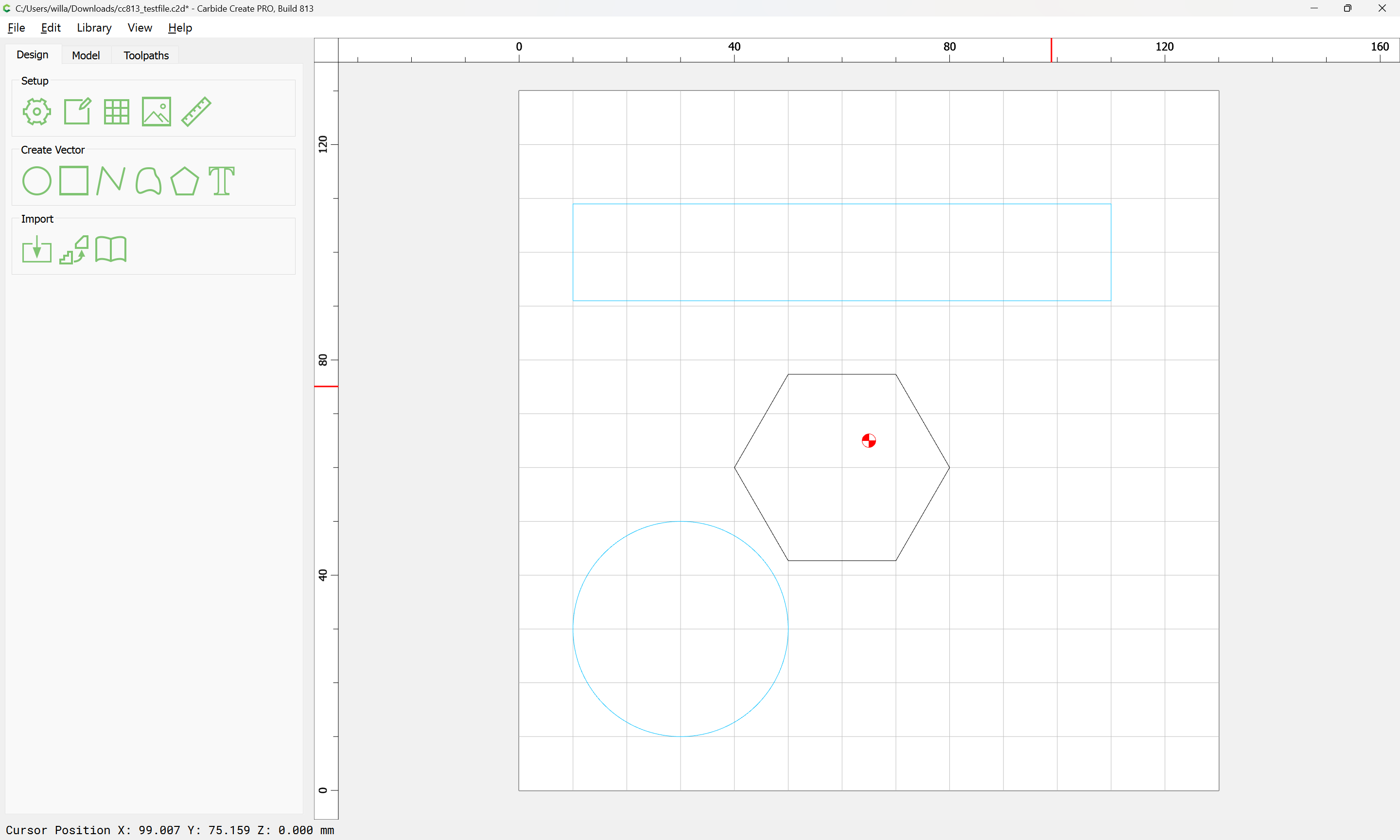
Hi All,
Can anyone please let me know if there is a way to get things out of a layer? It appears once you put something in layers, i cant do some ops on the individual item in the layer.
Thanks
Hi All,
Can anyone please let me know if there is a way to get things out of a layer? It appears once you put something in layers, i cant do some ops on the individual item in the layer.
Thanks
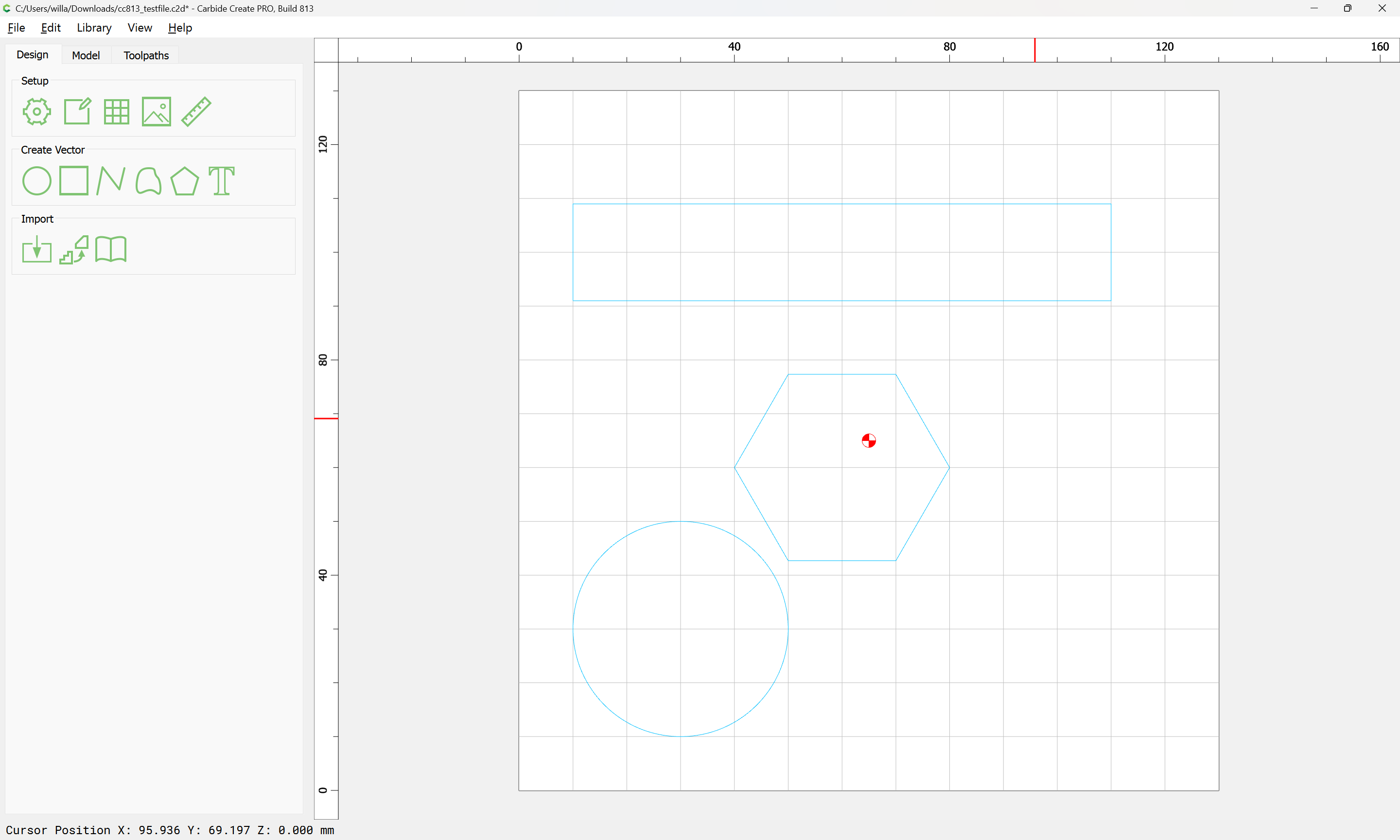
Starting from:
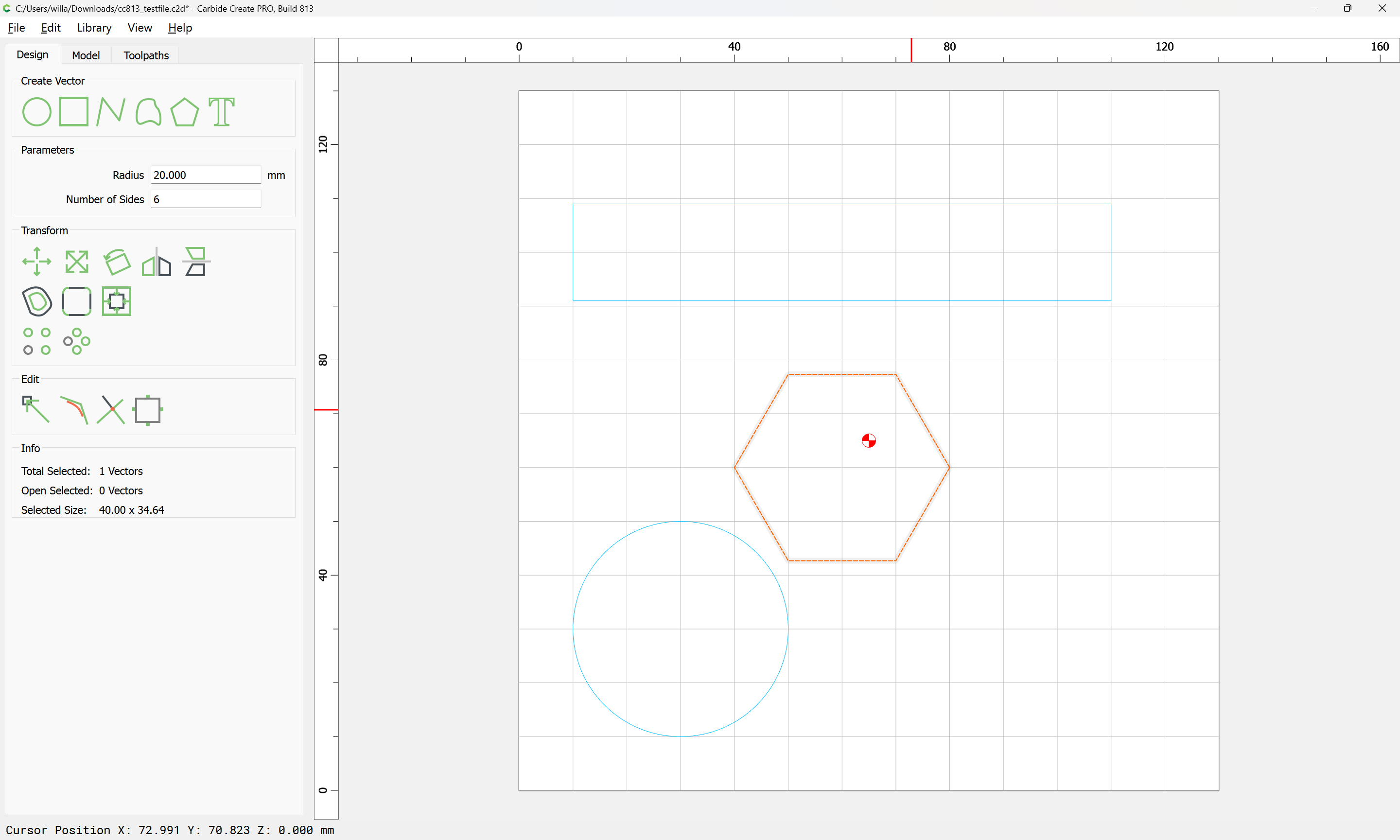
Select the object in question:
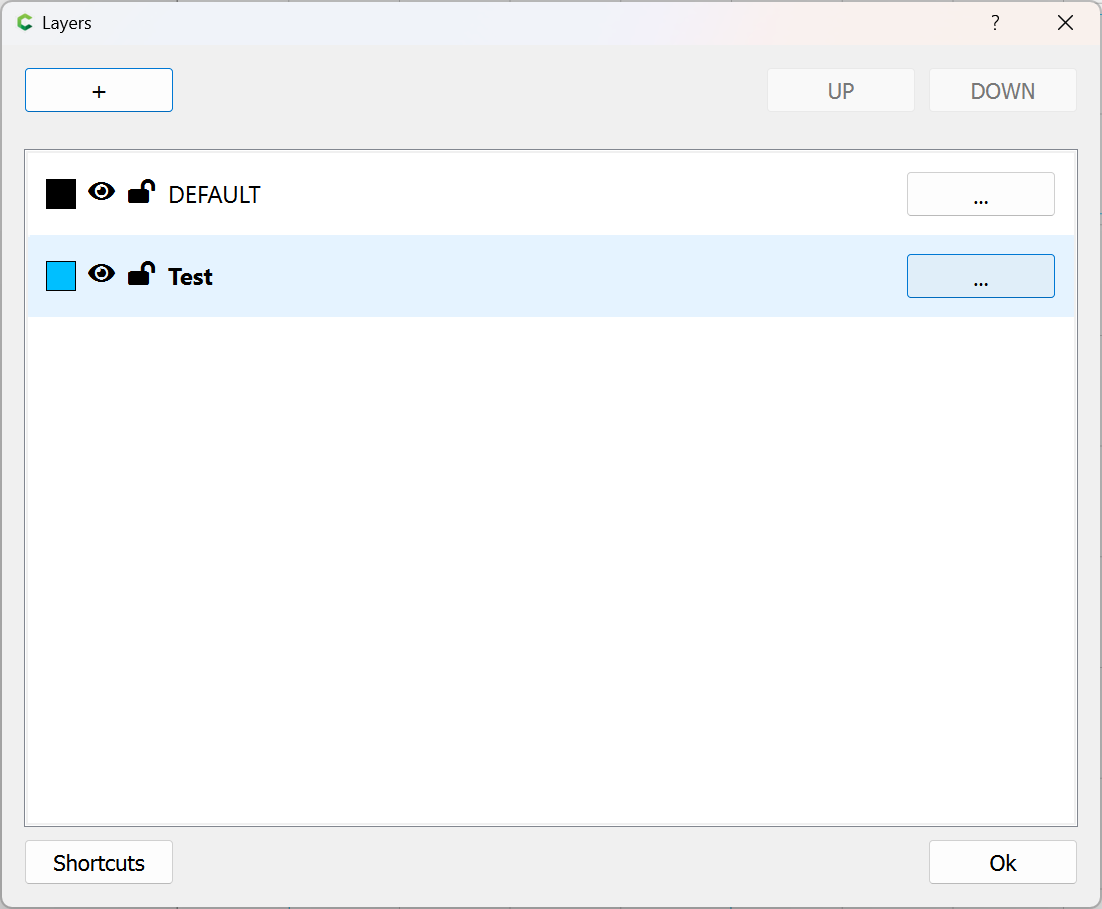
bring up the Layer palette:
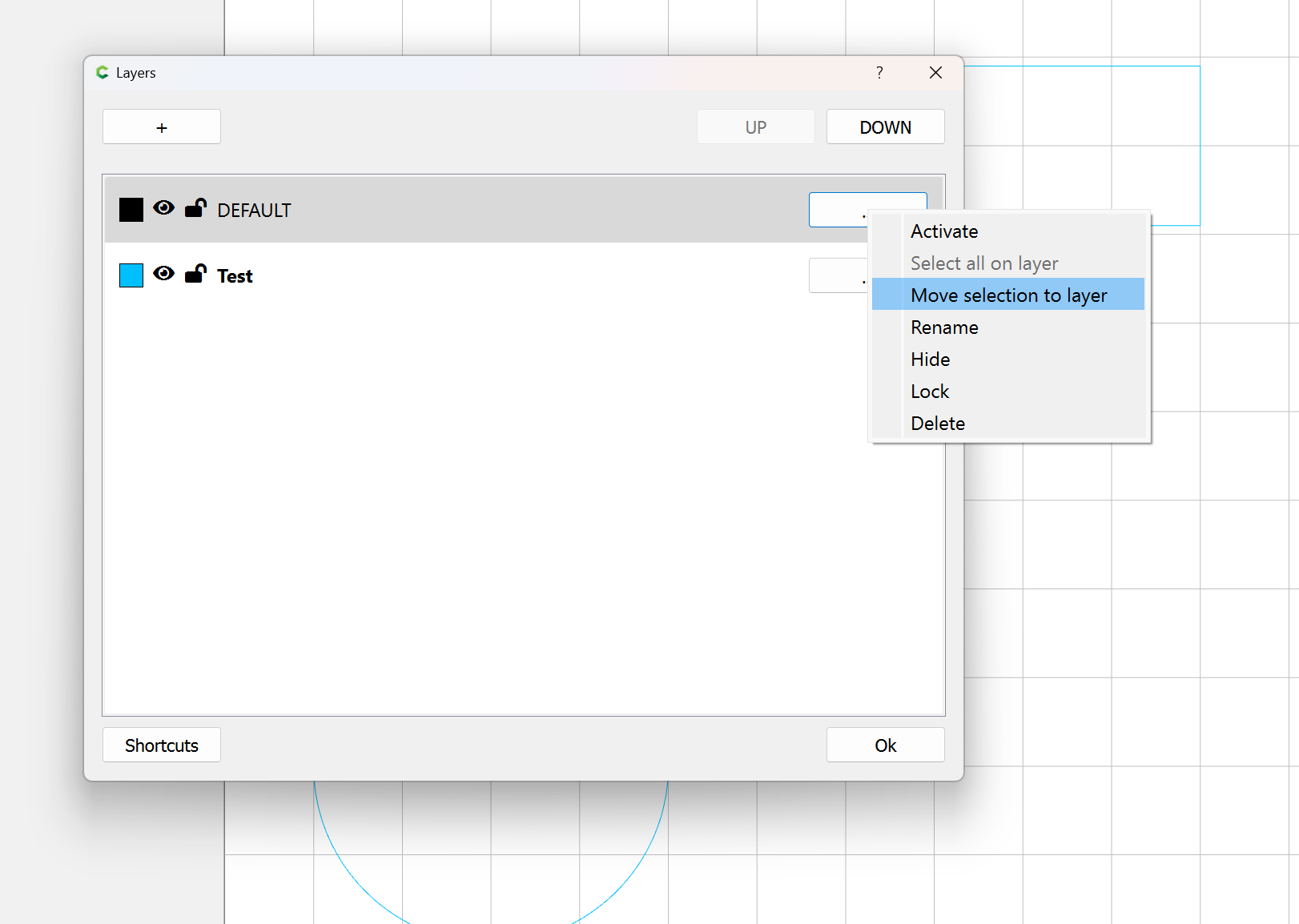
click on the layer you wish to move the object to and click on the ellipsis button for the menu:
and choose “Move selection to layer”
Ok
Note that it may be necessary to ungroup if part of a group:
Will,
I know how to move objects into layers. My question was how do I remove them from layers? I know you can create another layer and move select objects in there but I like to completely move them out of a original layer to having no layer. Is that doable?
Thanks
Move it to the DEFAULT layer?
All new objects start in the Default layer (Layer 1, if you will).
To remove something from a layer, move it to a different layer. There is no such thing as “no layer”.
I typically don’t use the default layer when I’m using layers for toolpaths. I leave construction and reference geometry on the default layer, then move the vectors for a toolpath or group to a new layer.
This topic was automatically closed after 30 days. New replies are no longer allowed.