I used Photoshop to make the grayscale image, although I did it very quickly and it’s not very good. If you have Windows 10, you can use Paint3D to make one.
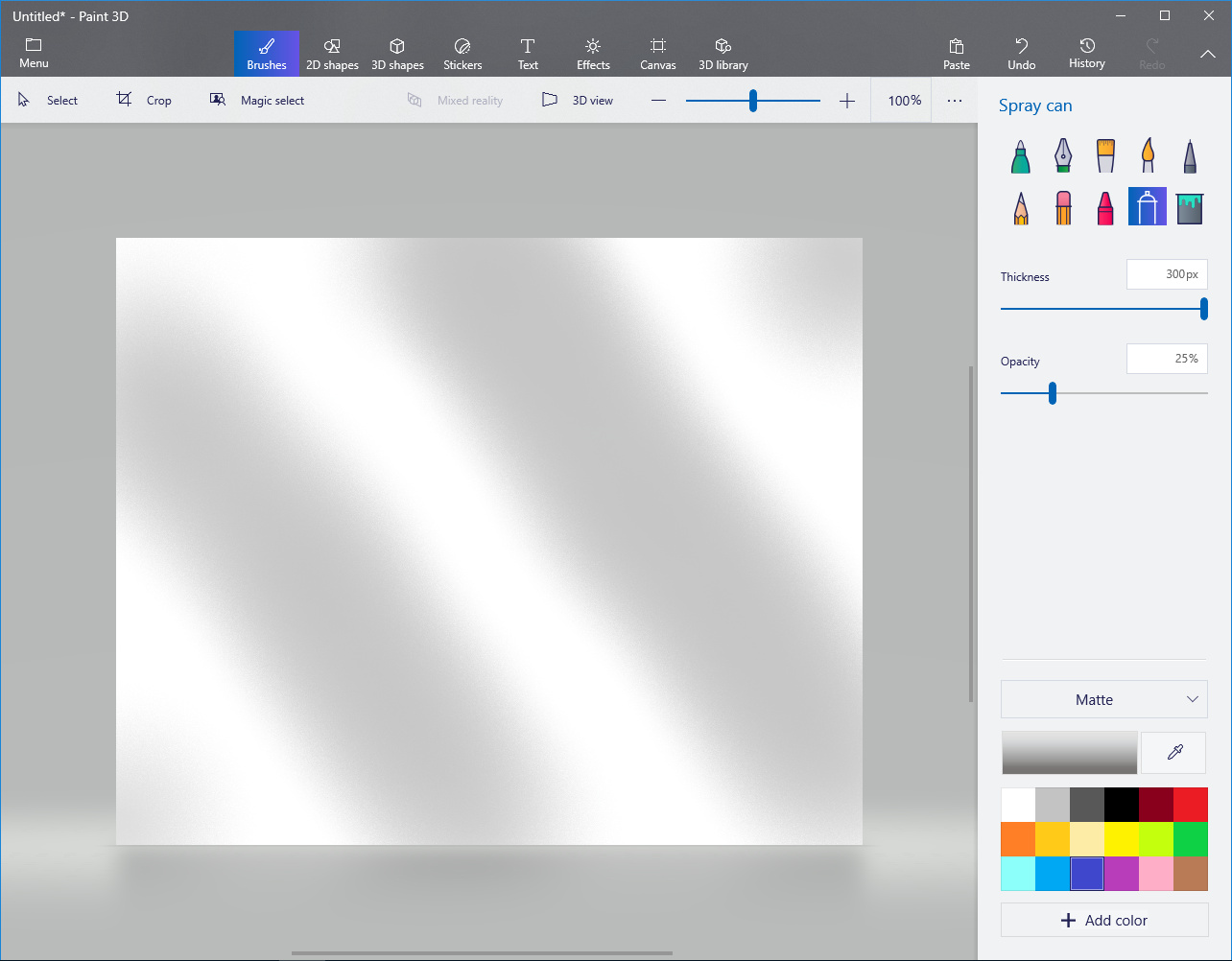
In Paint3D, use the Spraycan brush and move the slider to a pretty big Thickness. Select the light gray color and draw some wide stripes:
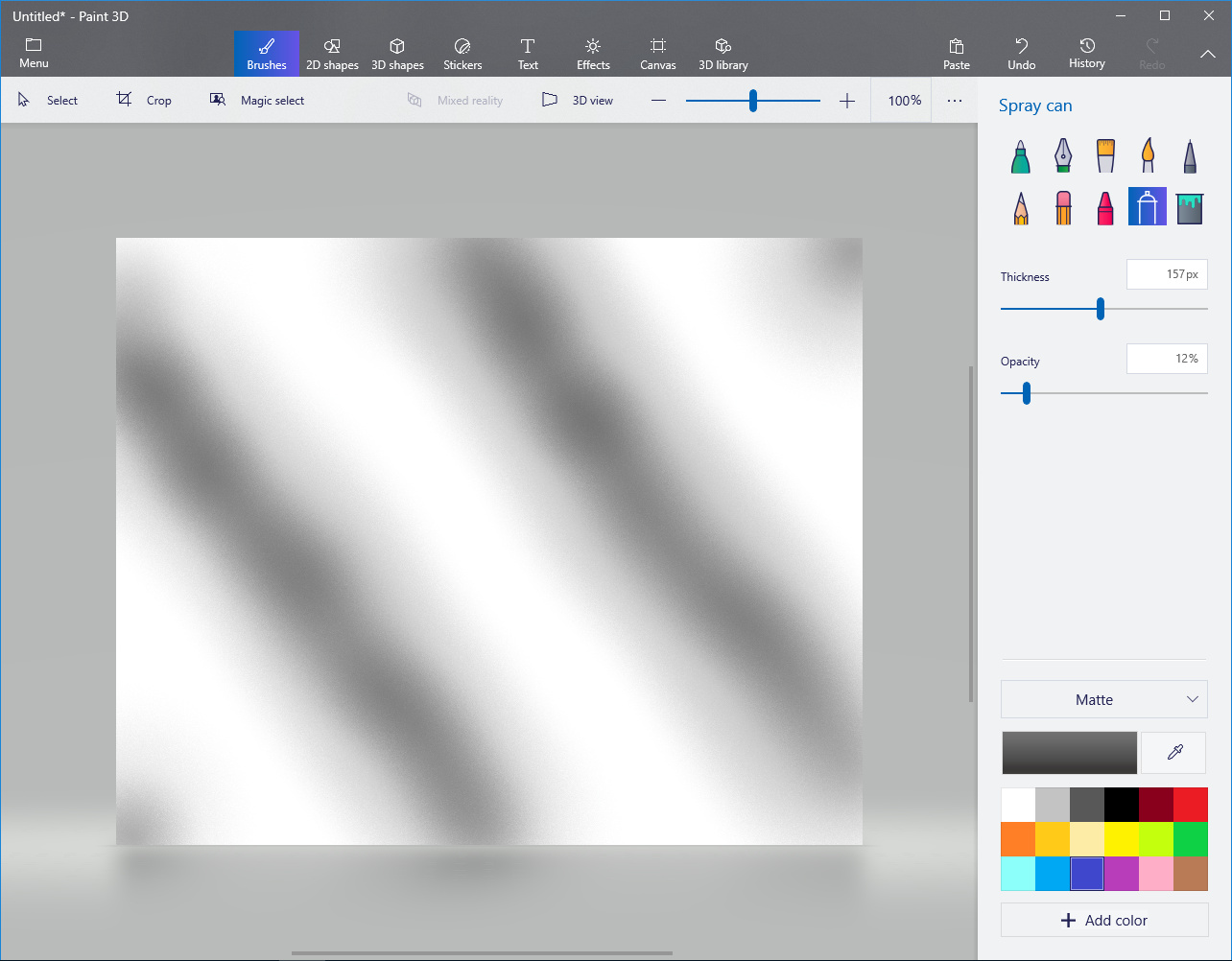
Pick the darker gray color and reduce the thickness and draw in the middle of each gray stripe. You want to make a gradient from white to dark gray or black. Adjust the Opacity slider if necessary to make the gradient smoother:
Save it as a JPG or PNG file.
There are better ways to make this kind of texture, but this gets the job done.