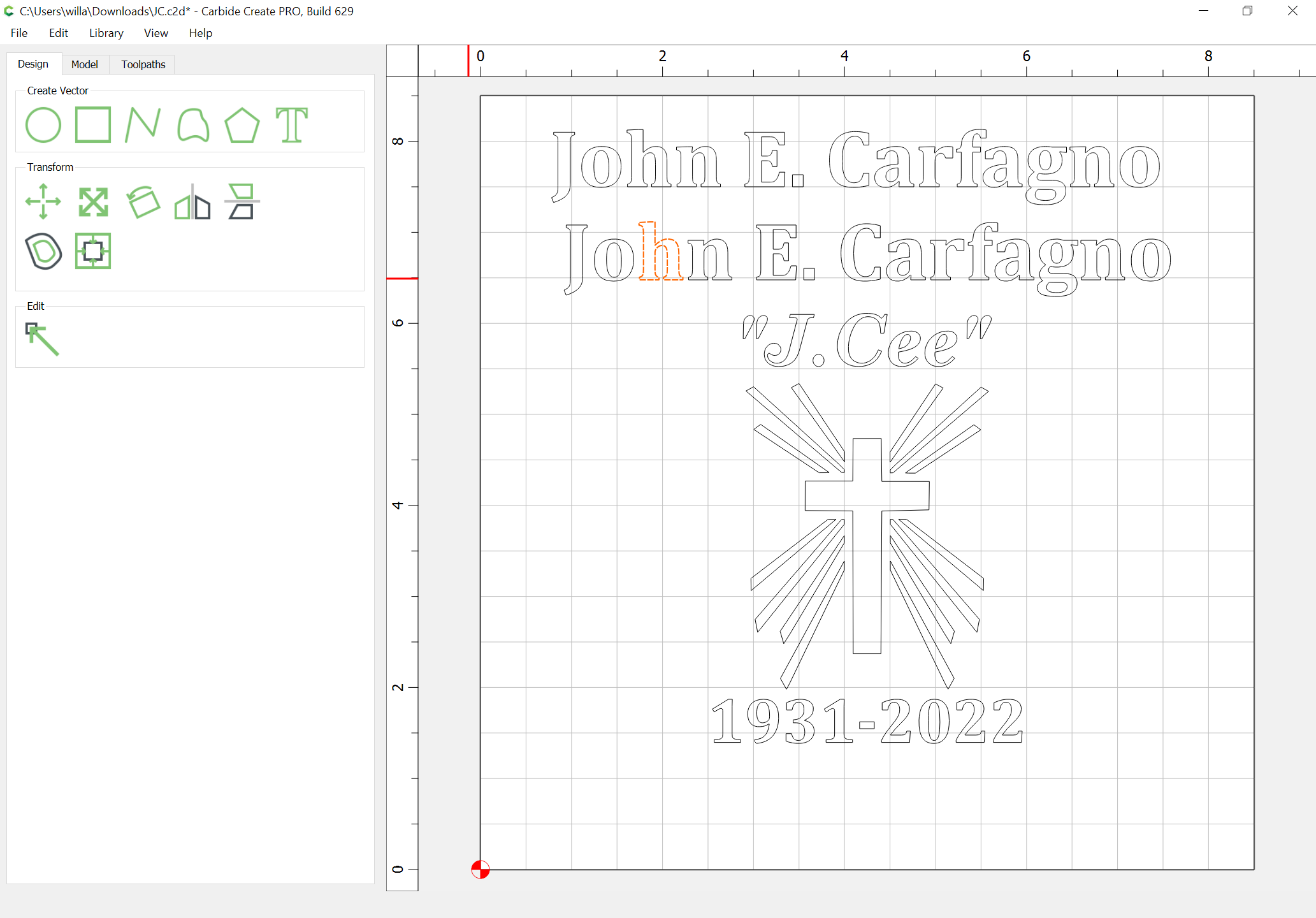
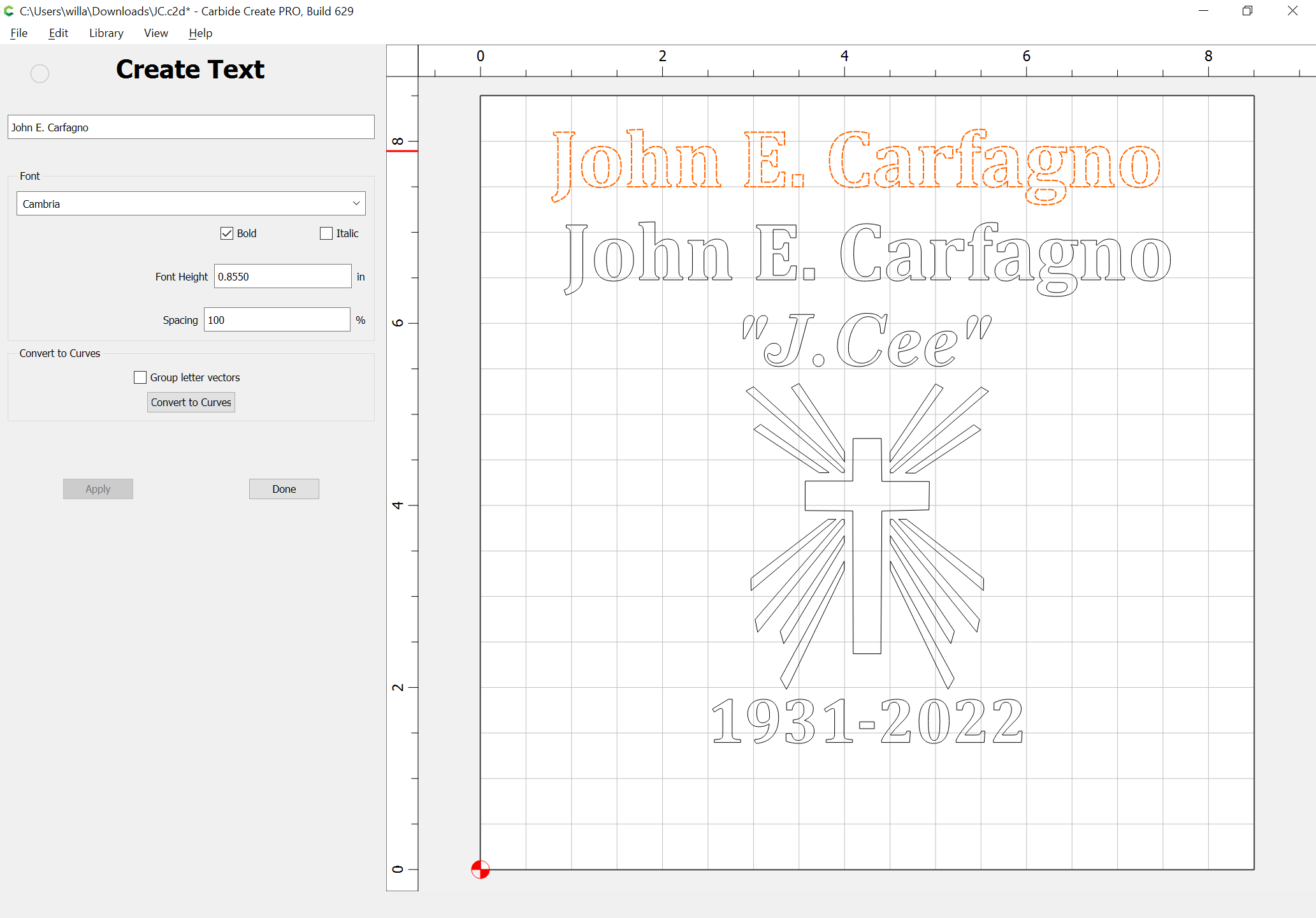
I’m working on a new project that I plan on adding some text. I liked the text I used on an older project, so I opened that project hoping to find out what text I used. When I select the text and then select the text icon all I that happens is new text gets inserted in the project. On the project I’m working on currently, if I click on the last text, I added it lets me see the details of that text but only the last one I added. Am I doing something wrong? Is there a way to edit text after it has been added to a project?
If anyone knows if this is possible and to do it I sure like to know.
Yes, select the text and then click on the Text icon — if that doesn’t work, then the text has most likely been converted into geometry ---- is the Node Edit icon active when it is selected?
In general it is possible to edit the text from a project after it has been entered. What I think may have happened here is that you created the project in Carbide Create 5 and have since upgraded to version 6. When you load an old file it asks it you want to convert the text to a path. If you said yes then it is not possible to edit the text as you normally would. Can you upload the file and we can take a look to see if that is the case?
What exactly does the section “Convert to Curves” do to the text? Playing around I created text and clicked on the box “convert to curves” and as you mentioned the edit nodes then became available. It is only available to you when you select "convert to curves. So, with that text I can grab a node point and move it around. What would I need that? When would you use that?
There’s also a box “Group letter vectors” What does that do to the text?