Geez, if it’s not one thing it’s another. App is closing all of a sudden during creation. Should we just buy an IBM type computer?
No, a Mac should work well (my understanding is most development and early testing is done on Macs).
FWIW, the only reason I use Windows is because no one is making an Apple tablet w/ Wacom EMR… (an Apple Pencil via Sidecar on an iPad drives me nuts w/ the clicking)
If possible, please send in a file and step-by-step instructions for causing a crash and/or the Crash Log (this is a manual process on Macs, open the crash log and copy-paste it into a text document and send that in using your last/first name to support.
1 Like
Well, while we figure out how to send a crash report because we don’t know how to do that, but we’ll figure it out. It lets us create until we start changing bit specs, as soon as I start changing those parameters for pocketing or contouring or any other changes that is not defaulted on there, it goes out. And it doesn’t save anything that we did.
This machine has been the most taxing on our sanity. Jesus!
When working on a complex project my approach is to at each step, save a copy appending a brief description, then re-save using the original filename (overwriting the previous version with a fresh copy) — when I take a break I go to the working folder and move the copies with the added filenames into a “backups” folder.
Old (and arguably the only good) habit from using Quark XPress (but at least my “Quark Twitch” of hitting Command s every minute or two finally went away):
https://wiki.contextgarden.net/Humour/Comparison_between_ConTeXt_and_other_typesetting_programs
I tried saving every command as I created. This happens as I’m creating, not breaking or walking away for a second. It happens as I am creating. I will edit my tool, then start setting the parameters, press OK, it closes. I just emailed a crash report.
1 Like
It’s not even a complex file, just some coasters with a bowl and tray bit and a V Carve bit.
personal_coasters.c2d (1.8 MB)
1 Like
Not sure why you are using #102 DEFAULT — that’d result in some rubbing in such thick stock.
Was able to work up:
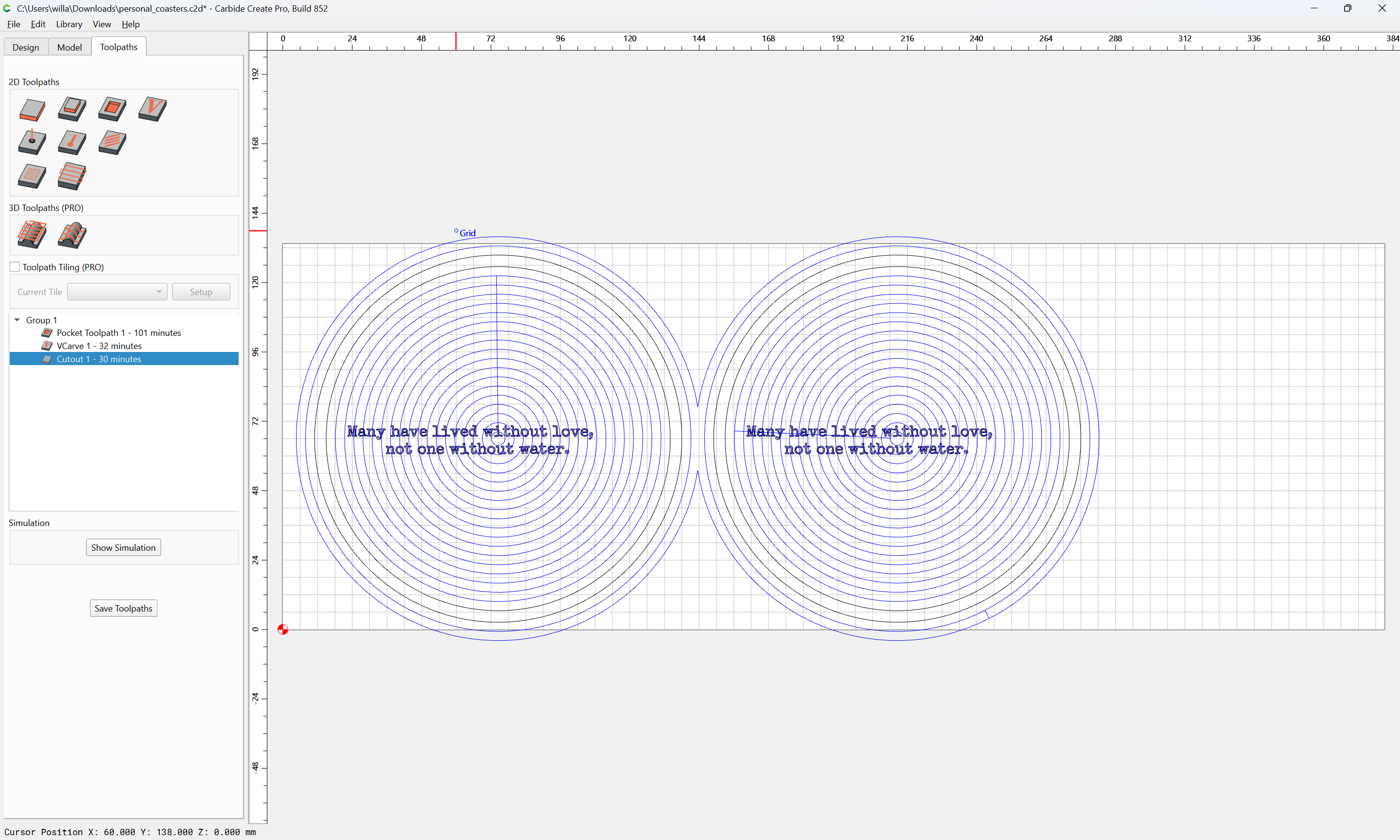
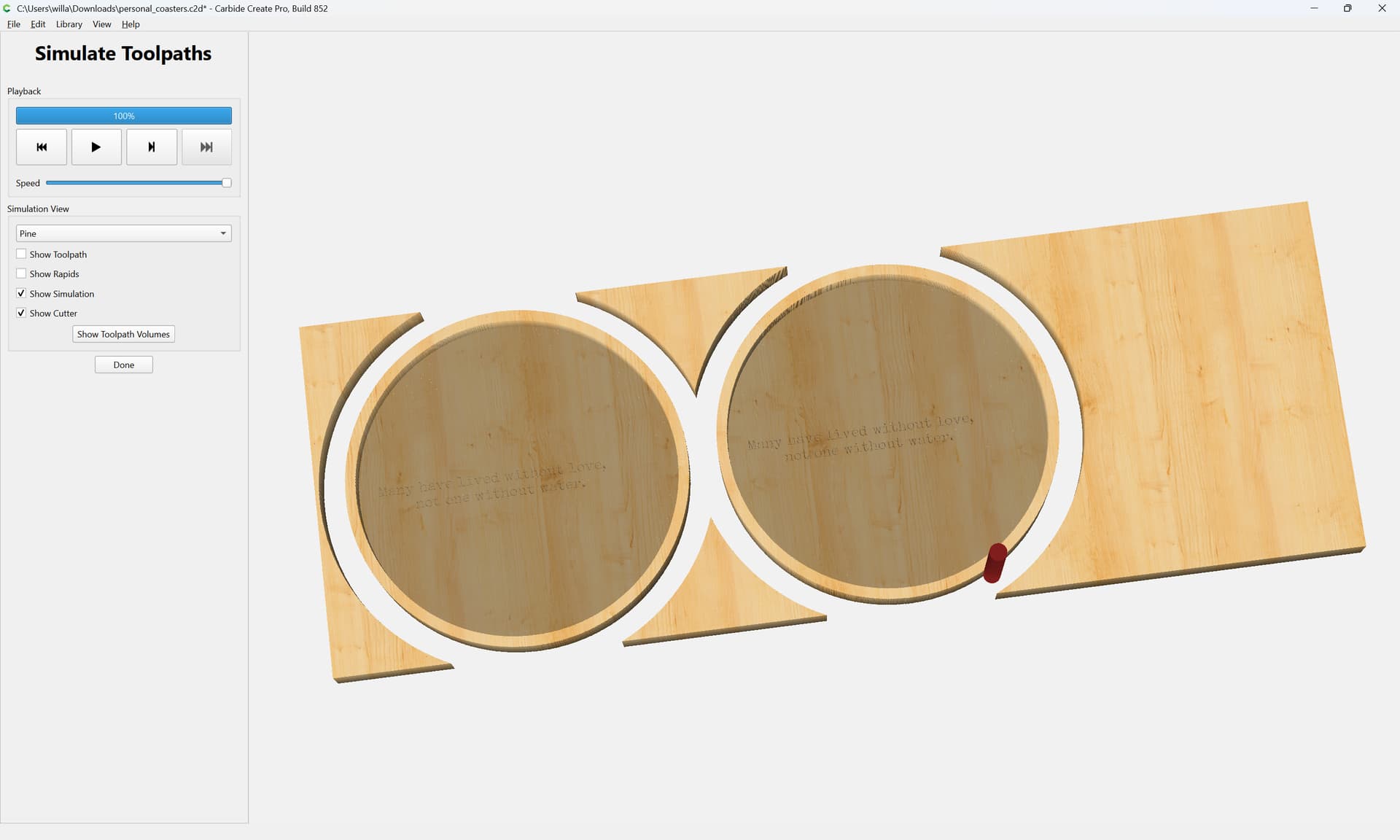
which at a guess is what you want.
Did convert some text to paths…
attached as a v8 file.
personal_coasters_v8.c2d (1.8 MB)
I was trying to Edit Tool and every time I tried, it would close out on me.
Do you have any custom tool libraries installed?
Any stray files in there?
Do Carbide Create app menu | About Carbide Create and click on “Open Data Directory”, then open up the Carbide Create and then the tools folder — what files are in there?
I do. I added two tools in there and one was a bowl and tray bit by Whiteside that I wanted to use for the pocket. It let me use it in the file you provided?
1 Like
I will defer to what the folks at support work out w/ you on this.
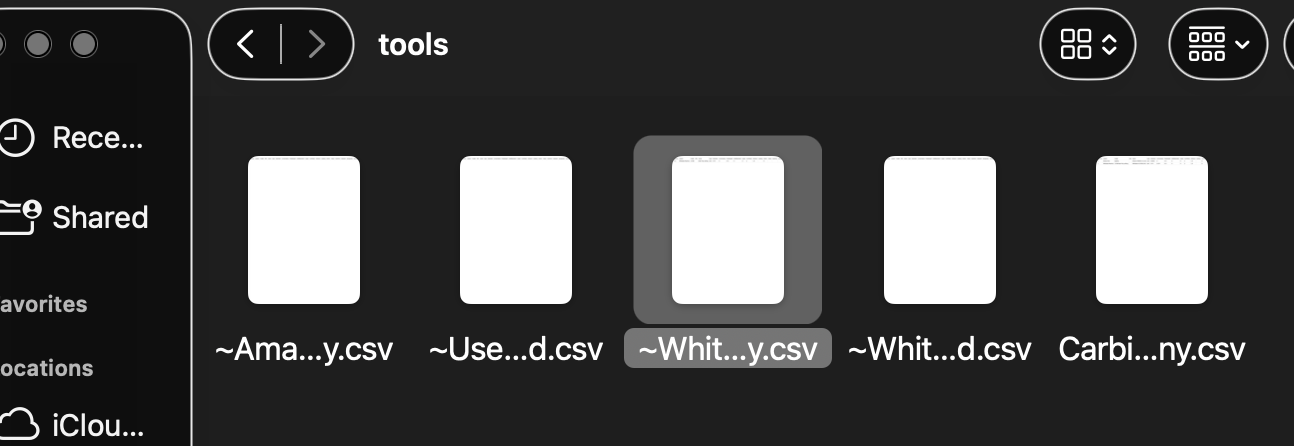
My understanding iles w/ a ~ at the beginning have been deleted in the UI and won’t show.