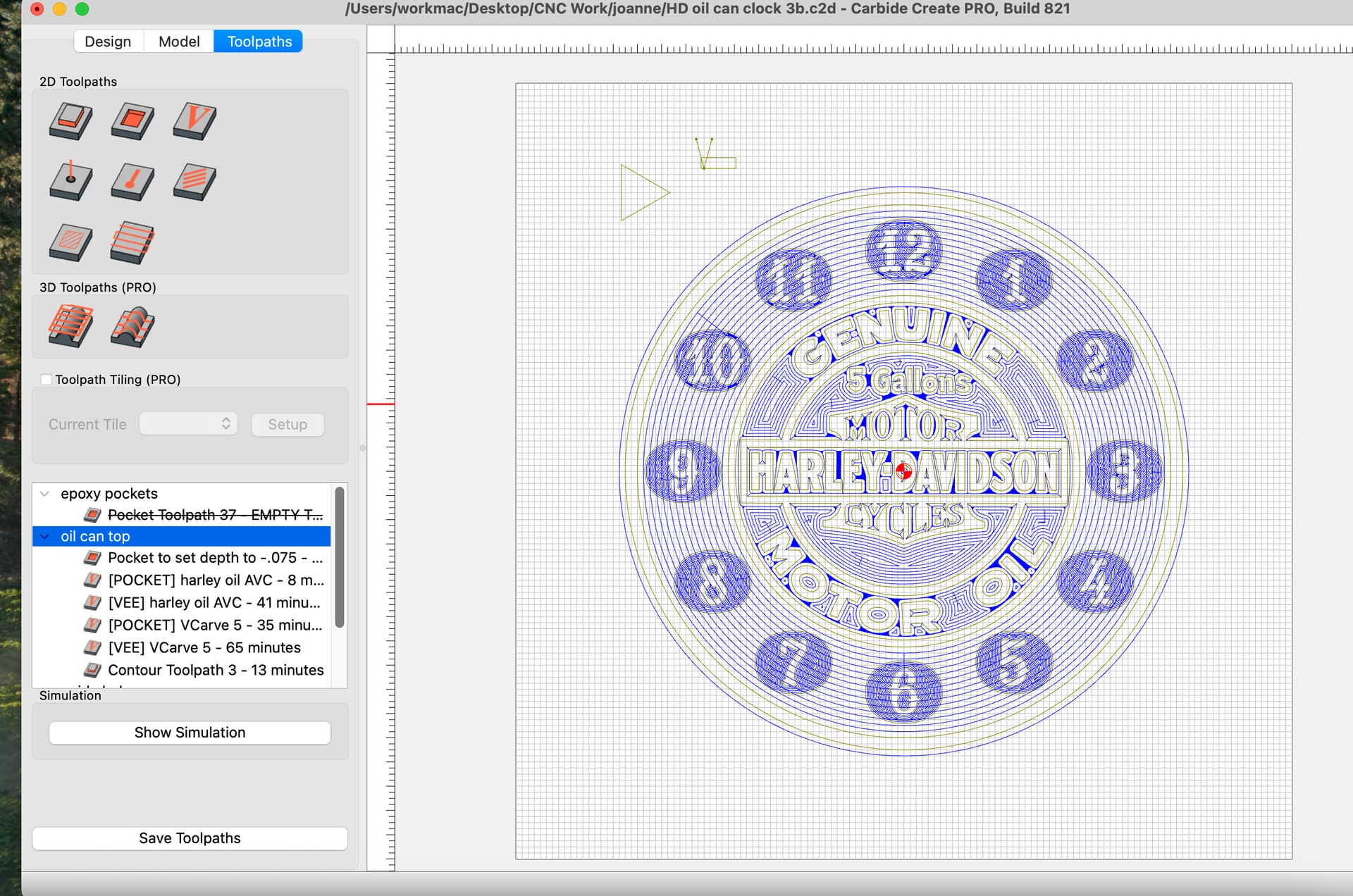
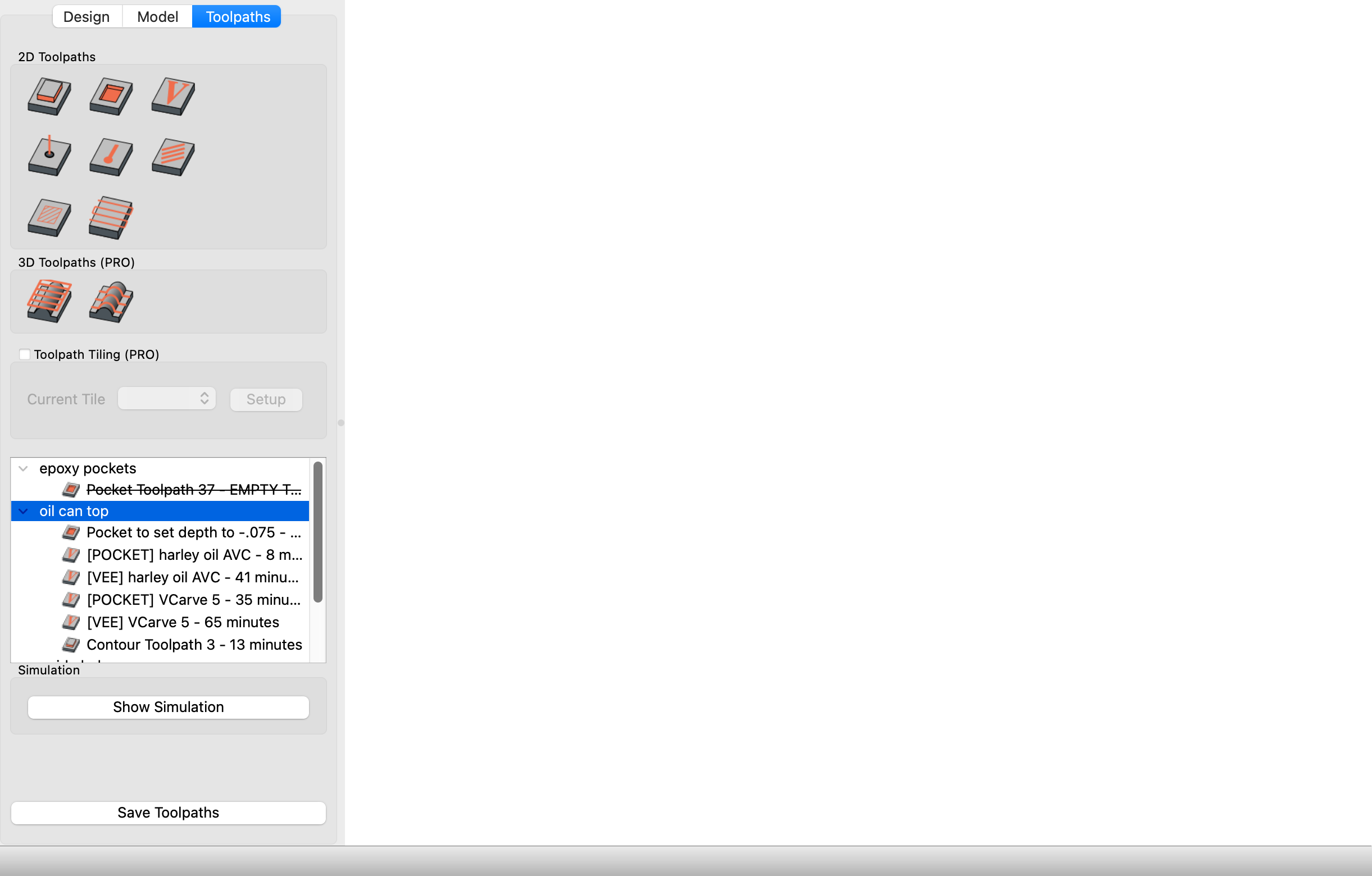
Honestly, we copied that binding from another program, so I blame them.
2 Likes
Do you know "them’ ?
Carbide’s beta version 818 has just dropped. I’ve done a preliminary test of its rotation tool mentioned in the release notes. I’m happy to see that the new implementation of the rotation tool matches what I proposed as a feature request recently in this customer forum. Thank you Carbide.
However, I’ve observed on my first attempt to try out the new rotation tool, that some functionality of other tools is now gone. For instance, after rotating an object, I tried adding other objects like a square and a circle. These new added objects could not be resized in any way once placed on the grid. And their dimensions do not appear in the left panel.
I’m going to guess that Carbide is aware of this issue and will be releasing a new beta very soon.
1 Like
Once a primitive object such as a rectangle or a polygon is rotated, it ceases to have association with its original object type and becomes a Polyline/Curve object.
Thanks for tackling this area. Lots of opportunity for improvement.
Will, so quick to dismiss my post of issues that I reported regarding resizing added objects after rotating an object shows me you did not read my post carefully. I never said that I tried to resize an object that I rotated.
My words are:
For instance, after rotating an object, I tried adding other objects like a square and a circle. These new added objects could not be resized in any way once placed on the grid.
You should give it a try yourself to confirm what I have reported about this beta version.
Software regression testing should always be performed before a beta version is released.
If you are the person that forwards beta feedback from your user base to carbide’s software development team, I would appreciate forwarding my post to them. Thank you
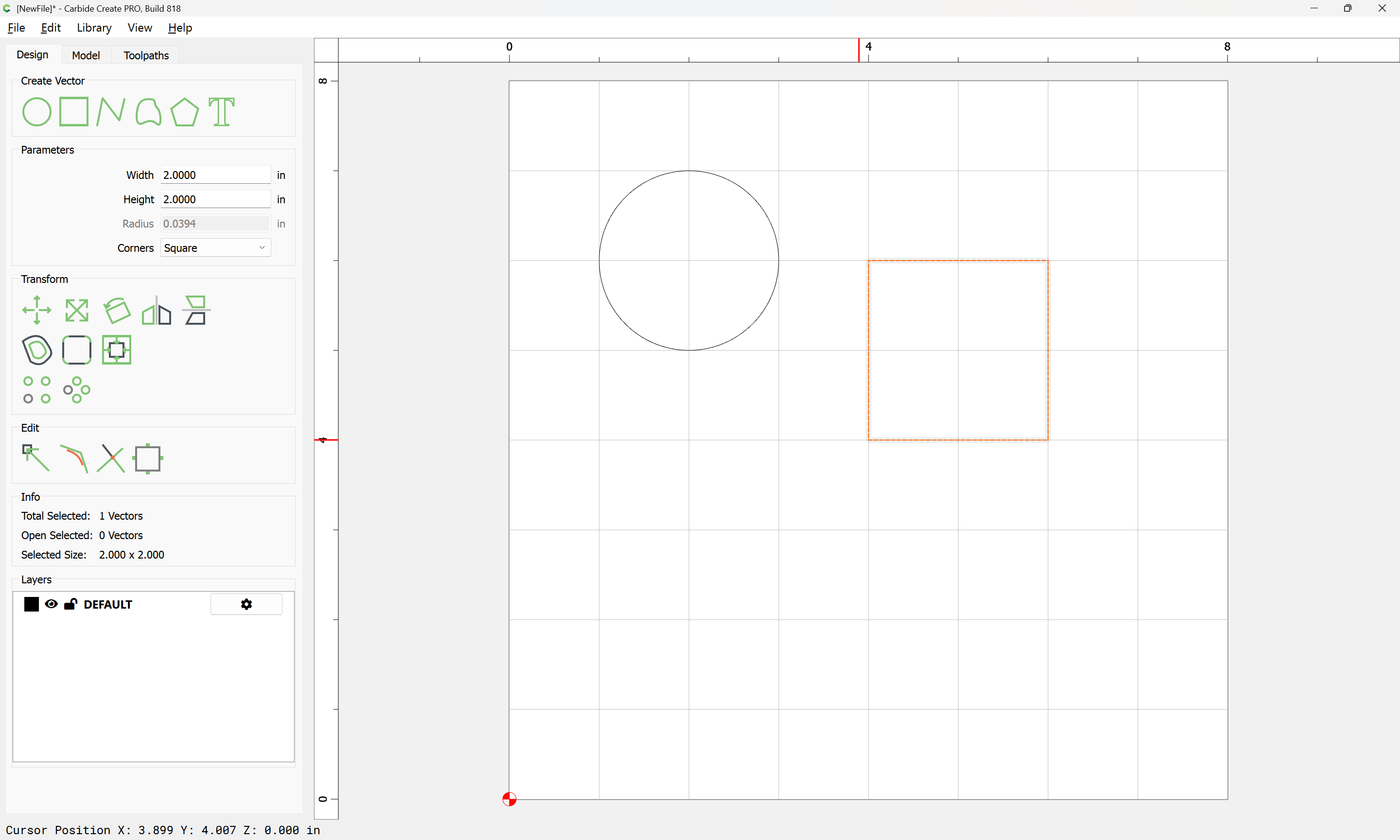
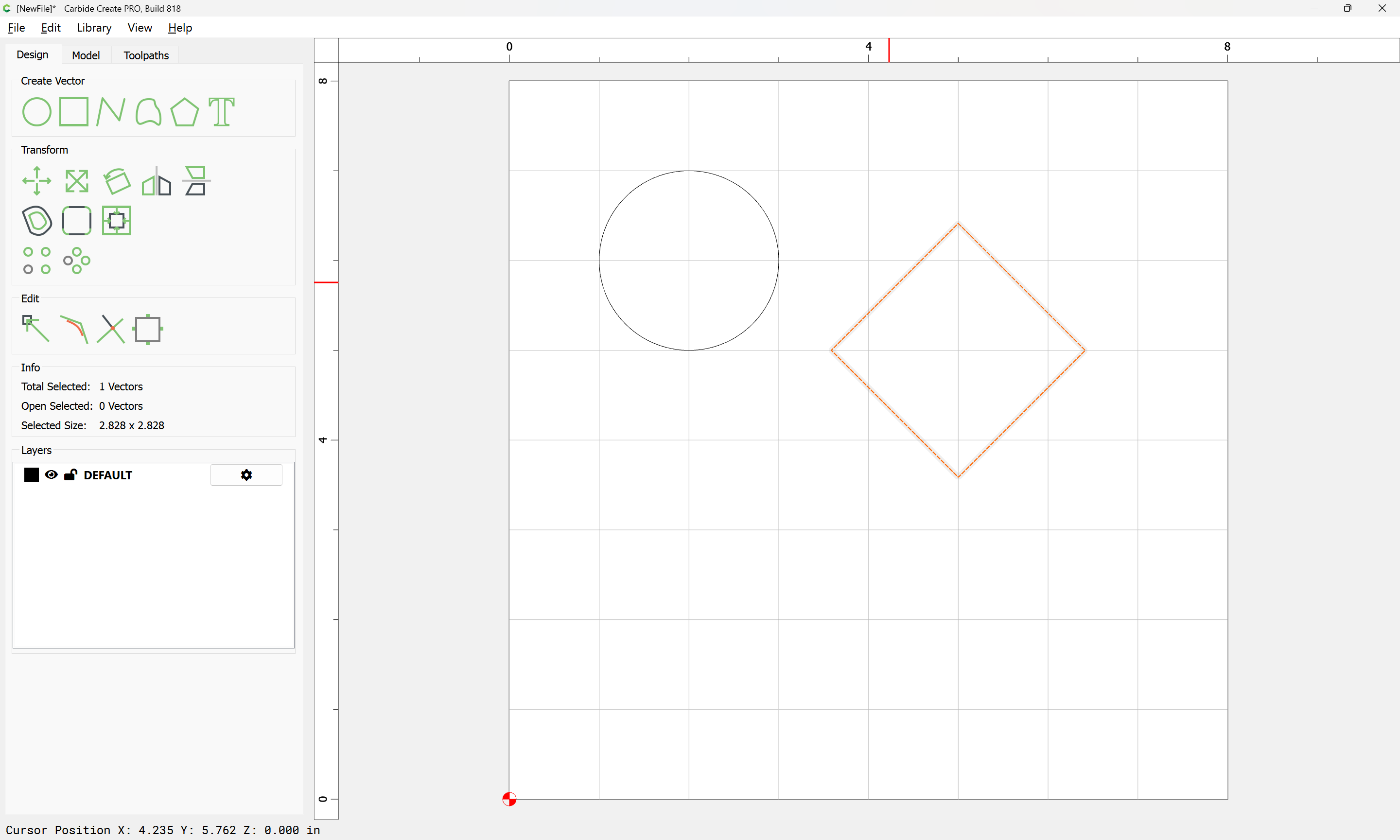
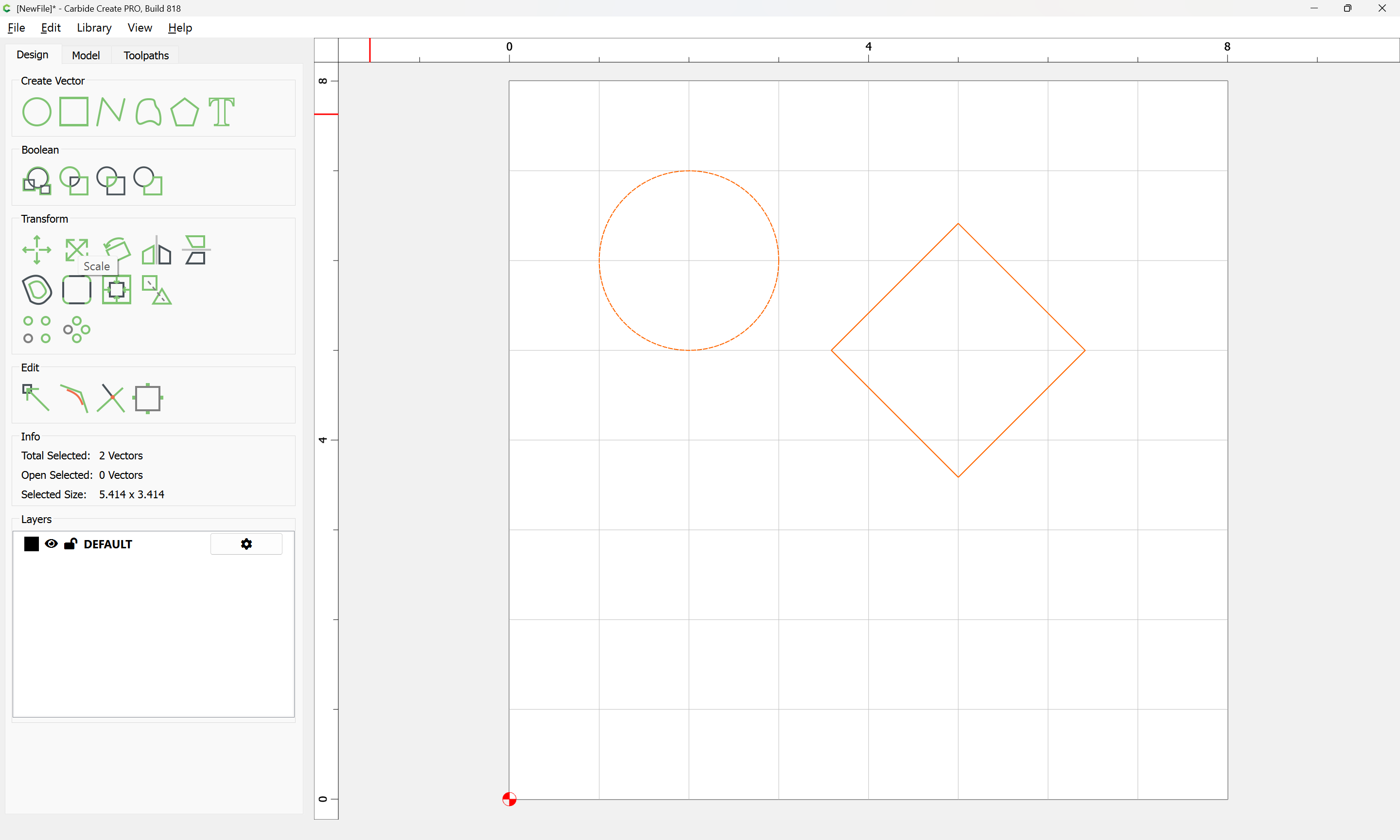
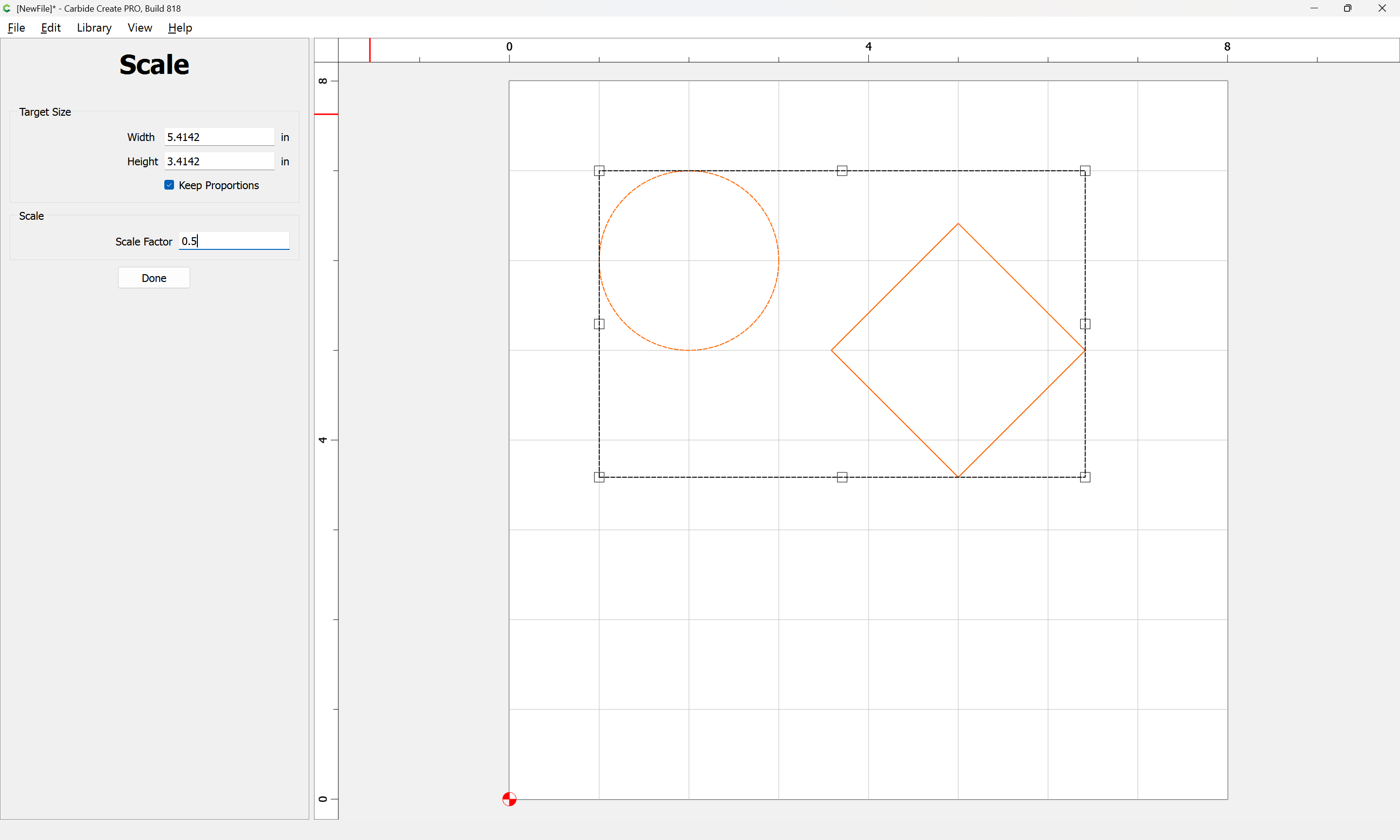
I believe the problem which you wish to report is:
- launch Carbide Create
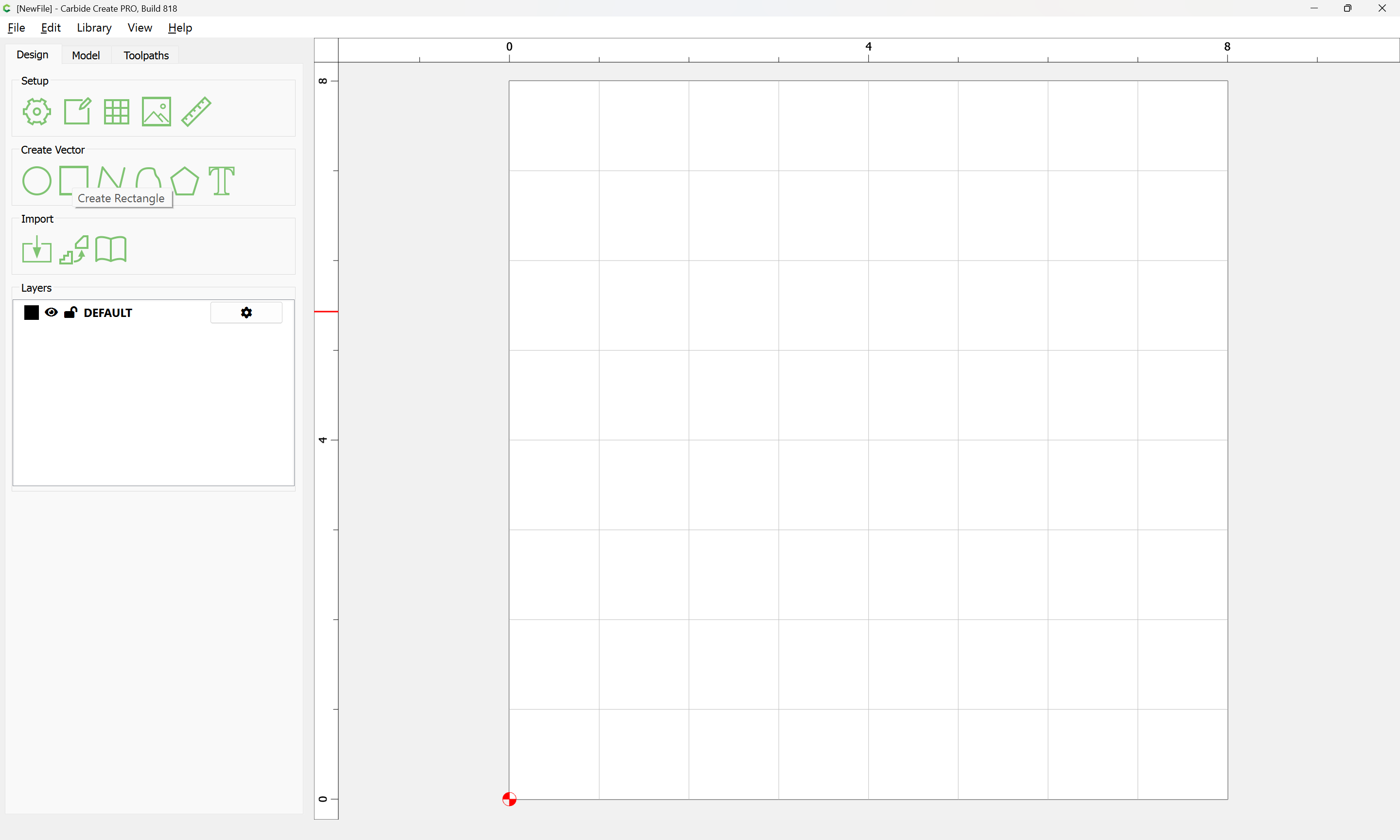
- draw a rectangle (or possibly other object)
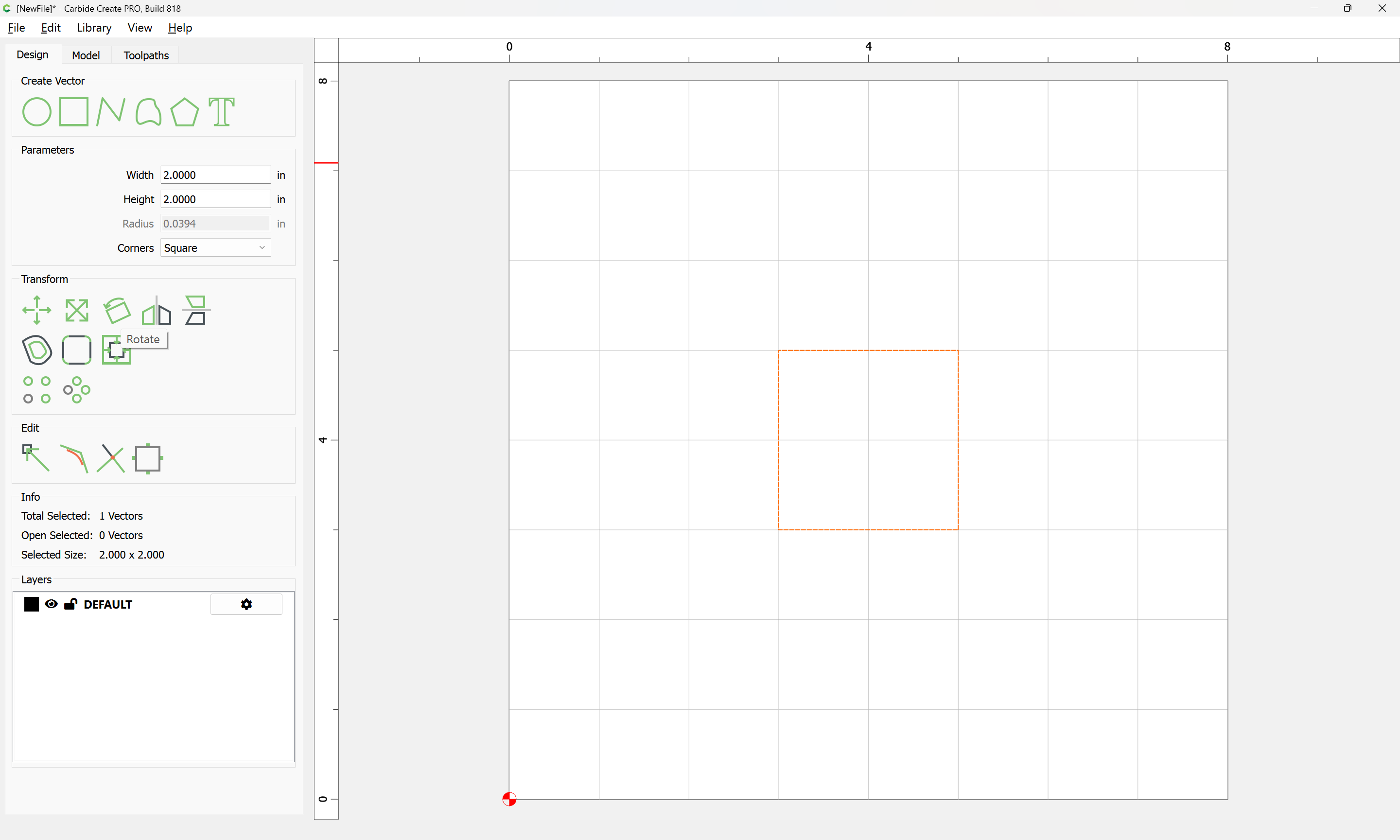
- rotate it:
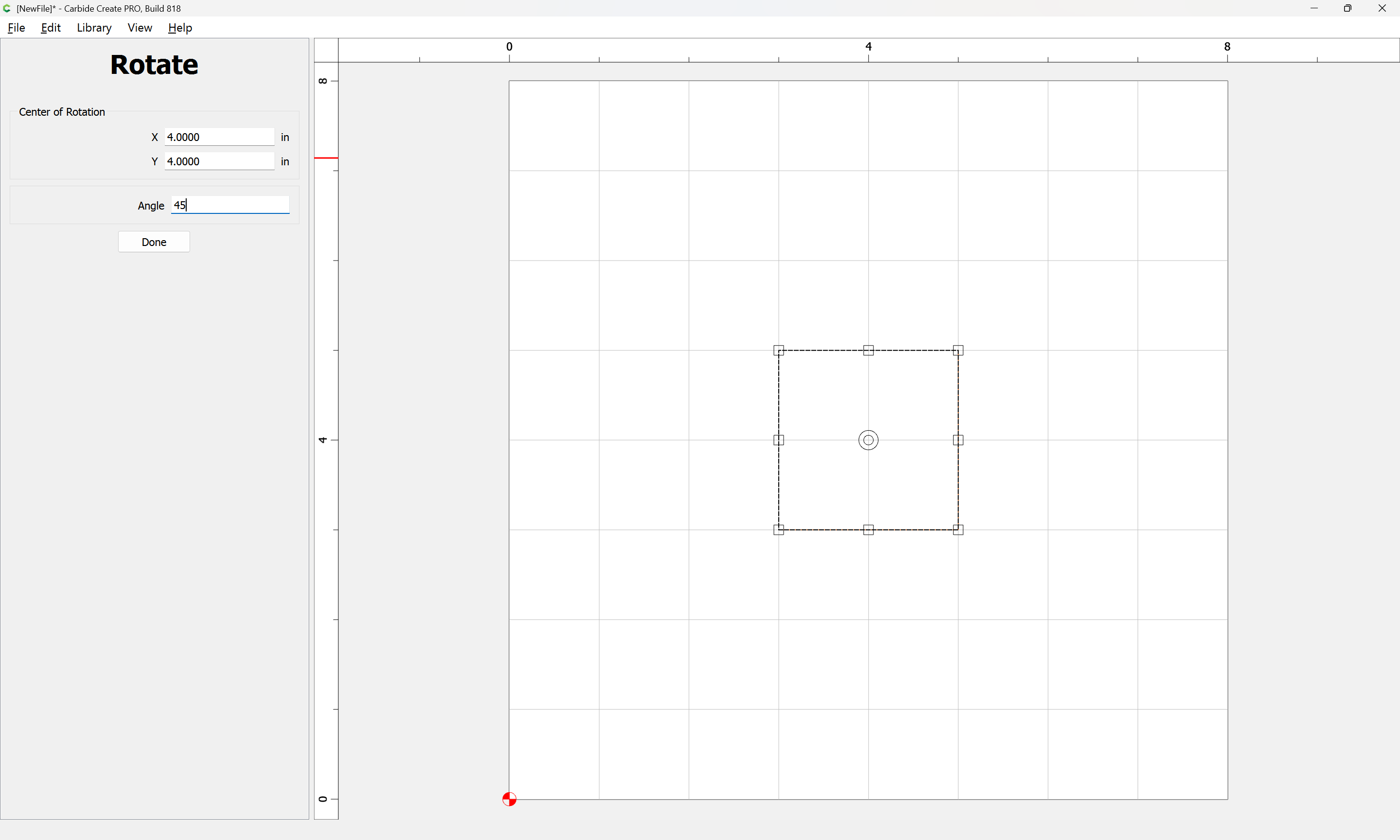
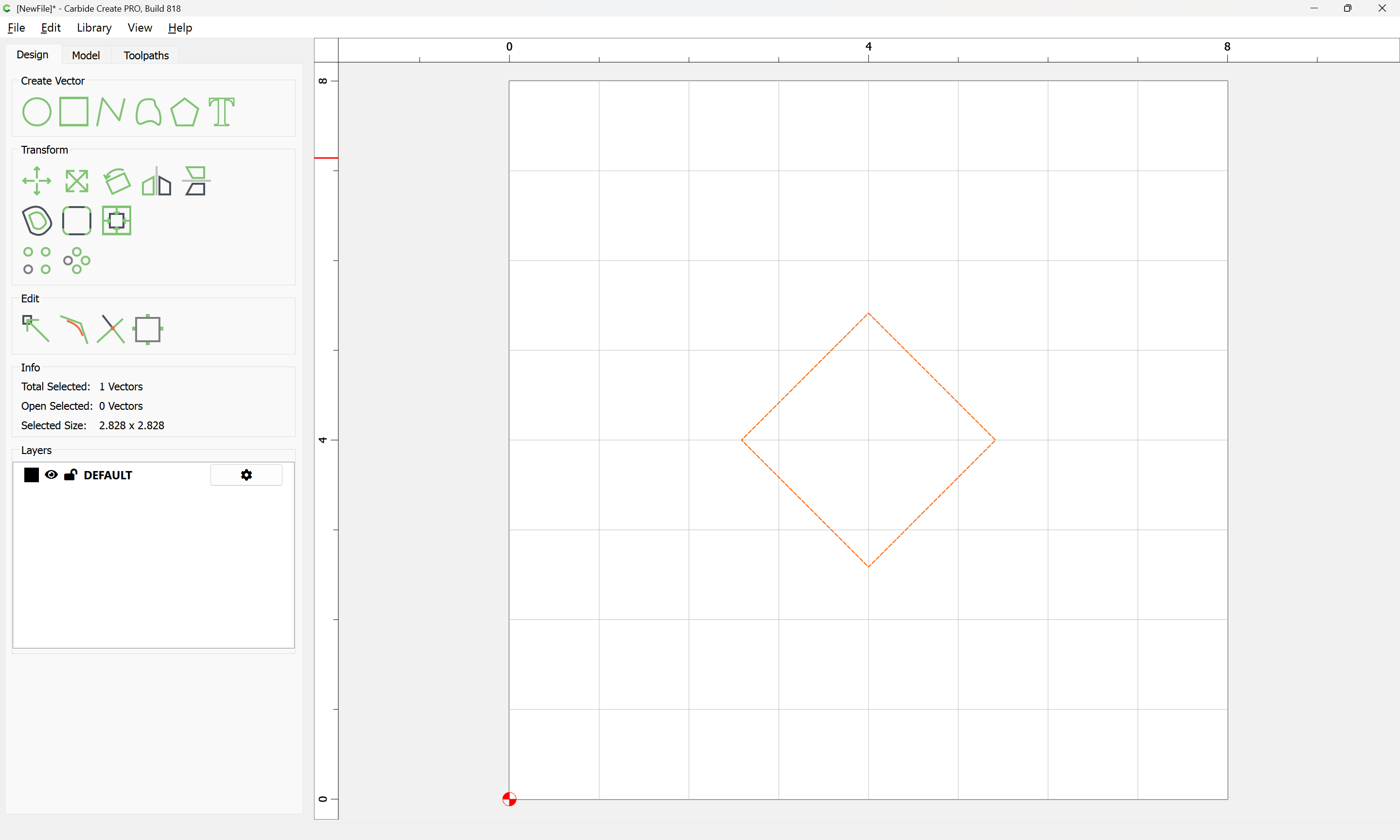
- try to create a new object (rectangle was selected):
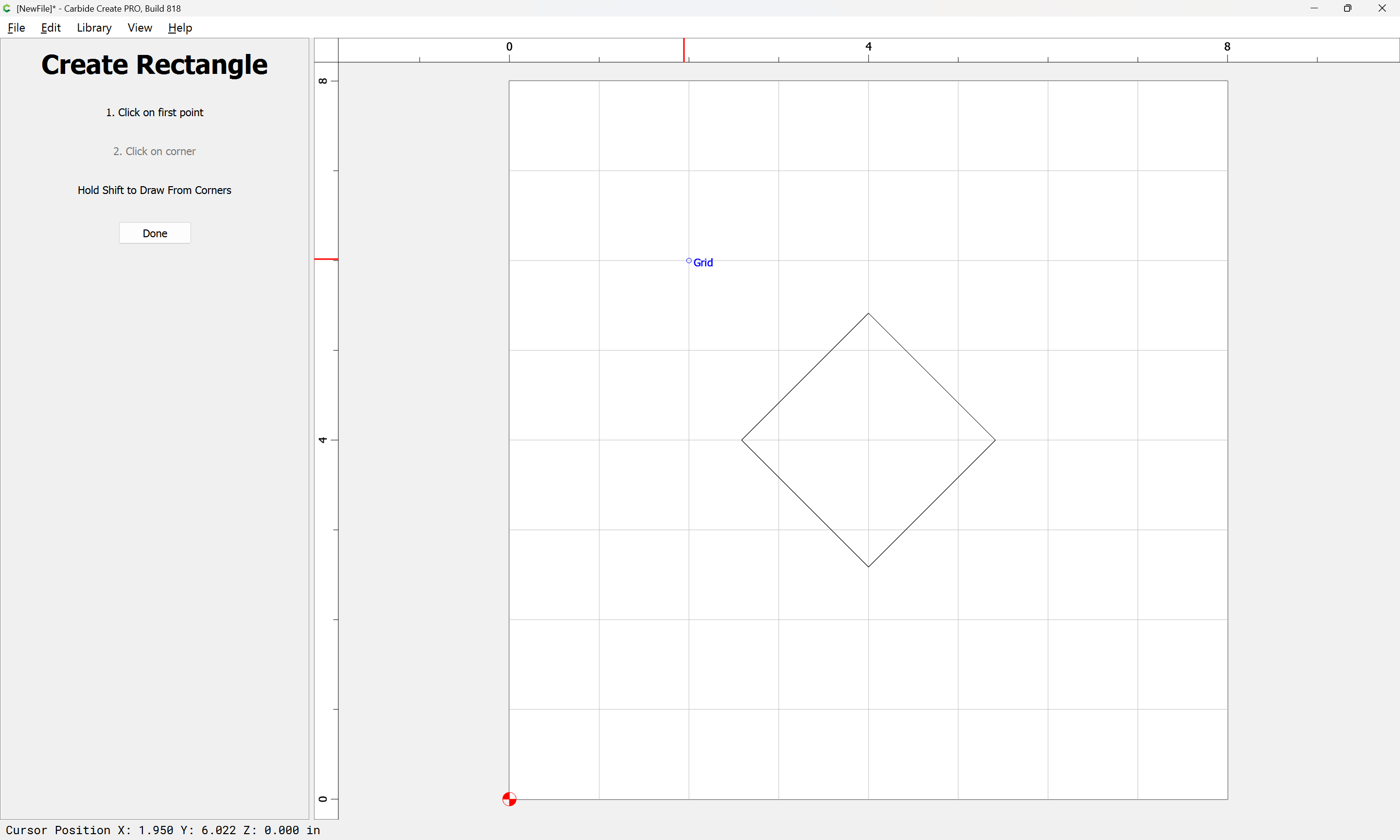
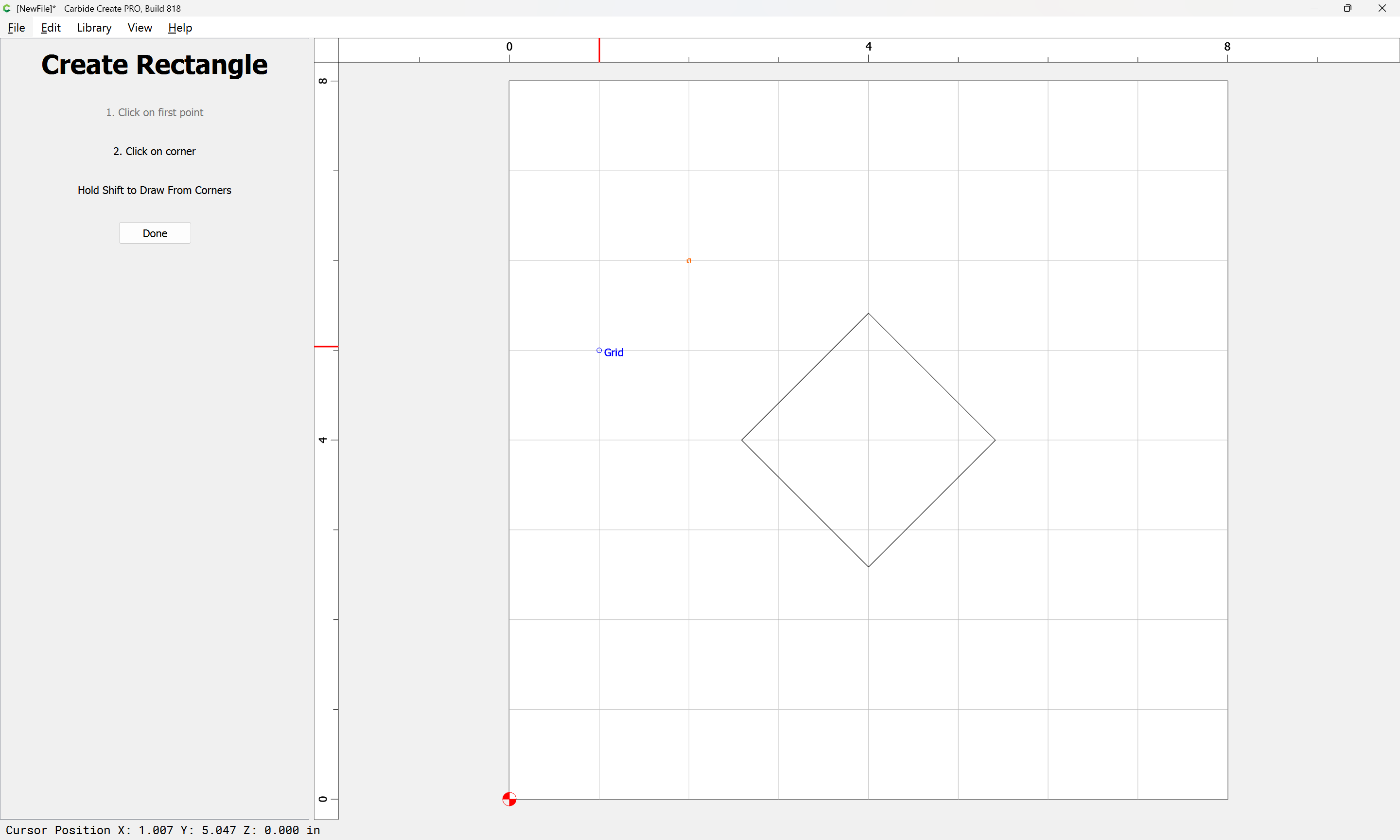
It is impossible to finish drawing the new object.
Further testing shows:
- creating a circle
- “rotating” it (since circles cannot be rotated)
- attempting to create a rectangle
also evinces this difficulty.
EDIT: I’ve been able to re-create this with various other sequences and trigger a crash, and am testing all possibilities and sending in Bugsplat reports which should allow investigation.
1 Like
The last 2 screenshots of your reply is what my post is describing. I too got the bugsplat when I tried doing it. Thanks for confirming.
We just posted 819 with a fix for the crash when you close Create with node editing enabled, and increased tolerance for the trim command.
4 Likes
Agreed! I only work with wood and it’s kinda annoying that every time I do a simulation for the first time in a design, it shows it in metal.
A quick bug fix in 821 that left the Rotate command running in the background.
5 Likes
I am really liking the node edit changes, thanks!
1 Like
I like the new functionality and associated tool-handles. Couldn’t move the center of rotation of a shape with MAC versions 815 and earlier now it works. Mid-section rotation handles are improvement when close viewing and fine rotation is needed.
1 Like
I only use the node function periodically but the version for me is brilliant so thanks a lot Rob and the team
2 Likes
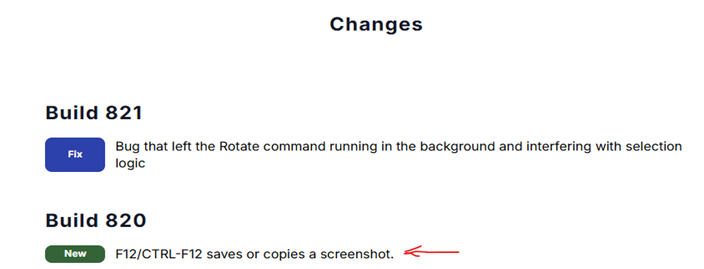
Screenshot new feature mentioned from 820 beta release note doesn’t work.
I like the idea of being able to capture a screenshot from CC. However, it doesn’t work. Here is what happened when I tried it.
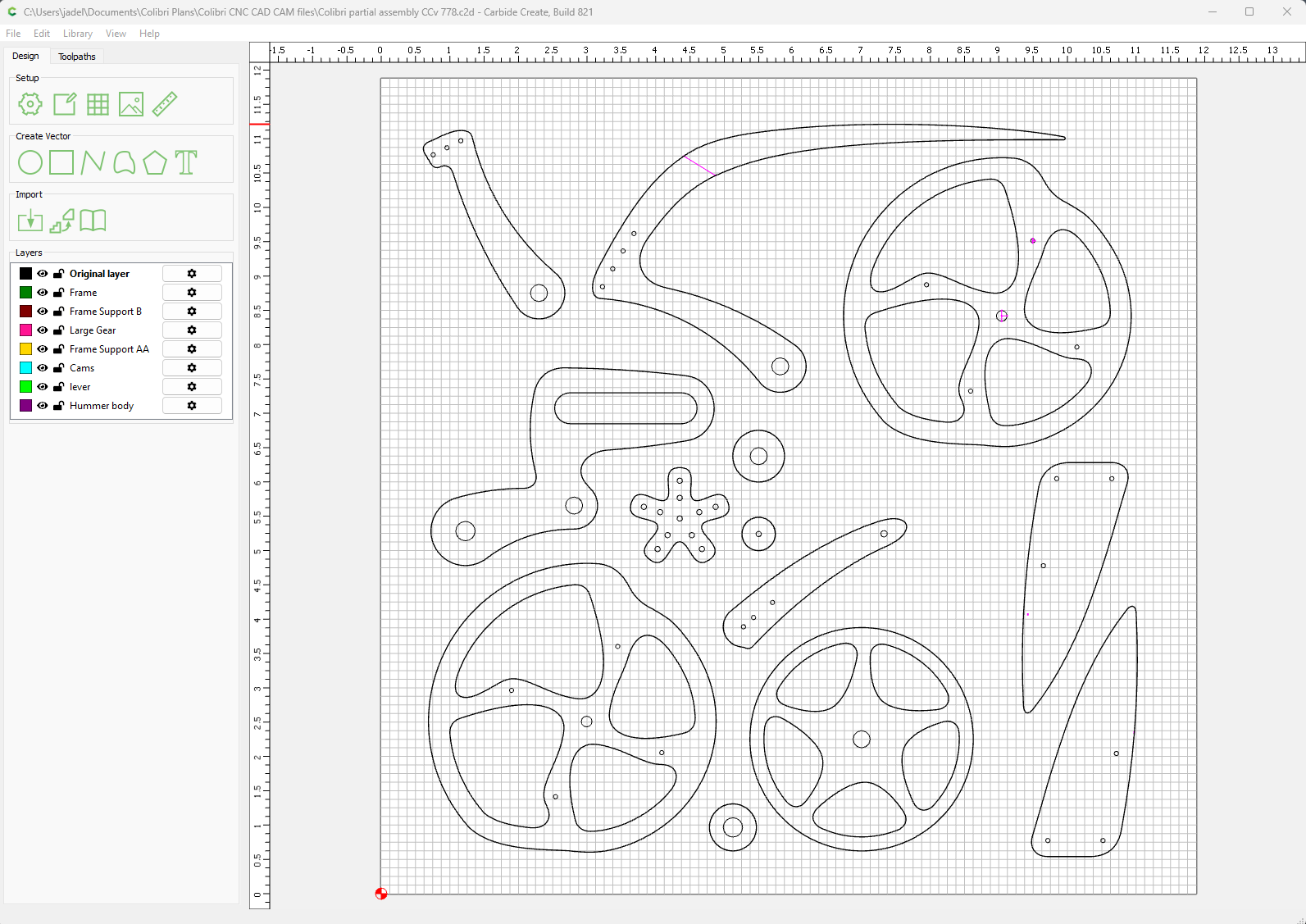
I want a screenshot of this:
I pressed the F12 key to take the screenshot and save to a filename on the desktop. Here is what appears when the screenshot file that I saved is opened.
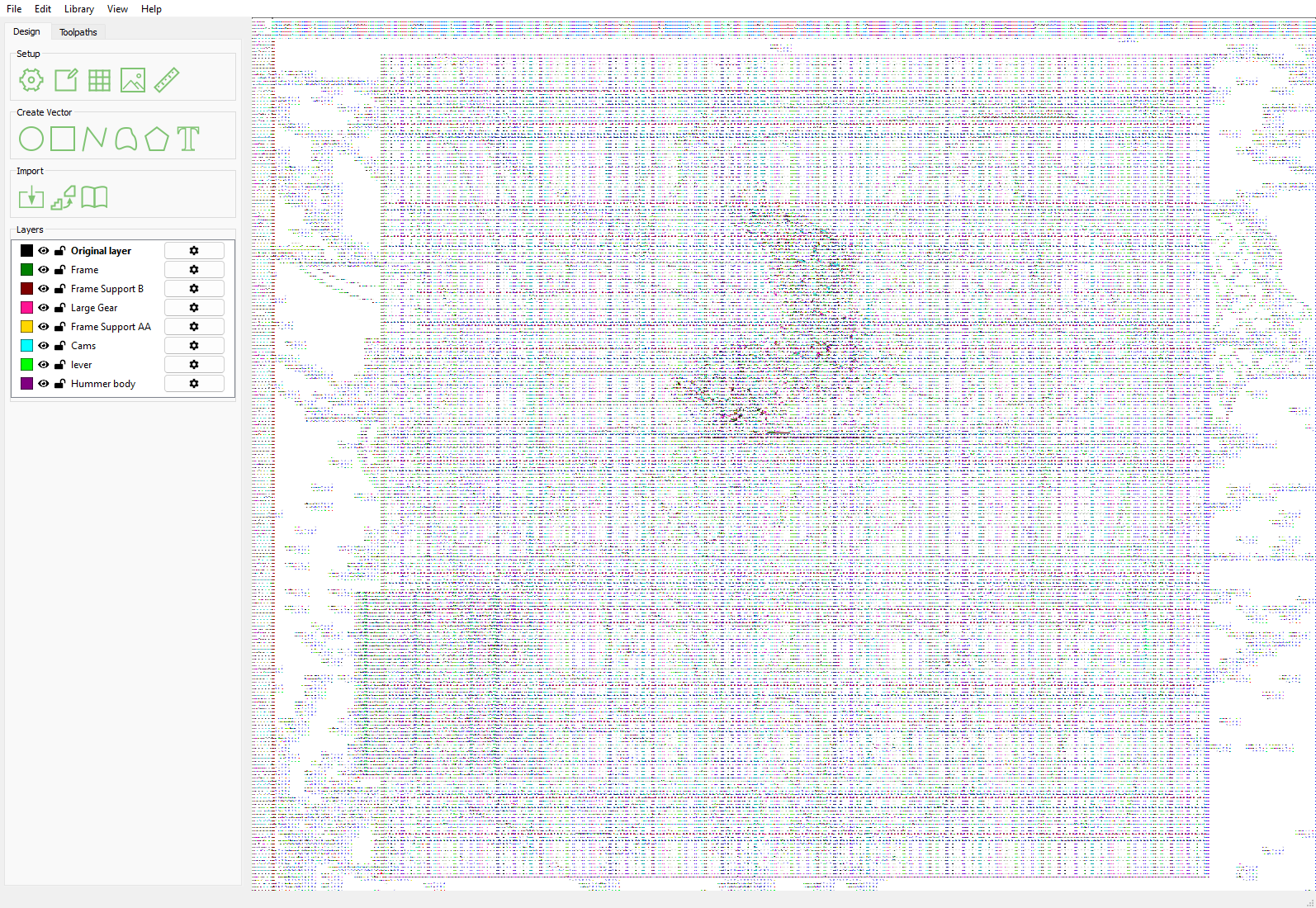
Definitely needs to be revisited!
I can not get the copy function to work on Mac,all it does is put the sound up.
Is your keyboard in Function key or media mode?