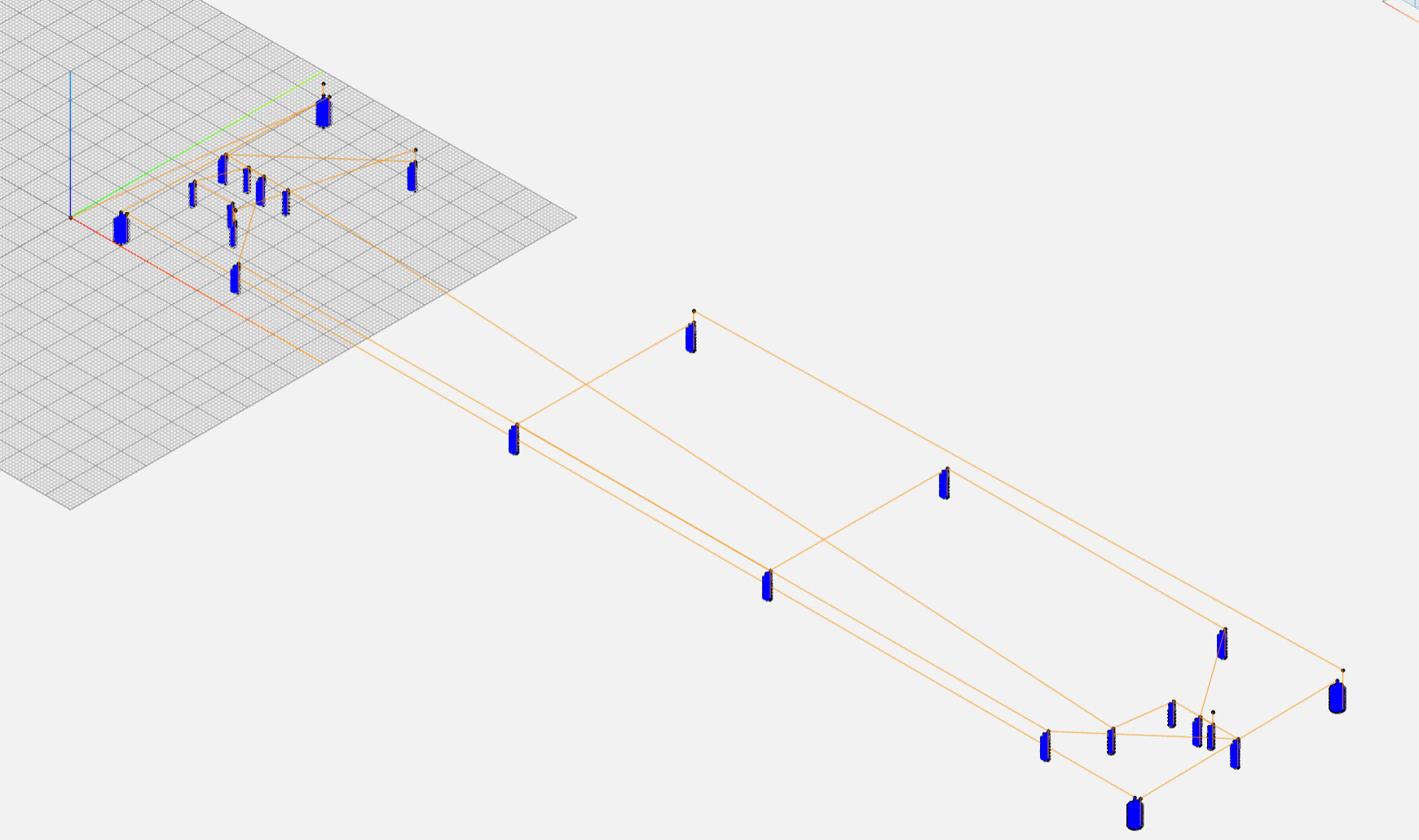
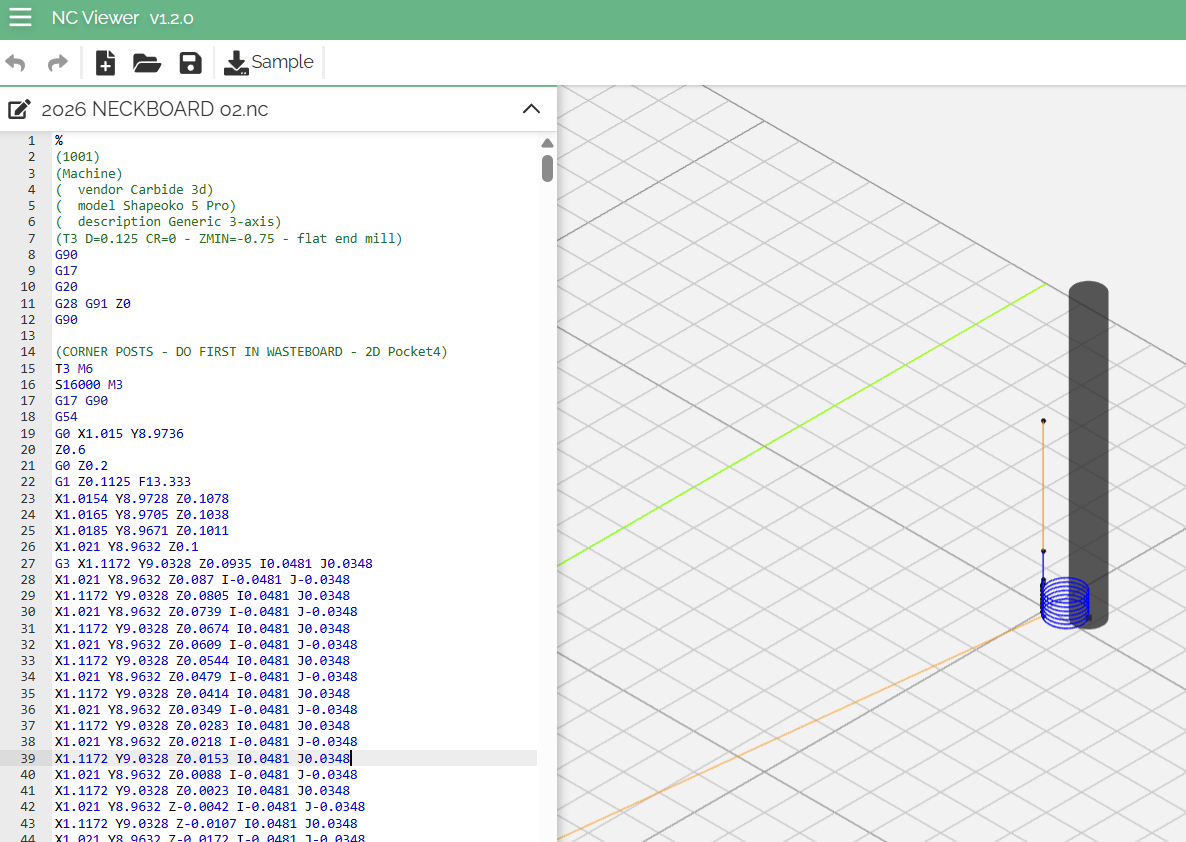
Hi all, I’ve poked through the forums and have seen similar posts, but nothing that quite solves my issue. I’m finally getting into using Fusion 360 so we can tackle some more complex 3d modeling, and while that part is going ok, I’m clearly missing something huge in my F360 setups.
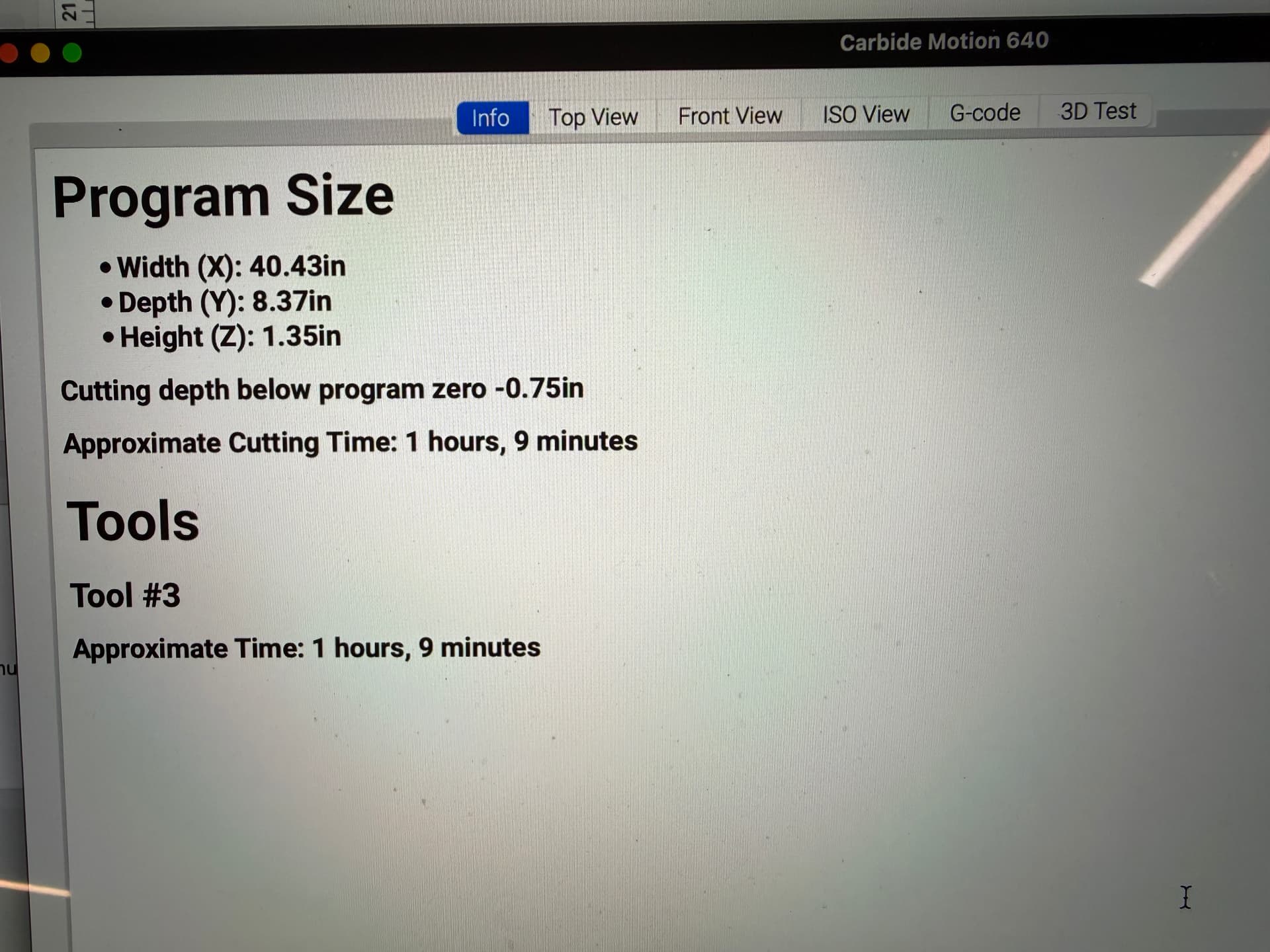
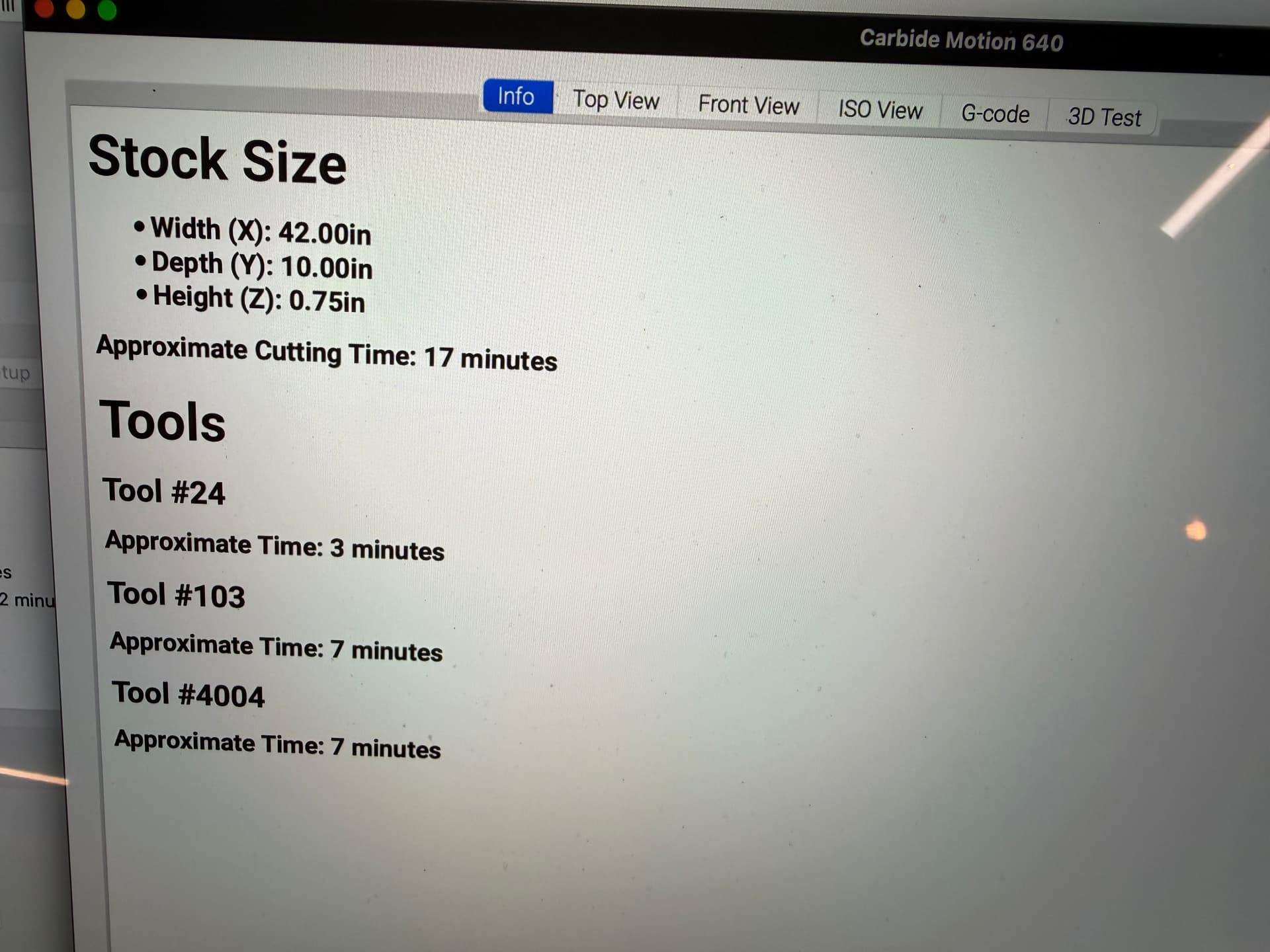
What I’m finding is that for the exact same project, my time estimate in CC is about 1/8 what it is in F360.
You can see the difference, the 7-minute version is CC, the other F360.
This is a shot of the two tool configs for the same process. They’re nearly identical, the slightly slower plunge rate on the F360 is the only real difference, and I just can’t imagine the extra 7"/minute CC has going would cause this huge of a time discrepancy. The stepover in F360 is actually a little higher, and the stepdown is identical.
The only difference between these projects is in F360 I’m etching some registration lines with a v-cutter where in CC I’m using a diamond drag bit. I haven’t been able to figure out how to set up the drag bit with zero spindle rotation in F360’s tool library yet.
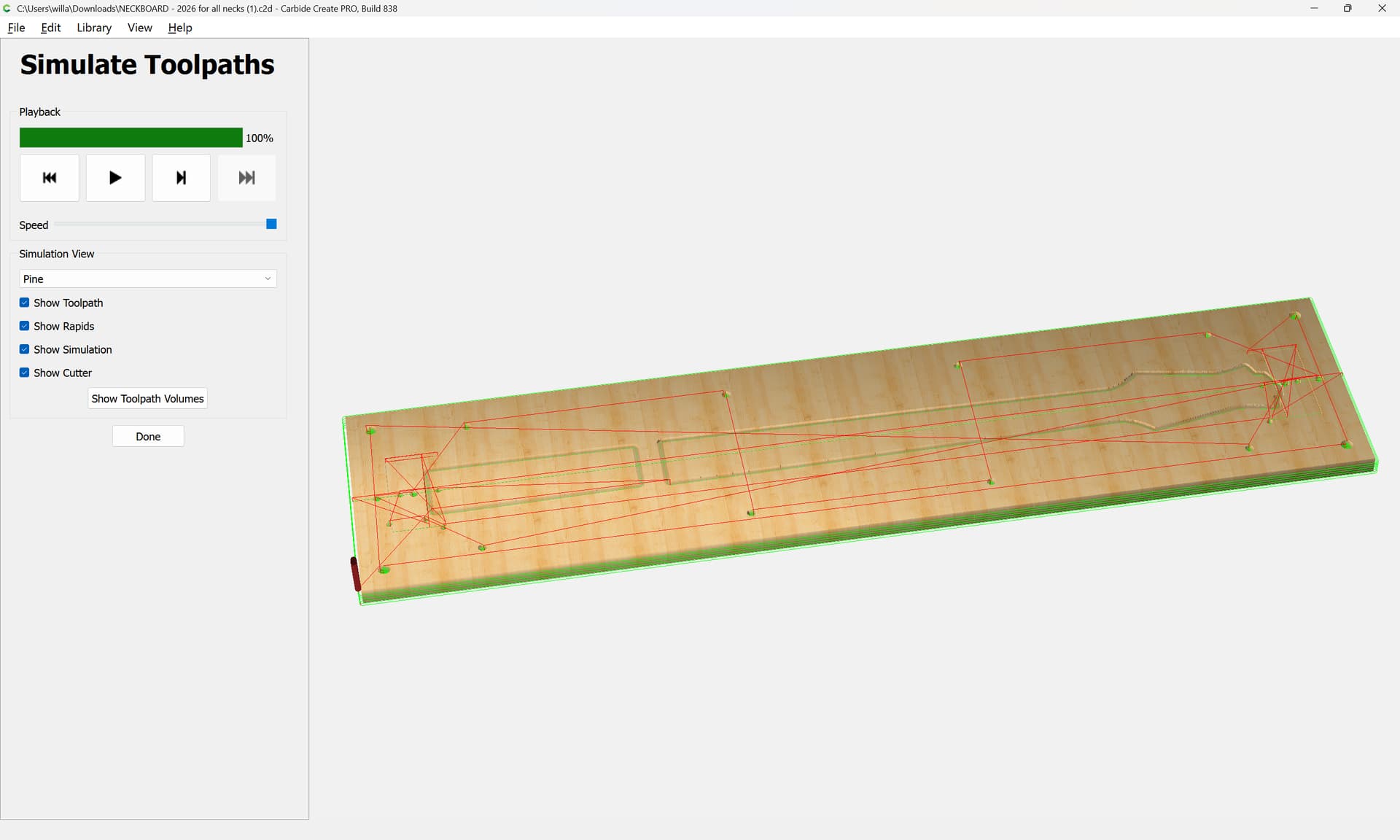
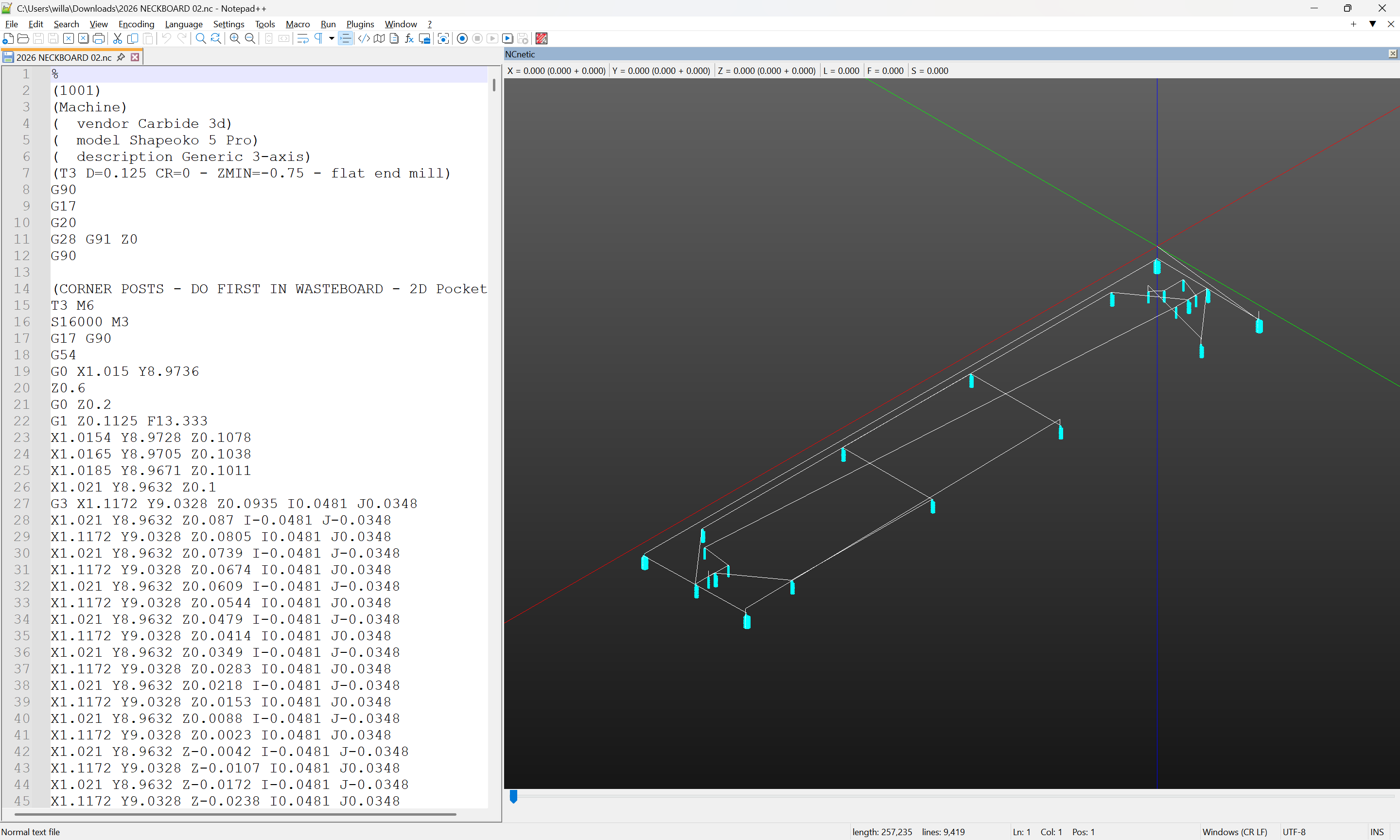
I’m attaching the .nc file from F360 and the .c2d file from CC. I’m sure I’ve missed something either obvious or deep and fiddly that I’m not well versed on yet, but I really need to crack this nut, it shouldn’t take over an hour to pocket out a couple dozen holes.
Thanks folks! I changed the plunge rate to match CC and that shaved about 20 minutes off, but the big fix was looking at the ramps in Fusion - they were all set to Helix, I changed to Plunge and the estimated machining time dropped down to around 17 minutes. MUCH better. Still twice as long as CC, but with a little more tweaking I’m sure it can get even closer.
Guess I need to read up on when you would choose which ramp type and why helix seems to be the default.
Much appreciated!