The restart works as advertised for me. Thank you !
I did notice that CM still does not warn you that have gcode greater than 9,999,999 lines.
The elapsed time seems more accurate, but will air run a program to run to confirm.
The restart works as advertised for me. Thank you !
I did notice that CM still does not warn you that have gcode greater than 9,999,999 lines.
The elapsed time seems more accurate, but will air run a program to run to confirm.
644 Beta: I was surprised when at the end of my 3d carve tonight the machine went to home before I had a chance to turn off my trim router. Not a huge deal but previous behaviors (640) gave me an alert to turn off the trim router and to click resume.
I did notice that when jogging, the step speed seems to be different.
The inch .1 and .01 will speed up when depressed for a while.
The inch .001 no longer speeds up.
We tweaked the jogging a few months ago (I forget the release right now) to make the whole thing more performant and to add support for a jog pendant. I think the acceleration was not reimplemented in the current code.
We you able to access the test files from the Google drive link ?
No, we didn’t have access. We got files from another user while waiting for permission, which helped, so the time estimations should be better in the latest beta.
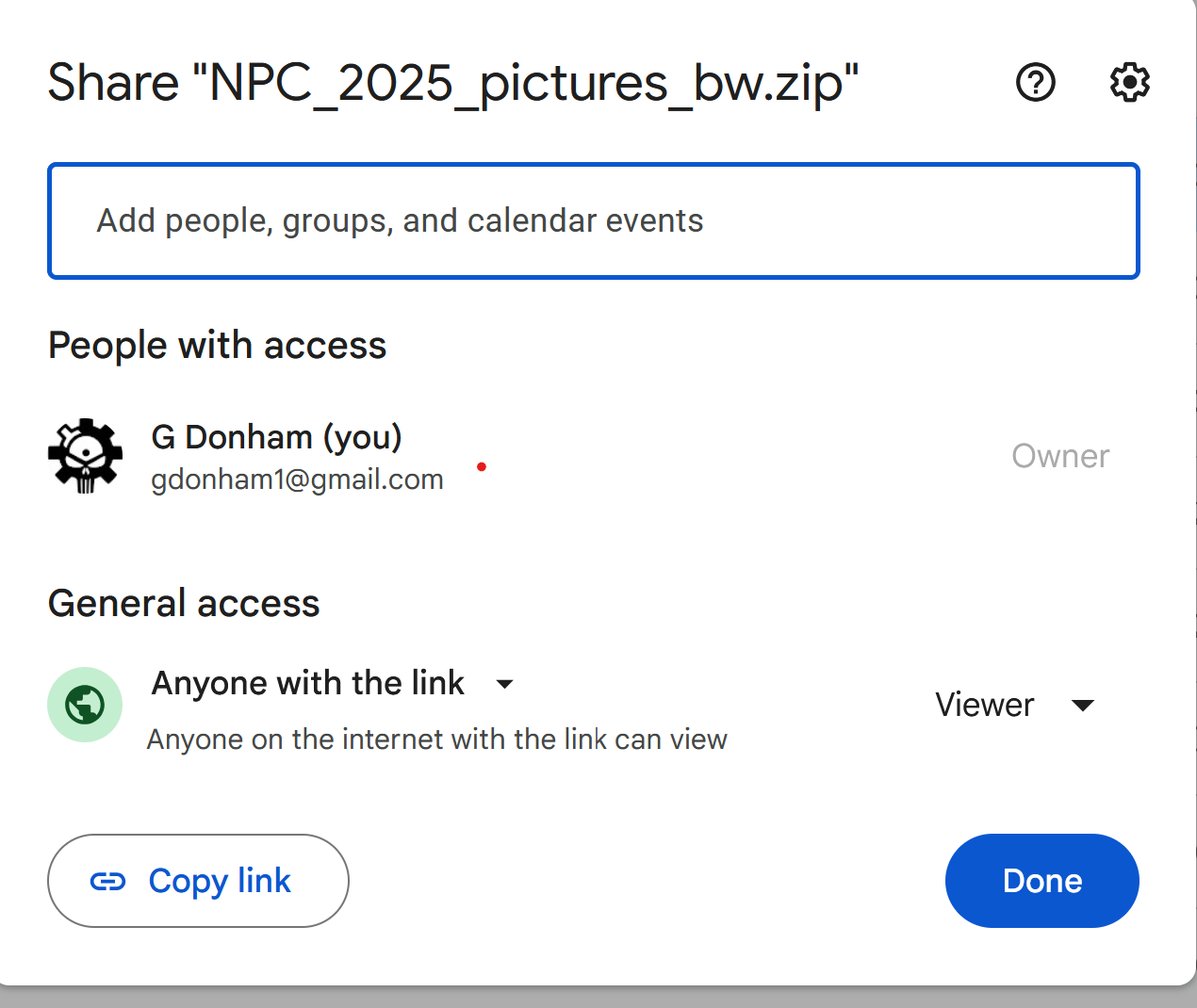
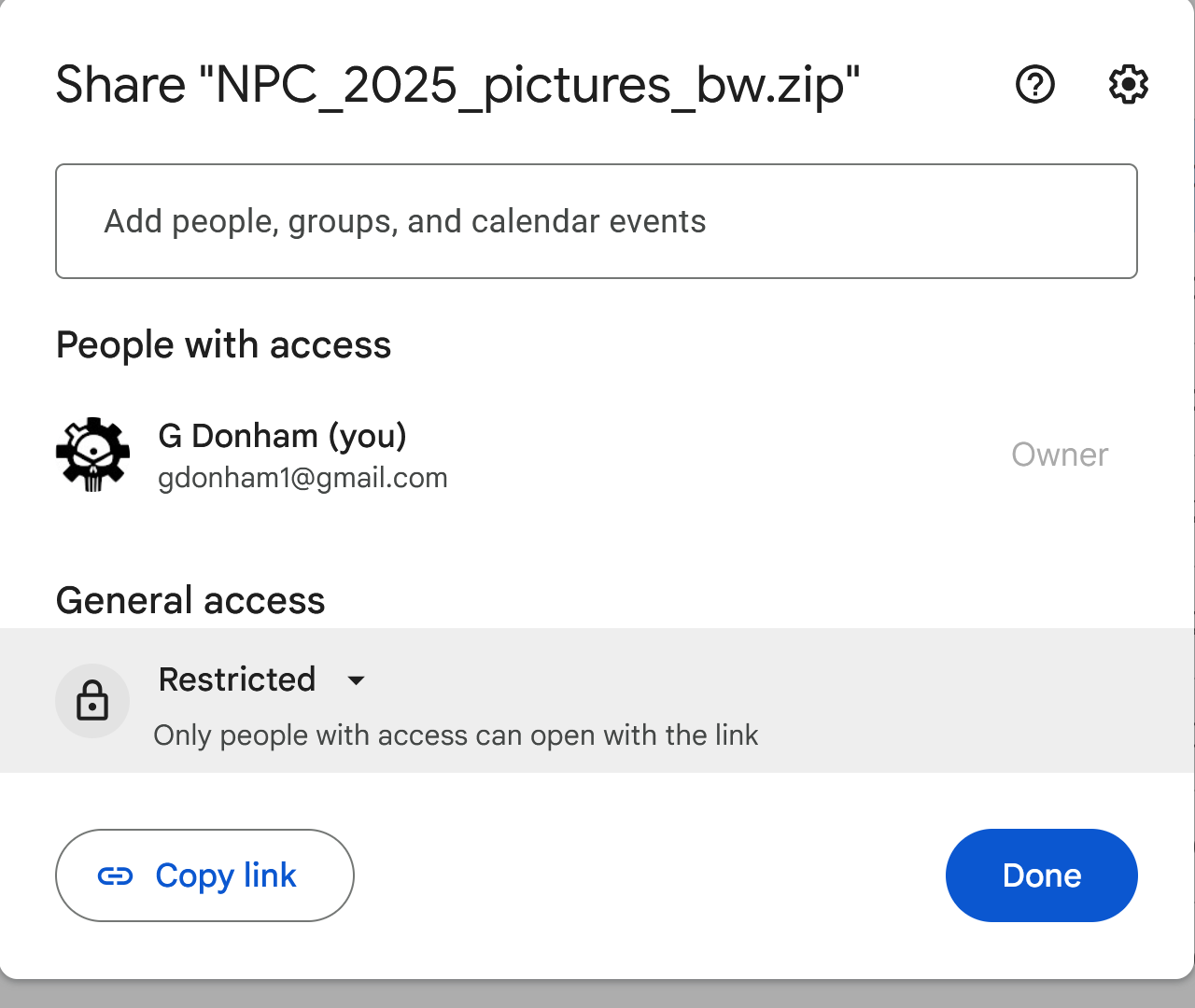
I ( think I ) fixed the access a while ago when I got a message you were trying to get to the files. Please try again. I need to confirm I am allowing access as I expected.
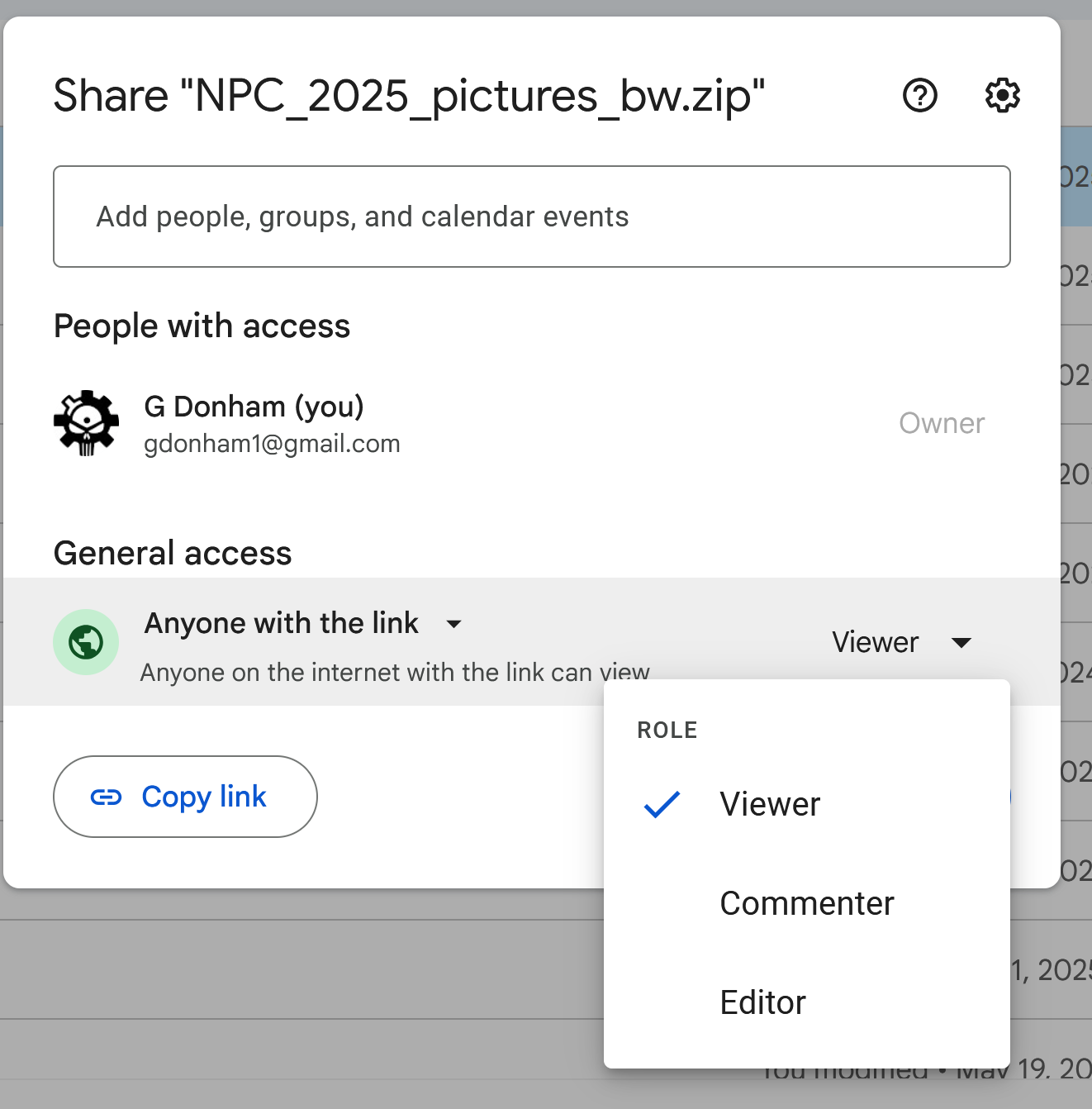
There are multiple options in Google Drive
Then under General Access you can specify a specific person. You can still restrict access to only view, comment or Edit.
I generally use Anyone with the link because I am emailing a specific person. They could share the link but my files are not super secret. However to only allow a certain person choose only view.
Do you know if changes in the jog code fixed the problem identified over here with rapid jog?
Not sure if I didnt notice it in CM 640 but in CM 644 it adds a step when jogging. When i click on a move direction it moves 2 clicks.
Is that clicking with a mouse or a key or a touch screen or stylus?
I encountered the same issue while testing CM 644, but only when using the touchscreen on a Surface Pro notebook. When clicking with a mouse or using keyboard arrows, the movement works as expected.
And I can confirm Peter’s findings…with a touchscreen, doubled - with keyboard, normal.
Looks like a regression bug, older versions from a year or so ago used to mis jog on touchscreen and it was delightful when they fixed it.
Using a Surface Go.
This topic was automatically closed 30 days after the last reply. New replies are no longer allowed.