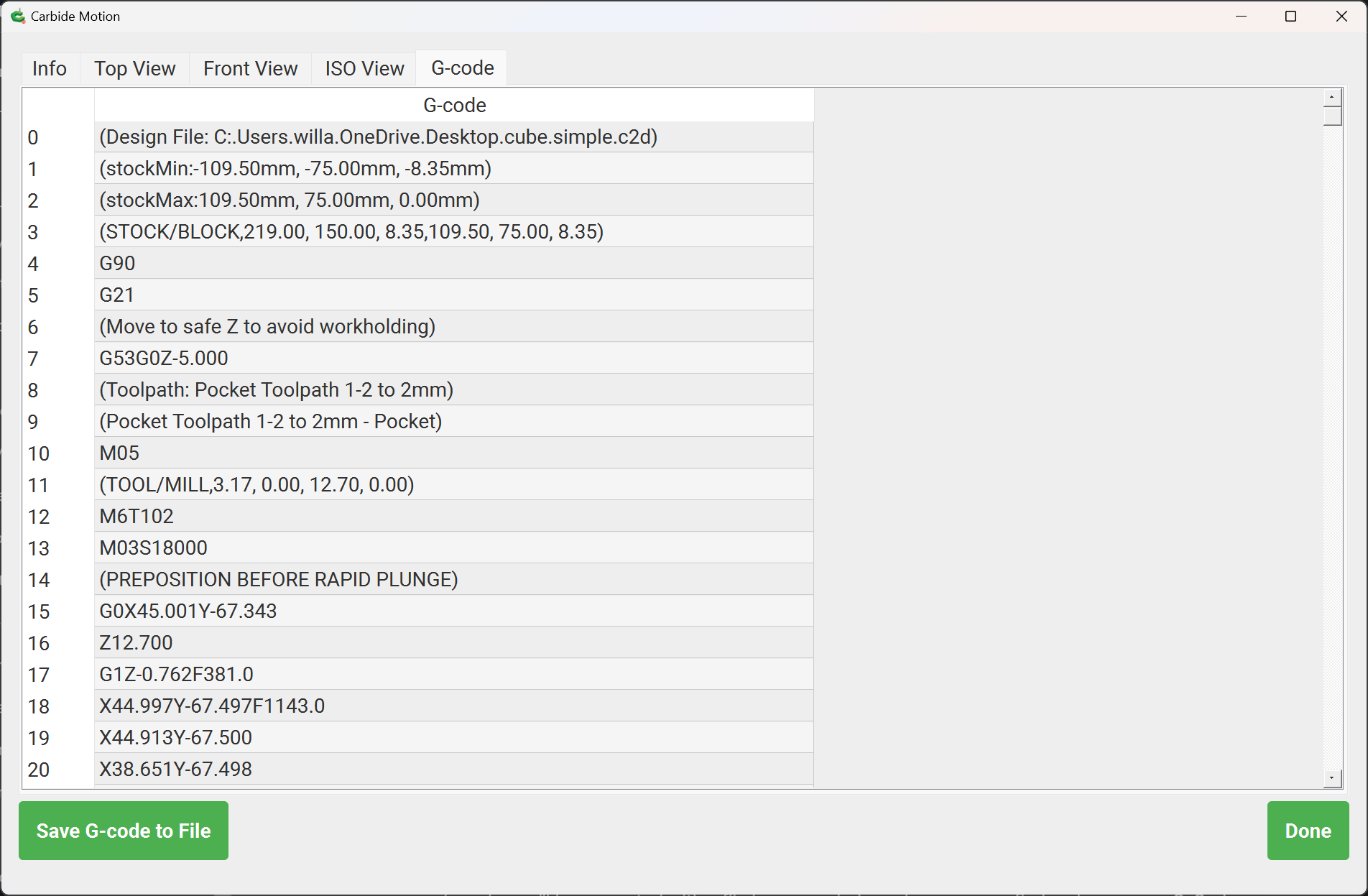
Been awhile since I turned on my machine. Motion was not up to date (622) so I upgraded to 653. Zeroed and loaded an old file to run it in the “air”. Completed the job, Z raised up and the machine jogged to the very back of the machine then right to Home corner. Never did this in version 622.
I don’t want my machine returning to Home after completing a job. I don’t mind if it raises up on the Z but I want to jog it manually and slowing out of the way to secure another piece of material.
So is this something I have to live with under Motion version 653? I moused around on the menus but didn’t see an apparent edit menu for changing this behavior. As usual I’m at the mercy of much smarter folks here. Thanks.
It is my understanding that this is caused by how Carbide Motion interprets the M30 command at the end of a file.
If you are using a workflow which avails you of control of a post-processor and how G-code is written out, then change the command at the end of the file to do what you want and to not include any file-ending commands.
Thanks Will, I use Carbide Create Build 815 to create my content and in the case of today call it up in Motion. Is there a “window” or drop down in either of the 2 softwares where I could edit the g-code? If its really easy I’d be open to learning but all the same I can re-load Motion Build 622 just the same. tnx.