I do Engrave logos on brass. Have in fact been doing it for 7 years in South Africa. I moved to Spokane Washington 2 months ago and bought a Shapoko 5 pro 4 x 4. I do my cad in aspire and export my g code for cutting on the cnc. My preview is actactly what I want in Carbide motion but the result is not the same as the preview? Anybody else hade these problems before. I prevouisly used a CNC i build myse;lf with Mach 3 and I also usaed a comercial machine and never had this spesific issue. I always got what the preview show I would get!
1 Like
Does the CM preview match the Aspire simulation?
Do the tools being used exactly match the tools programmed?
I.e. No chipped points on V tools, Tapered ball mills not cutting deeper than the radius of the ball?
Pictures of the preview & actual cut might help??
1 Like
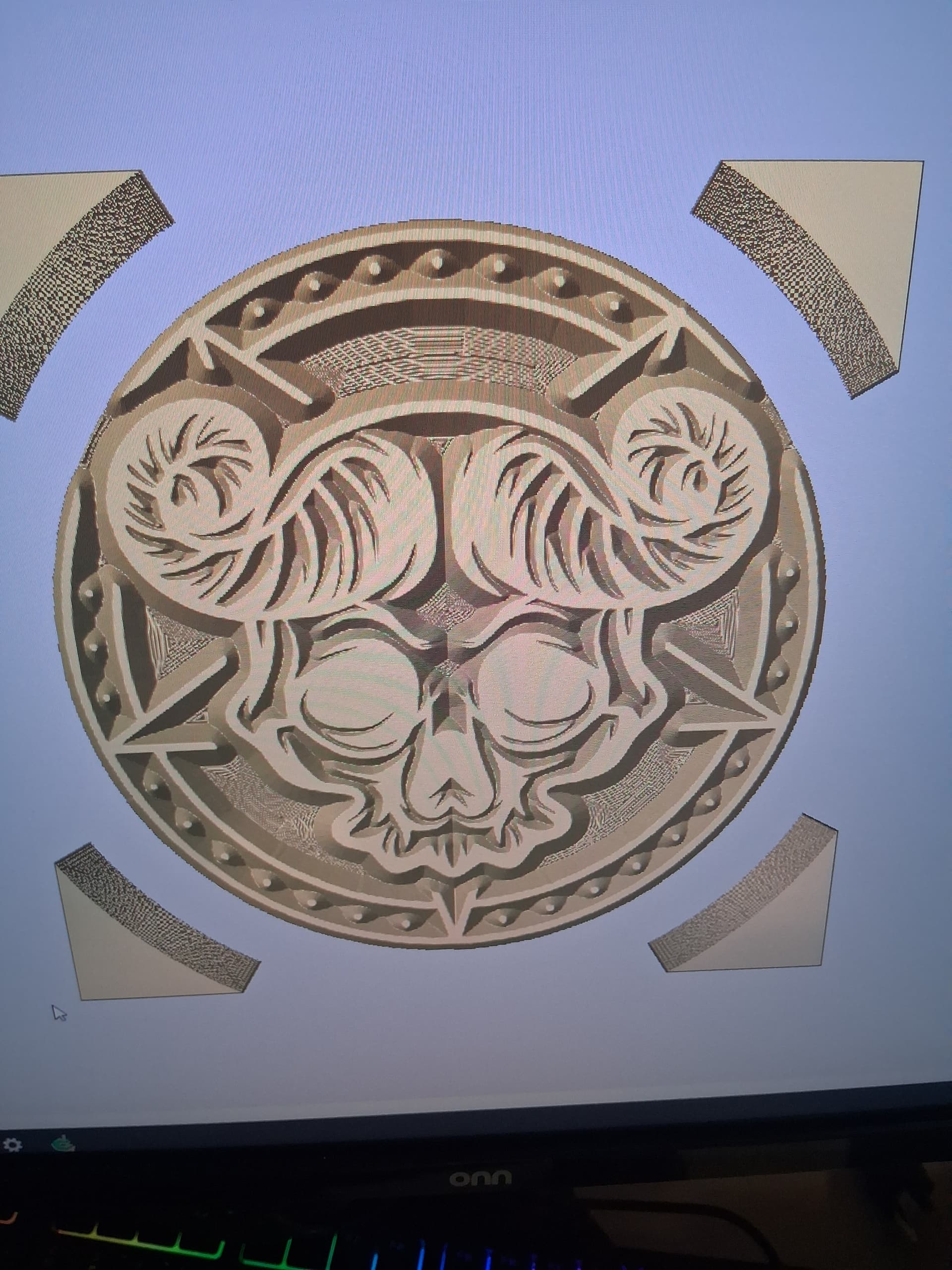
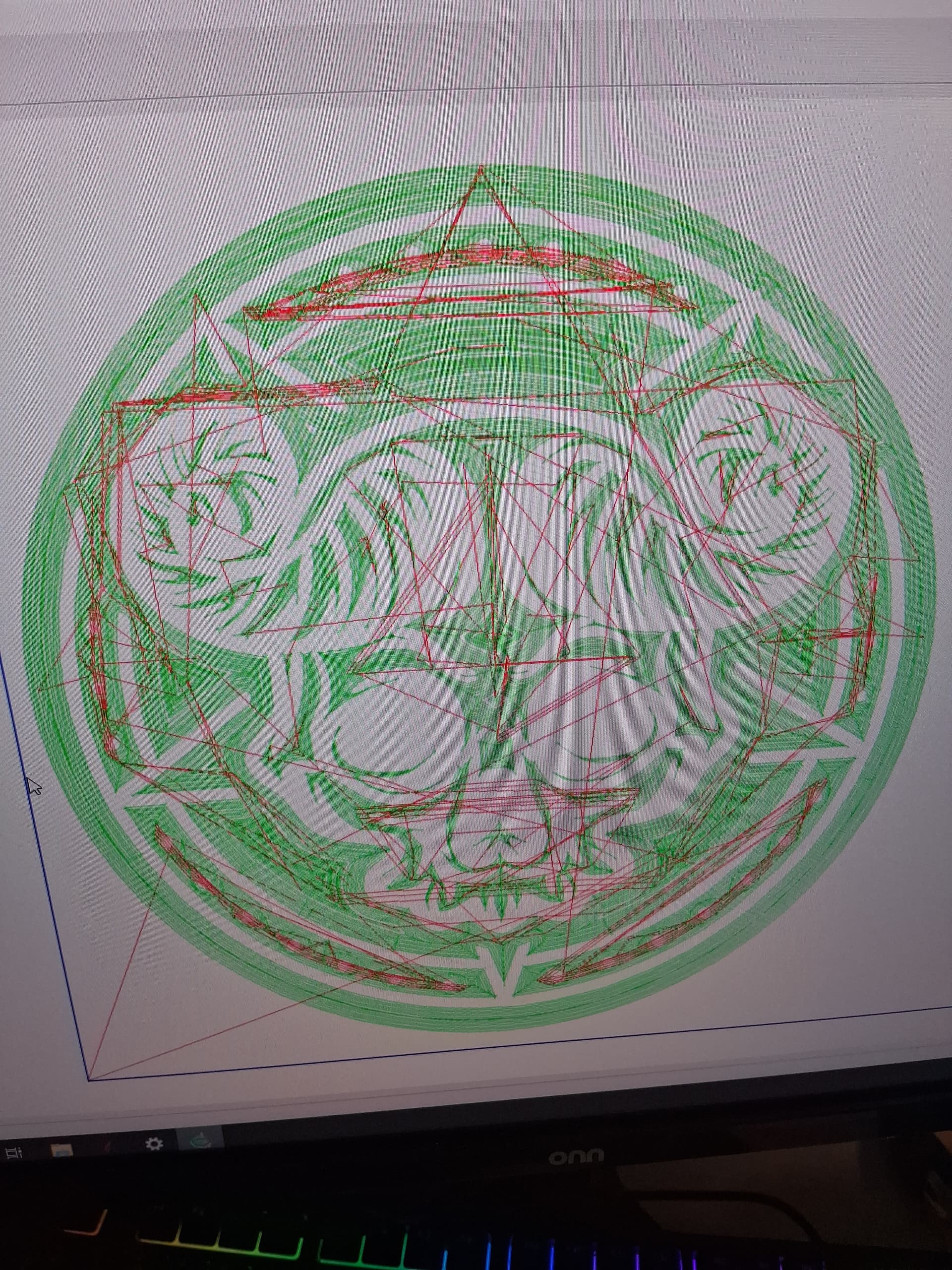
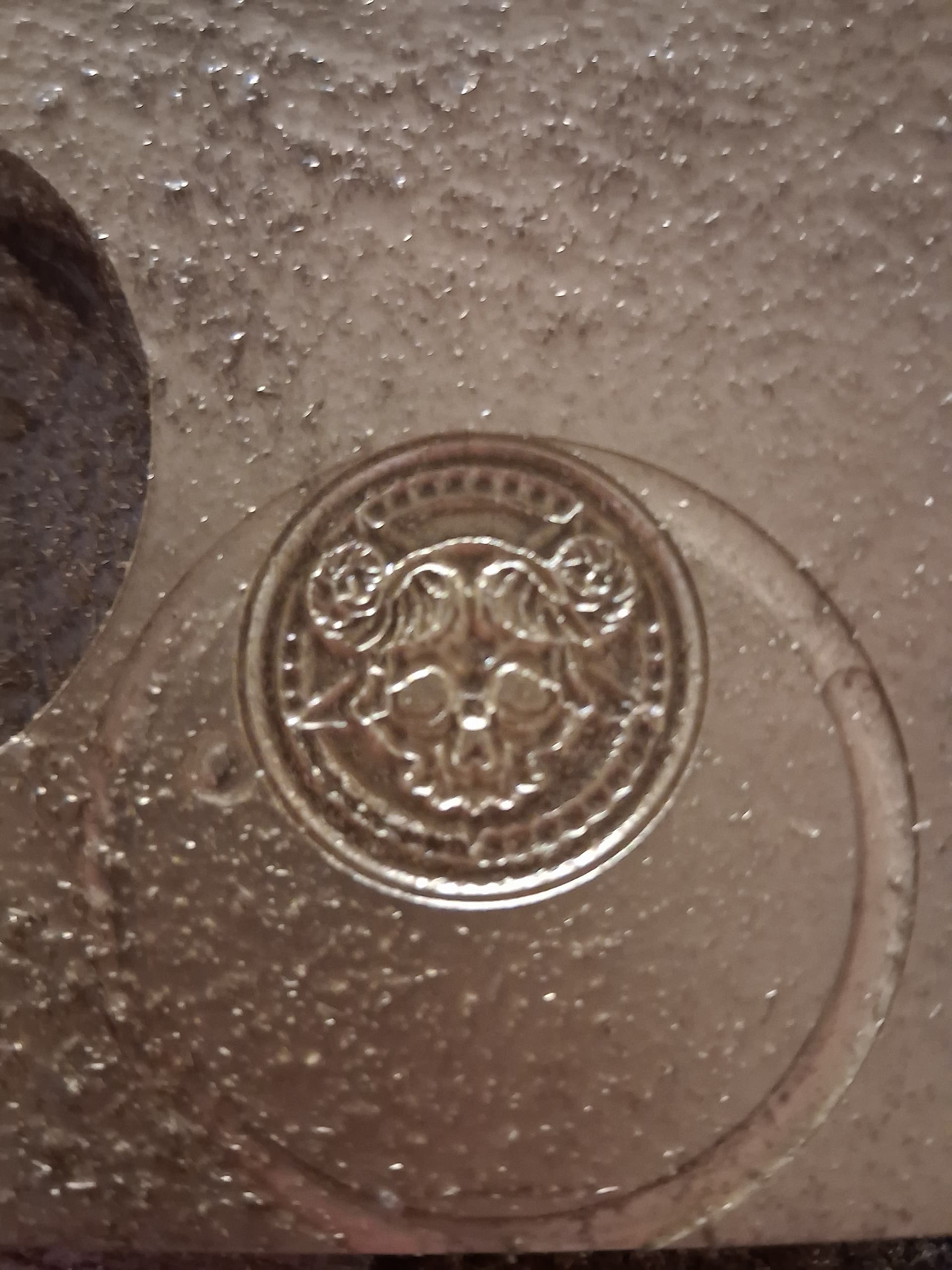
Clearly not the same as both previews.
Blurry pic, but it kinda looks like it cut too deep, and maybe some of the brass is deformed rather than cut?? The same basic shape is there, but it just lacks the detail in the preview.
So I’m thinking maybe a bad Z zero, or a dull or damaged cutter???
3 Likes
I could verify the Vectric Aspire file for you, but it doesn’t appear to need verification. This is (in my opinion) a mechanical / cutter / damaged or wrong size tool issue, possibly exactly as Tod1d said. I would verify that the same tool as you designed it for was inserted in your collet, and if so, carefully examine that tool.
3 Likes
I found out what the problem is.
The problem is in carbide motion.
In carbide motion it tries to carve everything to the same depth, even if the bit does not fit into the vector.
True Vcarve doesn’t do that.
I have carved over a 1000 of these stamps with a Chinese machine.
I designed in Aspire and saved my toolpaths in Bravo Prodigy and it worked perfectly.
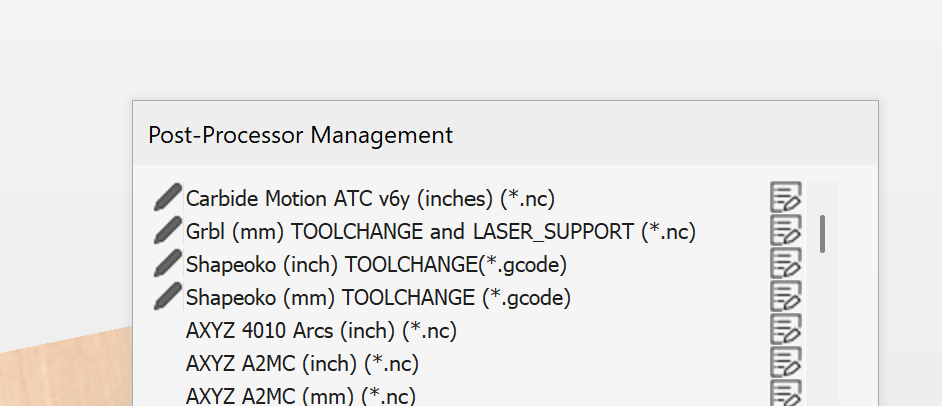
What is the post processor needed to use for Carbide Motion?
Here are a couple of different depth file previews I made in ve carve.
I have always been able to get exactly what Vcarve previews show me.
Not this time.
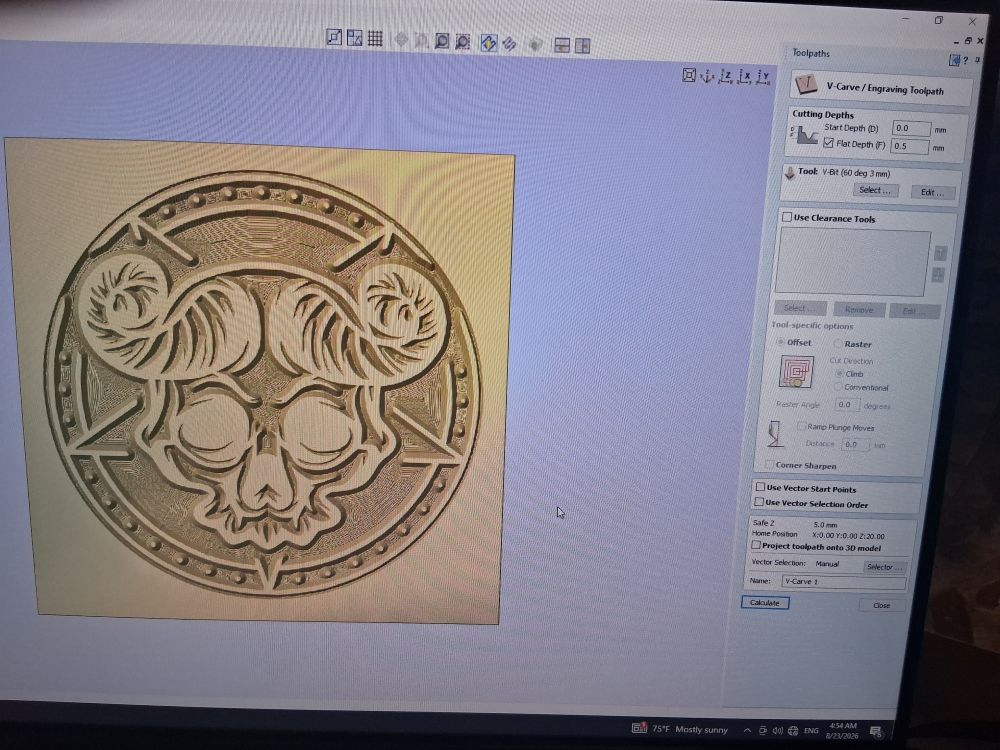
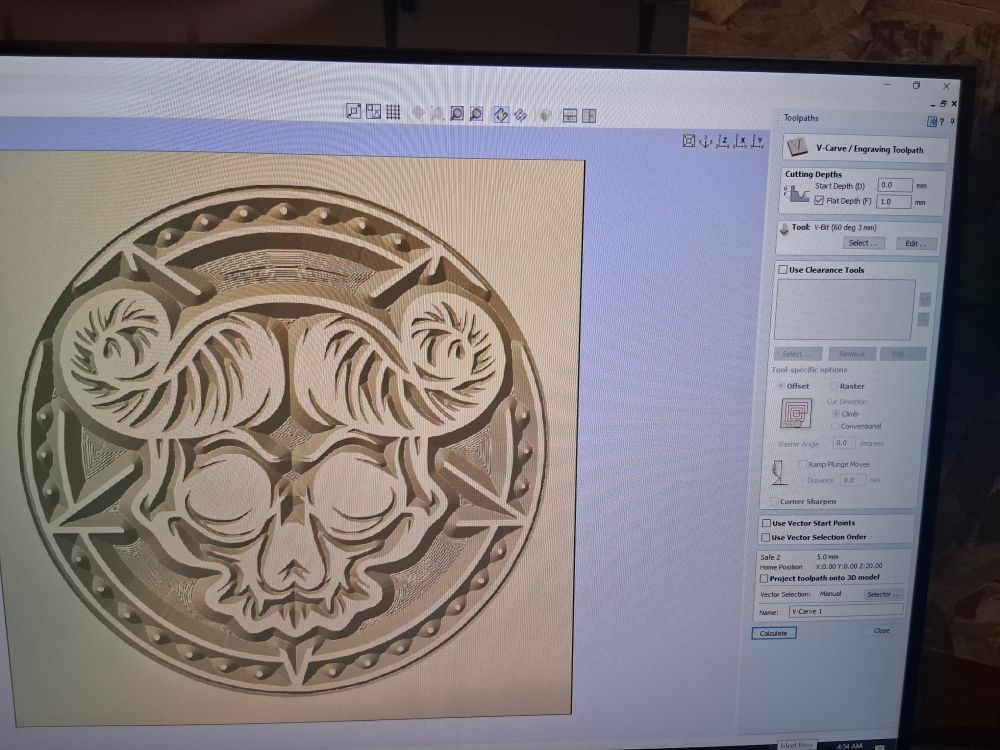
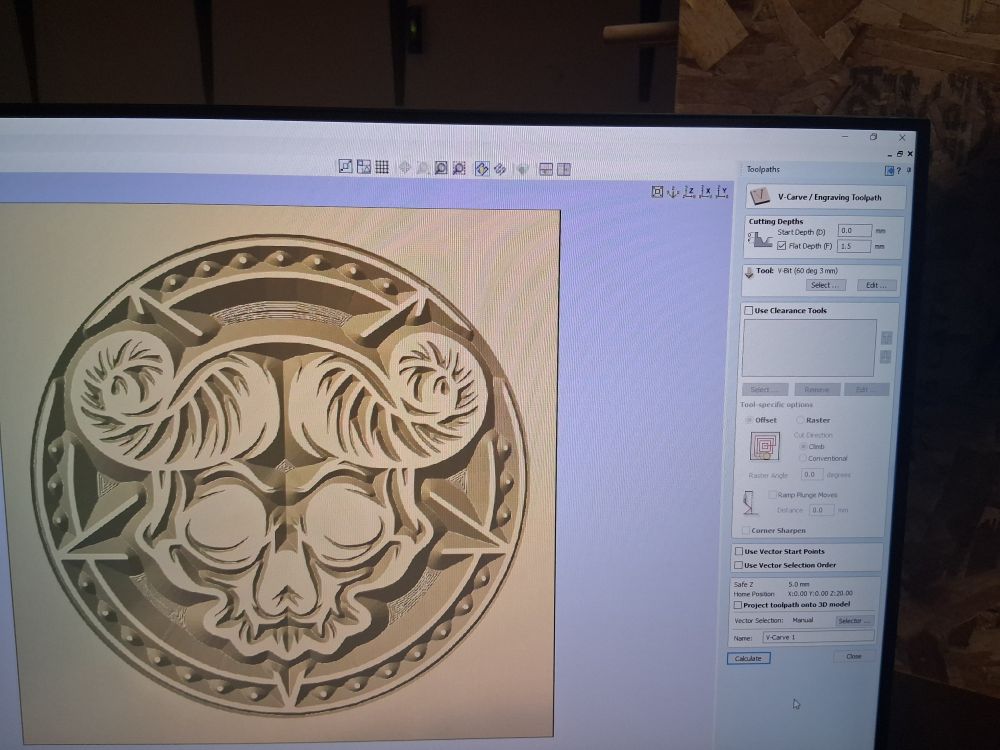
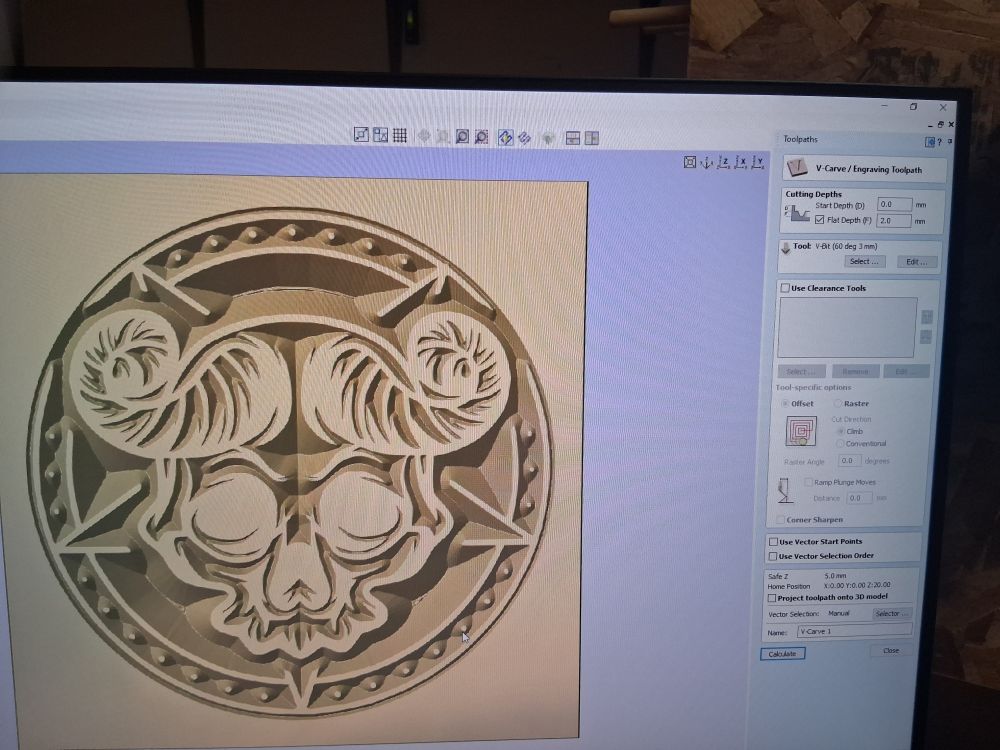
Carbide Motion doesn’t determine the depth. It only cuts the G-code you send to it.
1 Like
Note that this cutting is relative to the depth which you have set.
I would recommend setting up a basic and simple test file which includes facing off the material as an early process, then making all the toolpaths thereafter relative in depth to that surface — that should allow precise and accurate measurement and repeatable results.
I have done this 1000 times before. Like I said. Never before did I end up with this result.If it is not Carbide Motion It myst be the post prosesor. Like I said I also prevouisly used Bravo Prodigy on another machine with no problems. Can anybofy tell me which post prosessor will work for this machine? I dontvwant to use carbide vcarve as I know Aspire better. I have also used Mach 3 very sucsesfull with a machine I build myself. Made 100,s of stamps with that machine too.
If I didn’t have my flat depth checked, my vbit would go right through the board. If I do have it checked, it will limit my depth to (in this case) .006". It is not Carbide Motion. Also check if your vcarve is set to work with 3d modeling toolpaths. I use Vectric Aspire everyday and I only use Carbide Motion for running my machine. It works perfectly. Y’all have a setting wrong somewhere in Aspire. When I get back I will send the post processors for you.
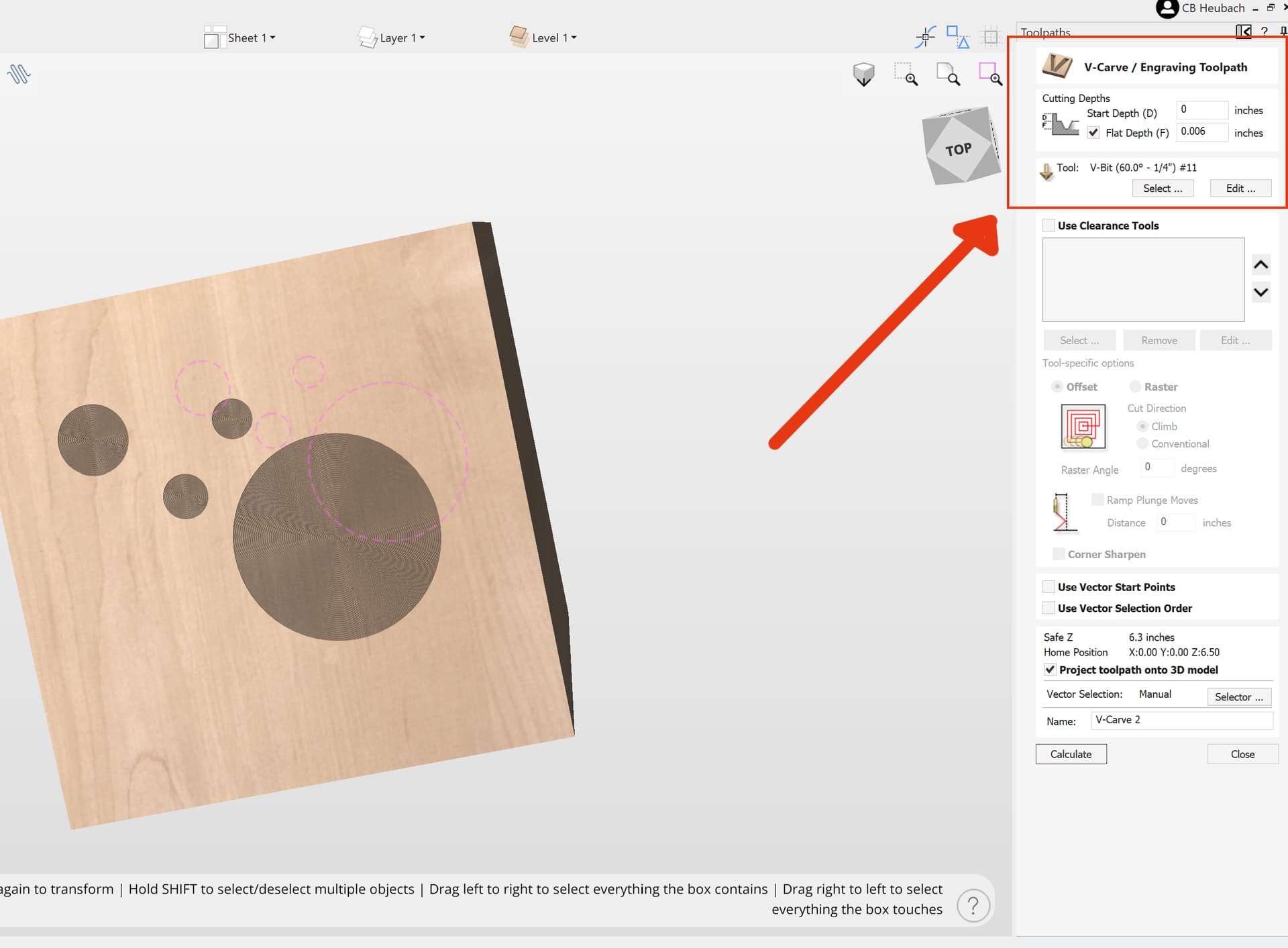
Obouisly that will happen if you dont spesify a flat depth.
But I am using 10mm thich meterial and only cutting at most 2.5mm deep.
Then it will not cut trough.
Please have a look at the sample pictures I posted.
What post prosessor are you using?
Check your messages. I sent my email address. Return with your aspire file and I will take a look.
2 Likes
If you are using Aspire look for the post processor that @Allen44 has created and posted in this forum.
This topic was automatically closed after 30 days. New replies are no longer allowed.