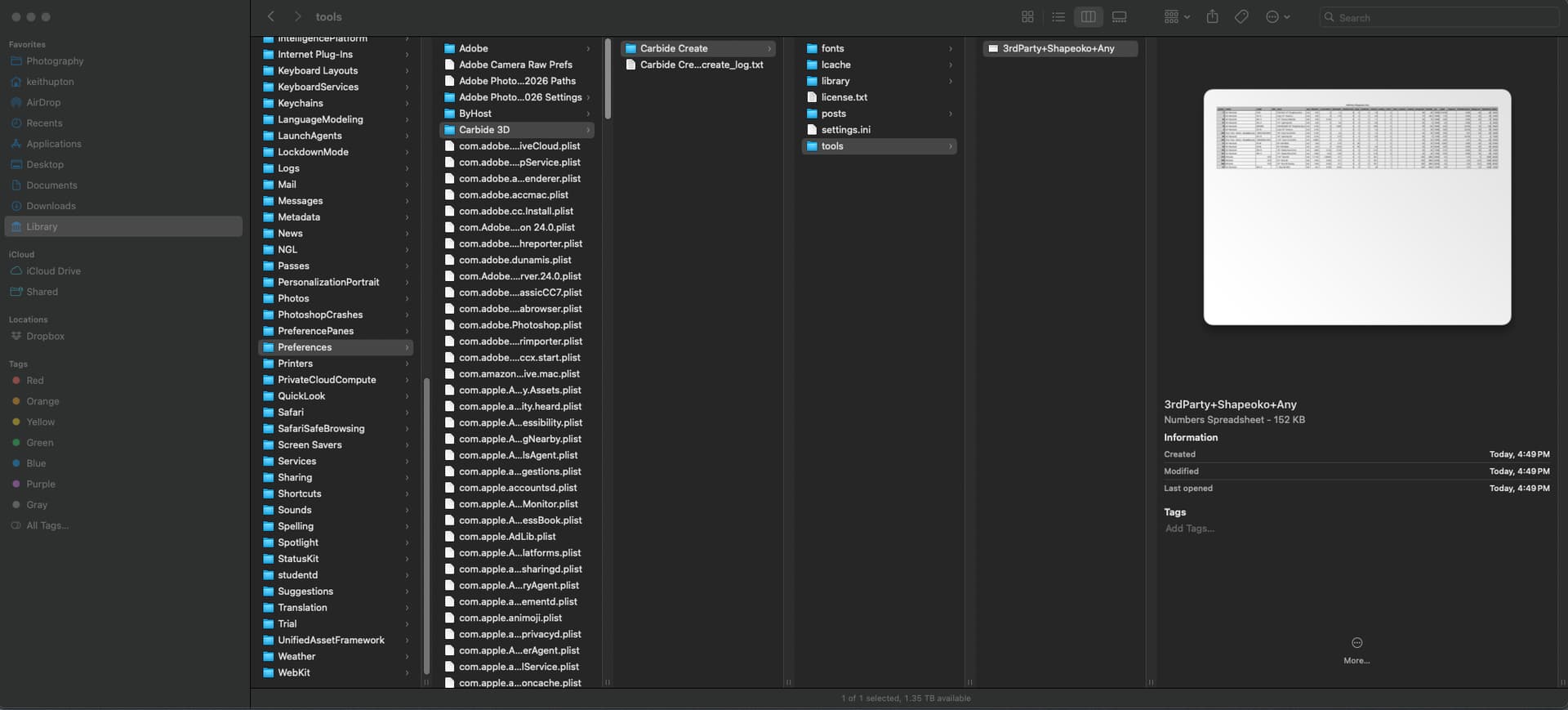
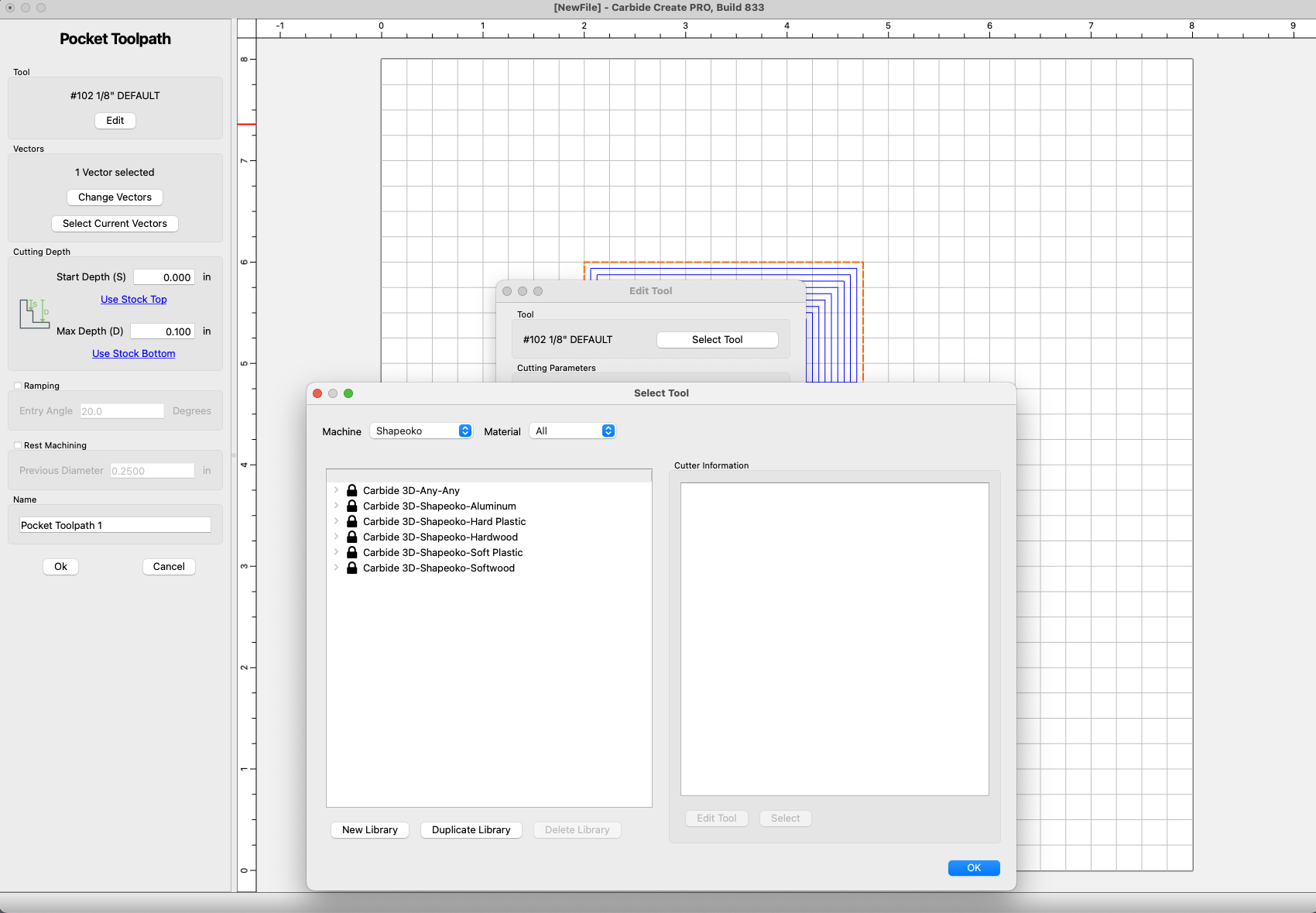
I’ve just installed CC 833 on my new Macbook and copied over my tools database from my old Windows PC. I placed it in the correct folder per About CC, Open Data Directory and restarted CC. After this initial restart, my tool database did not show up. I restarted CC a 2nd time and it showed up. I closed CC when I was done with that session and when I reopened it later, it again did not show my database. I’ve opened and closed it multiple times and even rebooted the Macbook and it still will not show up. Any thoughts on what could be happening?
From the photo, I’m not sure you have the .csv extension on that file. Or, it might not be a CSV file because the Finder preview shows it as a “Numbers” file.
Good catch guys. When I opened the csv file in Numbers, and updated a tool speed, Numbers did not save it as a csv. Instead it saved it as a Numbers file. Exporting it back to a csv has it showing up again.
However, it only shows up when I had the Select Tool window Machine filter set to All. On the PC, this same tool database file would show up if I only had Shapeoko selected. Is there any way to remove or hide all of the Nomad files besides the Machine filter? I would like to clean up/filter that list so I don’t have to scroll way down to find the database taht I actually use.
You might try editing the name of the .csv by removing the “Any” at the end. My user added tools are in a .csv named My Tool Inventory+Shapeoko+ and only show up when the Shapeoko Machine is selected. Be sure to restart CC after the edit.
Thanks for the suggestion Ed, but that did not work for me. What I find interesting is that the MAc version of CC sees/handles this file differently than the PC version did/does (I still have the PC and file on it).
The exact file name works on the PC, but not on the Mac for filtering. So I don’t think that is the problem. So far I have tried the following three file names and none of them allow it to be filtered to just the Shapeoko machine:
Try making a library with the desired name, then copying the name, deleting the created library and renaming the one which you want using the copied text?
Thanks, that did the trick! Do you know what the deal is between the + and _ on the Mac? When I brought the PC file onto the MAC, the underscores were changed to plus signs. A quick Google search does not turn anything up.
I don’t know the answer to that question, @robgrz would have to chime in on that.
One other thought, it’s super important to do a restart on your computer if you make a change to CC or CM. Not doing that has come back to bite me in the butt a couple of times already.