Just upgraded to CC build 648 and downloaded newest CM build 565. When I load CM I get the following error messages…“Only C2D files from CCV7 are supported”. Where can I download CM that works with build 648? Help?
If you are using v6 you will need to write out G-code.
Please try the new beta of v7:
My machine is Nomad 883 Pro so tech support said to take photo of board, send to support and follow instructions for firmware upgrade. Is that exactly what I need to do? Also, once I upgrade the firmware will I be able to still use a prior older versions of CC and CM on another laptop I have?
You shouldn’t need to upgrade firmware is CM5 will connect (it checks for 0.9)
Carbide Create build 652 and earlier (and v7 w/ the Pro license) will write out G-code:
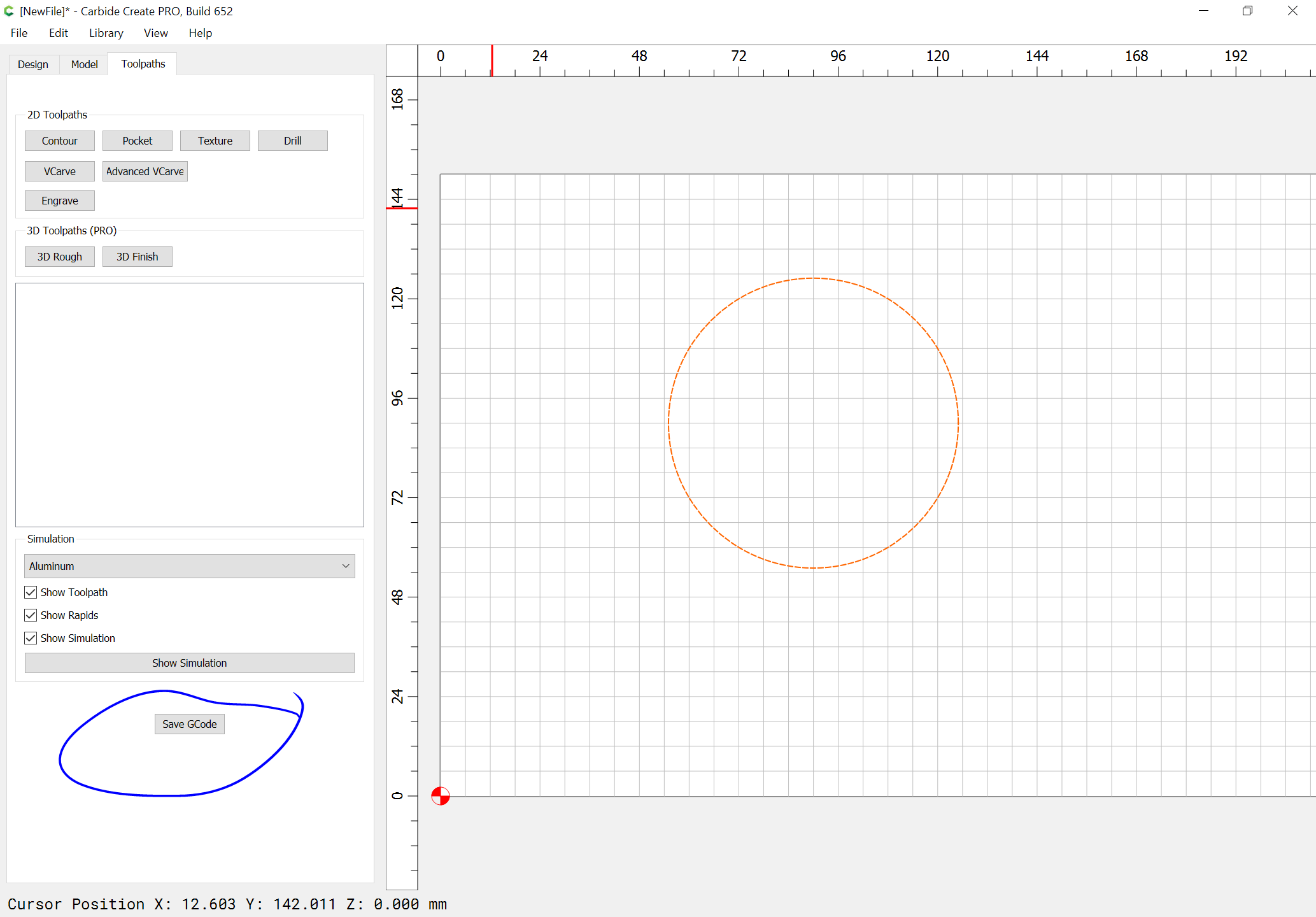
which can be used w/ any version of Carbide Motion.
Carbide Create build 700 and later will save a .c2d file which includes toolpaths which CM565 can send to the machine — it’s a new feature, but you don’t need to use it.
It won’t allow me to “initialize machine”. I need to get up and running so what do I need to do now to get this all to work again. Can I get an older version of CM to get this to work??
If you have a machine w/ Grbl 0.9, then you can use Carbide Motion 3:
This topic was automatically closed after 30 days. New replies are no longer allowed.